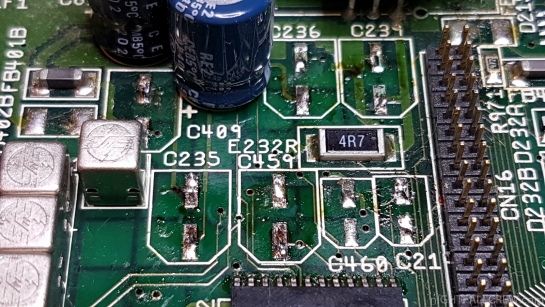
Commodore Amiga 1200 Full Recap & Cleaning Floppy Drive.
Gallery:
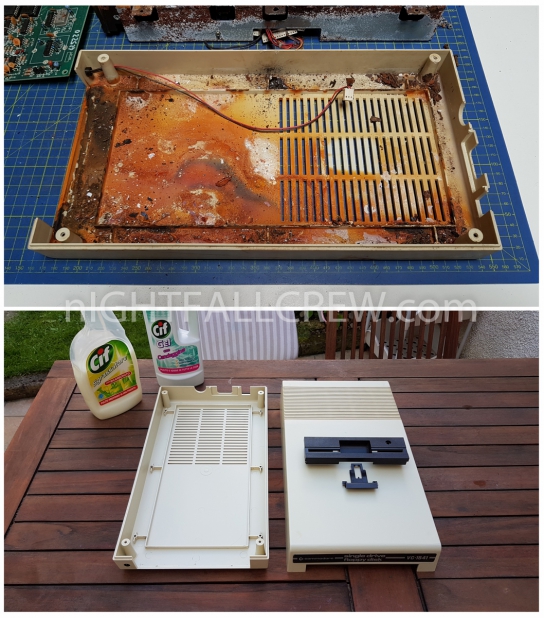
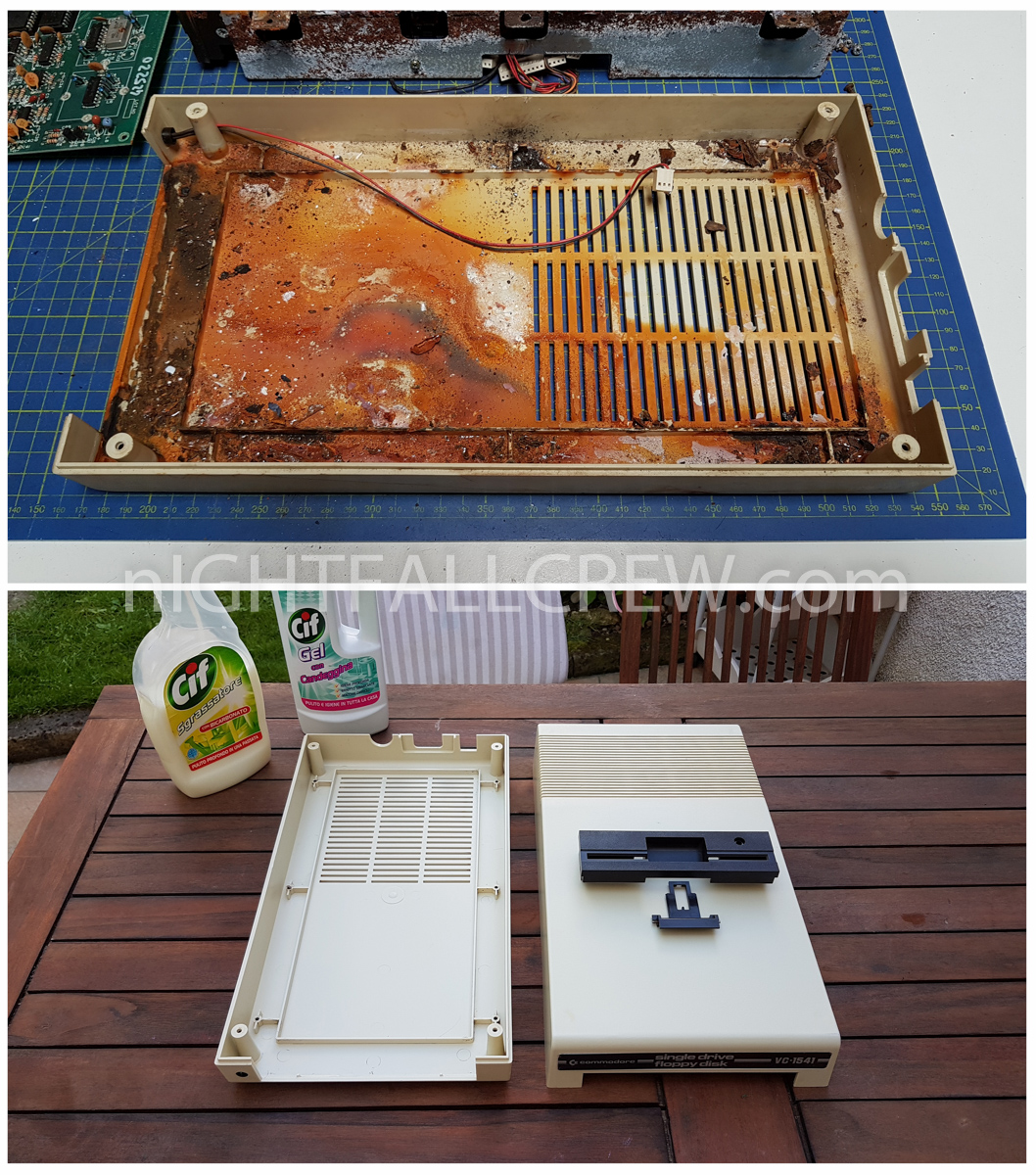
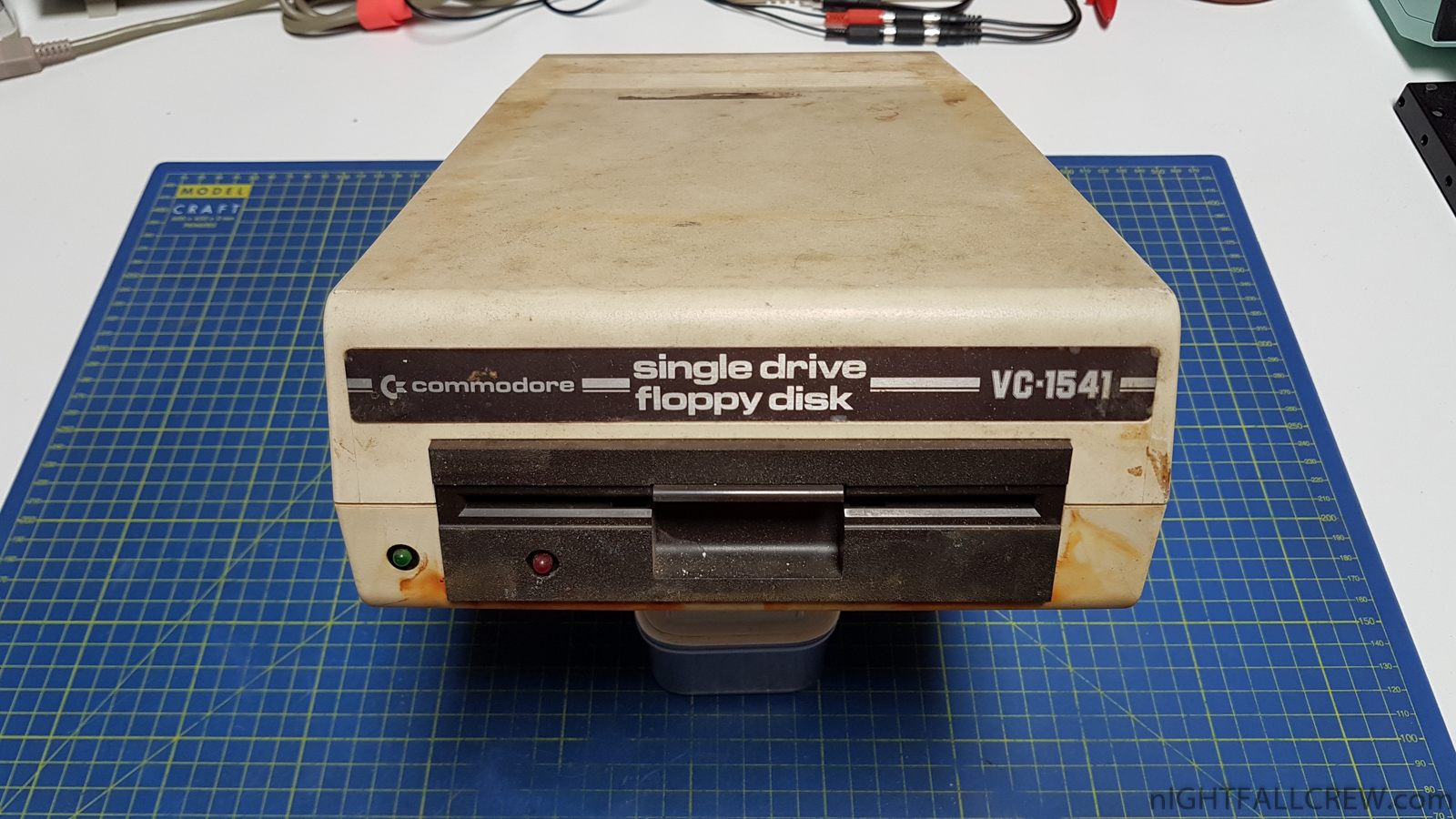
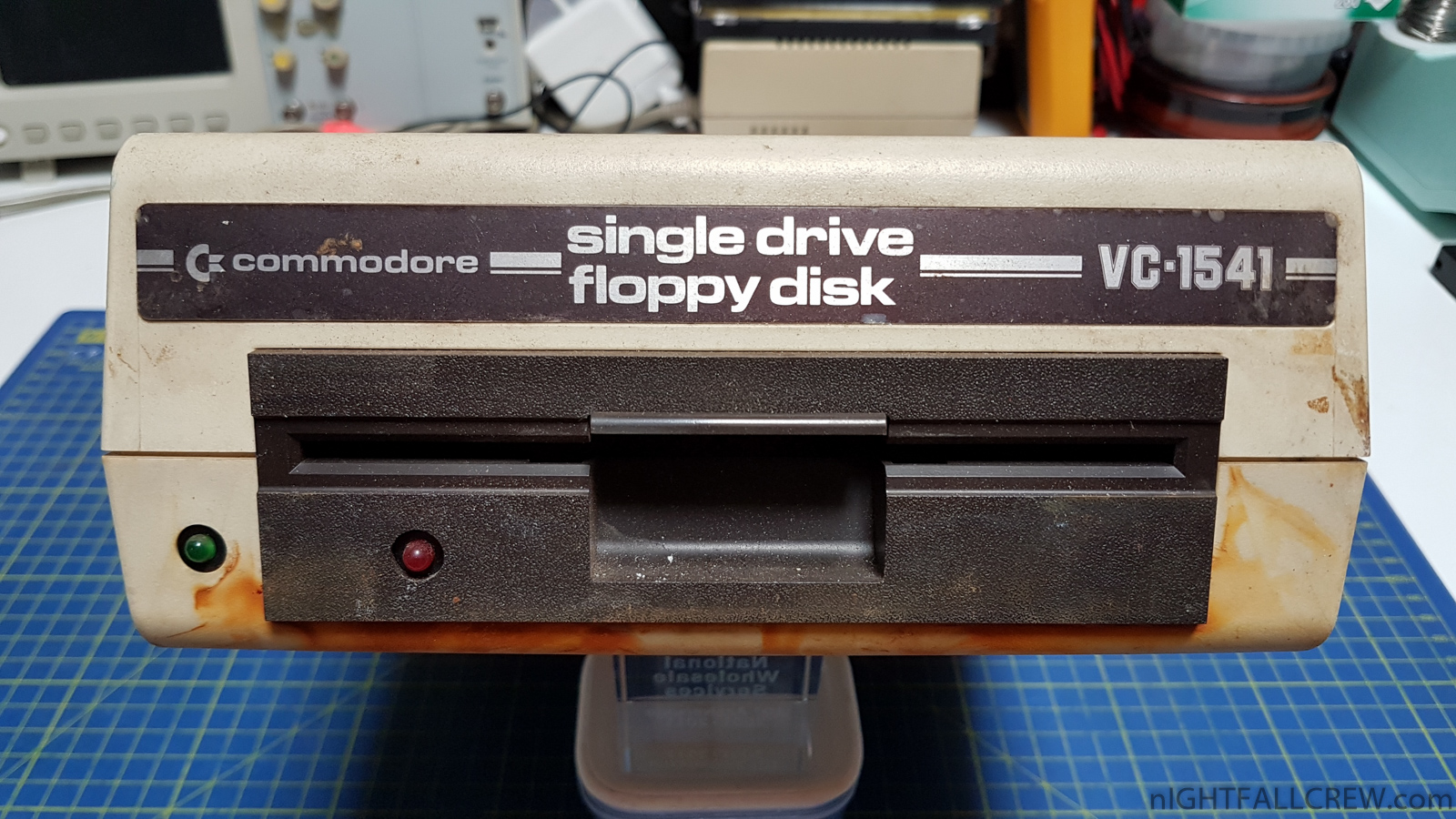
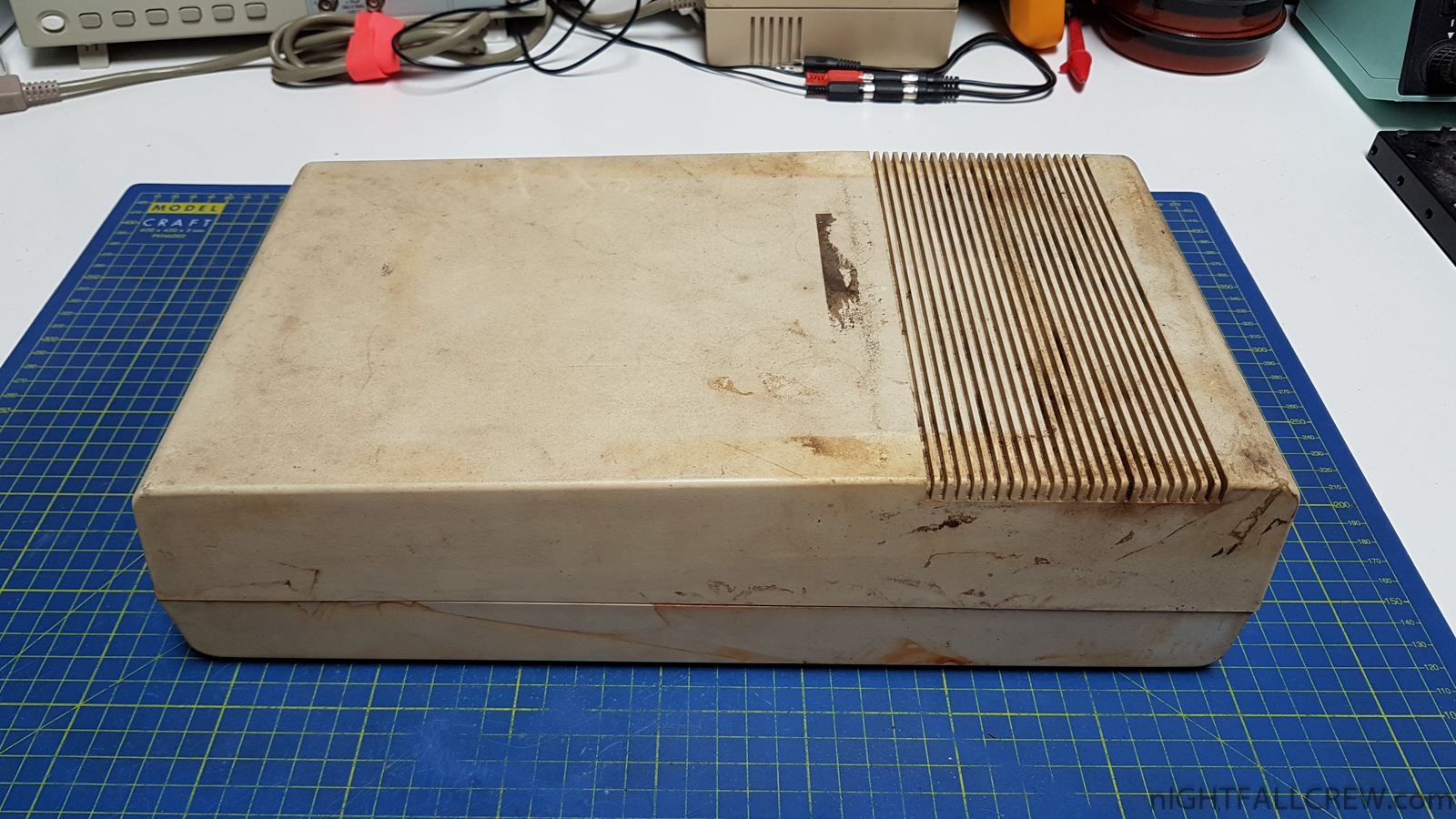
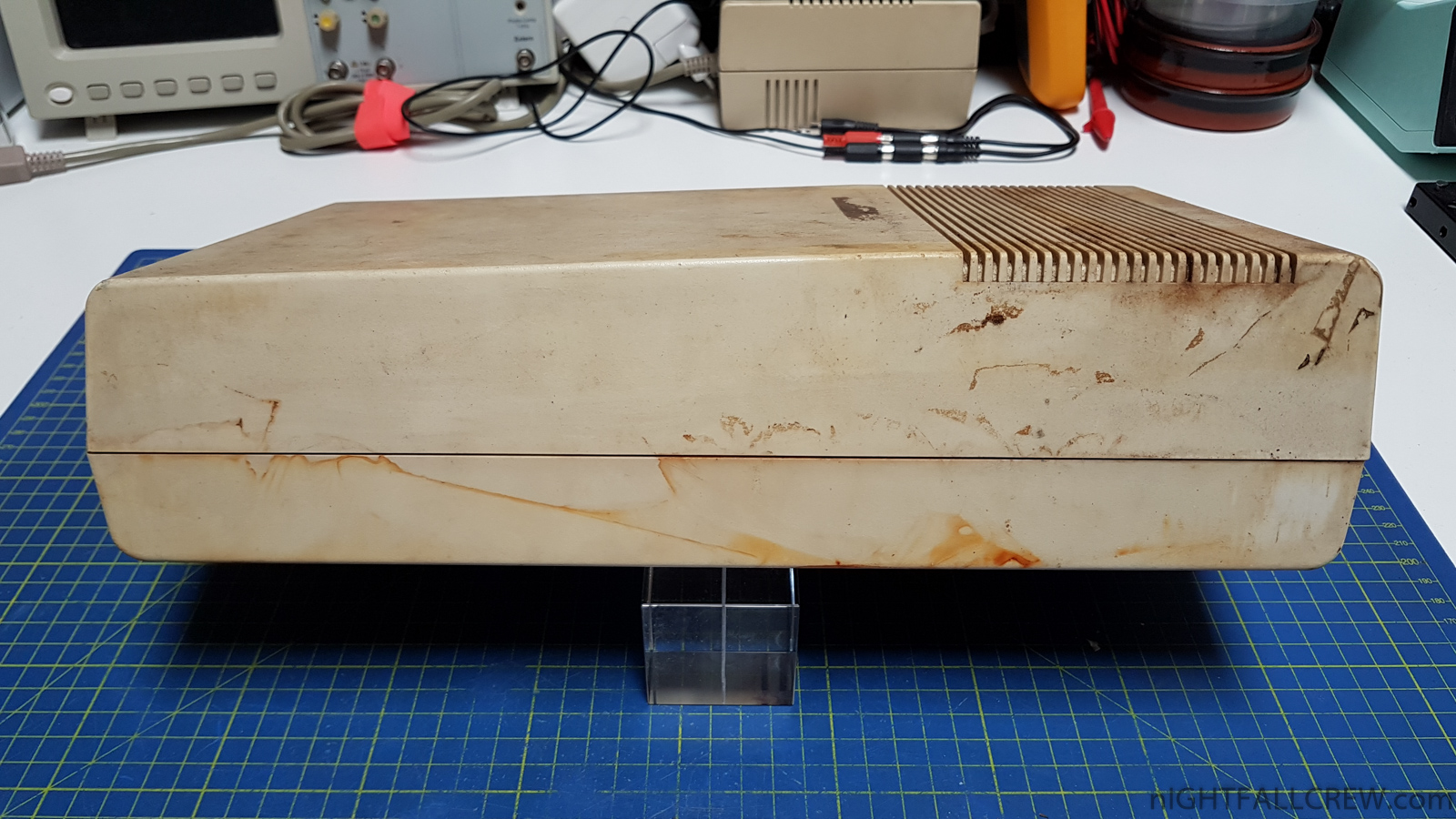
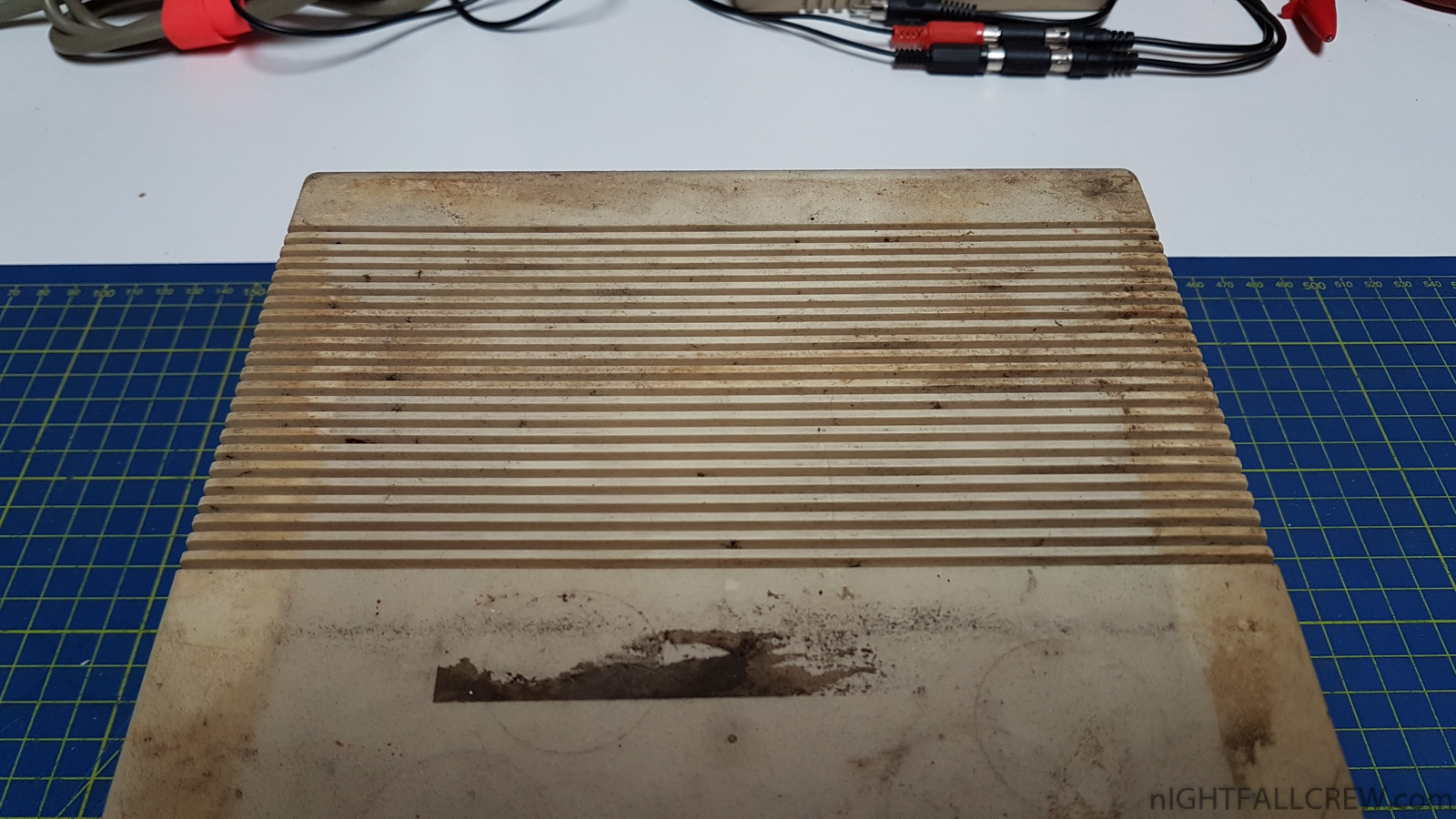
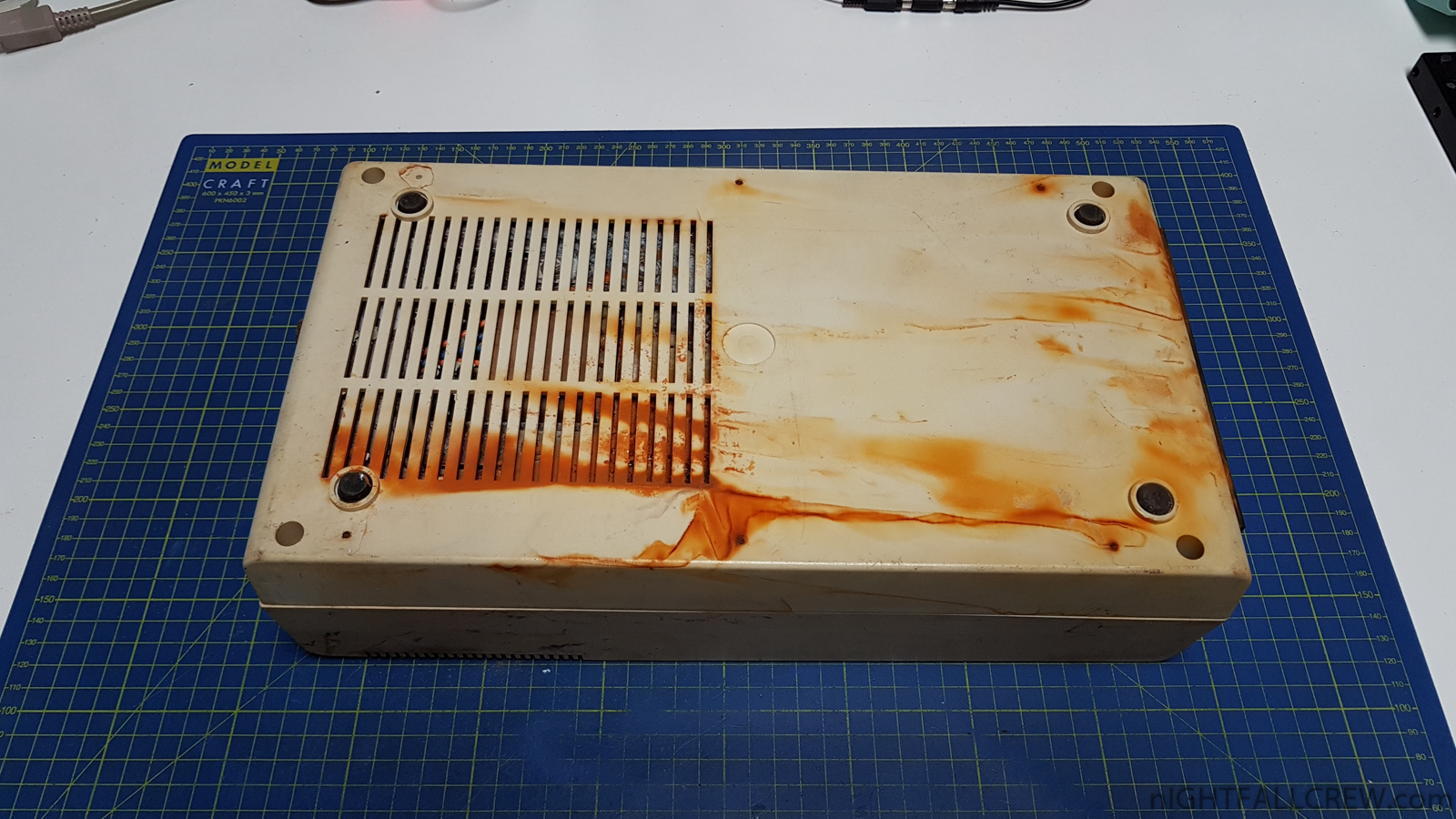
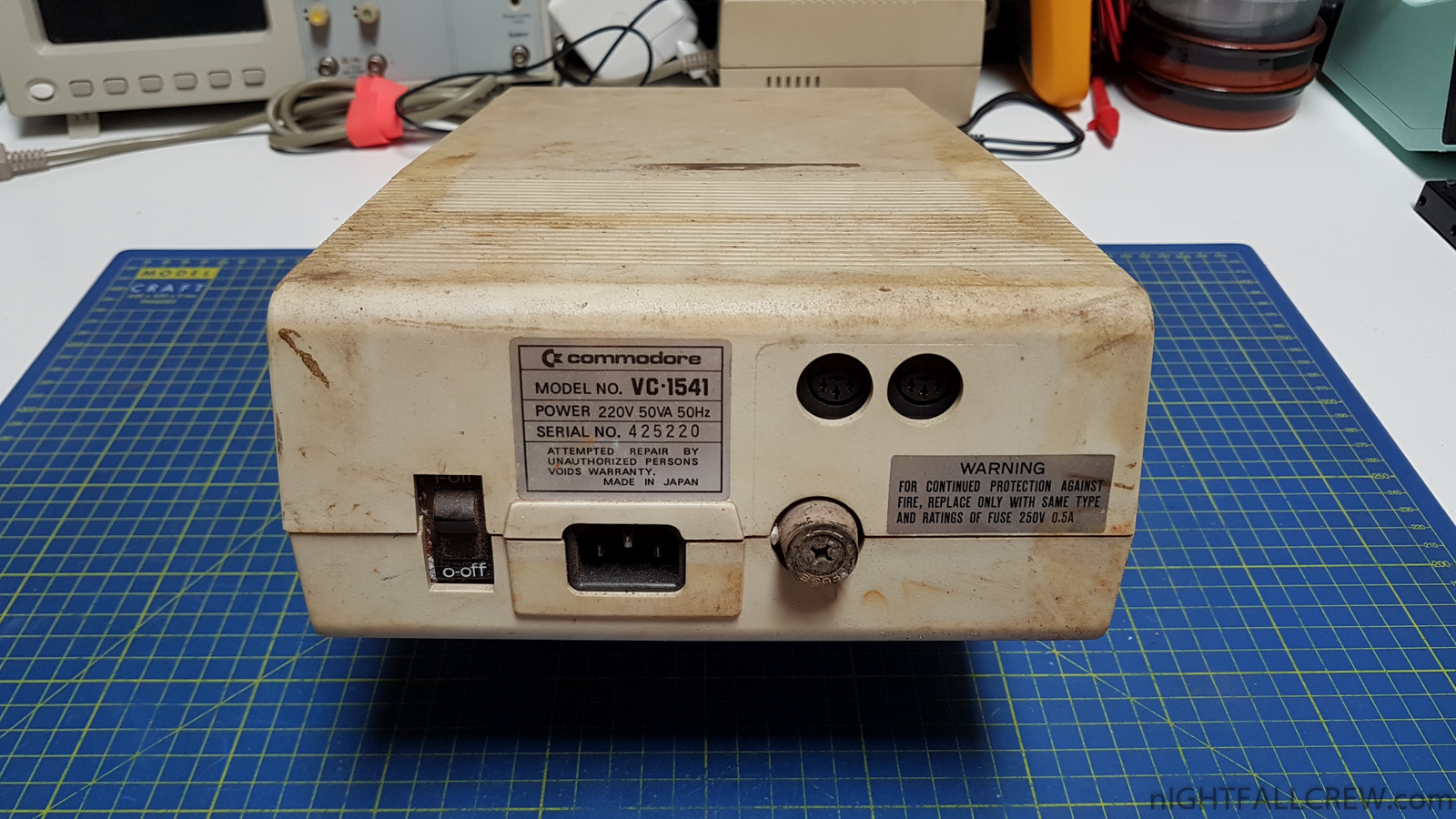
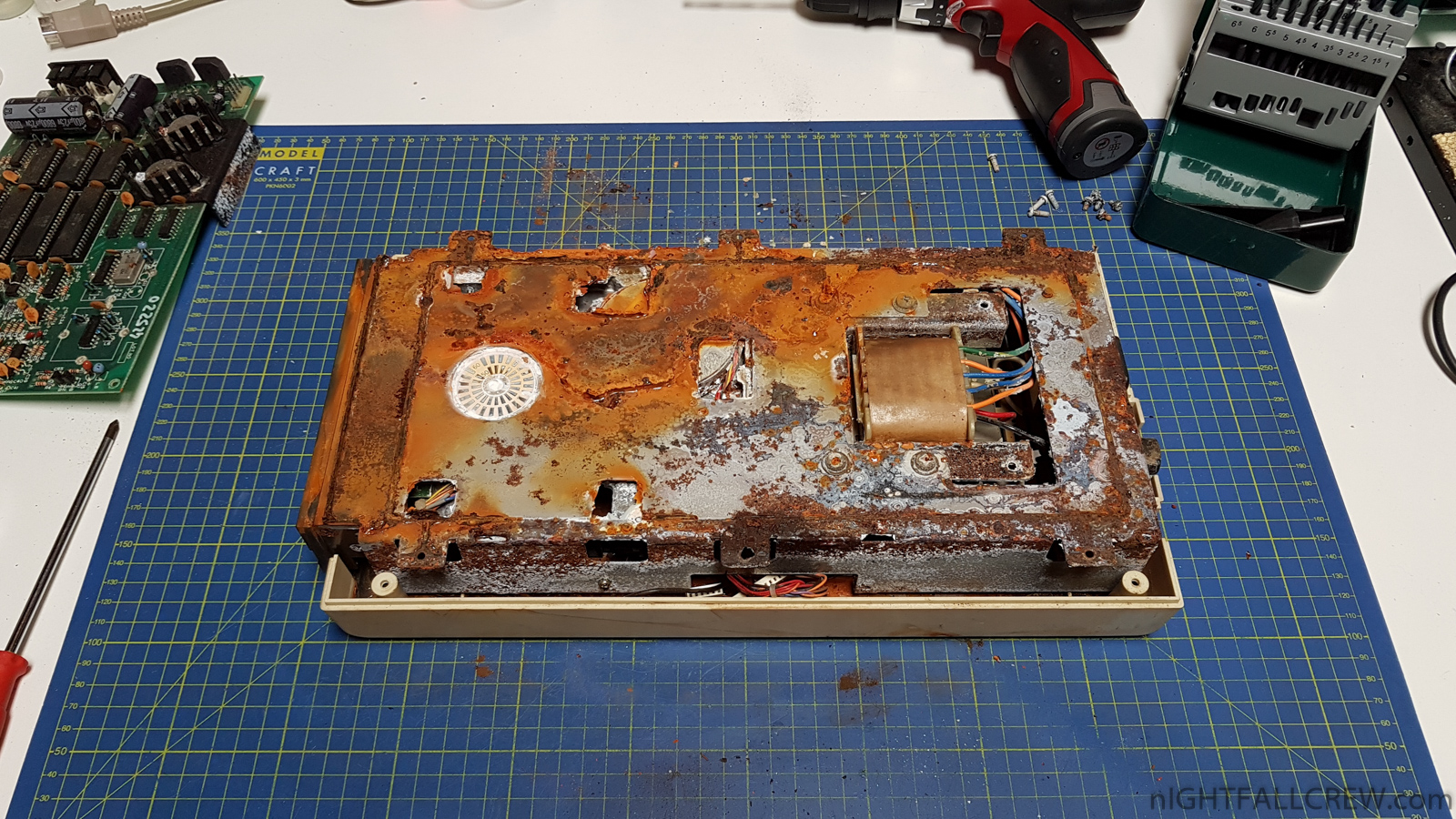
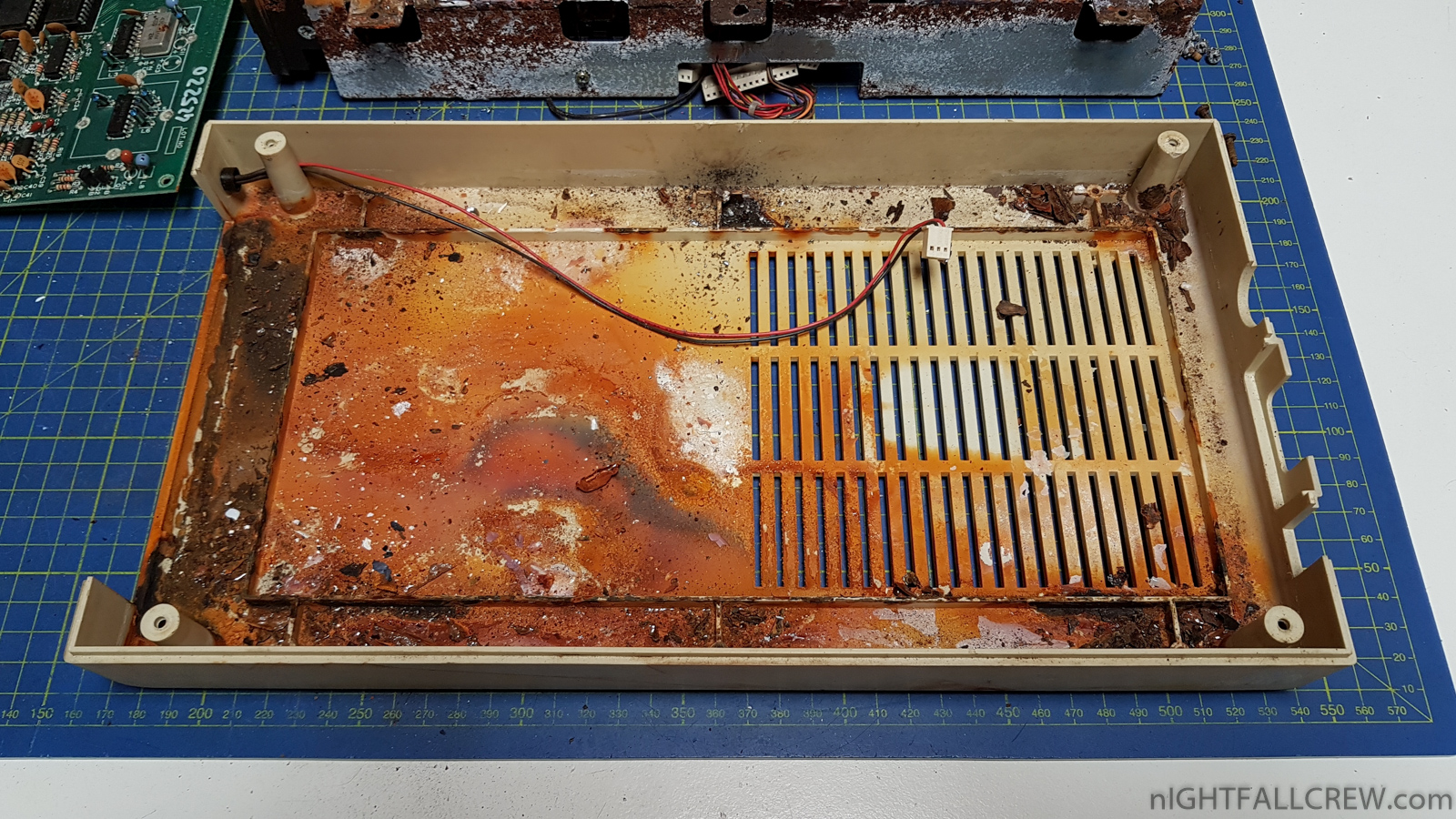
I start immediately to say; Floppy Drive, Metal base with the Transformer are ended up in the trash, are unrecoverable (see photo).
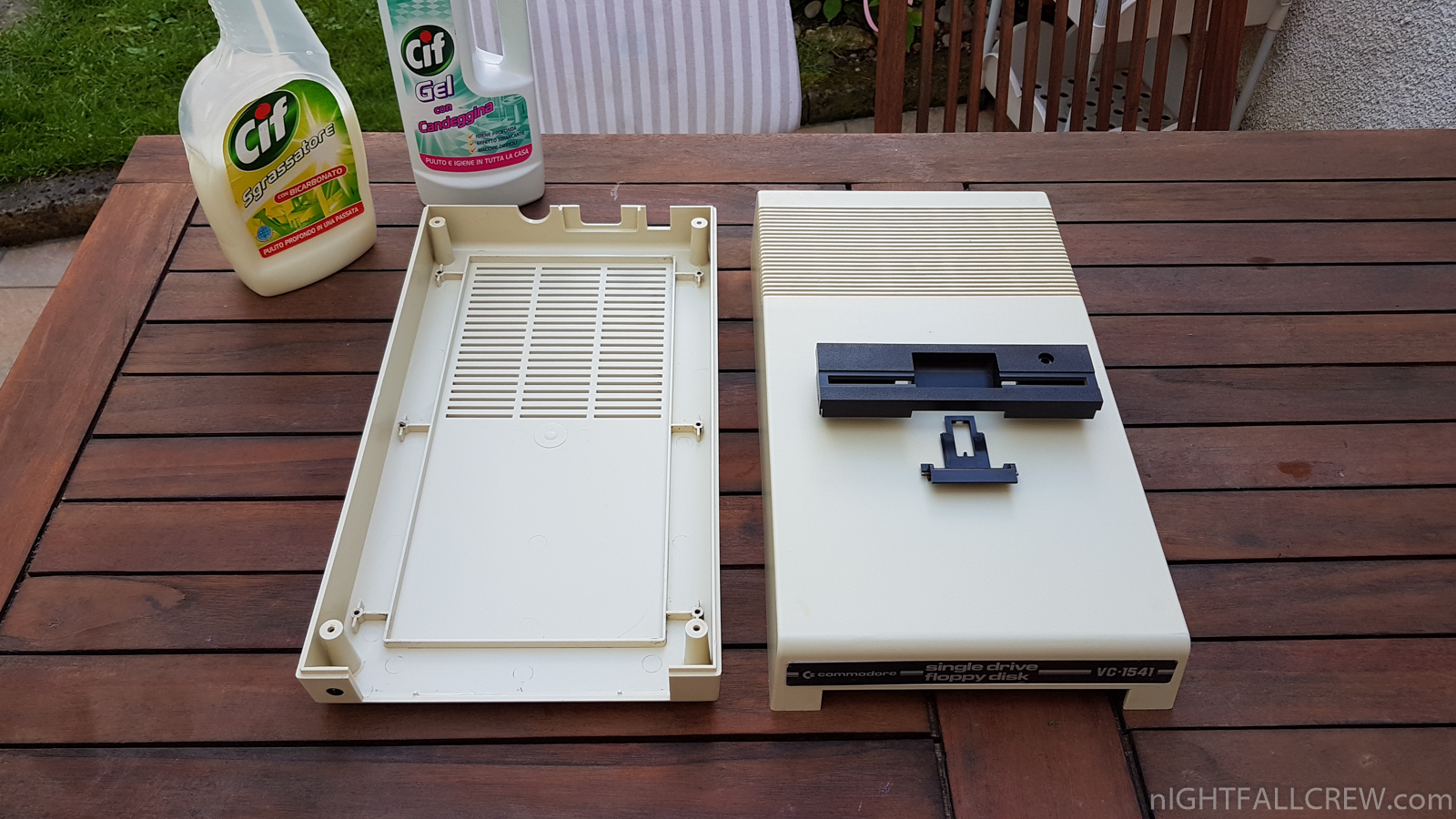
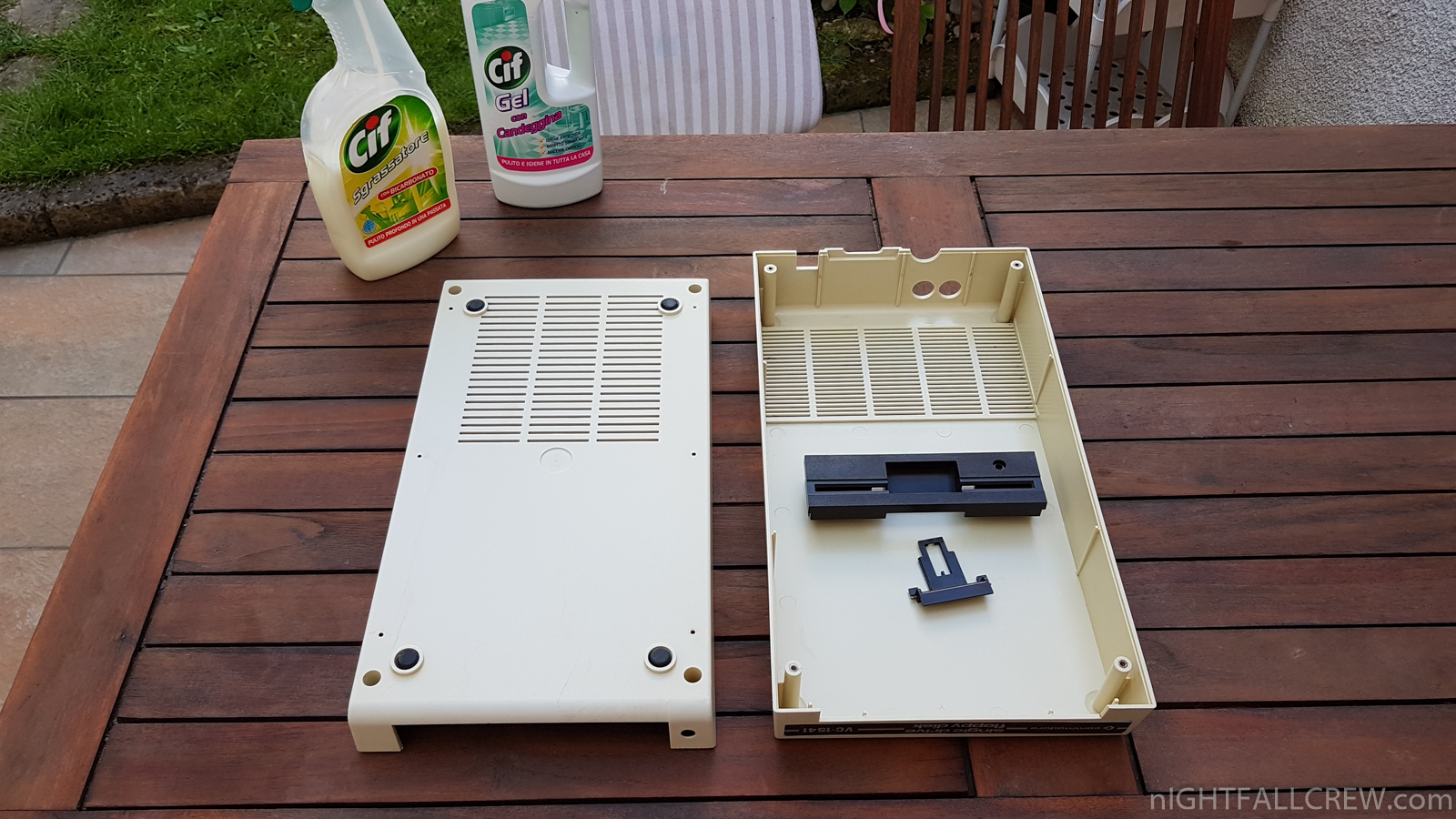
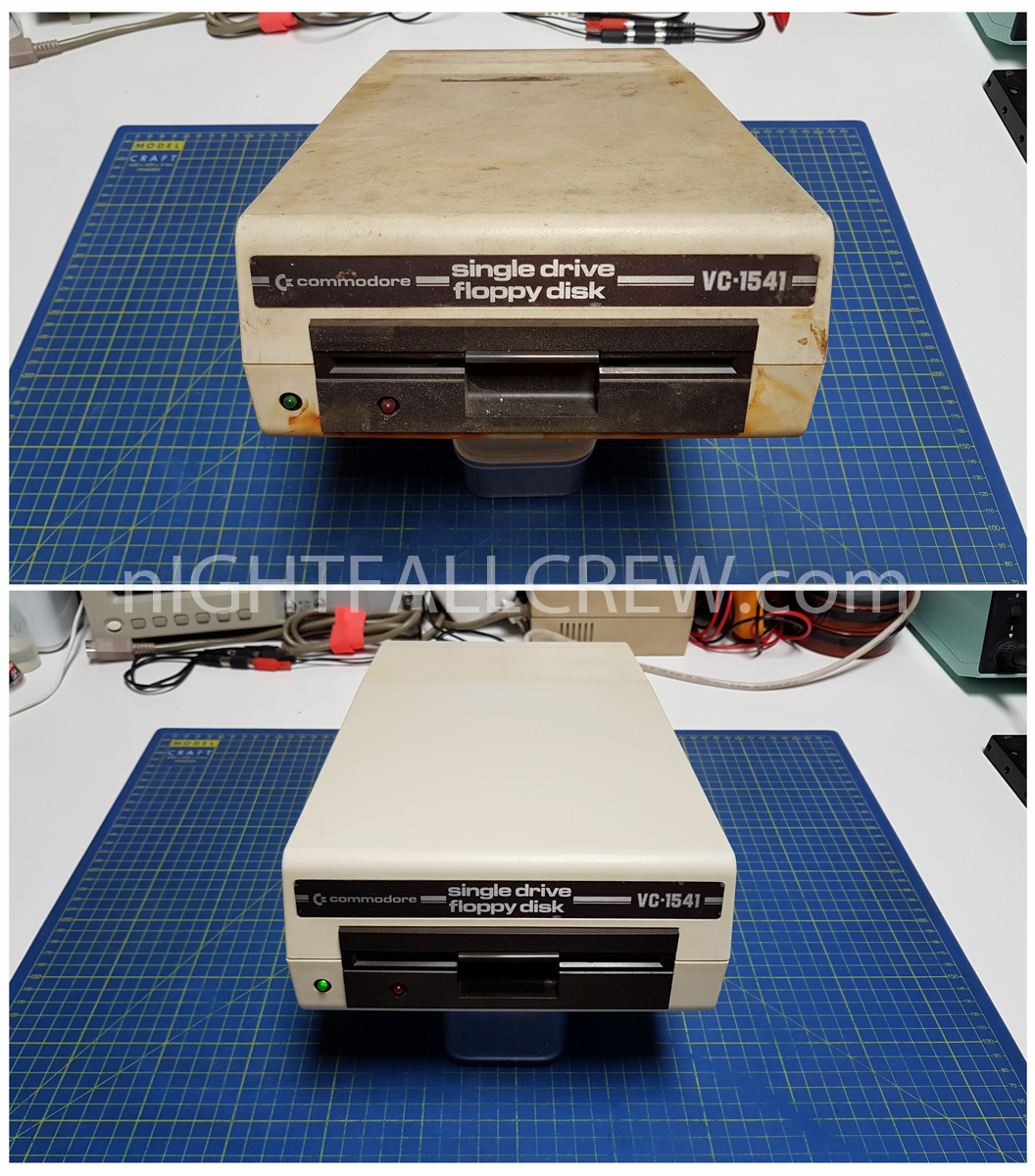
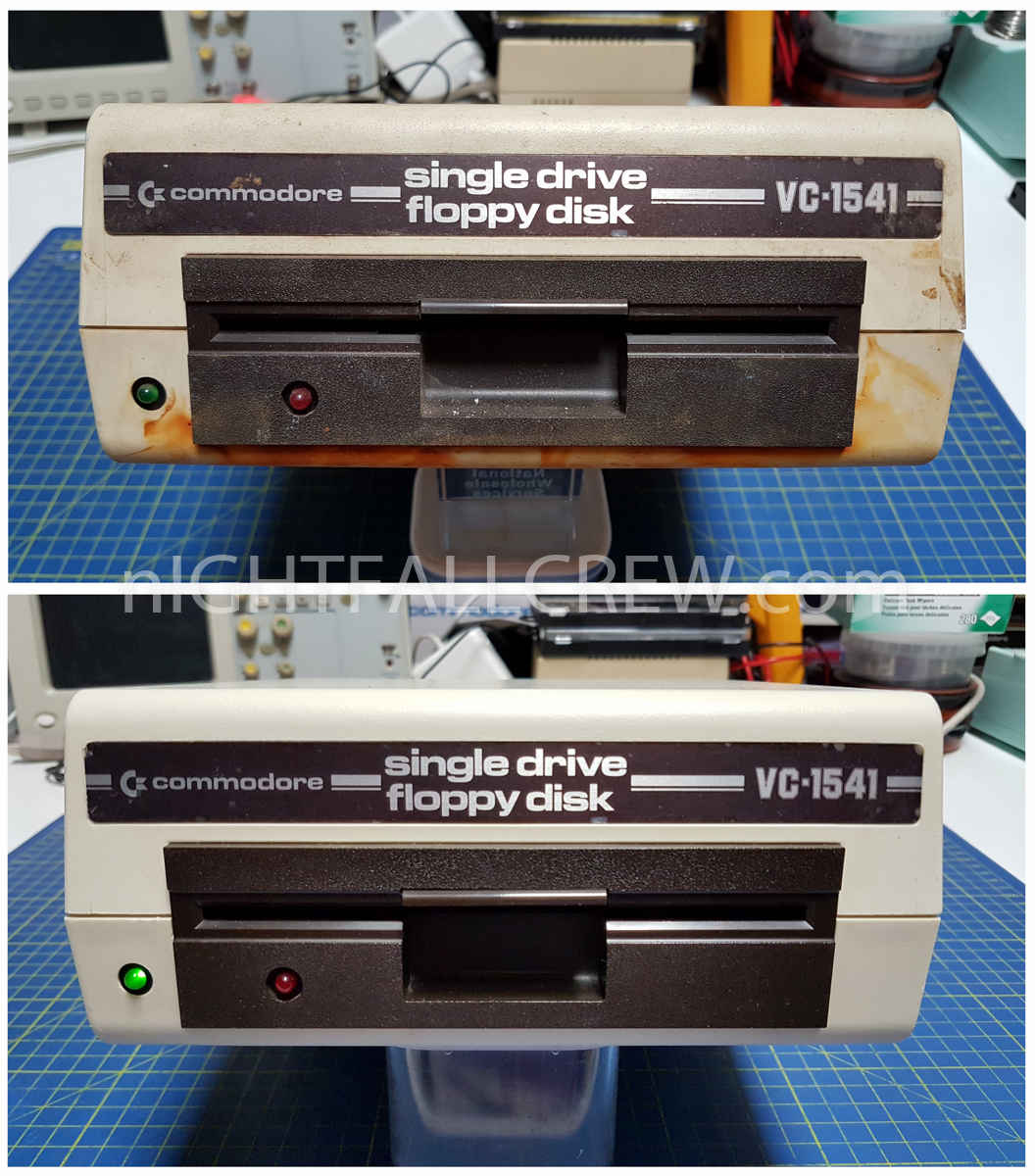
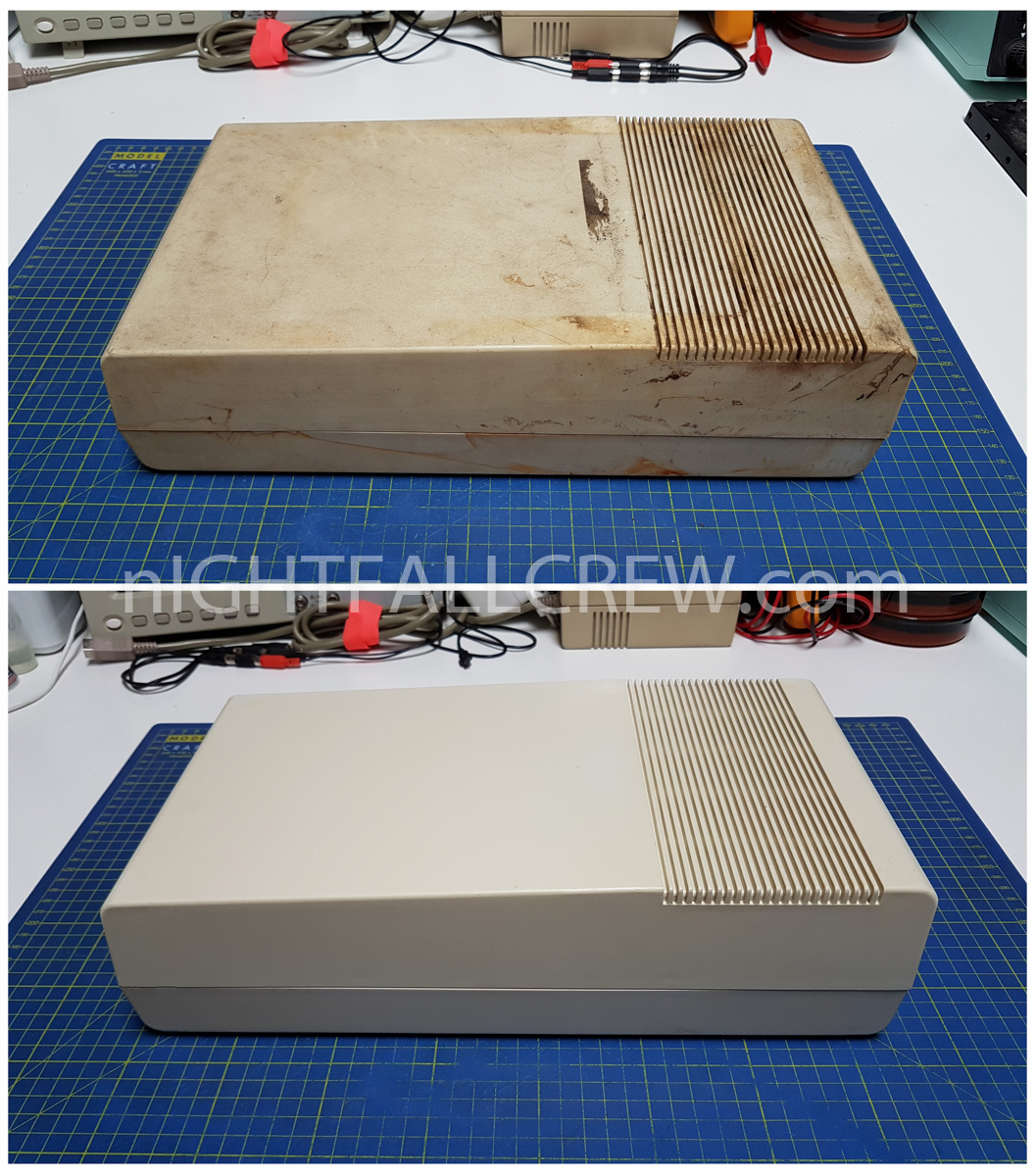
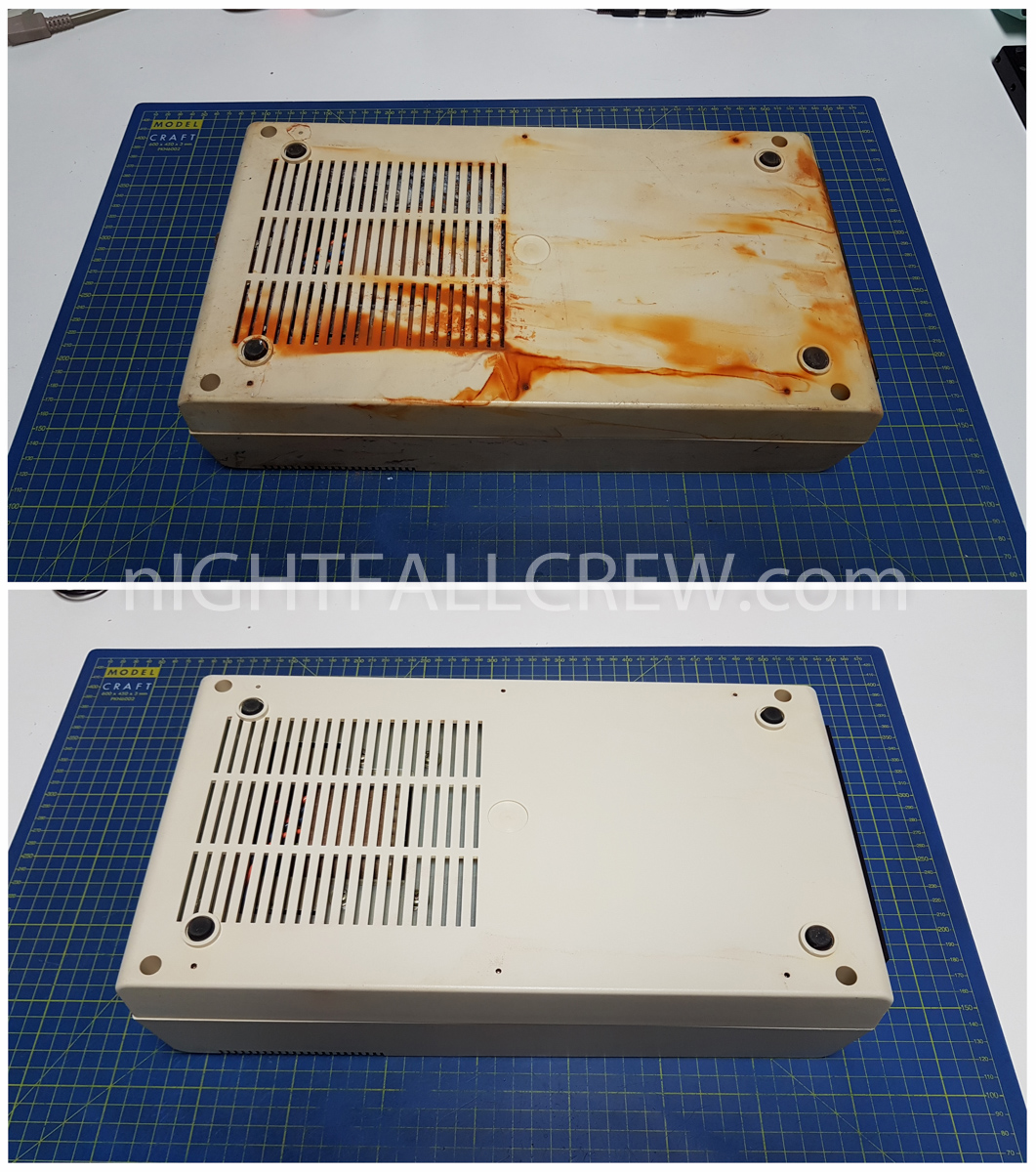
What i did is carefully clean the external case of the Floppy Drive which i am quite satisfied of the result.
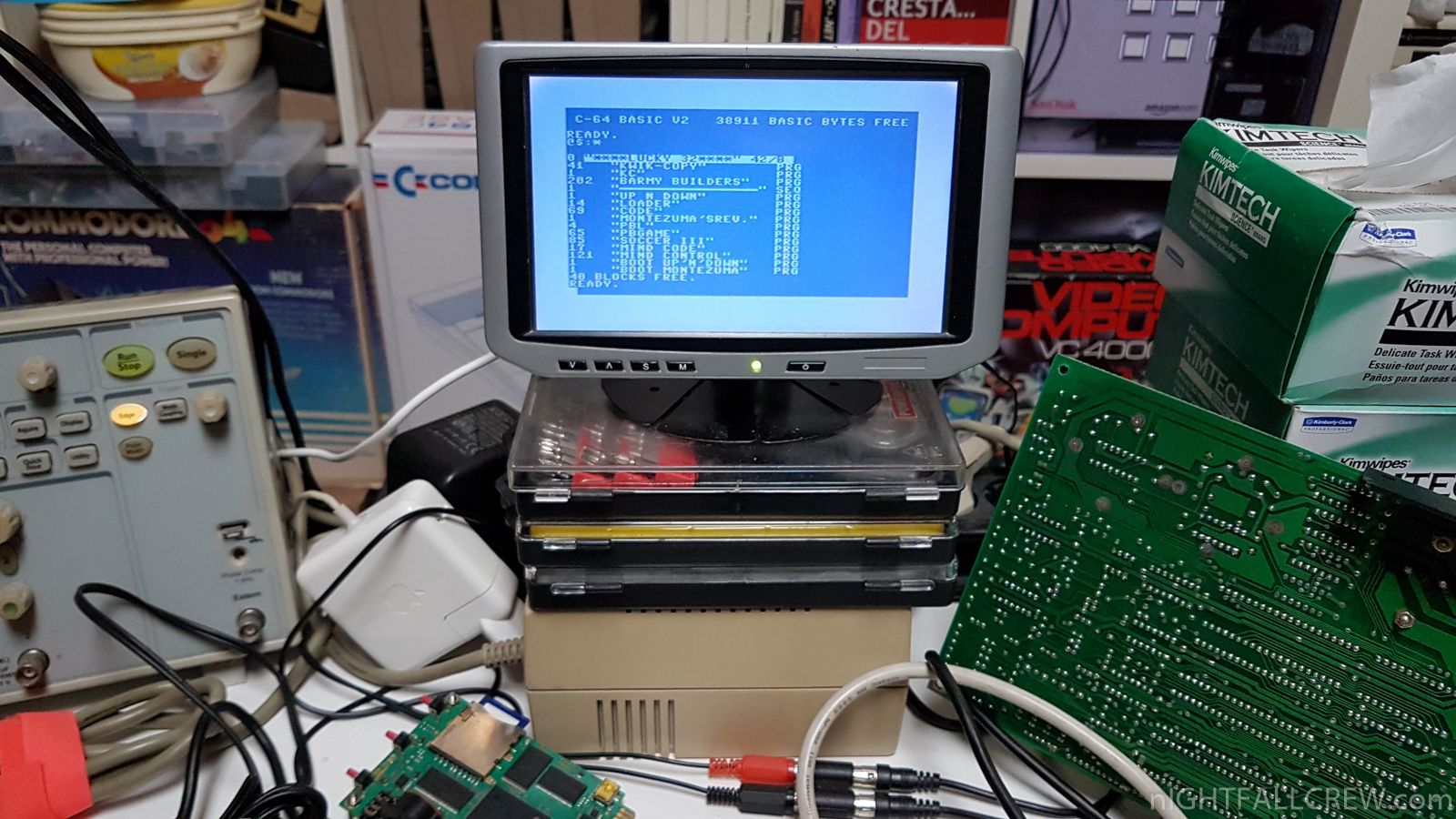
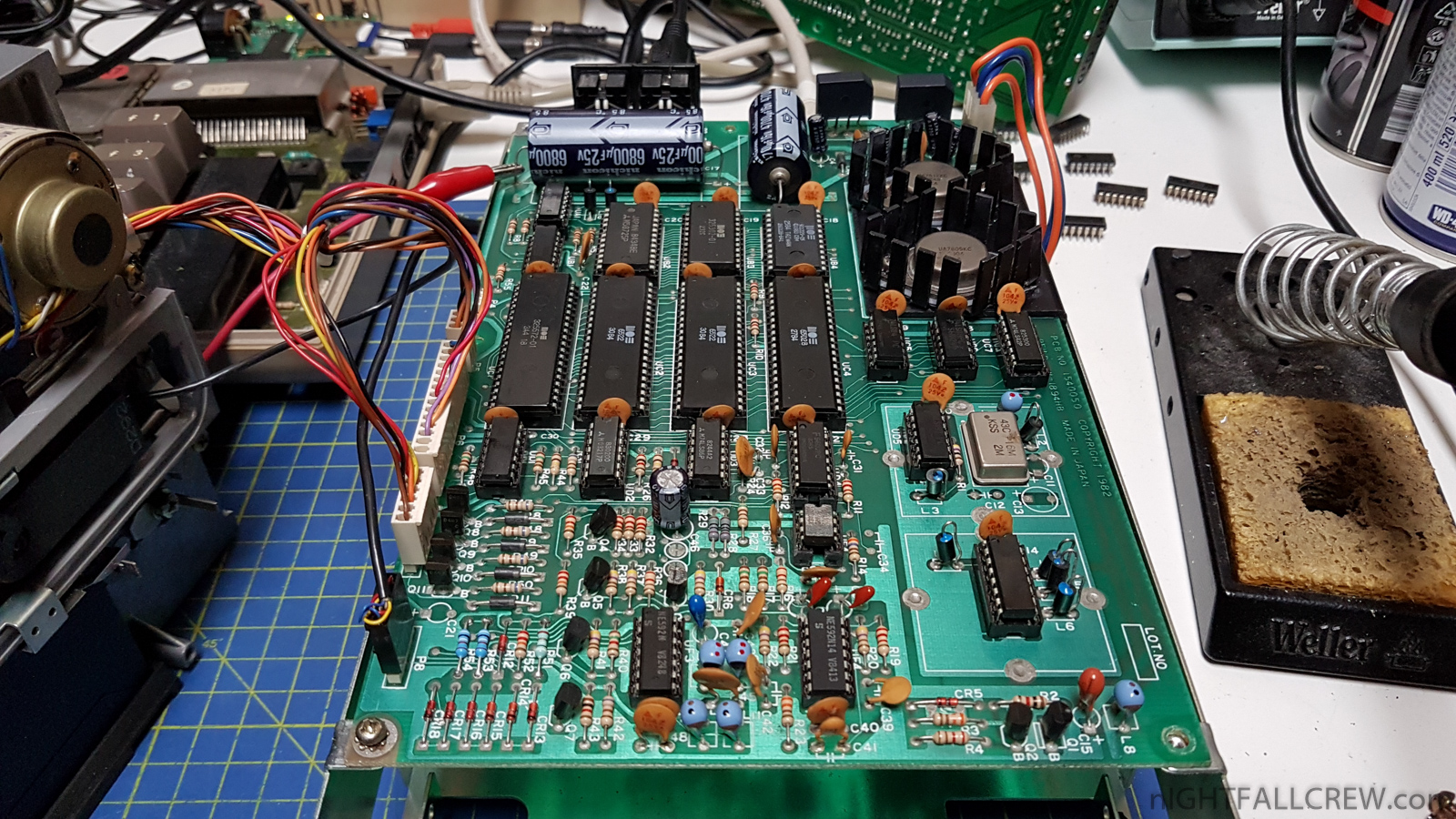
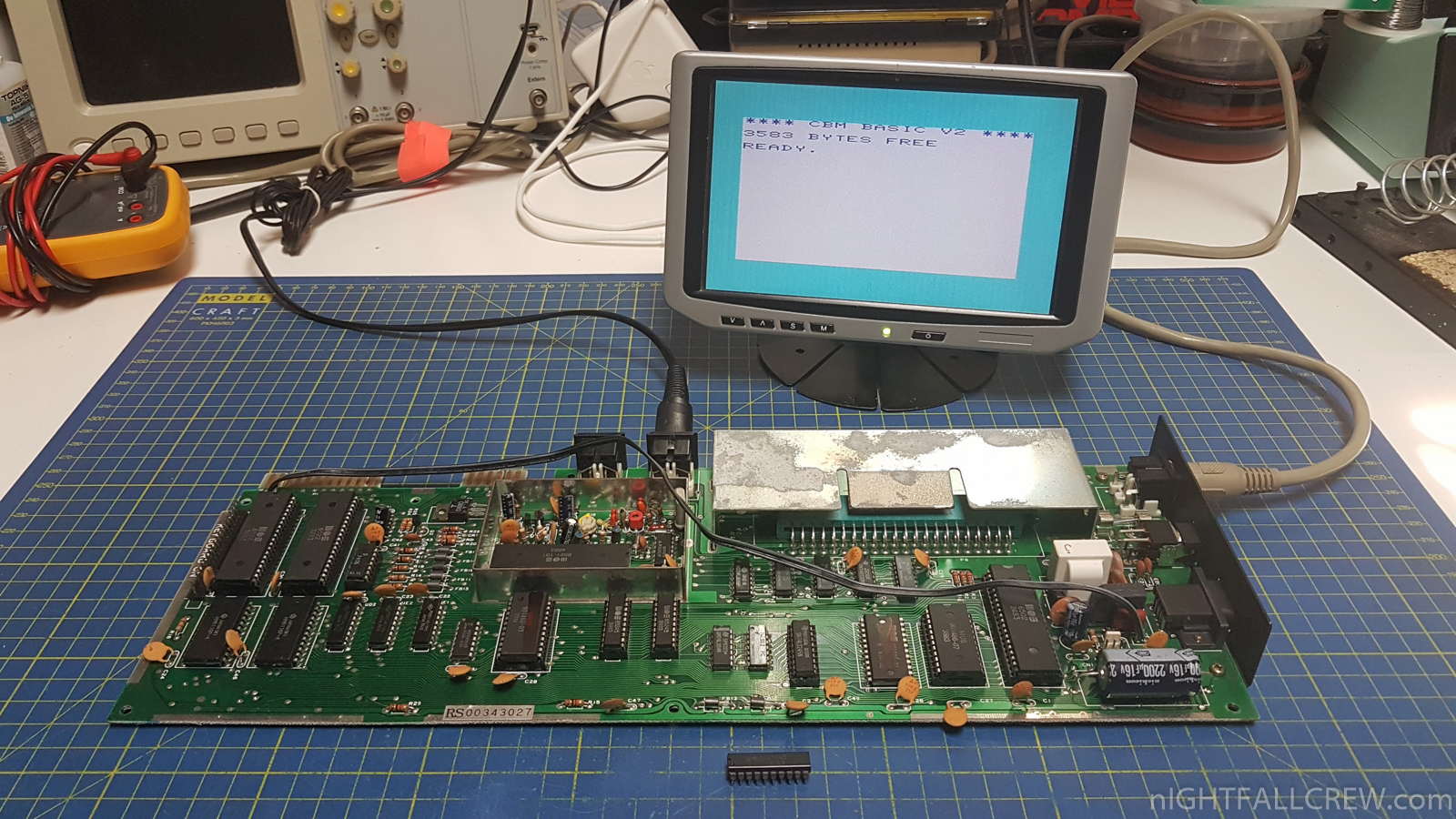
Then i have started to repair and carefully clean the motherboard of the Floppy Drive (REV 1540050) that had the following problems (see photo):
- I had to use the sockets for all the integrated circuits, because the rust had crept under all the integrated circuits, creating many problems.
- Remove the voltage regulators and clean the rust that was under the heatsink.
- Clean and try all integrated circuits after removing them.
- Clean the PCB.
- Replaced 2 x 6522 (VIA) that is not working.
- Replaced 1 x 6502 (CPU) that is not working.
- Replaced 1 x HM6116P (STATIC RAM) that is not working.
- Replaced 2 x Resistors of 9.1k 1% interrupted.
- Replaced for safety also 1 x Resistor of 91ohm 1%.
- Moved the ceramic capacitor (FIX by Commodore) to the solder side, which was fixed above the 74LS86.
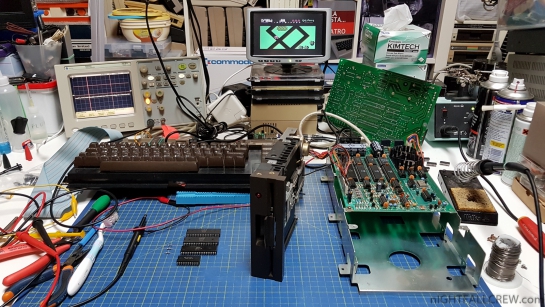
What i have used to clean the external Floppy Drive case:
- I have used a plenty of running water by rubbing with a brush to remove everything you could do without using specific products.
- I have used CIF GEL with bleach that i left to act for 30 minutes.
- I have rinse thoroughly with water, always rubbing with the brush and with a stanley plastic spatulas
- I repeated these last two phase for least 3 times.
- I have used CIF Degreaser with Bicarbonate that i left to act for 10 minutes.
- With a Brush / Toothbrush / Toothpicks / Cotton Fioc / Stanley plastic spatulas o have rubbed and cleaned the most dirty and hidden parts.
- I have rinse thoroughly with water, always rubbing with a brush.
- I repeated these last three phases for least 4 times.
- I have completed the cleaning with the Glassex and Alcohol.
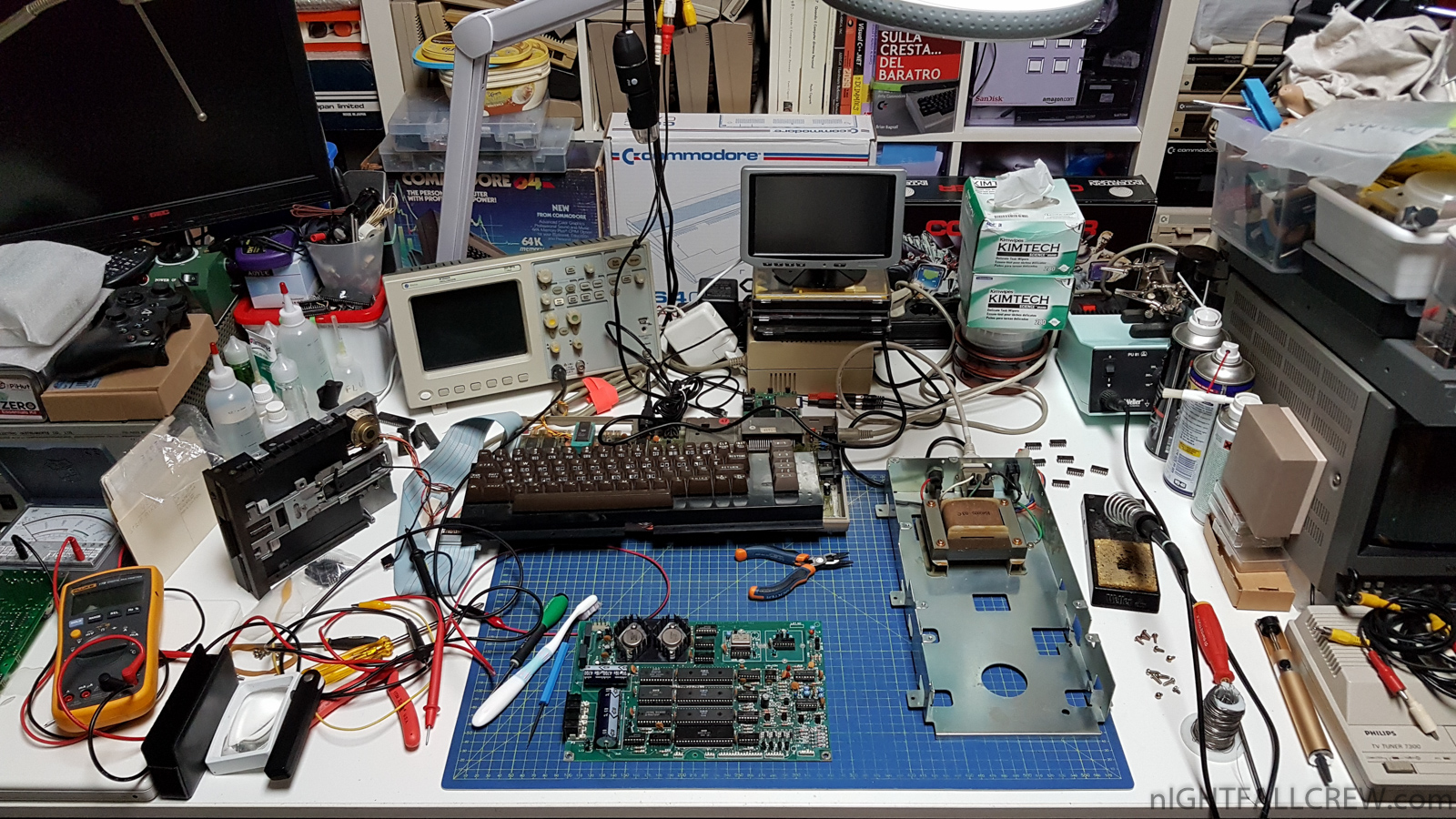
I have used a Floppy Drive mechanics and a transformer that i have found in the laboratory that i have installed in the Floppy Drive VC-1541 case.
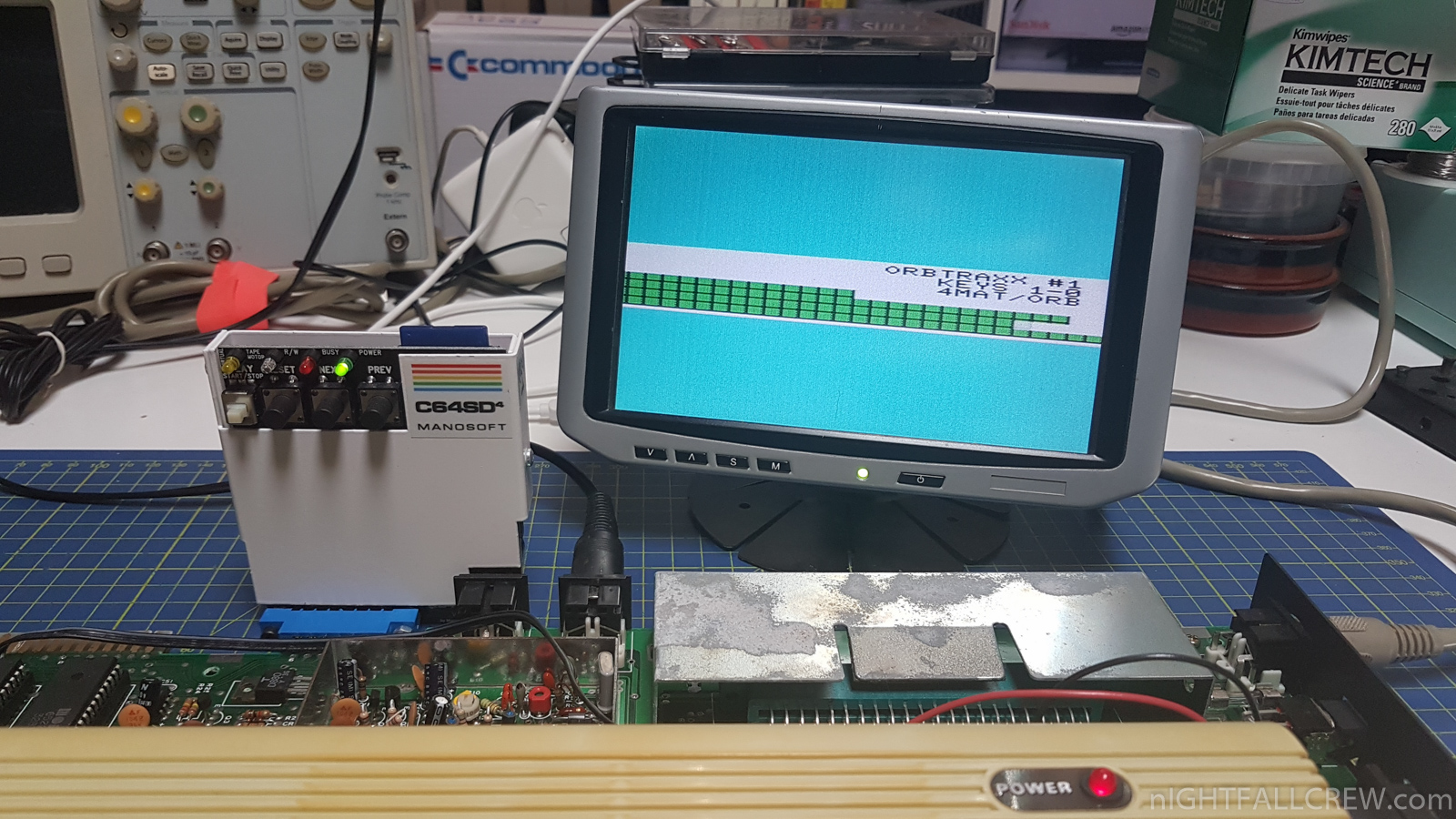
Restoration and Repair Gallery:
Differences before and after the restoration Gallery:

Commodore VIC-20 (ASSY 250403) Repair
Defect:
Replaced parts:
- Replaced MOS 65245 [74LS245] (UF8)
Gallery of the work done:
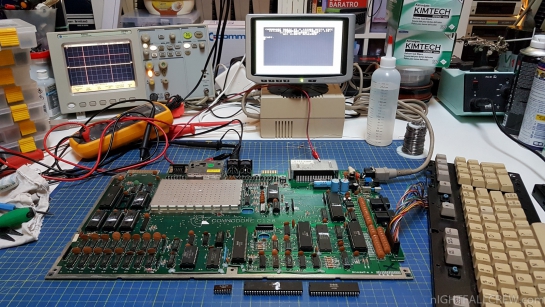
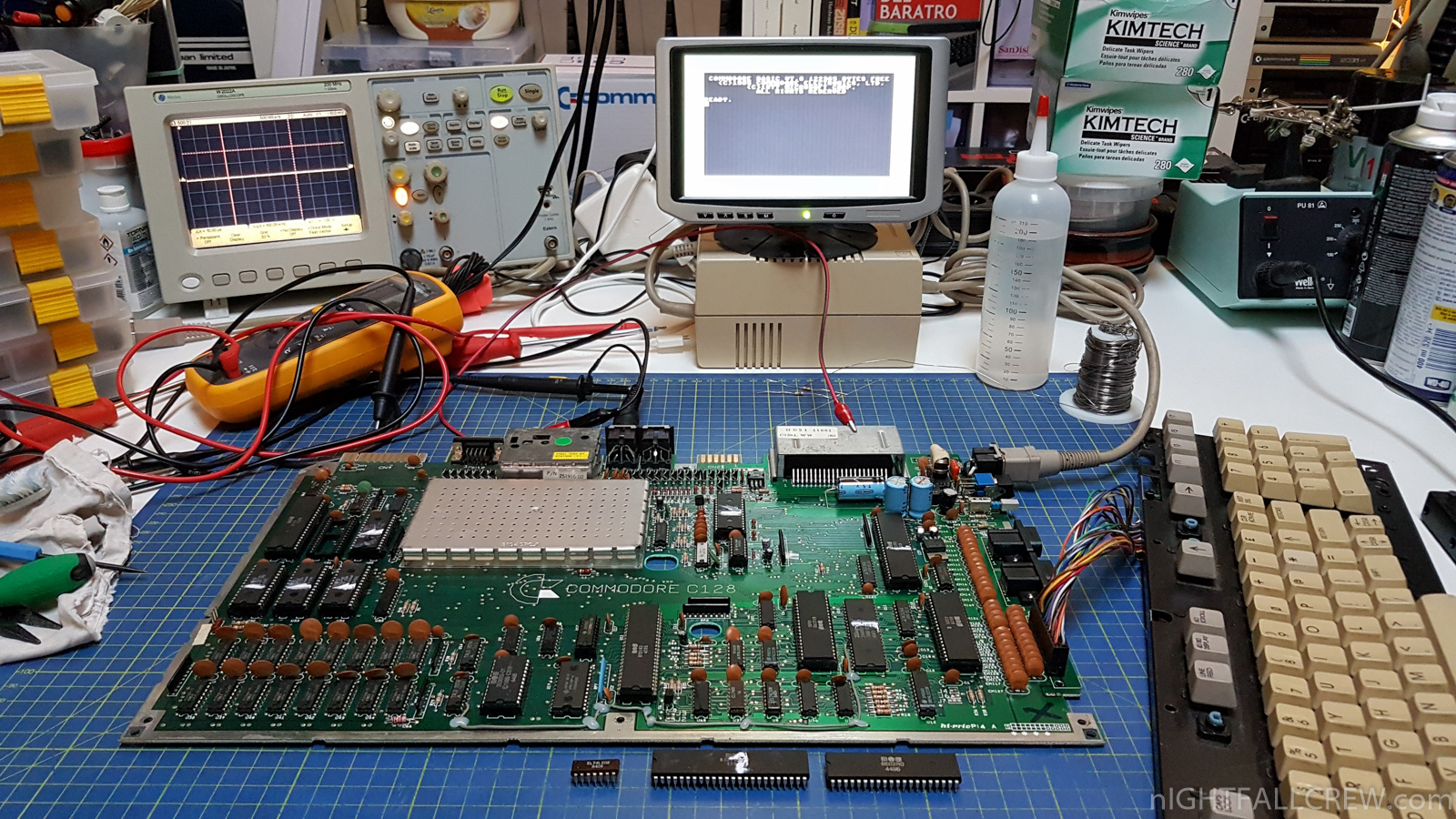
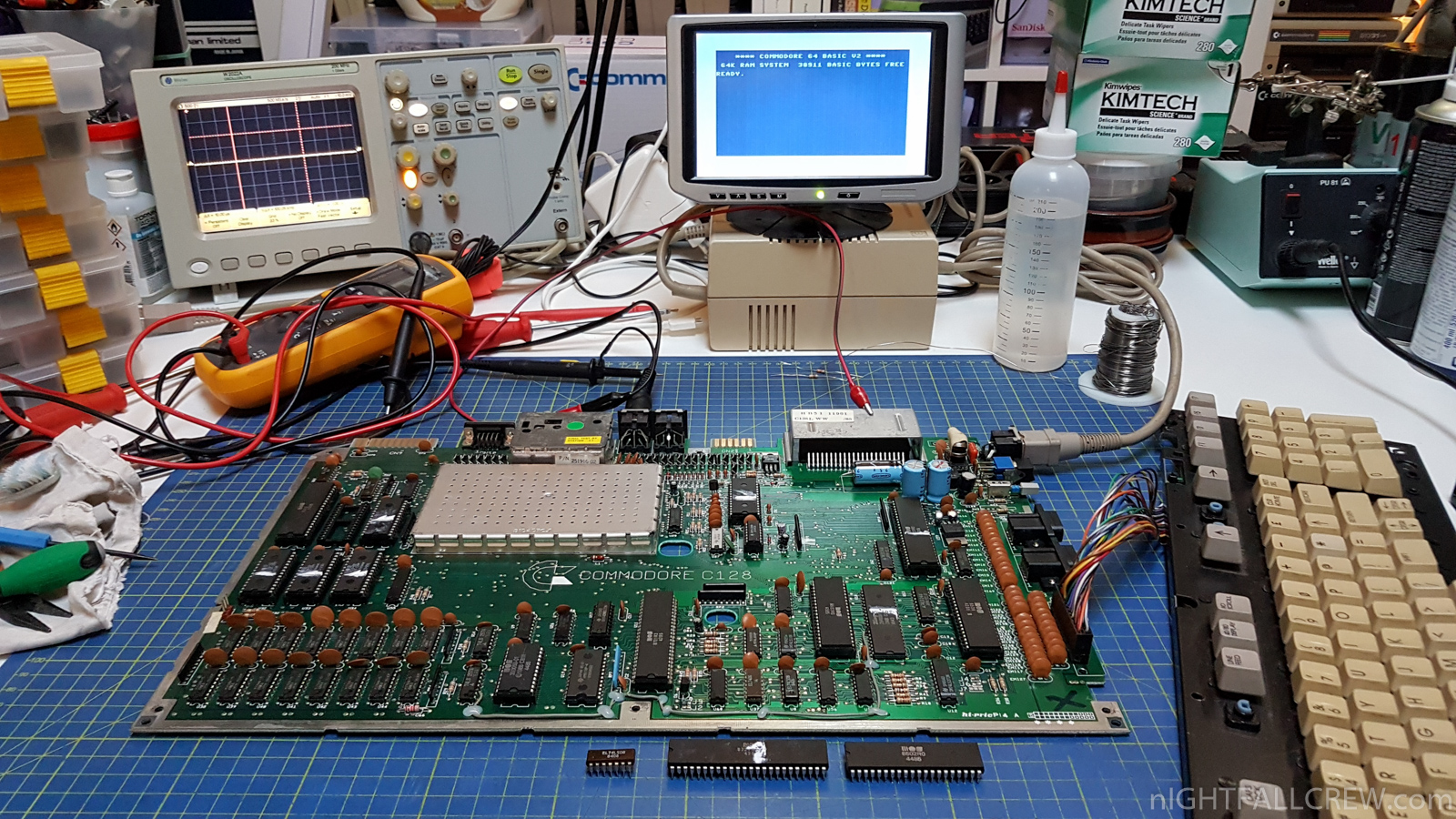
Commodore 128 (REV 310381) Repair
Defect:
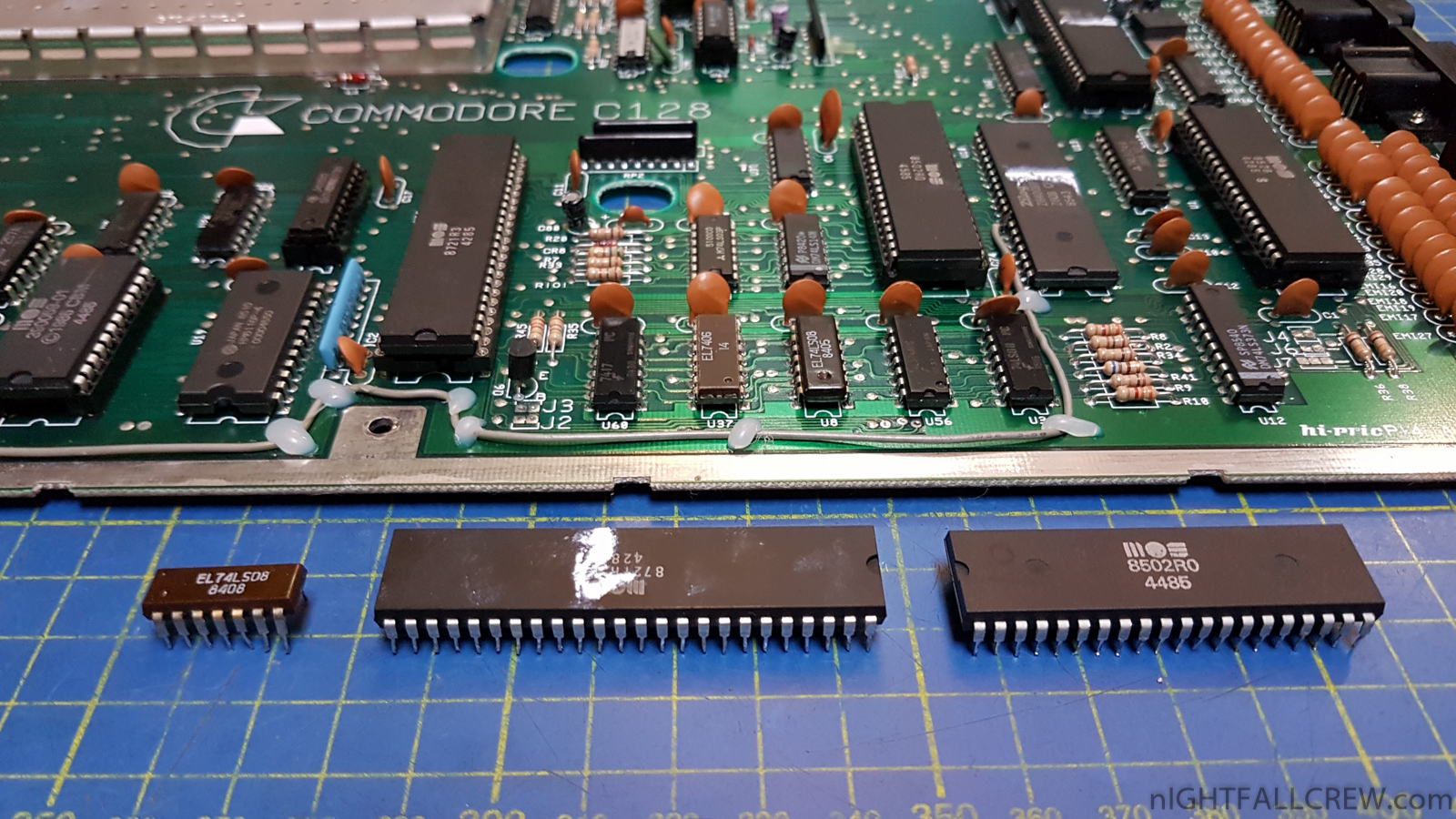
Replaced parts:
- Replaced 74LS08 (U61)
- Replaced CPU 8502R0 (U6)
- Replaced PLA 8721R3 (U11)
Gallery of the work done:
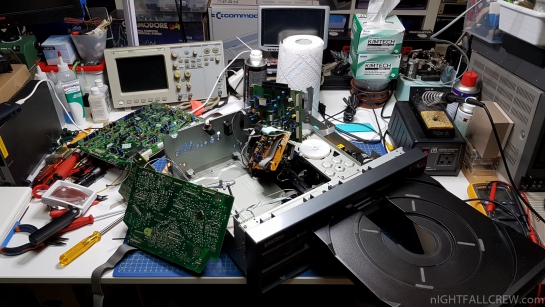
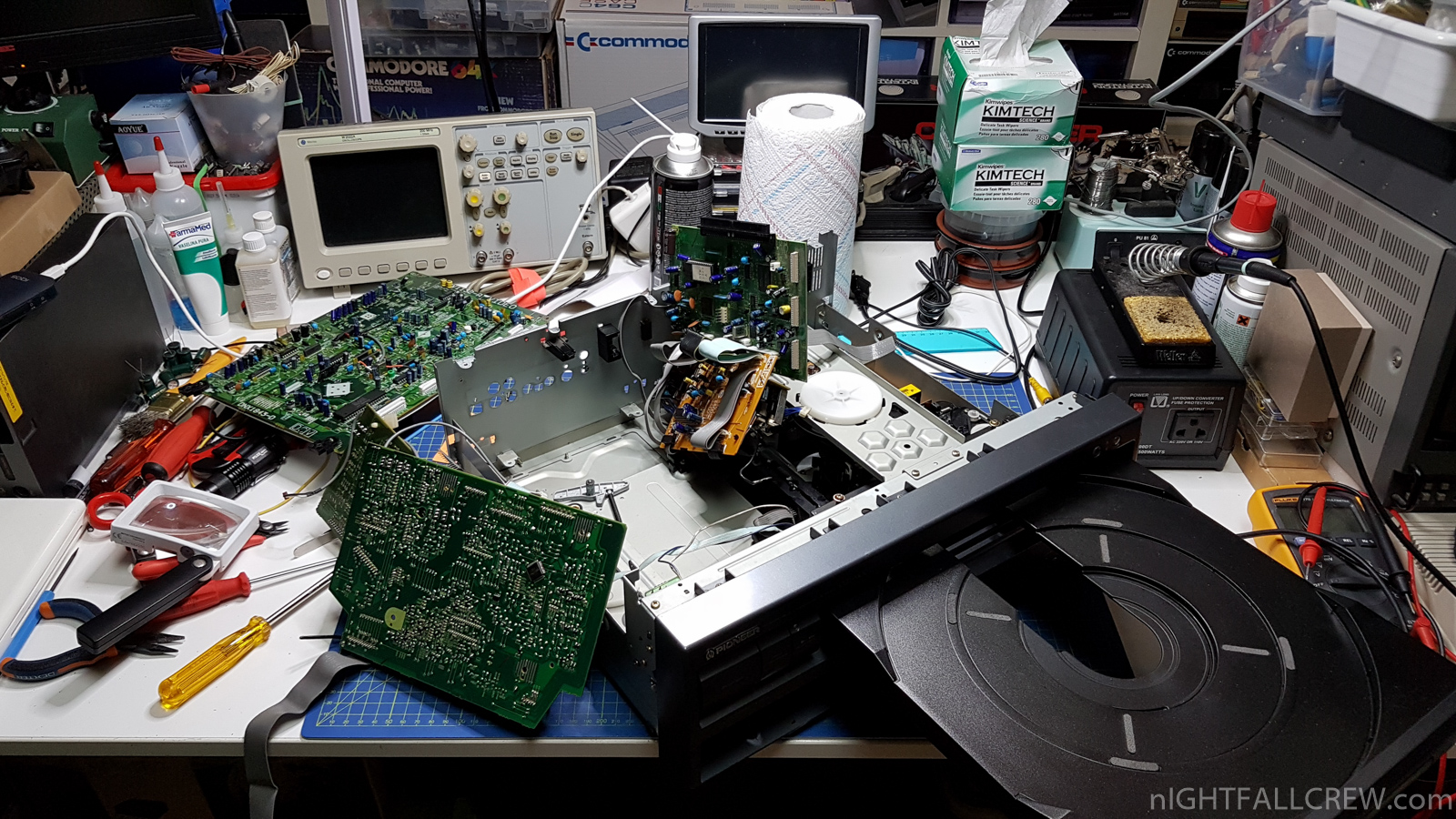
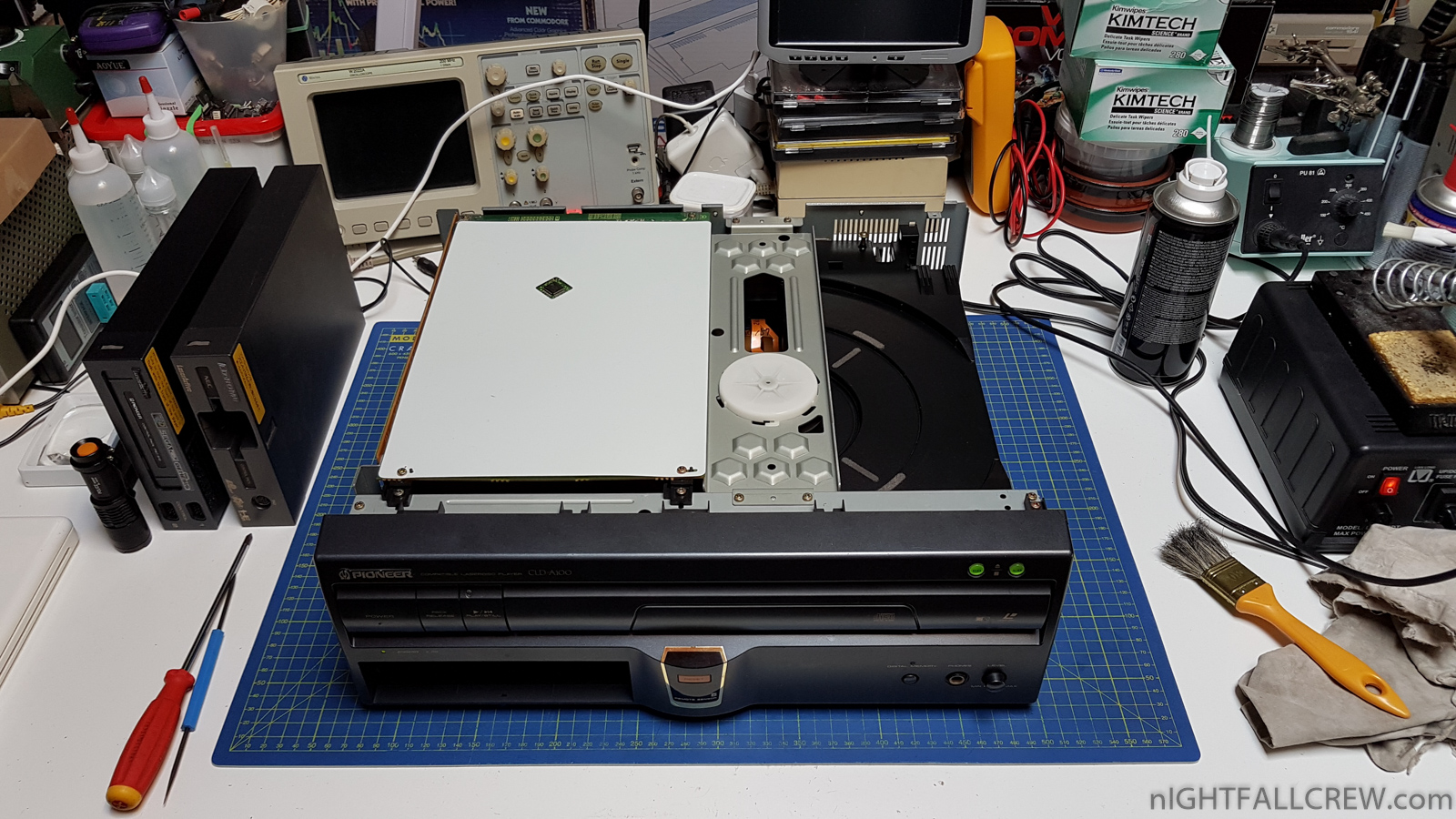
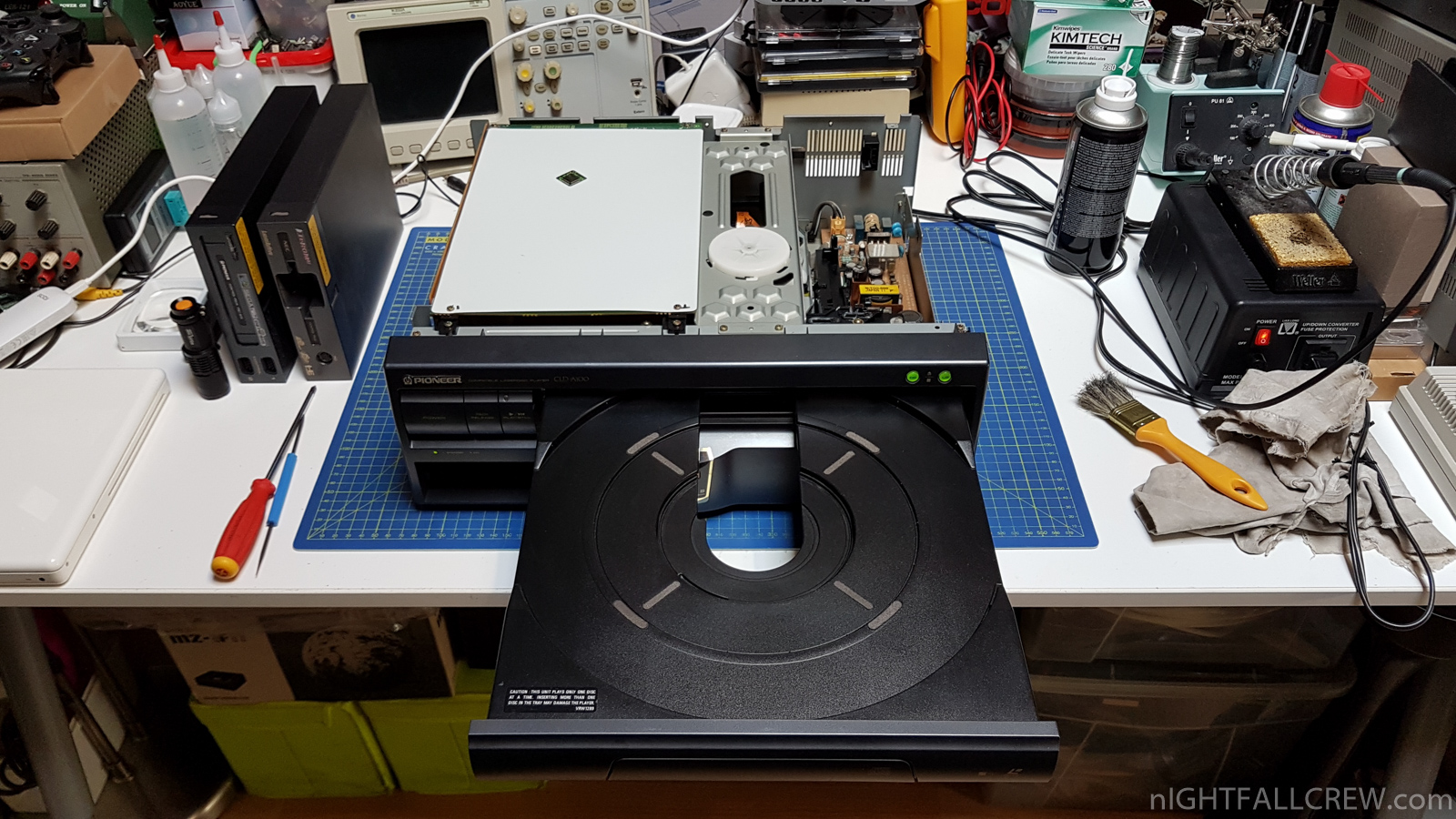
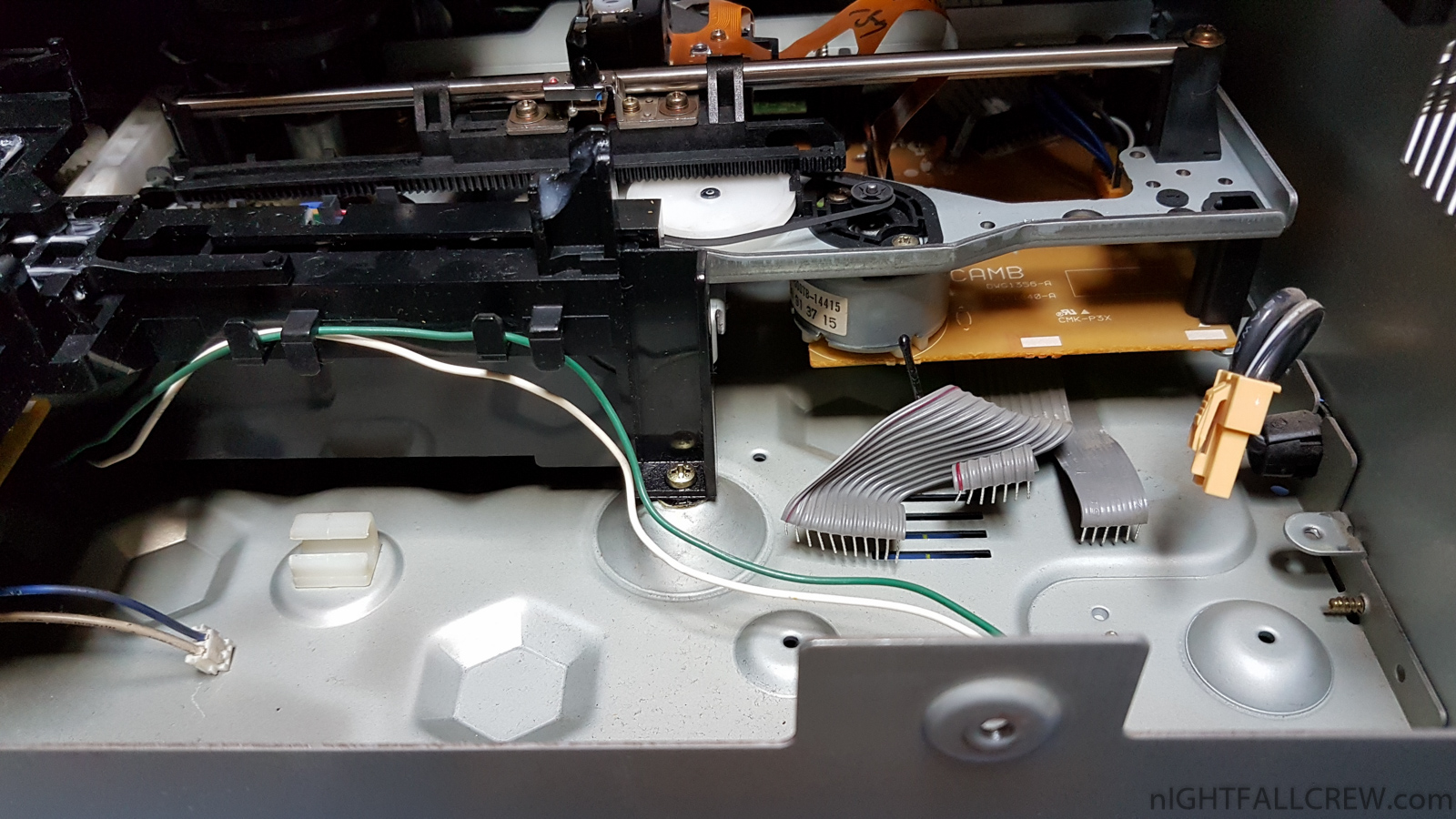
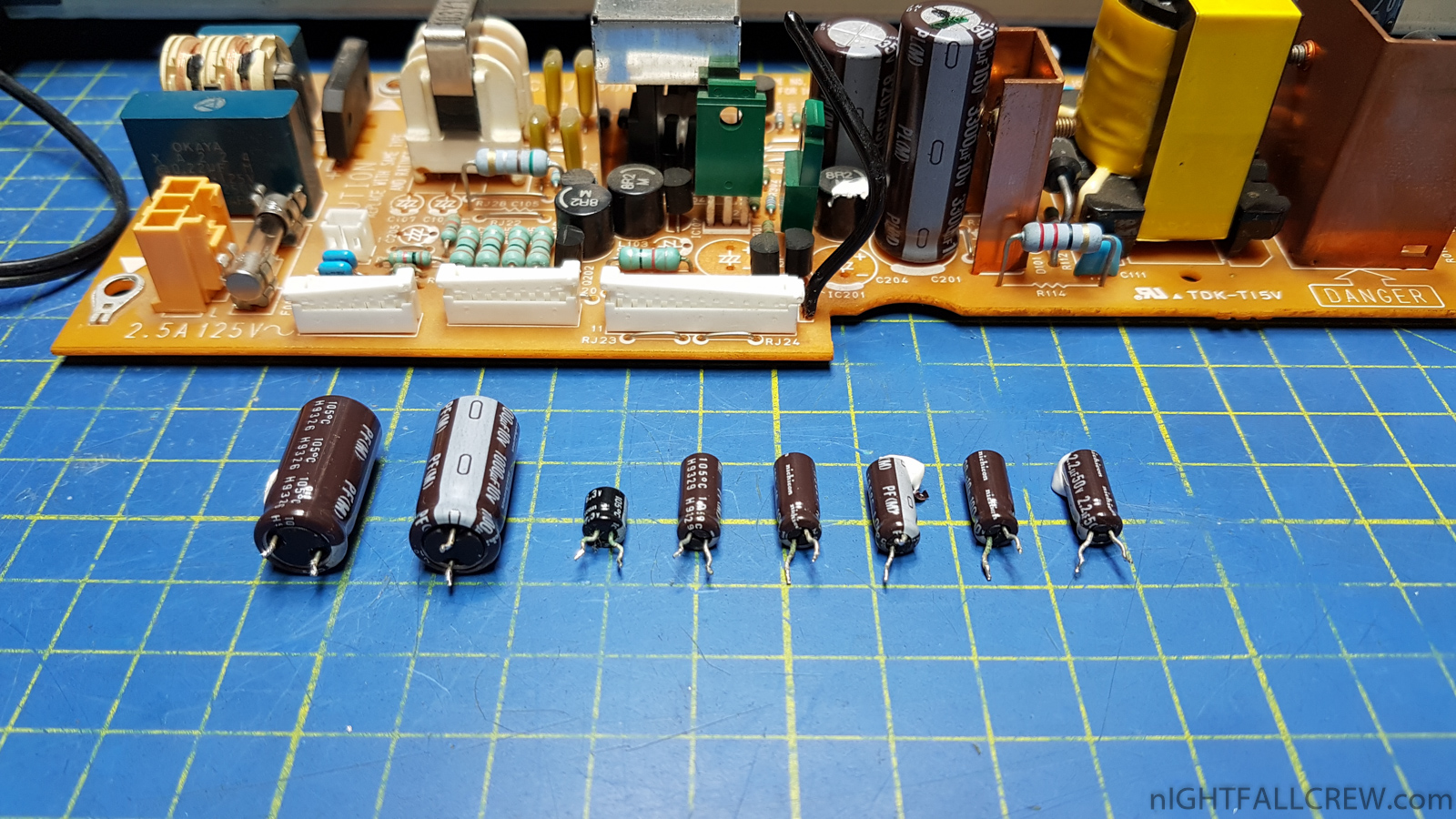
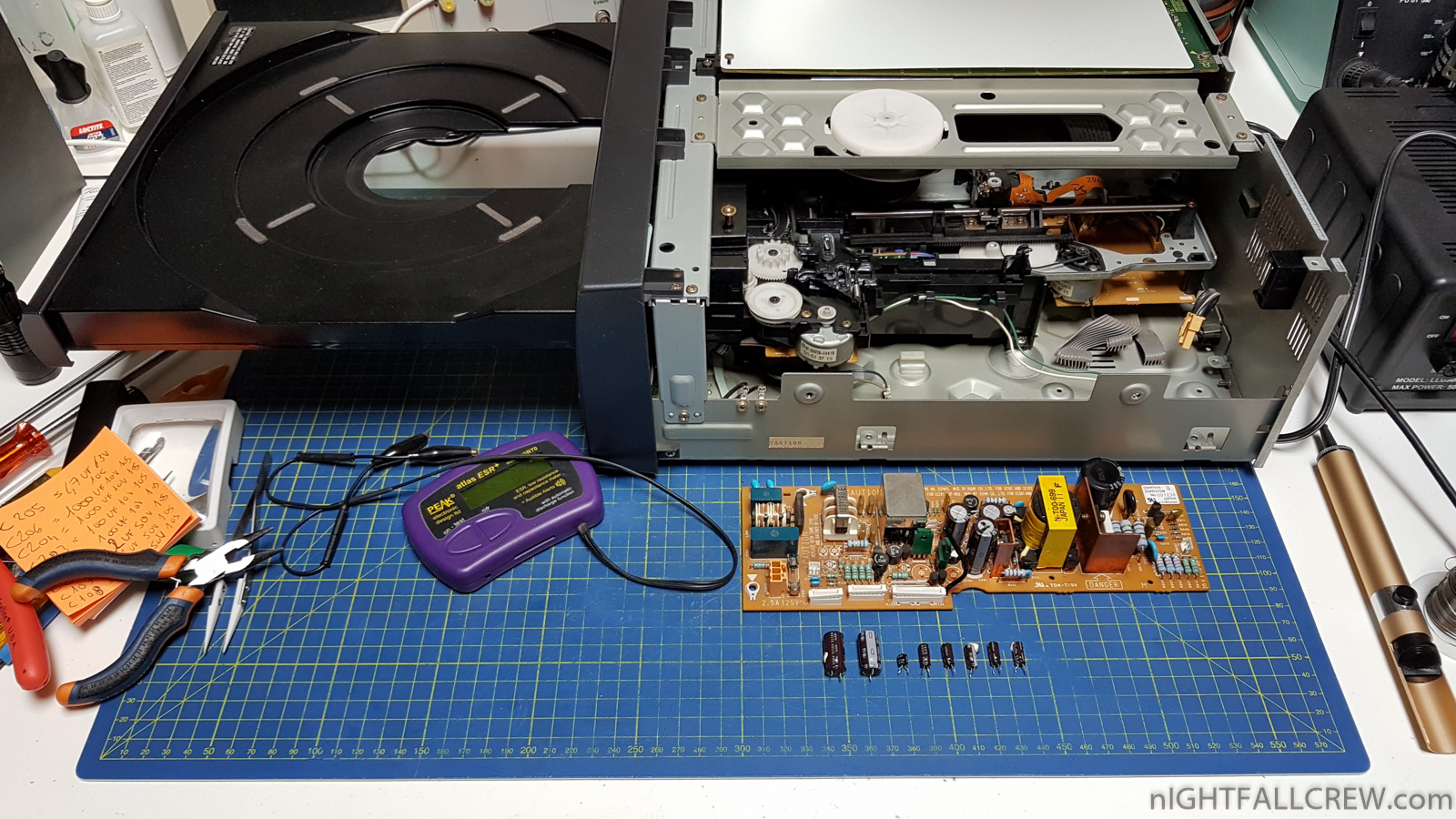
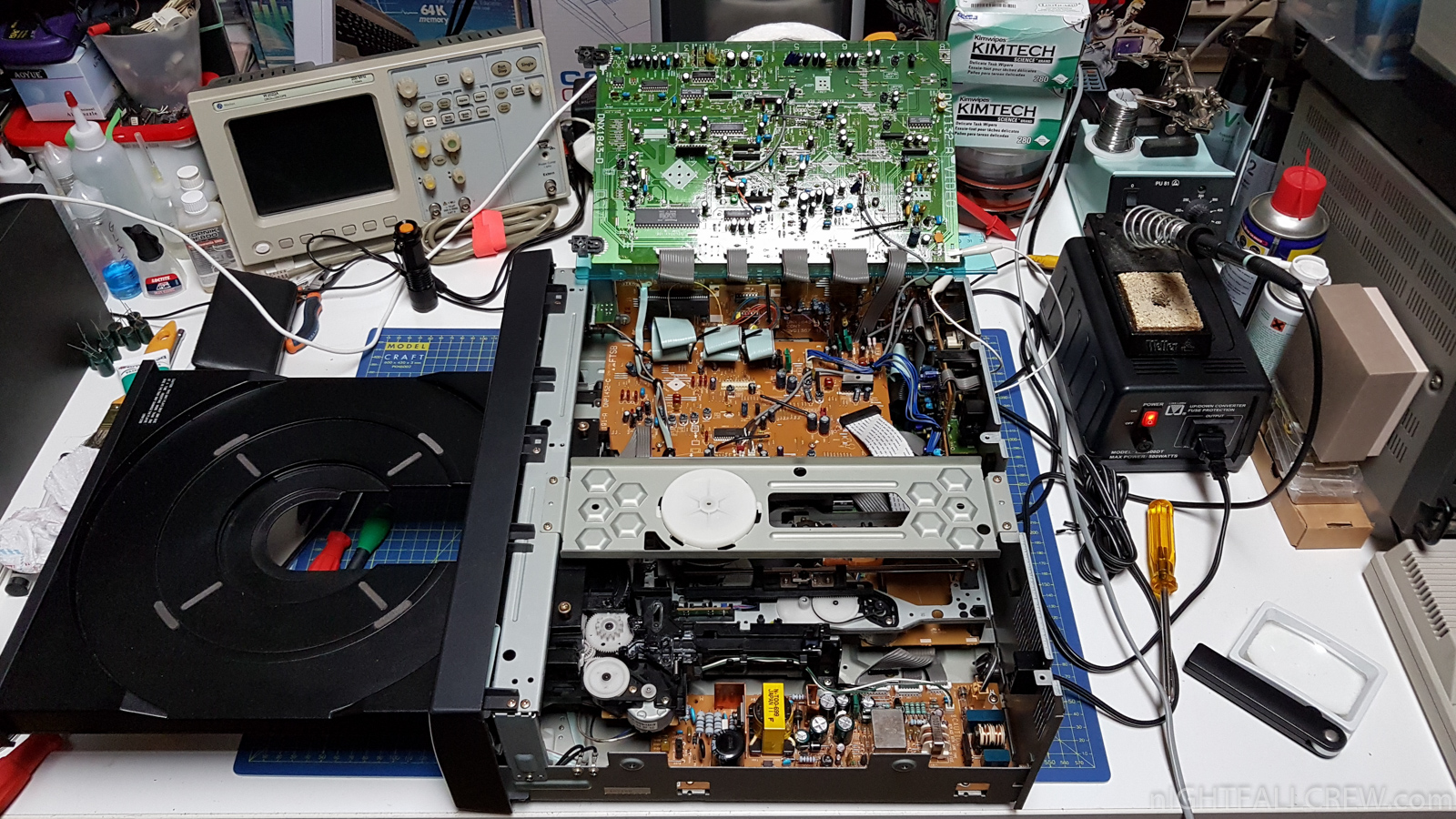
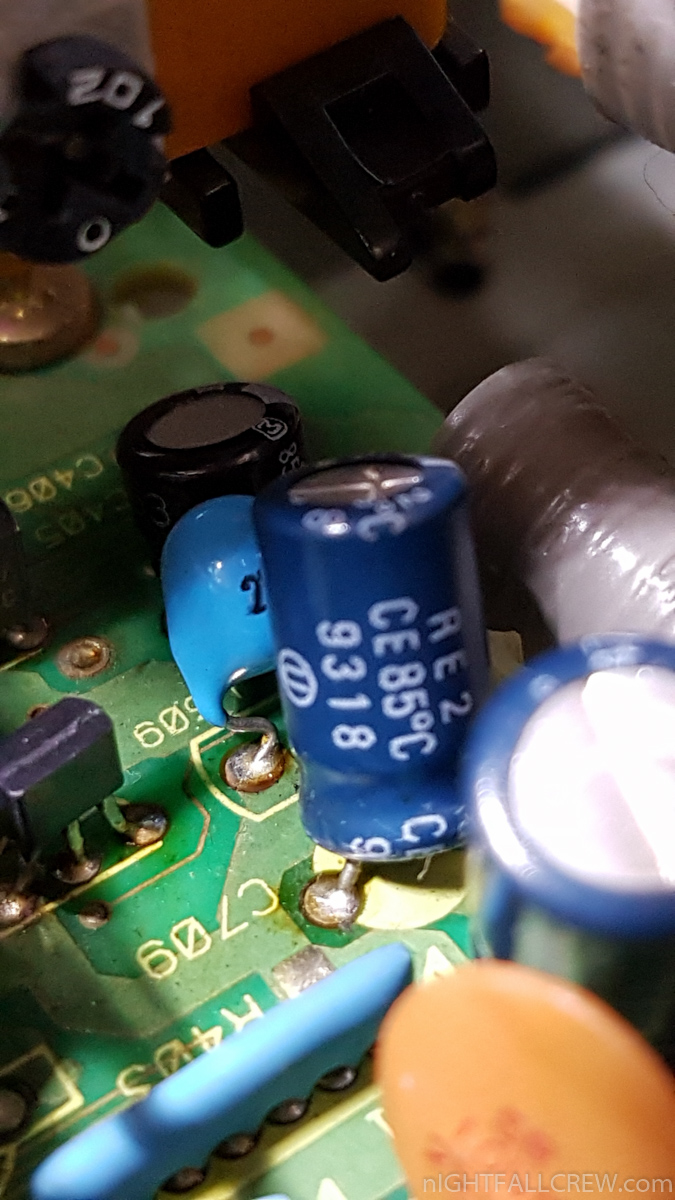
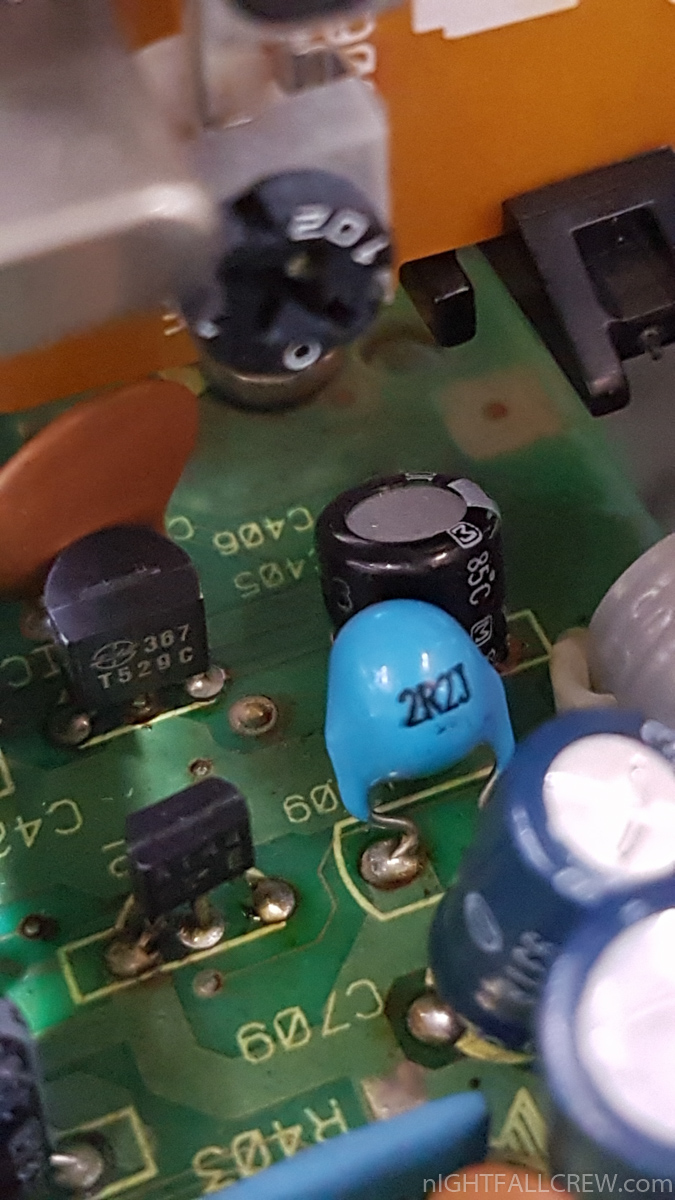
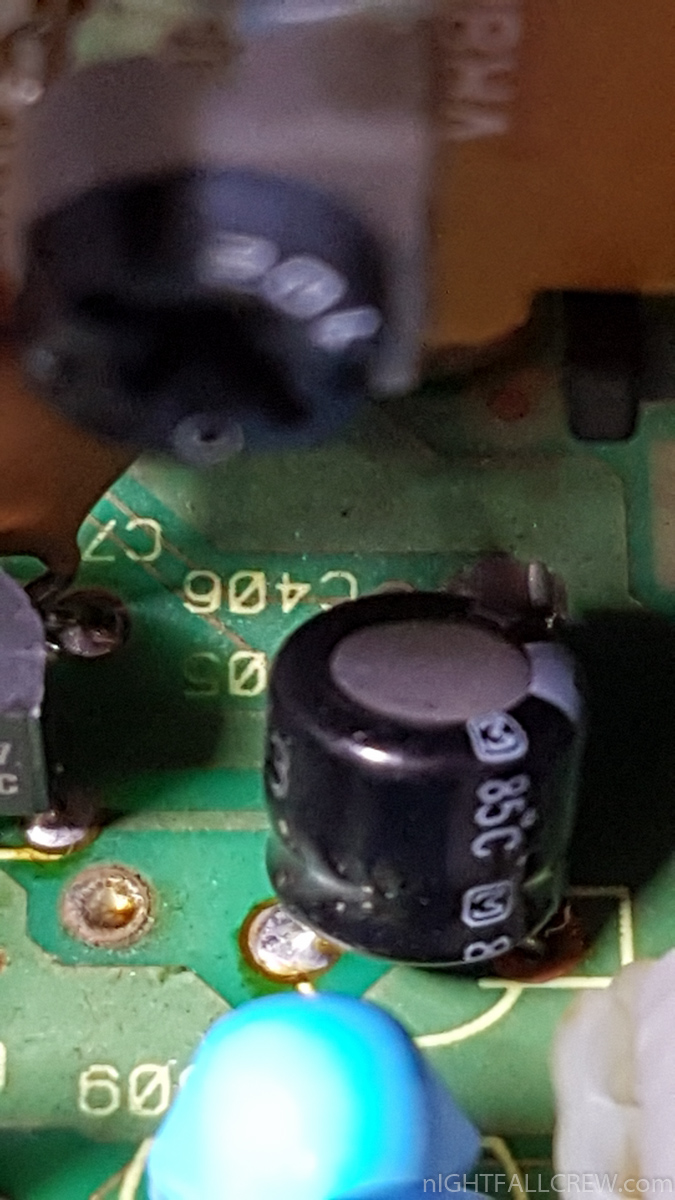
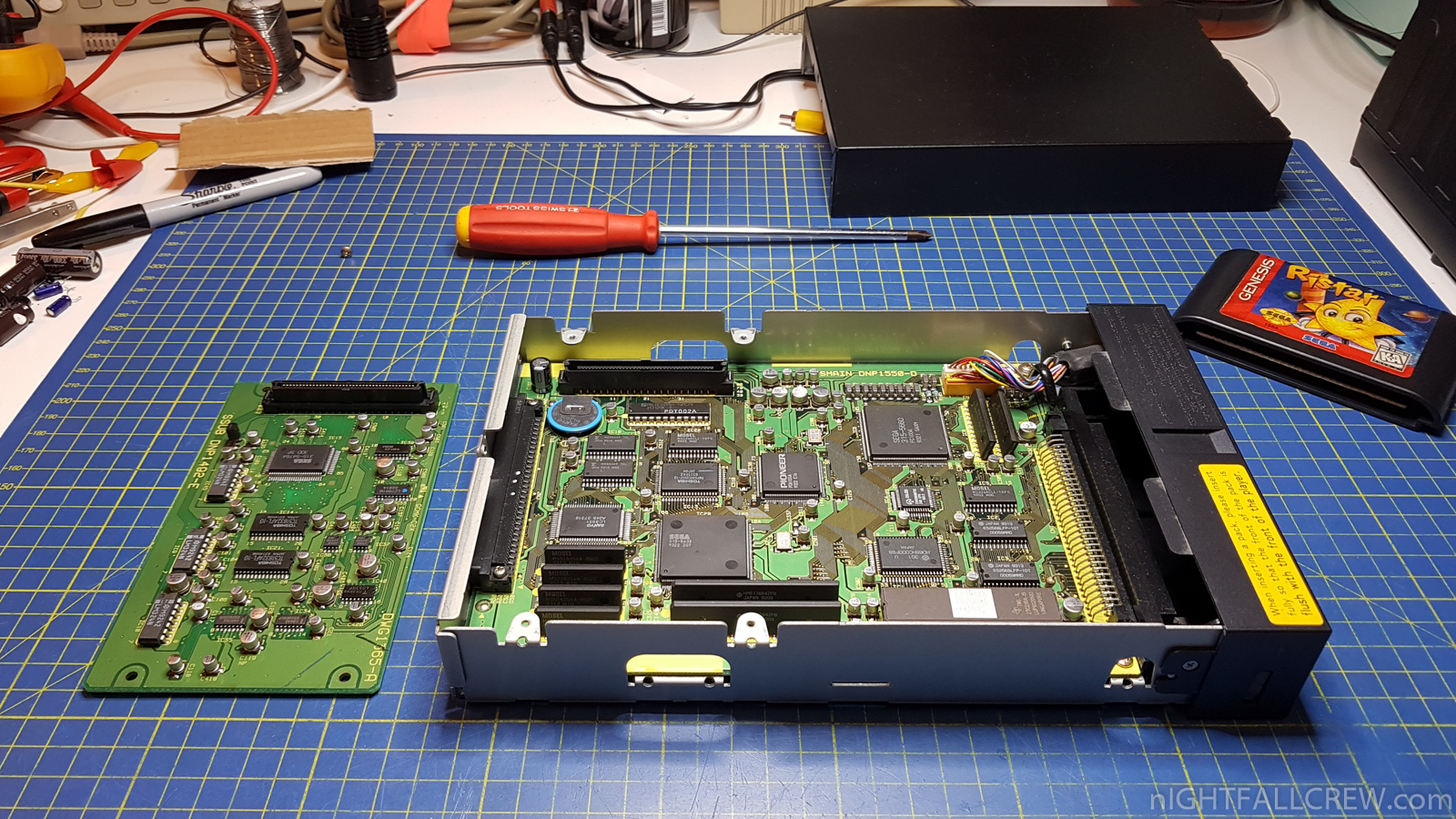
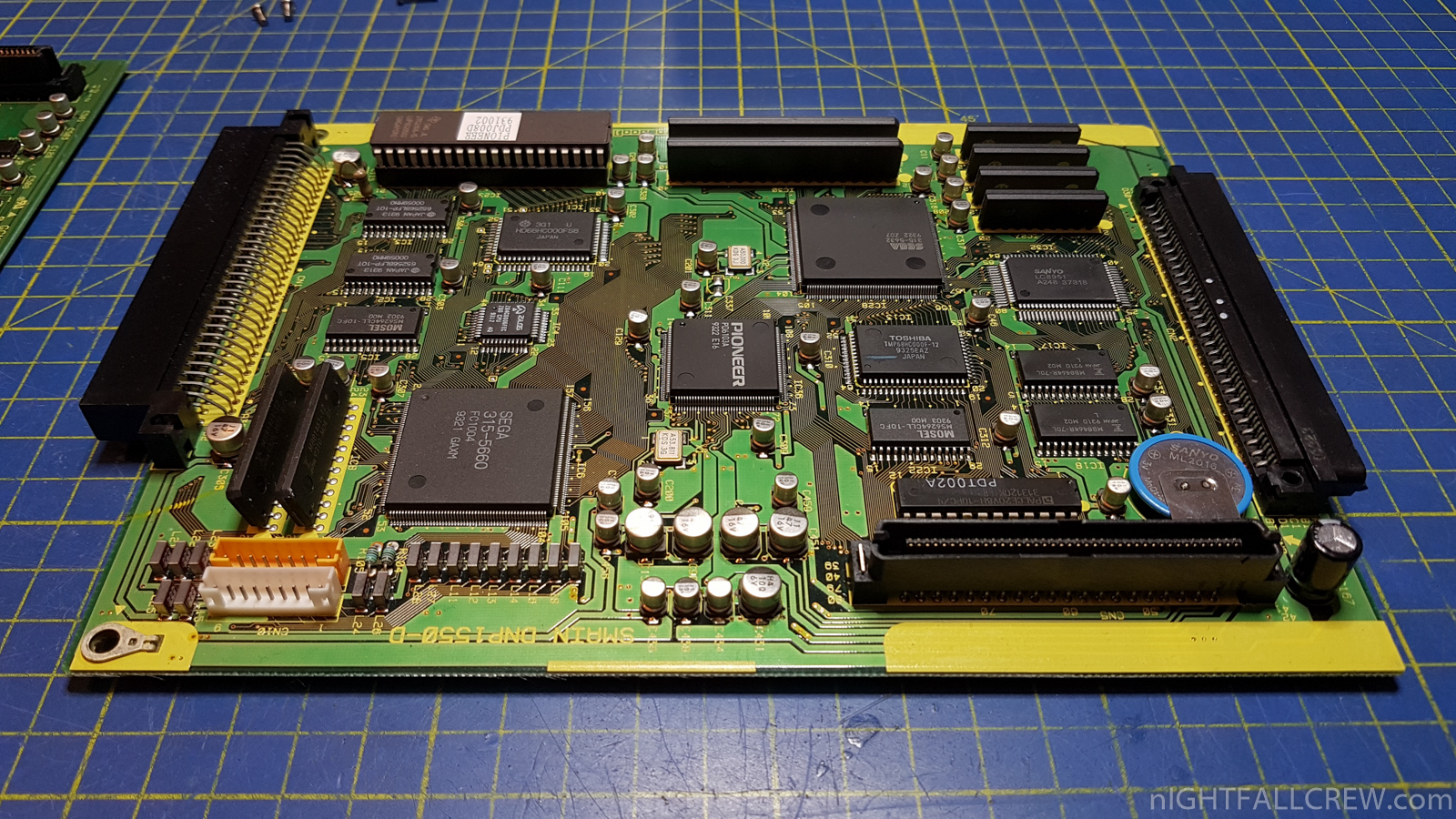
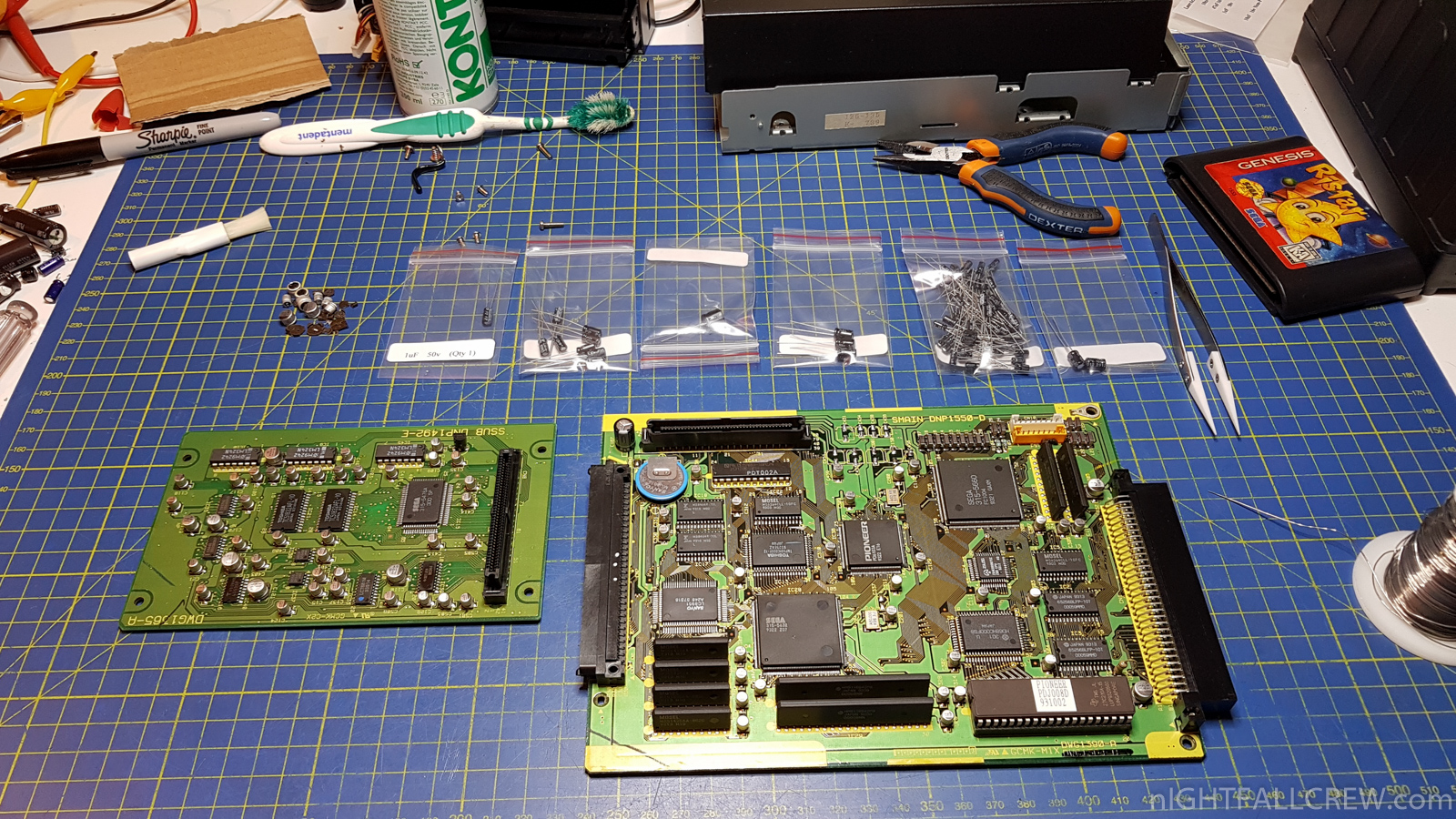
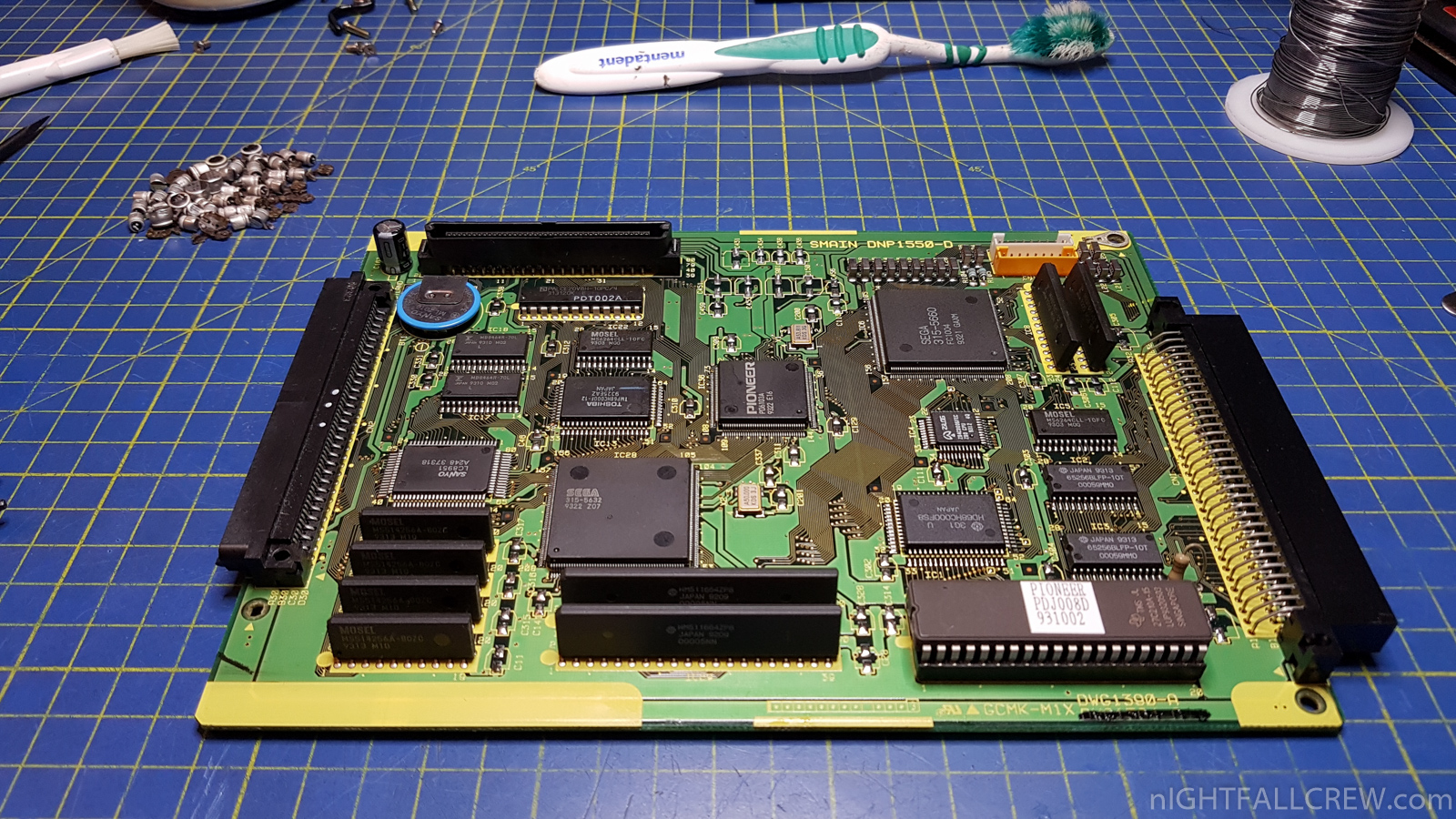
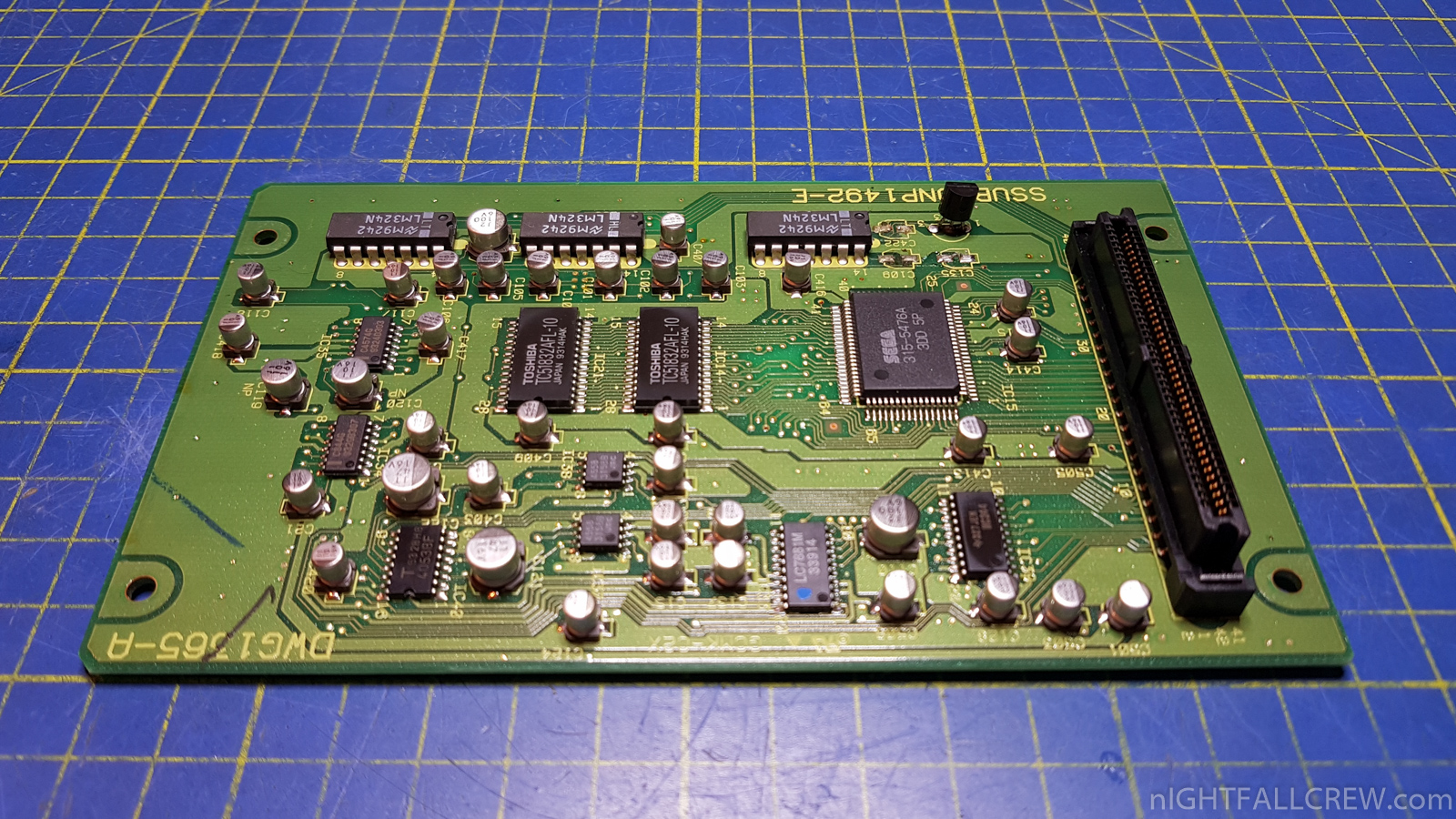
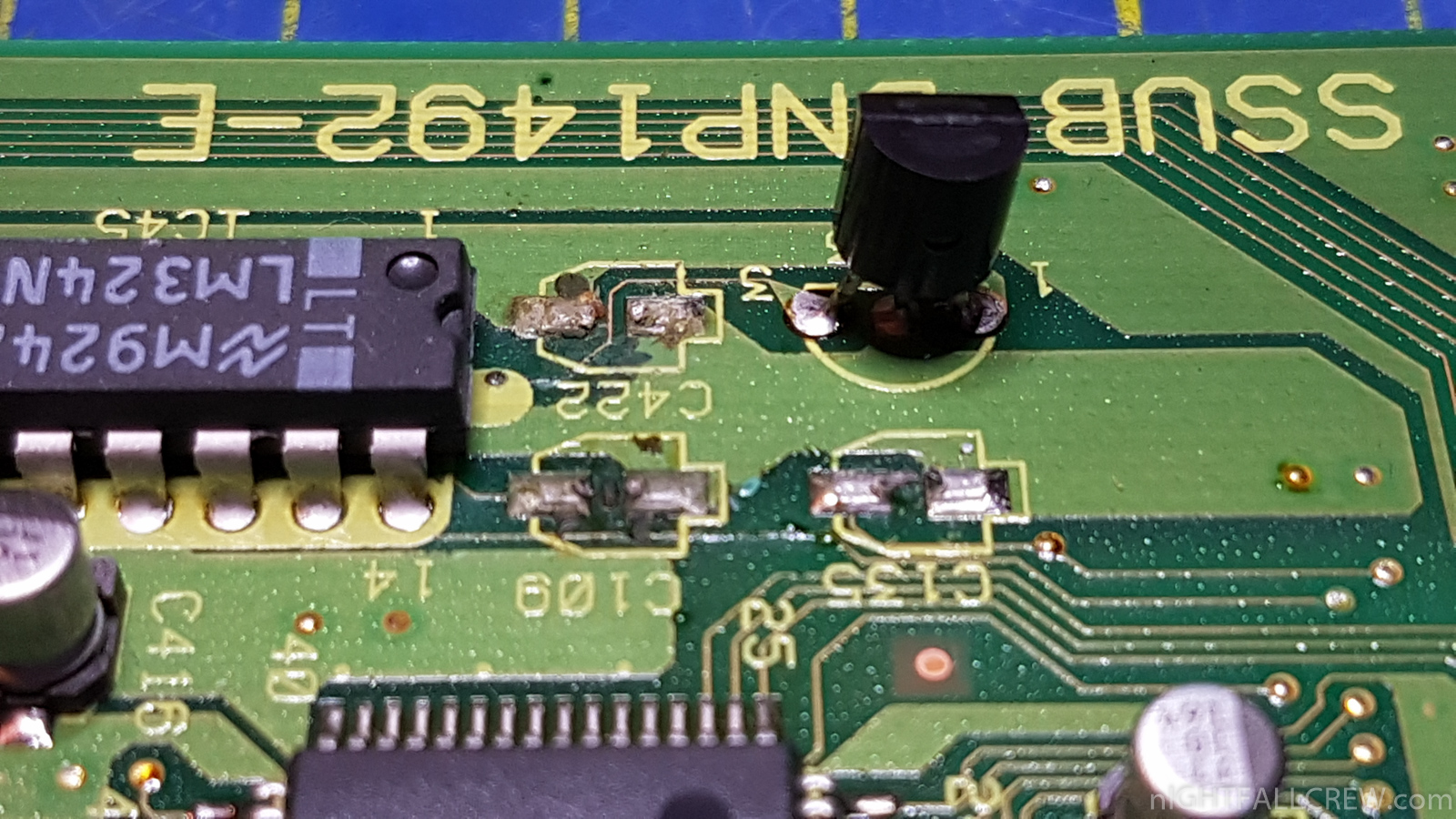
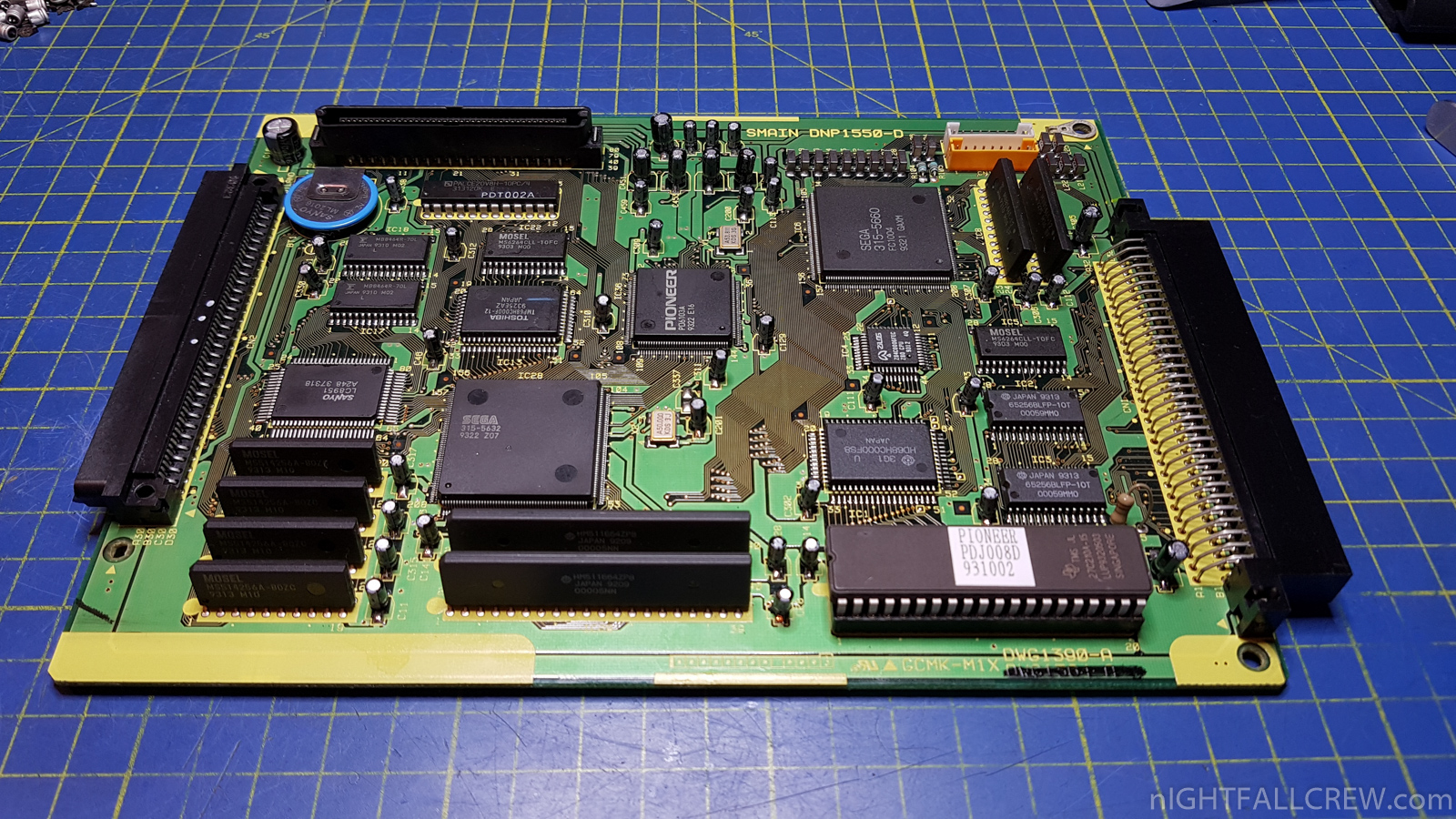
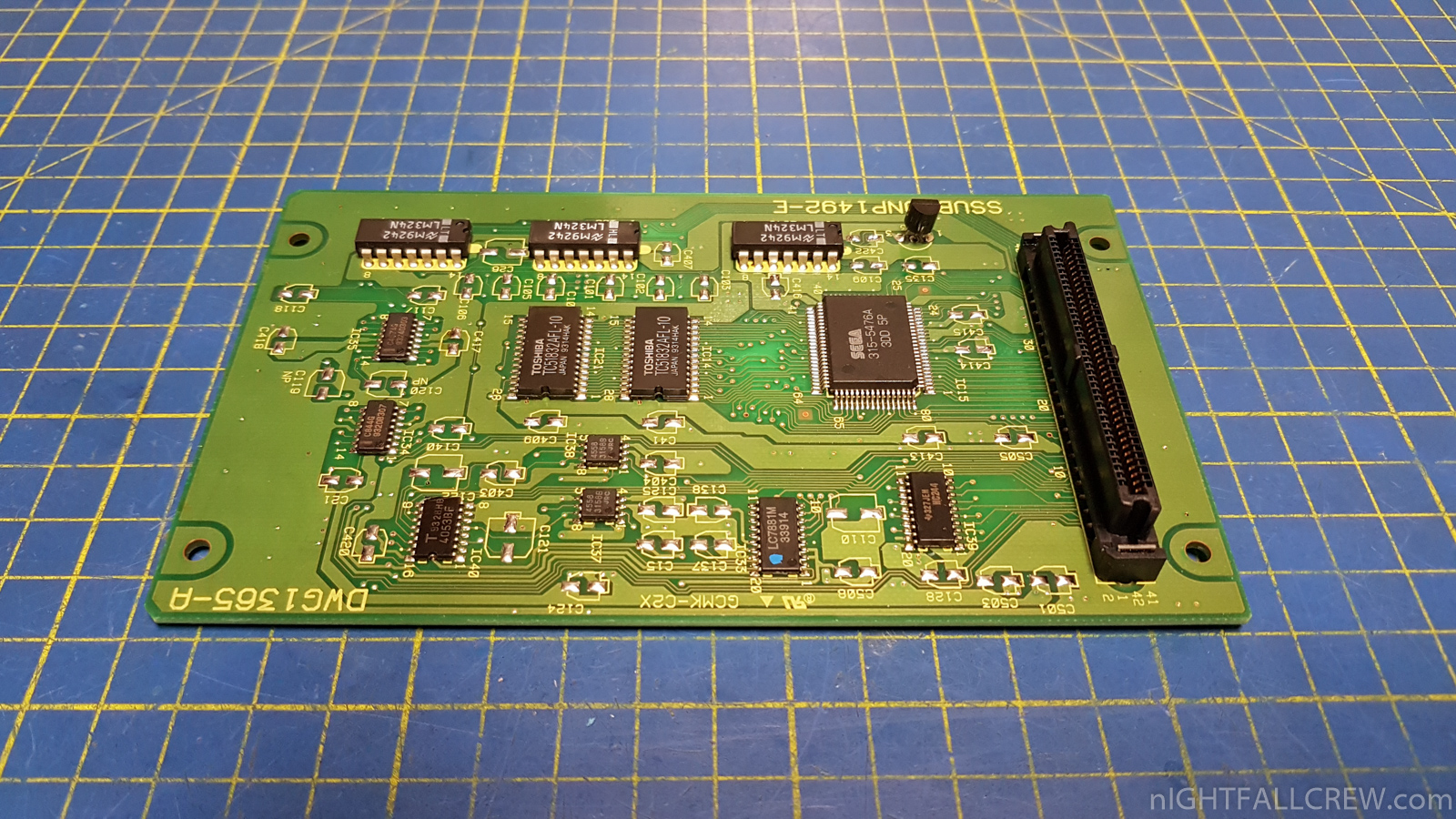
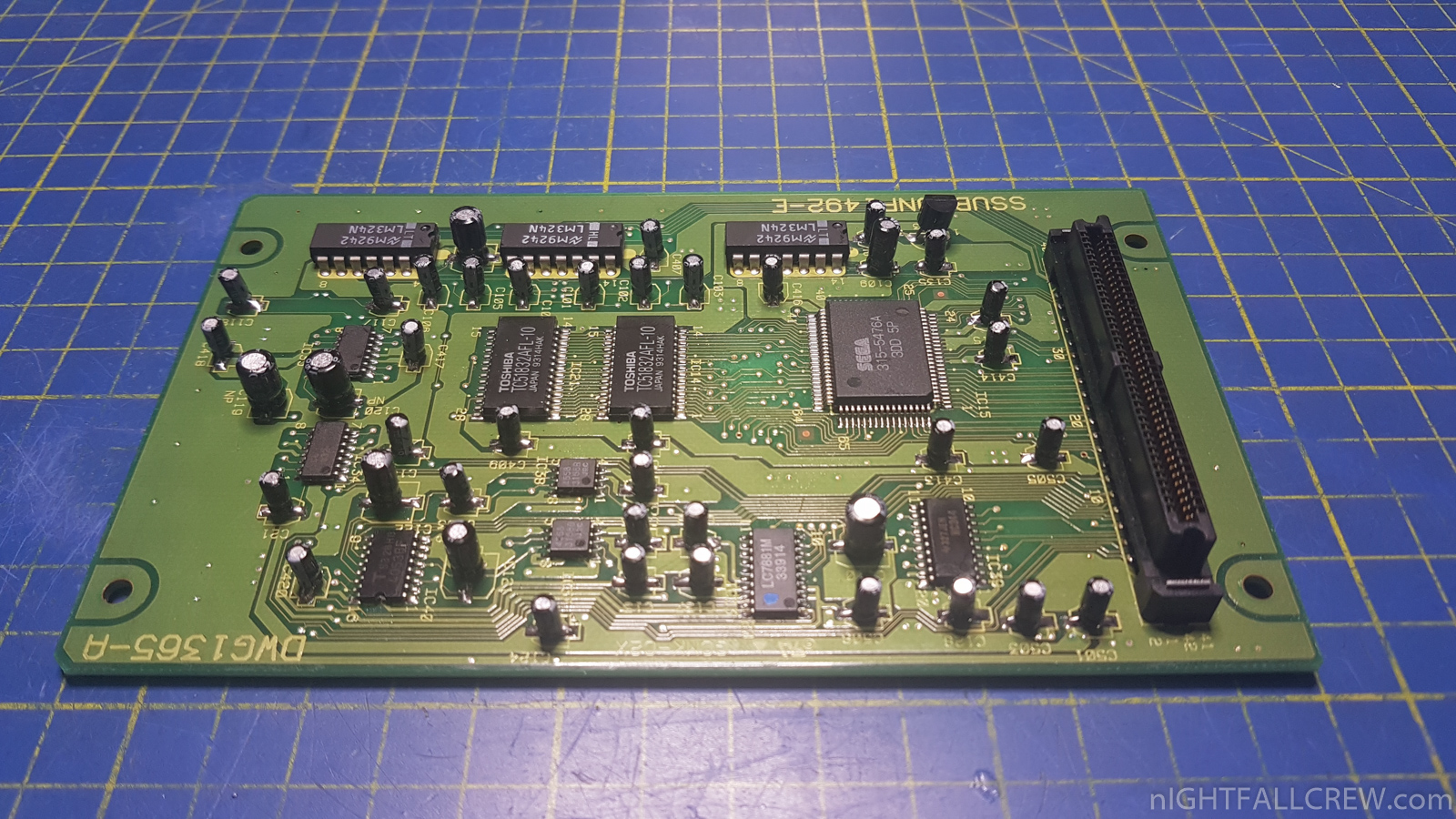
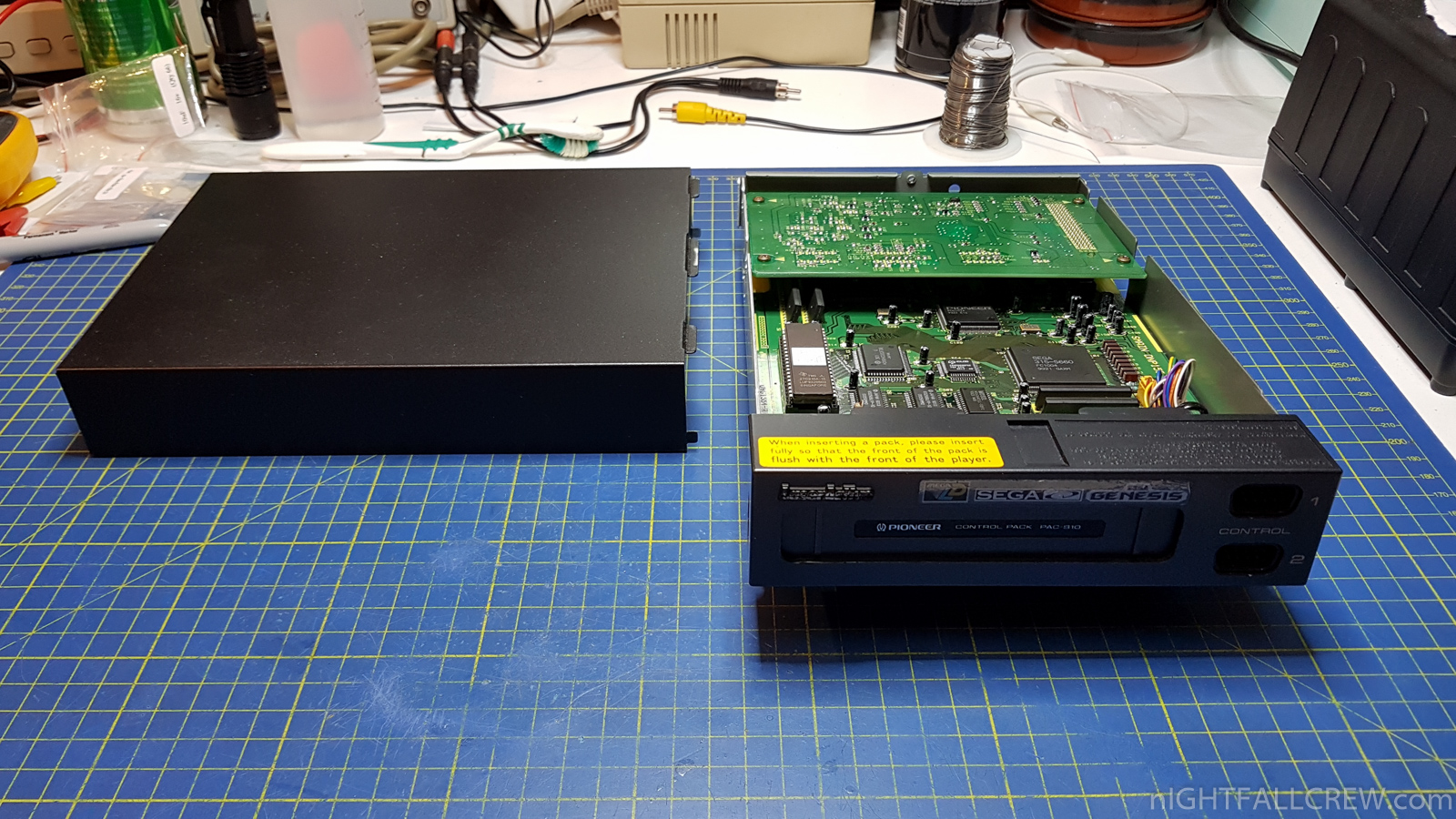
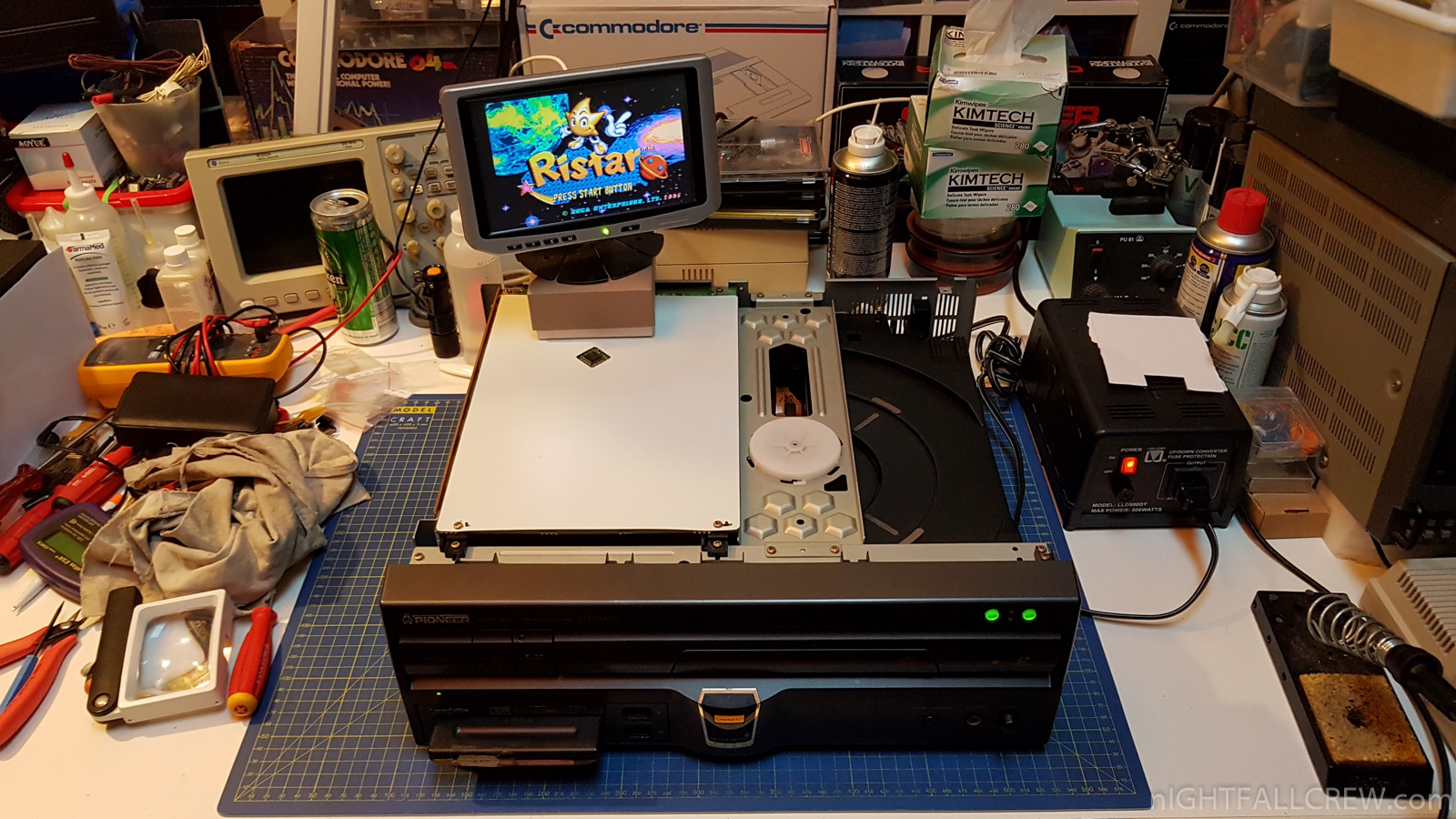
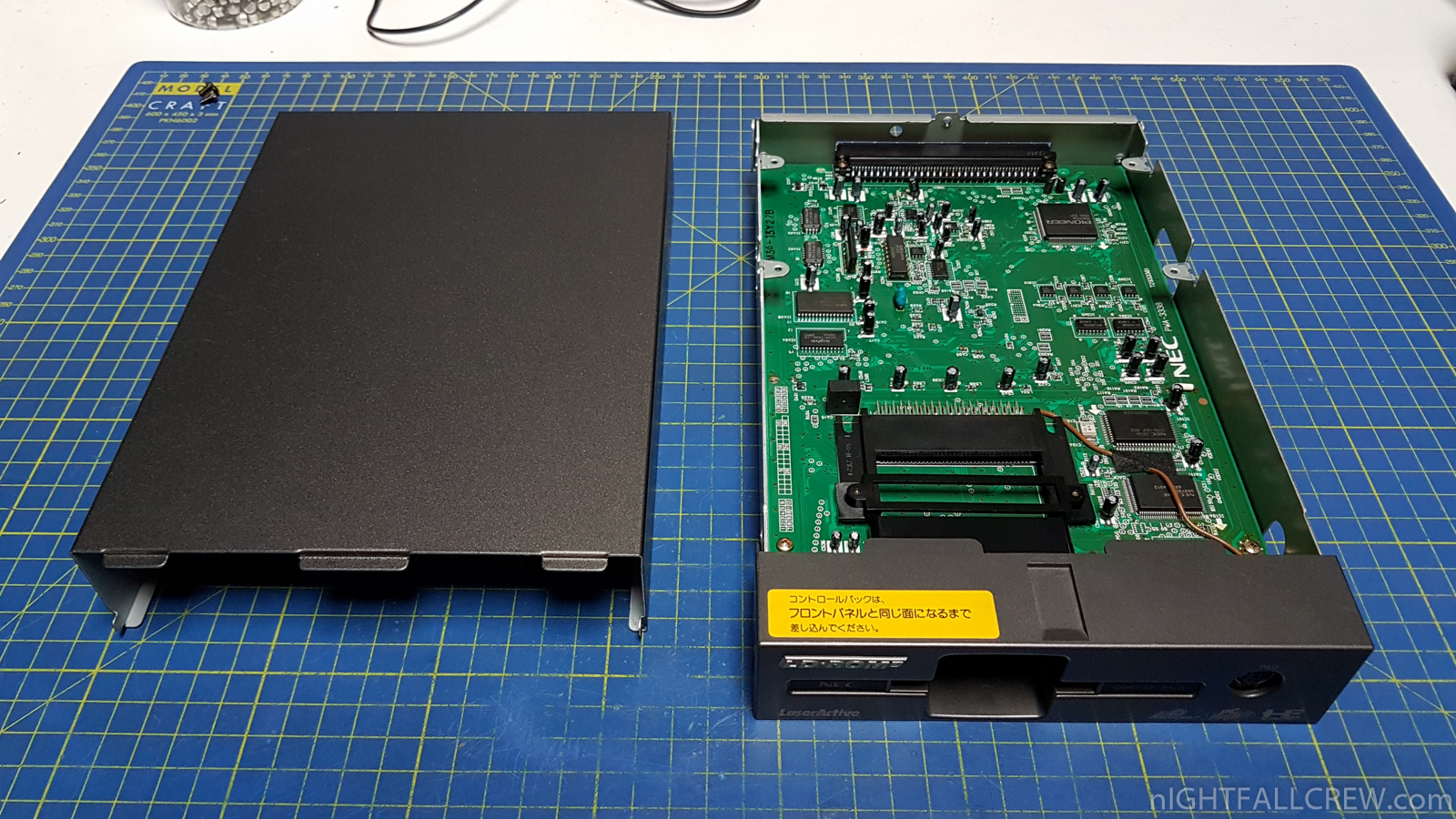
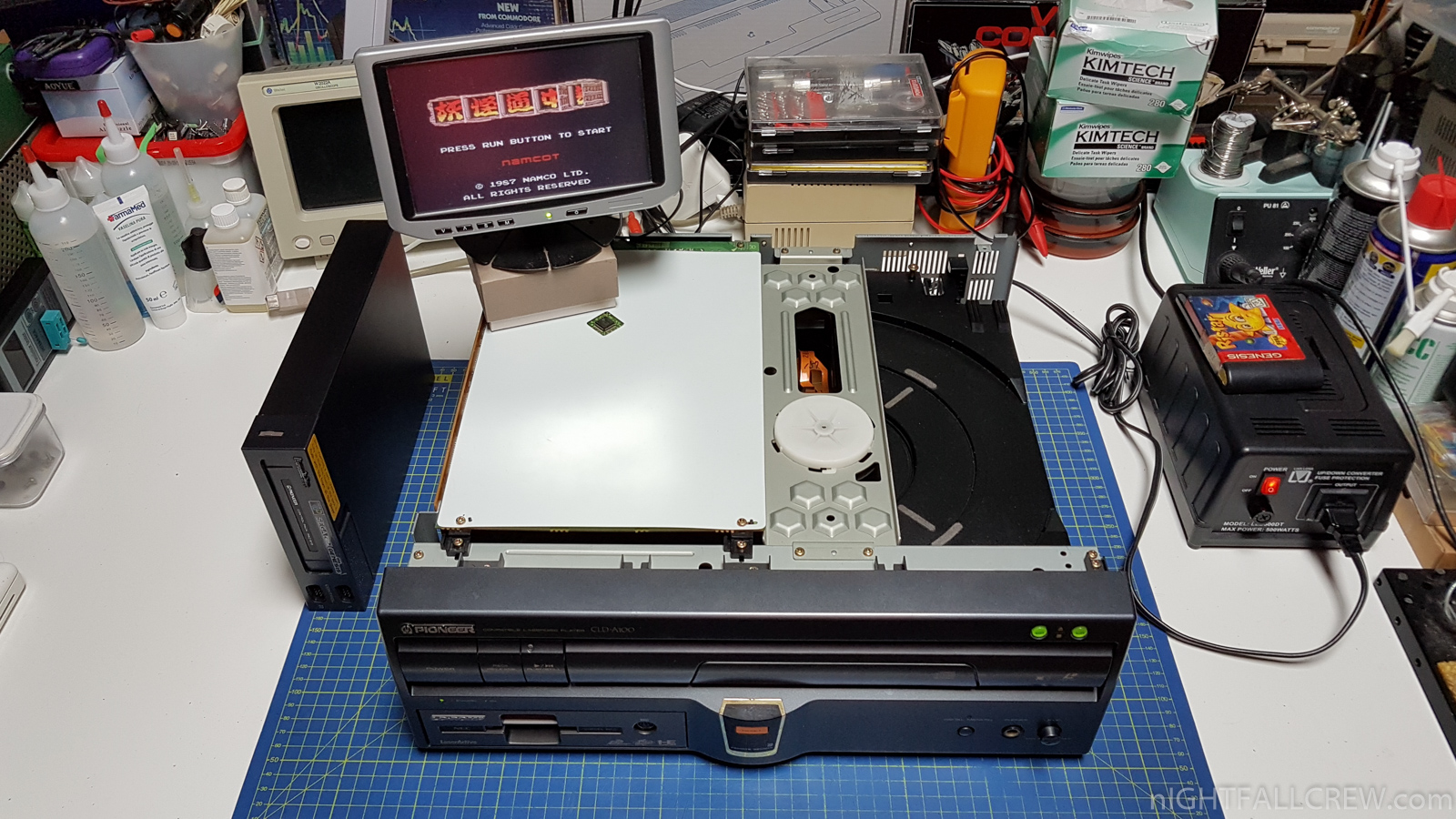
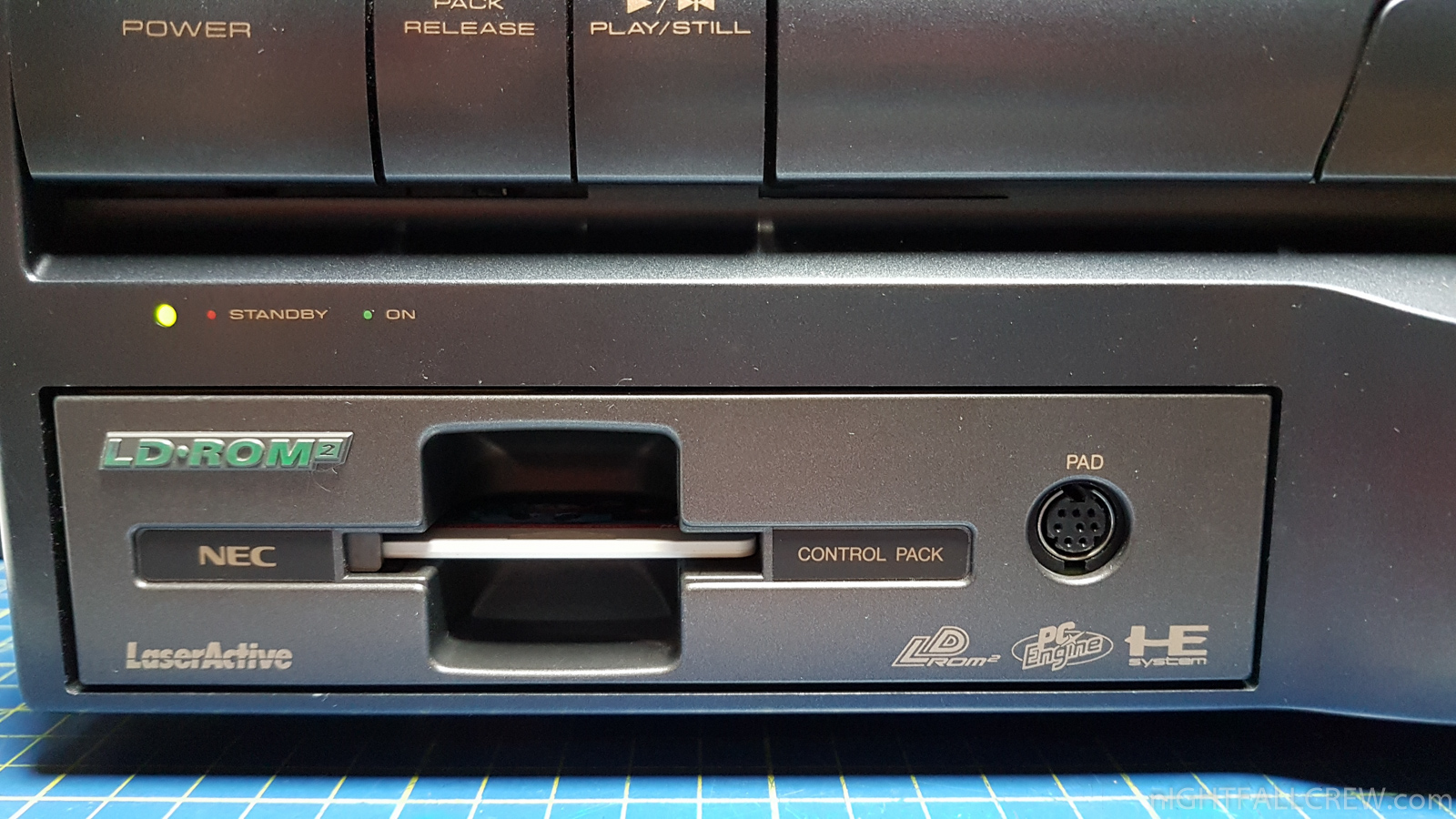
Pioneer LaserActive CLD-A100 – Repair/Recap & Modules full Recap.
Defects:
- The Game cartridges on the Sega Genesis Module do not work but the games on CD-ROM work correctly.
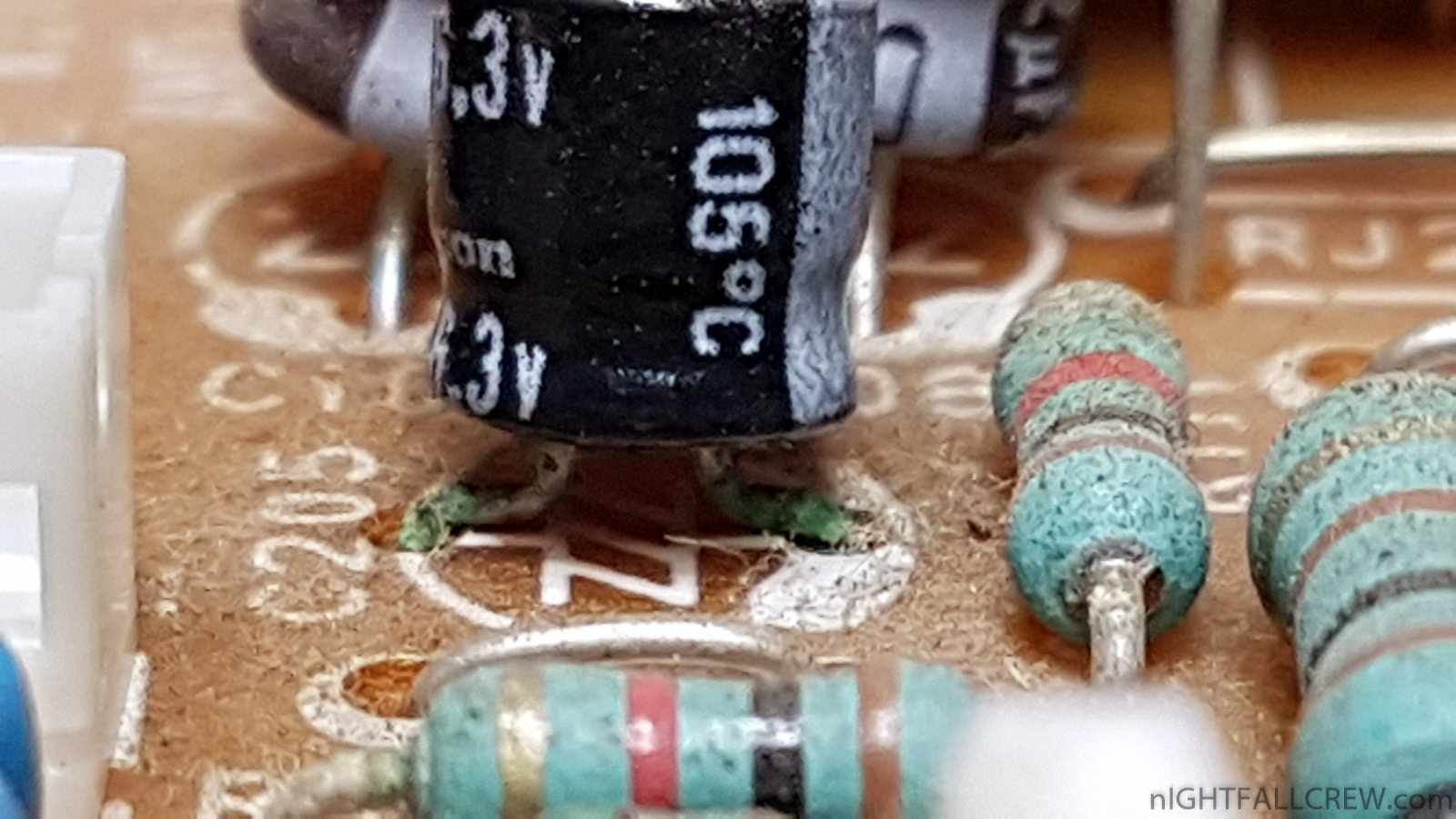
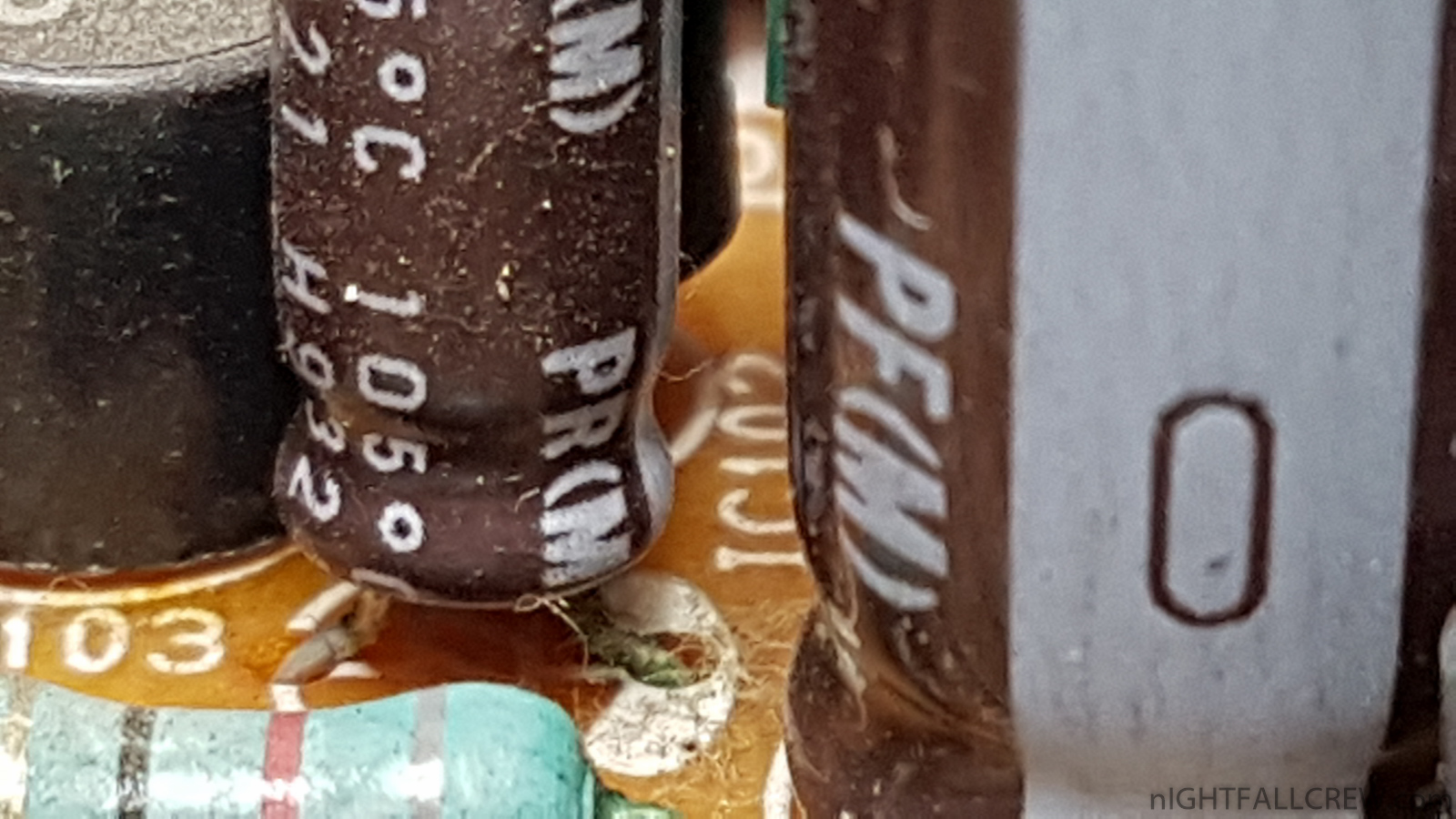
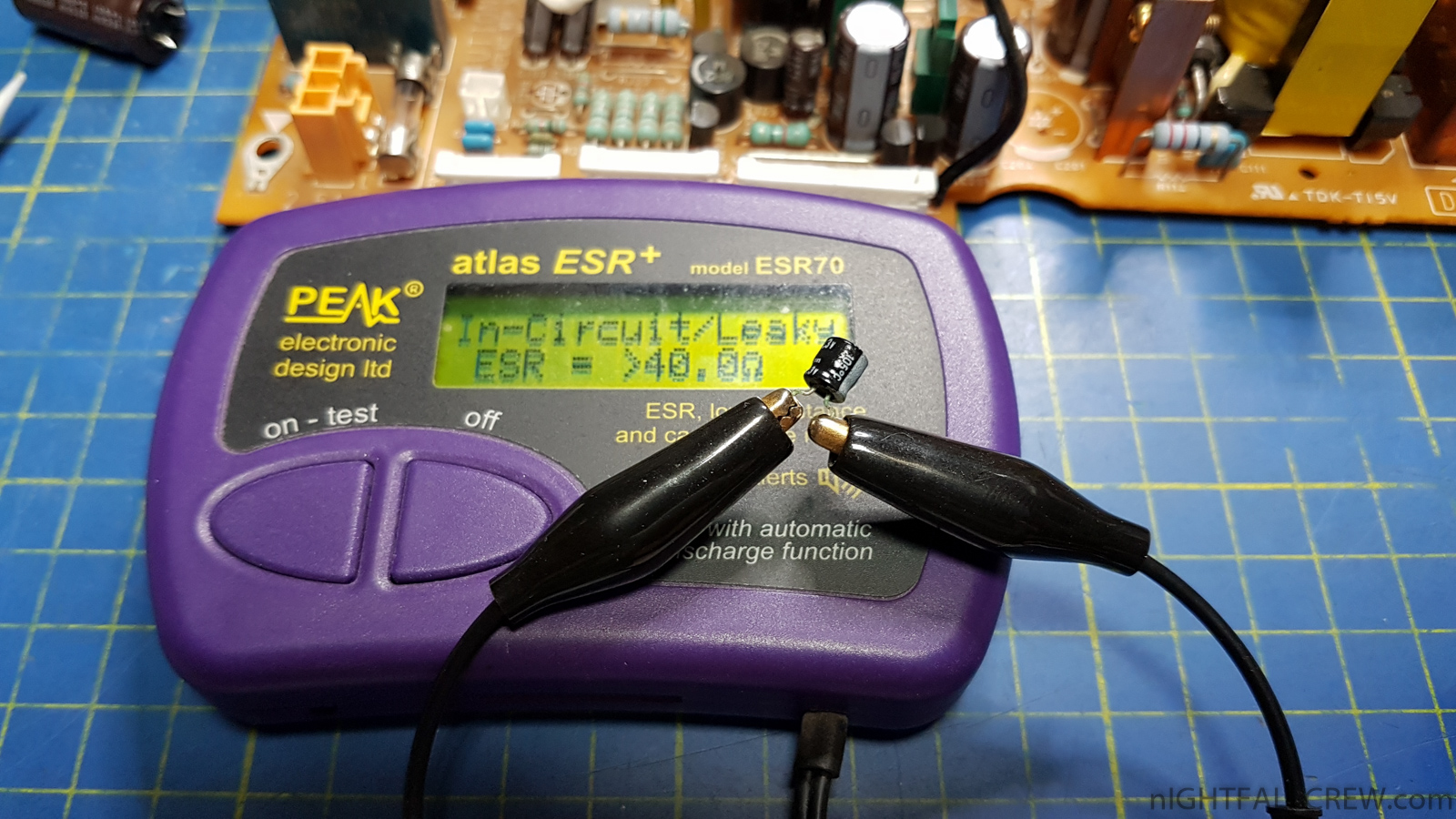
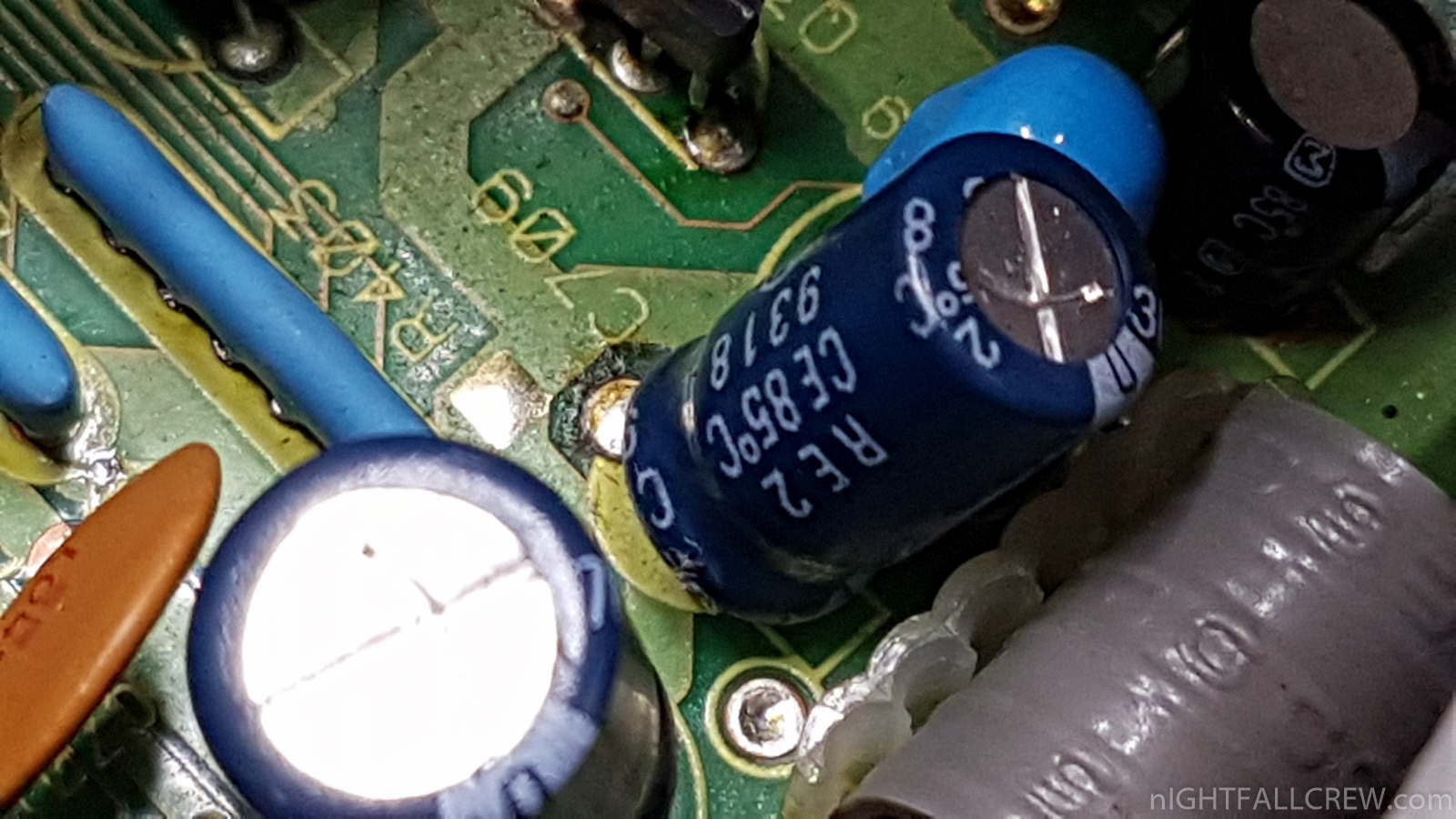
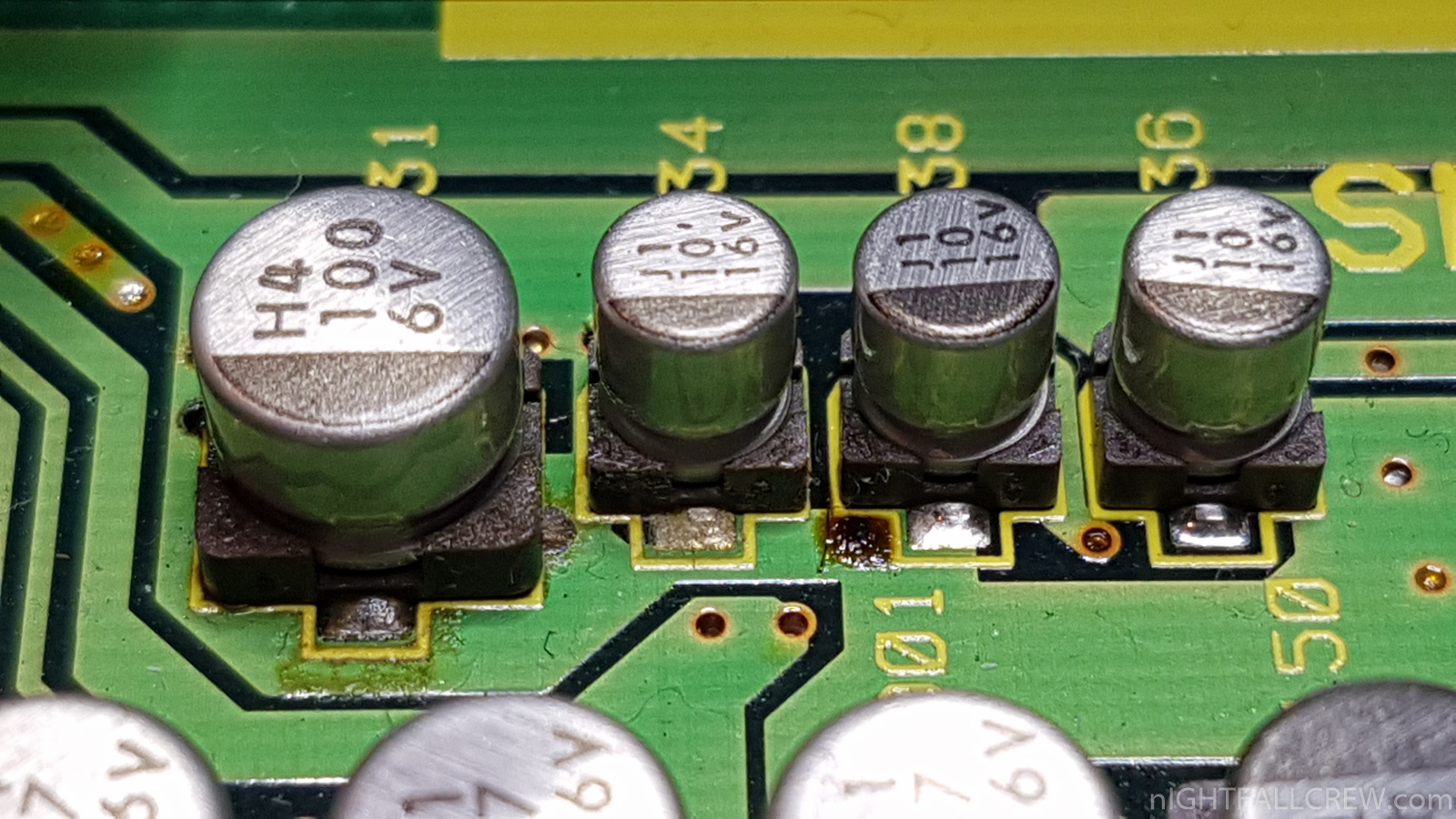
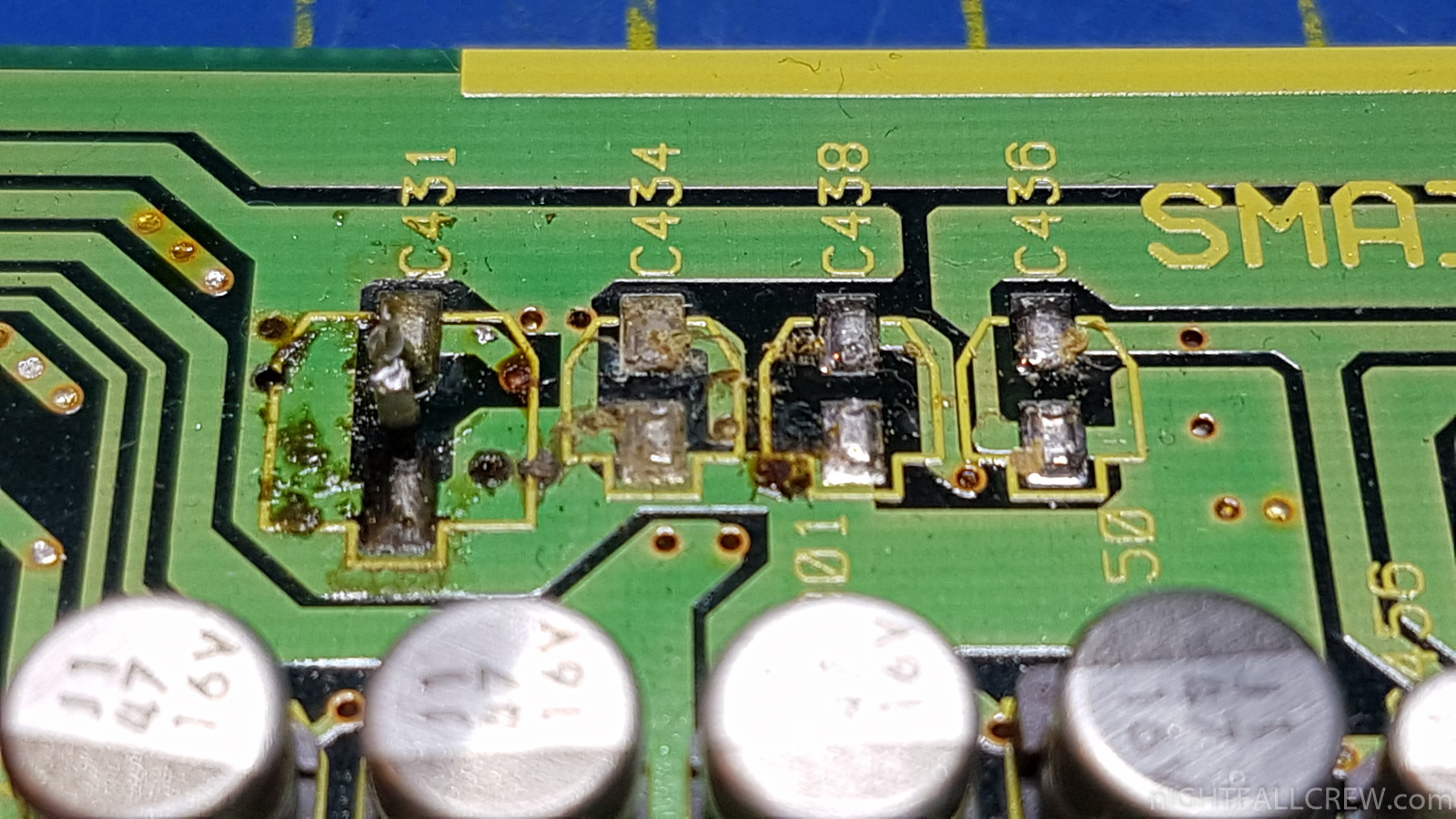
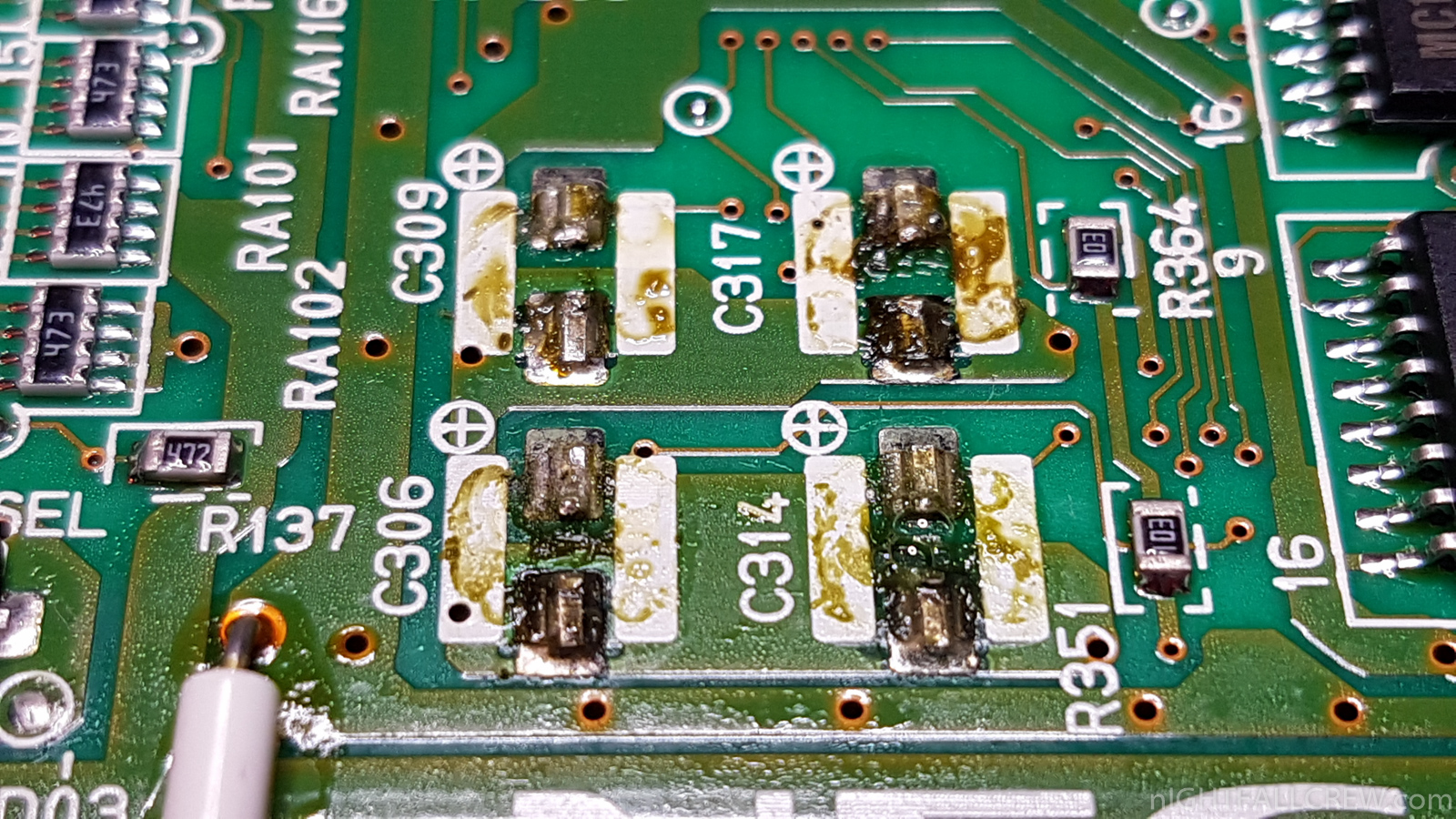
- The INTF Ass’y Interface has some leakage capacitors and in short circuit.
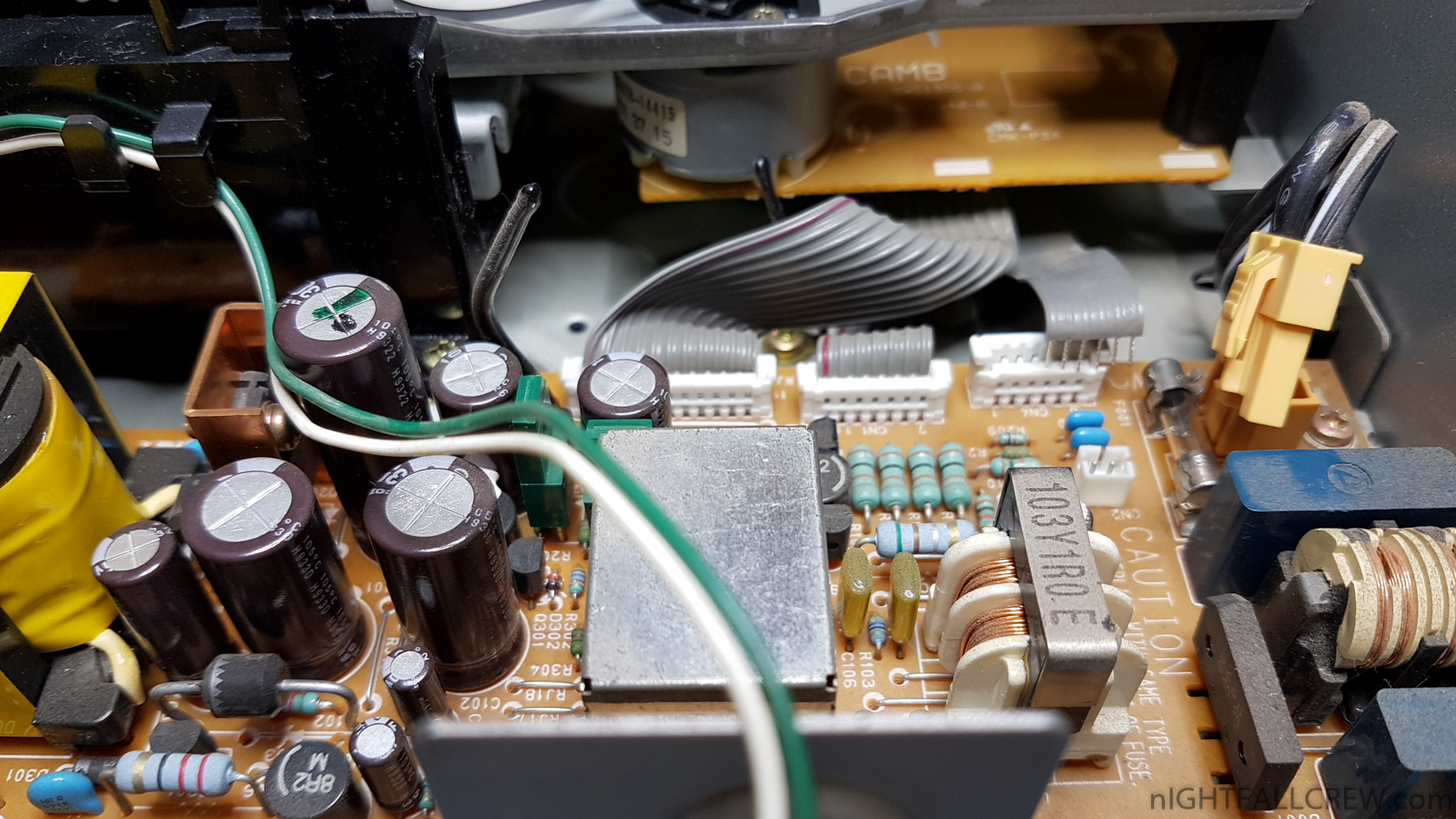
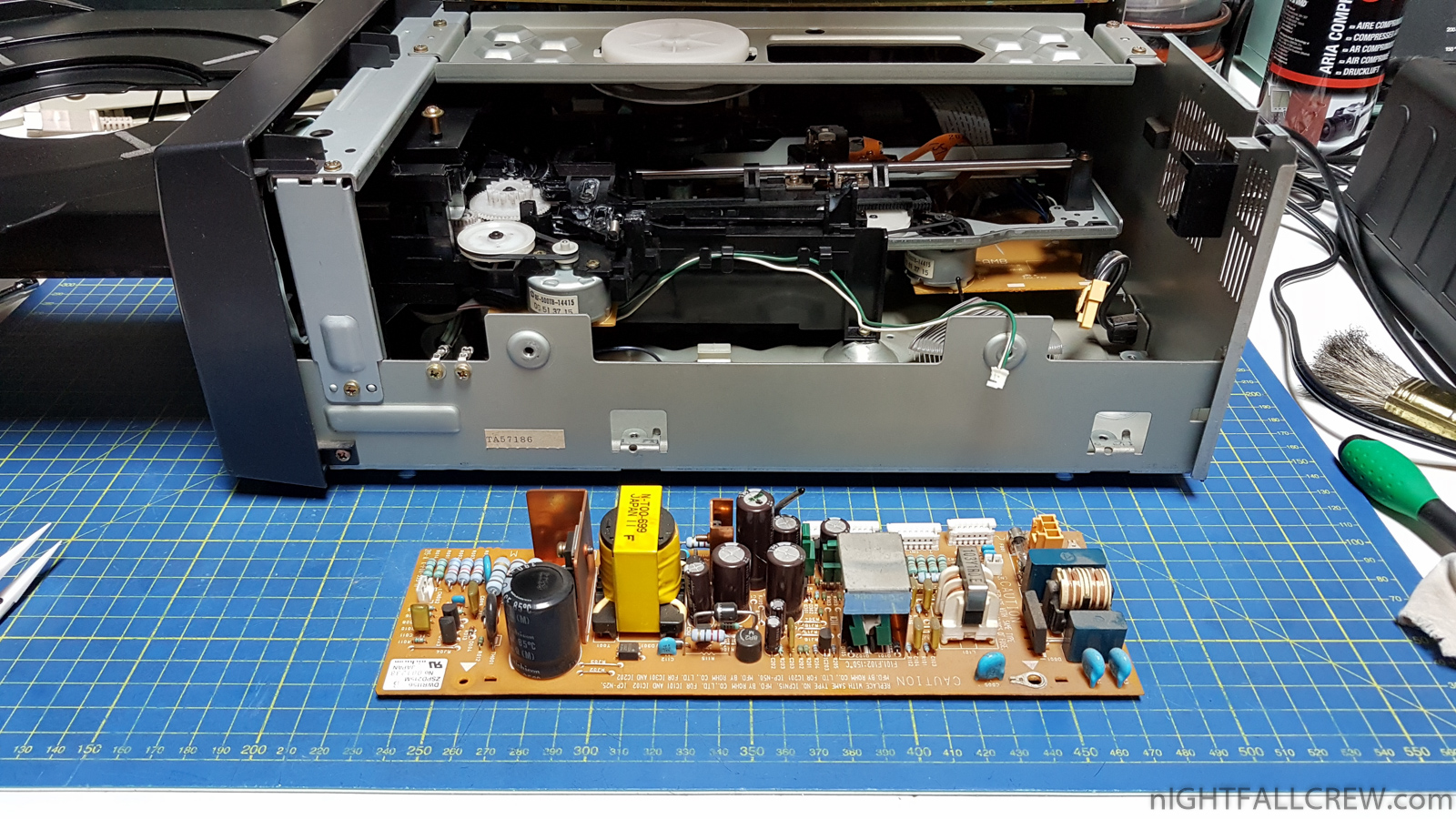
- The PSU has some leakage capacitors and in short circuit.
- Solder joint jumped out on the three connectors that connect the two horizzonal/vertical motherboards.
- Some cold solder on the power stage.
Works that have been done:
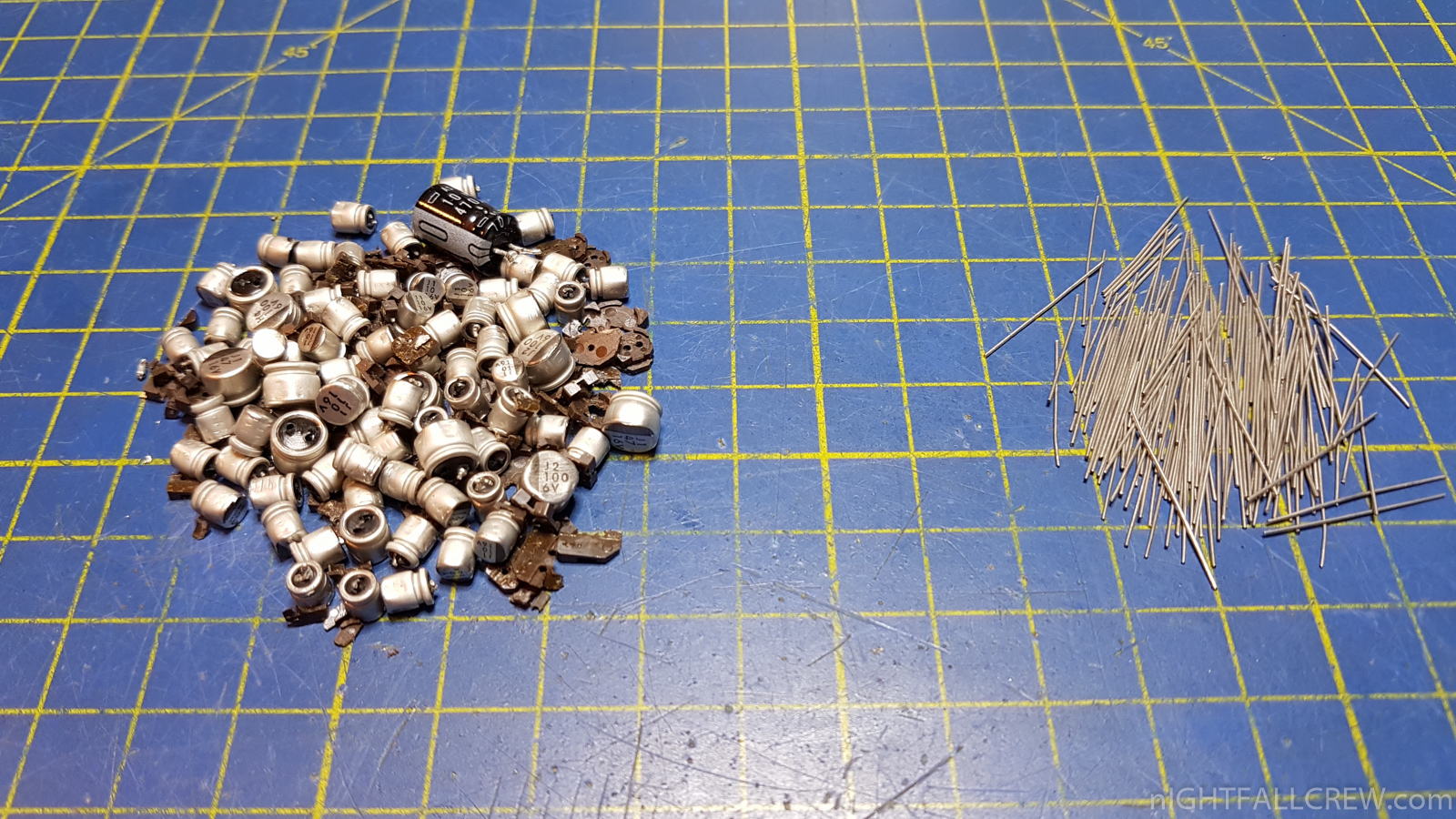
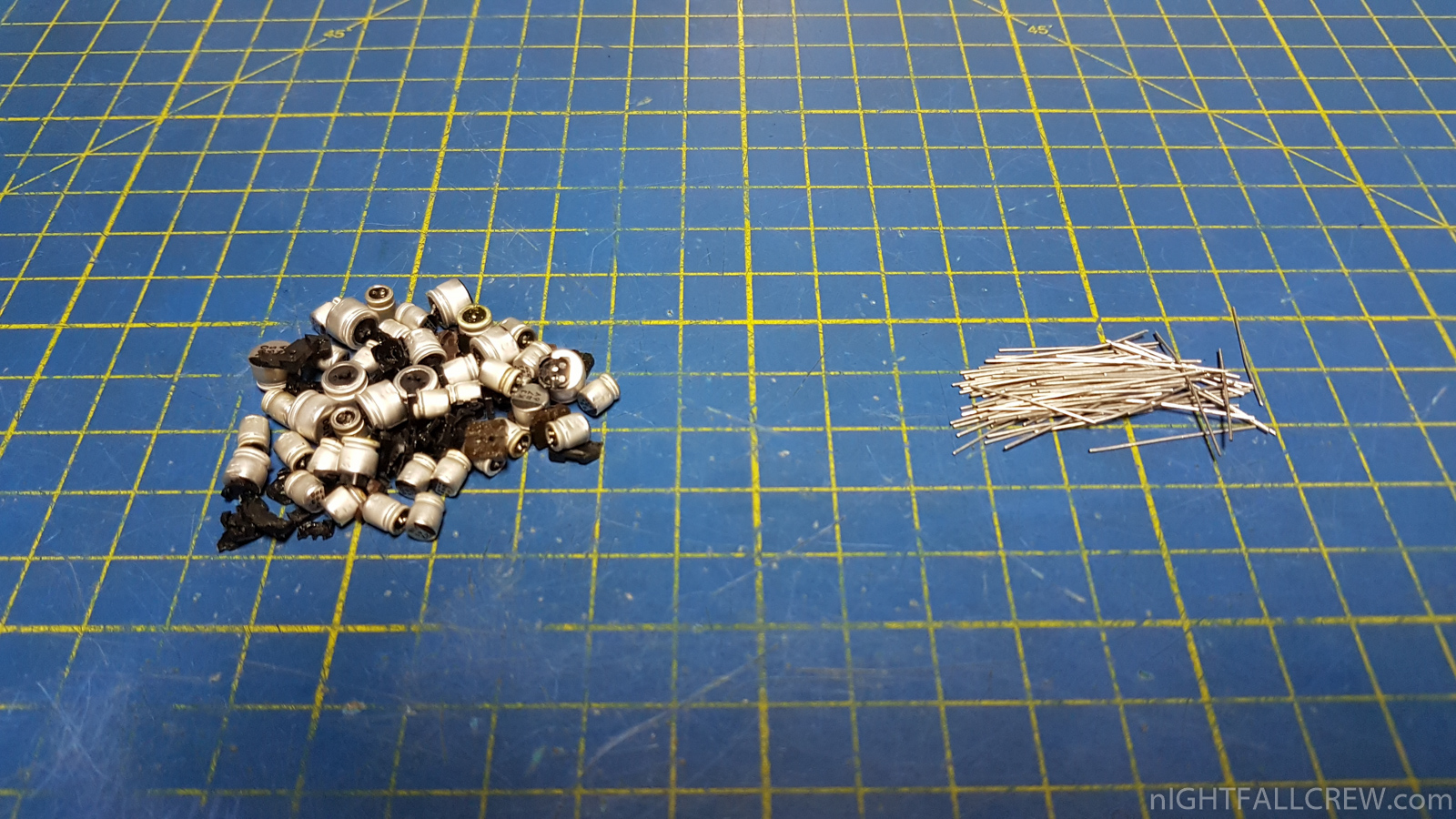
- Cleaning and Full Recap PSU.
- Cleaning and Full Recap Sega Genesis/Sega CD PAC-S10 Module.
- Cleaning and Full Recap Nec PC Engine PAC-N1/N1 Module.
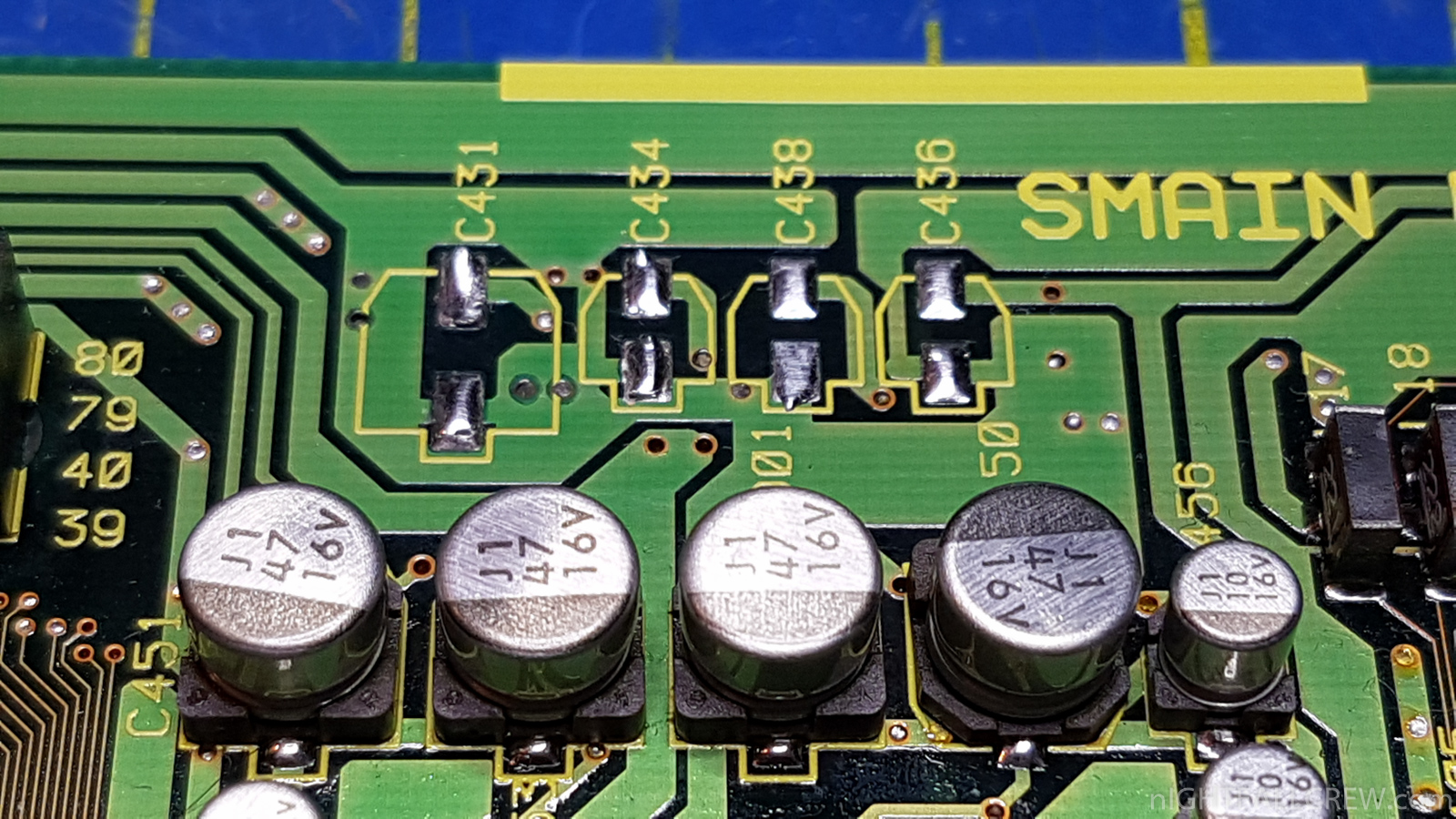
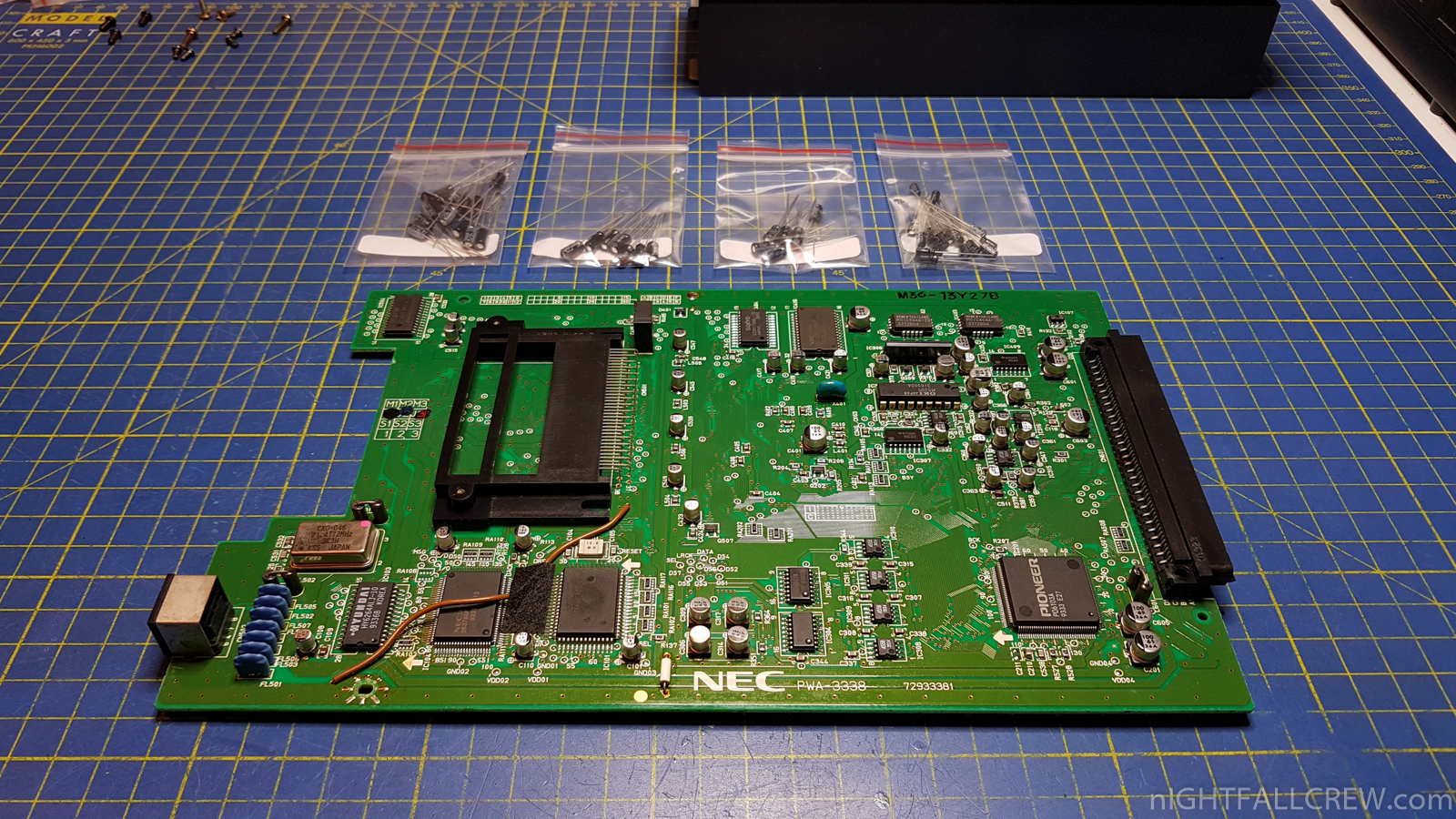
- Cleaning and Recap INTF Ass’y Interface.
- Rebuilding PADs of the two pcb connectors.
- Rebuilding cold solder joint on the power stage.
Pioneer LaserActive CLD-A100 Gallery:
Sega Genesis/Sega CD PAC-S10 Module Gallery:
Nec PC Engine PAC-N1/N1 Module Gallery:
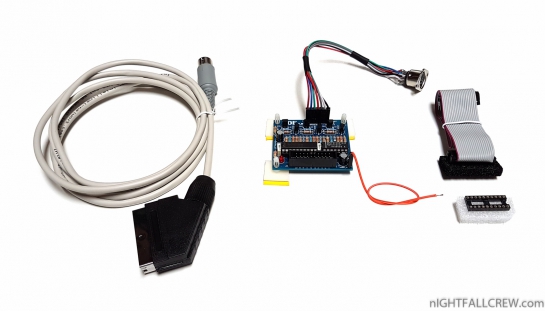
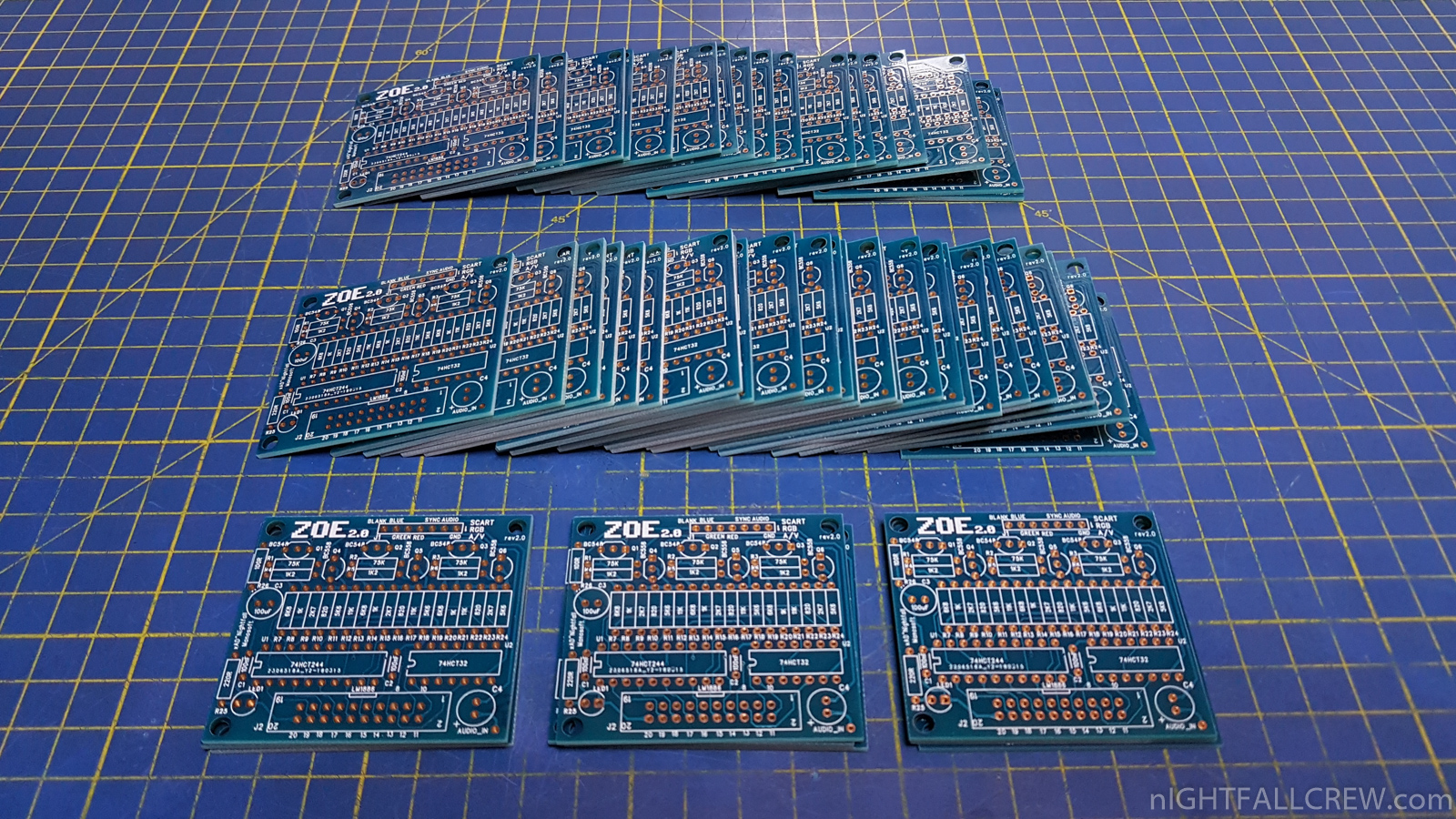
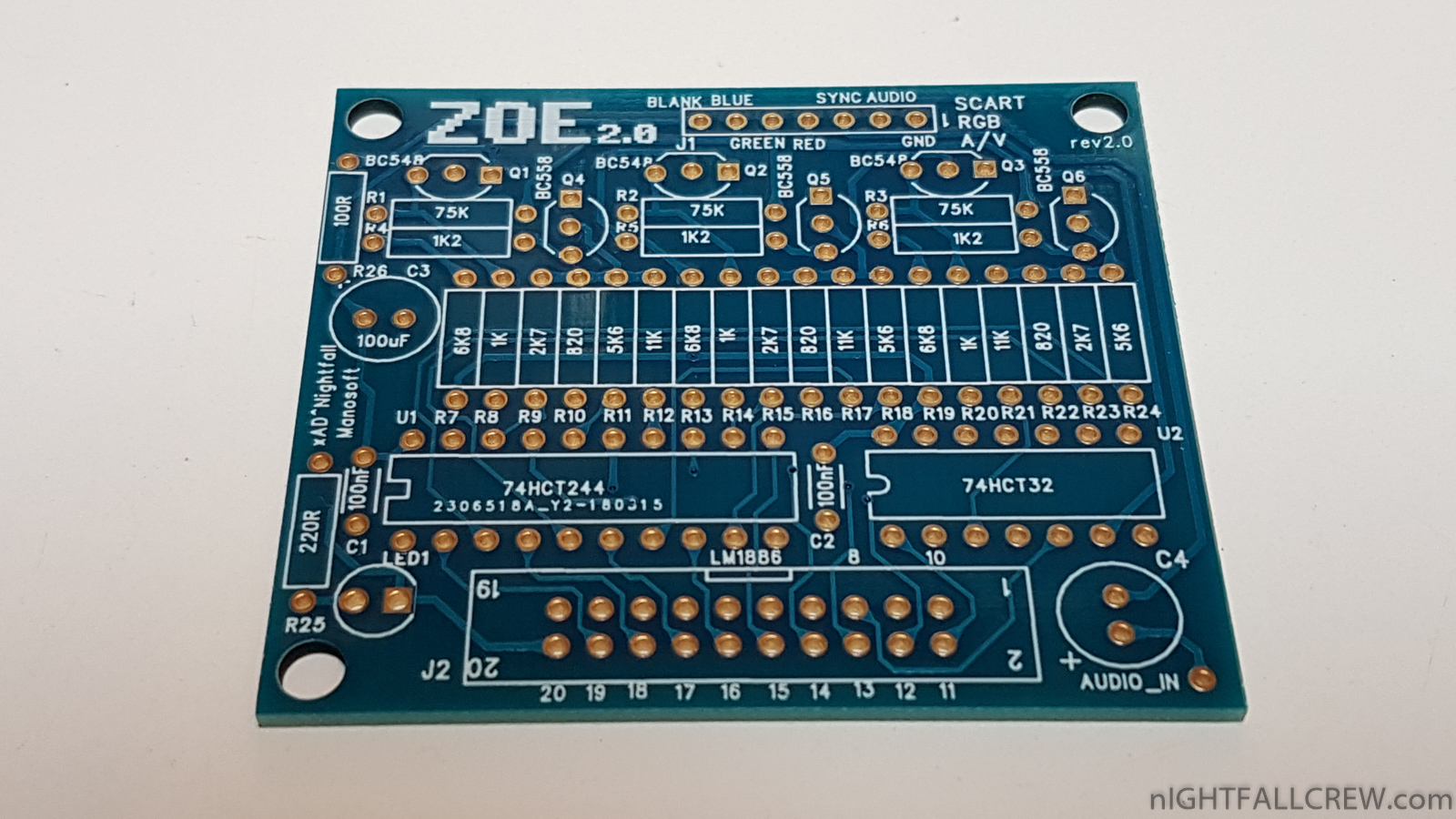
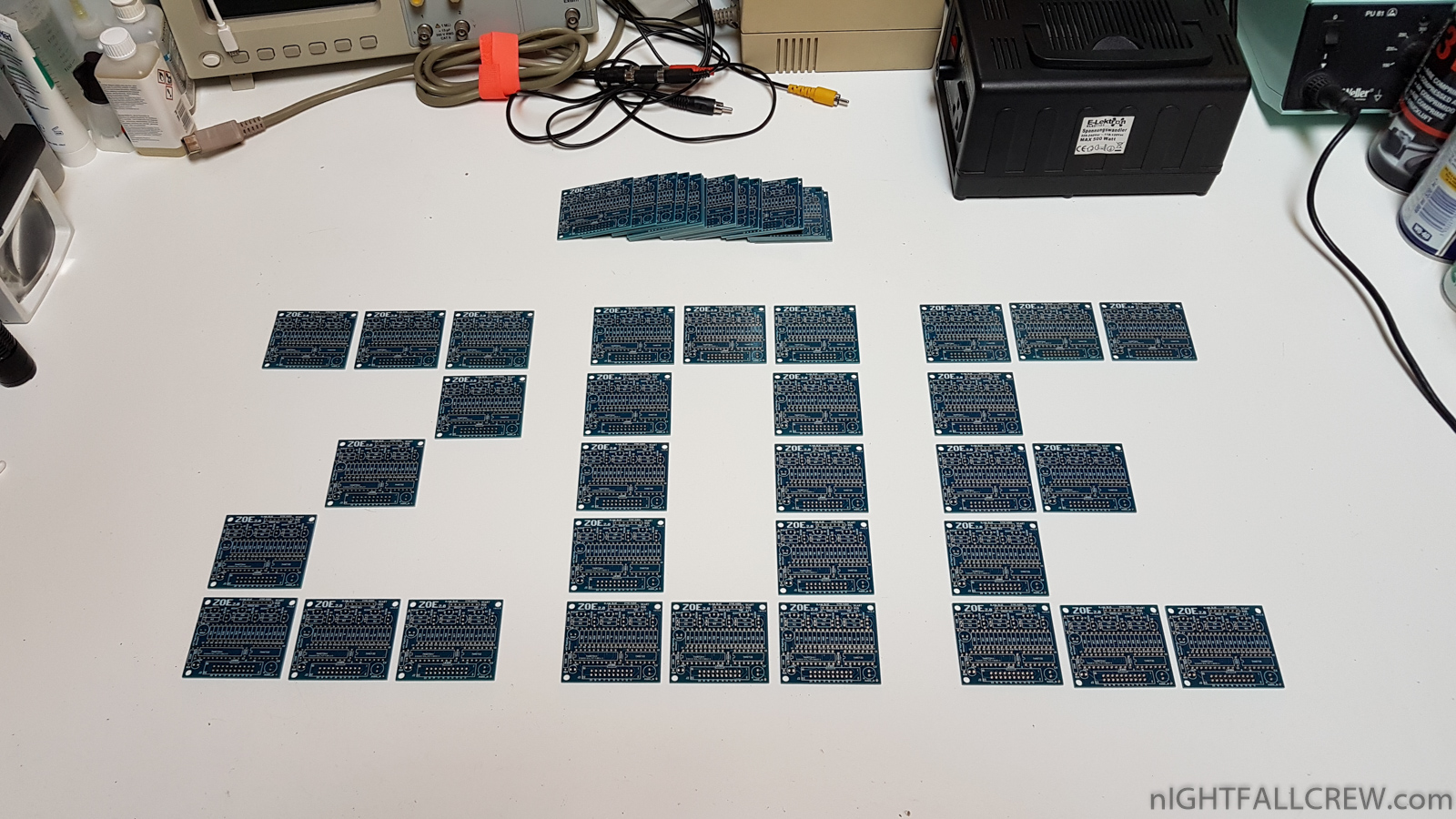
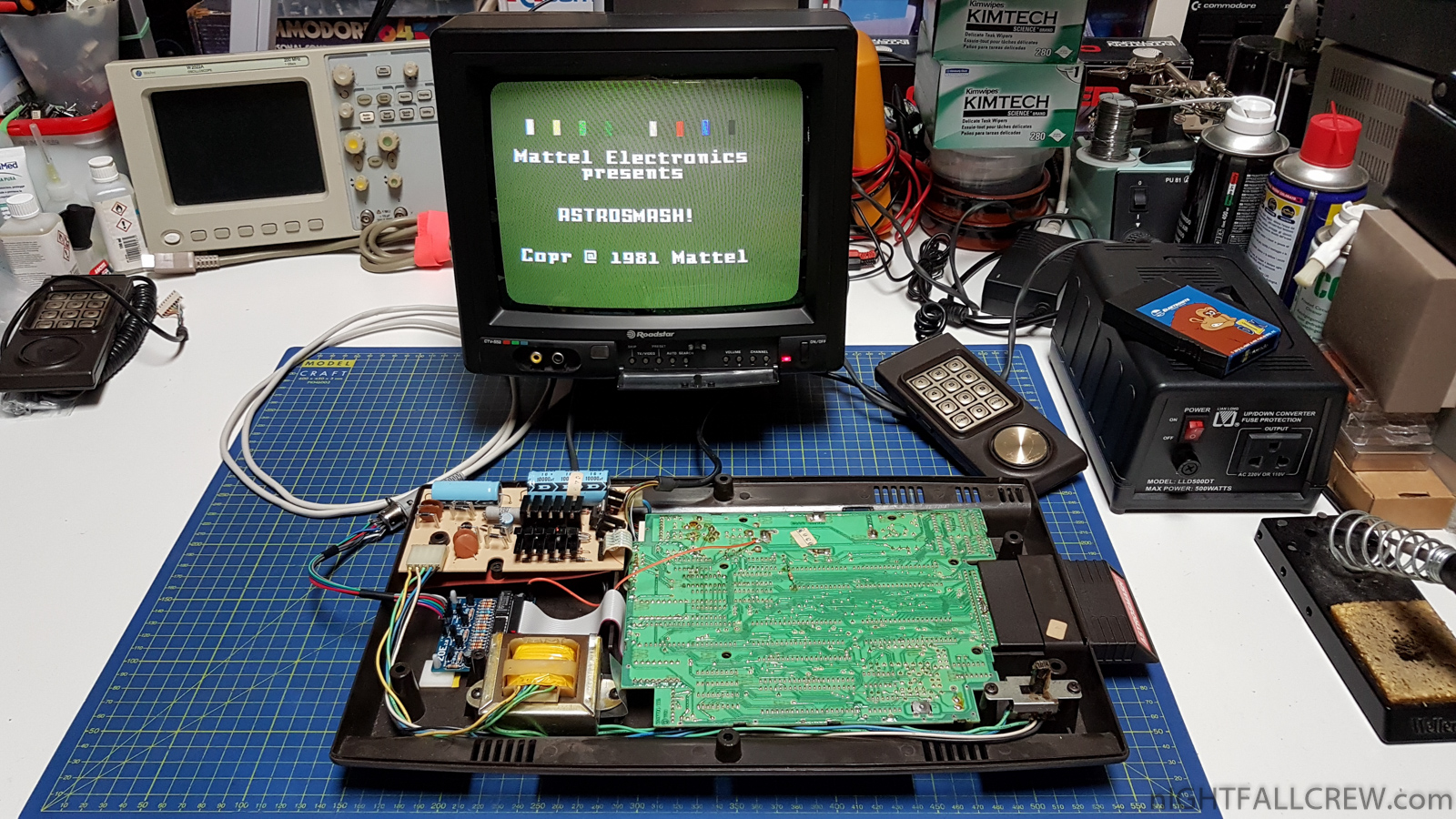
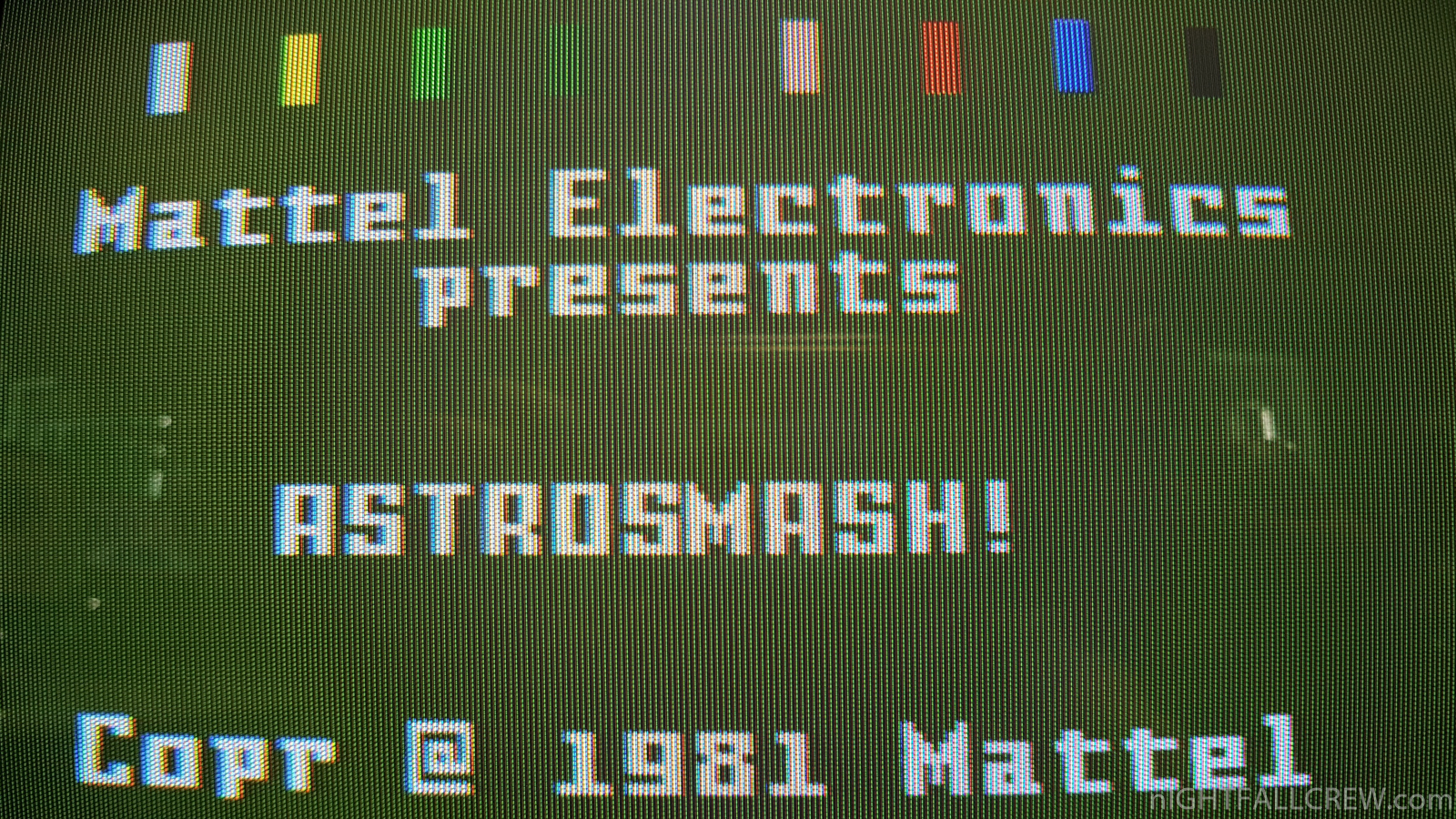
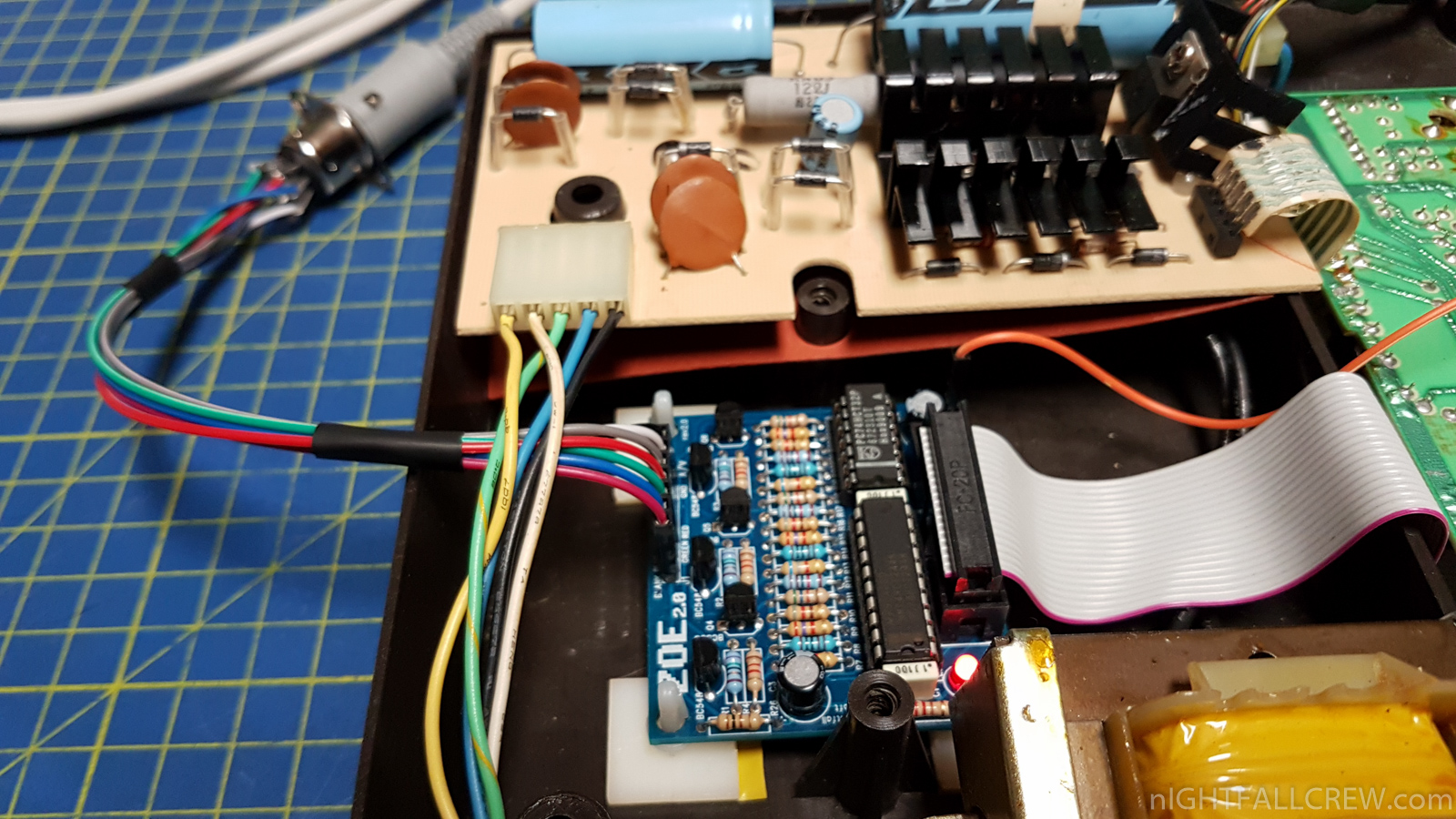
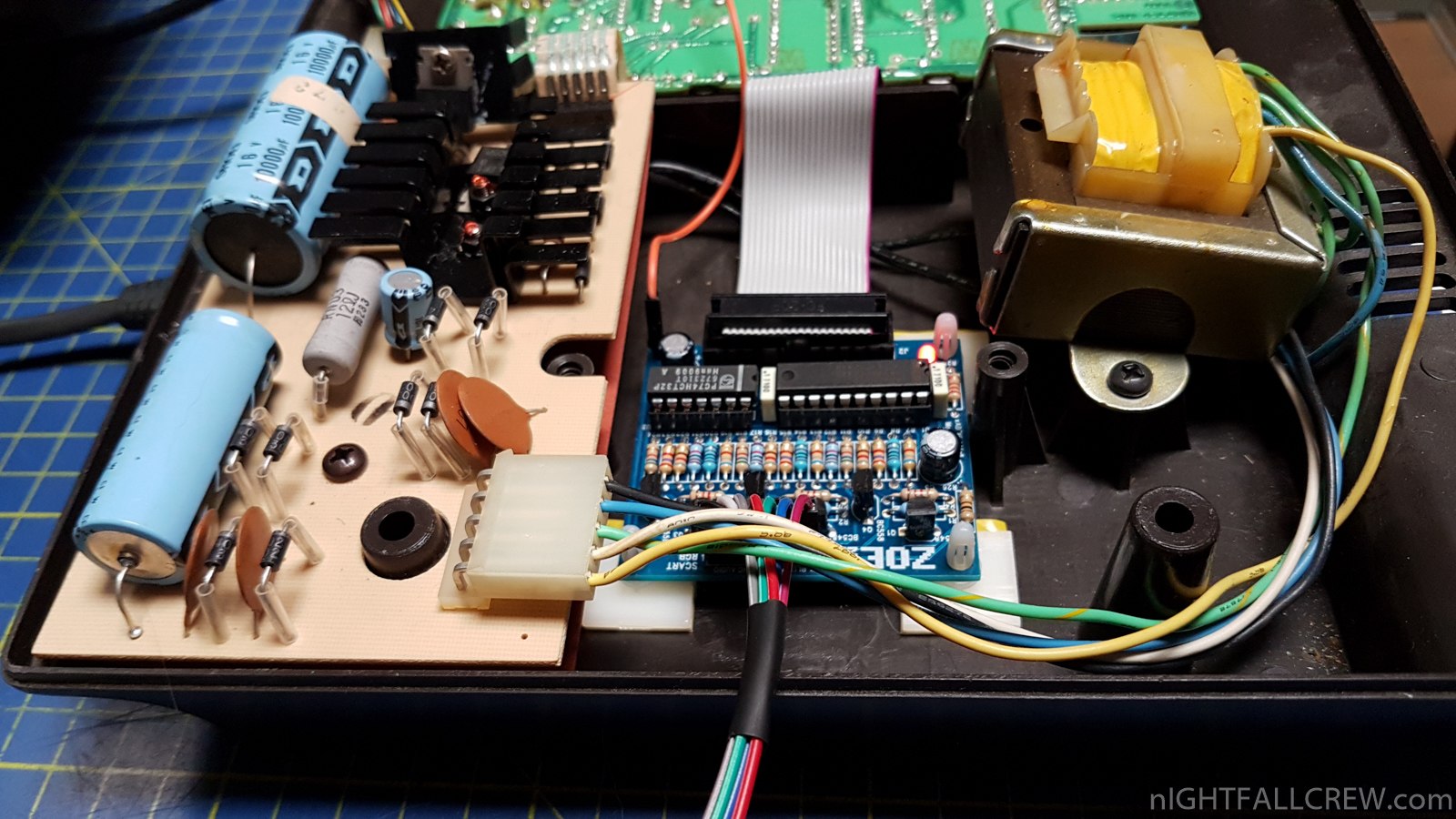
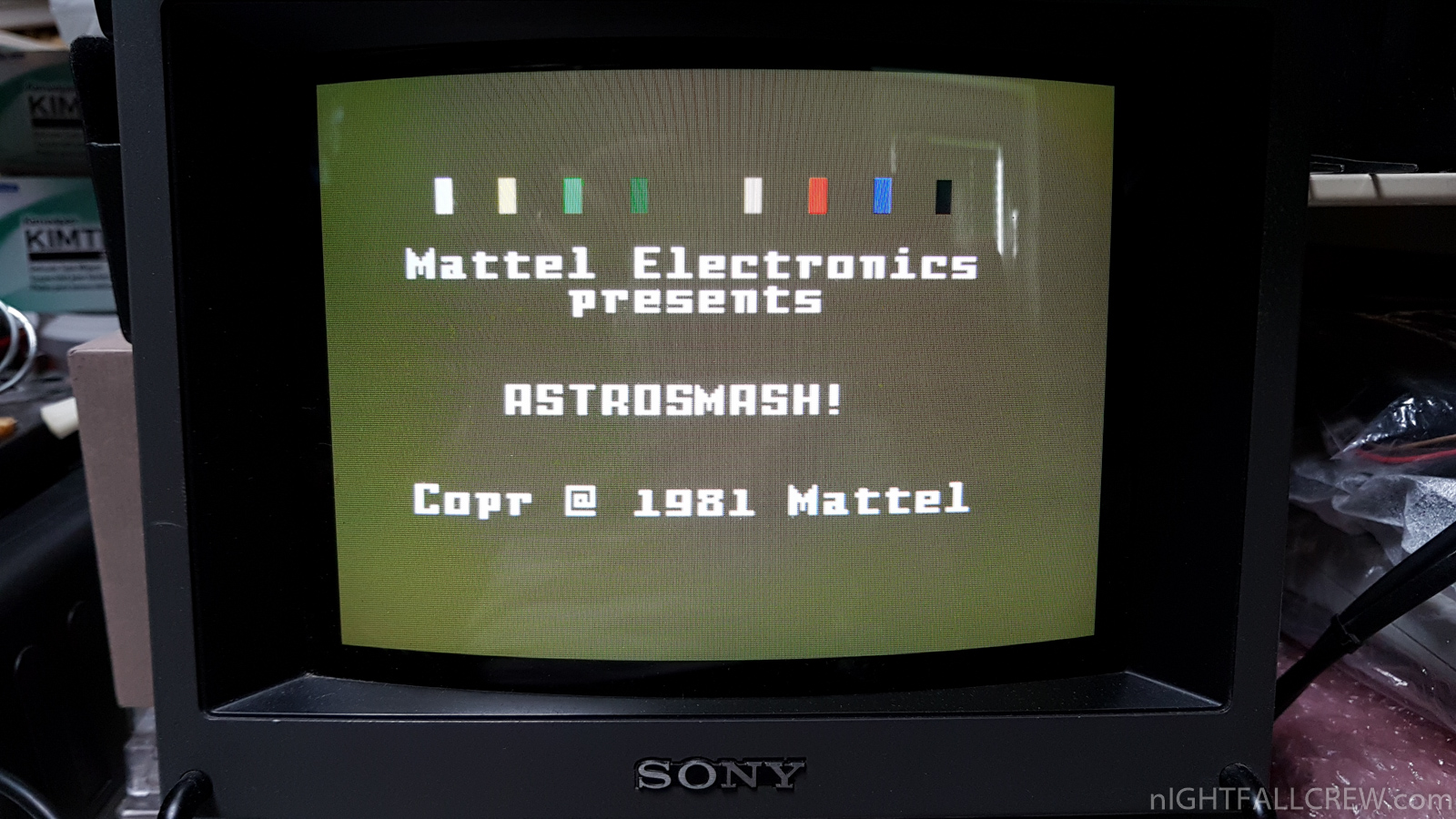
ZOE rev 2.0 Inty (Mattel Intellivision) RGB Interface.
Some information about this revision:
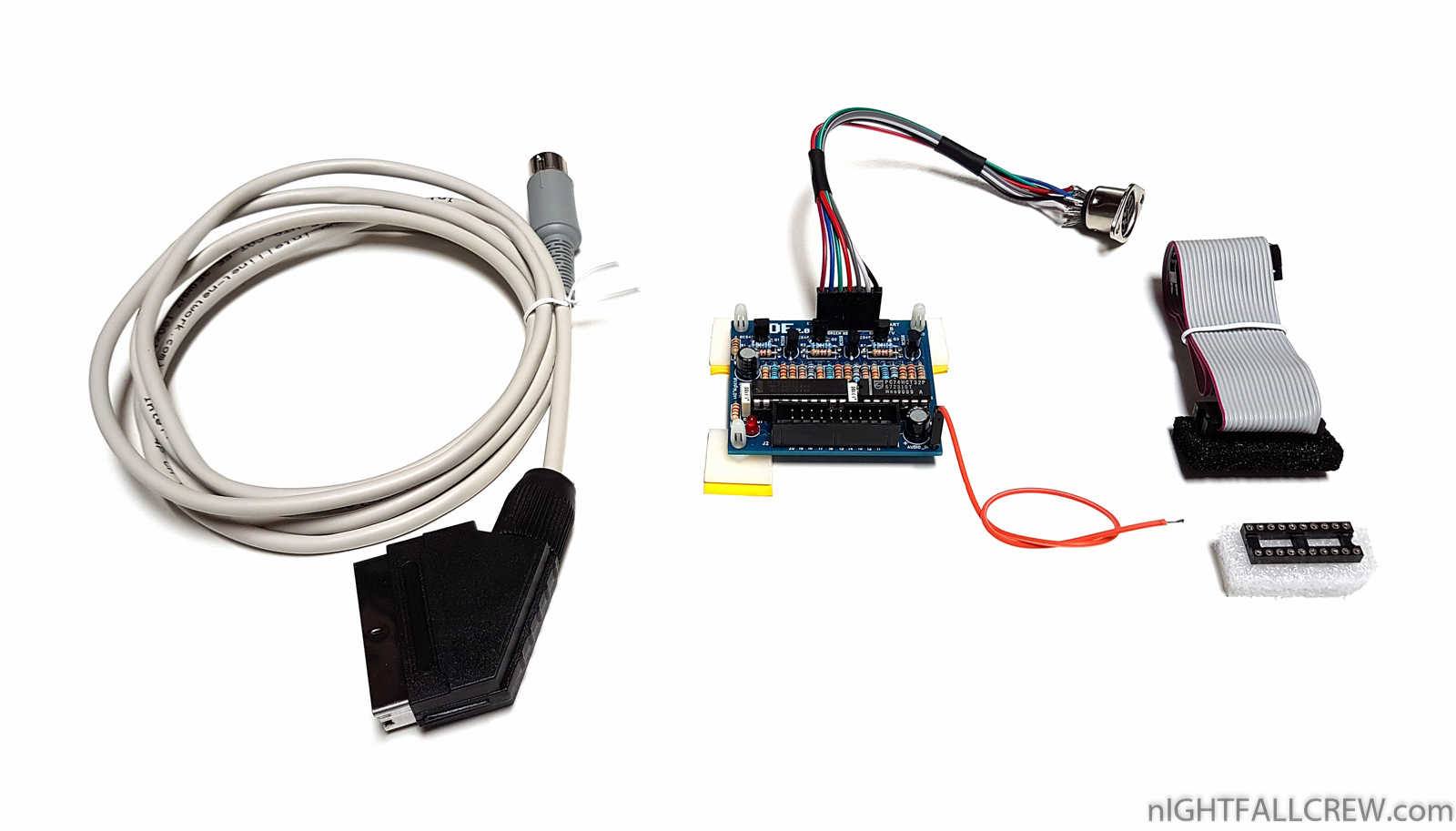
- The flat cable that connects the IDC 10+10 male socket to the 10+10 IDC female connector is about 15cm long (in the photo are: 20cm)
- The cable that connects the 7 dupont connectors to the 8-pin DIN female panel socket is 30cm long (in the photo are: 20cm)
- The video cable with a male SCART connector on one end and a 8-pin DIN male on the other side is 2 meters long.
- The audio cable with dupont connector from one end and to solder on the other side is 20cm long.
- The ZOE pcb must be fixed with 3 bioadhesive supports.
- Status LED.
- Improved audio output, there are a little less background noise.
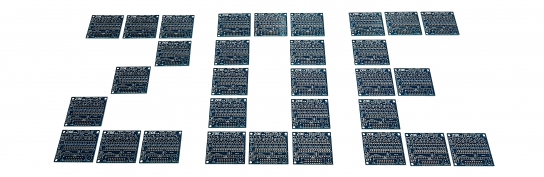
The 8-pole DIN female panel socket can be positioned, after drilling, at any place. I recommend using the RF output hole, removing the RF modulator which is no longer usable after the modification.
This mod like the previous one works ONLY with Mattel Intellivision consoles equipped with the LM1886 (D/A Video Matrix Converter) chips. Example: PAL/SECAM but not UK/NTSC (USA). Better to check, open the console and check.
For console disassembly, desoldering the LM1886 or other connections you can consult the documentation of the previous version.
Gallery:
Soon available for sale.
![Commodore CBM 8032 (HP Early version [1980]) Motherboard Repair (ASSY 8032030)](https://www.nightfallcrew.com/wp-content/gallery/cache/14364__545x307_20180131_182216.jpg?542f12 "Commodore CBM 8032 (HP Early version [1980]) Motherboard Repair (ASSY 8032030)")
Commodore CBM 8032 (HP Early version [1980]) Motherboard Repair (ASSY 8032030)
Defect:
Repair:
- Replaced 4 x 2114 Static RAM (UC4 / UC5 / UC6 / UC7)
Note:
As you can see from the photos this computer is already been repaired by a butcher. The butcher did not use the sockets after replacing the static ram ones and the pads had already suffered from the previous desoldering and soldering, probably using an unsuitable soldering station.
Gallery of the repair:
![Commodore CBM 8032 (HP Early version [1980]) PCB Monitor Repair (ASSY 321448)](https://www.nightfallcrew.com/wp-content/gallery/cache/14358__545x307_20180131_102058.jpg?542f12 "Commodore CBM 8032 (HP Early version [1980]) PCB Monitor Repair (ASSY 321448)")
Commodore CBM 8032 (HP Early version [1980]) PCB Monitor Repair (ASSY 321448)
Defect:
- Dead. Missing High Voltage from Flyback Transformer (LOPT)
Repair:
- Replaced 2 x burned resistors of 56Ohm 1/4w (R752 / R753)
… and now let’s move on to the second defect. :-)
Gallery of the repair:
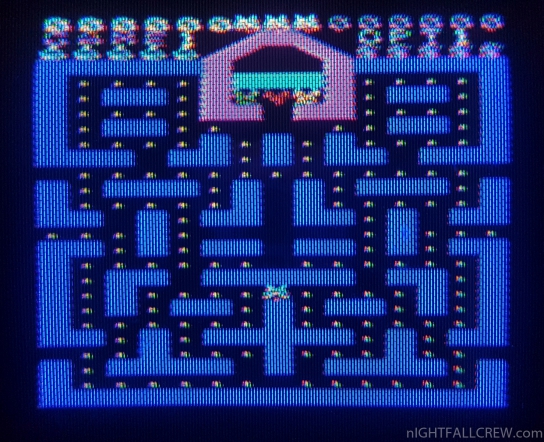
Video Composite modding:
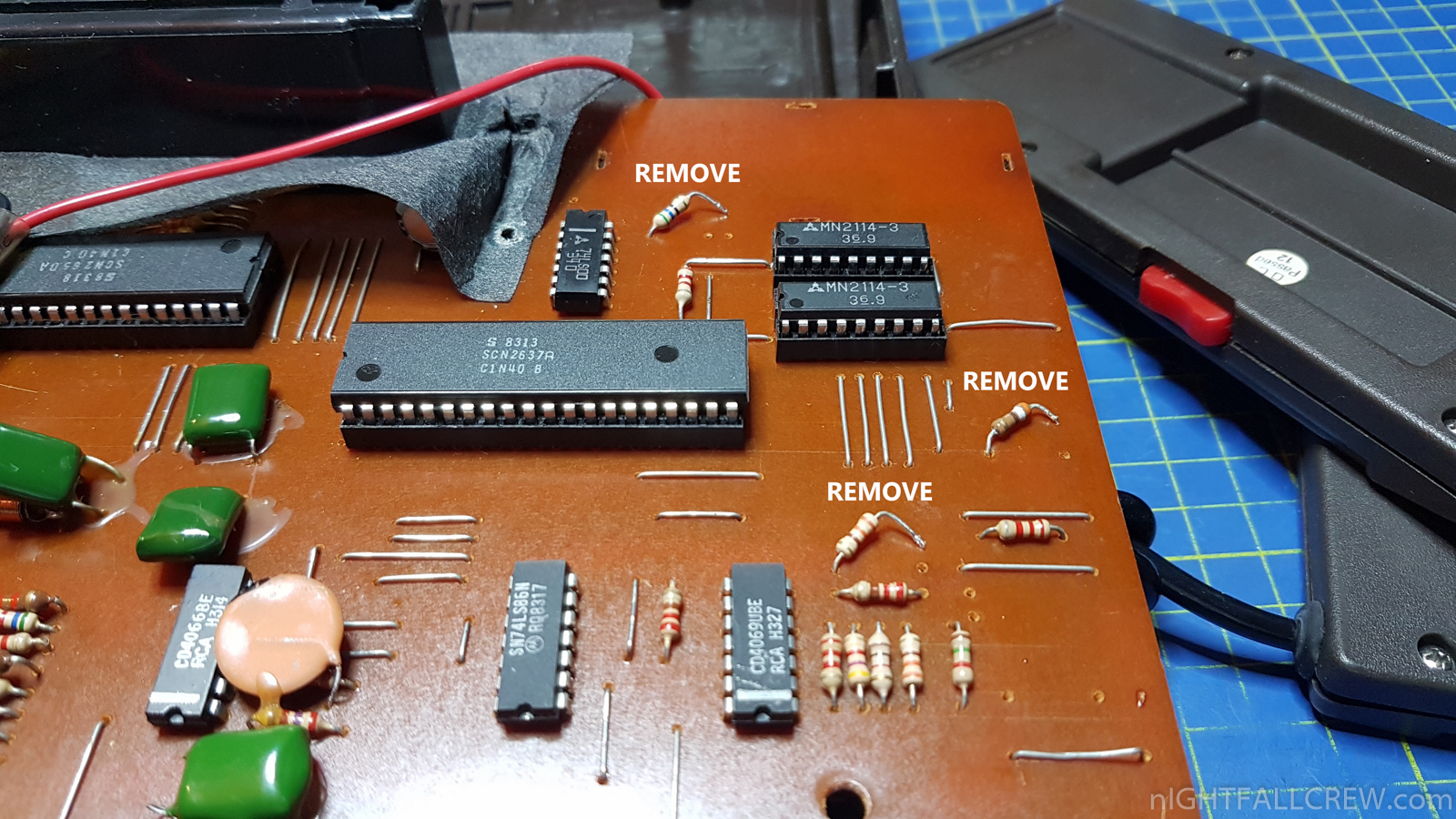
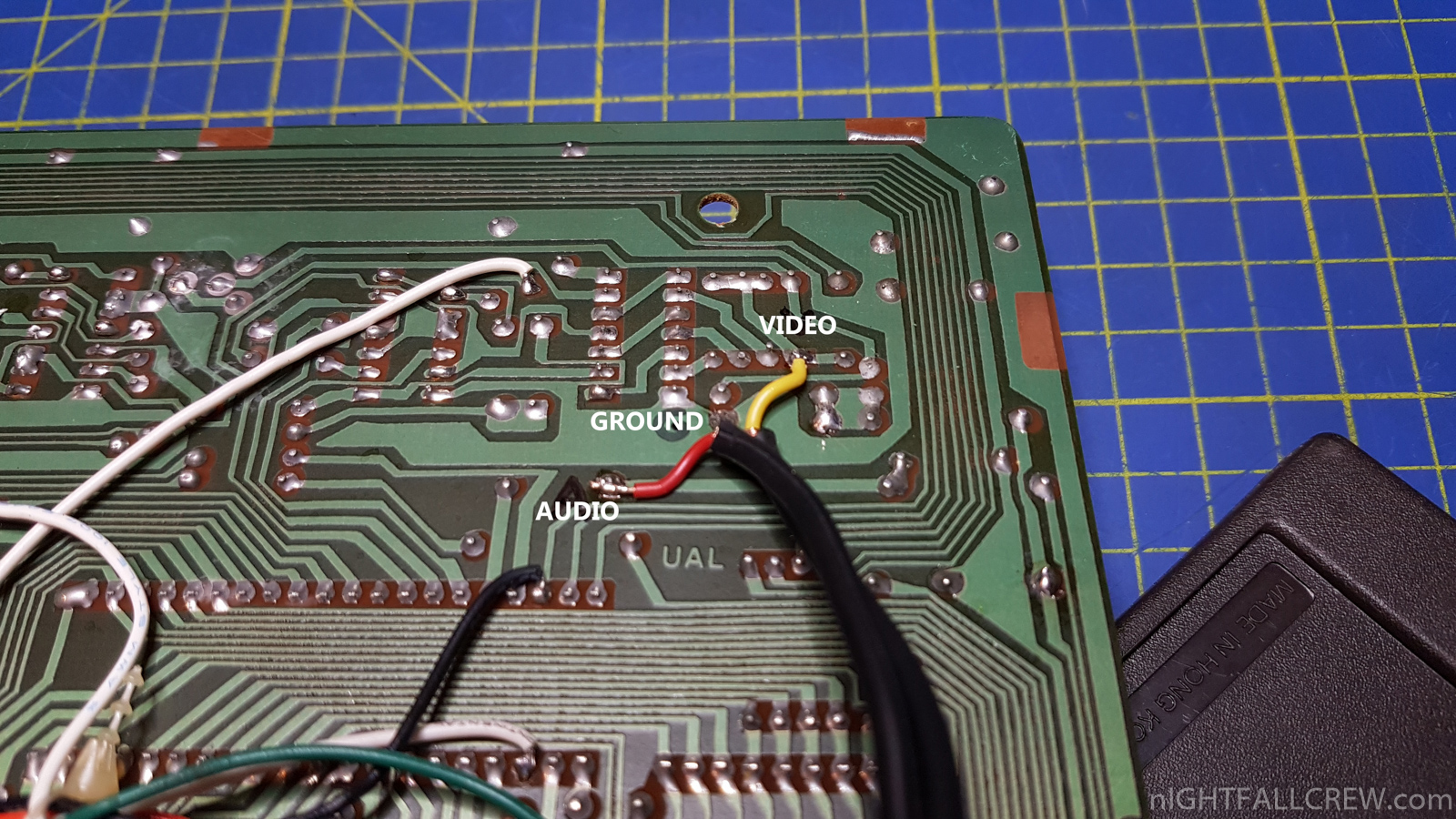
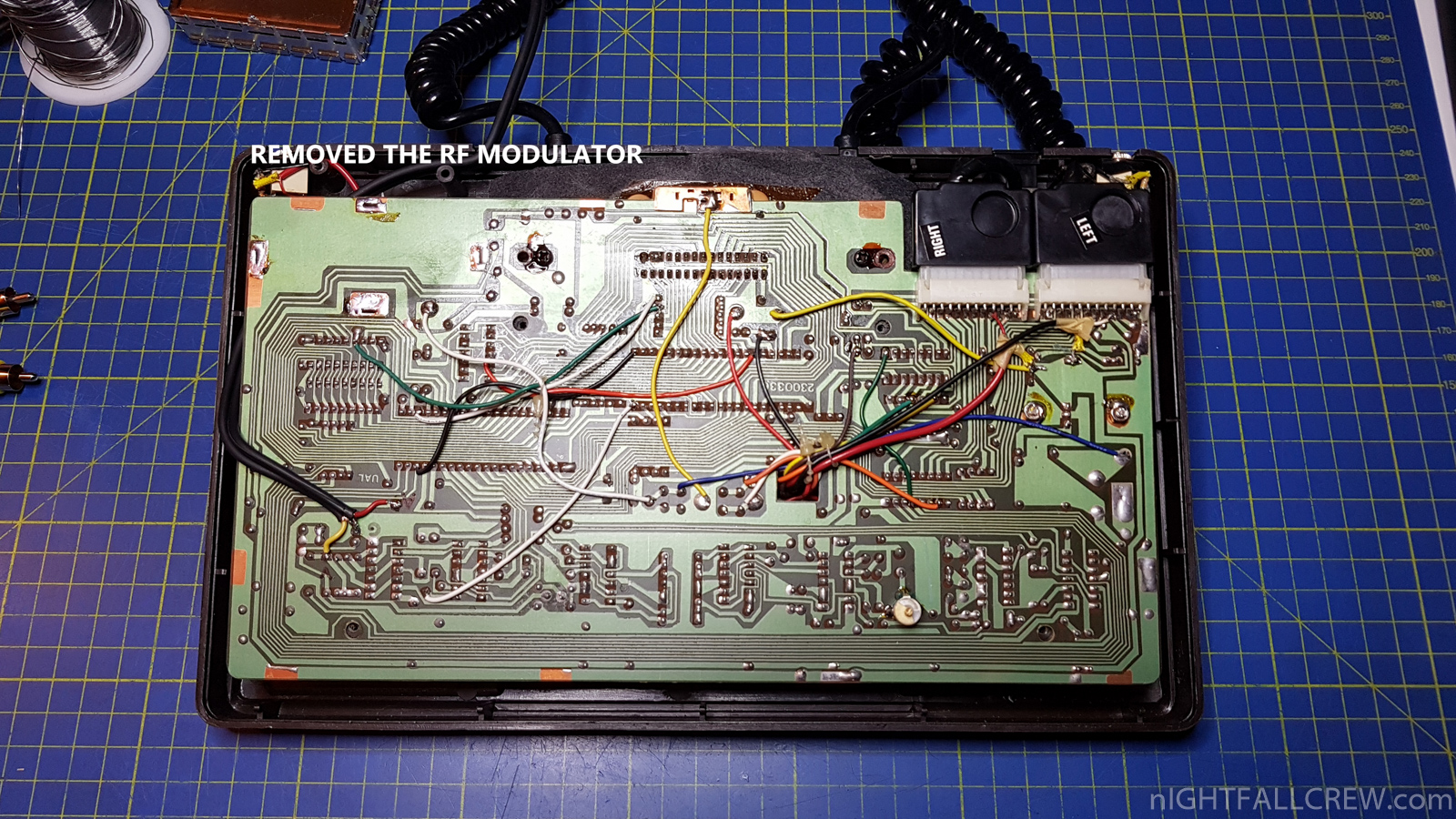
- Removed the RF modulator.
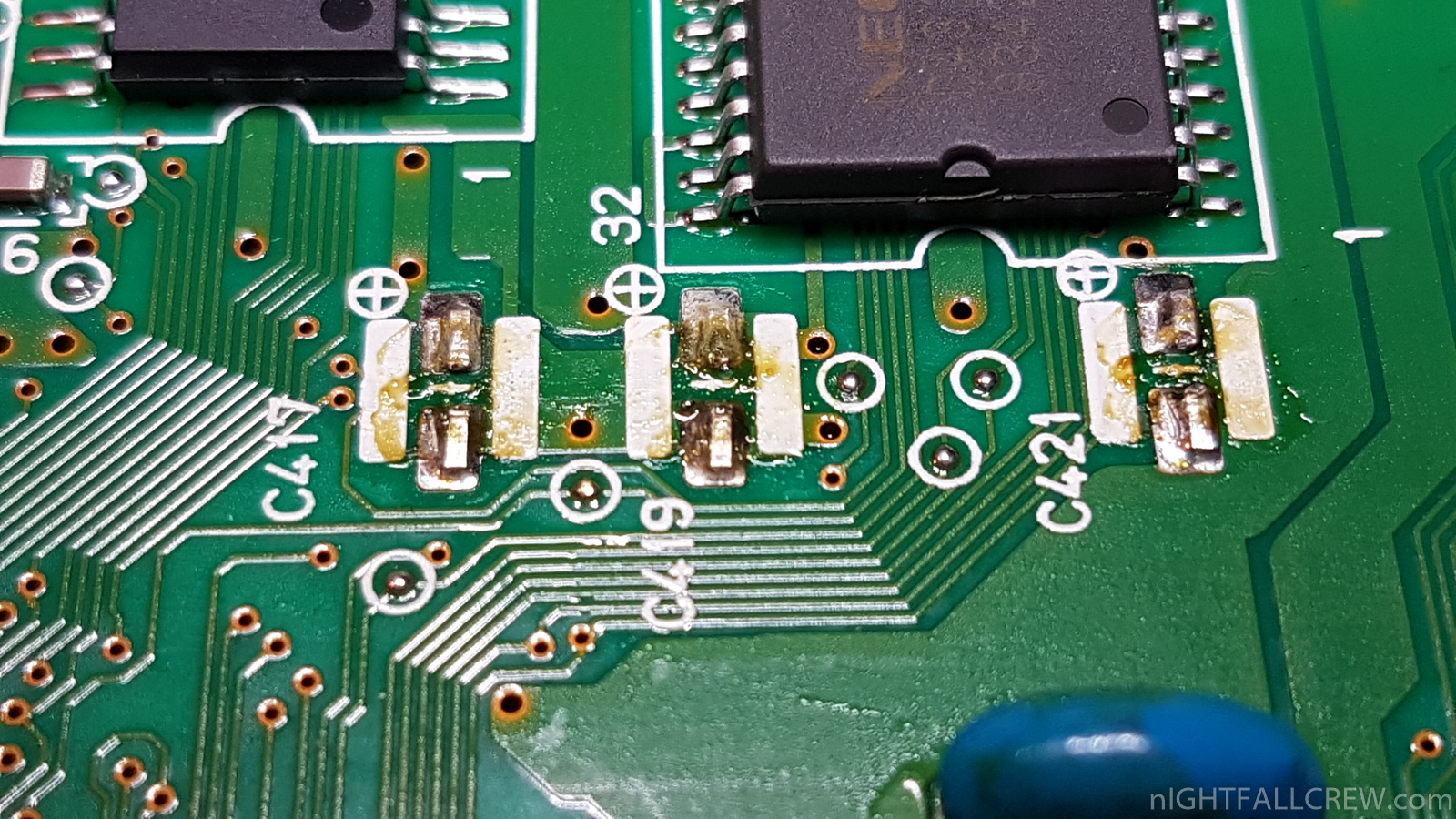
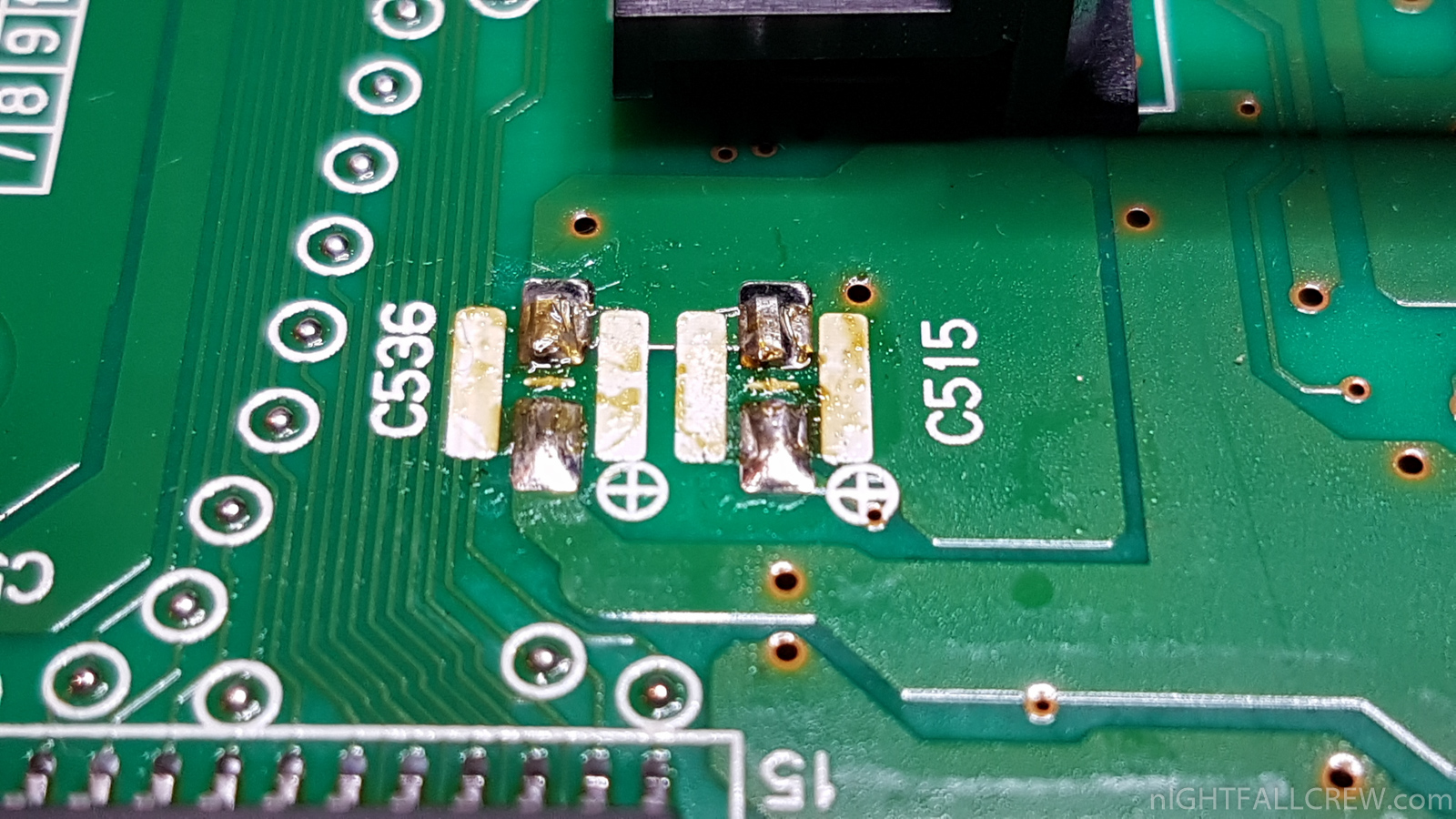
- Removed one pin of the 3 resistors (see photo) for the video composite output, you can get a better image (contrast and color) (see photo)
- I have used the same hole of the RF cable for the composite video and audio cable.
Gallery of the Video Composite mod:
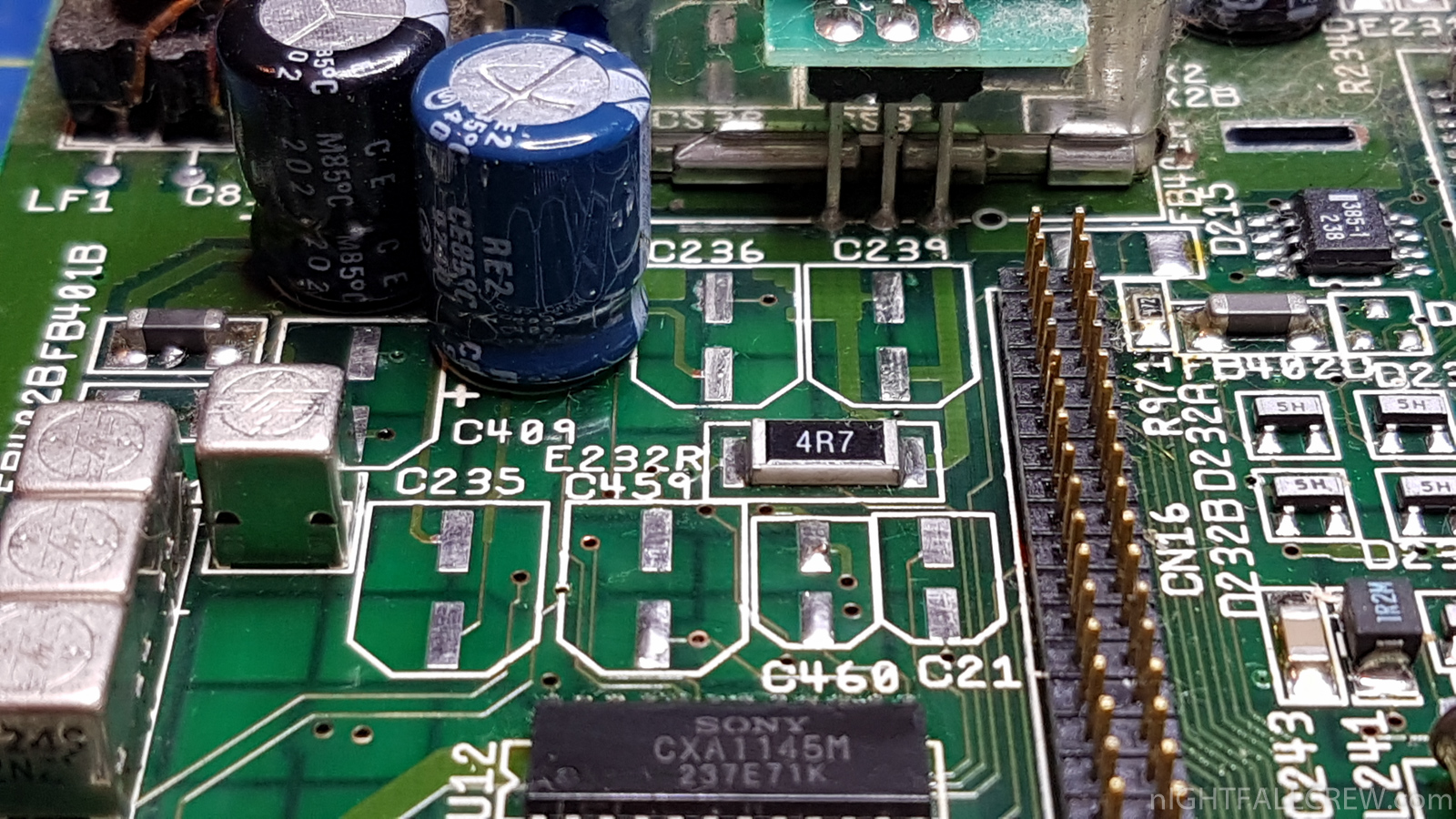
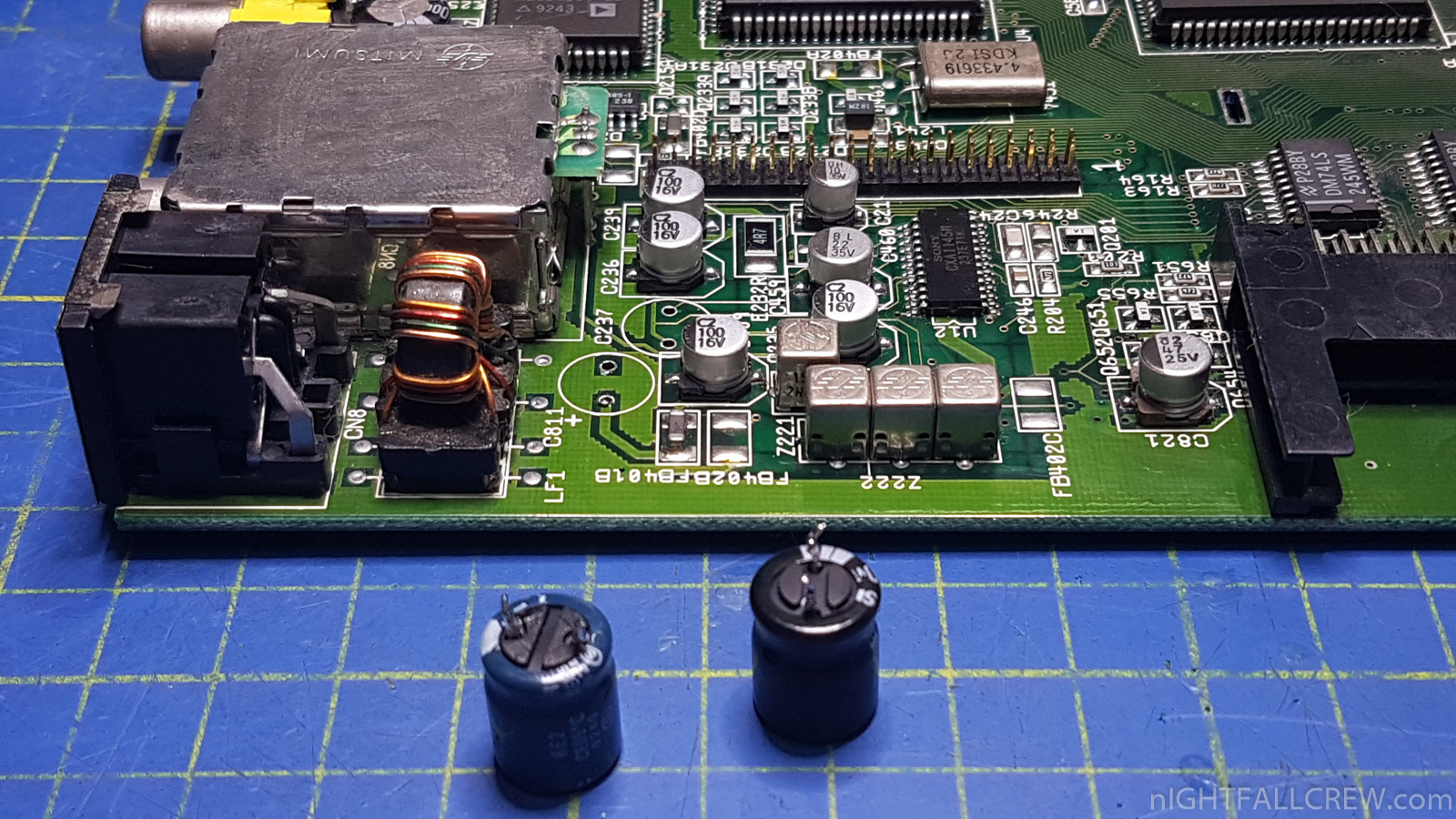
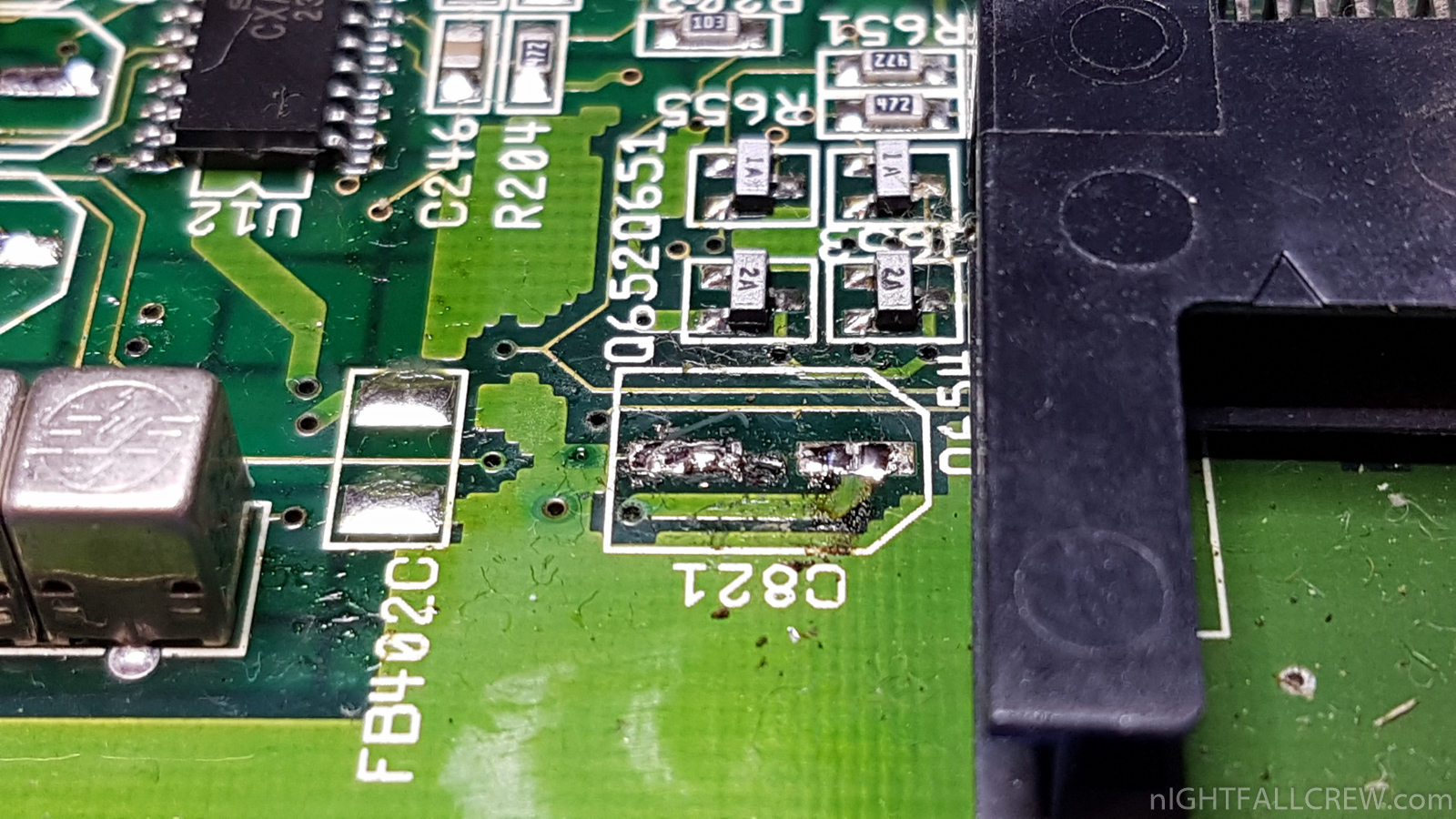
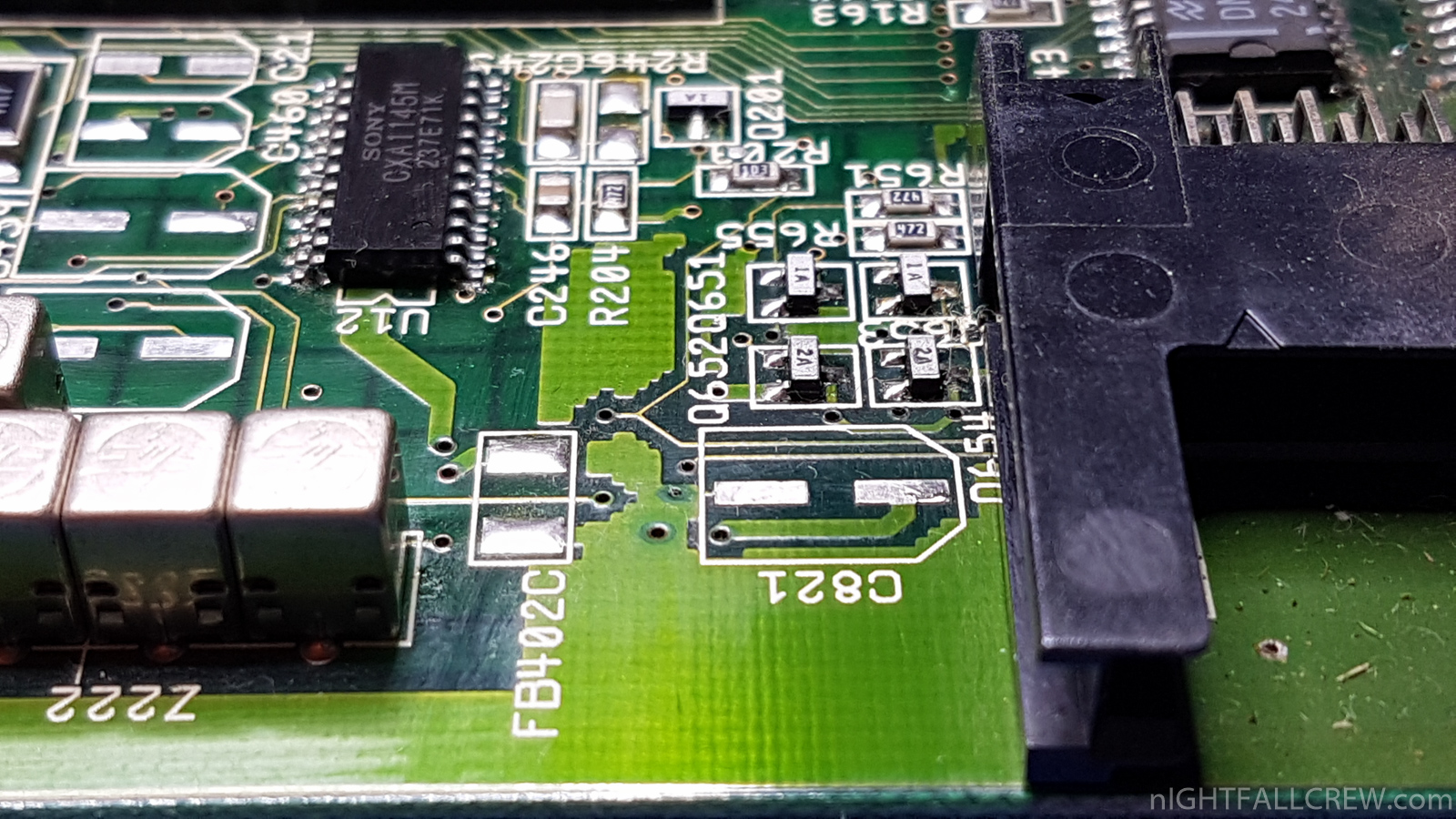
![Commodore CBM 8032 (HP Early version [1980]) Motherboard Repair (ASSY 8032030)](https://www.nightfallcrew.com/wp-content/gallery/commodore-cbm-8032-hp-early-version-1980-motherboard-repair-assy-8032030/20180131_182216.jpg?542f12 "Commodore CBM 8032 (HP Early version [1980]) Motherboard Repair (ASSY 8032030)")
![Commodore CBM 8032 (HP Early version [1980]) Motherboard Repair (ASSY 8032030)](https://www.nightfallcrew.com/wp-content/gallery/commodore-cbm-8032-hp-early-version-1980-motherboard-repair-assy-8032030/20180131_222747.jpg?542f12 "Commodore CBM 8032 (HP Early version [1980]) Motherboard Repair (ASSY 8032030)")
![Commodore CBM 8032 (HP Early version [1980]) Motherboard Repair (ASSY 8032030)](https://www.nightfallcrew.com/wp-content/gallery/commodore-cbm-8032-hp-early-version-1980-motherboard-repair-assy-8032030/20180131_222819.jpg?542f12 "Commodore CBM 8032 (HP Early version [1980]) Motherboard Repair (ASSY 8032030)")
![Commodore CBM 8032 (HP Early version [1980]) Motherboard Repair (ASSY 8032030)](https://www.nightfallcrew.com/wp-content/gallery/commodore-cbm-8032-hp-early-version-1980-motherboard-repair-assy-8032030/20180131_225636.jpg?542f12 "Commodore CBM 8032 (HP Early version [1980]) Motherboard Repair (ASSY 8032030)")
![Commodore CBM 8032 (HP Early version [1980]) Motherboard Repair (ASSY 8032030)](https://www.nightfallcrew.com/wp-content/gallery/commodore-cbm-8032-hp-early-version-1980-motherboard-repair-assy-8032030/20180201_001427.jpg?542f12 "Commodore CBM 8032 (HP Early version [1980]) Motherboard Repair (ASSY 8032030)")
![Commodore CBM 8032 (HP Early version [1980]) Motherboard Repair (ASSY 8032030)](https://www.nightfallcrew.com/wp-content/gallery/commodore-cbm-8032-hp-early-version-1980-motherboard-repair-assy-8032030/20180201_083654.jpg?542f12 "Commodore CBM 8032 (HP Early version [1980]) Motherboard Repair (ASSY 8032030)")
![Commodore CBM 8032 (HP Early version [1980]) Motherboard Repair (ASSY 8032030)](https://www.nightfallcrew.com/wp-content/gallery/commodore-cbm-8032-hp-early-version-1980-motherboard-repair-assy-8032030/20180201_083713.jpg?542f12 "Commodore CBM 8032 (HP Early version [1980]) Motherboard Repair (ASSY 8032030)")
![Commodore CBM 8032 (HP Early version [1980]) Motherboard Repair (ASSY 8032030)](https://www.nightfallcrew.com/wp-content/gallery/commodore-cbm-8032-hp-early-version-1980-motherboard-repair-assy-8032030/20180201_092254.jpg?542f12 "Commodore CBM 8032 (HP Early version [1980]) Motherboard Repair (ASSY 8032030)")
![Commodore CBM 8032 (HP Early version [1980]) Motherboard Repair (ASSY 8032030)](https://www.nightfallcrew.com/wp-content/gallery/commodore-cbm-8032-hp-early-version-1980-motherboard-repair-assy-8032030/20180211_200321.jpg?542f12 "Commodore CBM 8032 (HP Early version [1980]) Motherboard Repair (ASSY 8032030)")
![Commodore CBM 8032 (HP Early version [1980]) PCB Monitor Repair (ASSY 321448)](https://www.nightfallcrew.com/wp-content/gallery/commodore-cbm-8032-hp-early-version-1980-pcb-monitor-repair-assy-321448/20180131_102058.jpg?542f12 "Commodore CBM 8032 (HP Early version [1980]) PCB Monitor Repair (ASSY 321448)")
![Commodore CBM 8032 (HP Early version [1980]) PCB Monitor Repair (ASSY 321448)](https://www.nightfallcrew.com/wp-content/gallery/commodore-cbm-8032-hp-early-version-1980-pcb-monitor-repair-assy-321448/20180131_103919.jpg?542f12 "Commodore CBM 8032 (HP Early version [1980]) PCB Monitor Repair (ASSY 321448)")
![Commodore CBM 8032 (HP Early version [1980]) PCB Monitor Repair (ASSY 321448)](https://www.nightfallcrew.com/wp-content/gallery/commodore-cbm-8032-hp-early-version-1980-pcb-monitor-repair-assy-321448/20180131_103959.jpg?542f12 "Commodore CBM 8032 (HP Early version [1980]) PCB Monitor Repair (ASSY 321448)")
![Commodore CBM 8032 (HP Early version [1980]) PCB Monitor Repair (ASSY 321448)](https://www.nightfallcrew.com/wp-content/gallery/commodore-cbm-8032-hp-early-version-1980-pcb-monitor-repair-assy-321448/20180131_104042.jpg?542f12 "Commodore CBM 8032 (HP Early version [1980]) PCB Monitor Repair (ASSY 321448)")
![Commodore CBM 8032 (HP Early version [1980]) PCB Monitor Repair (ASSY 321448)](https://www.nightfallcrew.com/wp-content/gallery/commodore-cbm-8032-hp-early-version-1980-pcb-monitor-repair-assy-321448/20180131_182057.jpg?542f12 "Commodore CBM 8032 (HP Early version [1980]) PCB Monitor Repair (ASSY 321448)")
![Commodore CBM 8032 (HP Early version [1980]) PCB Monitor Repair (ASSY 321448)Commodore CBM 8032 (HP Early version [1980]) PCB Monitor Repair (ASSY 321448)](https://www.nightfallcrew.com/wp-content/gallery/commodore-cbm-8032-hp-early-version-1980-pcb-monitor-repair-assy-321448/20180131_182216.jpg?542f12 "Commodore CBM 8032 (HP Early version [1980]) PCB Monitor Repair (ASSY 321448)Commodore CBM 8032 (HP Early version [1980]) PCB Monitor Repair (ASSY 321448)")


Recent Comments