October 28th, 2024
Comments off
Categories: Retro Computers and other stuff..., Retronics
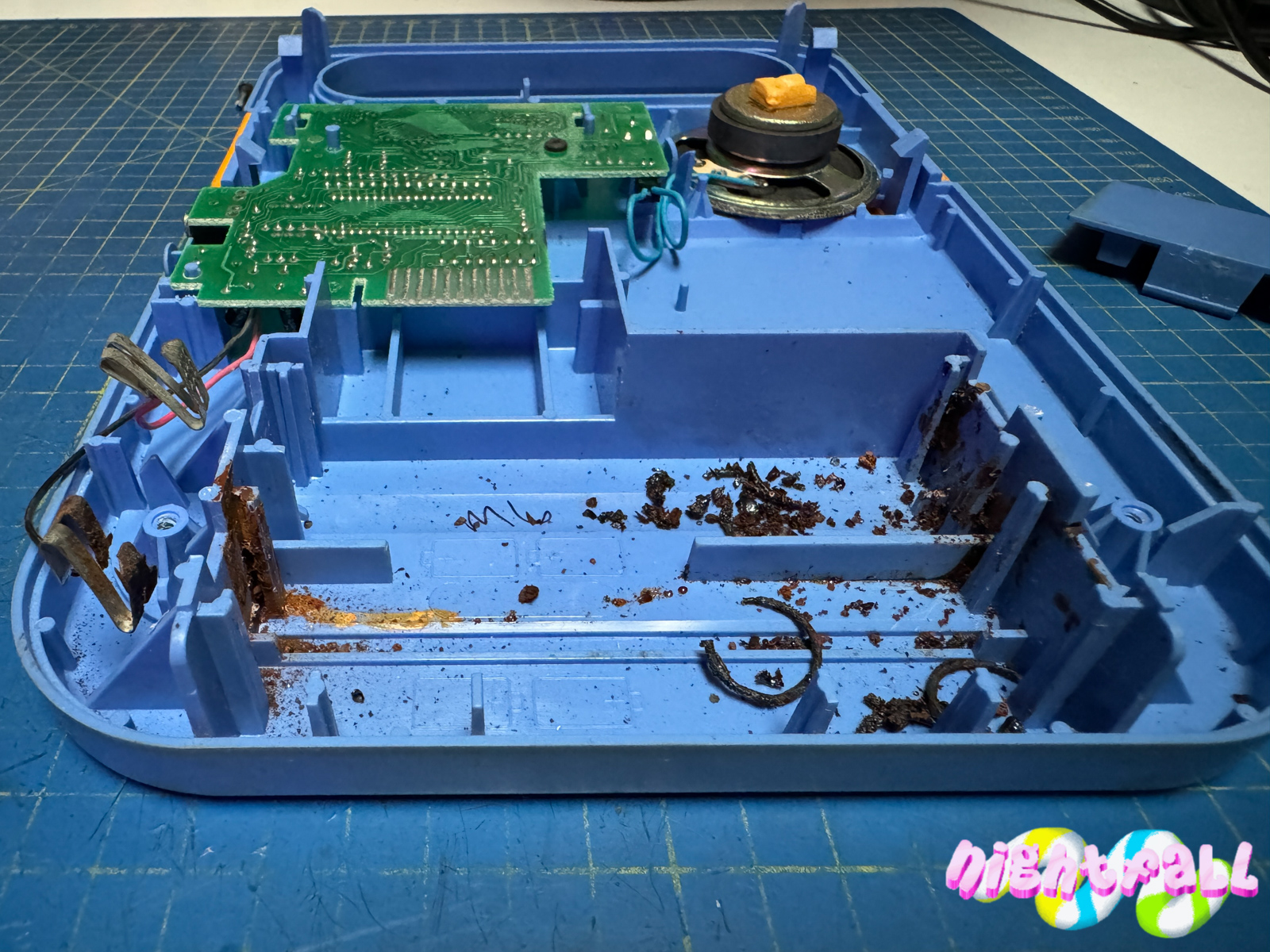
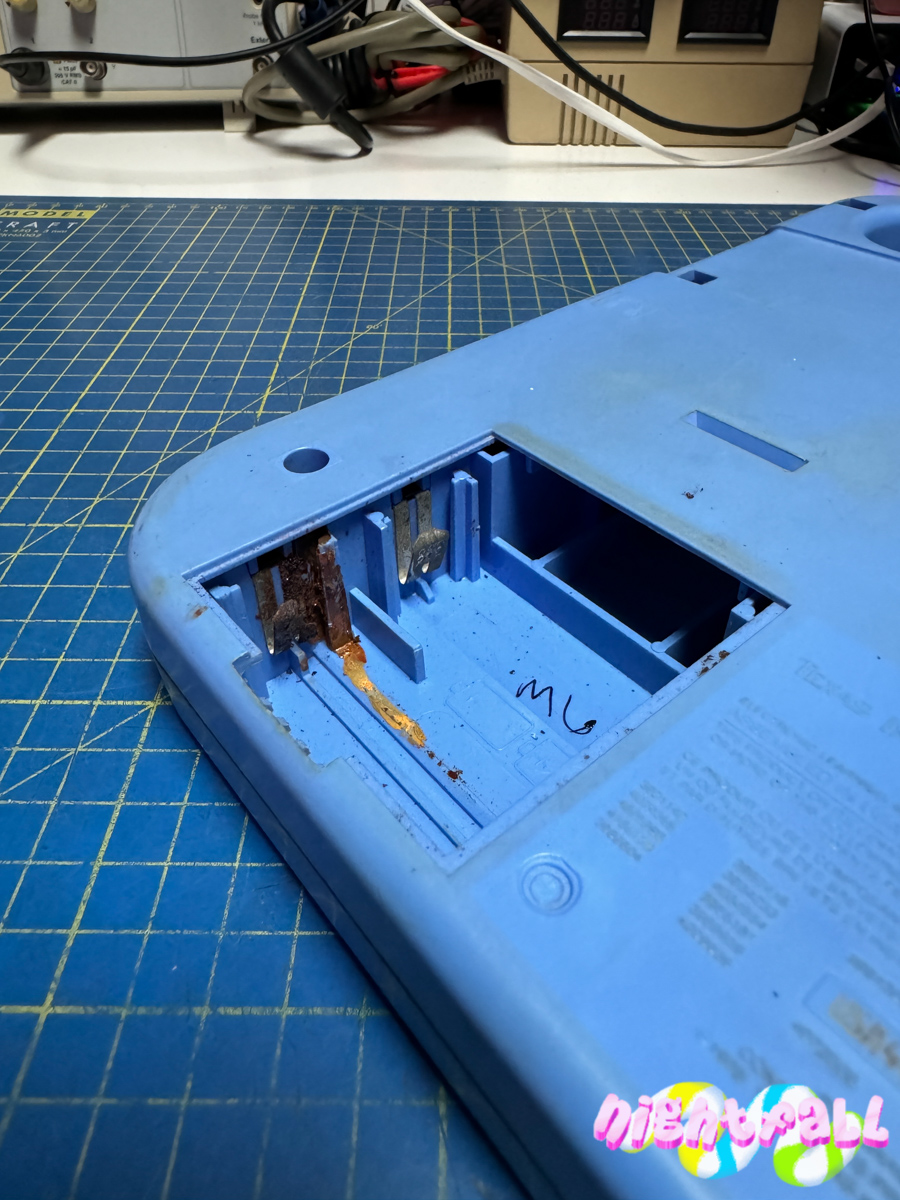
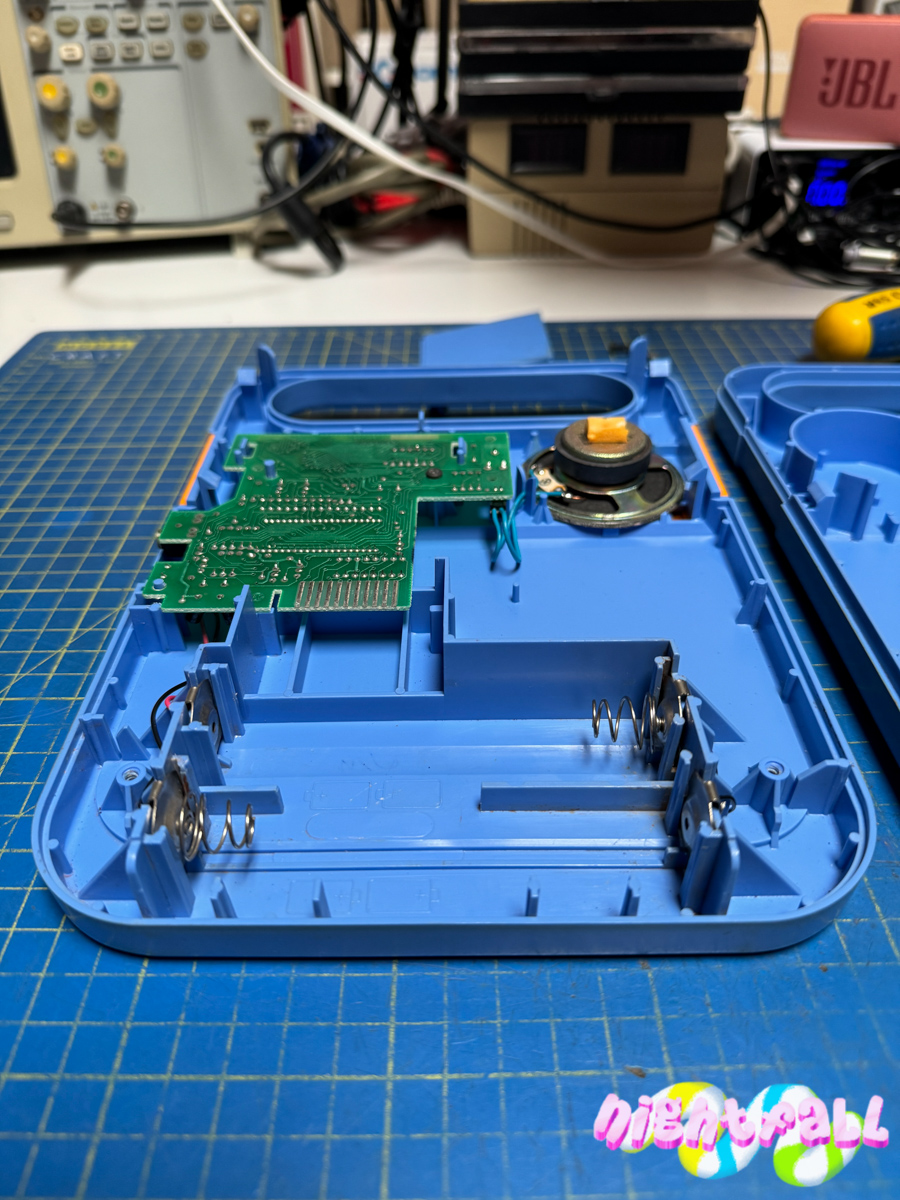
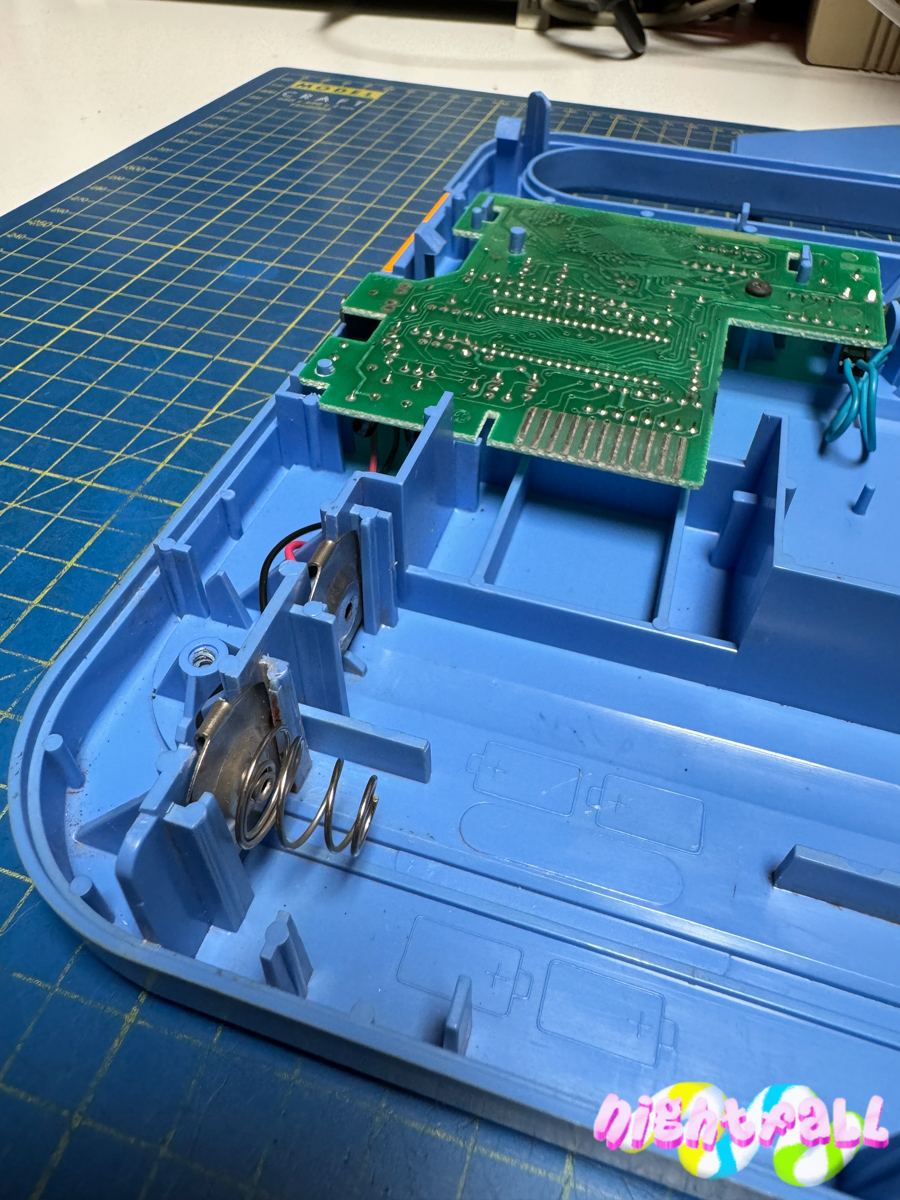
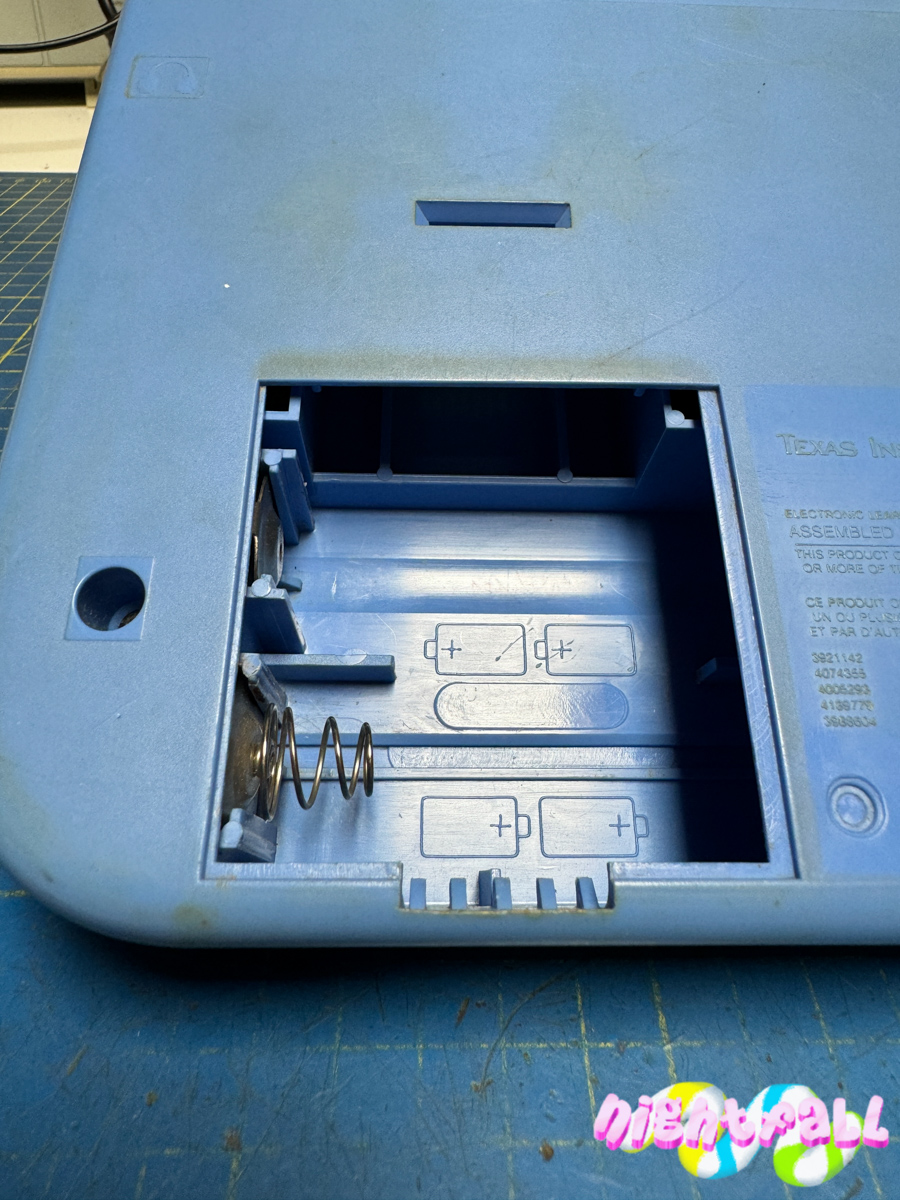
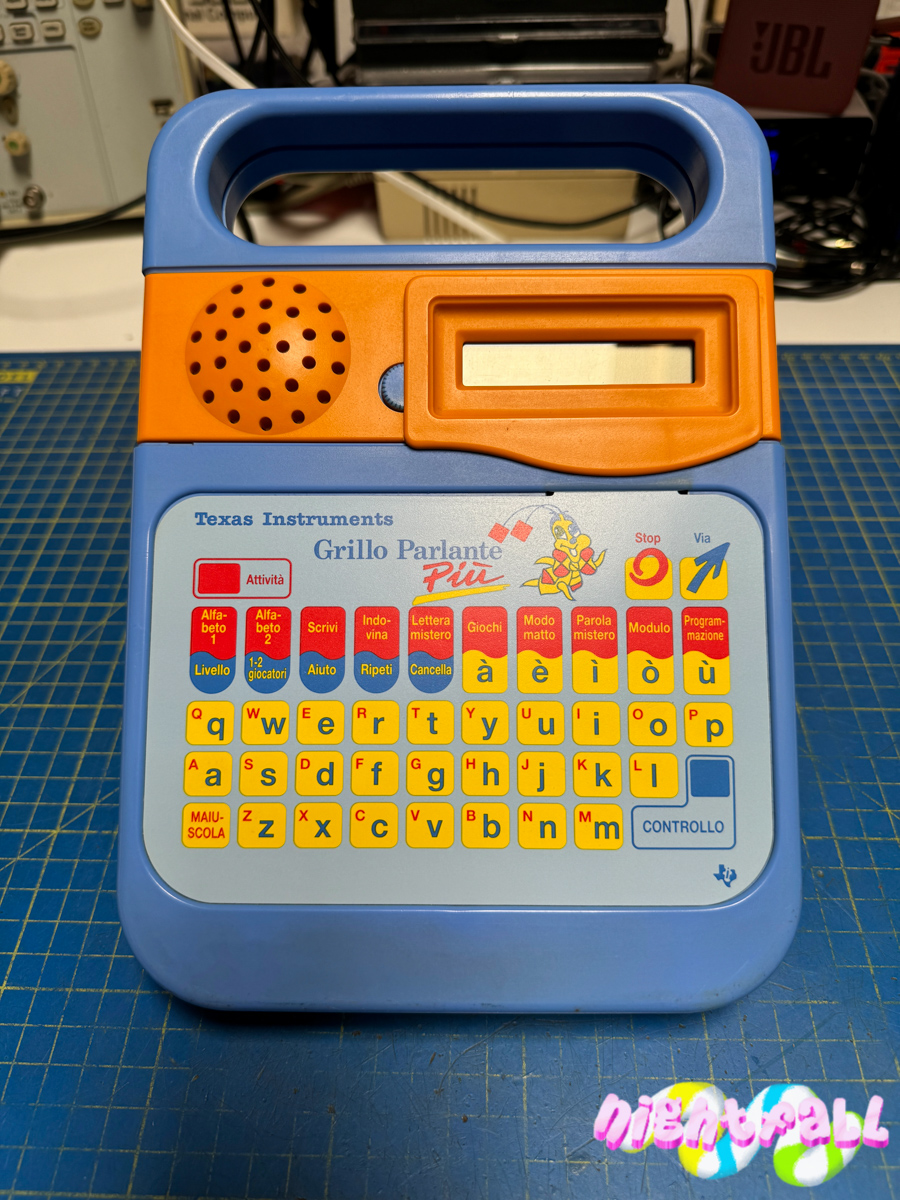
I purchased the Texas Instruments Grillo Parlante Più (Super Speak & Spell) for a few euros and fully aware that the contact plates for the batteries due to an acid leak has been destroyed (see photo).
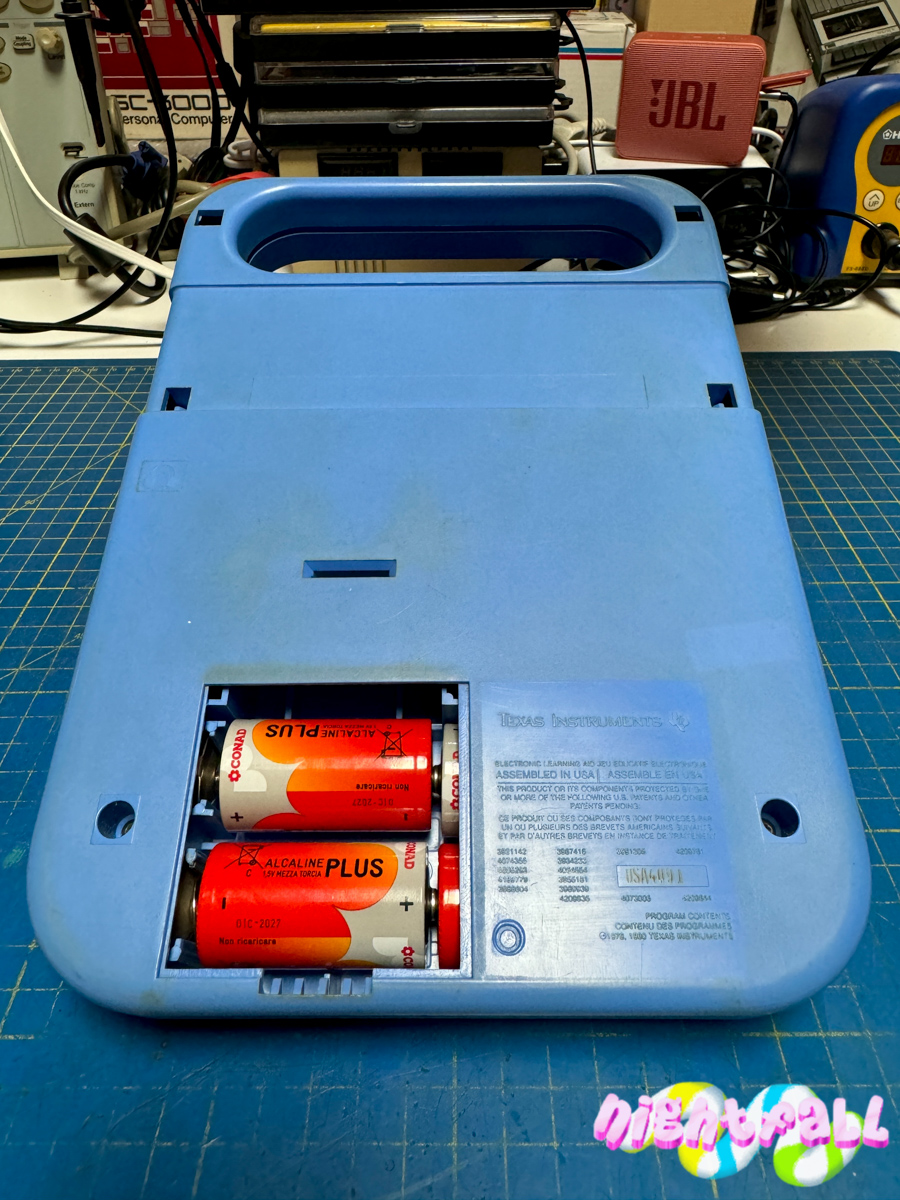
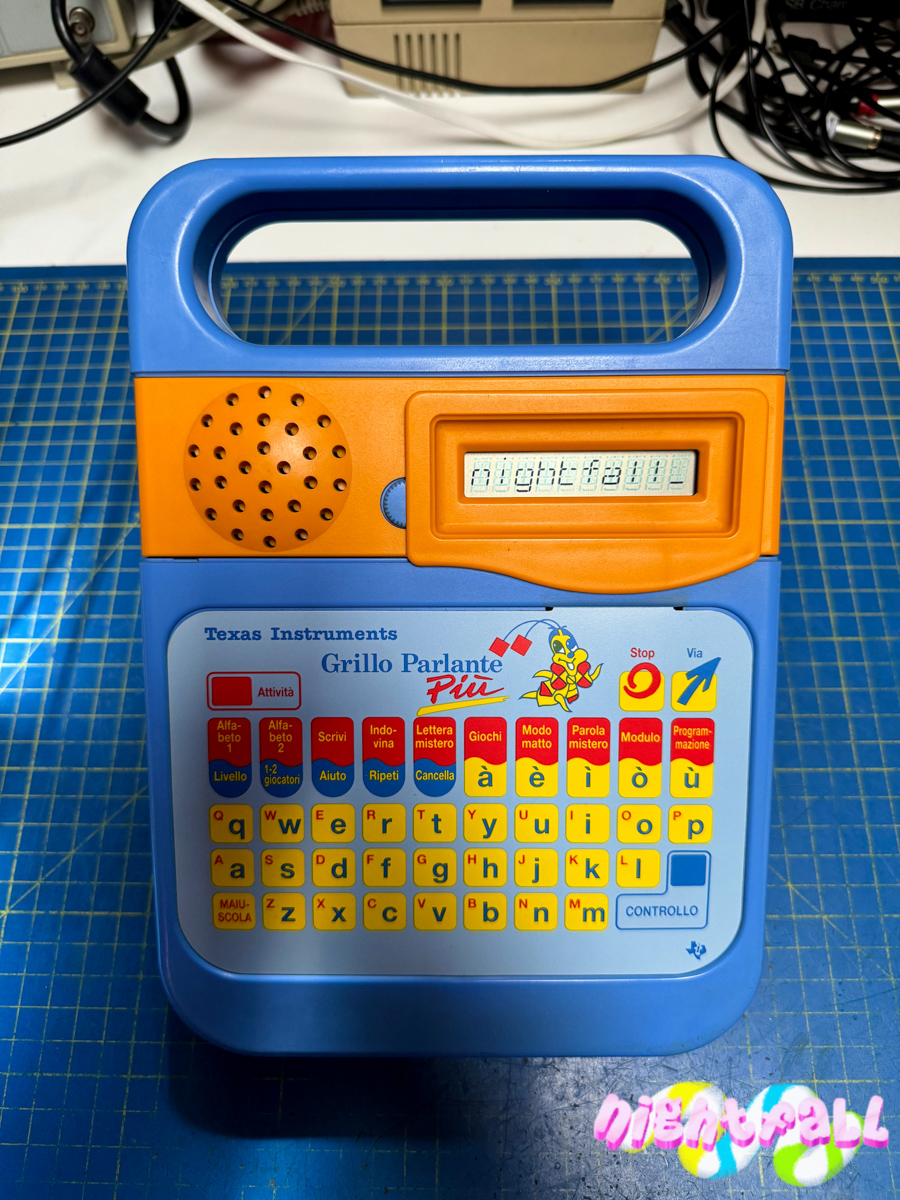
After testing it if actually still worked, i did a good cleaning of the battery compartment, body and display.
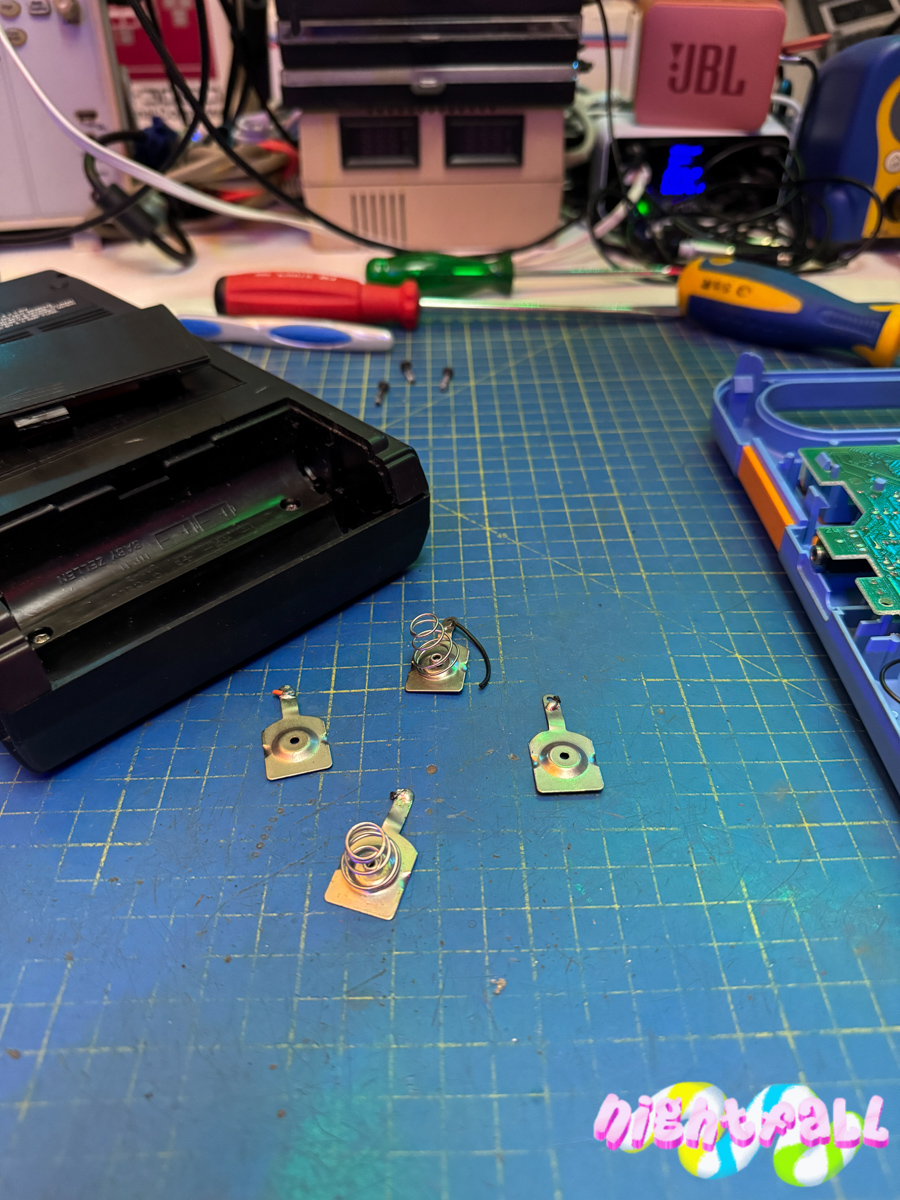
I replaced the contact plates for the batteries with similar ones recovered from an old dead and defunct cassette recorder.
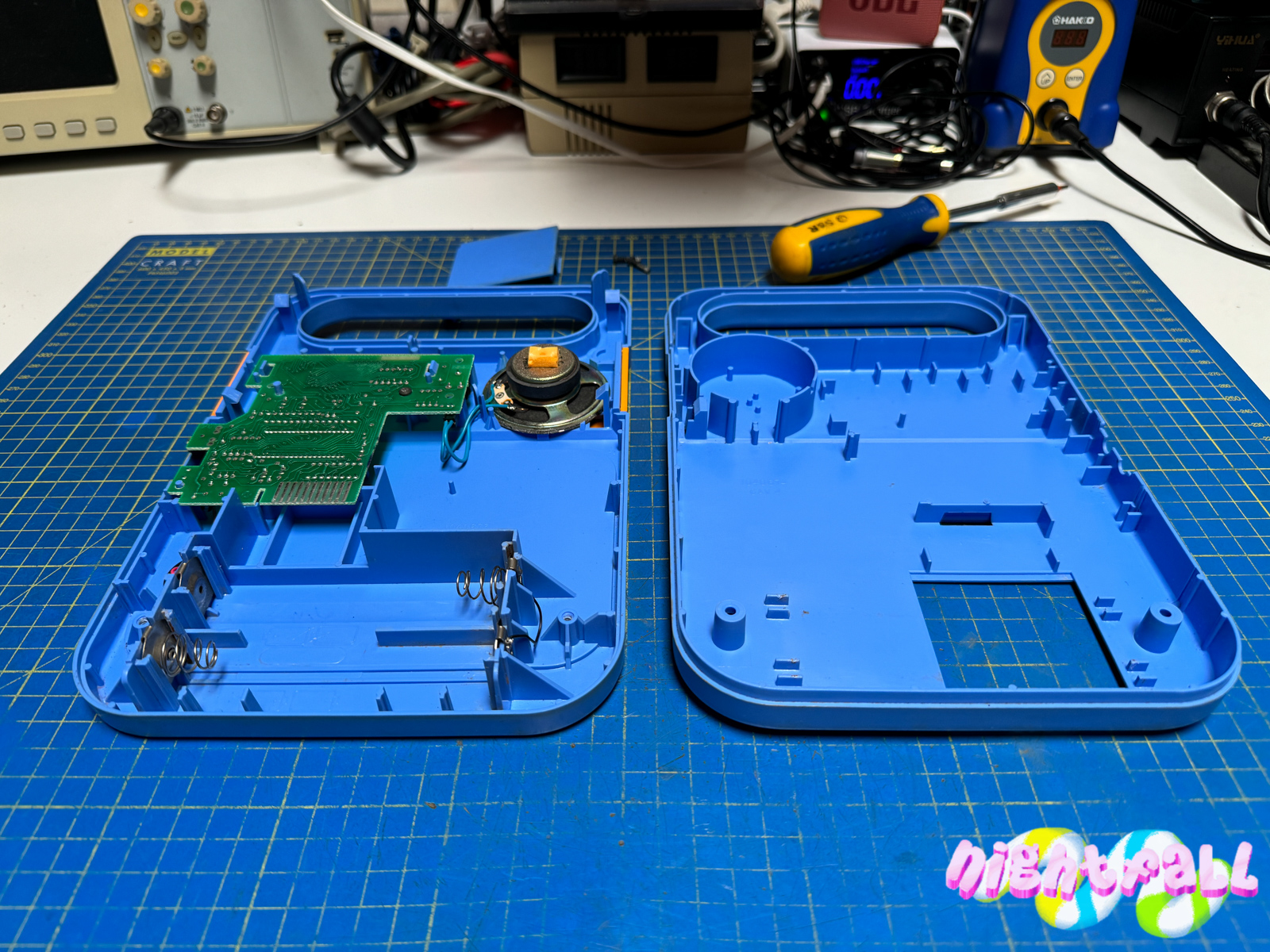
The final result is perfect, it looks like the original, even better because i put the battery negative spring in the correct side, the original has the springs all on one side, both for the positive and negative of the battery.
Gallery of work done:
Video:

Against all trends, a simple photo without unboxing.
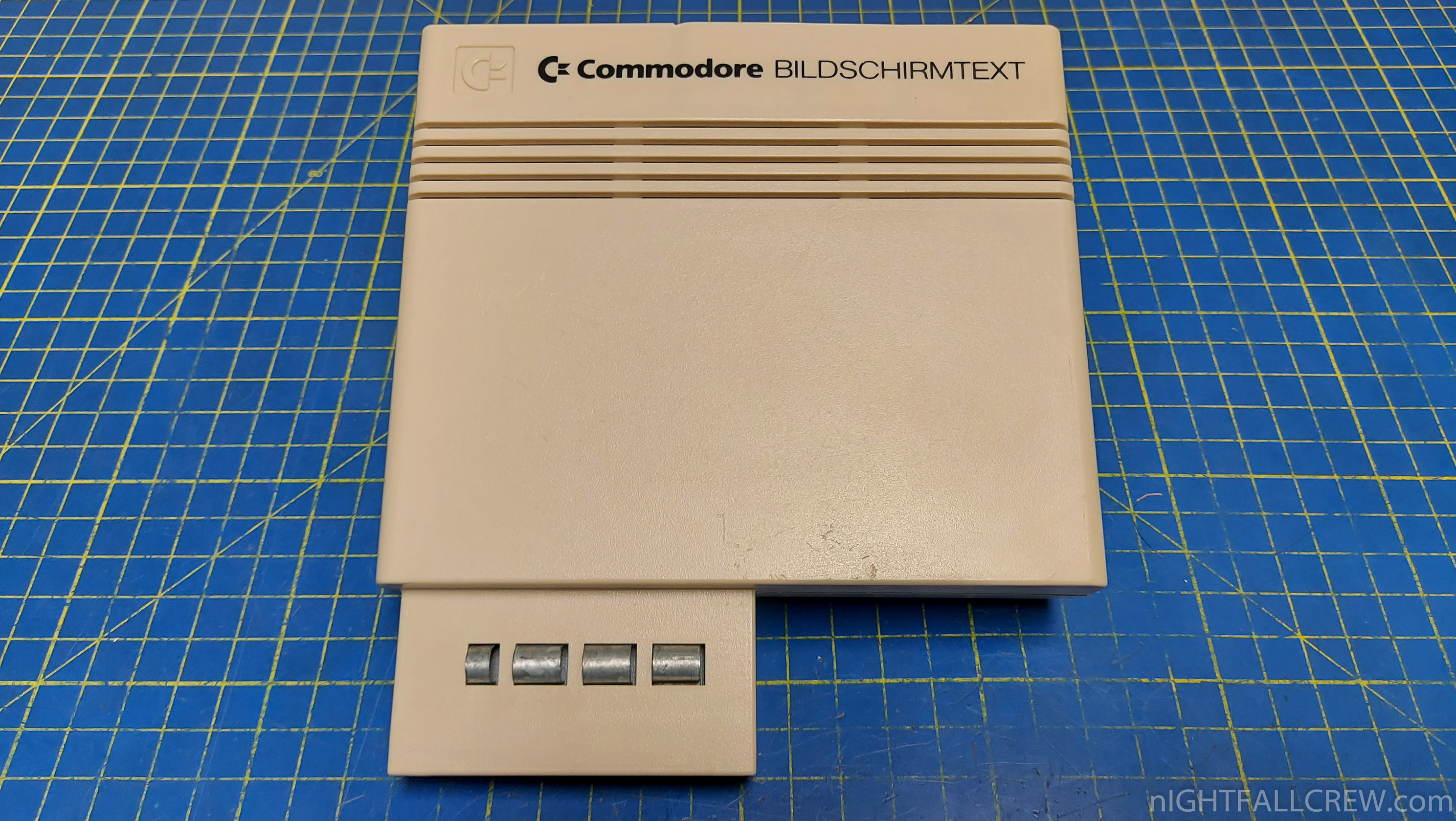
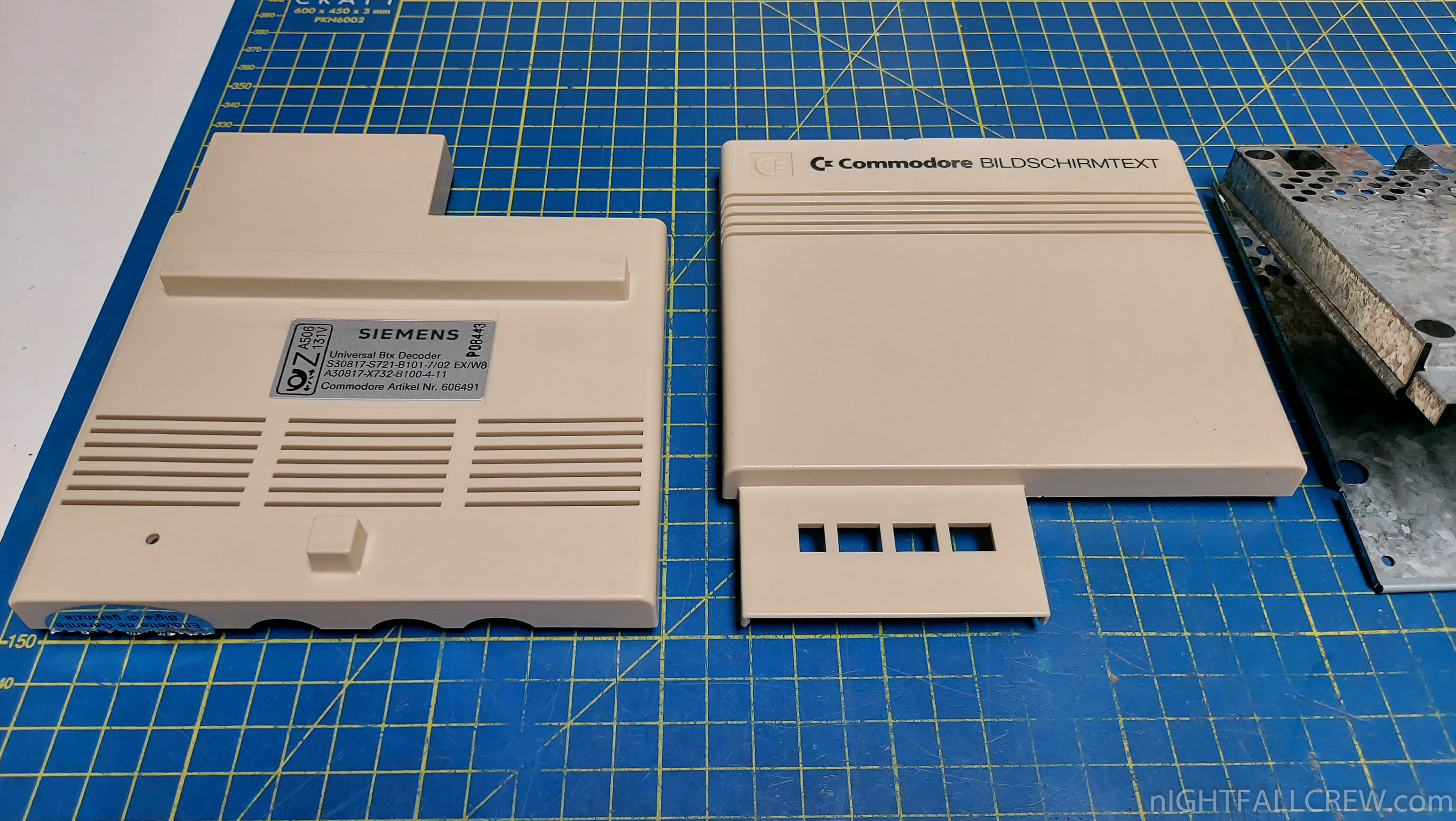
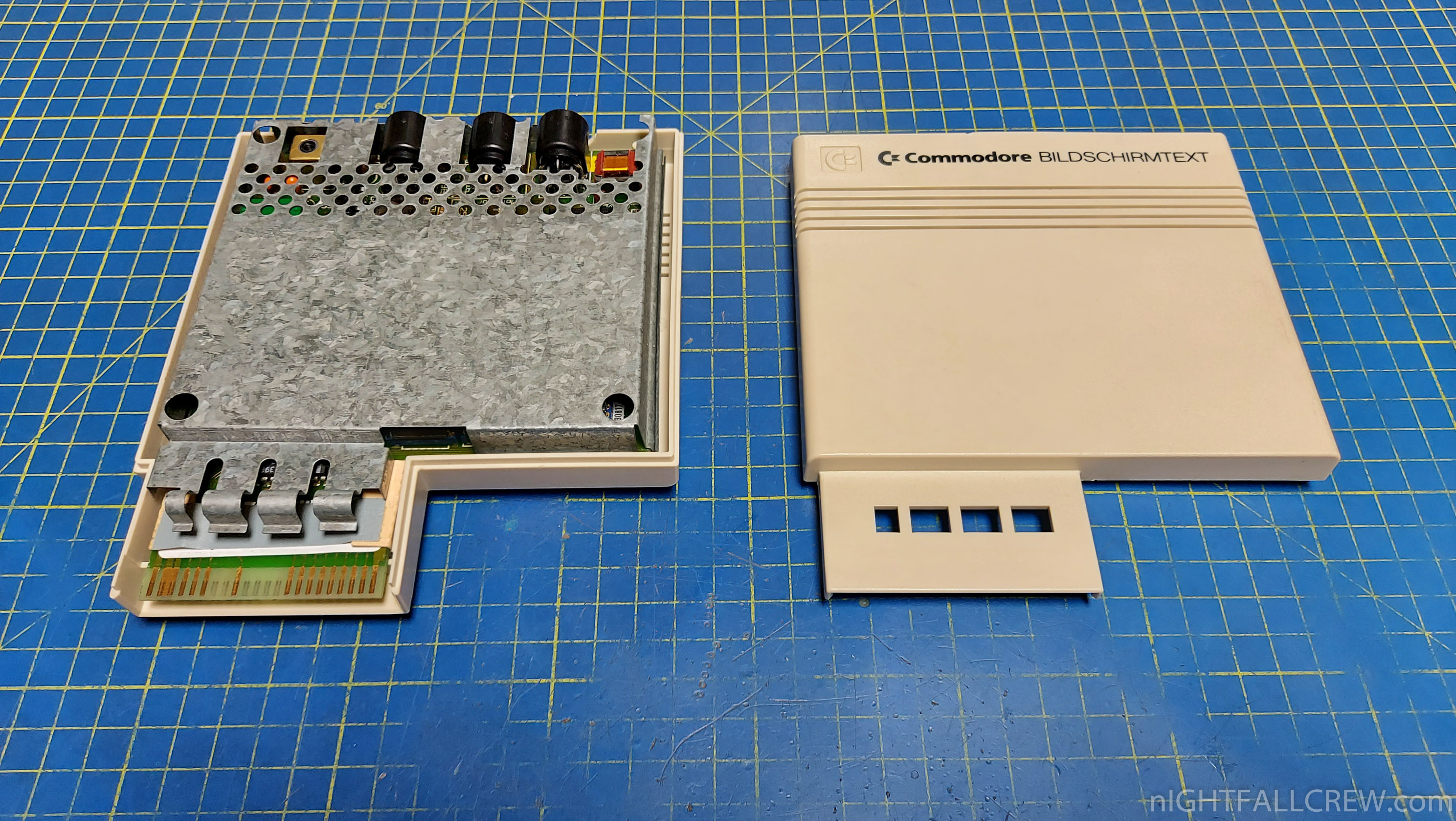
Bildschirmtext (Btx) was a German online service that existed from 1983 to 2001.
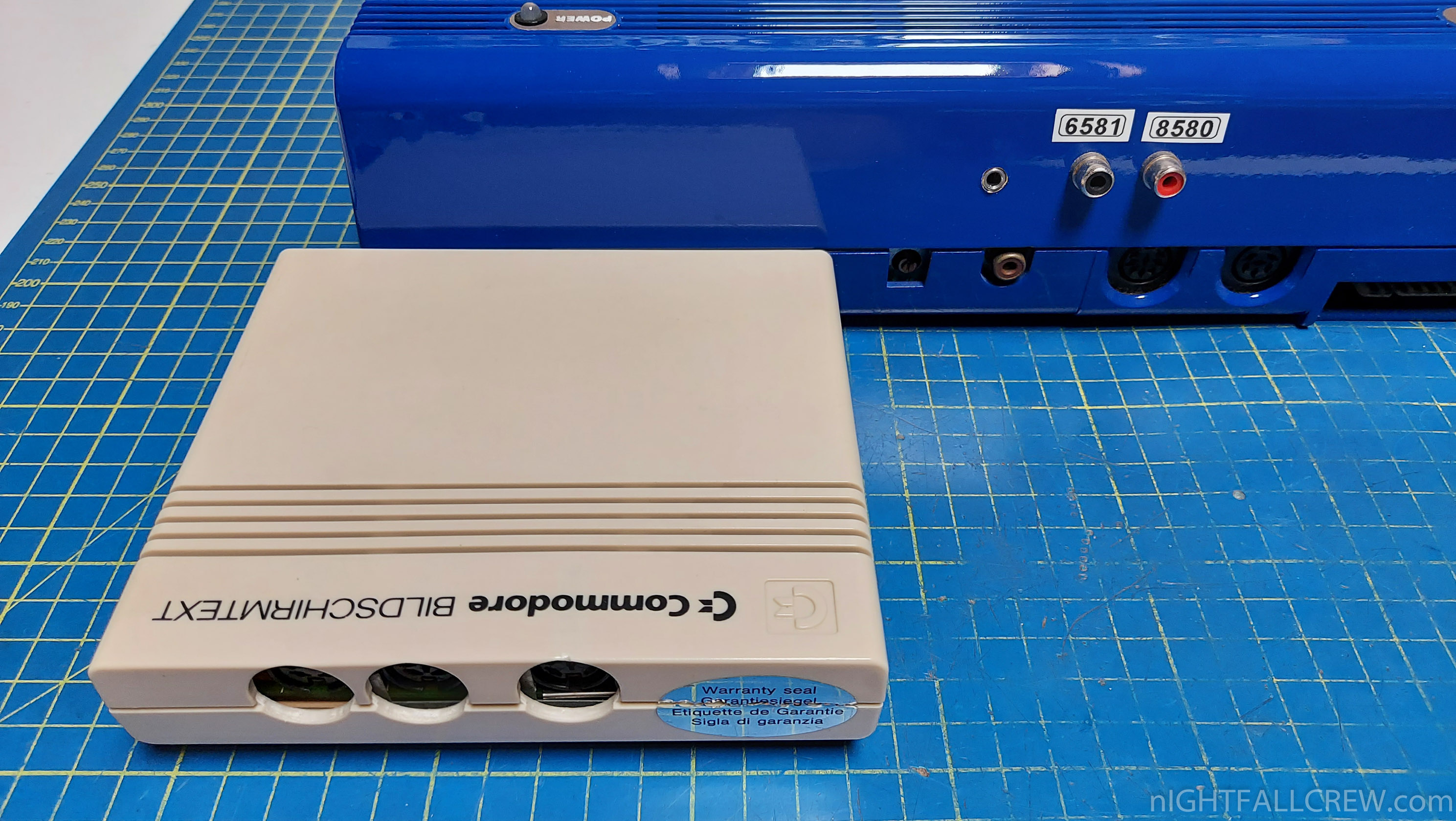
To use the service with a C64, this decoder cartridge was required, which connected to the expansion port.
The cartridge is actually a Siemens product, it’s just Commodore-branded.
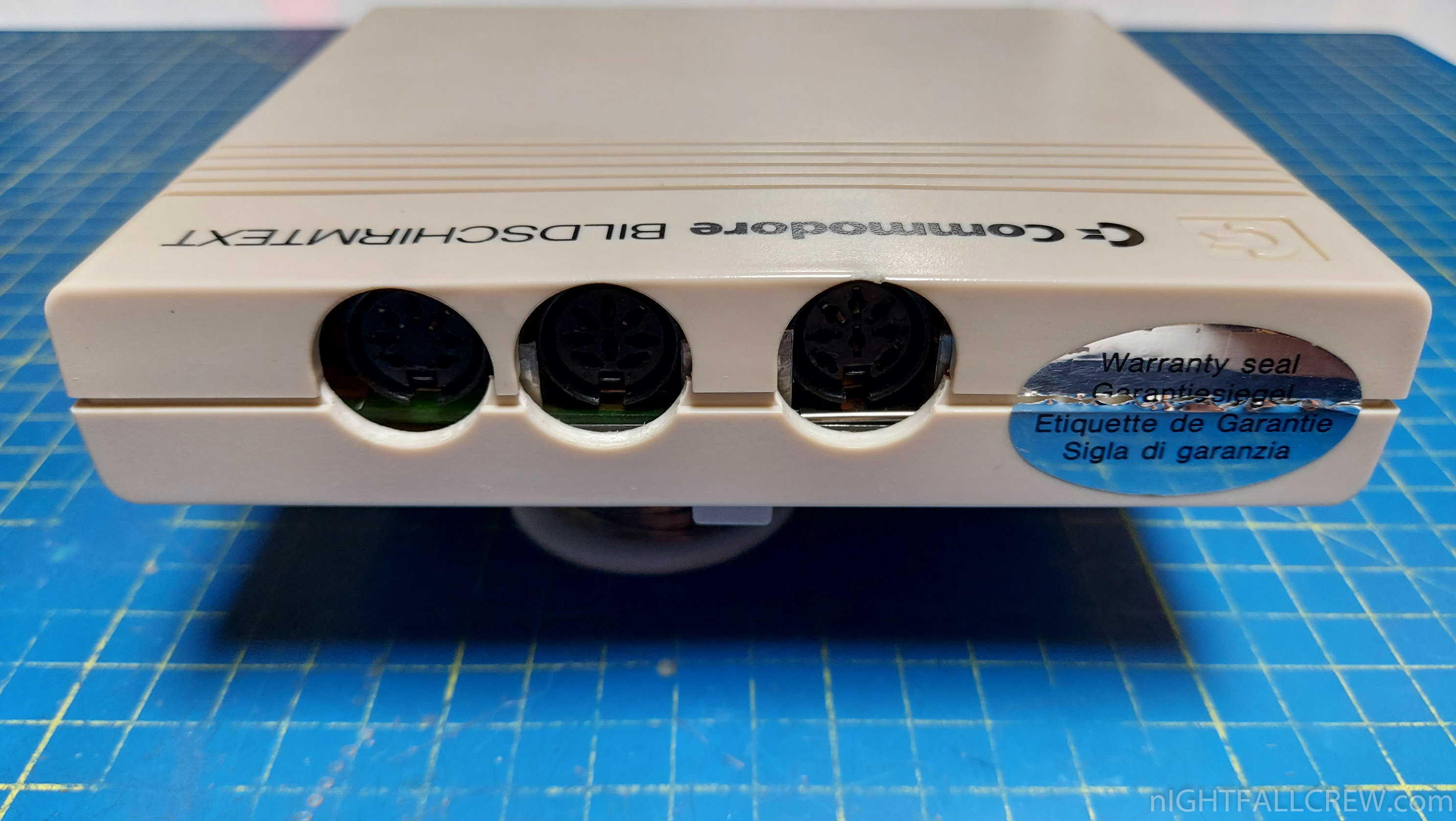
The sticker says:
The box with the Deutsche Bundespost logo is the registration (A506 131V). At the time, only explicitly Post-approved devices and software were allowed to be used for participating in Bildschirmtext.
(This is the “Btx Decoder Modul II”, even though the cartridge doesn’t say so. There was a completely different first model.)
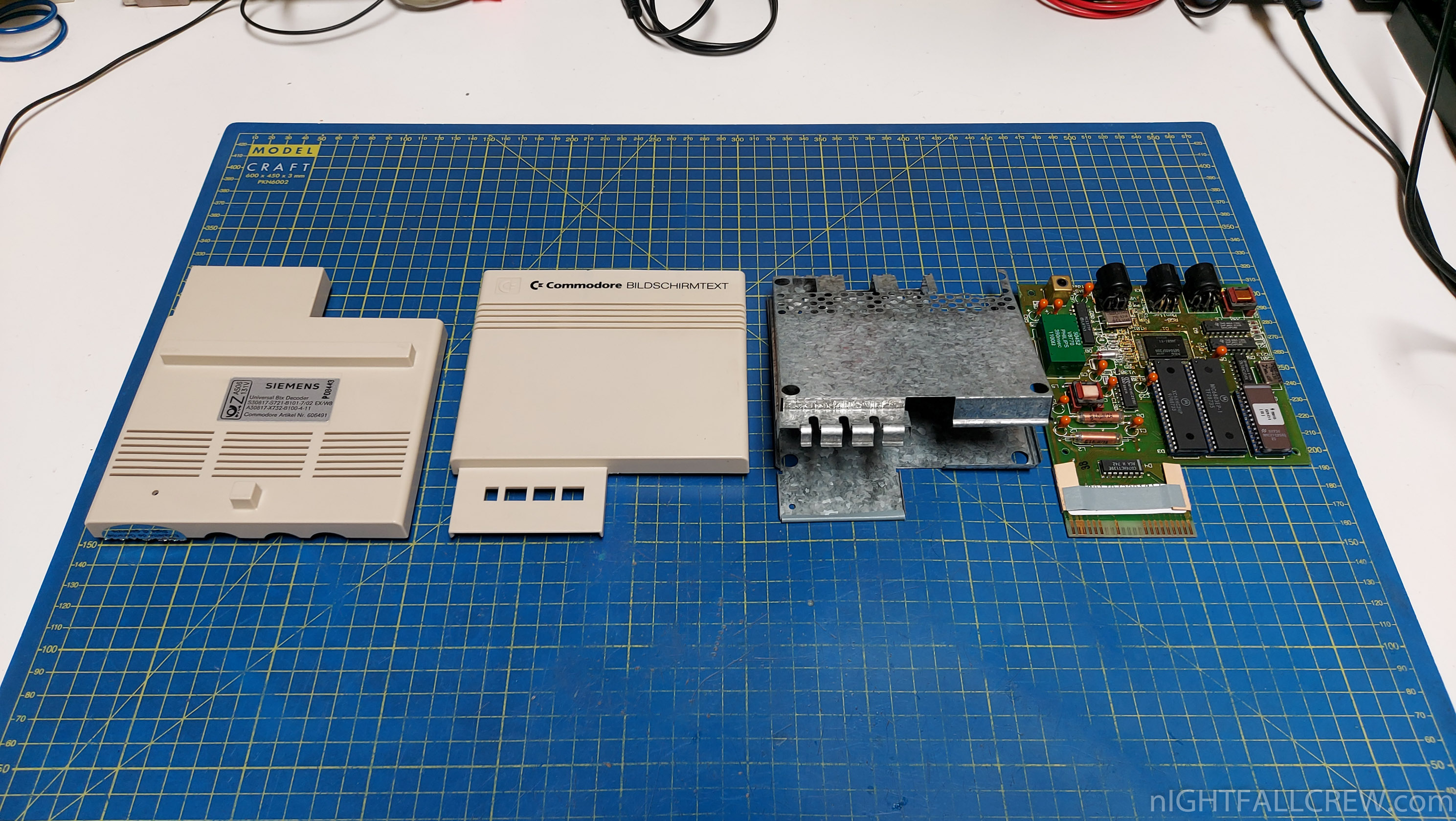
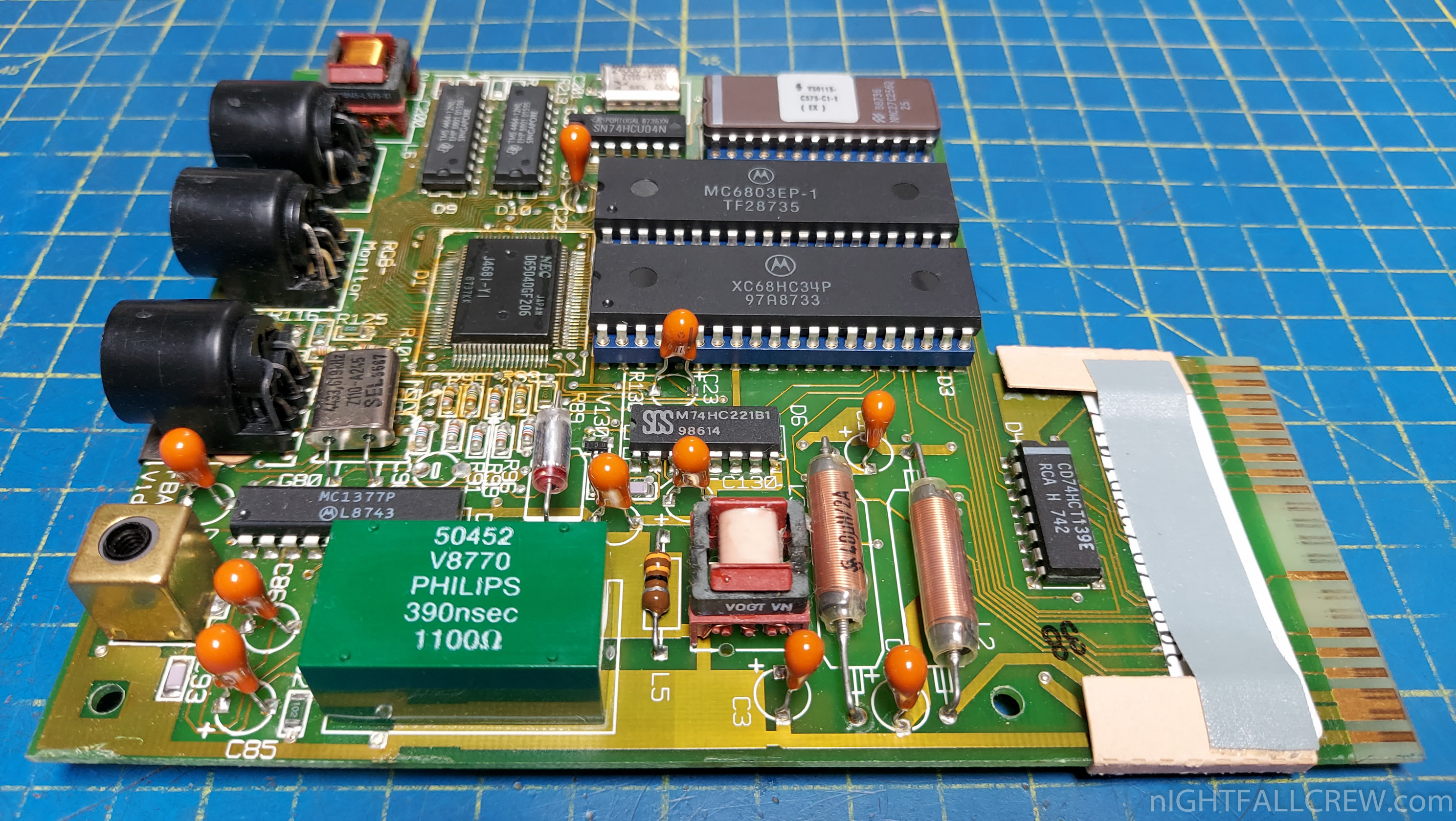
There are three DIN ports at the back, from left to right:
The Post-approval for participating in Bildschirmtext required the decoder to be able to show a pixel-exact image of the service (480×240 pixels with 32 out of 4096 colors)1. Since the VIC-II in the C64 could not meet this, the decoder cartridge had its own video controller and therefore its own video ports.
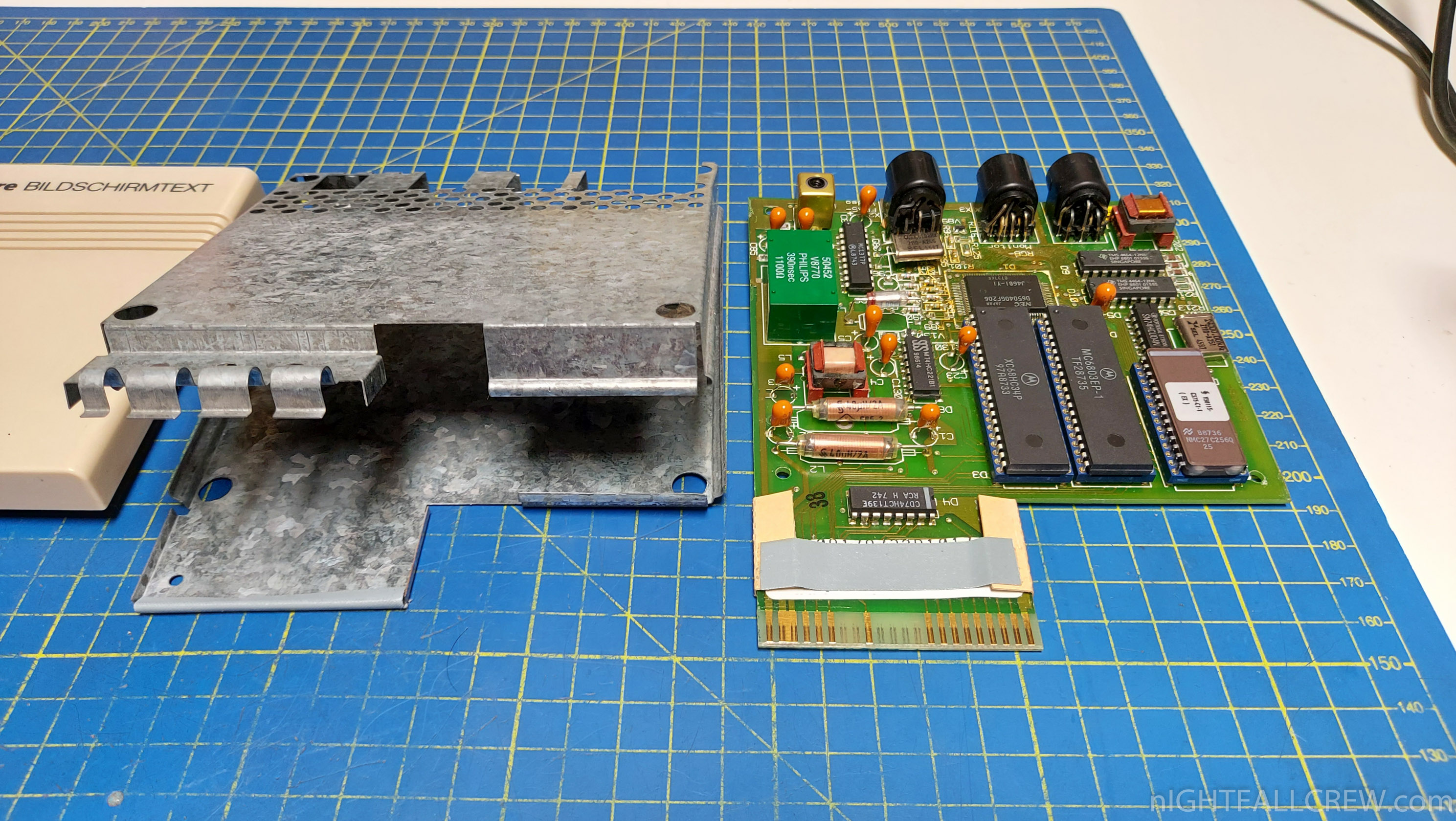
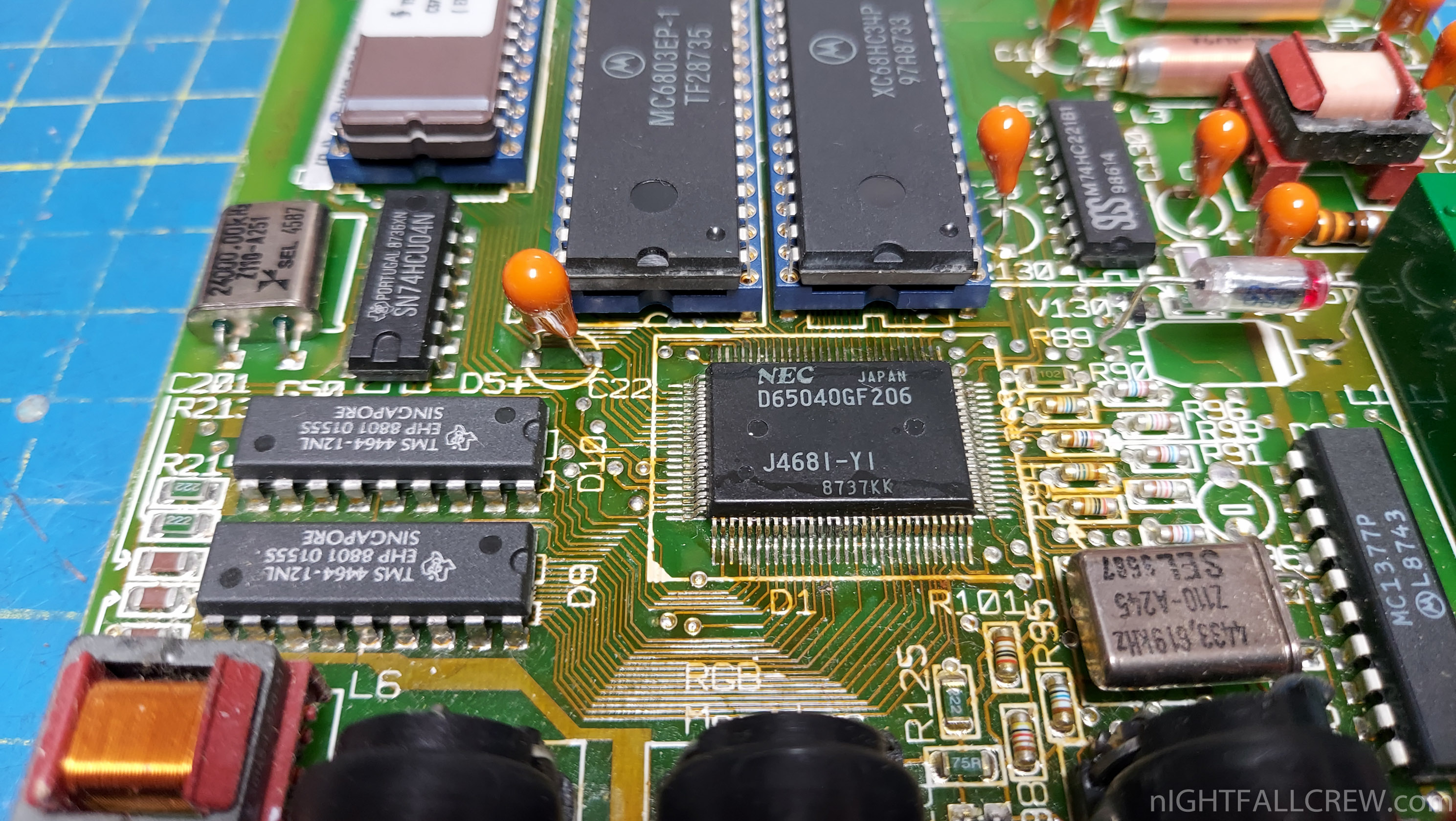
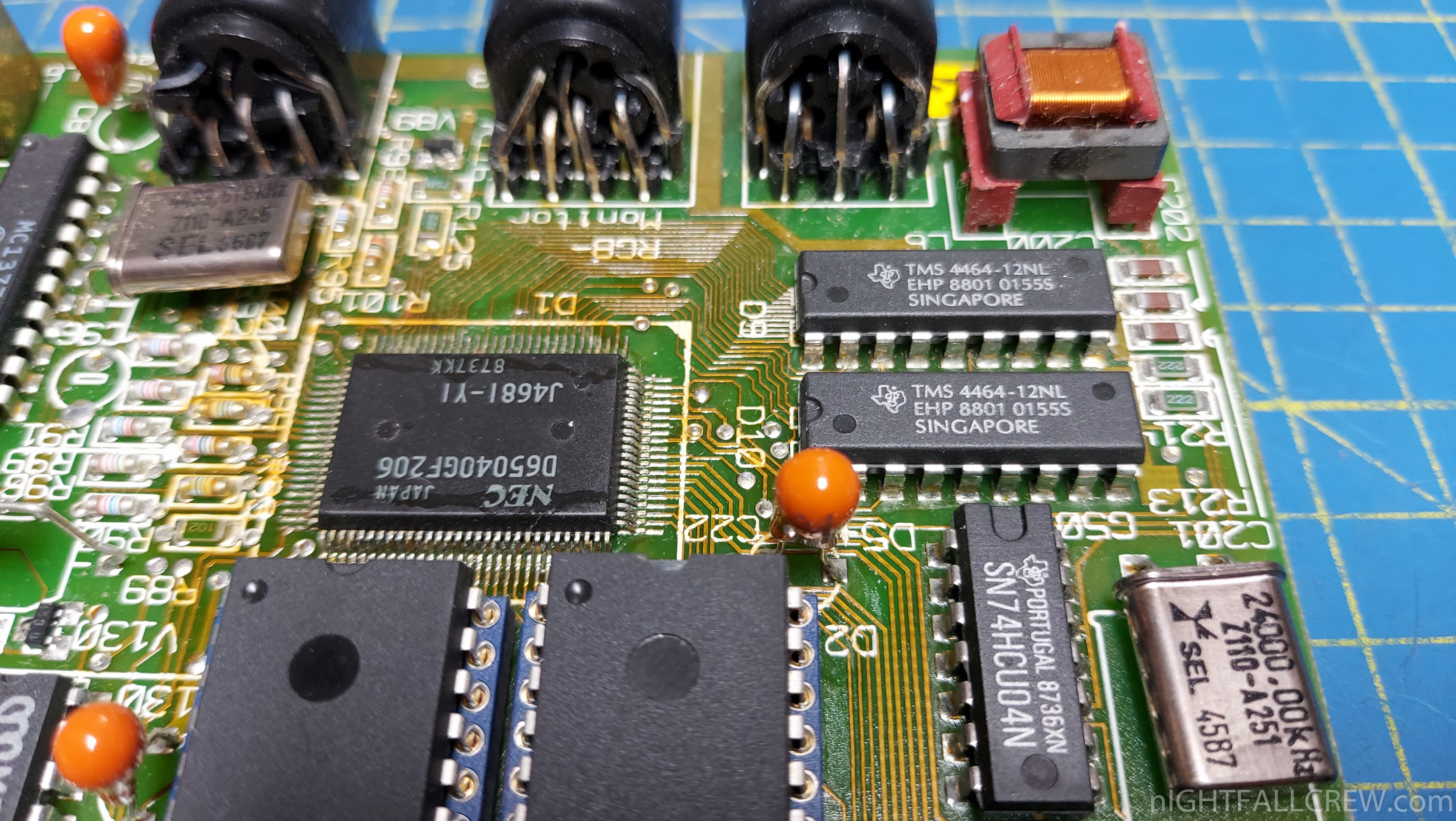
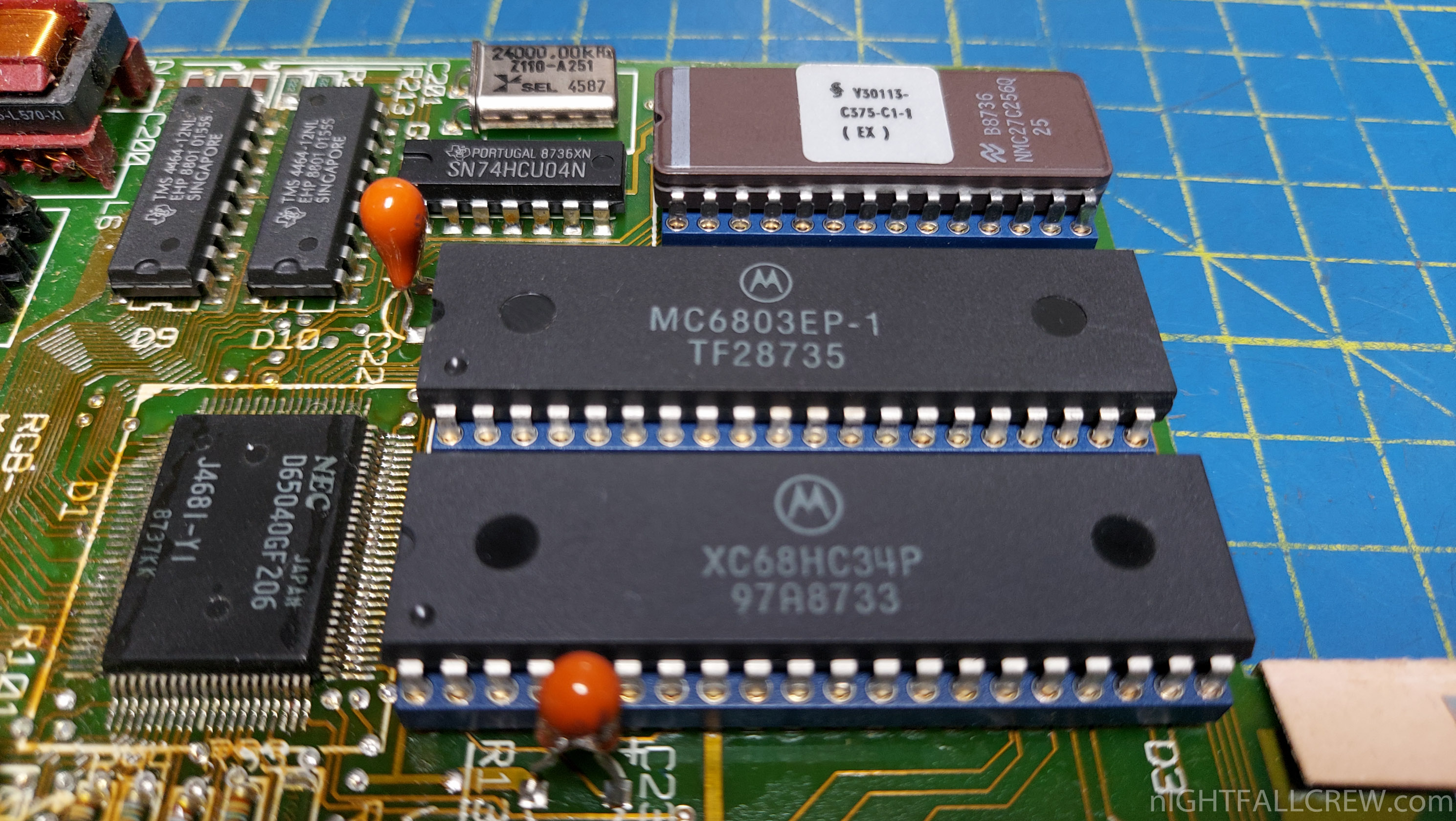
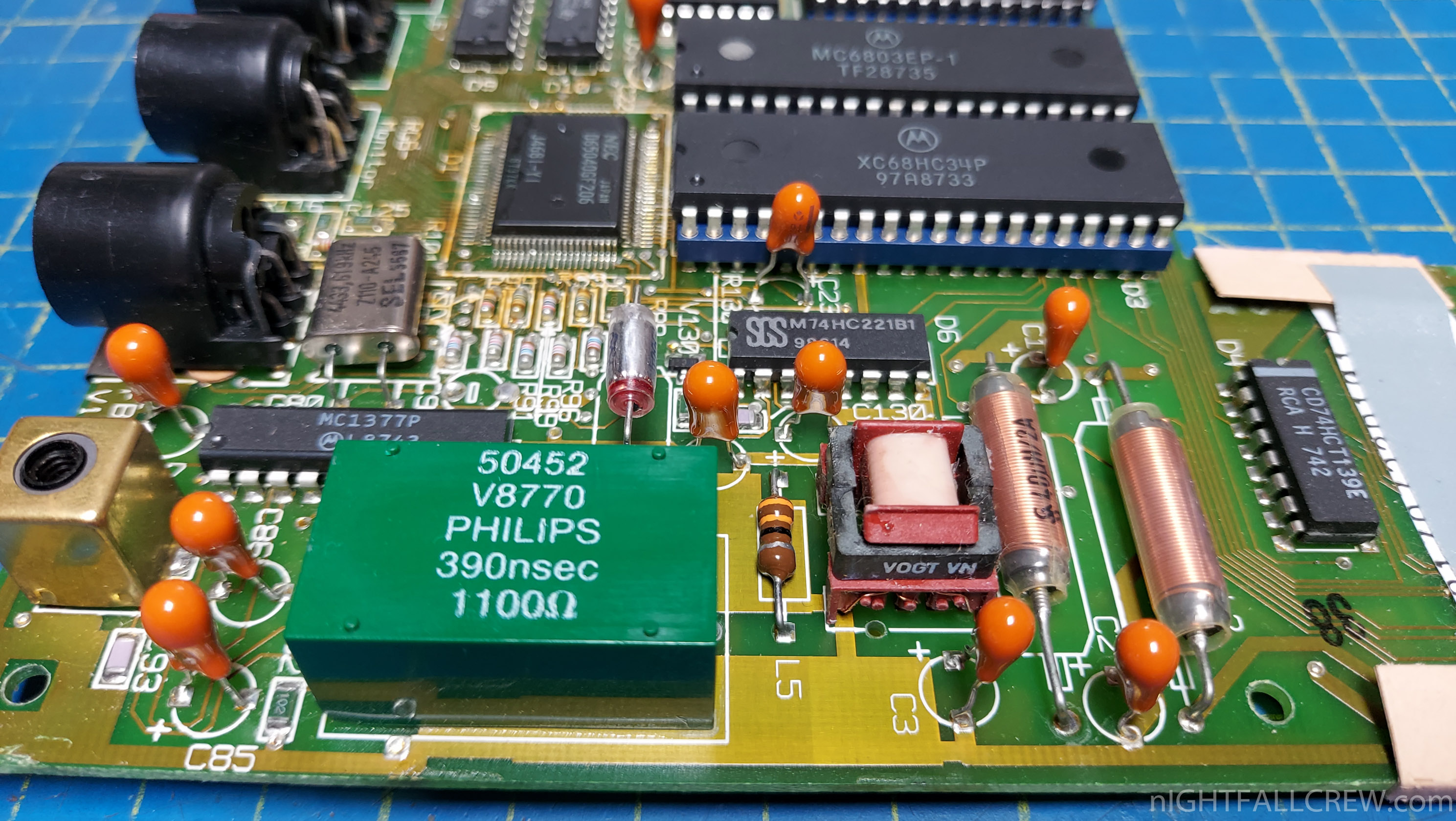
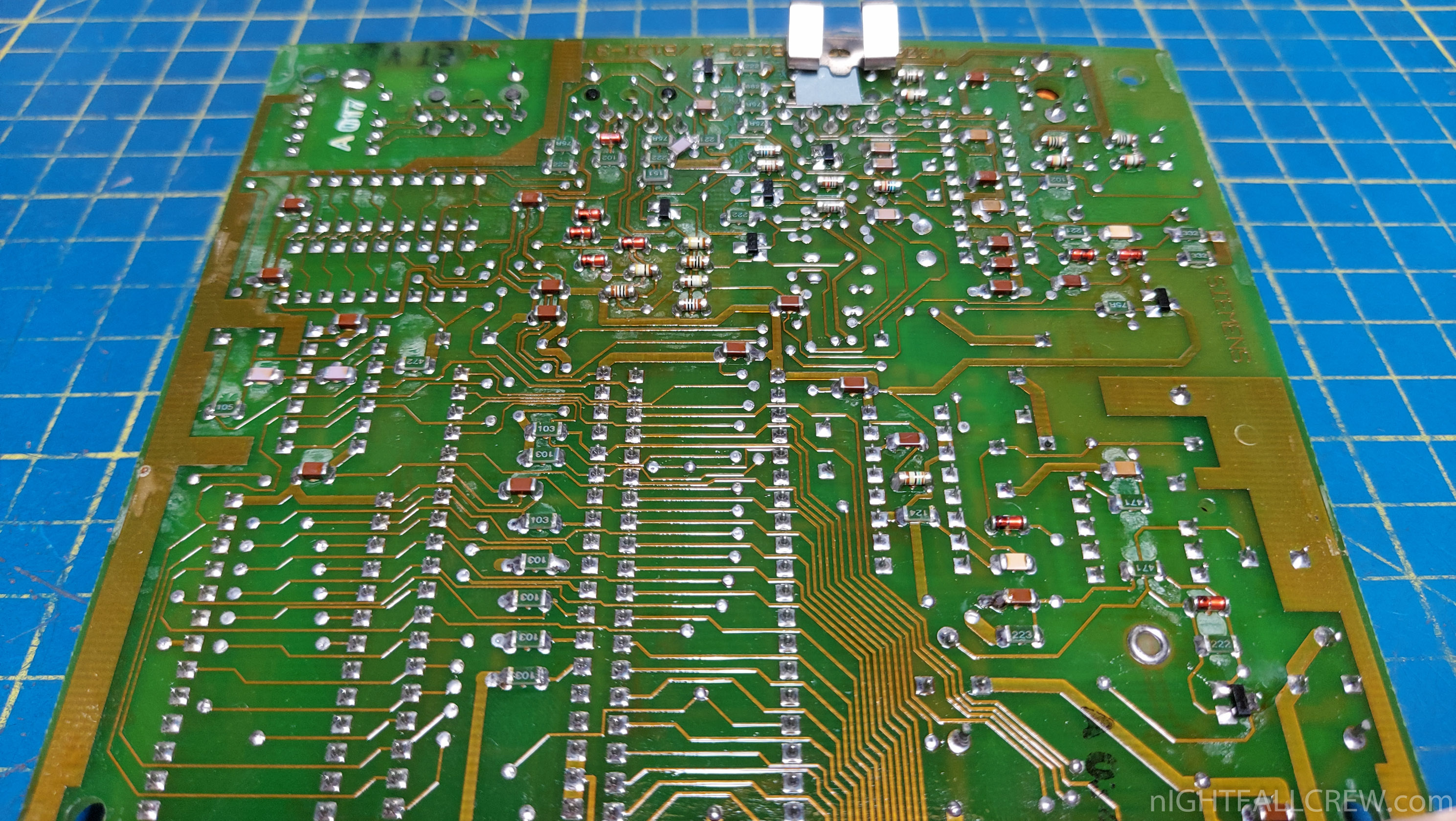
The board reveals that the cartridge doesn’t only have its own video chip, it also has its own CPU, RAM and ROM – it’s a complete computer that only connects to the C64 in order to reuse the keyboard and the disk drive.
These are the major chips:
The communication with the modem, the decoding of the CEPT data stream and the interaction with the Btx service are handled by 6800 CPU and the software in the EPROM.
I am assuming the software writes the RGB values of every single scanline into the dual-port memory in real-time, which the gate array then reads to generate the video signal – like on the Atari VCS and the Sinclair ZX81. This keeps the complexity of the video hardware minimal.
The chipset and the firmware are probably very similar to the technology used in dedicated Bildschirmtext terminals.
Gallery:
source: pagetable.com
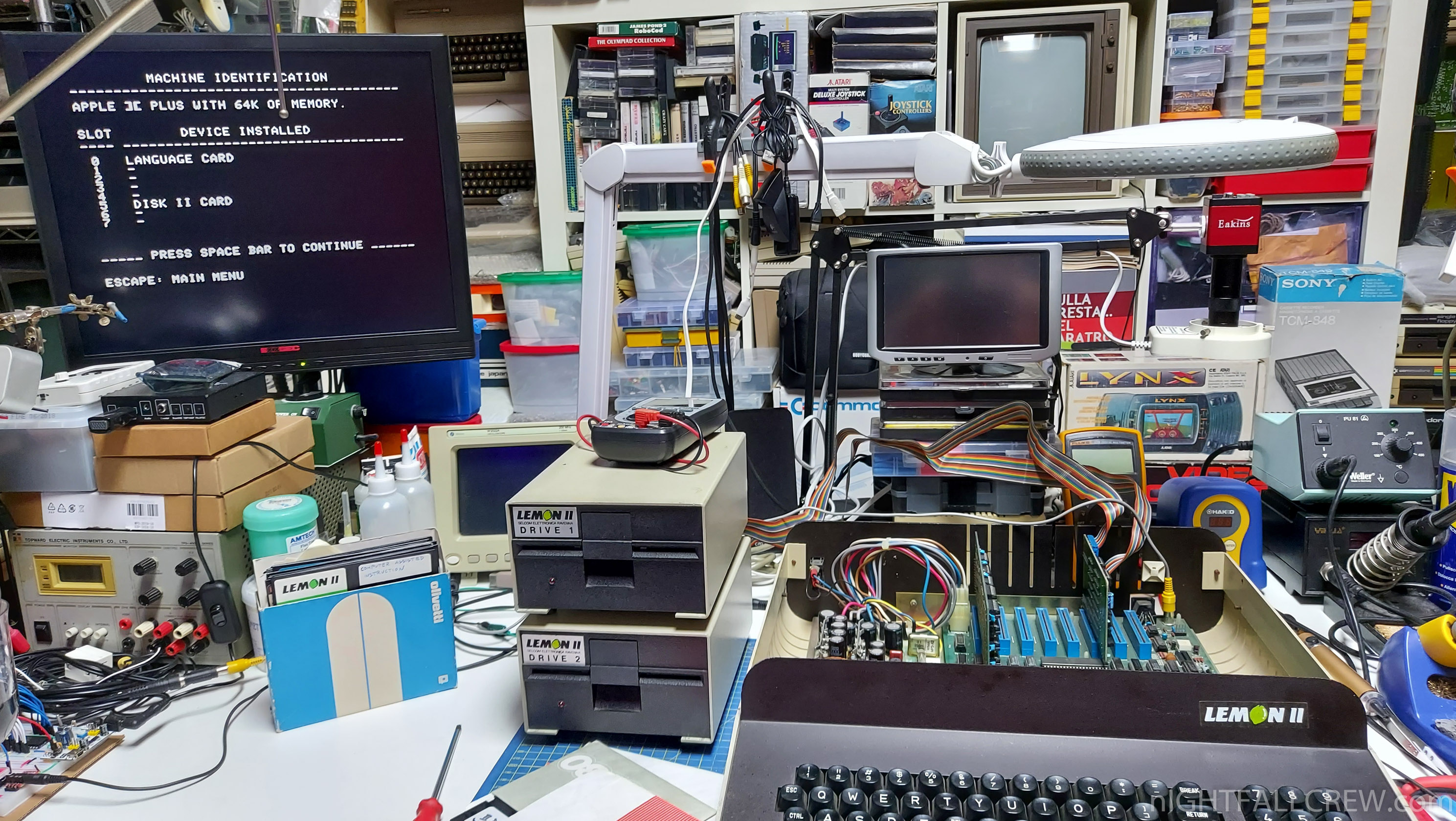
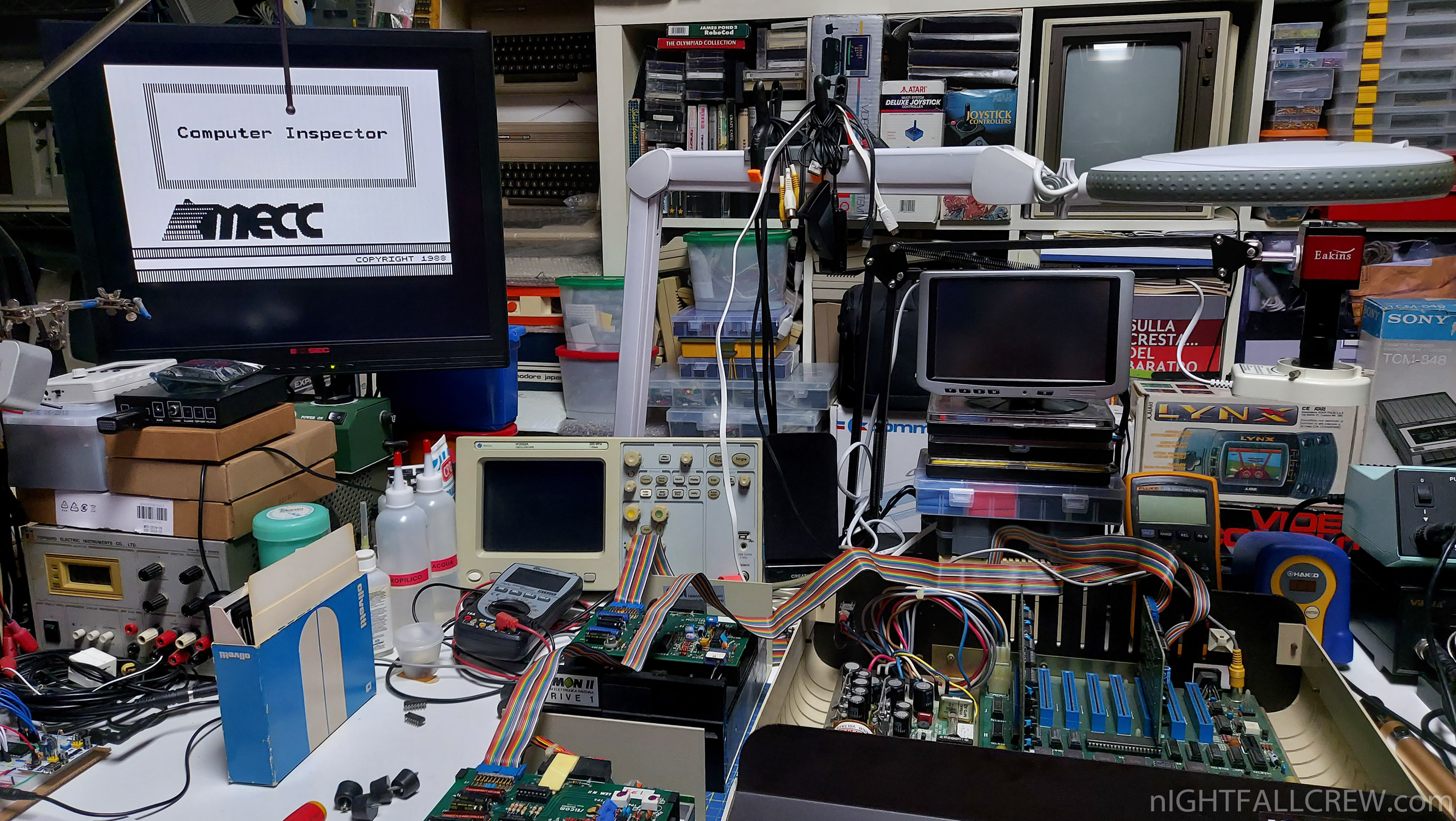
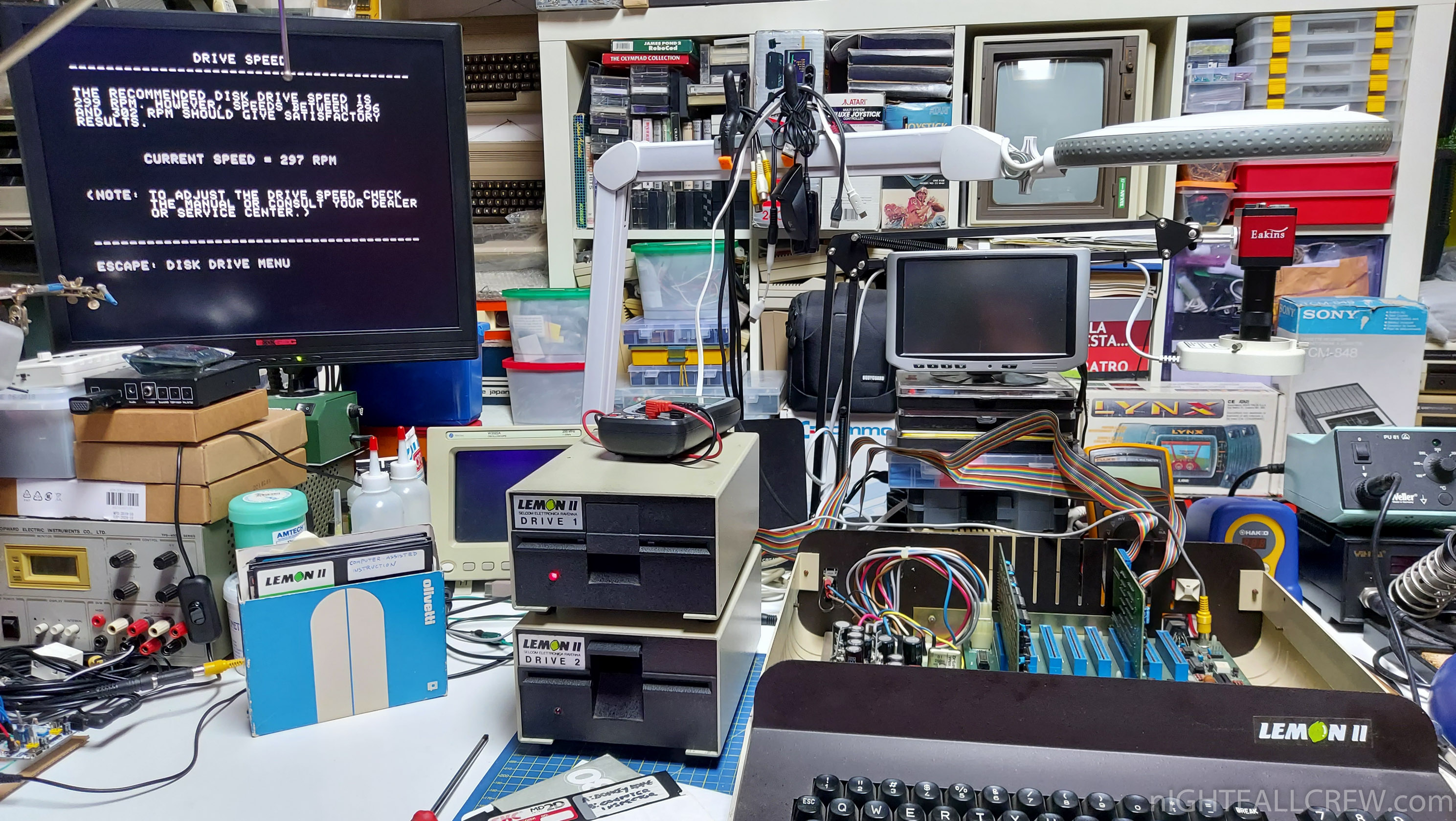
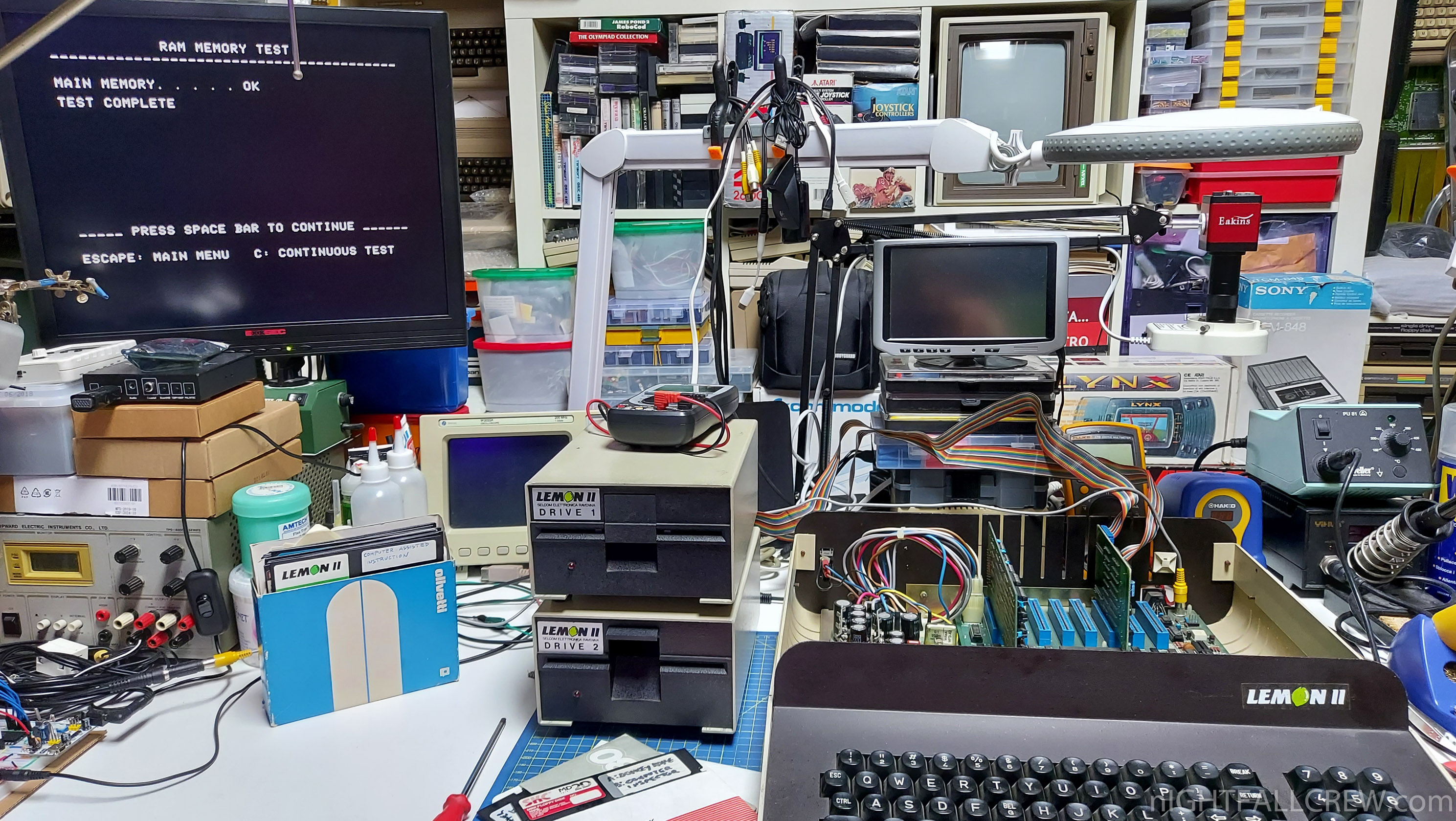
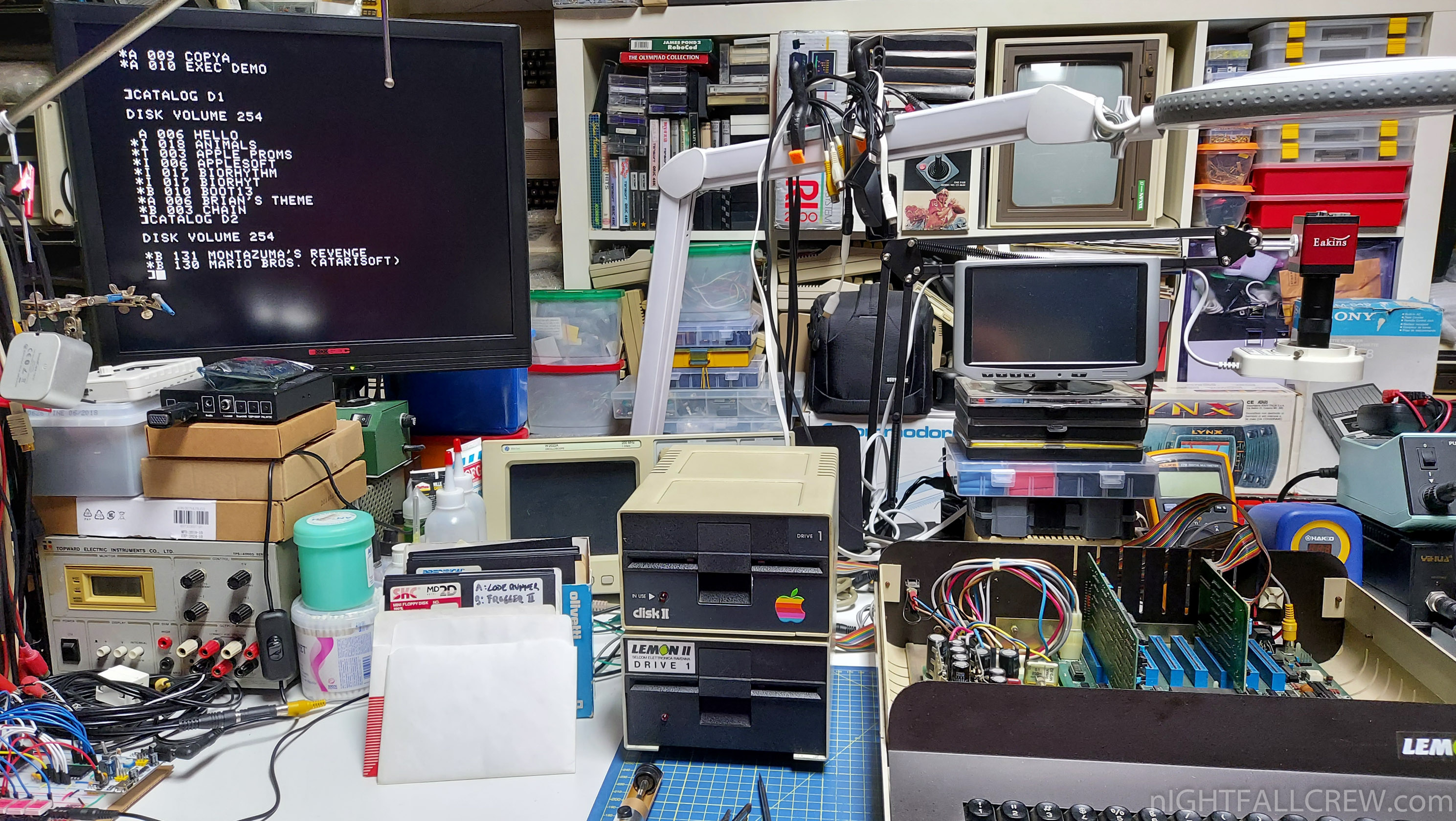
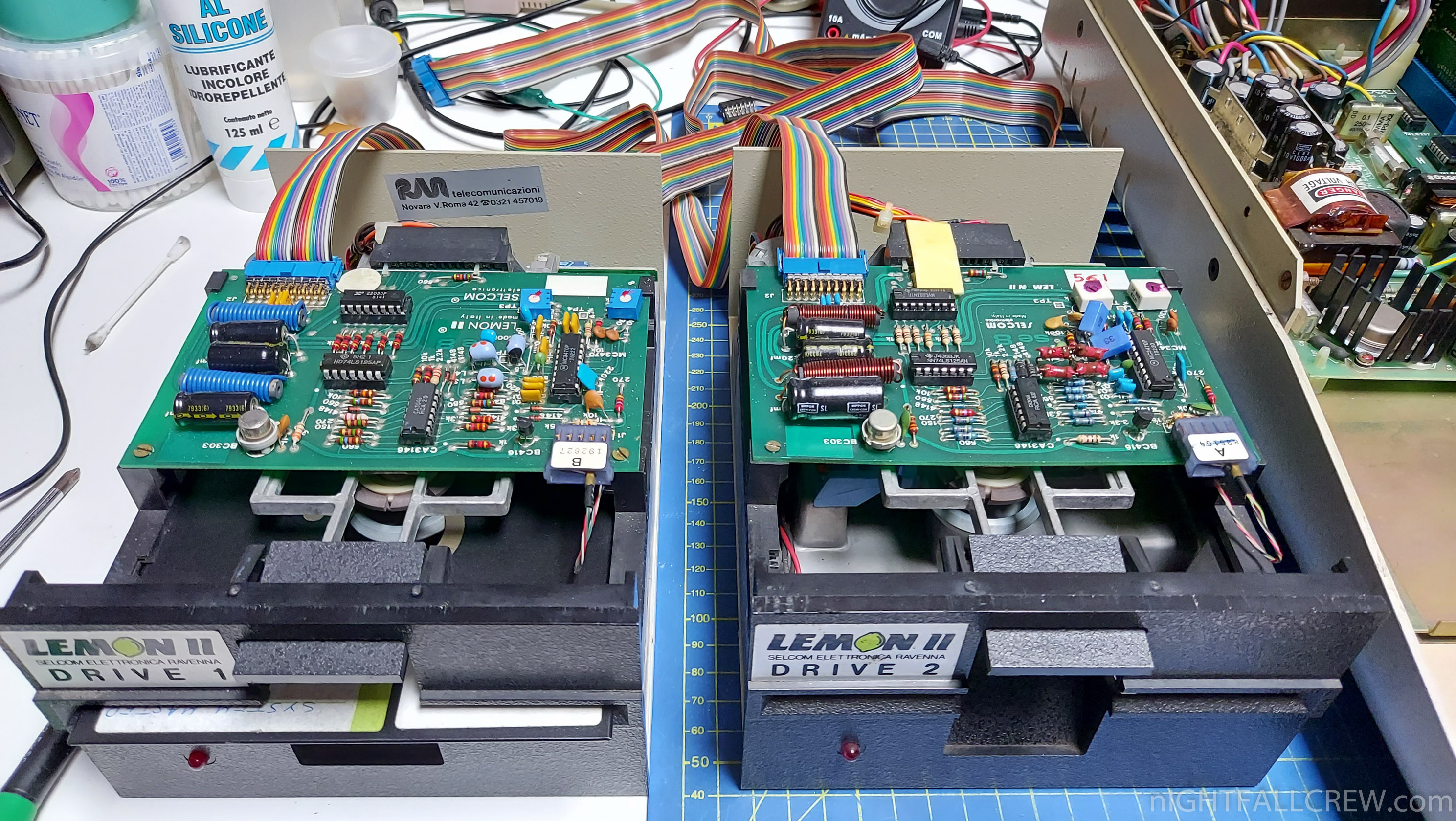
Selcom Lemon II Floppy Drive Repair and Clean.
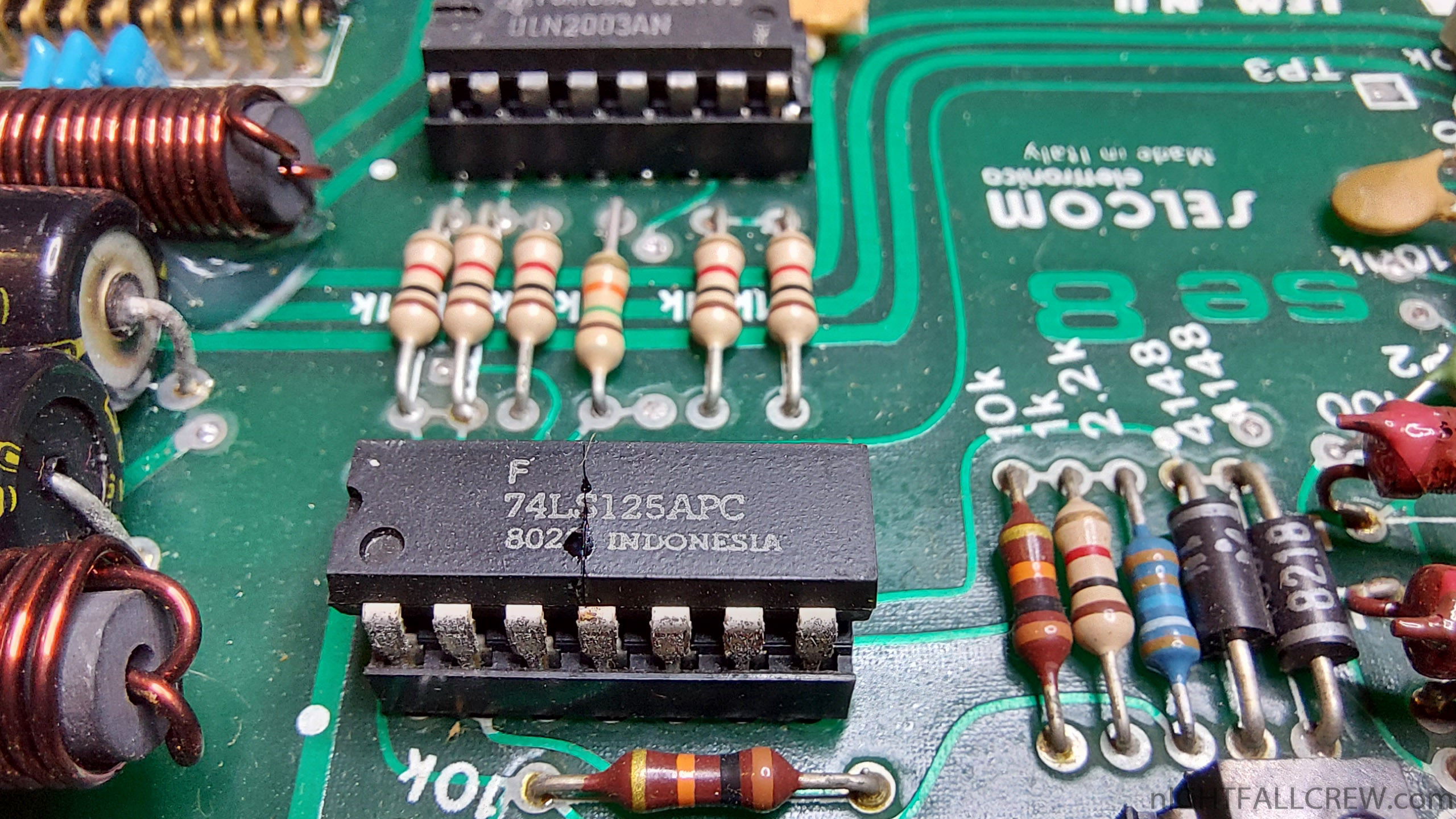
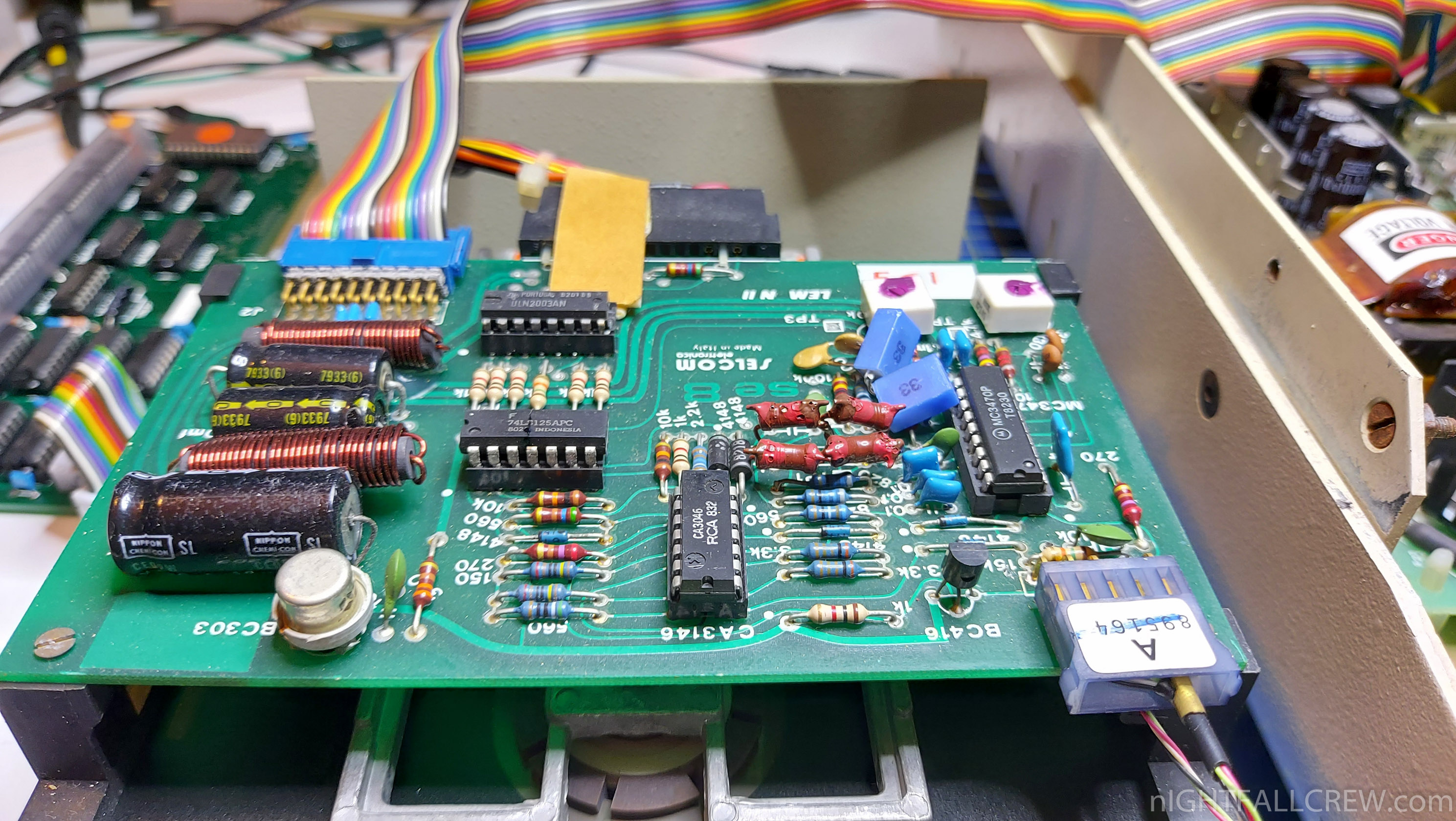
Defect: The Floppy Drive motor spins and the LED stays on but the R/W head does not move and don’t read anythings. This is a classic failure due to incorrect insertion of the Floppy Drive connector into the male connector on the side of the Floppy Drive Controller card.
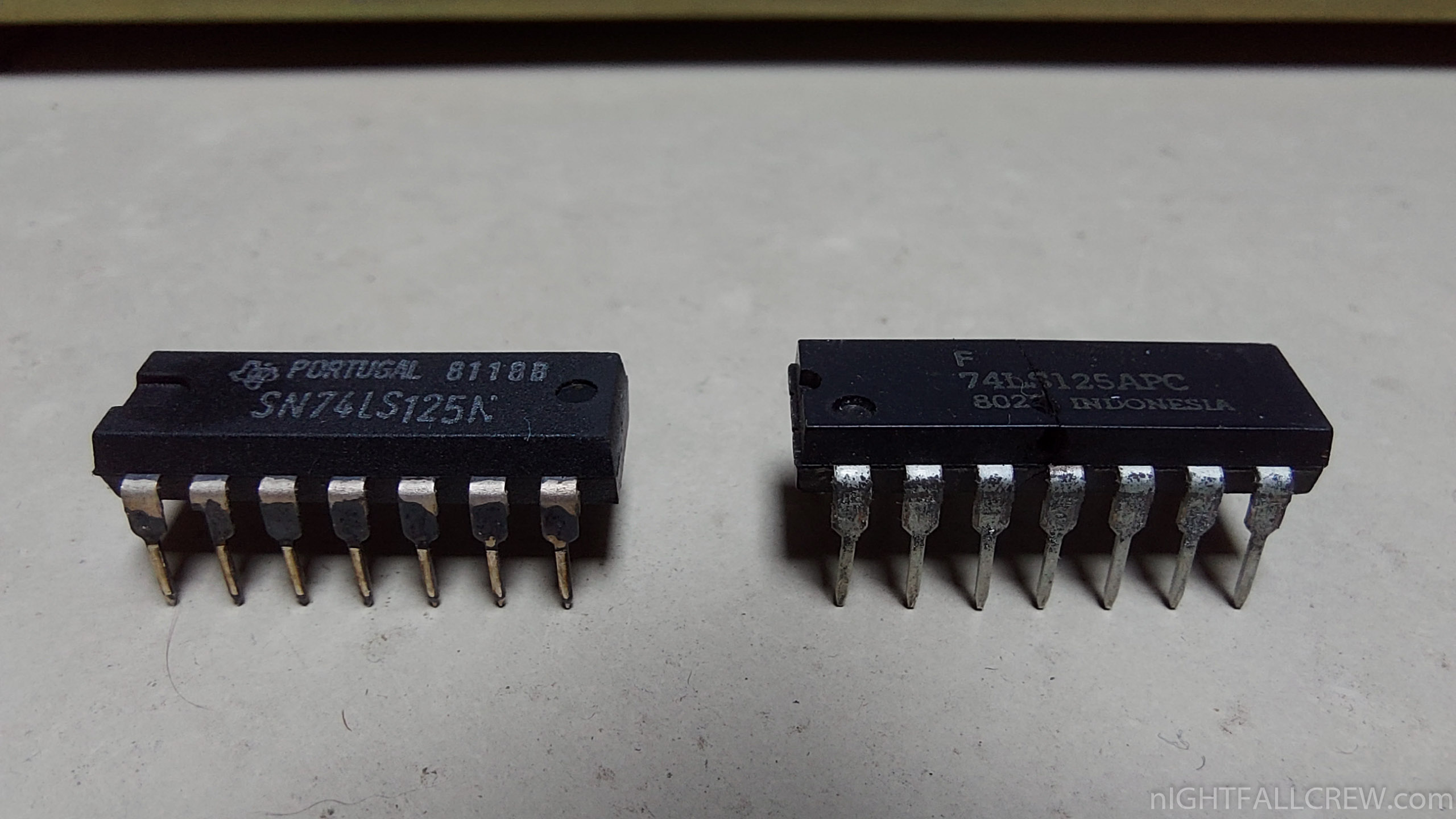
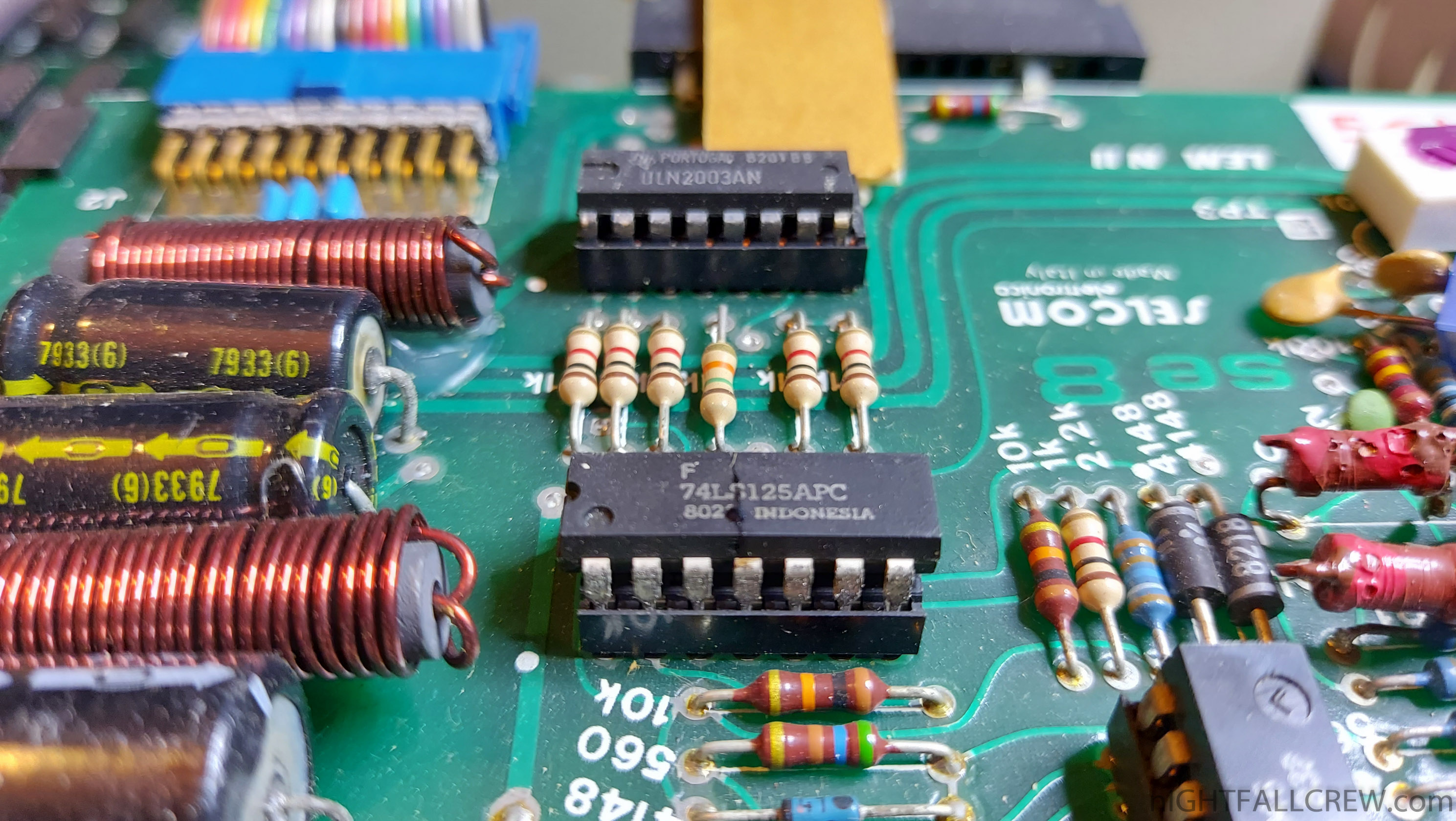
By inserting the connector moved one row externally the supply consequently go to in the wrong places and the first IC to explode in the true sense of the word is the 74LS125 (see photo).
Replaced the component, everything has started to working again.
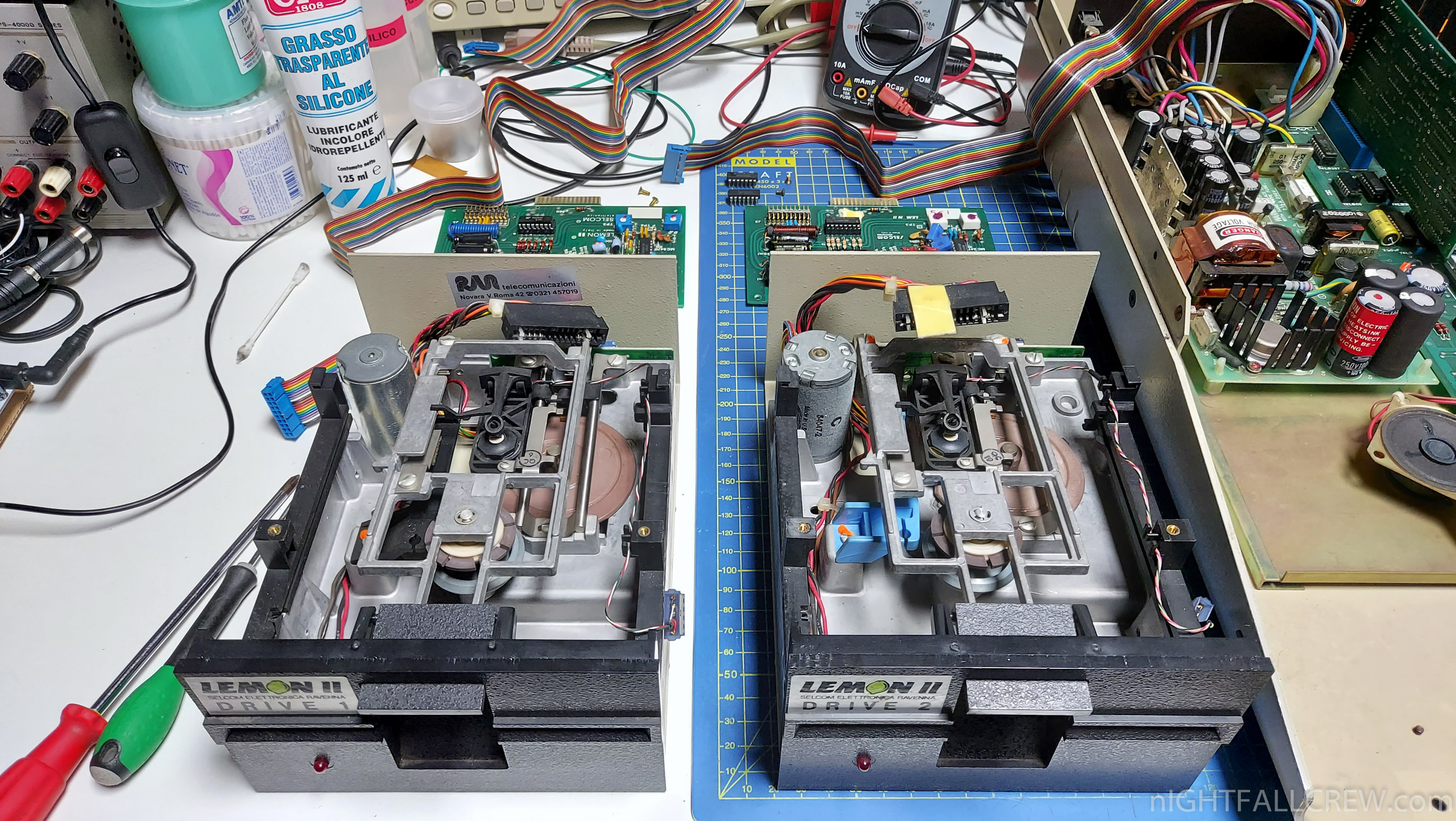
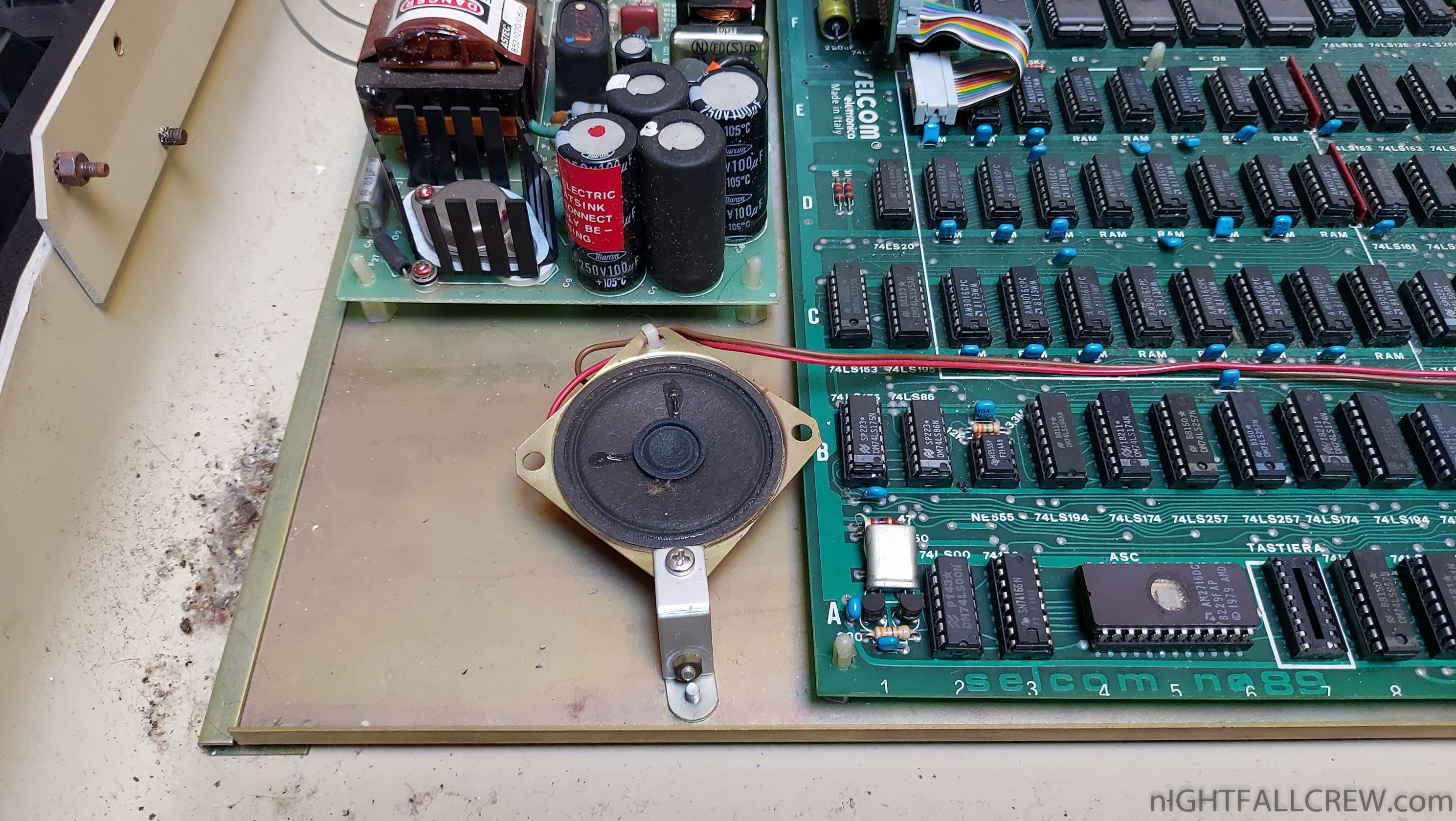
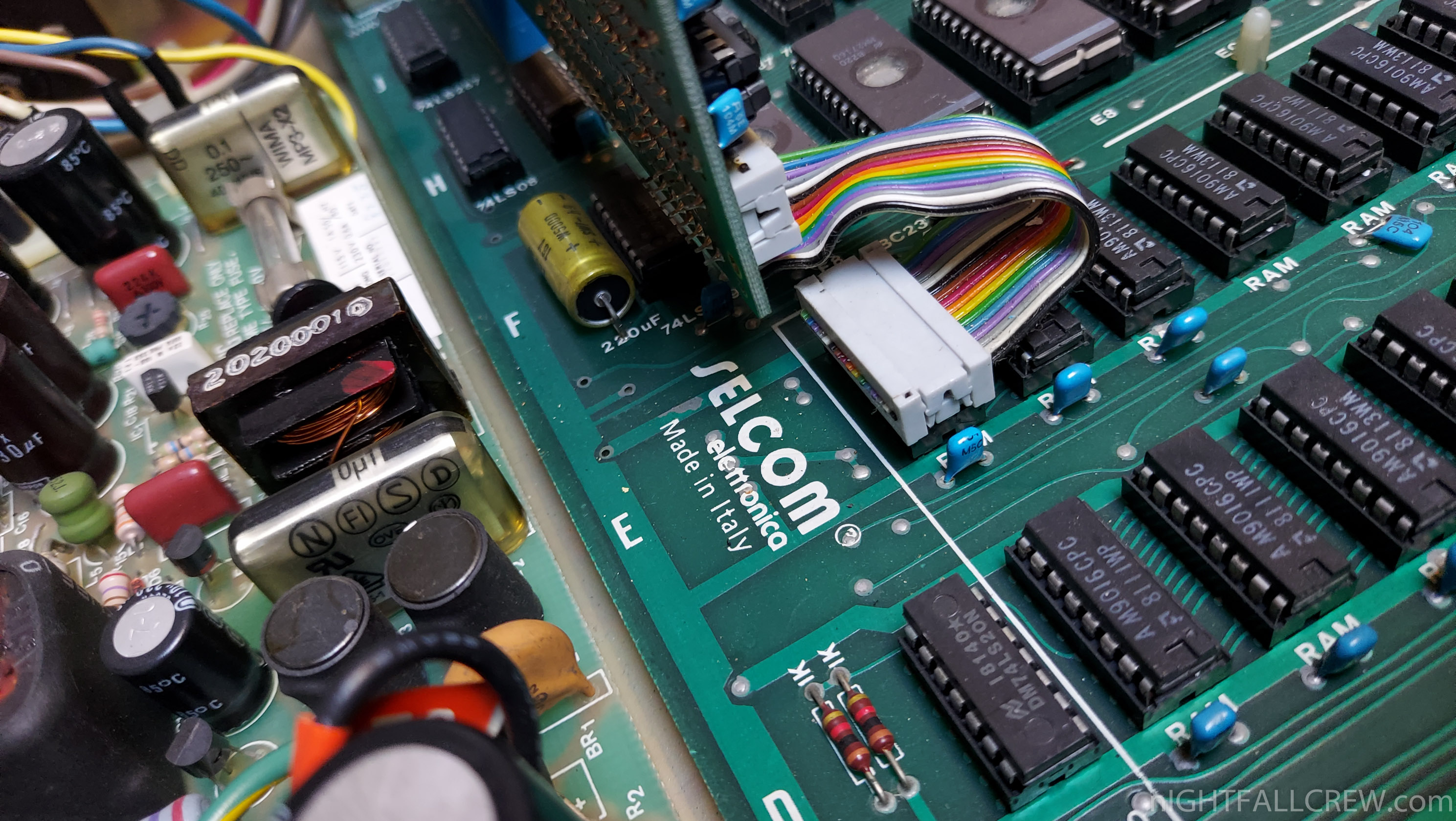
Taking advantage of the repair, i have cleaned the inside of the LEMON II Computer and done a DUMP of the EPROM, i also cleaned and lubrificate the mechanical parts of the Floppy Drive.
Gallery of the repair:
Download: Selcom Lemon II ROM EPROM Dump (1490)
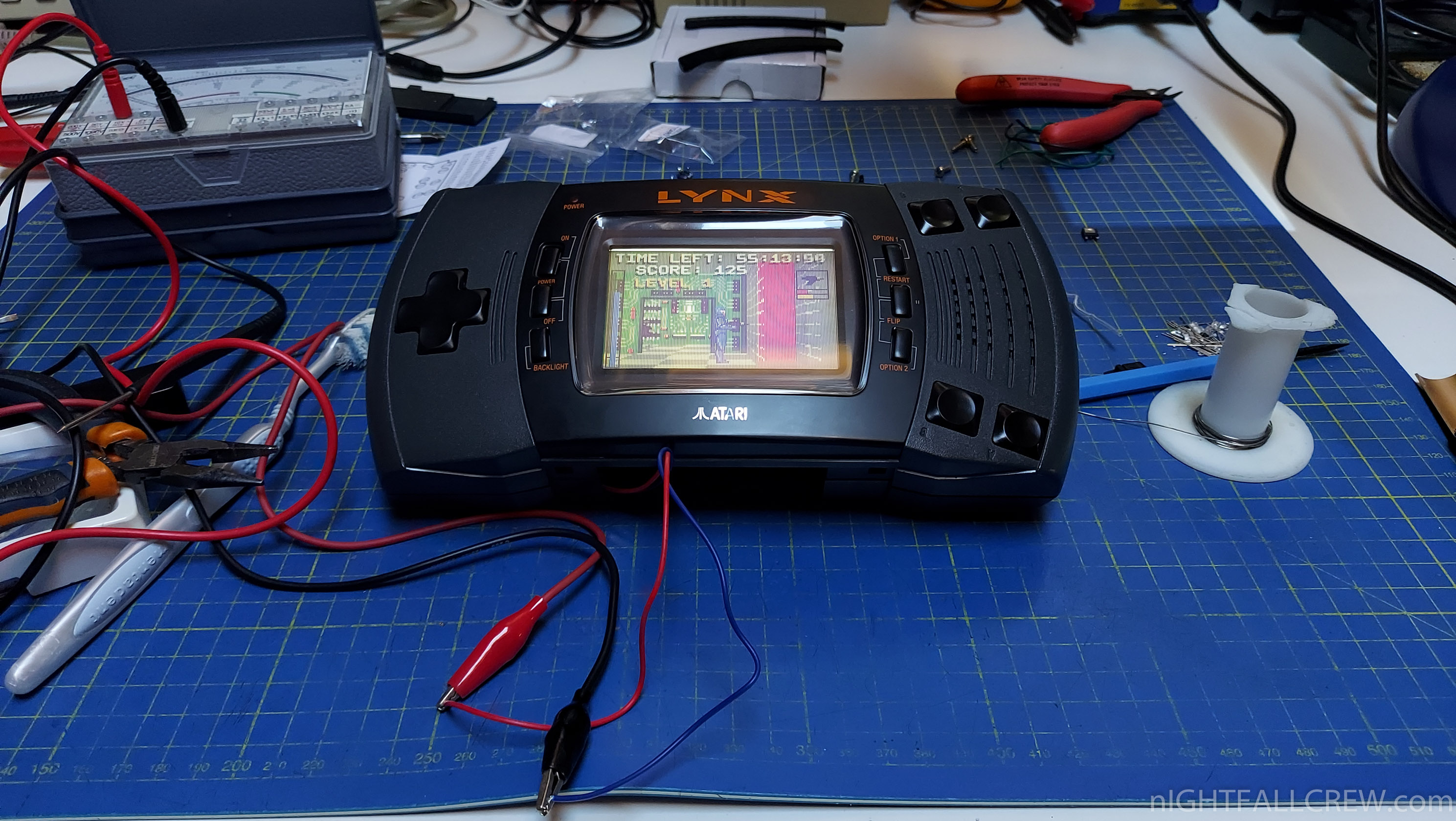
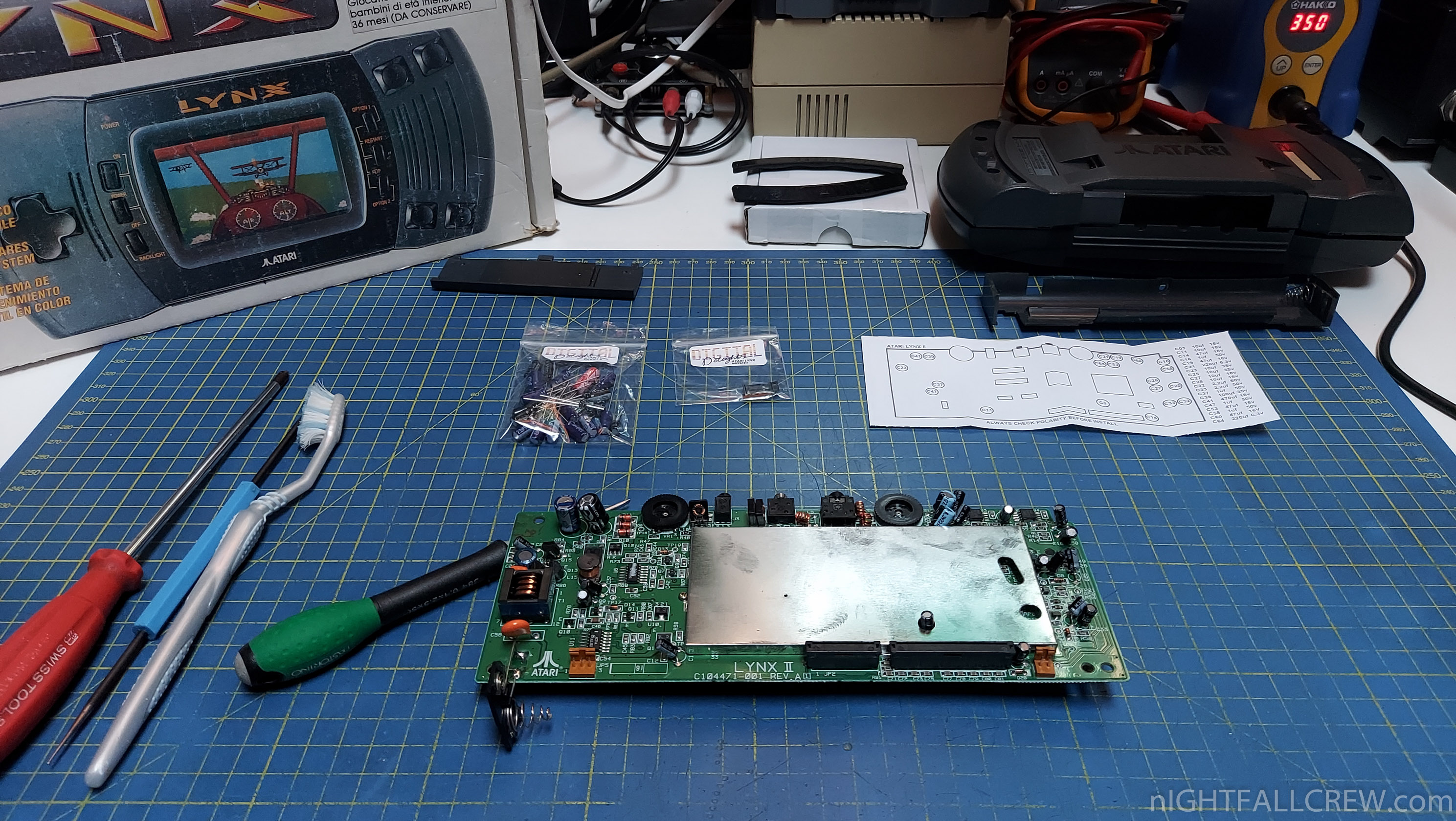
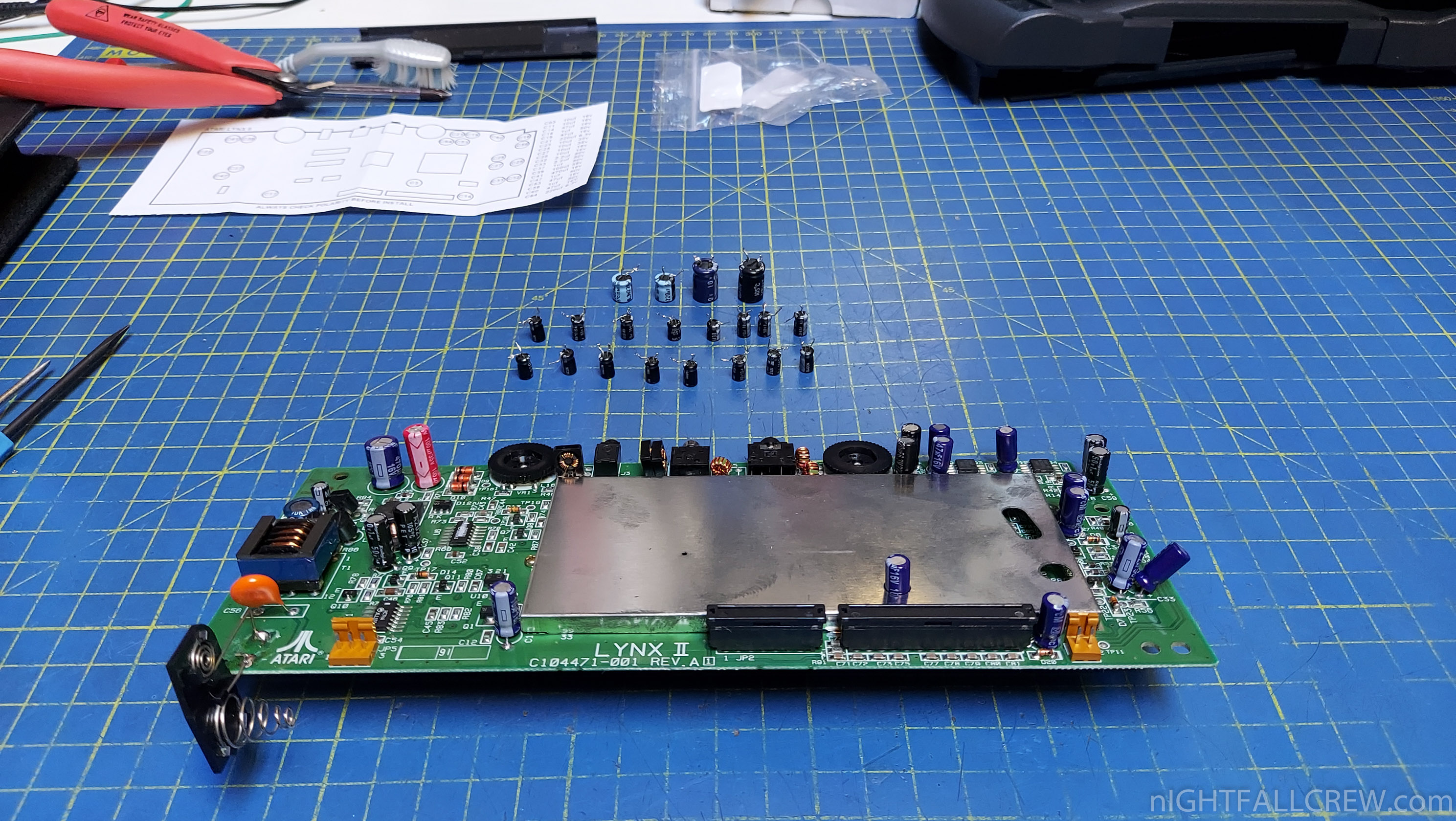
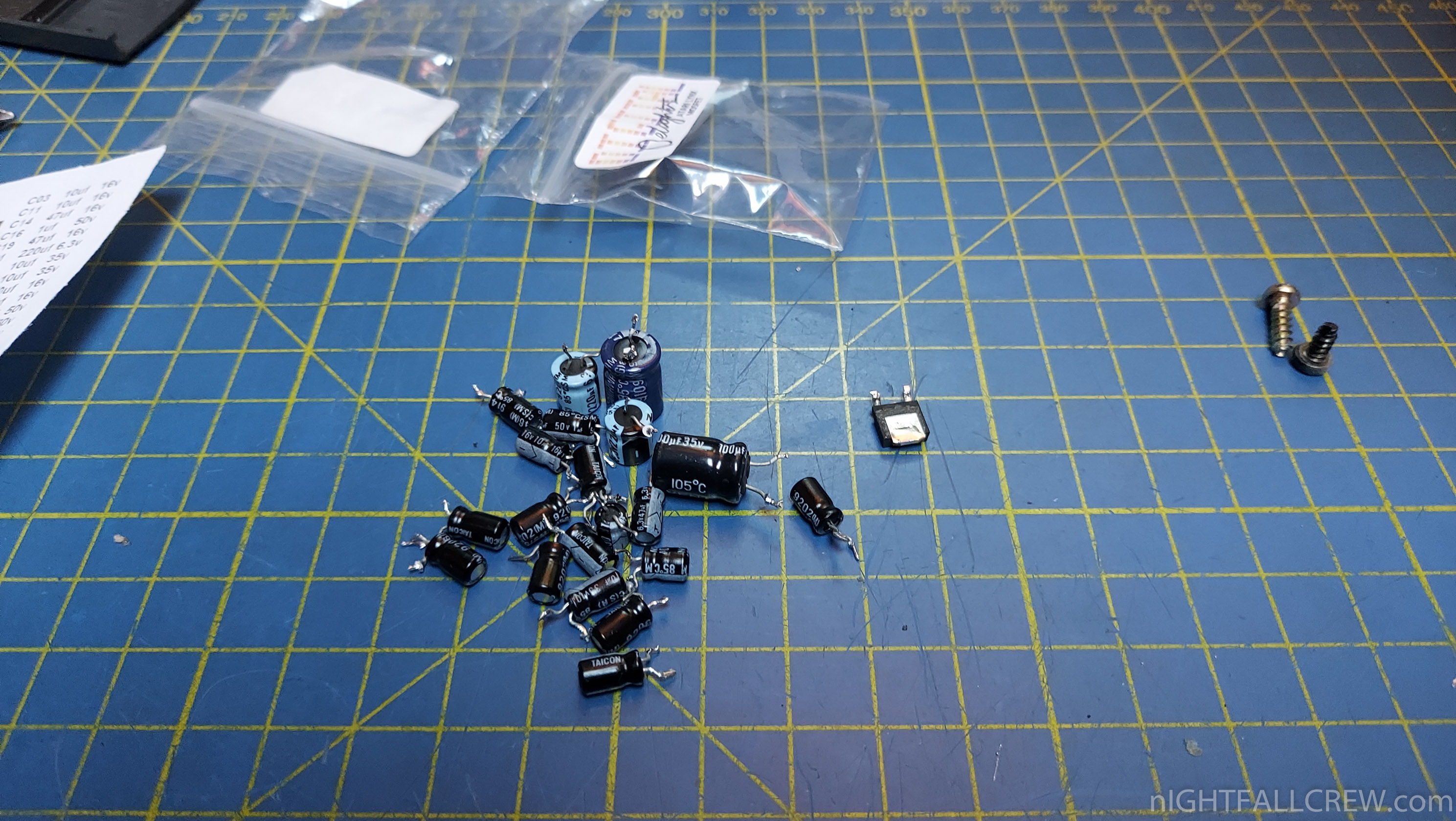
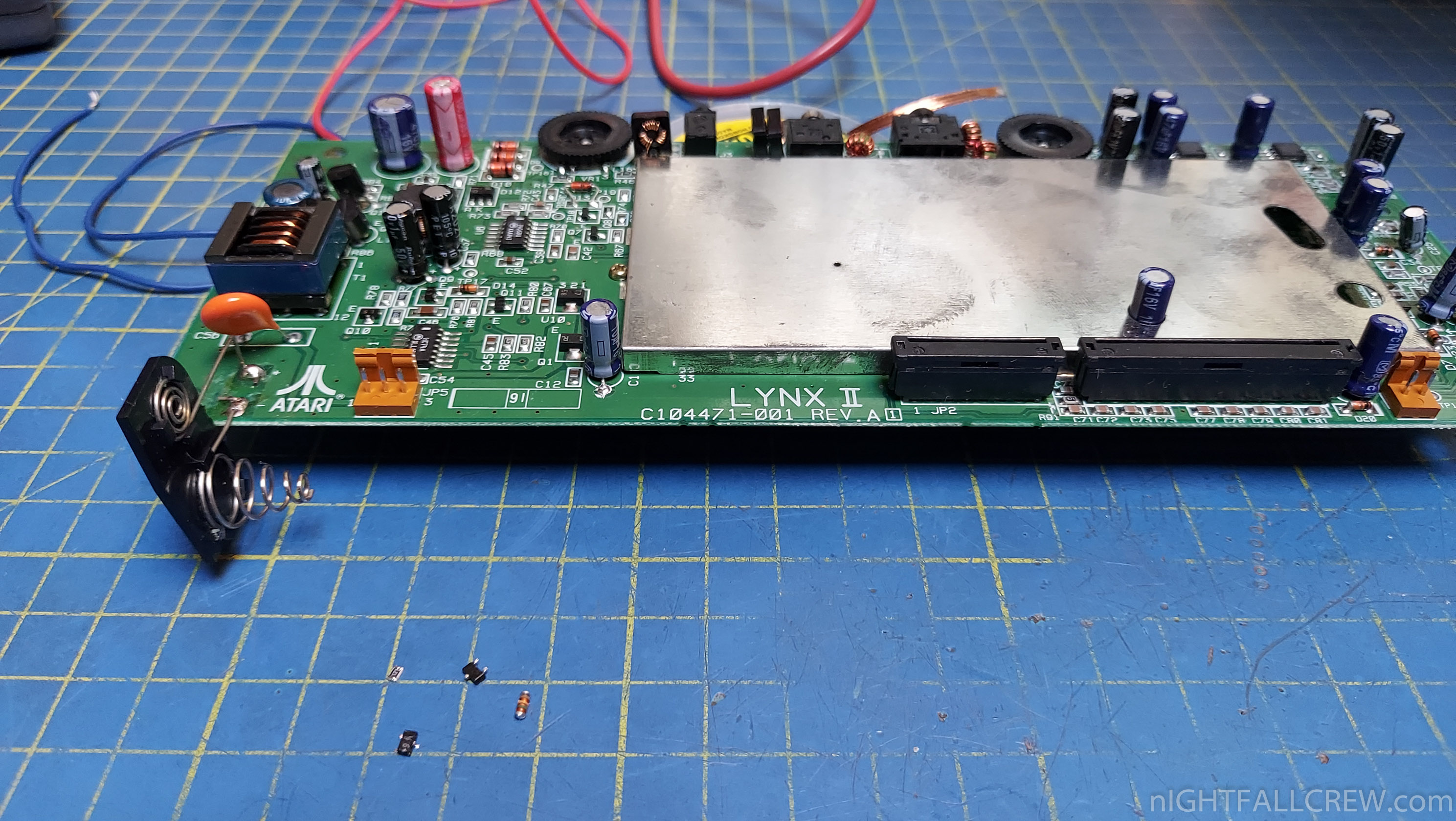
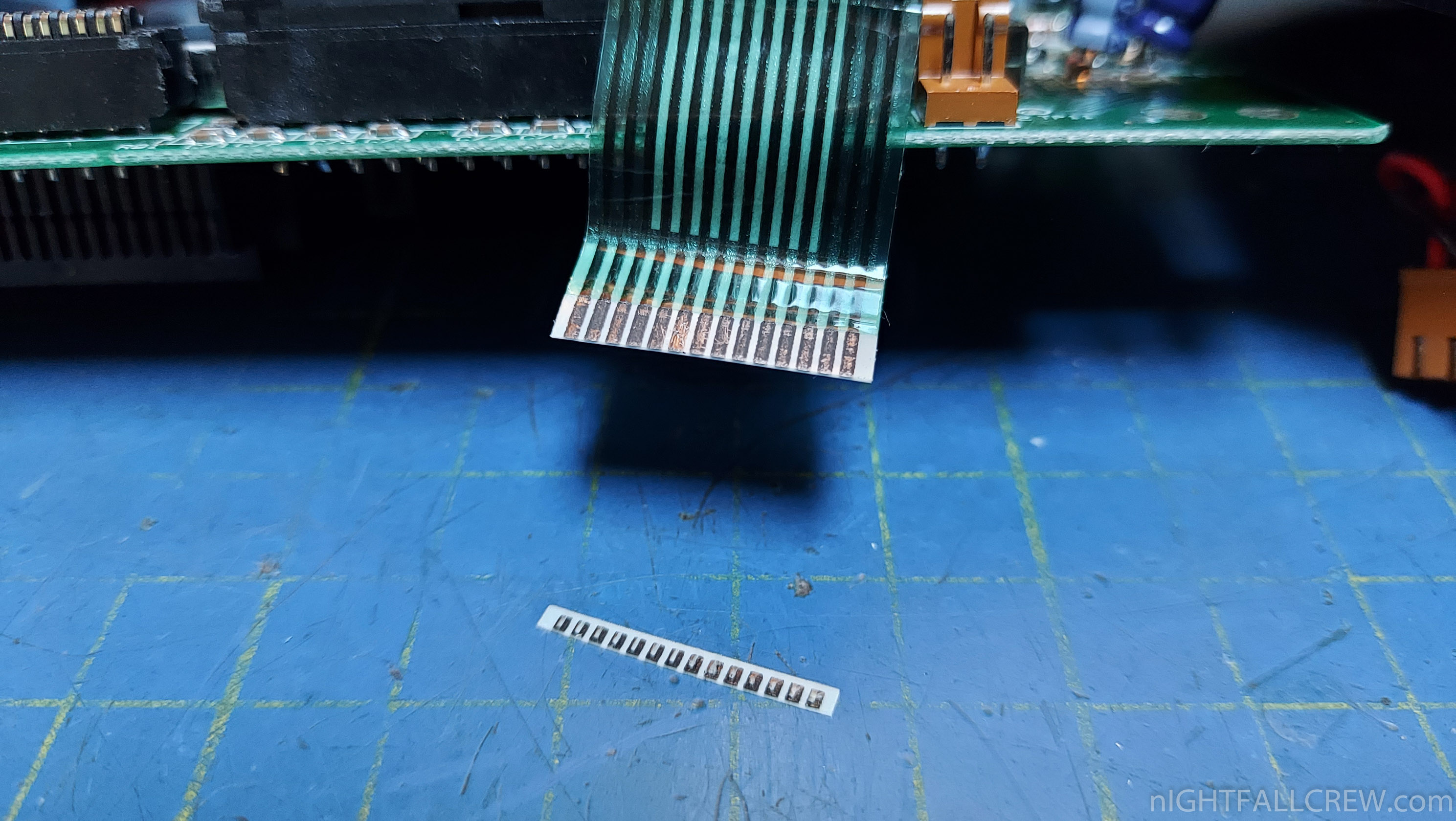
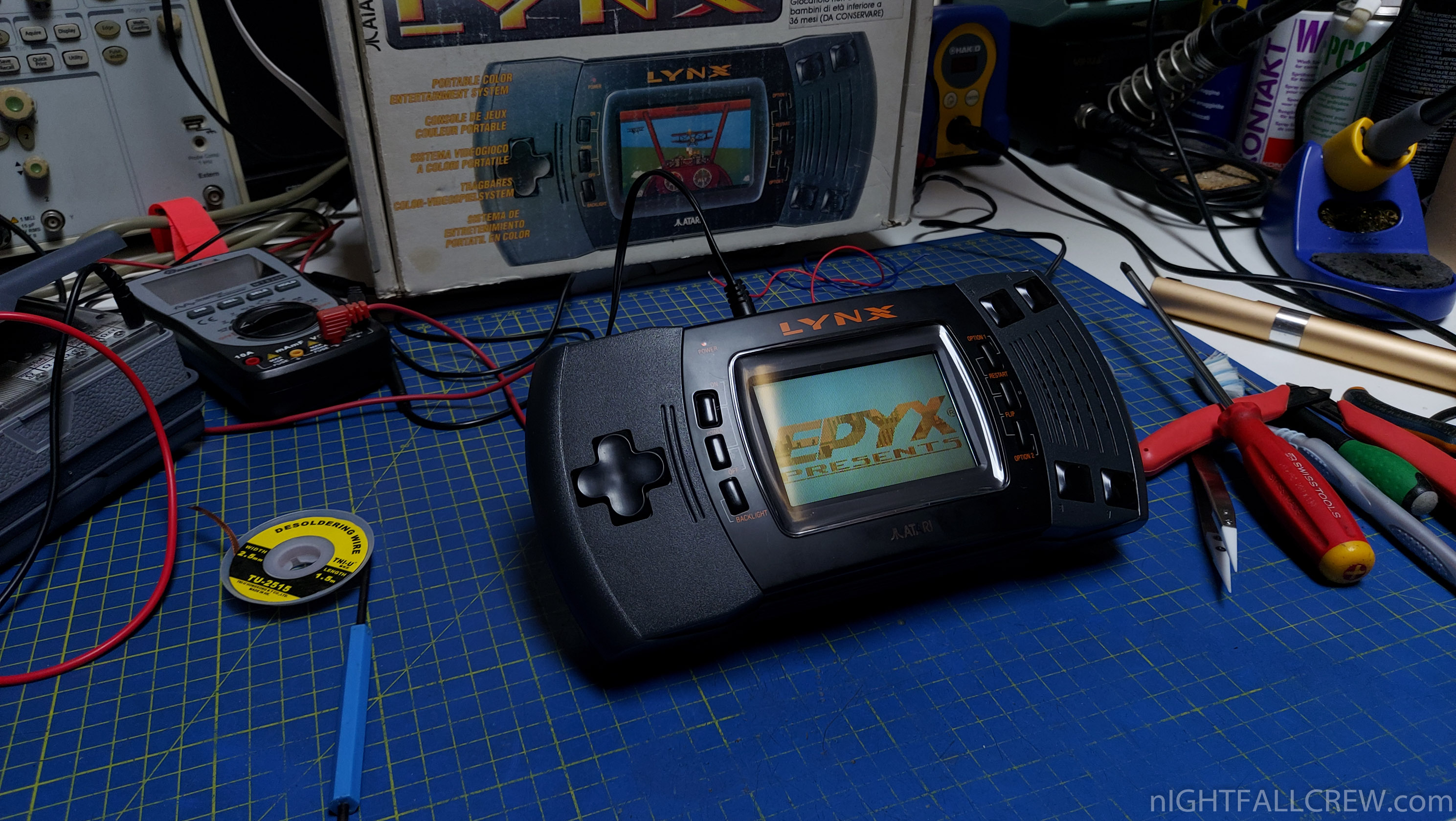
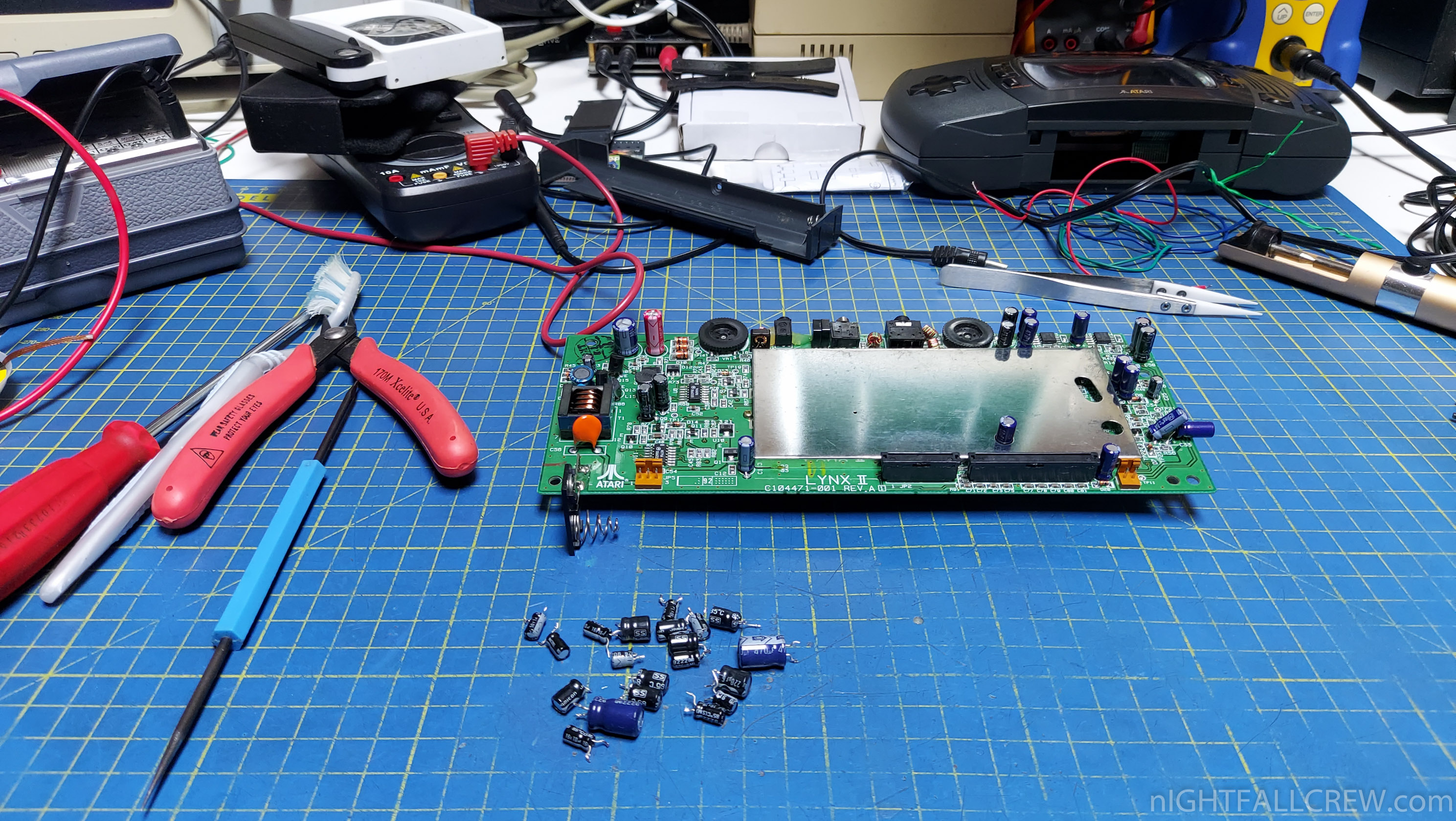
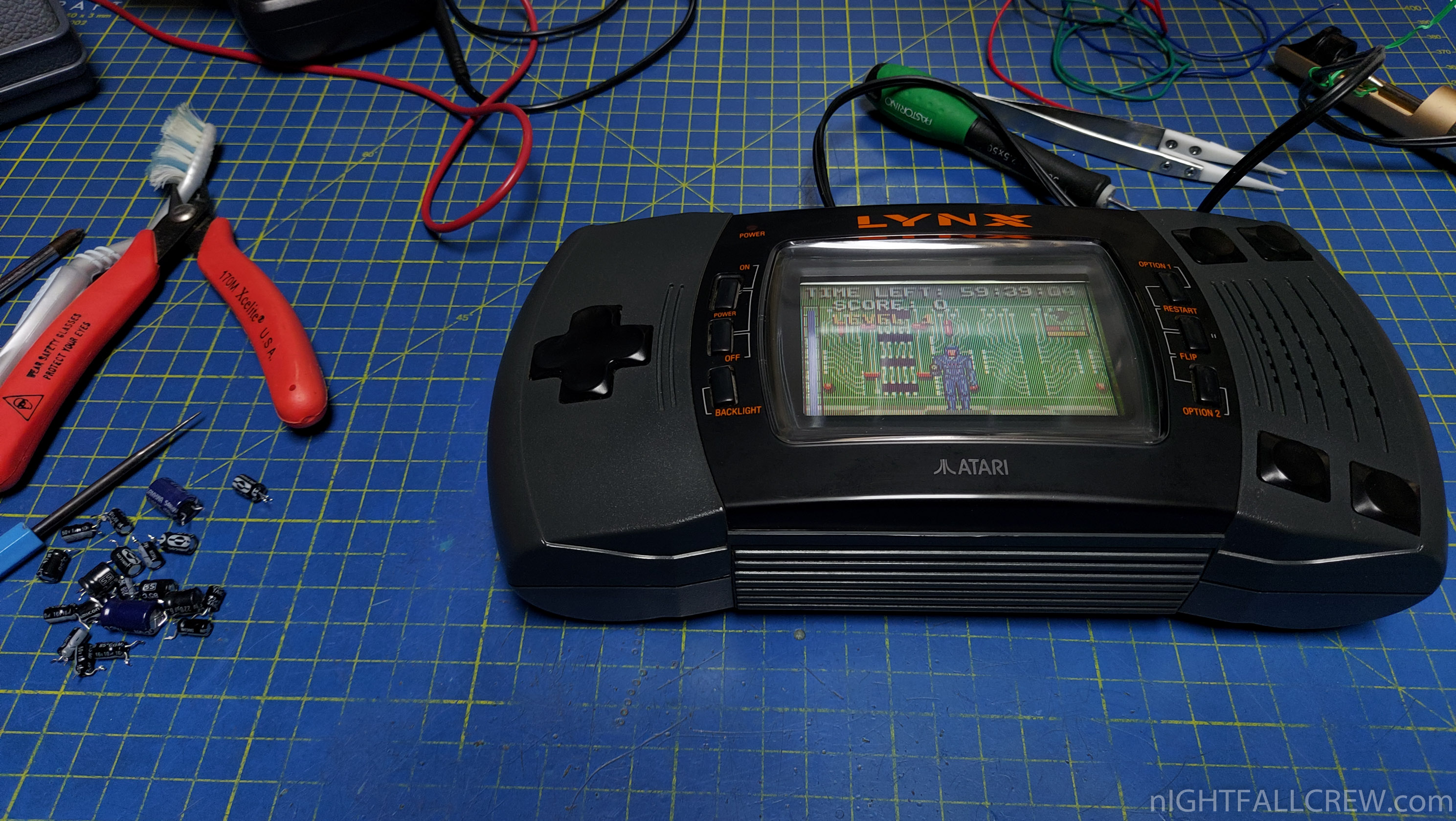
2 x Atari Lynx II Repair and Recap.
The first Atari Lynx II did not turn on but when powering the console at 5v bypassing the power stage it worked properly.
I had to replace all the electrolytic capacitors and the critical components of the power stage.
The second Atari Lynx II working correctly so consequently i have only replaced the electrolytic capacitors.
Gallery of the repair:
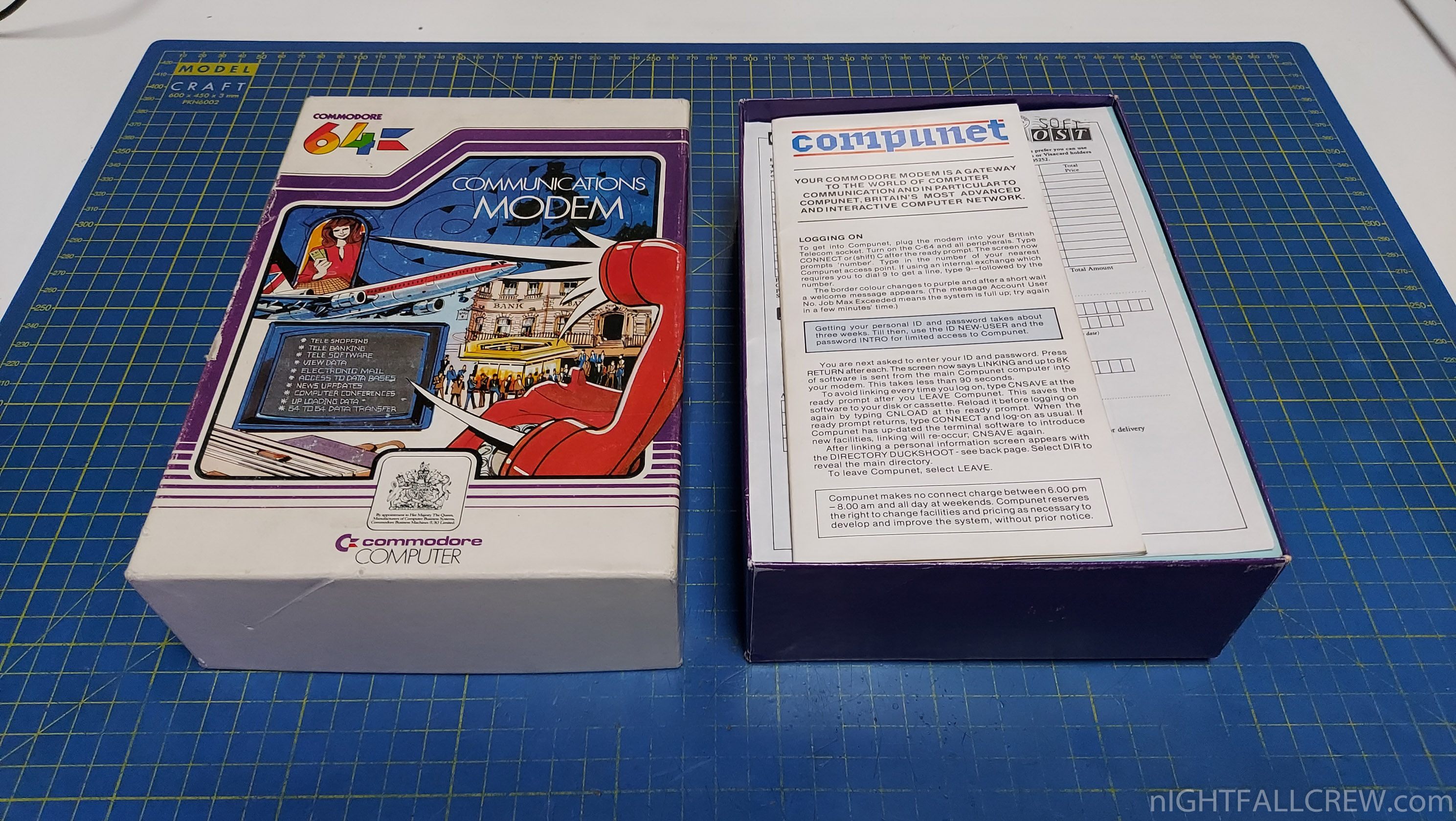
This is a Modem for Commodore 64 to allow the connection to the Compunet services.
Compunet was a United Kingdom based interactive service provider, catering primarily for the Commodore 64 but later for the Commodore Amiga and Atari ST. It was also known by its users as CNet.
Compunet hosted a wide range of content, and users were permitted to create their own sections within which they could upload their own graphics, articles and software. A custom editor existed in which the “frames” that made up the pages could be created either offline or when connected to the service.
The editor’s cache allowed users to quickly download a set of pages, then disconnect from the service in order to read them, thus saving on telephone costs.
Gallery:
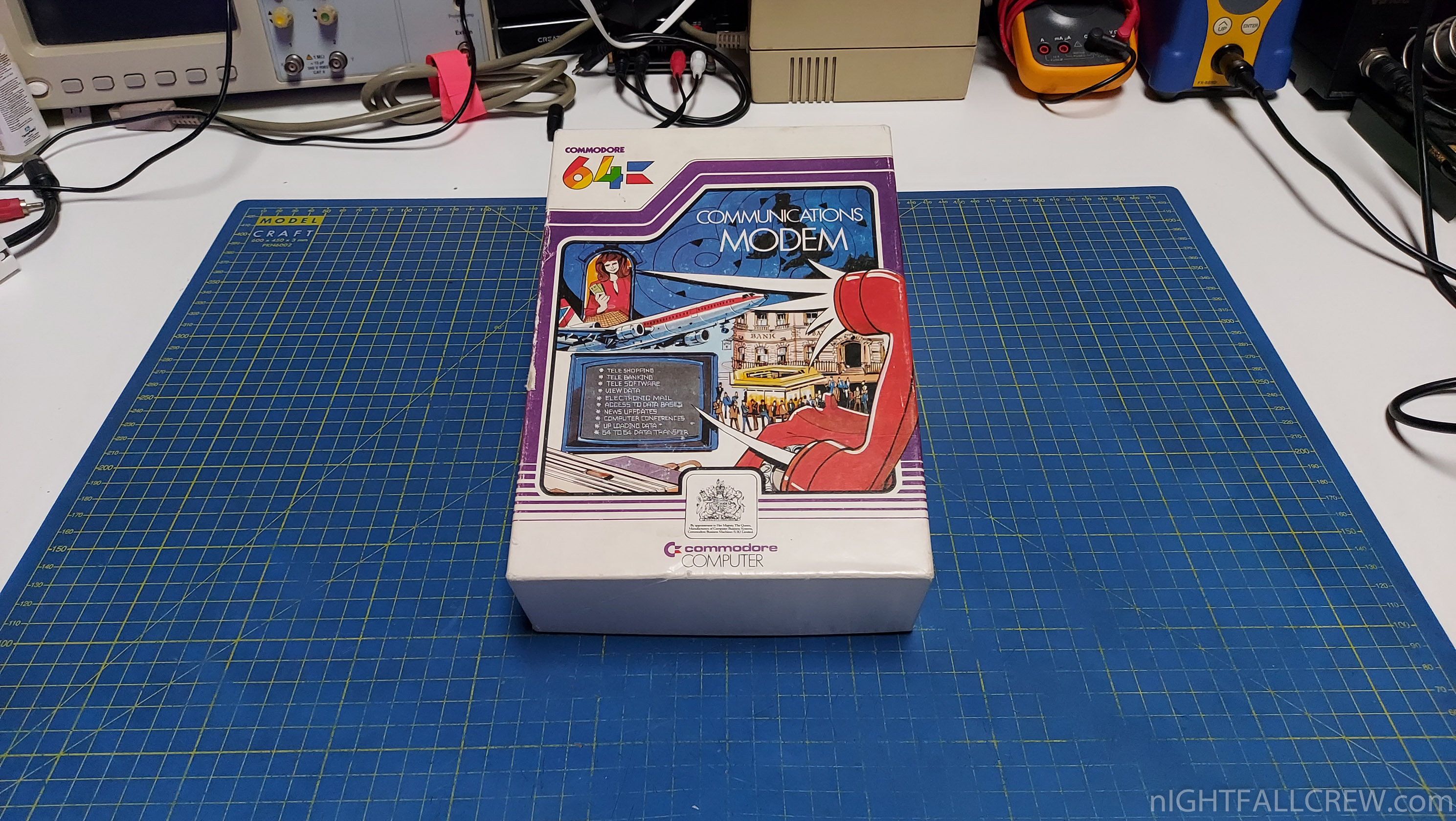
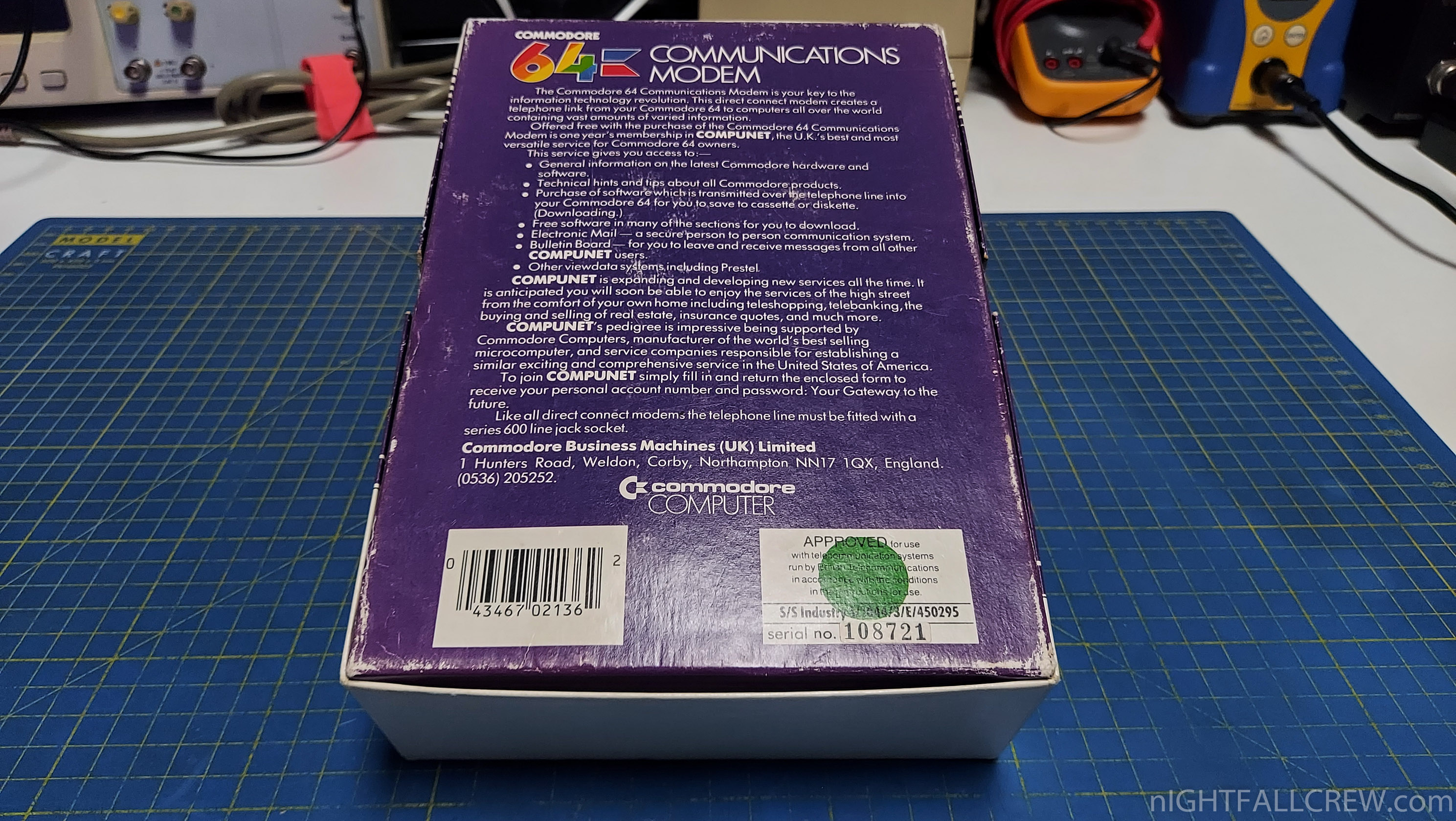
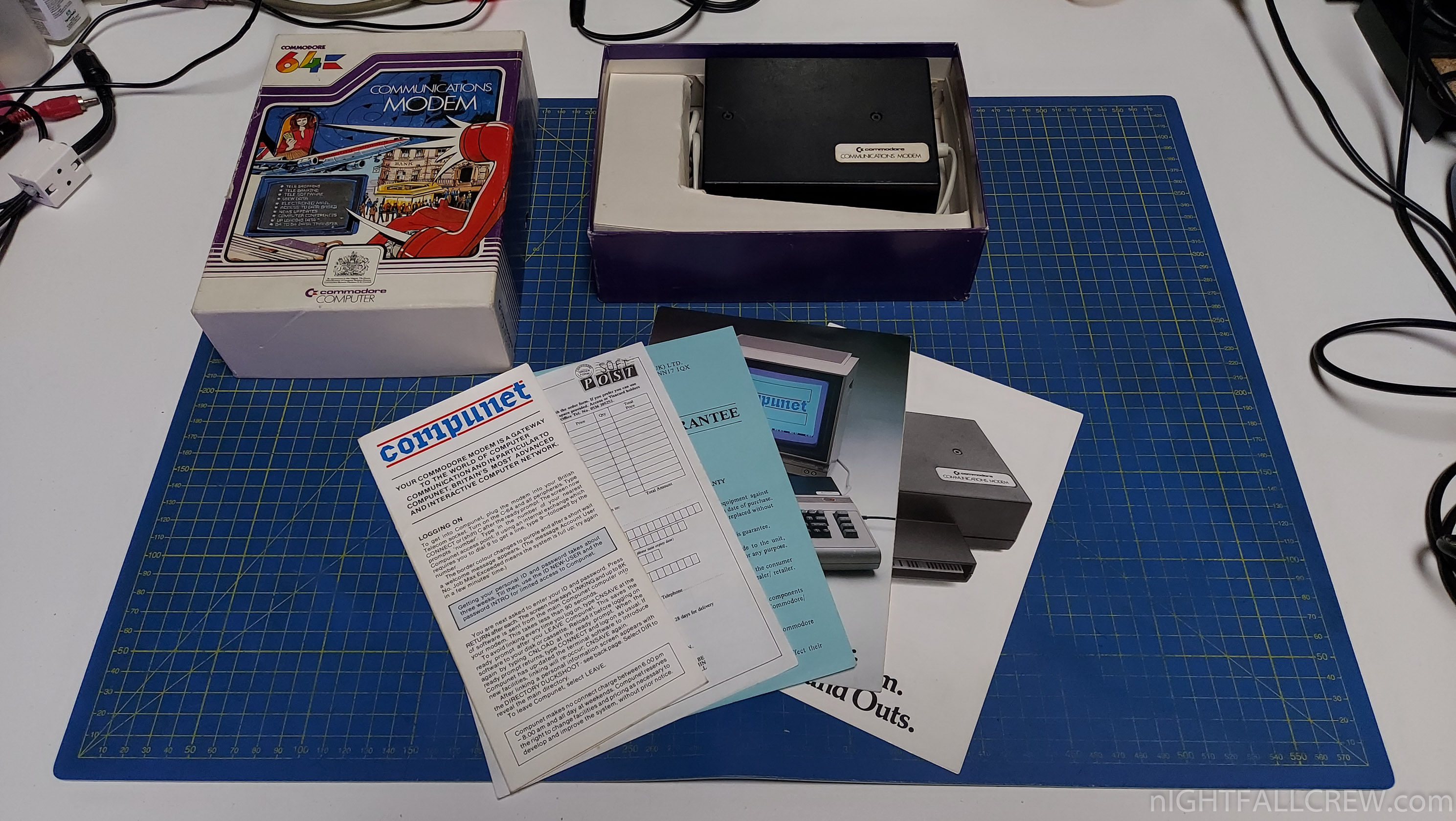
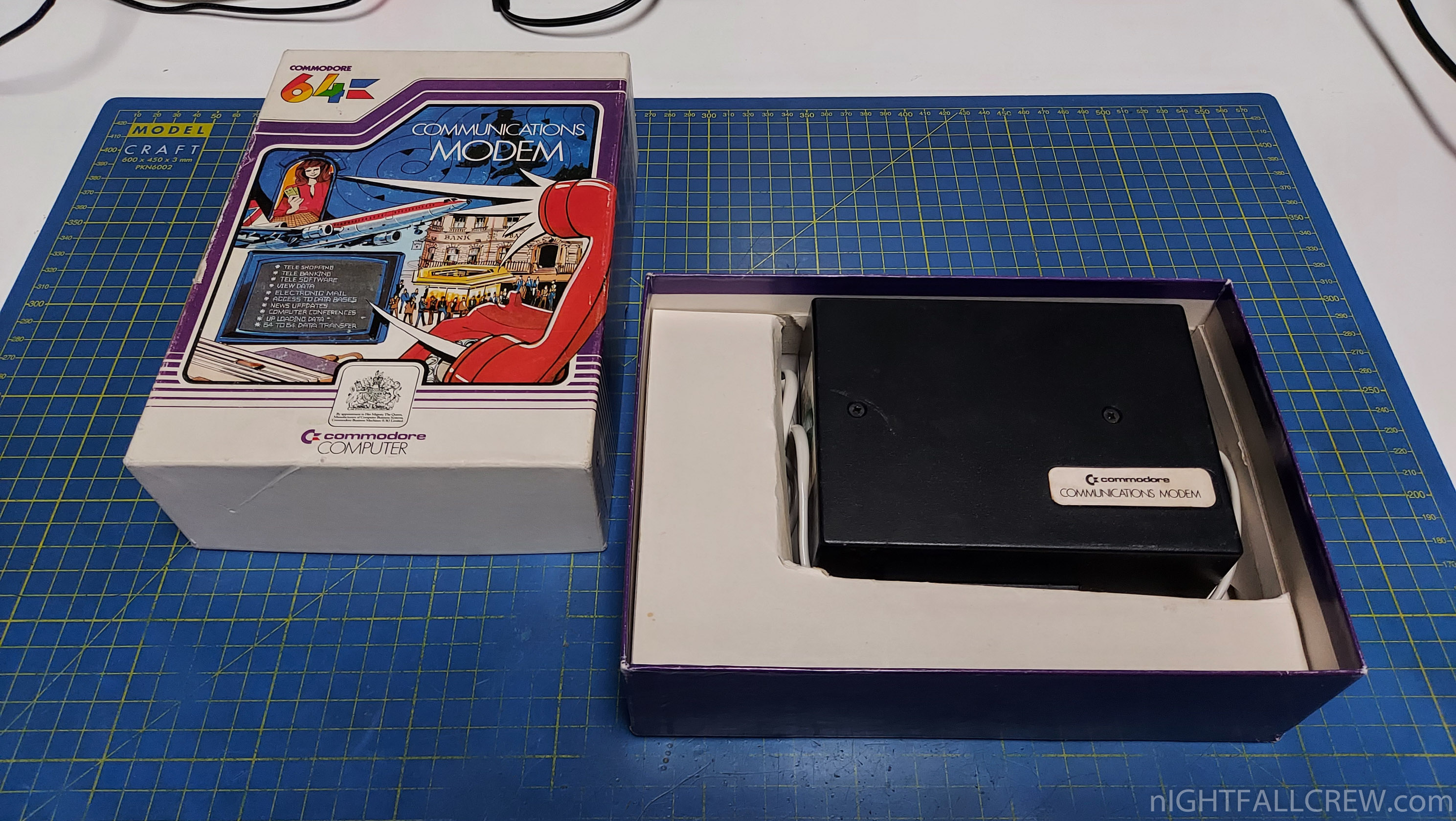
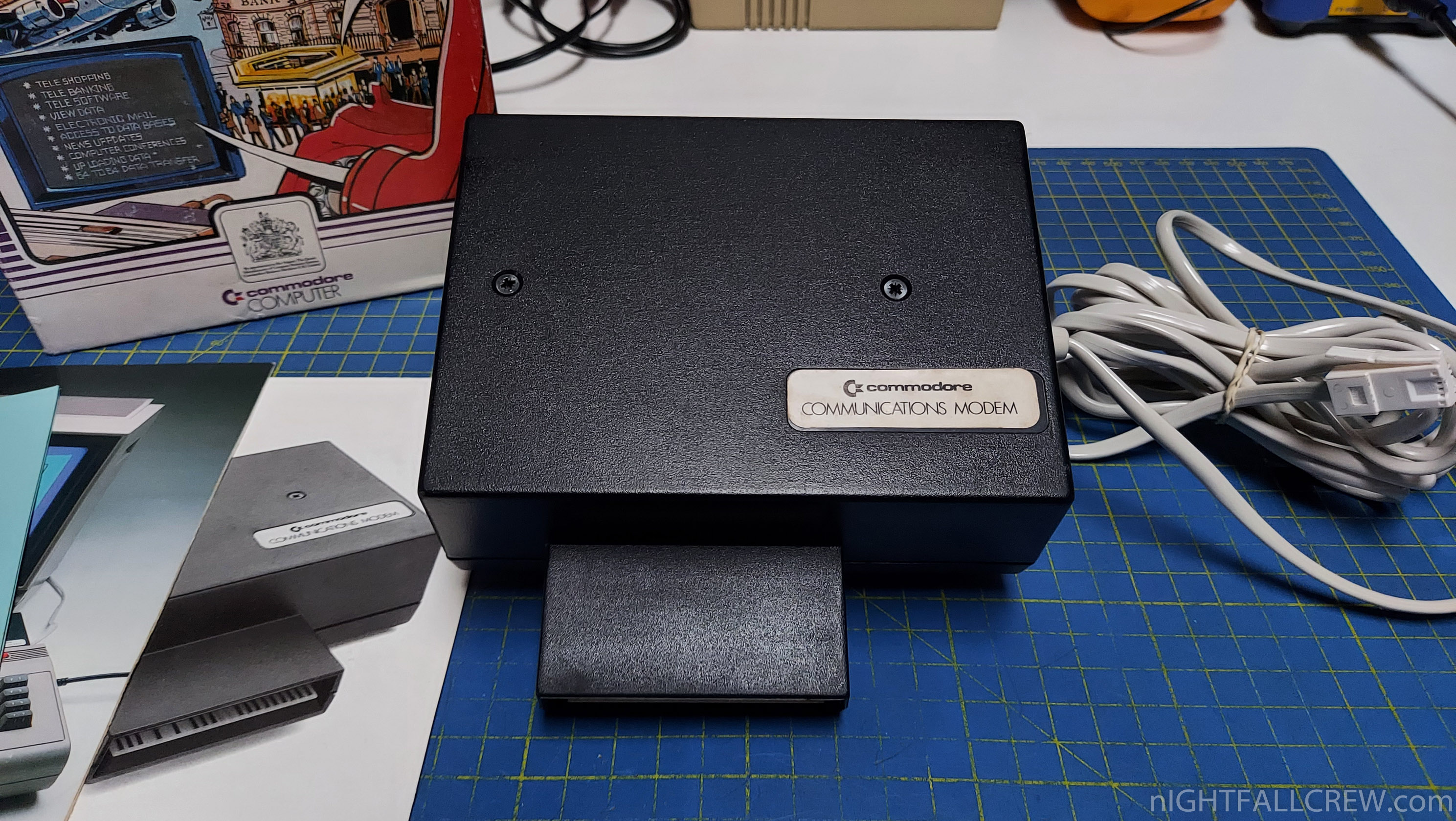
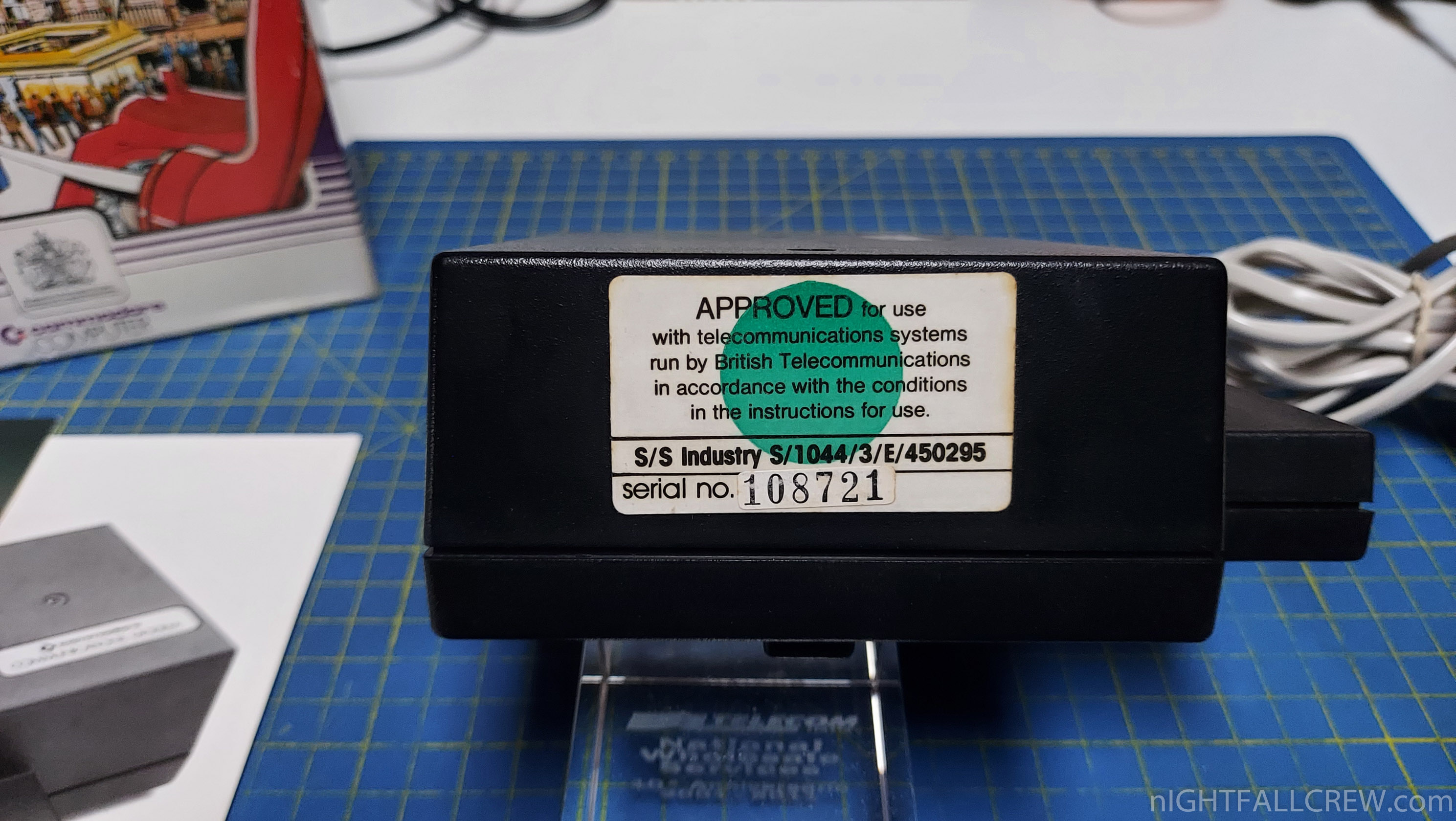
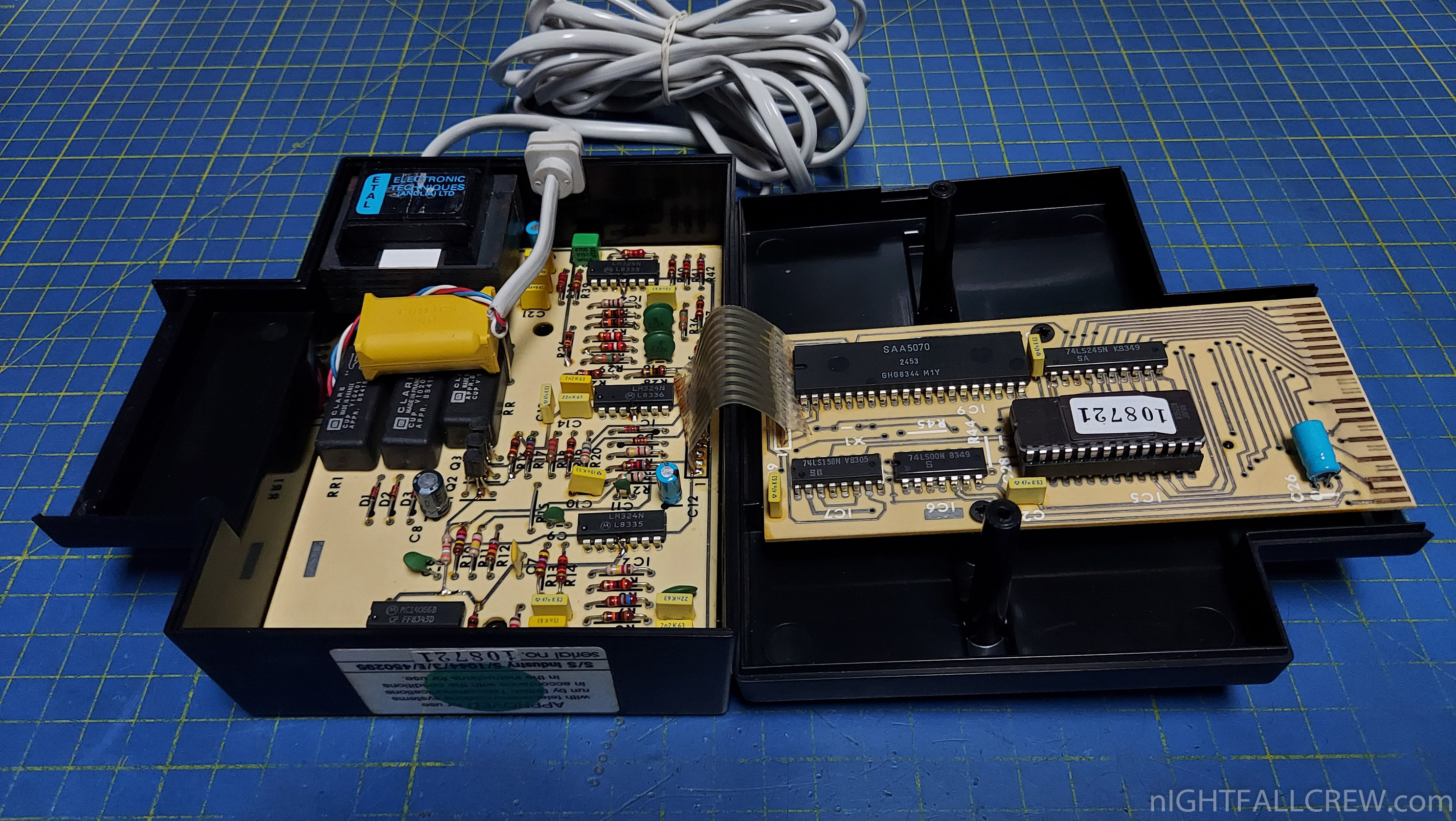
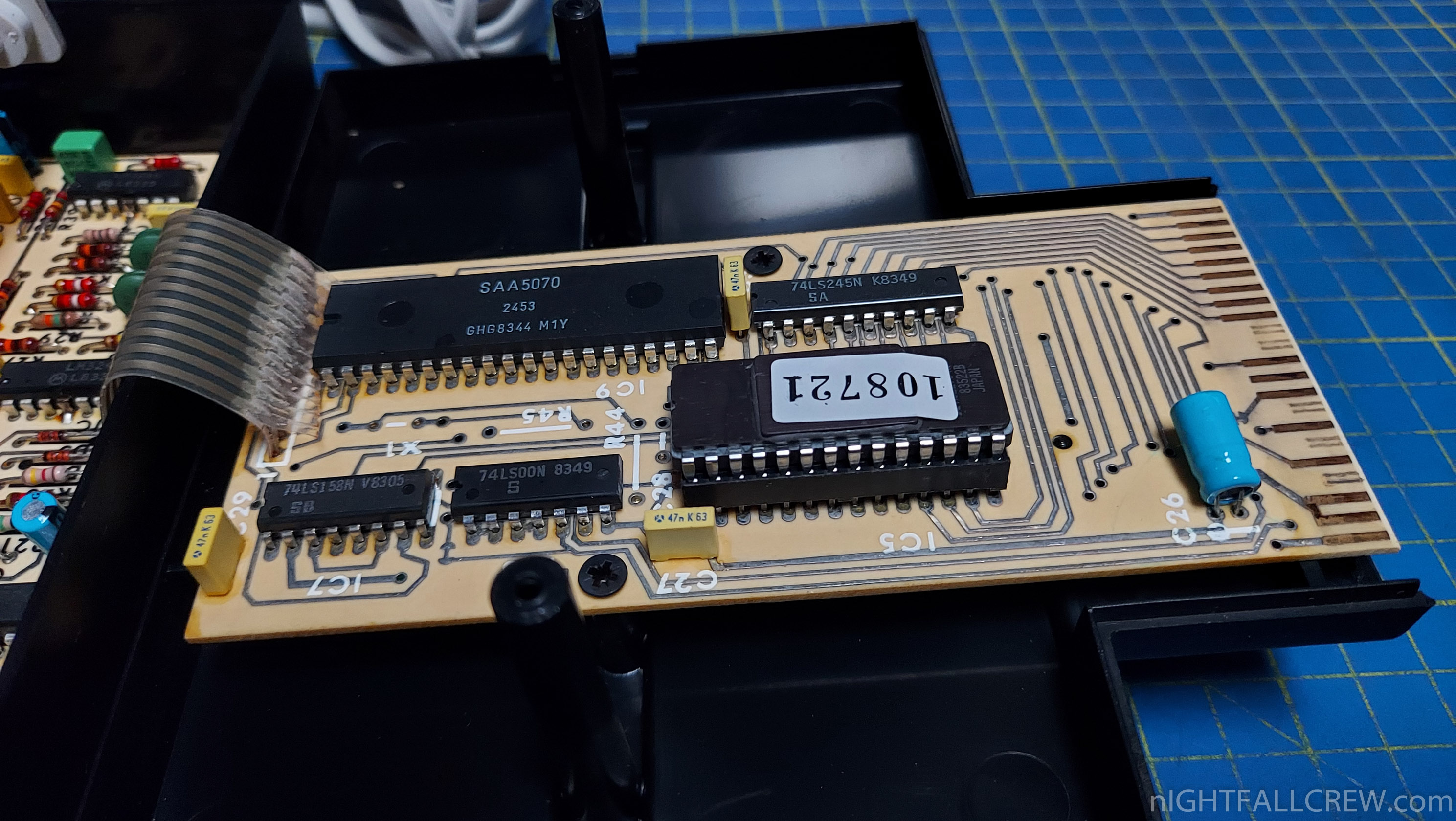
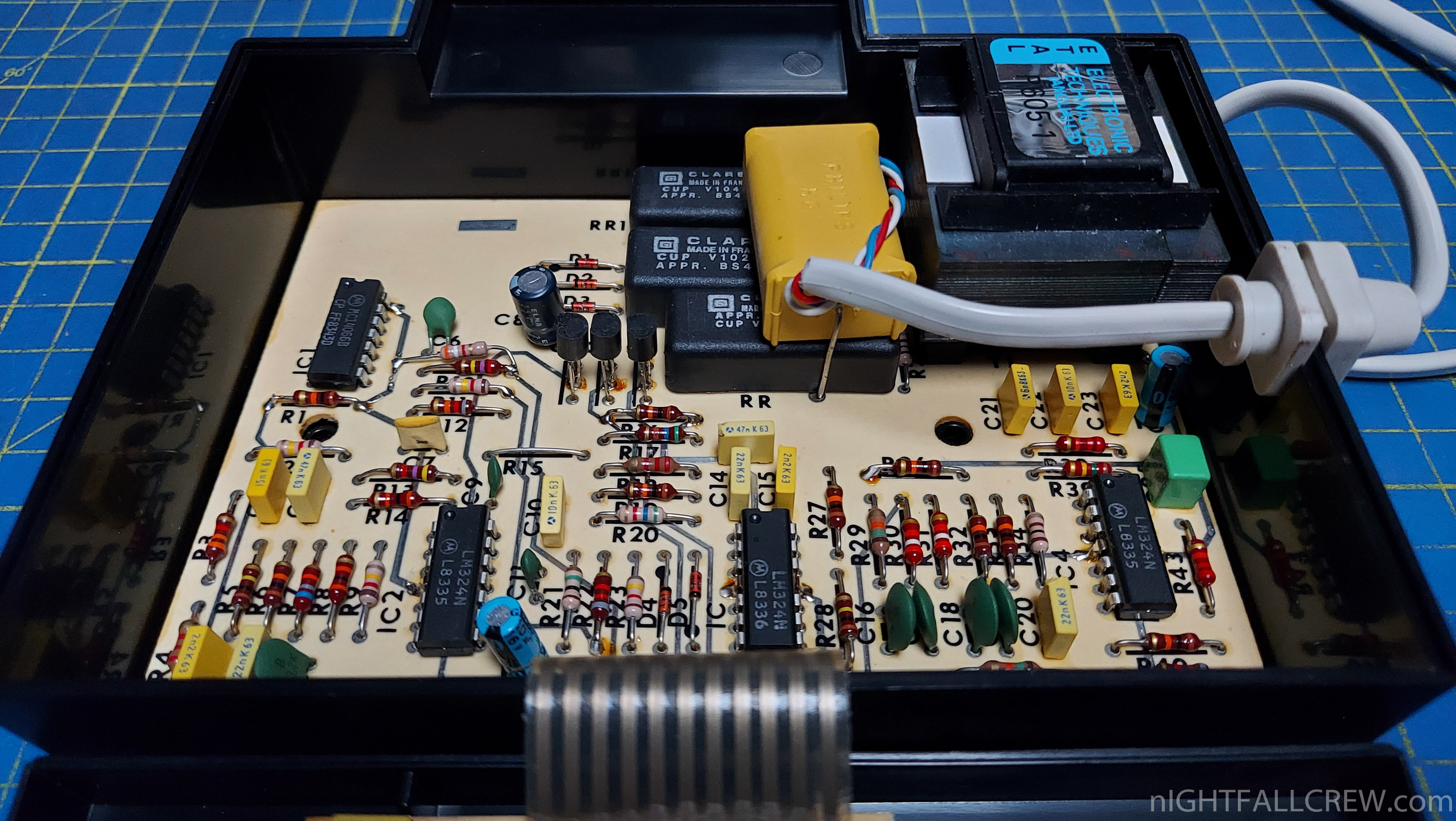
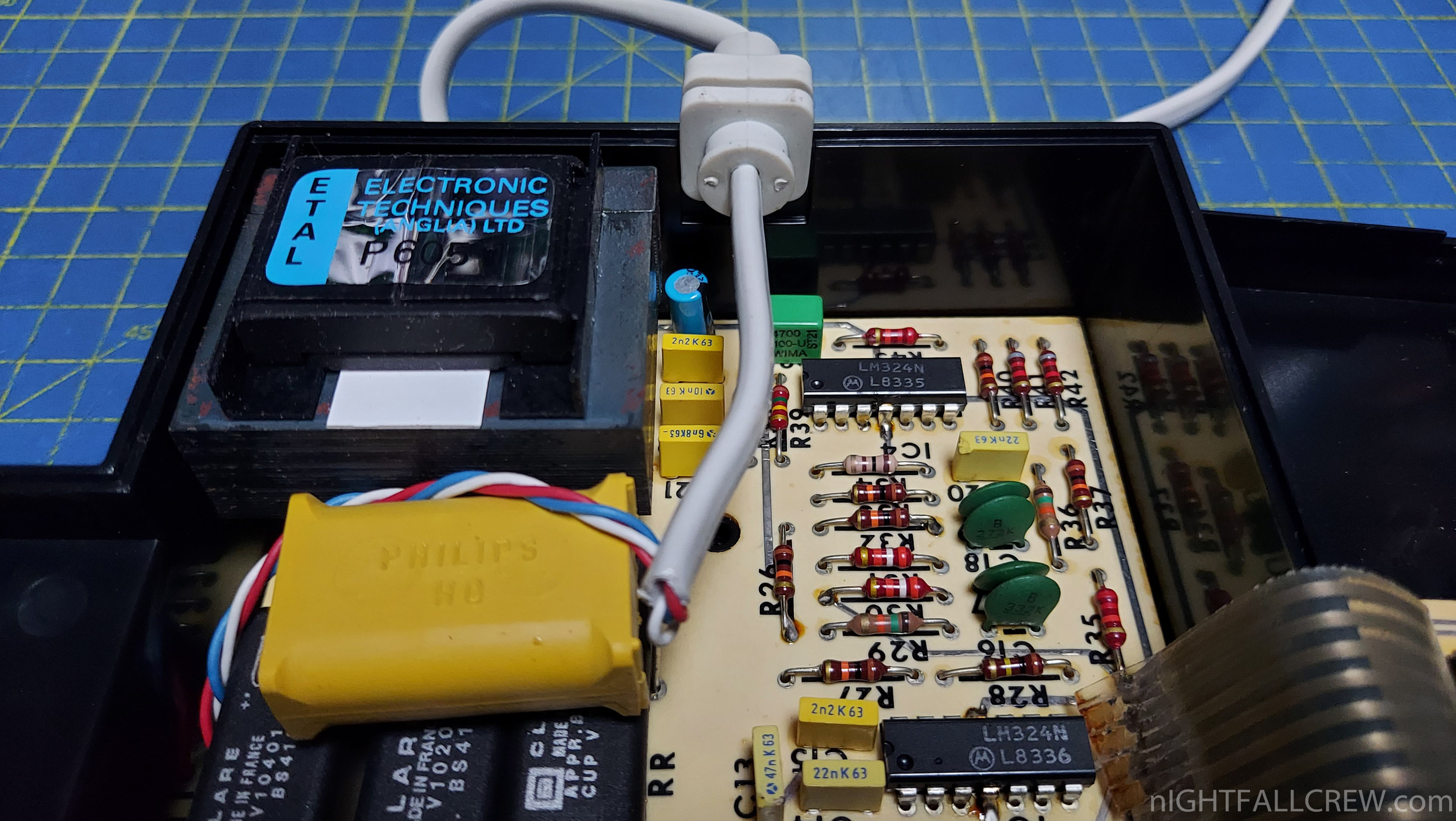
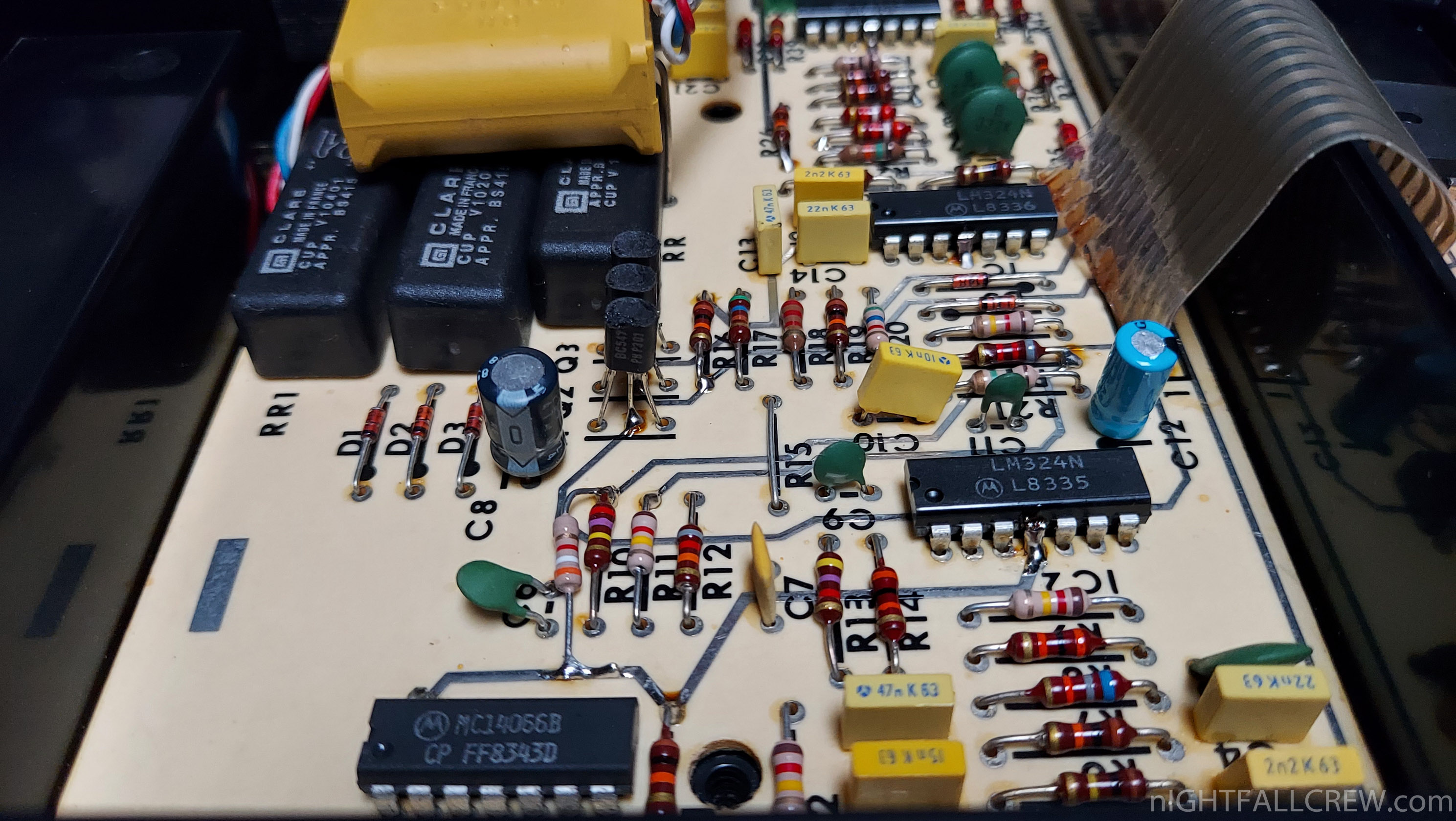
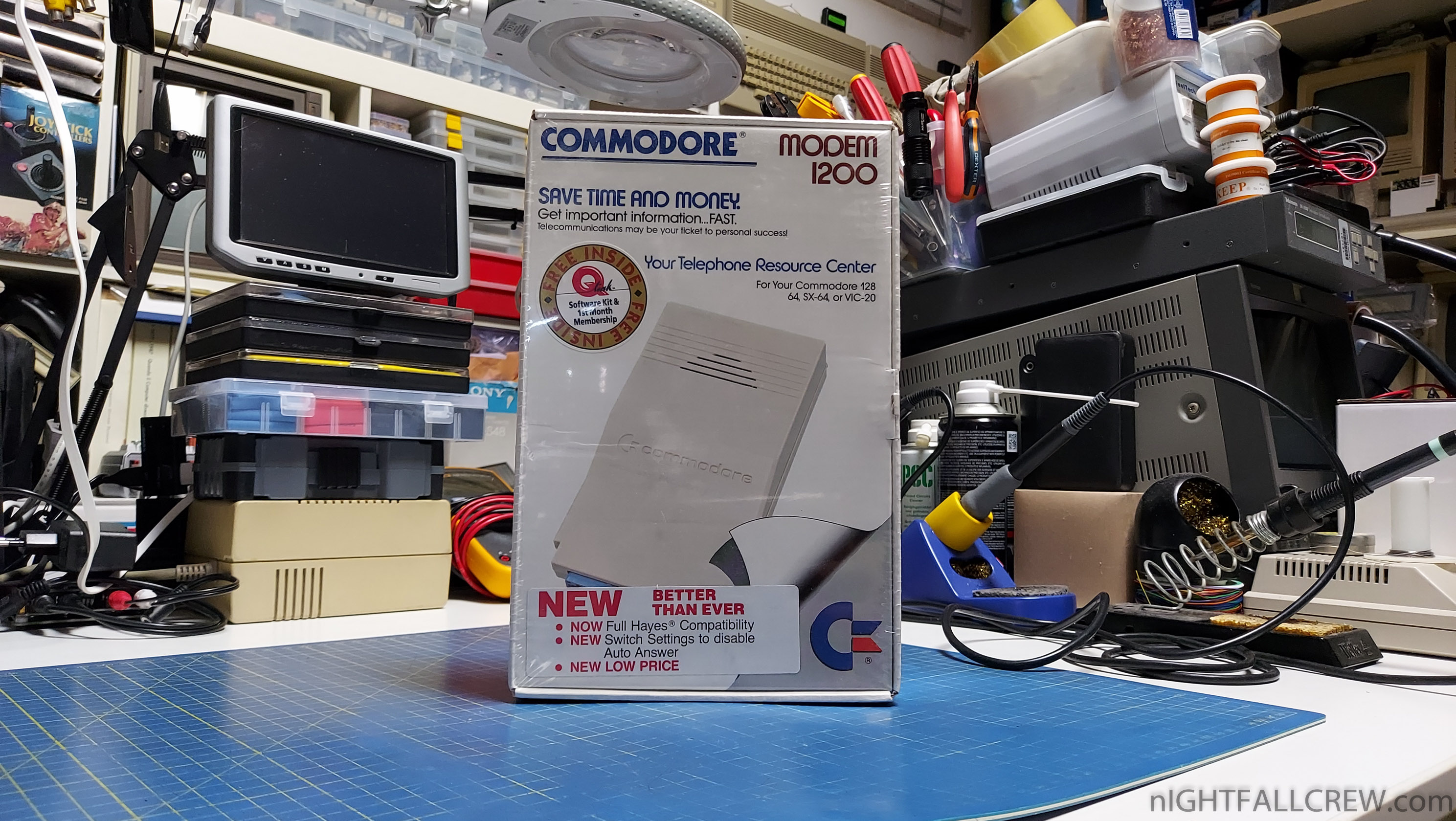
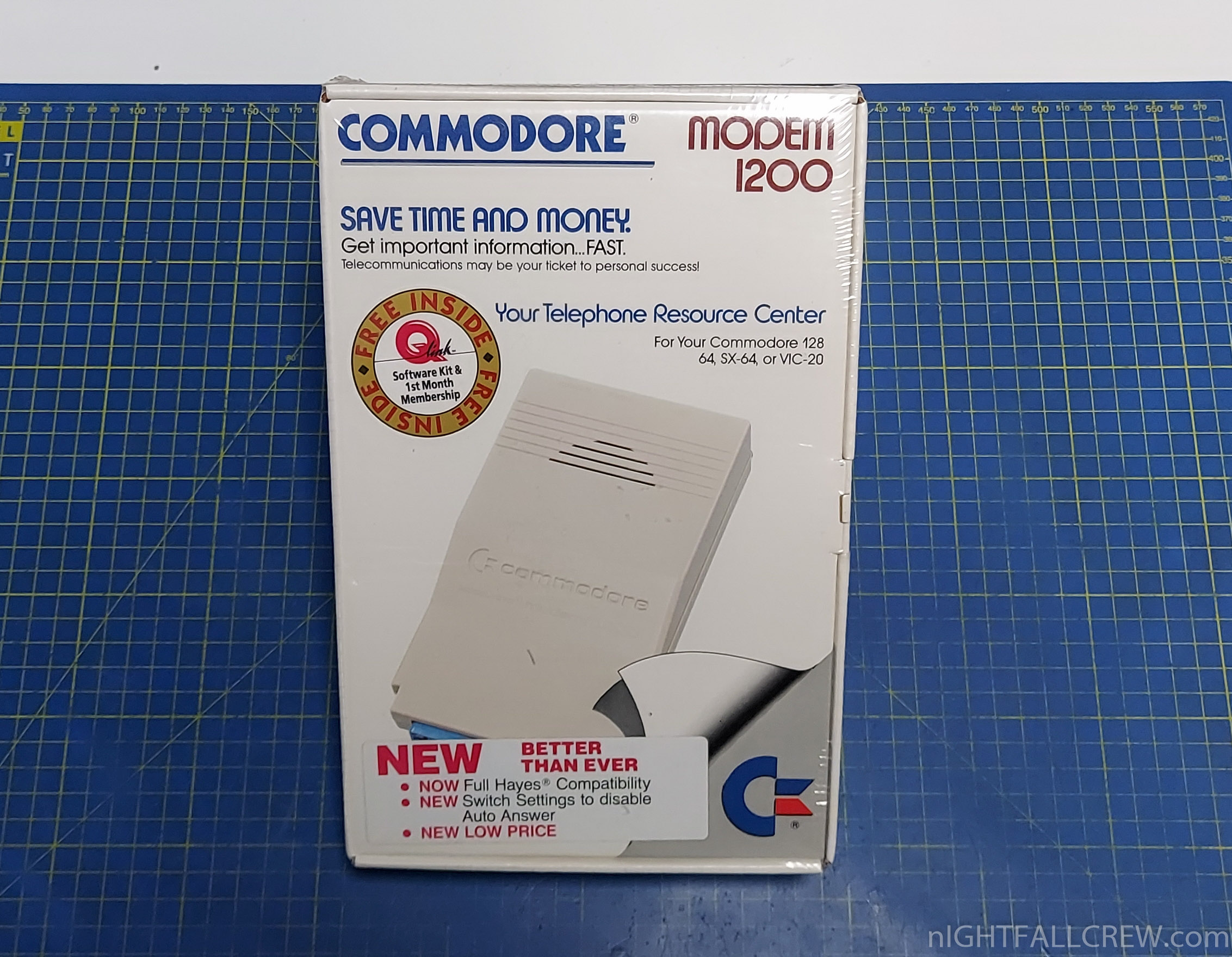
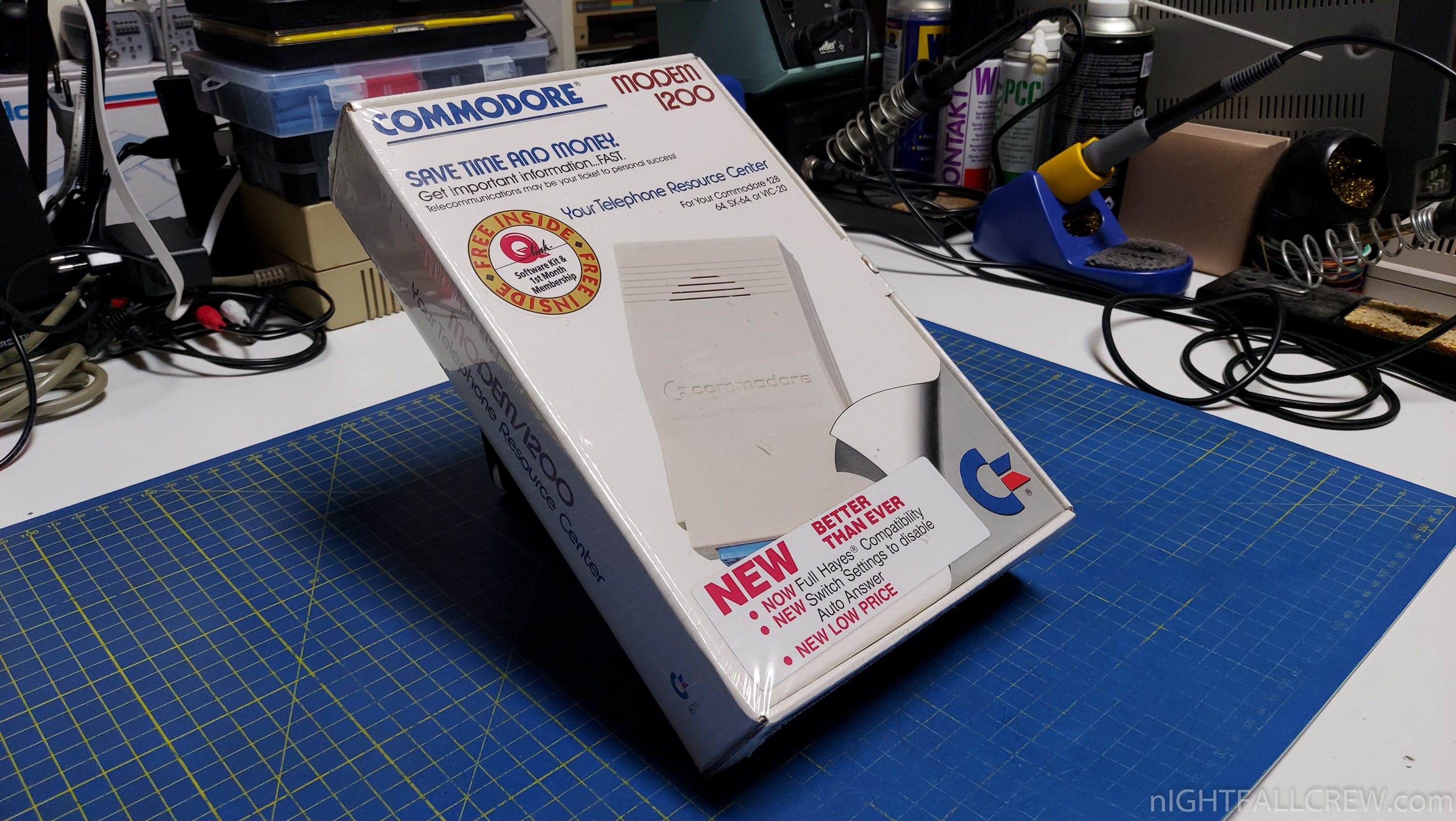
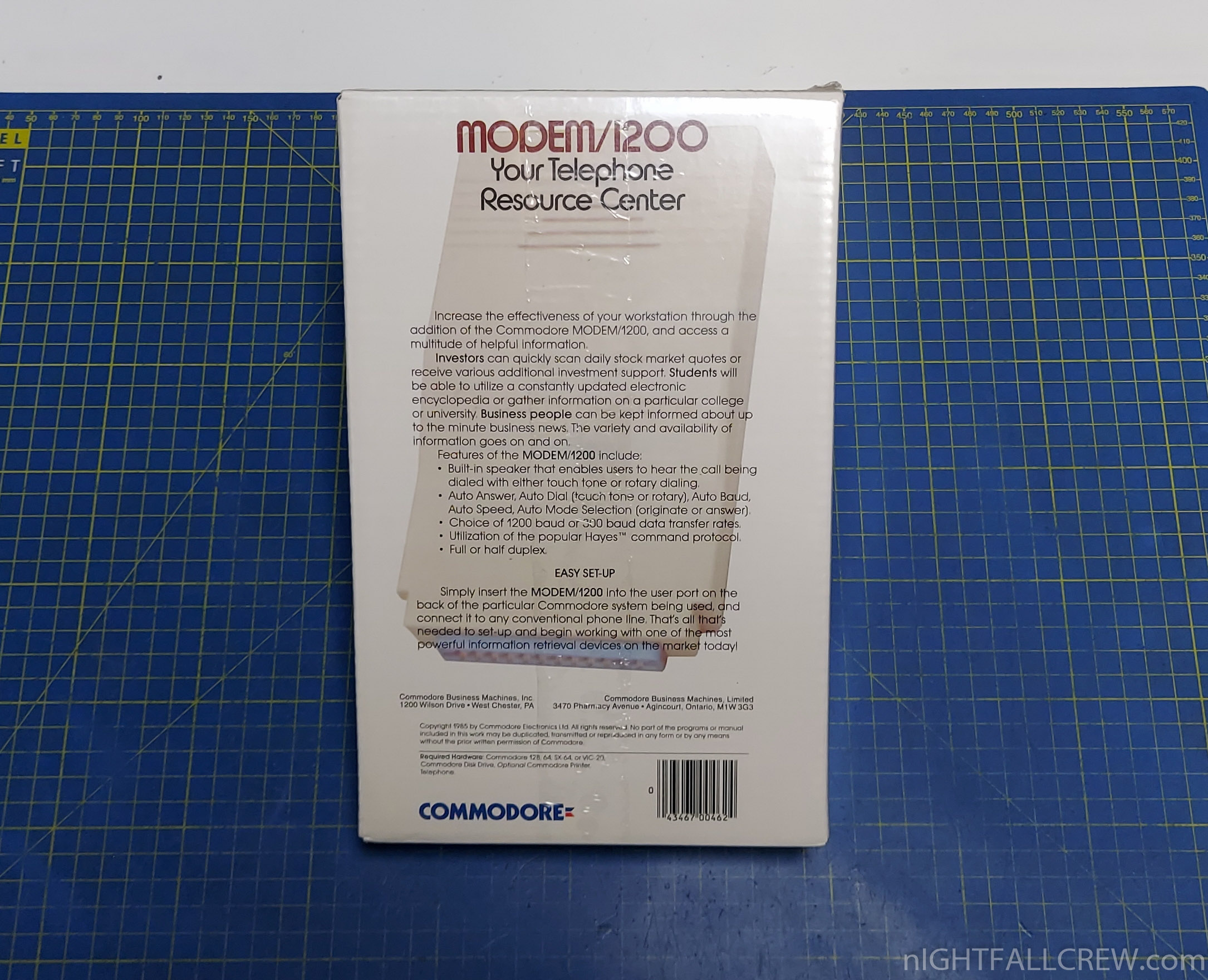
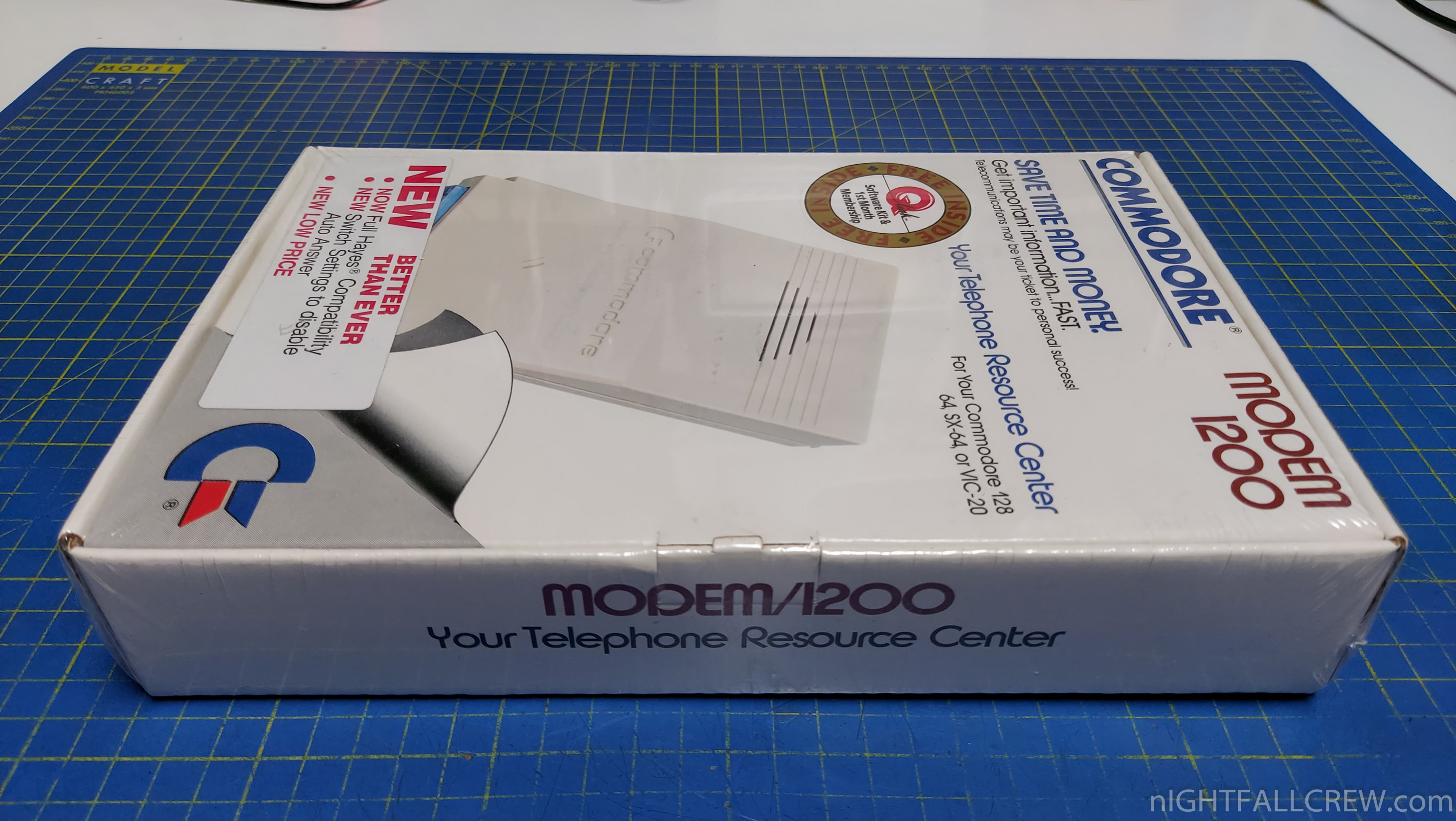
I don’t feel like unwrapping the Modem box so i will only take a pictures of the outside.
The 1670 was Commodores first “Hayes Compatible” modem. Hayes compatibility meant that the modem understood a series of control commands that had become the standard modem “language” (a language still used today).
Commodore marketed the 1670 at Commodore 128 users, even going so far as to claim that the Commodore 64 was too slow to use the 1670 at 1200 baud.
This was false, however; the Commodore 64 could use the 1670 without problems. The original 1670 also had an annoying feature of answering your phone on the first ring automatically whenever it was plugged in.
Later, a newer version of the modem was released with a dip switch allowing you to turn this “feature” off. This later version was called the “New 1670″ or the “1670CR”, and except for the extra dip switch in back, was identical to the old 1670 modem.
Gallery:
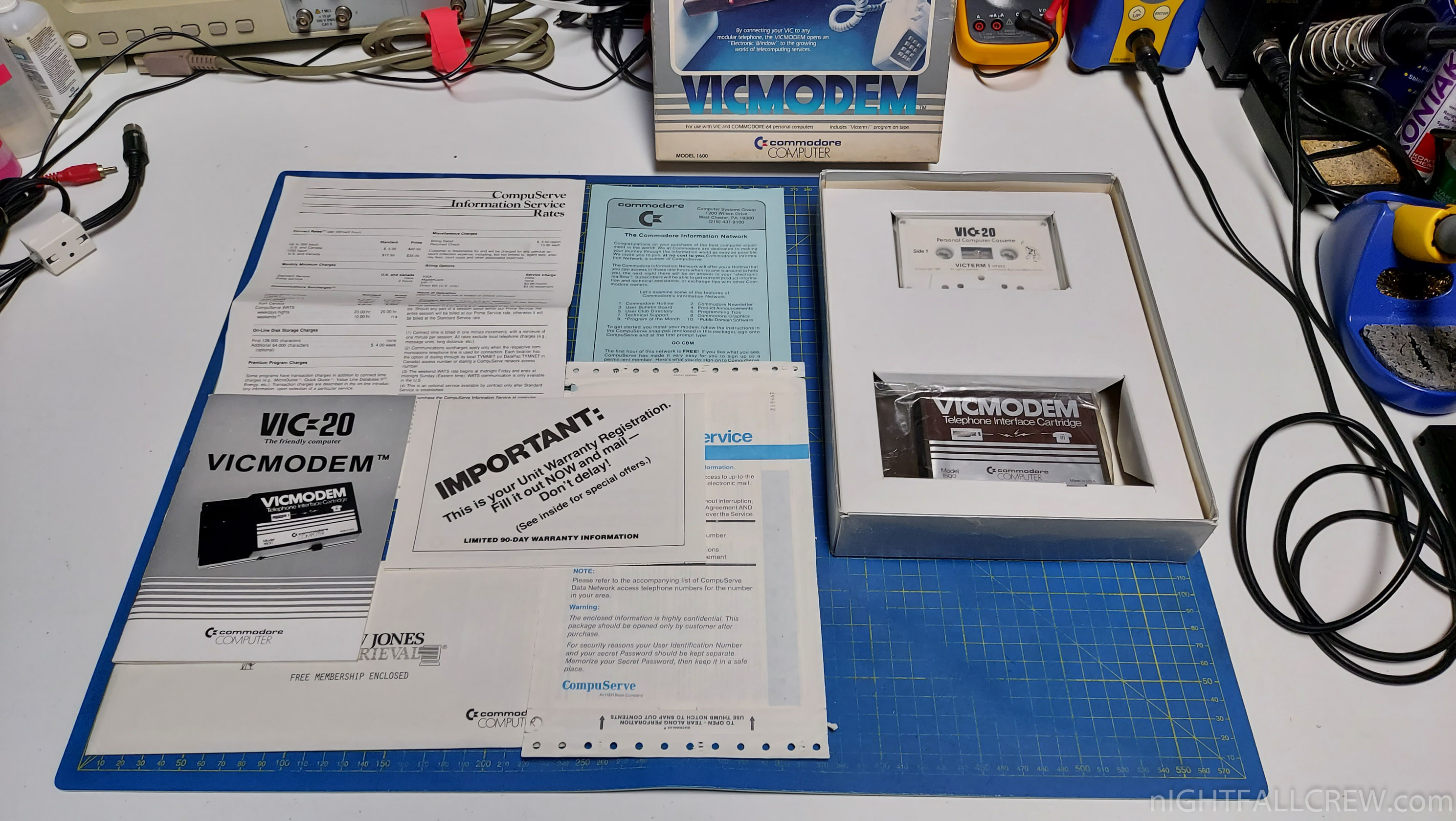
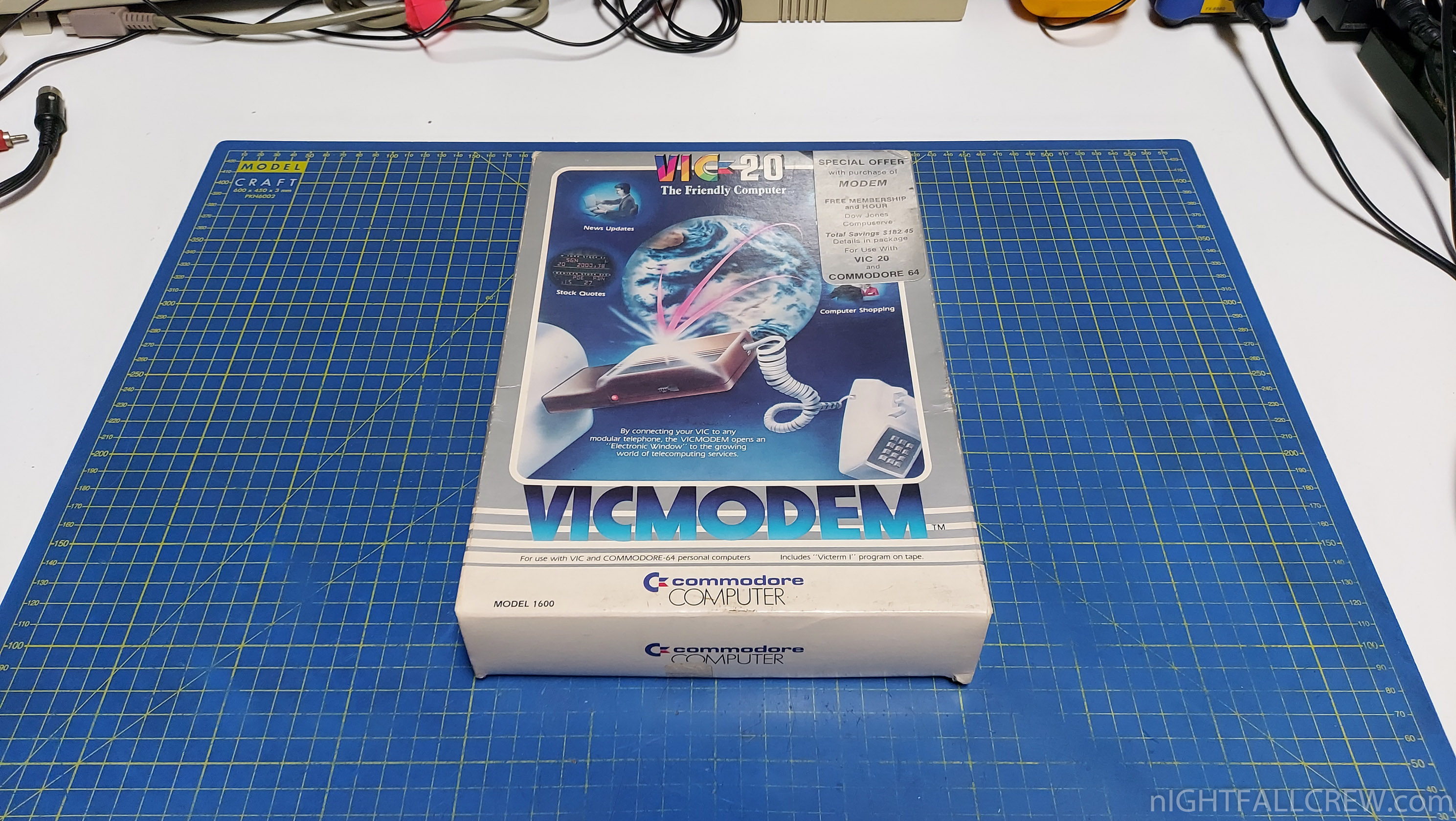
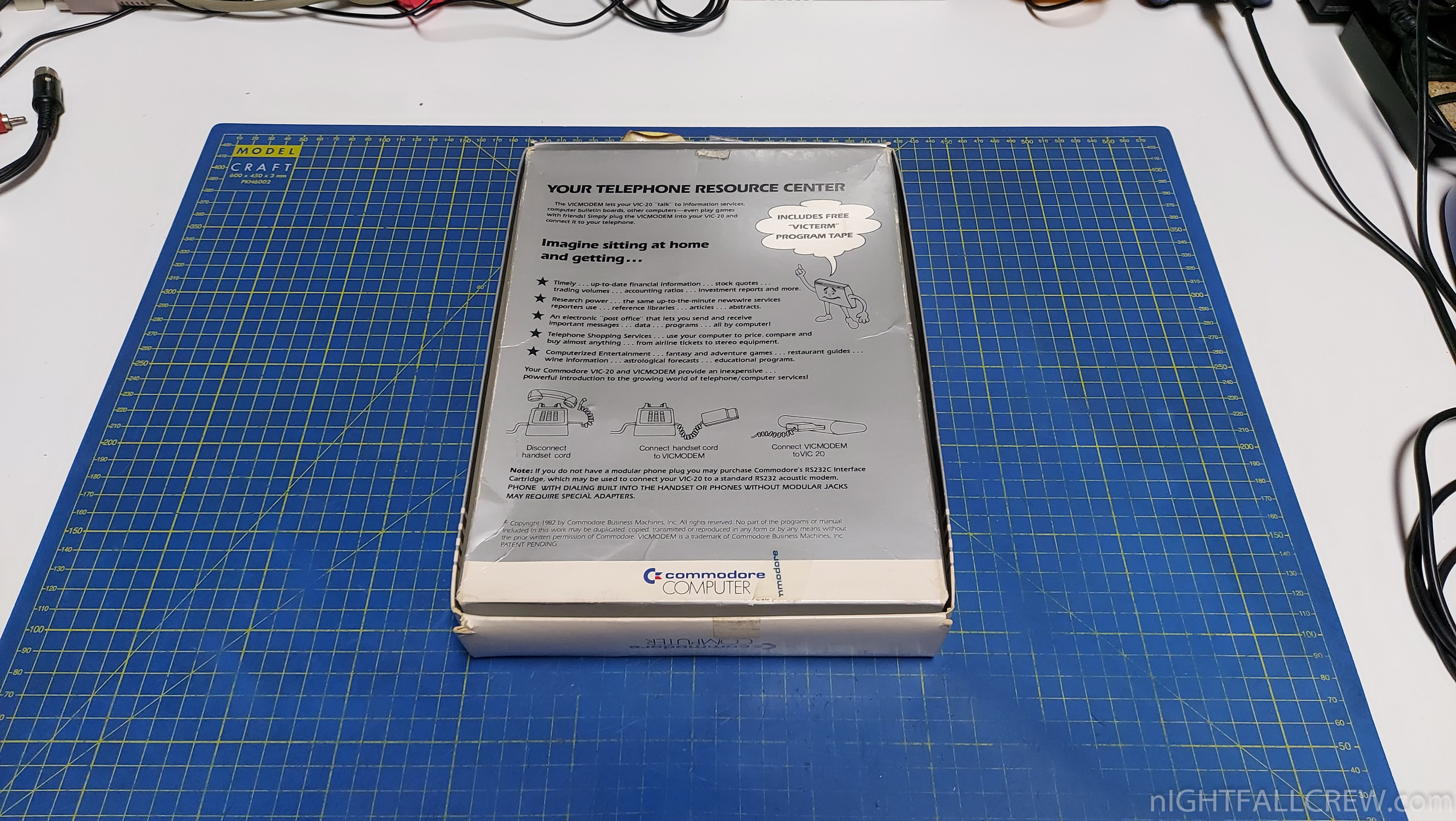
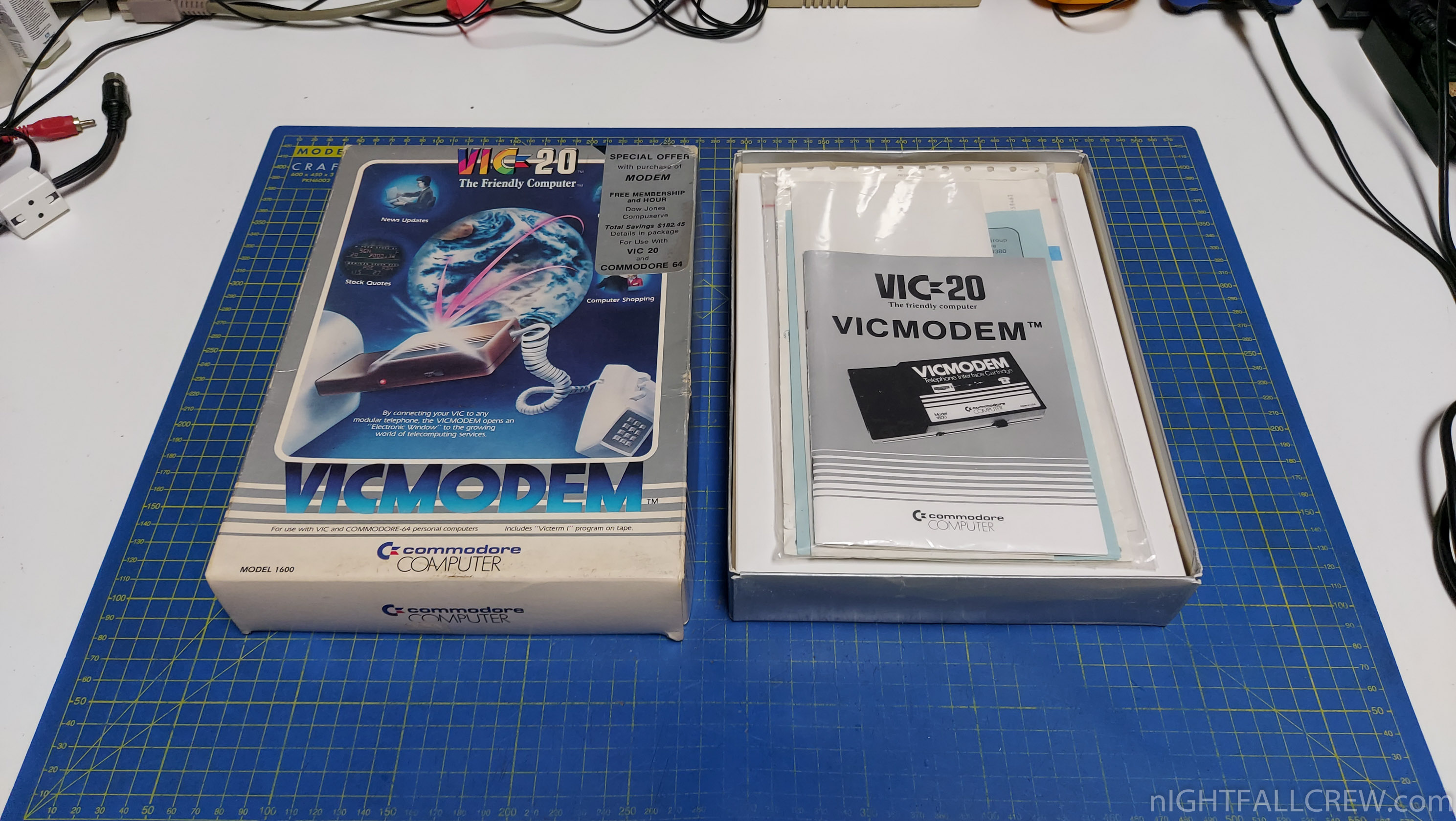
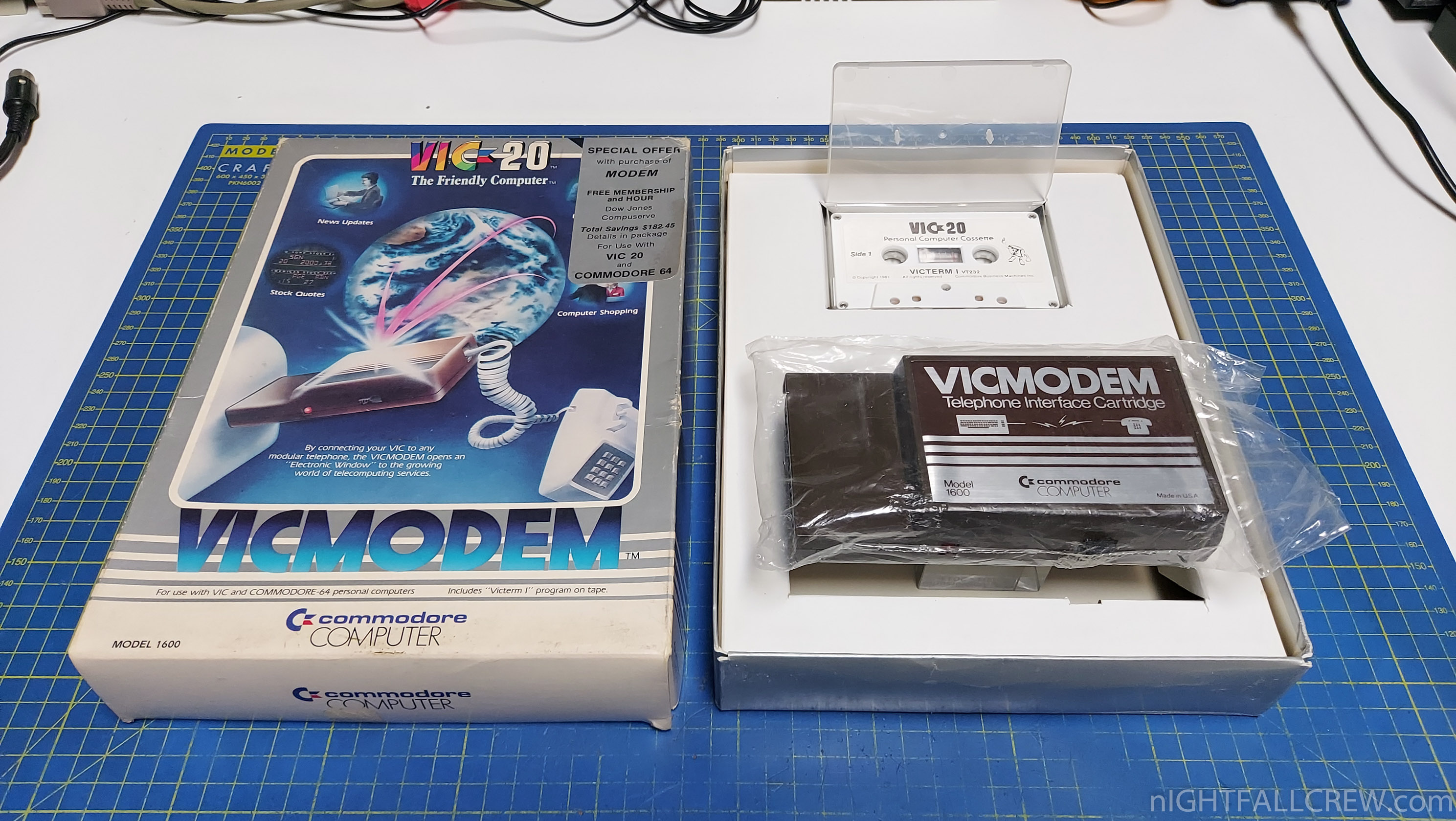
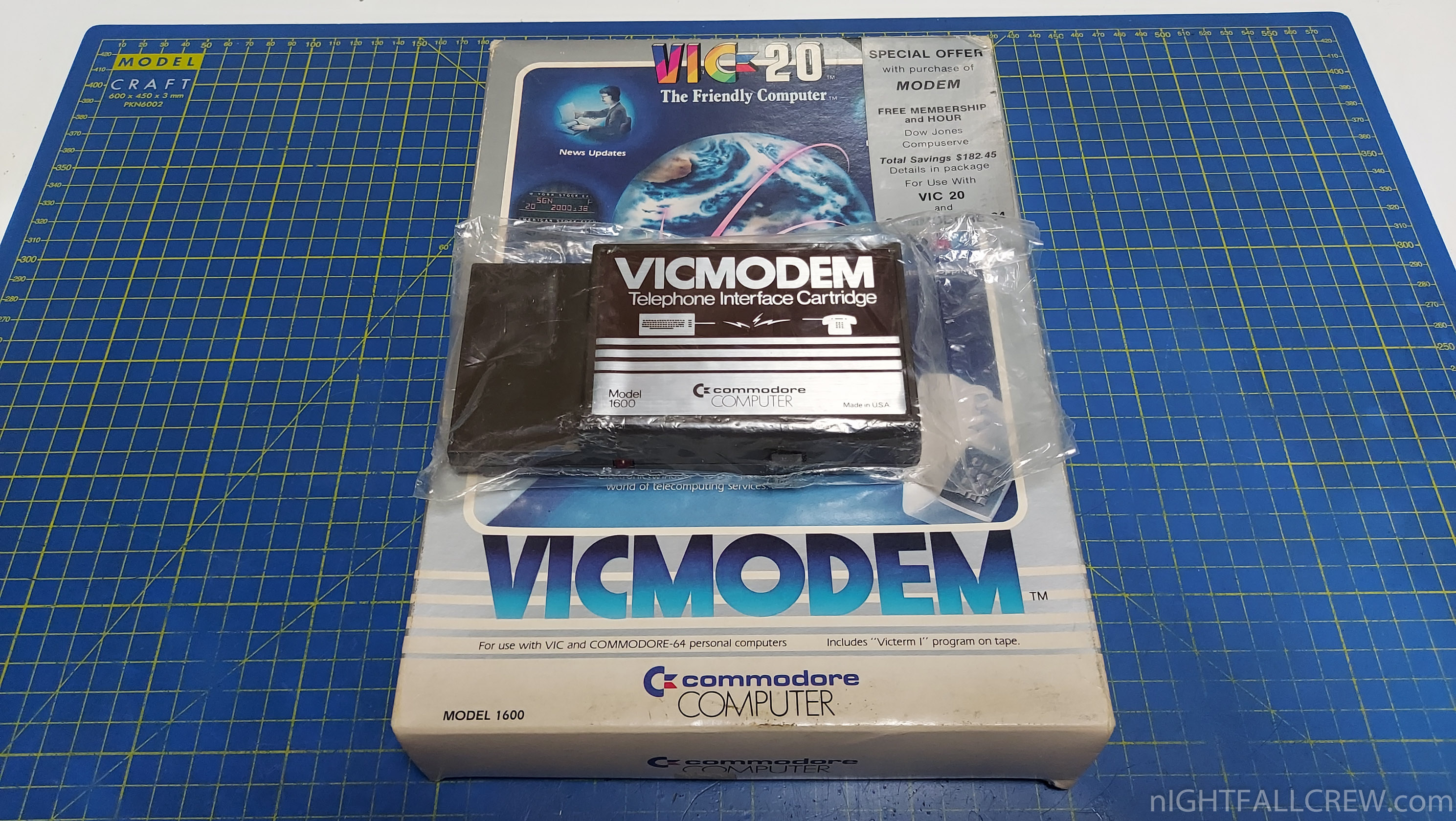
The VICMODEM it’s been the first modem to cost under 100$ and the first to sold over a million units, contributing to the diffusion of online services and BBSes outside laboratories, universities, big Companies and military agencies.
Much of the credit for the project goes to Michael Tomczyk, who also created the Commodore Information Network to decrease the workload of the customer service department of the company. In 1982 the section with the most traffic on Compuserve was the Commodore network.
The modem connects to the user port of the Commodore VIC 20/64/128; on one side there’s a switch to choose if the computer answers the call (A) or originates it (O).
On the back there’s the plug for the cable that usually is connected to the phone handset – the modem couldn’t directly dial the number, so you had to dial it on the phone and then connect the modem in place of the handset.
You can read the full article by Giacomo Vernoni here
Gallery:


Recent Comments