
What can I do with this?
With the new Ultimate 64 firmware (>=1.1c) there is an option to receive video frames & audio over a network connection at 50fps.
You can use this tool to capture those frames into an image, audio or video file.
Changelog v1.24 (20/03/2021):
- ~ Fixed: CTRL+C image capture key, was not working anymore
- ~ Fixed: F1..F8 key assignment/remap
- ~ Fixed: NTSC scaling optimalisation
- ~ Fixed: Video frame processing optimalisation
- + Added: mouse actions on outputImage. left click=toggle menu, right click=settings
- + Added: U64 stream will be stopped when hitting “stop stream” button or closing app, if auto start/stop stream is enabled
- + Added: new image scale algorithms to make output quality better.
- + Added: screen resize / full screen function (PAL/NTSC), with realtime PAL/NTSC switching
- + Added: scan line simulation, use with default or scale algorithm, nearest neighbour can create unwanted artifacts (values:Disabled..20%)
- + Added: audio mute function
- + Added: audio volume slider
- + Added: menu position/visiblity optimalisation for different screen sizes/positions
- + Added: window size and position saving
- + Added: restore original size on double click on output window
Download: U64 Streamer v1.24 (904)
source: u64streamer
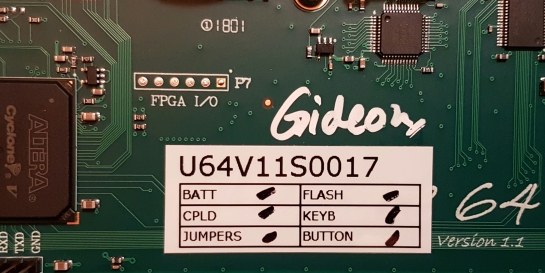
Released a new “unofficial” version of the firmware for the Ultimate-64 / U2+ by Gideon.
Changelog:
Changes since official release (3.9 / 1.37)
- Fixed RGB mode (U64 only)
- Fixed block read command
- Fixed access of files with special chars in CBM disk images, accessed from IEC
- Fixed UCI issues with SidPlay and others
- Fixed colon issue in Ultimate Kernal ROM
- Fixed crash on invalid file chain CBM filesystems
- Fixed check order DIR / VOLUME; fixes some issues with exFAT directories
- Added M and V commands in modem emulation layer, V now supporting numeric responses. Thanks Scott Hutter
- Fixed the root cause of the VOLUME bit set in exFAT directories
- Fixed missing ‘probe’ for filesystems on multi-partition disks
- Fixed loading from wrong device ID when issuing the ‘run disk’ command
- Fixed many little bugs in the generation of CVT files (copying GEOS files from a disk image)
- Implemented writing CVT files back to a disk image (enables copying CVT files across disks.)
- Adopted changes to U64 Kernal to set default loading ID, as submitted by Leif Bloomquist
- Adopted USB modifier key handling, as submitted by Peter de Schrijver
- Corrected bug in extended partition table reading
Download:
source: ultimate64.com github.com

This is the official demo party results from BCC #15. See also the CSDB BCC #15 section for more informations and download.
C64 Demo:
- 1 – None Of Us Are Getting Out Of This Life Alive by Atlantis, Delysid, Excess, Mayday!, Padua, Rabenauge, The New Ninja Skateboarders of Death
- 2 – Thirty by Focus
C64 Music:
- 1 – Mayday! in Monsterland by Toggle
- 2 – Astronomia Remix by Uctumi
- 3 – XV21 Prototype by Vincenzo
- 4 – Filterlicious by Mythus
- 5 – On a Floor Somewhere in Tegucigalpa by Røly
- 6 – Wanna Tell, Can’t Say! by Manganoid
- 7 – Rising Sun by Onosendai
- 8 – Bad Apple by Slaxx
- 9 – From Fake to SID by Nordischsound
- 10 – My Soul by G-Fellow
- Il pranzo è servito by Nordischsound
- 12 – SYS 4000 Part III by Sonki
- 13 – Fugue by Stabile Altbauten
C64 Graphics:
- 1 – Habanero by The Sarge
- 2 – Noodles & Sake by Lobo
- 3 – Thought by Almighty God
- 4 – Solar-Sonar by Leon
- 6 – Open Up by Exocet
- 7 – Roots by Luisa/Oni
- 8 – The Stars Are Right by Mythus
- 9 – Hangman Tree by Fabs
- 10 – Taikatiili by Brittle
- 11 – Speccy Siblings by Mikael
- 12 – The Mad Downvoter by Fabs
- 13 – The Blossom by Nordischsound
- 14 – Firebirds by Firelord
- 15 – RX-79 Close-Up by Titus75
- 16 – Etrurian Sunset by Titus75
- 17 – Roboformx 2 by Fabs
- 18 – BCC Tower by Parr
- 19 – FOS by LZwerch
WiLD Demo:
- 1 – Embukyaku [fm-yam] by Atlantis, MultiStyle Labs, Pretzel Logic
- 2 – Corontäne Companion Bot by !BASICGOTT
C64 64k Demo:
- 1 – Catwalk by Pretzel Logic
- 2 – Little Intro by Hokuto Force
- 3 – BCC= Cat by Logiker
- 4 – Thanks by 4gentE
- 6 – Turkey Served by Hokuto Force
- 7 – Blau & Schlau by Franzi, Hansi
Mixed Graphics:
- 1 – A-Team by Hokuto Force
- 2 – Bison Man by Logiker
- 3 – Yang-Myung [KR] by Logiker
- 4 – A Nibble by Chagizzz
- 5 – Mr.T – Pop Art by Hokuto Force
- 6 – Stalin by Hokuto Force
- 7 – Mayday! by Mayday!
Download: BCC #15 Full Party Stuff (1170)
source: csdb.dk


Firmware upgrades for THEC64 Mini/Max & TheVIC20 provide new features and/or correct any technical issues.
We always recommend that you use the latest version of the firmware.
Version 1.5.2 – Changes and additions:
- [THEC64 Full size European] Fixes missing Bluestar carousel cover image which was broken in release v1.5.1 under some circumstances
- [All models] Adds C64 joystick port selection; see notes below
- Adds C64 only Classic mode added to THEC64 Mini
- Adds disk swapping added to THEC64 Mini
- [All models] Adds Commodore REU support with 512K, 2MB or 16MB as filename flags or CJM parameters; see notes below
- New games for THEC64 Mini: Hessian (C64) and PET Snake (C64)
- New games for THEC64 full size: Hessian (C64), PET Snake (C64), City Crusher(VIC20) and Mine Sweep (VIC20)
- New games for THEVIC20: Hessian (C64), PET Snake (C64), City Crusher(VIC20) and Mine Sweep (VIC20)
Notes:
To enable REU support you can use either a filename flag or a CJM file parameter. Note that REU support does not work with VIC20 software.
To select using a filename flag, use one of the following:
- R5 = 512K REU enabled
- R2 = 2MB REU enabled
- RM = 16MB REU enabled
For example:
myreudisk_R5.d64
See the user manual for further details on the use of filename flags.
To select with a CJM file, use one of the following parameters:
- reu512 = 512K REU enabled
- reu2048 = 2MB REU enabled
- reu16384 = 16MB REU enabled
For example:
X:64,reu16384
See the user manual for further details on creating CJM files.
To switch the joystick in use between joystick port 1 or port 2 when running a C64 program, press and hold the joystick ☰ button, and then pressing joystick Ⓐ for port 1 or joystick Ⓑ for port 2. This will override the J1 filename flag or CJM primary port setting, if either are supplied.
Changes from previous versions:
- v1.4.2 – Fixes an issue with THEC64 Full size: Under some circumstances C64 games may not recognise joystick port 2 when VIC 20 is the default machine
- v1.4.2 – Adds Datasette controls for tape files in THEC64 Classic mode Media Access menu
- v1.4.2 – Adds soft and hard reset hot-keys to THEC64 and THEVIC20 Classic mode
- v1.4.2 – Adds freeze button support to THEC64 and THEVIC20 Classic mode
- v1.4.2 – Adds C64 games Barnsley Badger, Soulless, Galencia and Planet of Death, plus VIC20 games Blue Star, The Keep, and Gridrunner to THEC64 North American model
- v1.4.2 – Adds C64 games Barnsley Badger and Soulless, plus VIC20 games Blue Star and The Keep to the European THEC64 and THEVIC20 “Special Edition THEC64” models
- v1.4.2 – Adds C64 games Barnsley Badger and Soulless to all THEC64 Mini models
- v1.4.2 – Fixes Tank Battle on THEVIC20 to support two joysticks
Download:
source: retrogames.biz
Released a new “unofficial” version of the firmware for the Ultimate-64 / U2+ by Gideon.
Changelog:
Changes since official release (3.9 / 1.37)
- Fixed RGB mode (U64 only)
- Fixed block read command.
- Fixed access of files with special chars in CBM disk images, accessed from IEC.
- Fixed UCI issues with SidPlay and others.
- Fixed colon issue in Ultimate Kernal ROM.
- Fixed crash on invalid file chain CBM filesystems.
- Fixed check order DIR / VOLUME; fixes some issues with exFAT directories.
- Added M and V commands in modem emulation layer, V now supporting numeric responses. Thanks tlar54!
Download:
source: ultimate64.com github.com
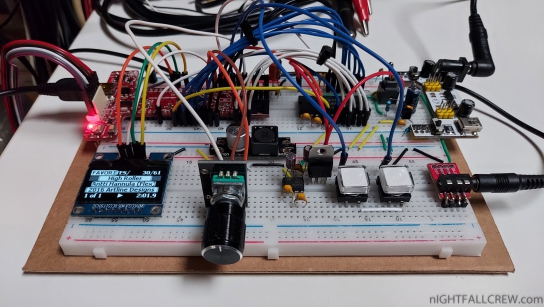
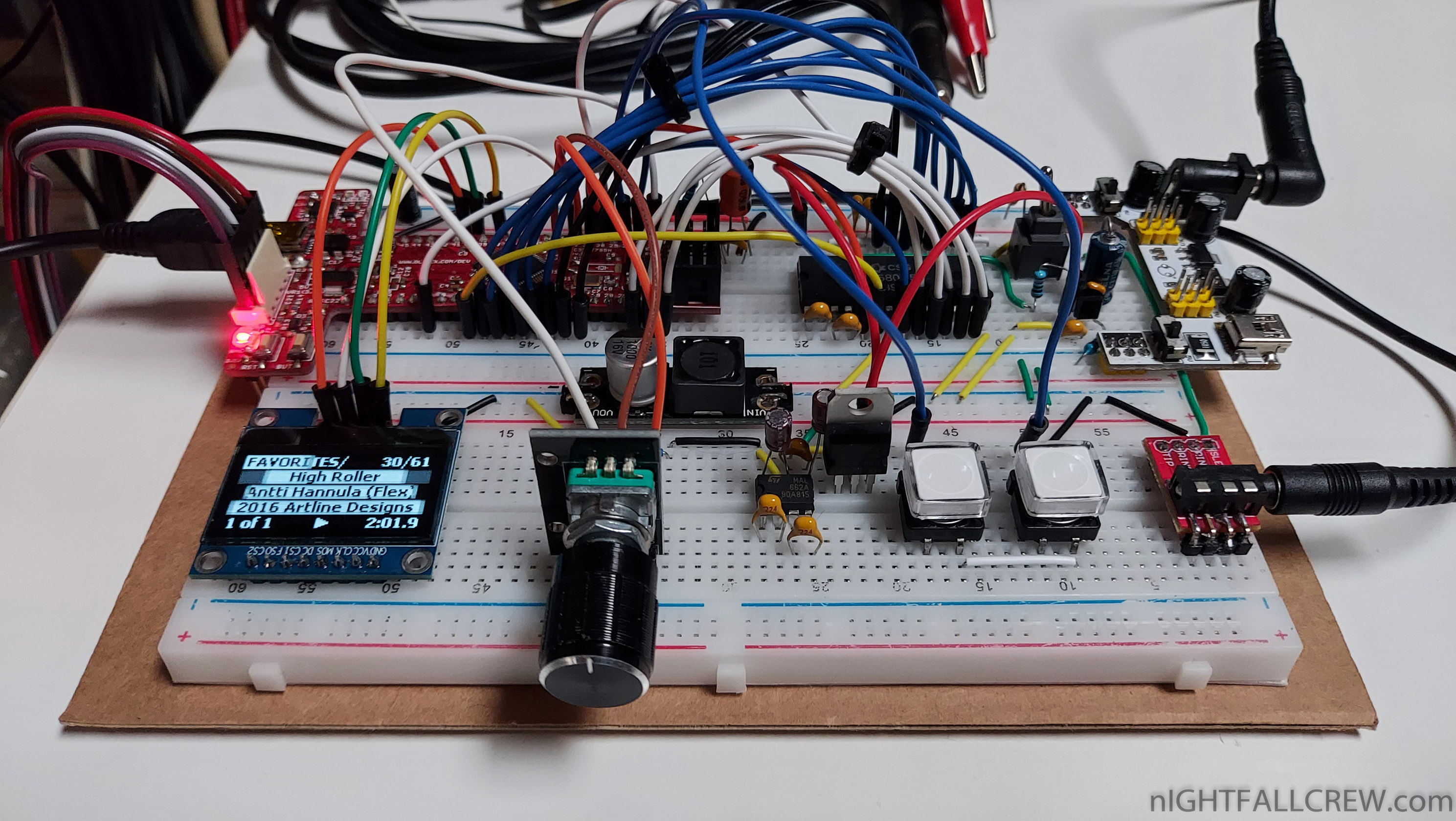
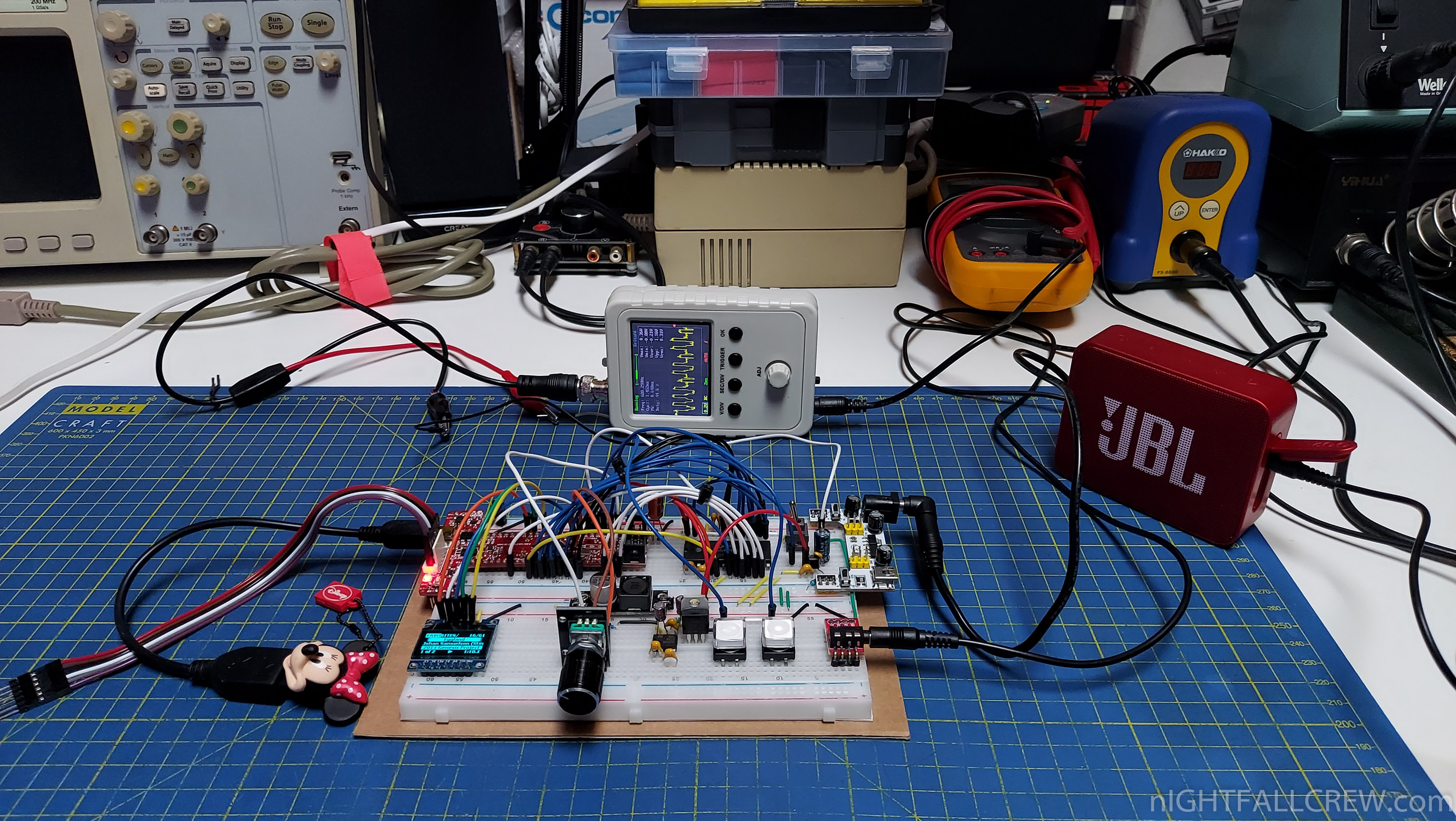
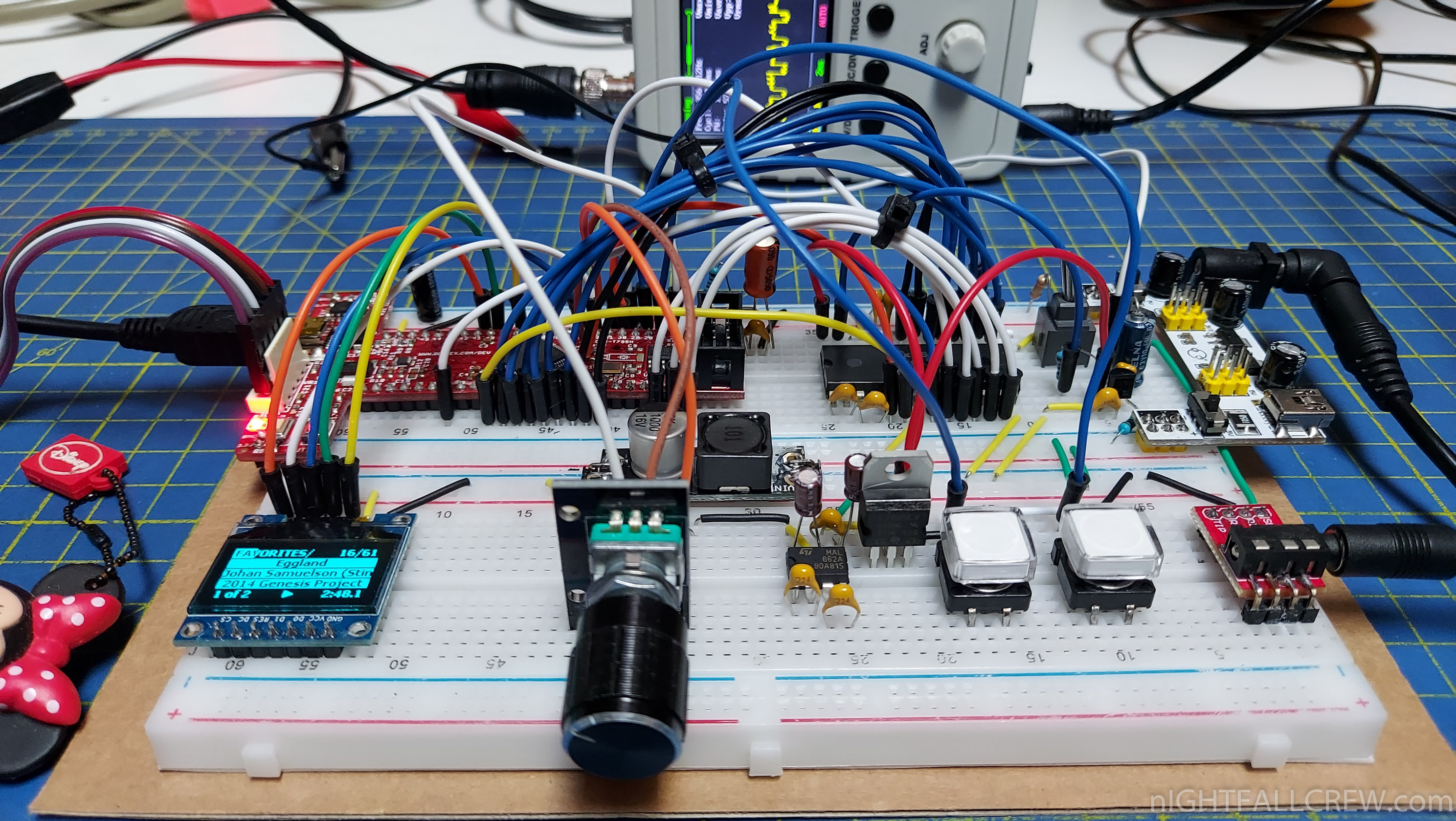
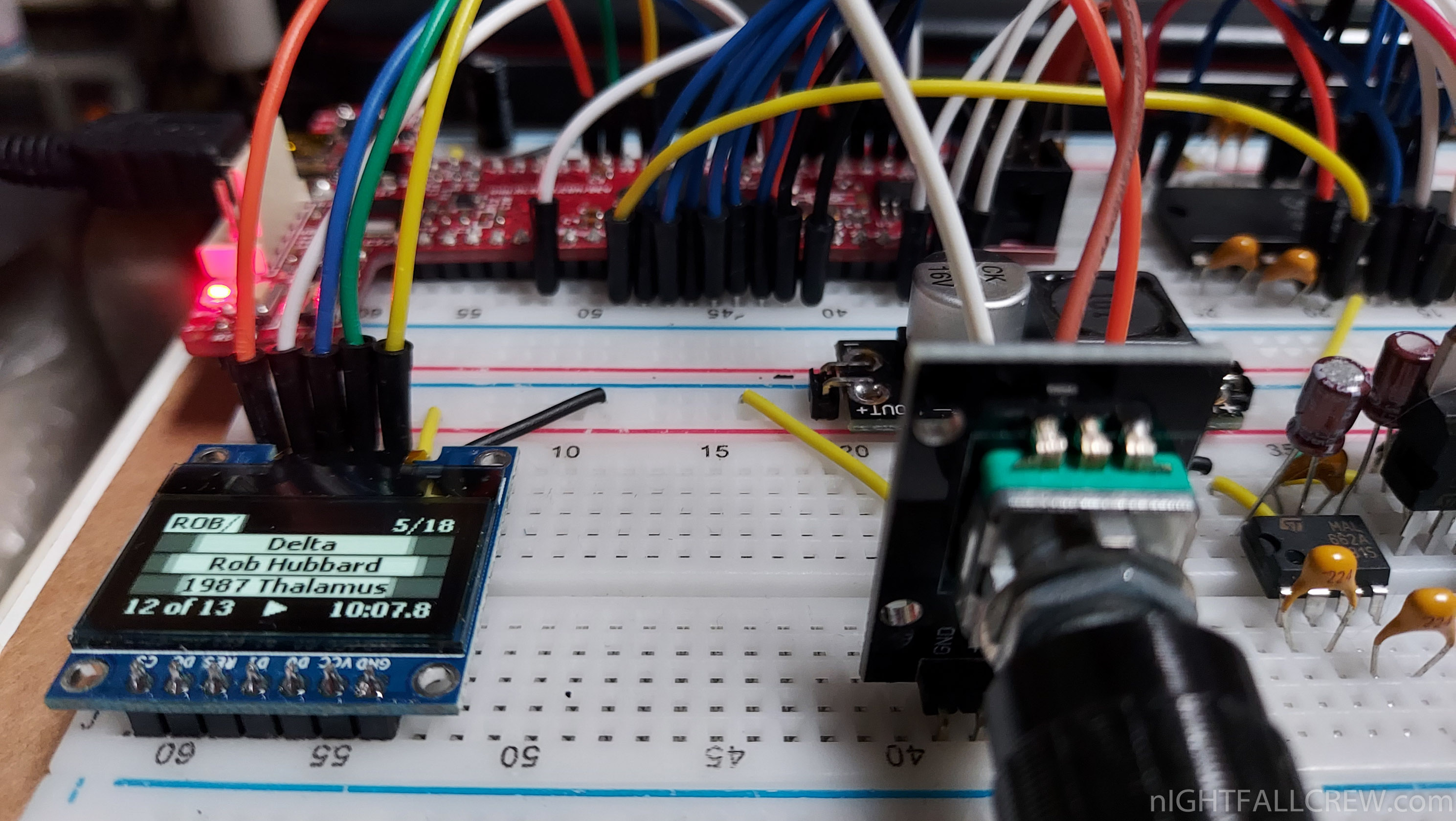
Hybrid SID Player with a real SID 8580R5 running on Olimex PIC32-T795.
After trying the sid player of Bakisha and have added some features (es: Big LCD ILI9341 / Real Sid) of course with the help of Bakisha, thanks Branko
I also wanted to try the Hybrid SID Player by Markus Gritsch. The schematic (omitting some components) and the firmware are untouched and released some years ago (2011-2012) by Markus Gritsch on the forum of Dangerous Prototype.
Since the CUI32 DEV Board where is born the Hybrid SID Player is no longer available from many years, i have used the DEV Board PIC32-T795 from Olimex based on the same MCU the PIC32MX795F512H.
I have made a hack on the PIC32-T795 development board because the two pins used for the rotary encoder are not available because they are used for the RTC, i just had to remove the MHz Crystal and two capacitors from the PIC32-T795 board, so i have solder two wires directly on the dev board pcb.
The purpose of all these experiments is make some hardware changes and new implementations to the final project that i will choose and then make an all-in-one pcb and make it public to anyone who wants to build it.
Gallery:
Video:


Recent Comments