
Relaunch64 is an IDE (text-editor) for C64 assembler-coding on Windows, Linux and Mac OS X. Relaunch64 has a clean and intuitive user interface, yet it offers many features that make coding faster and easier.
Java 7 or higher is required to run Relaunch64. The program is licensed under the GNU GPL 3 (or higher) and free for private and professional use.
This editor works together with common cross assemblers like Kick Assembler, ACME, or 64tass. Other assemblers might work as well, but syntax highlighting may not be 100% correct.
Download: Relaunch64 v3.3.0 (Windows/OSx/Linux) (1183)
source: popelganda.de
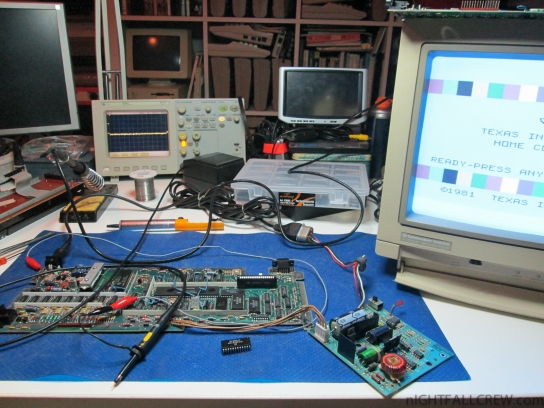
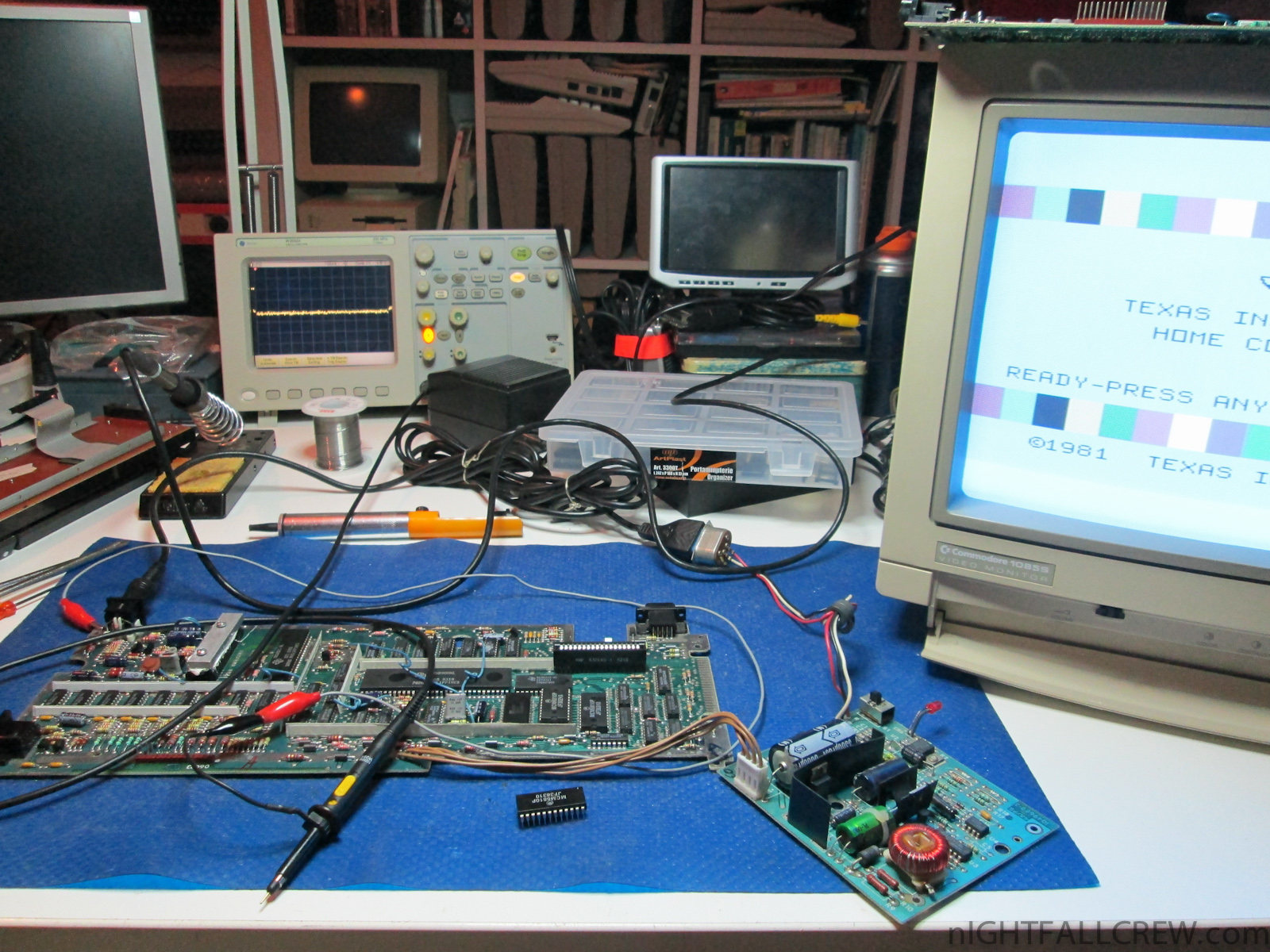
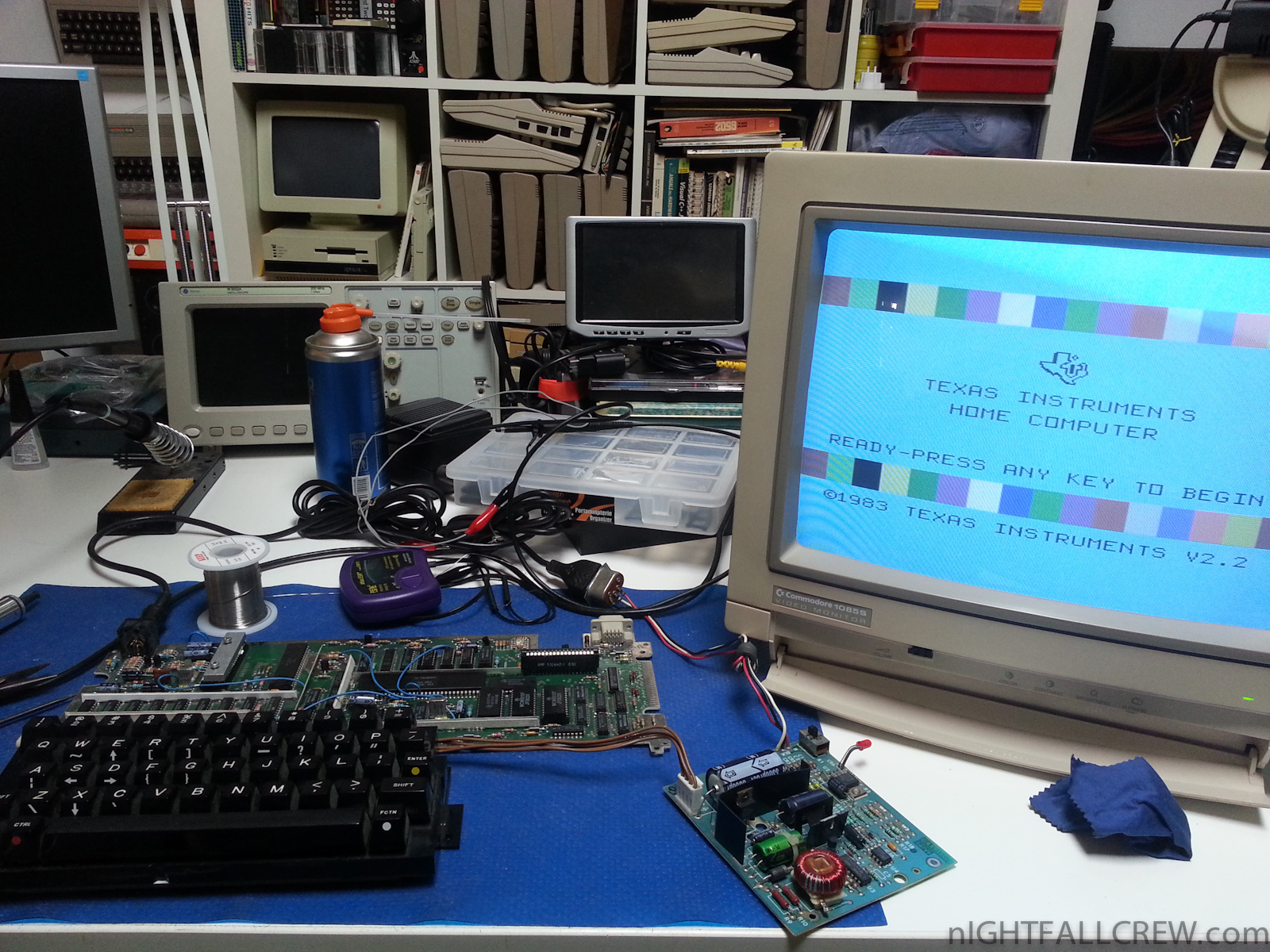
Gallery of the repair:
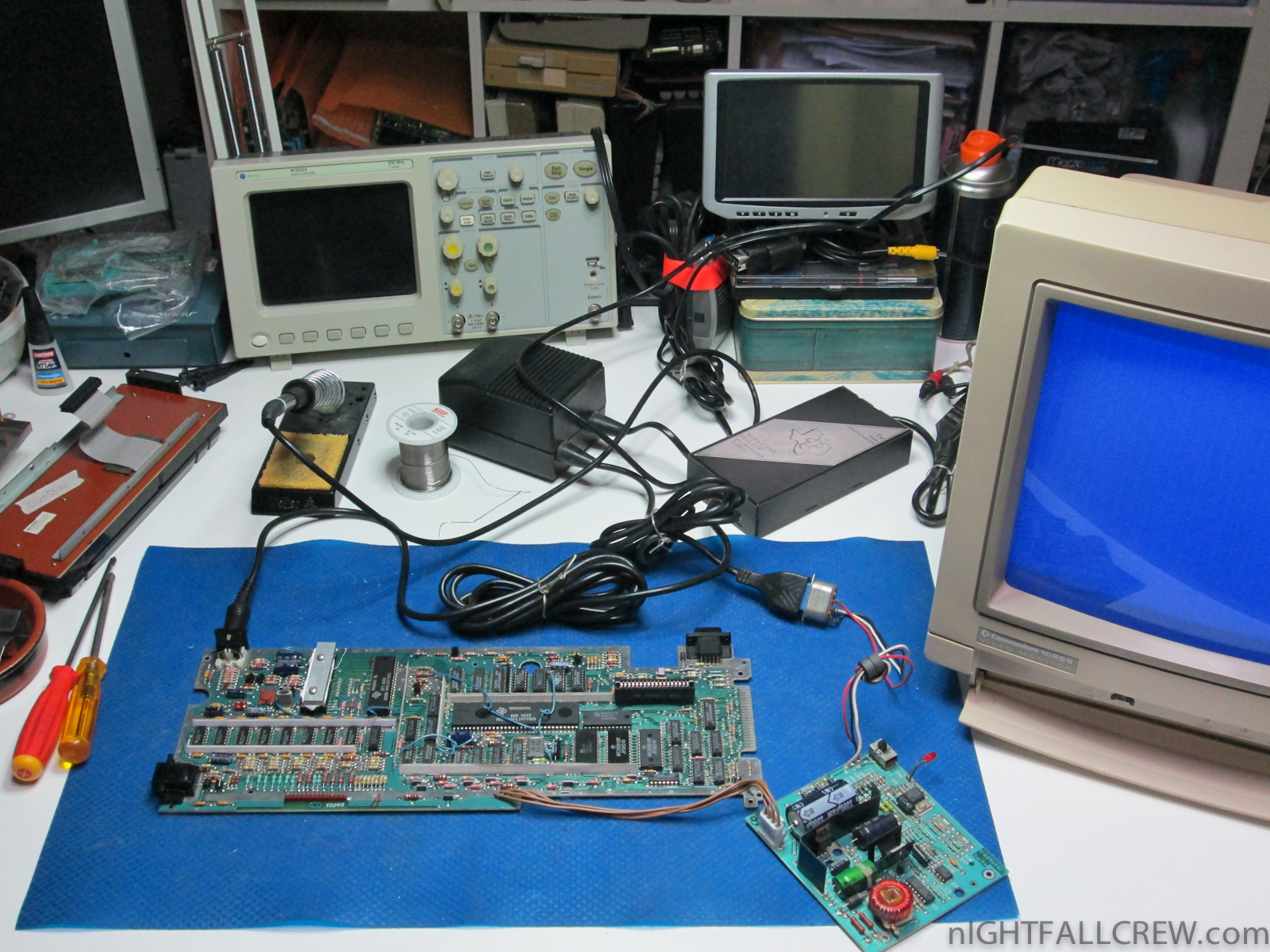
Texas Instruments TI-99/4A Repair (#1)
Defect:
- Blue Screen with tiny Vertical lines.
Replaced parts:
- 1 x MCM6810P (128 x 8-Bit Random-Access Memory TTL/DTL)
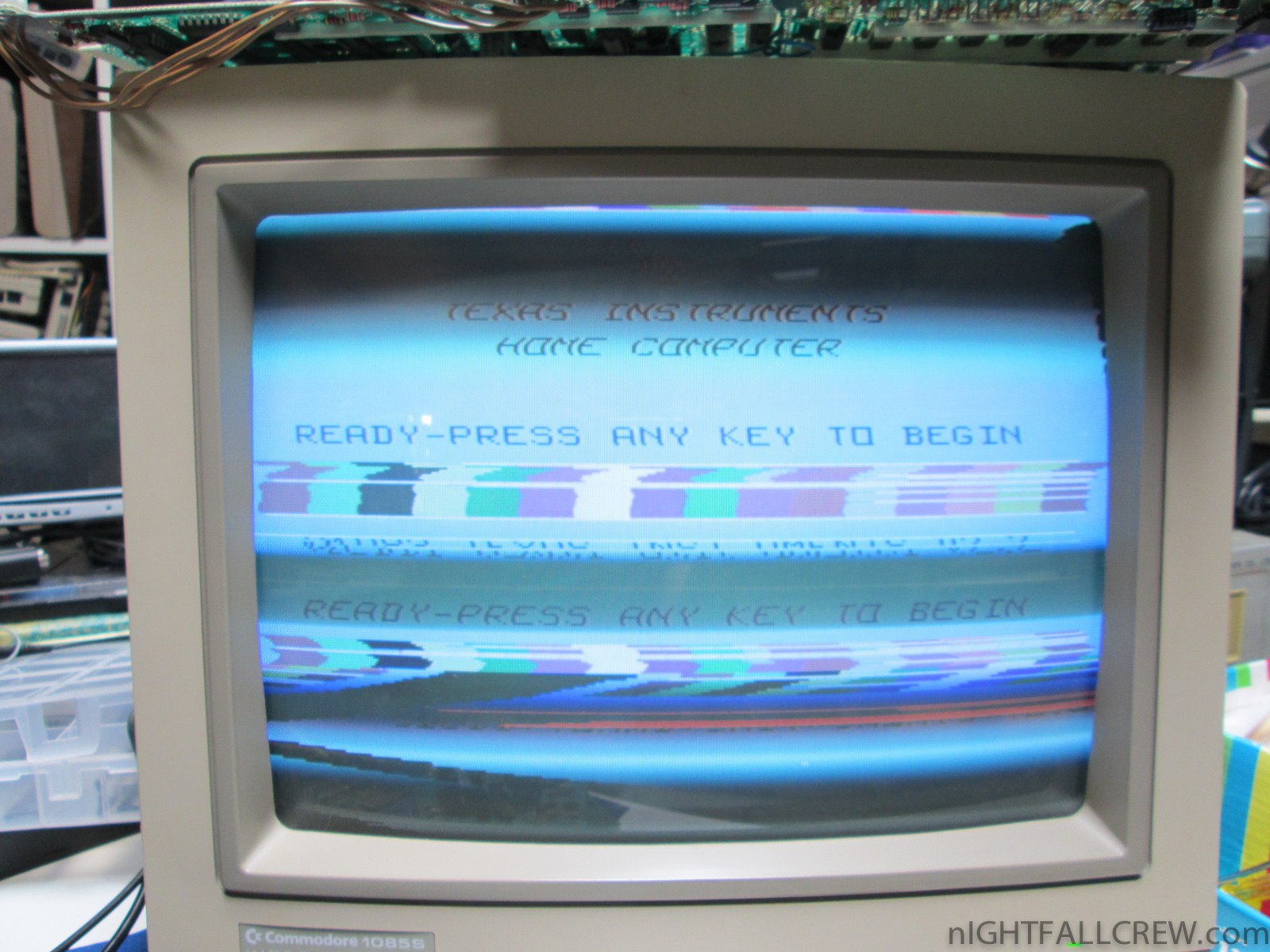
Texas Instruments TI-99/4A Repair (#2)
Defect:
- Blue Screen with tiny Vertical lines.
- Wave/Raster Lines.
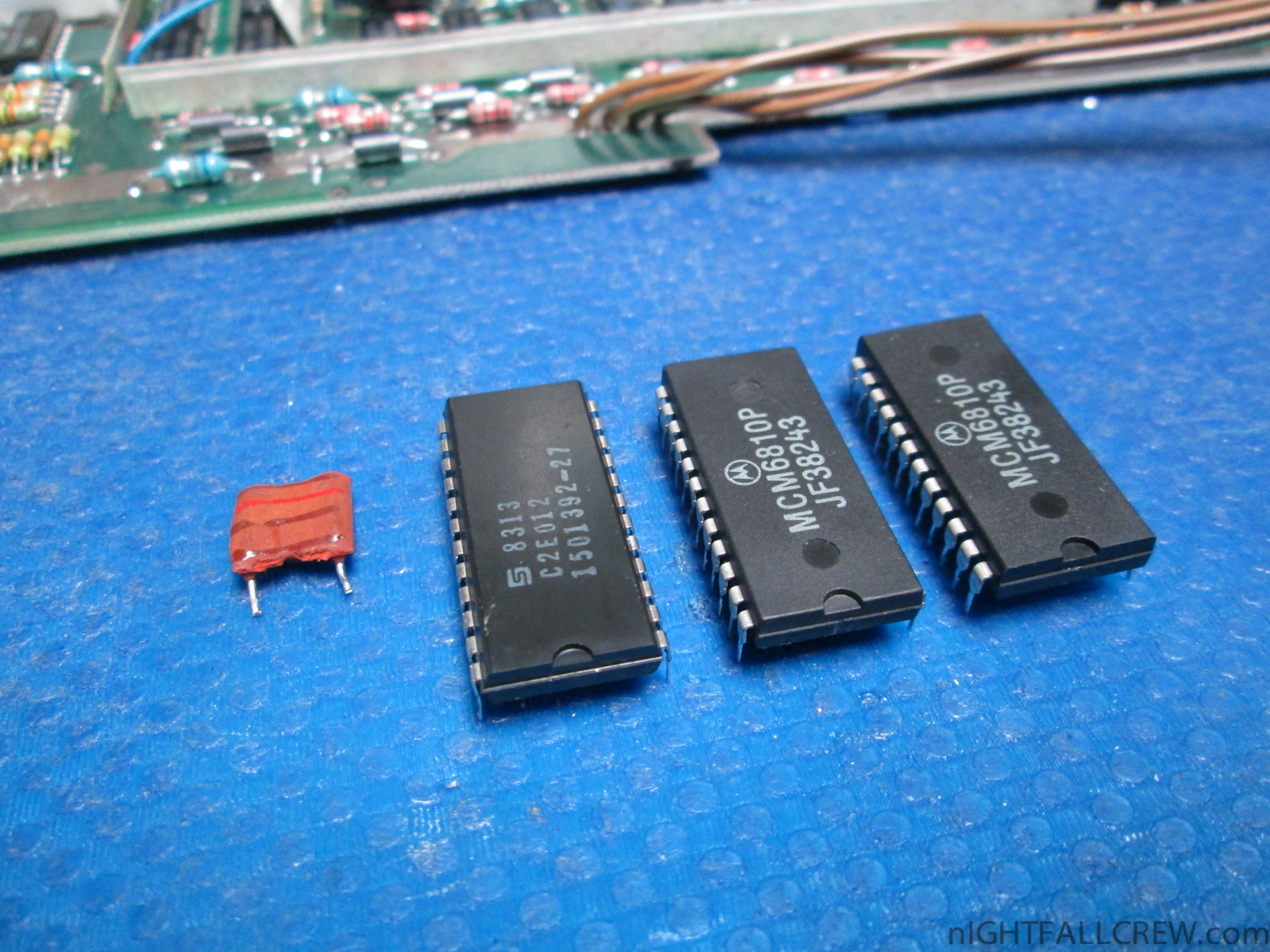
Replaced parts:
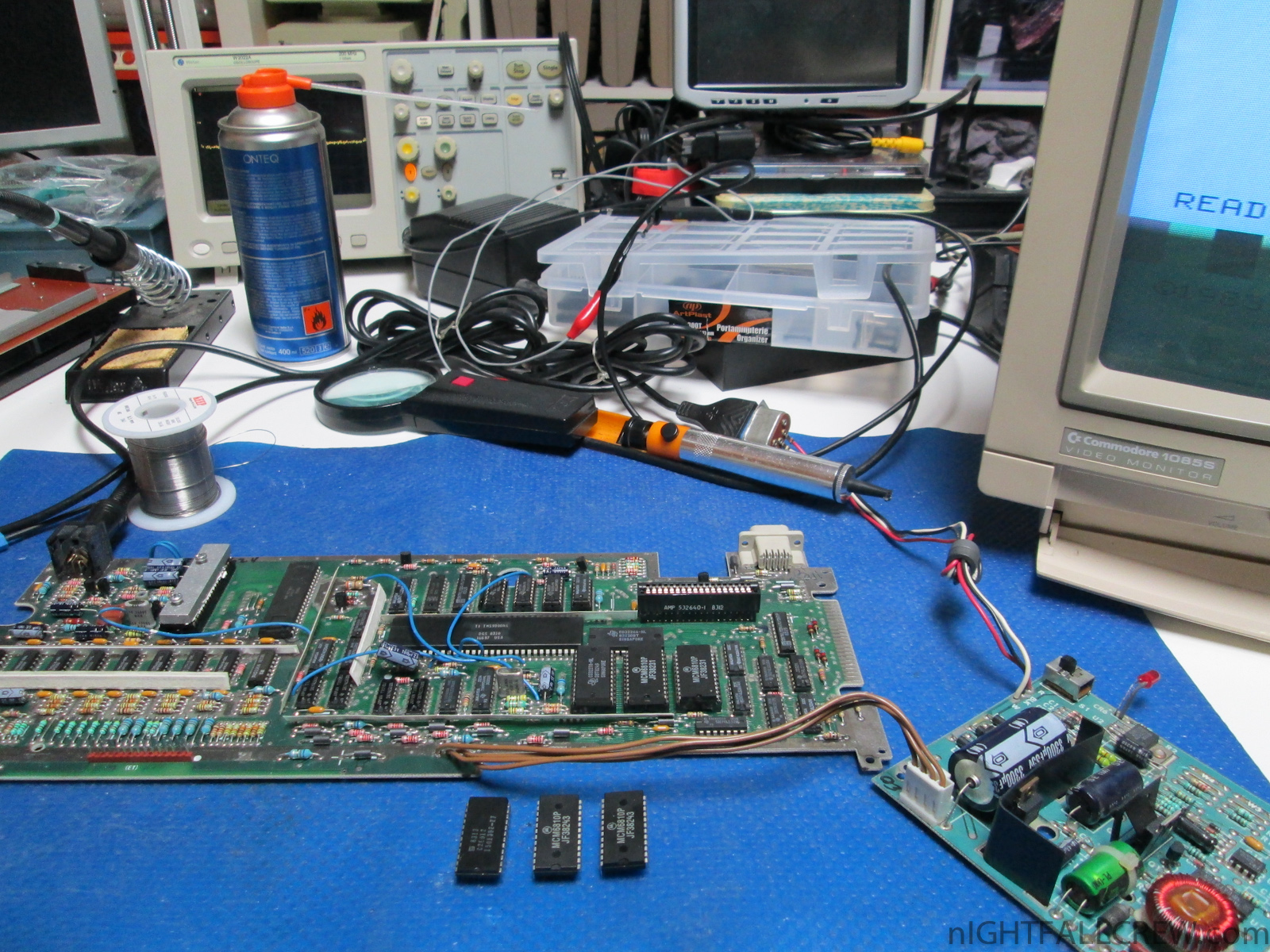
- 2 x IC MCM6810P (128 x 8-Bit Random-Access Memory TTL/DTL)
- 1 x IC CD3236A-NL (ROM)
- 1 x Capacitor 12 pF.
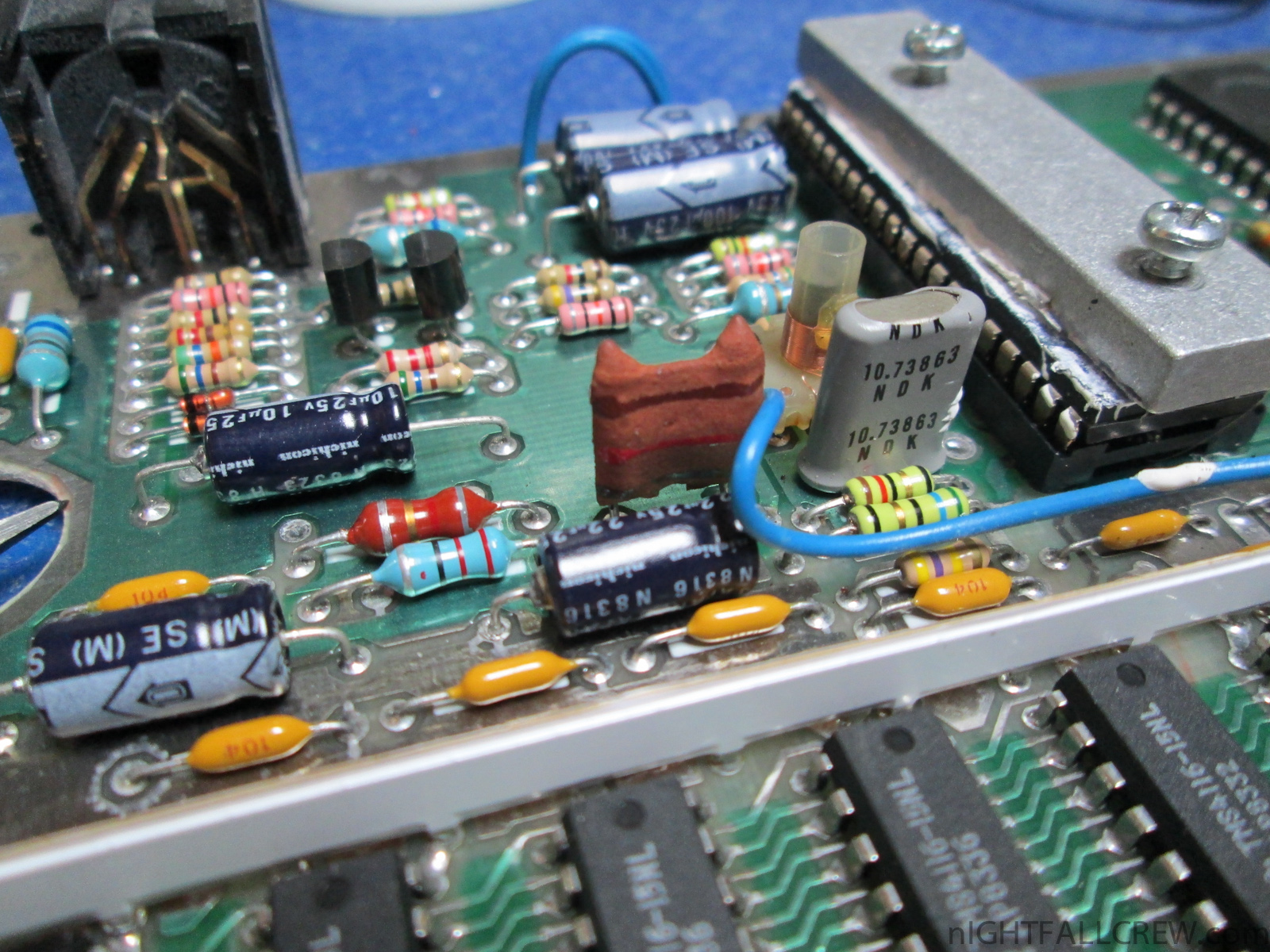
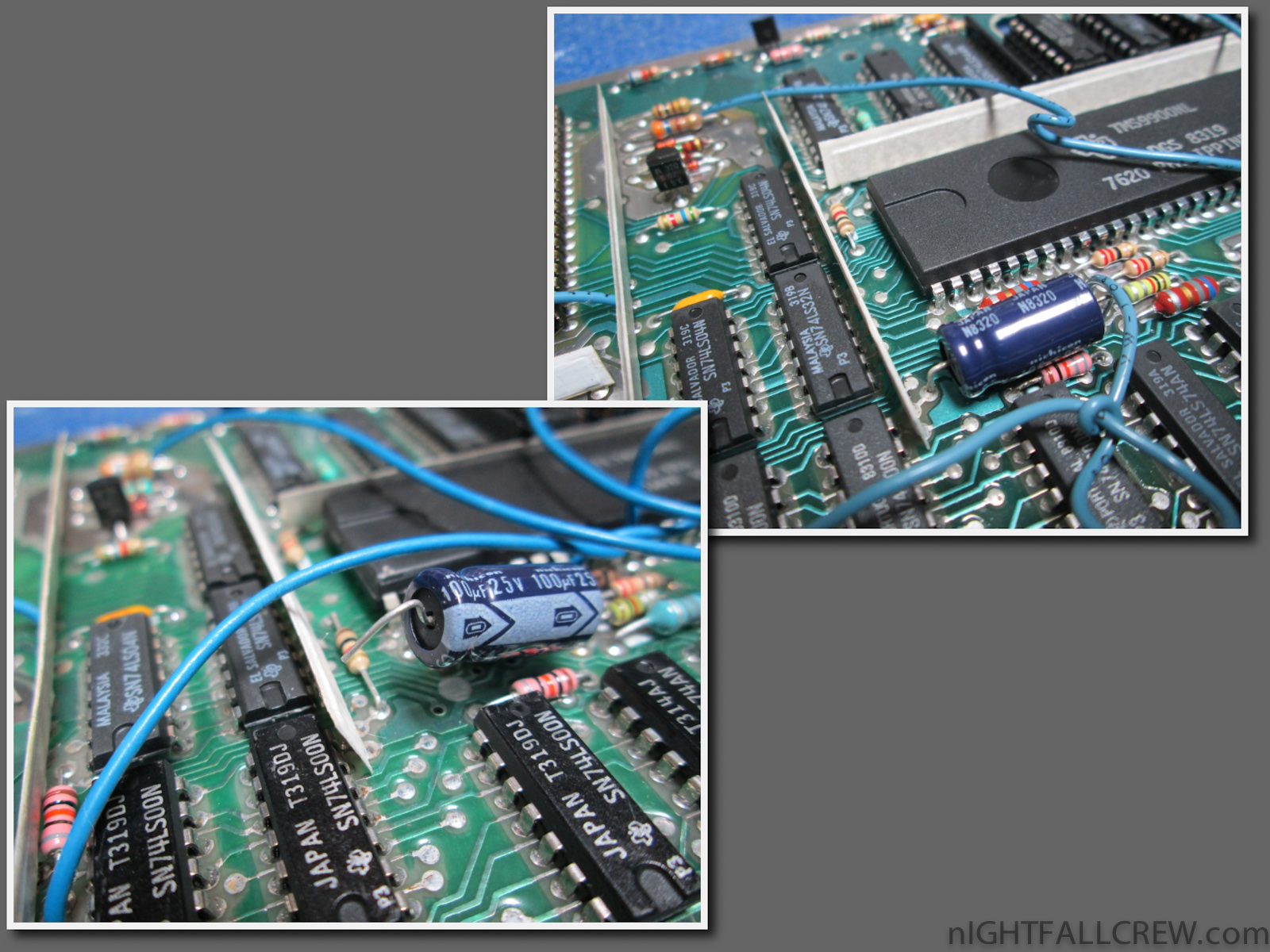
Note:
In one photo you can see the curious change made in this TI-99/4A by inserting a resistor in the pitch where in other motherboards is soldered a leg of a electrolytic capacitor and then one leg of the capacitor is welded and the not the other leg. Compliments.
Video of the defects:
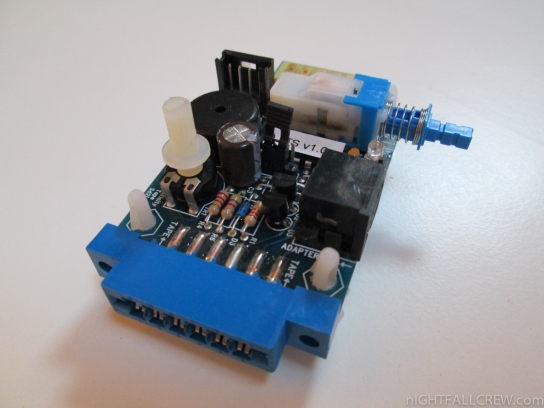
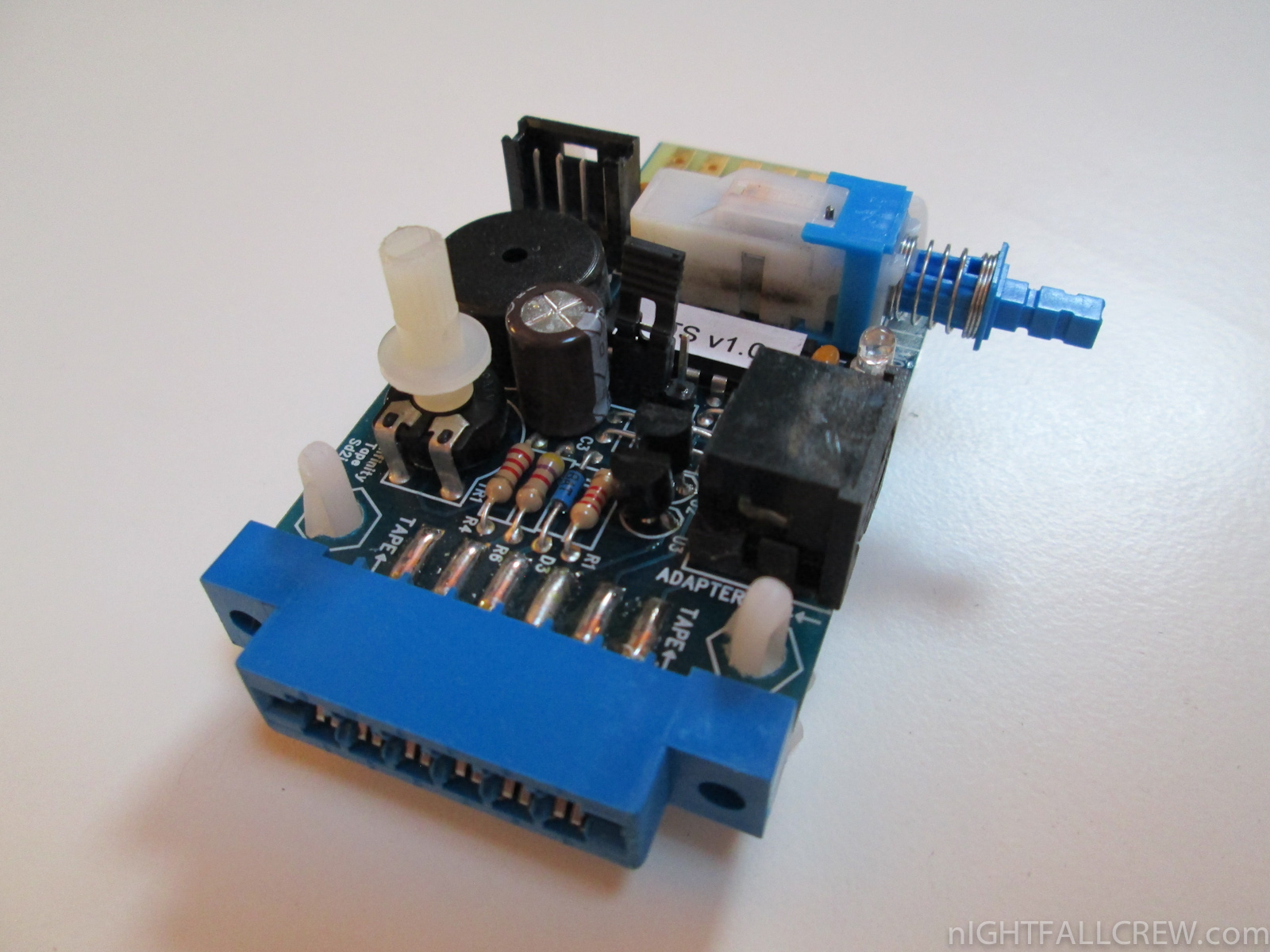
A new version of the firmware for the interface C64SD Infinity + ITS Module by Manosoft is released.
Changelog:
- Implemented functionality that allows to save a placeholder (unique for each .TAP file) pressing the red button on the back of the card. User can set back the read pointer at which TAP data is played back by pressing “Next” button on the card. Useful for multi load .TAP or games asking to reset the counter of the tape and then to rewind the tape that specific point.
Download: C64SD (ITS) Firmware v0.10.3.9 (1729)
source: manosoft.it
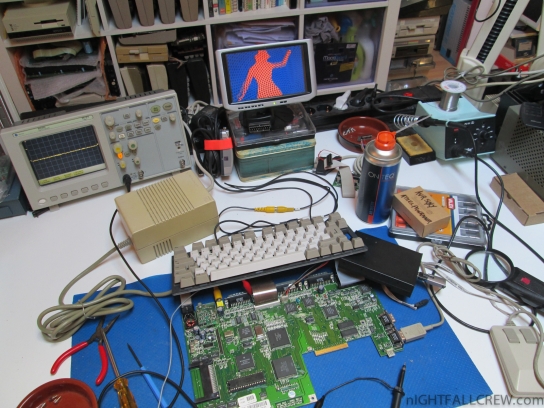
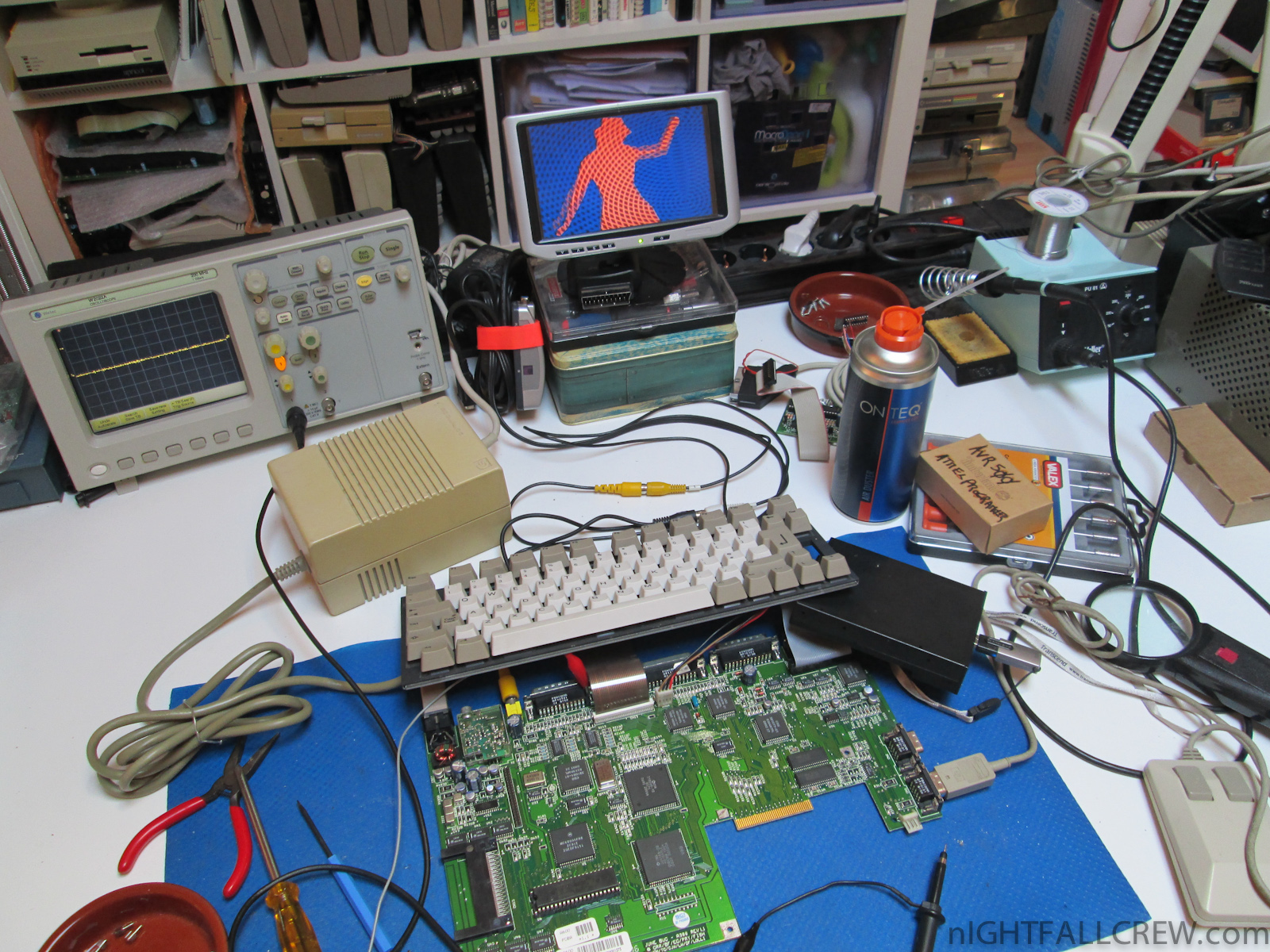
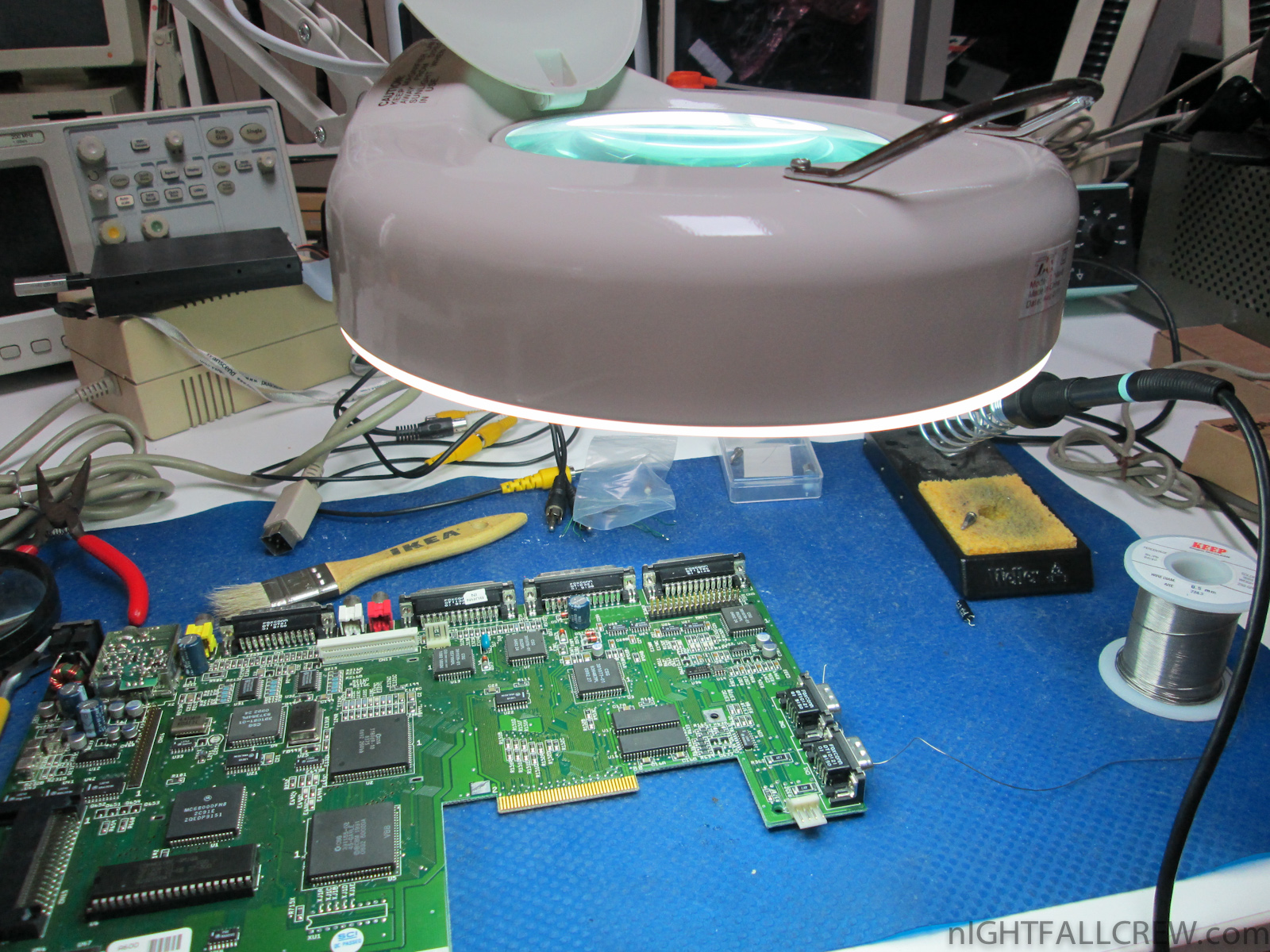
Gallery of the repair:
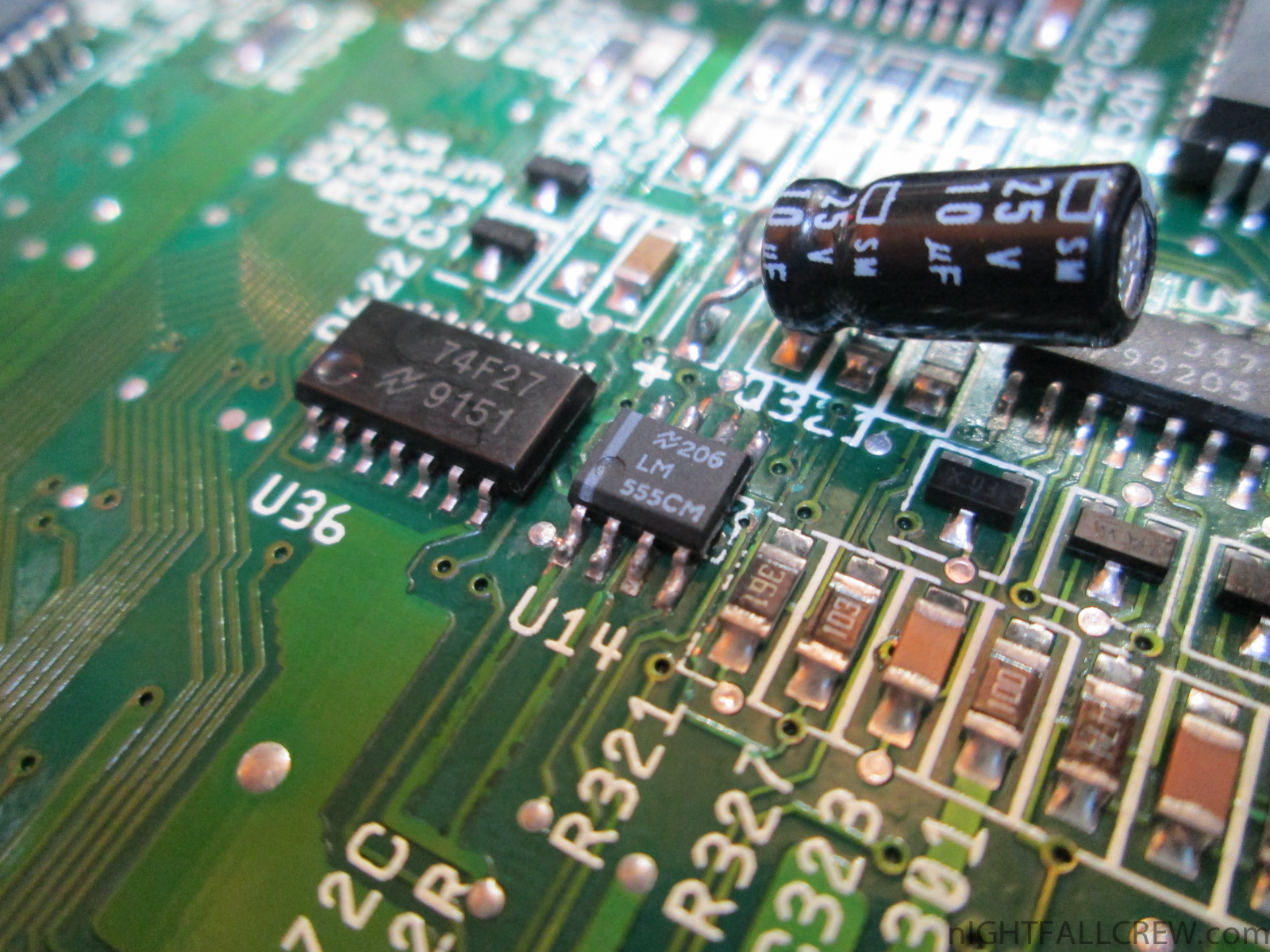
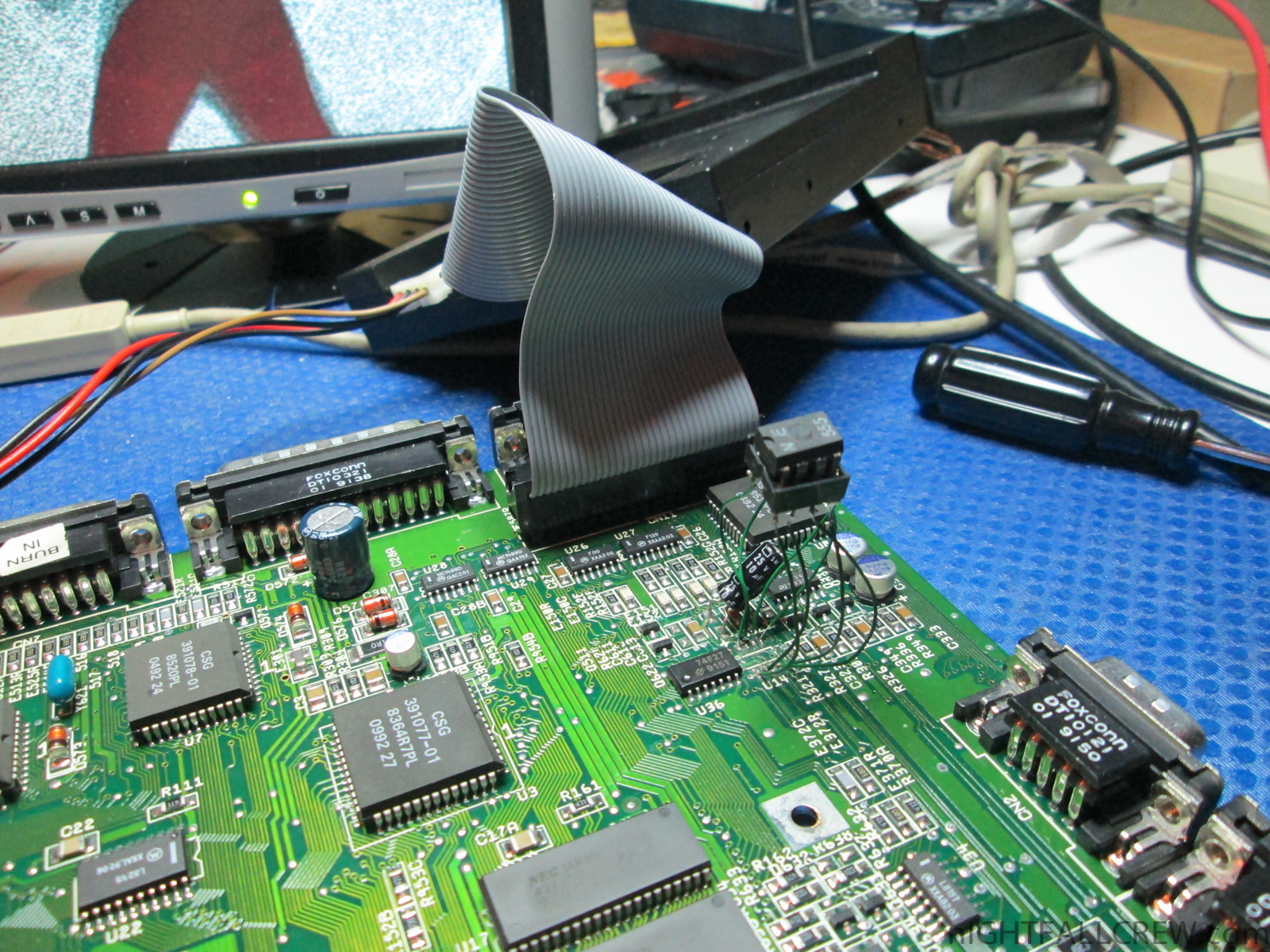
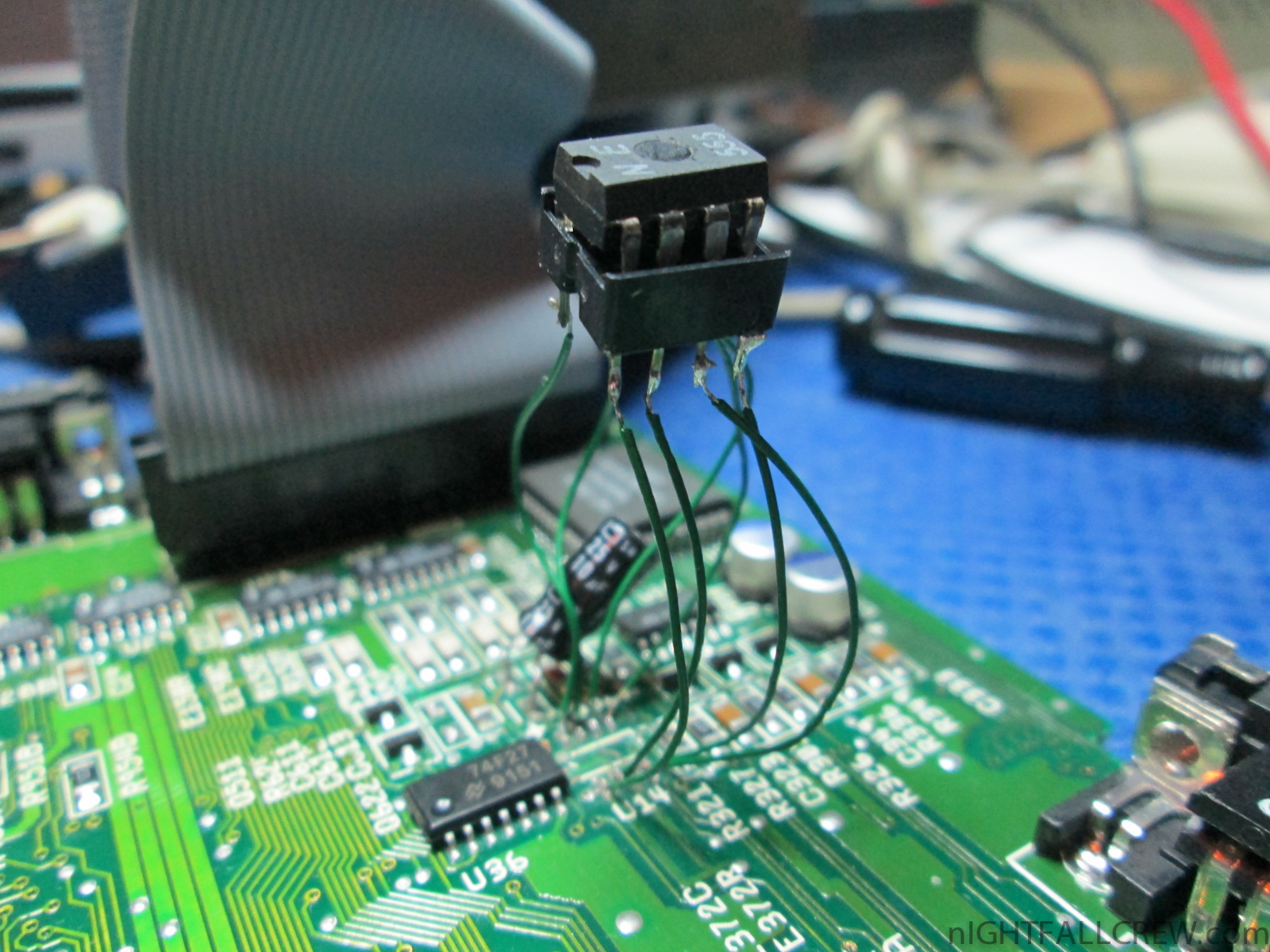
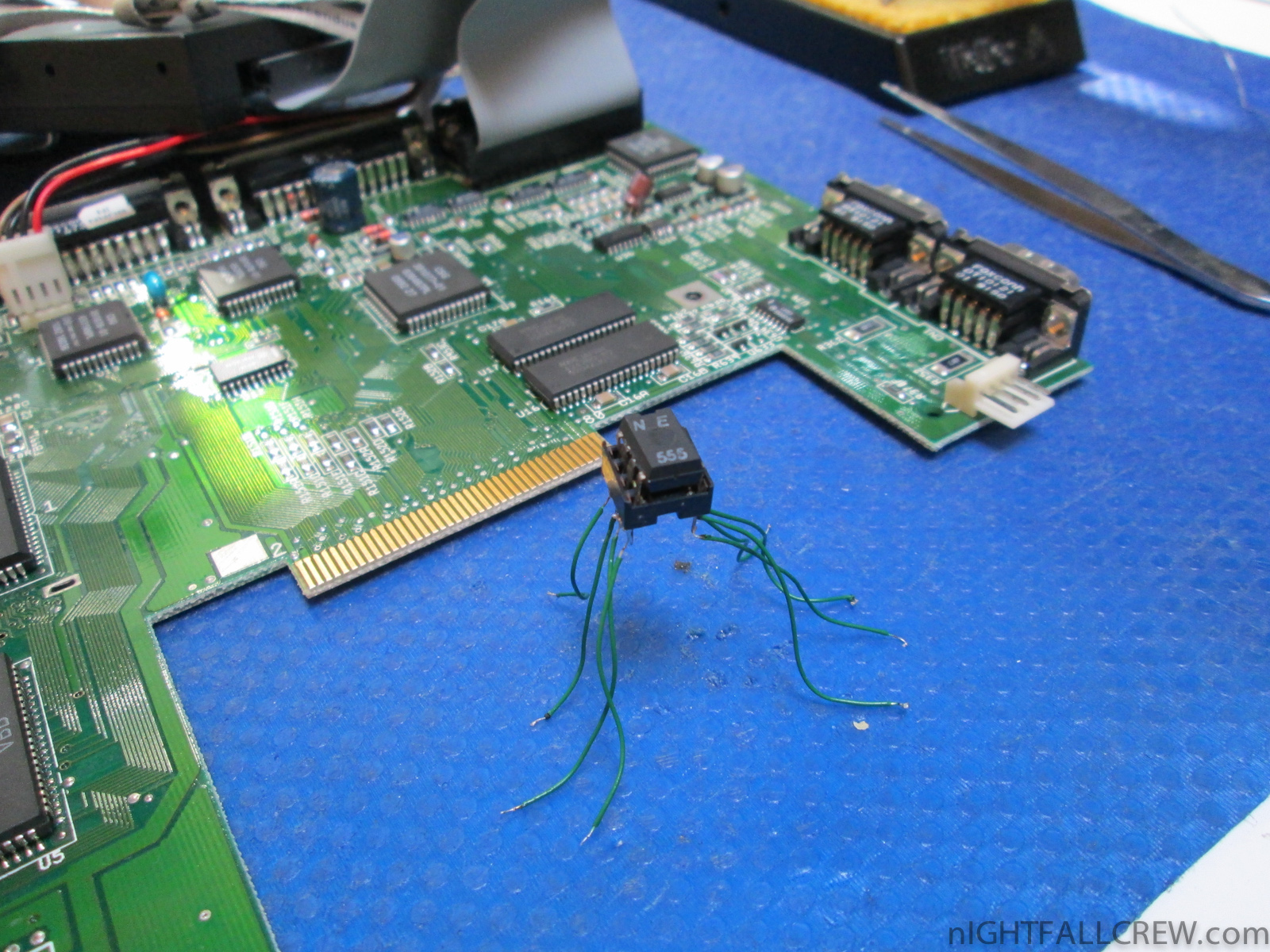
Repair Commodore Amiga 600 (White Screen)
Defect:
Replaced parts:
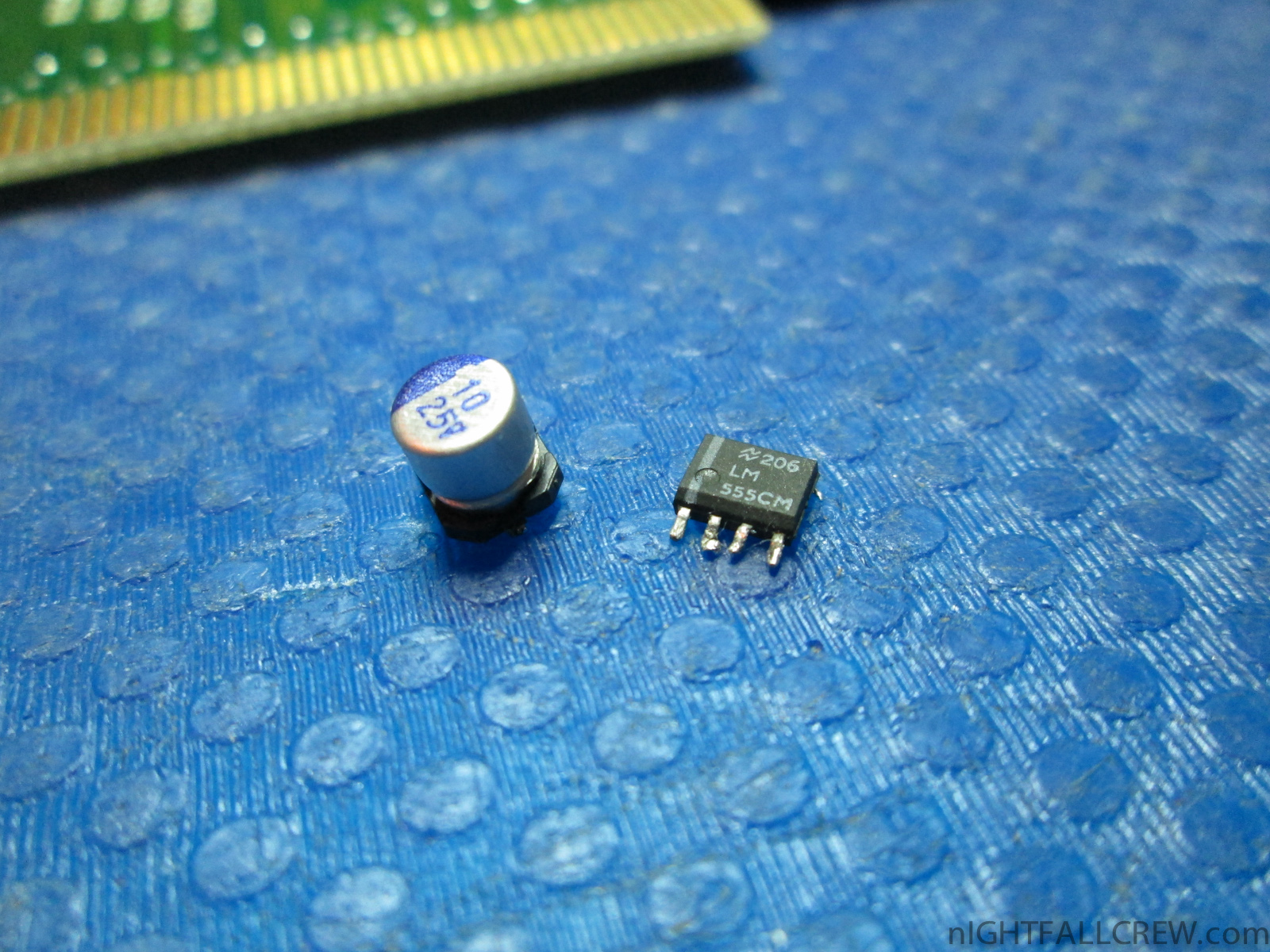
- 1 x LM555 (SMD)
- 1 x Electrolytic Capacitor 10uf 25v
Note:
I have thought it was a problem of RAM (U17) since i have measured oddities but the problem instead is a capacitor of 10uF, dead LM555 (smd) and some pcb tracks corroded.
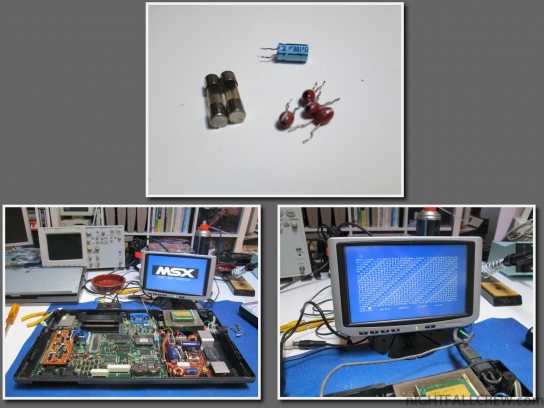
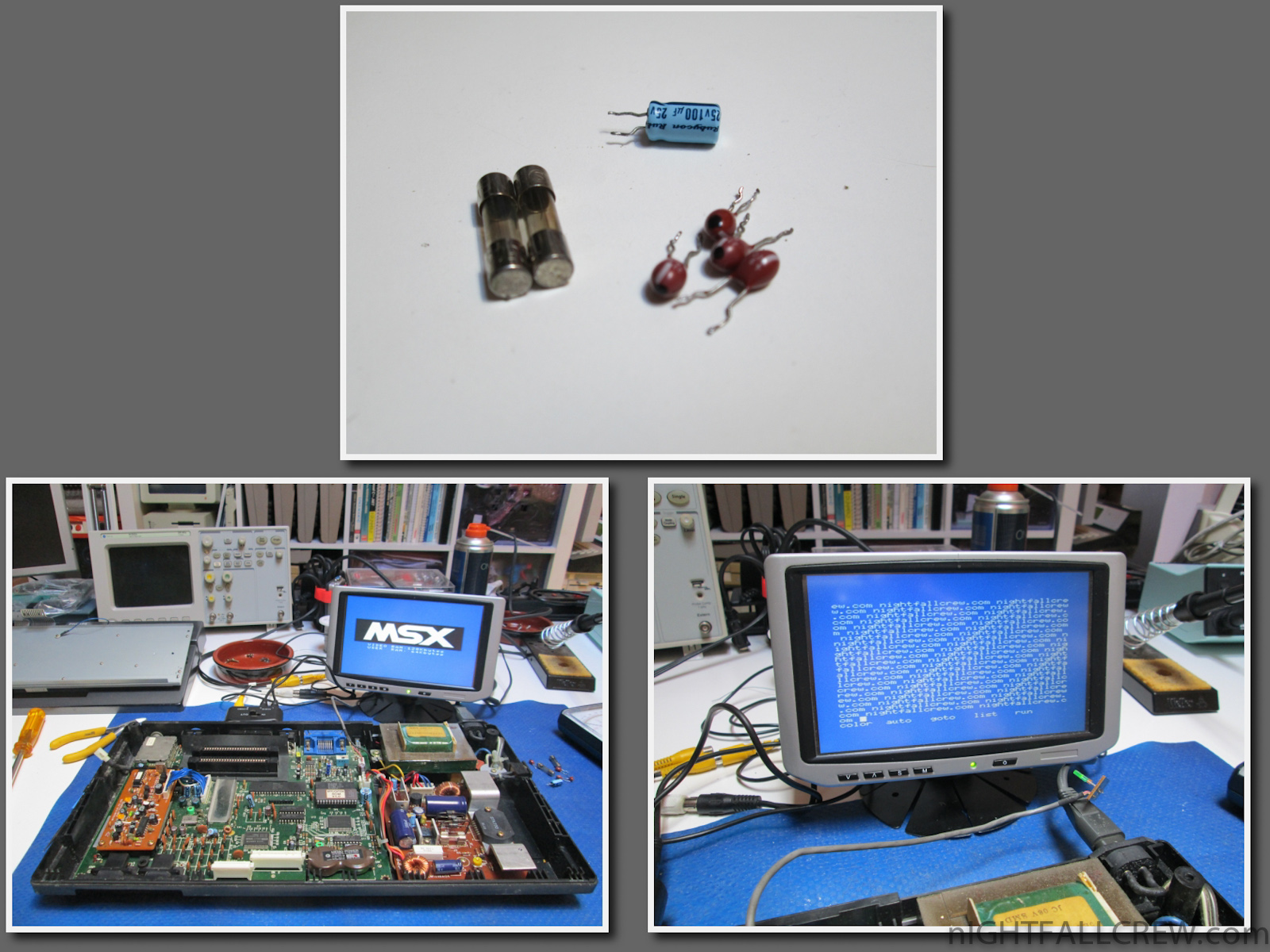
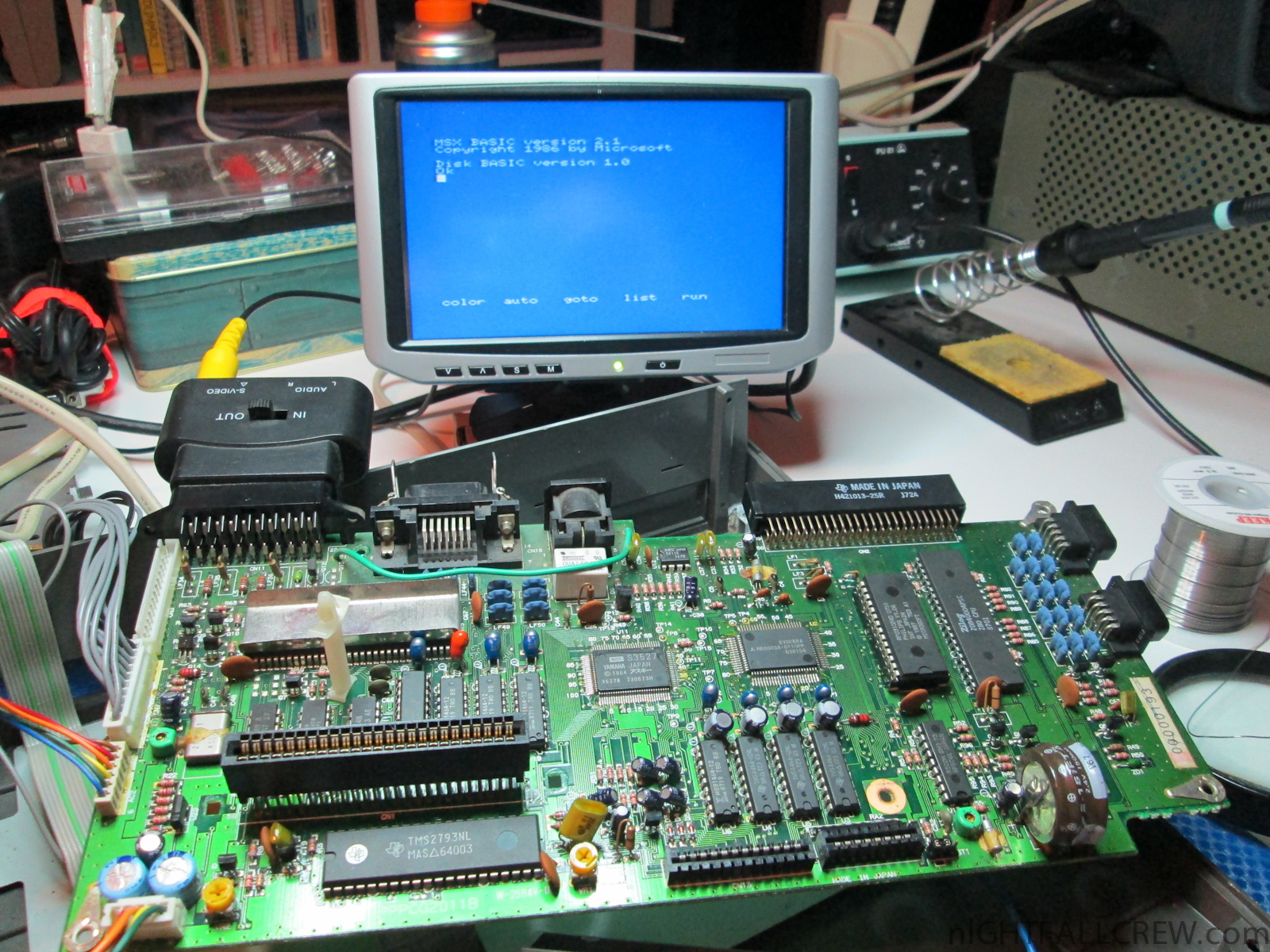
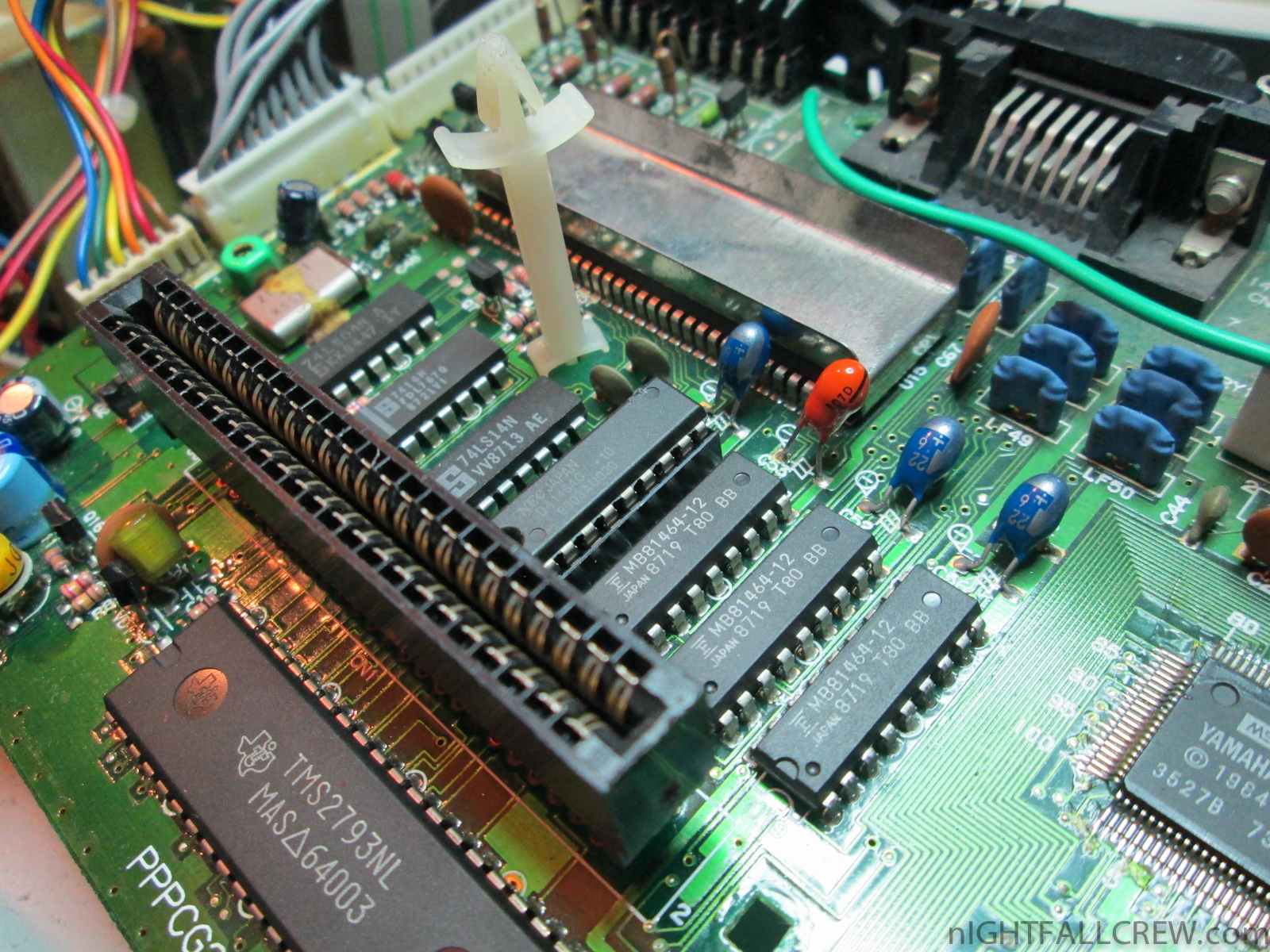
Repair Philips 8220 (MSX2) Black Screen with Sound.
Defect:
- Black Screen but with sound (keyboard works)
Replaced parts:
- 2 x Fuse 250v 315ma
- 4 x Tantalum Capacitor 22uf 6v
- 1 x Electrolytic Capacitor 100uf 25v
Note:
The main problem was caused by the lack of +12 volts that power the RGB Encoder module. The other voltage of -12 volts are used only for the cartridges port (but not all cartridges using this voltage)
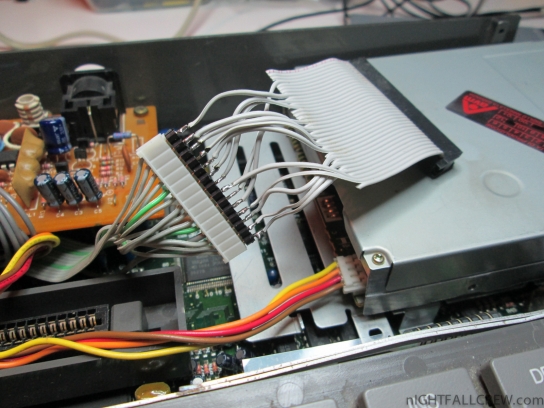
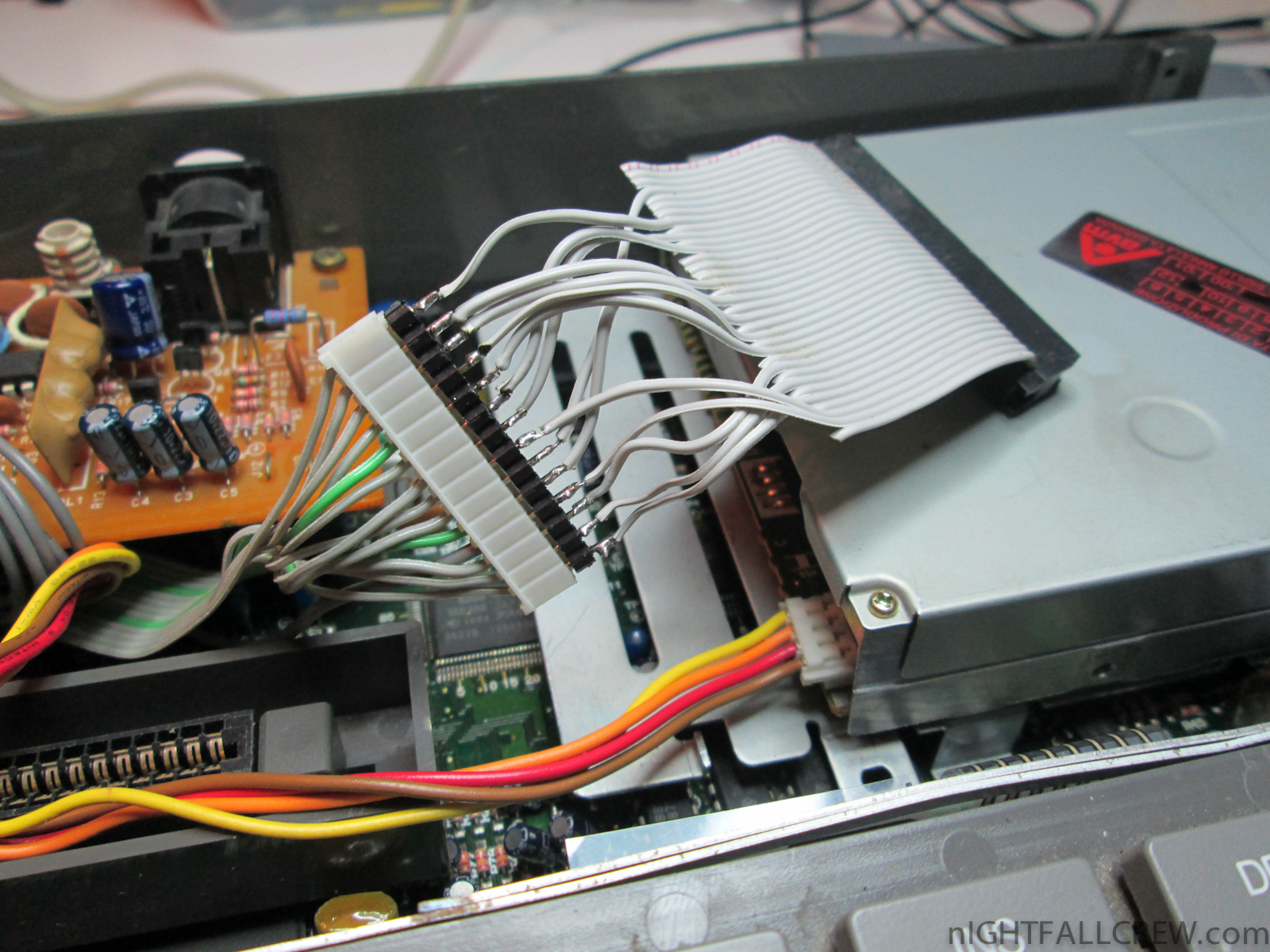
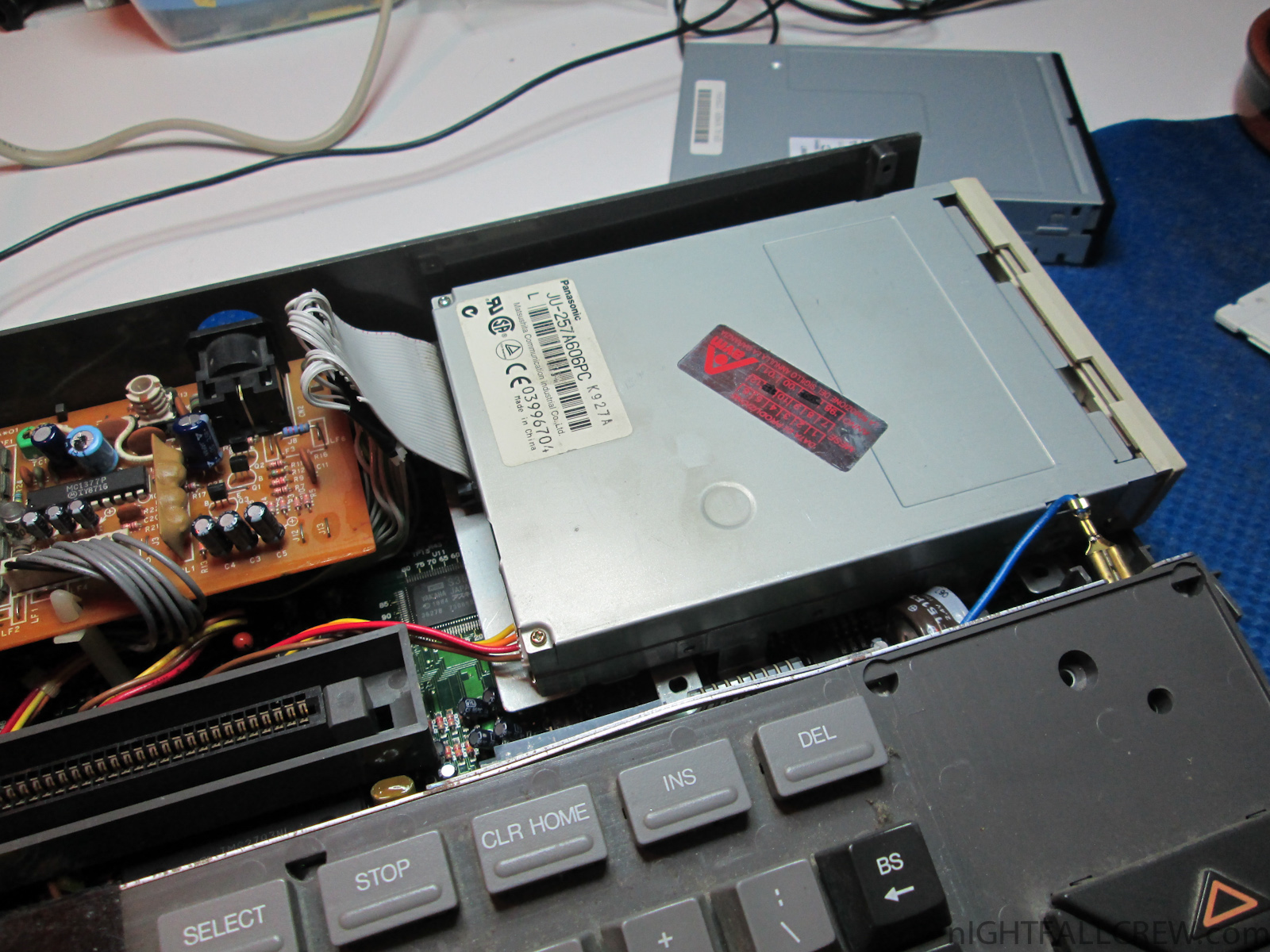
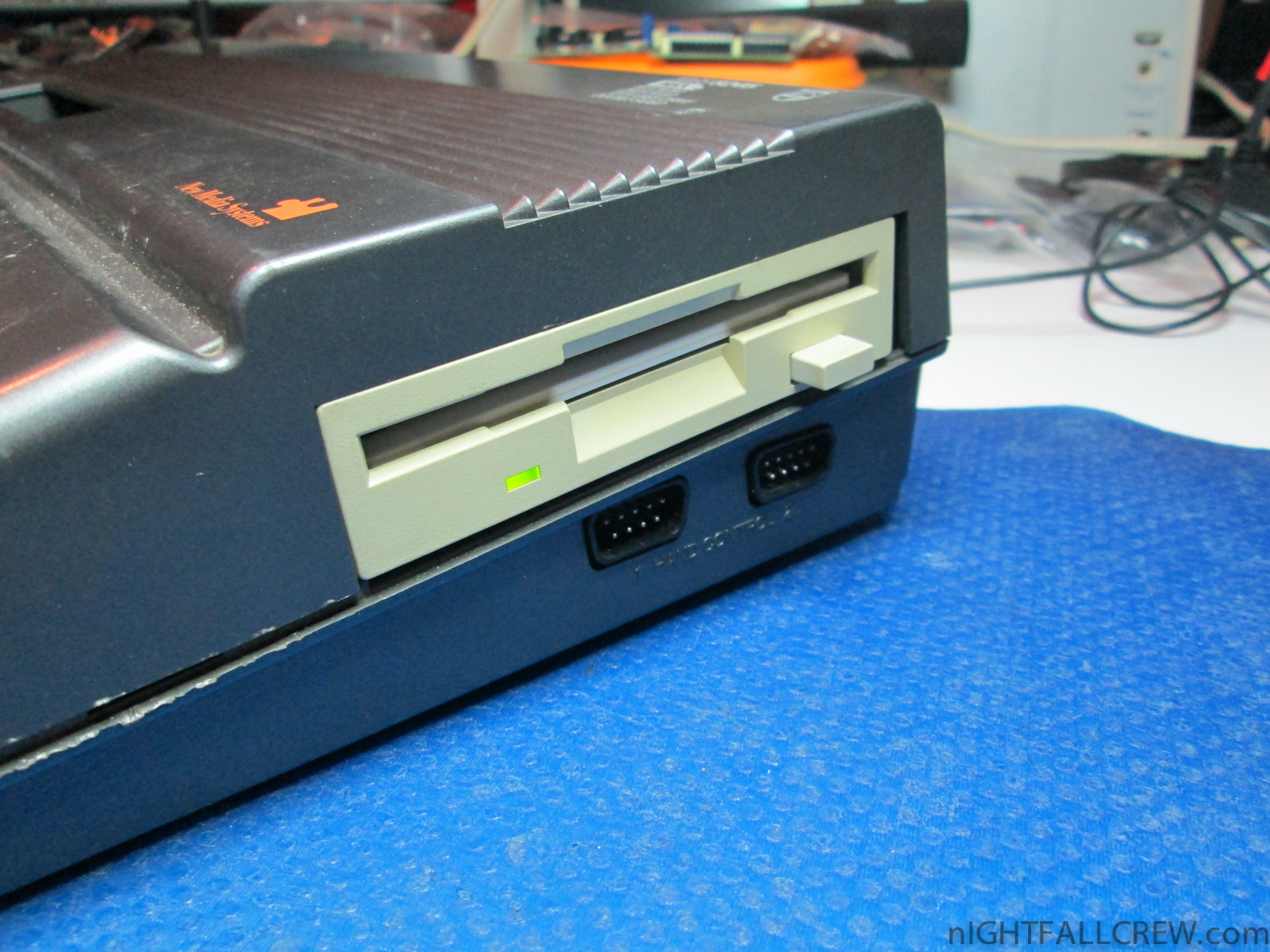
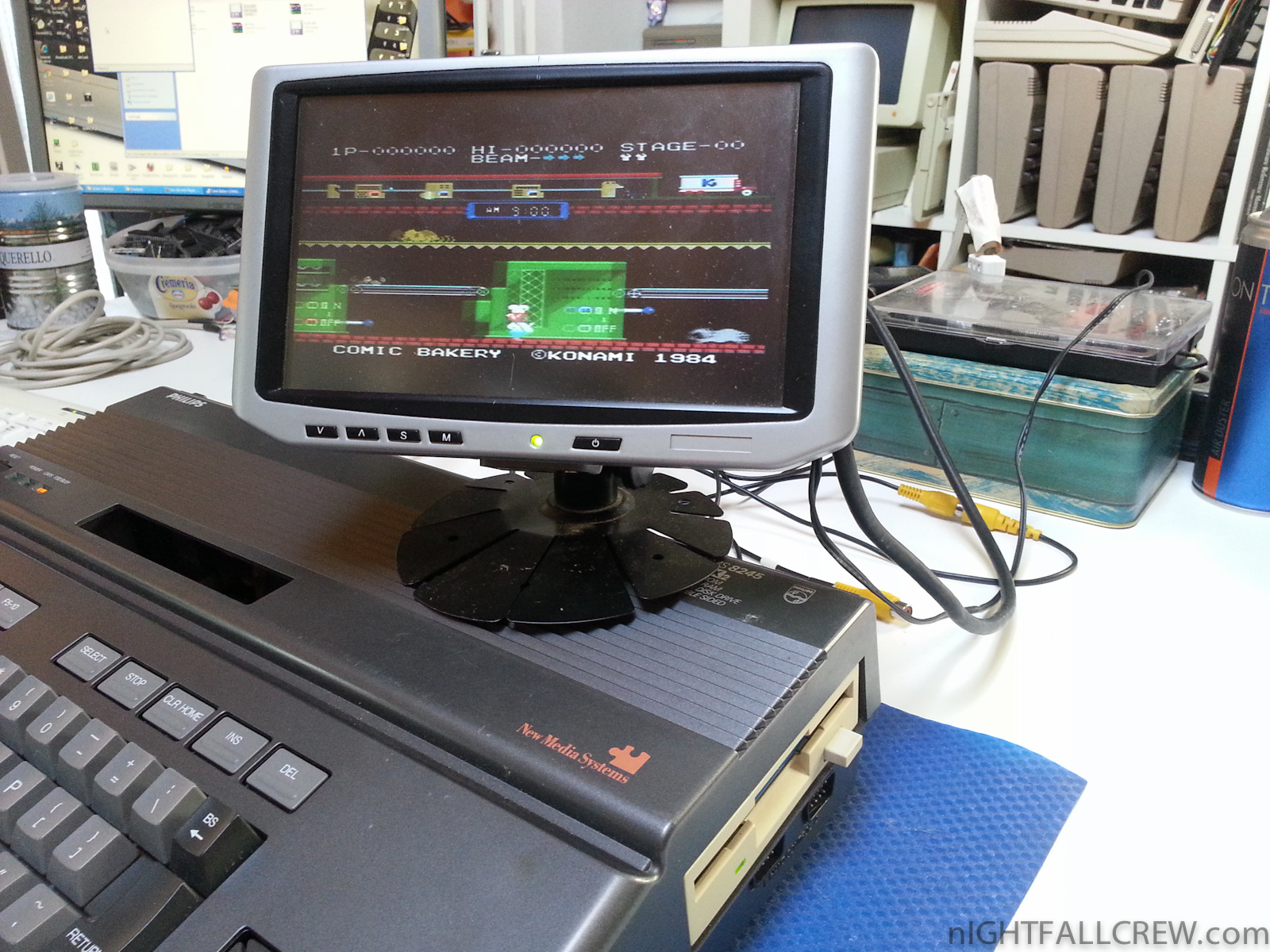
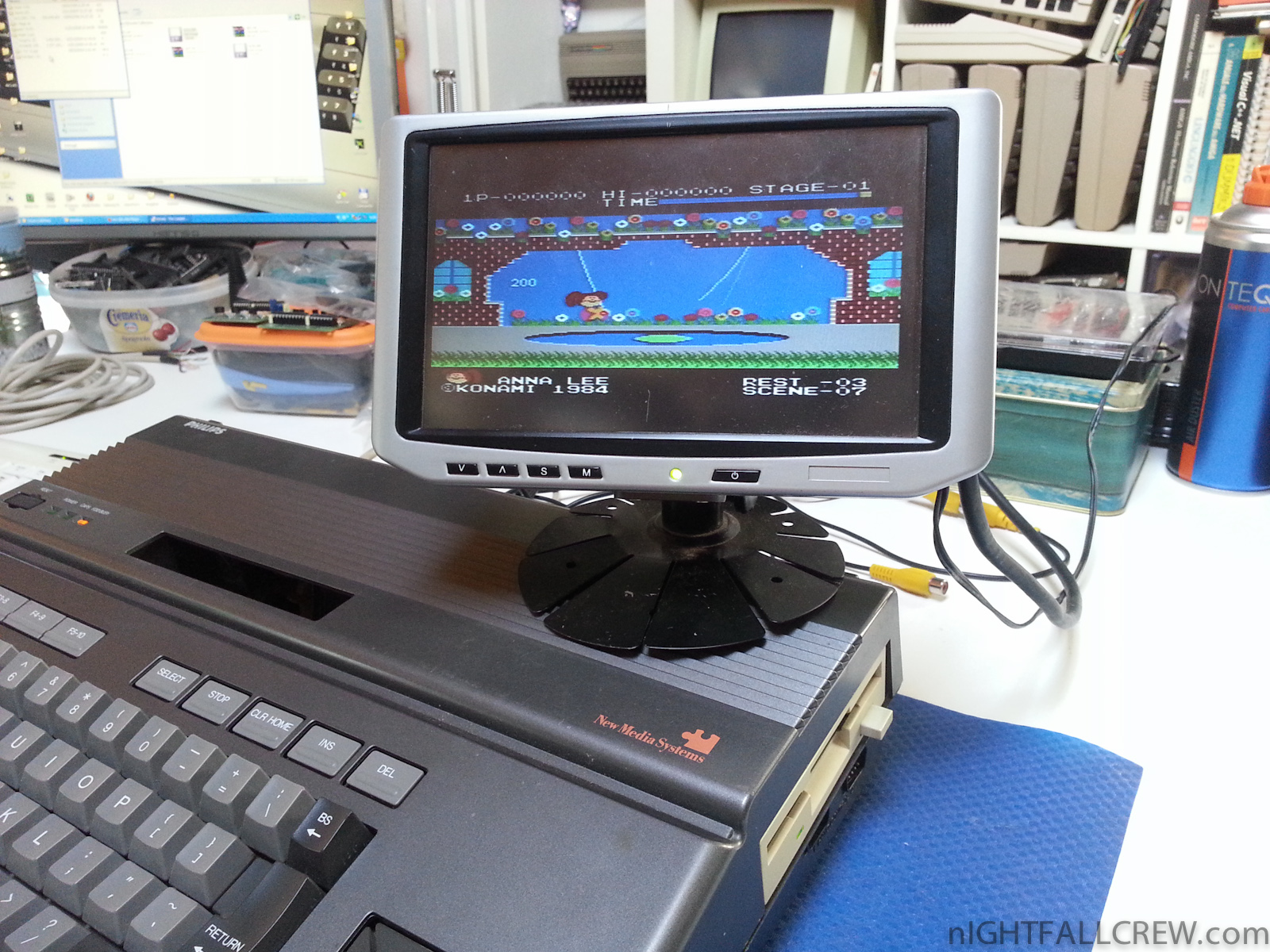
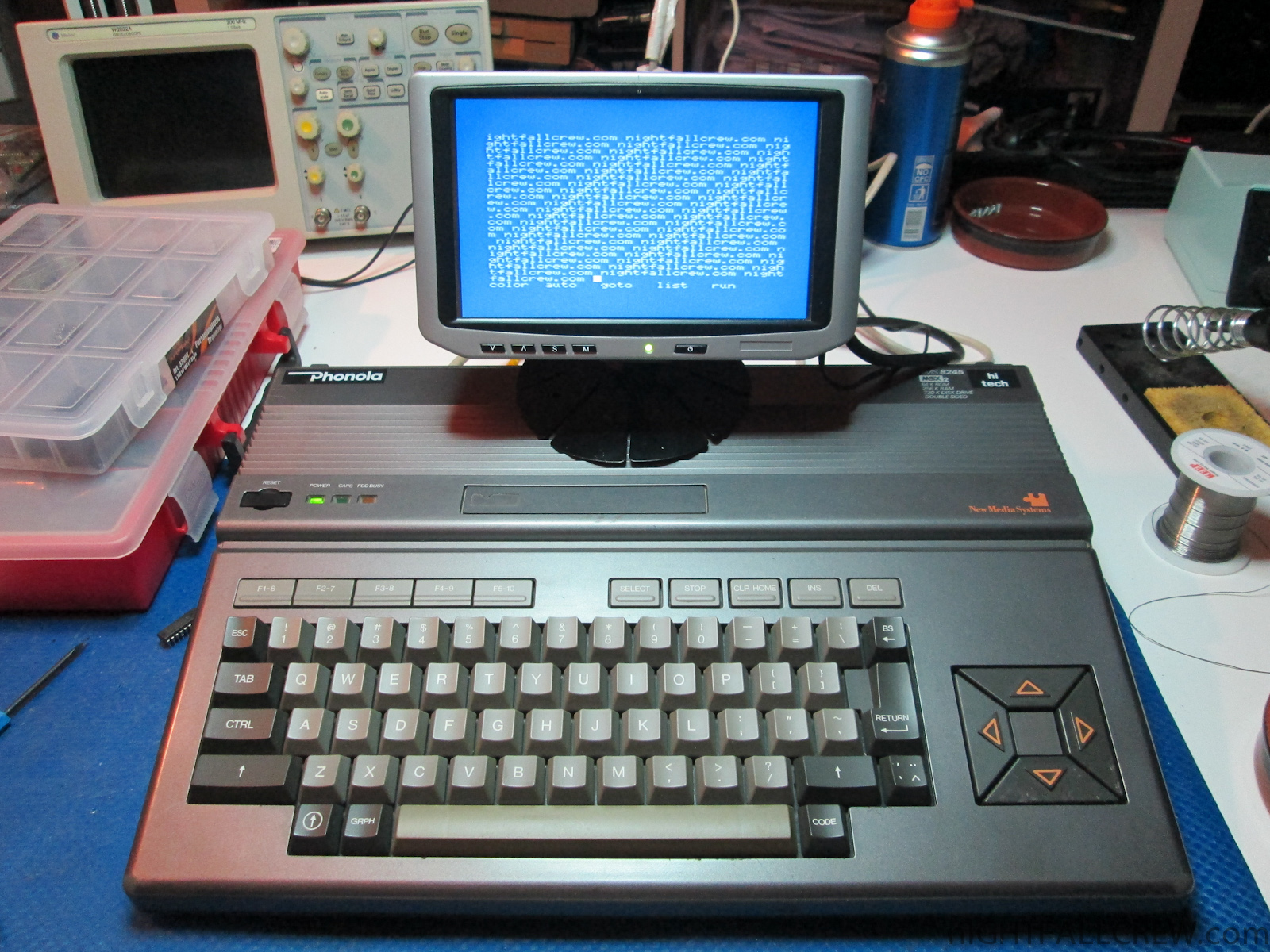
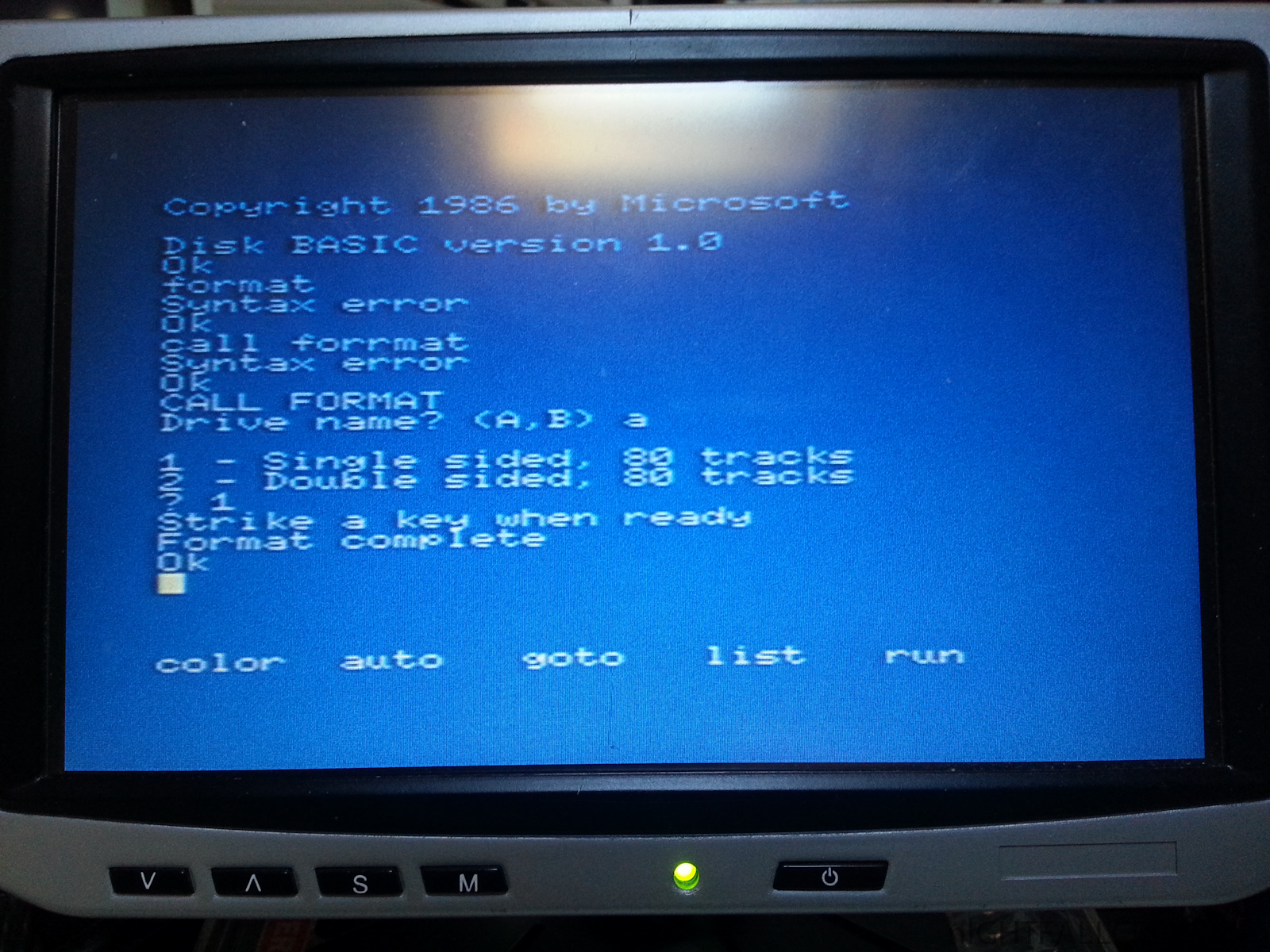
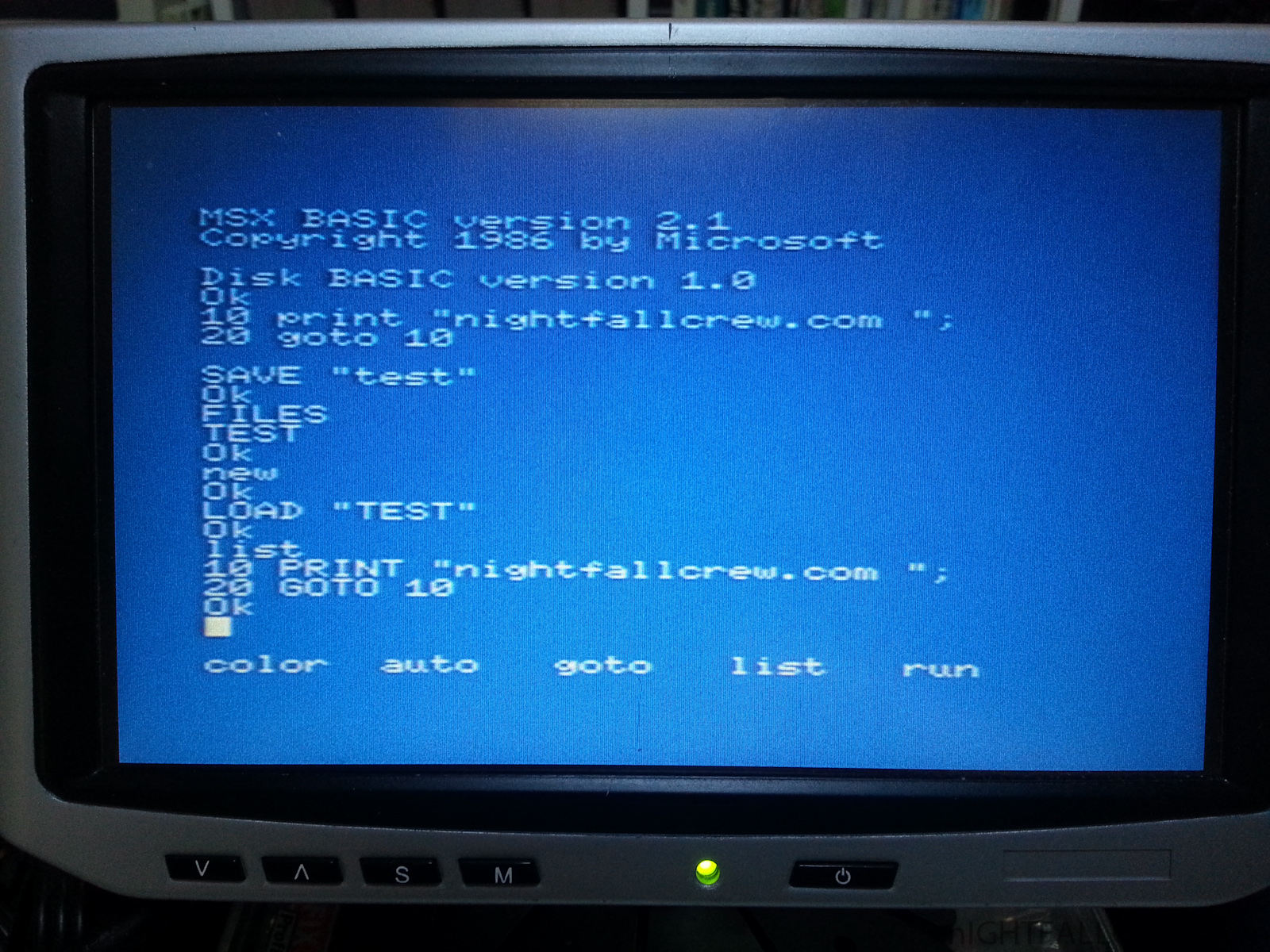
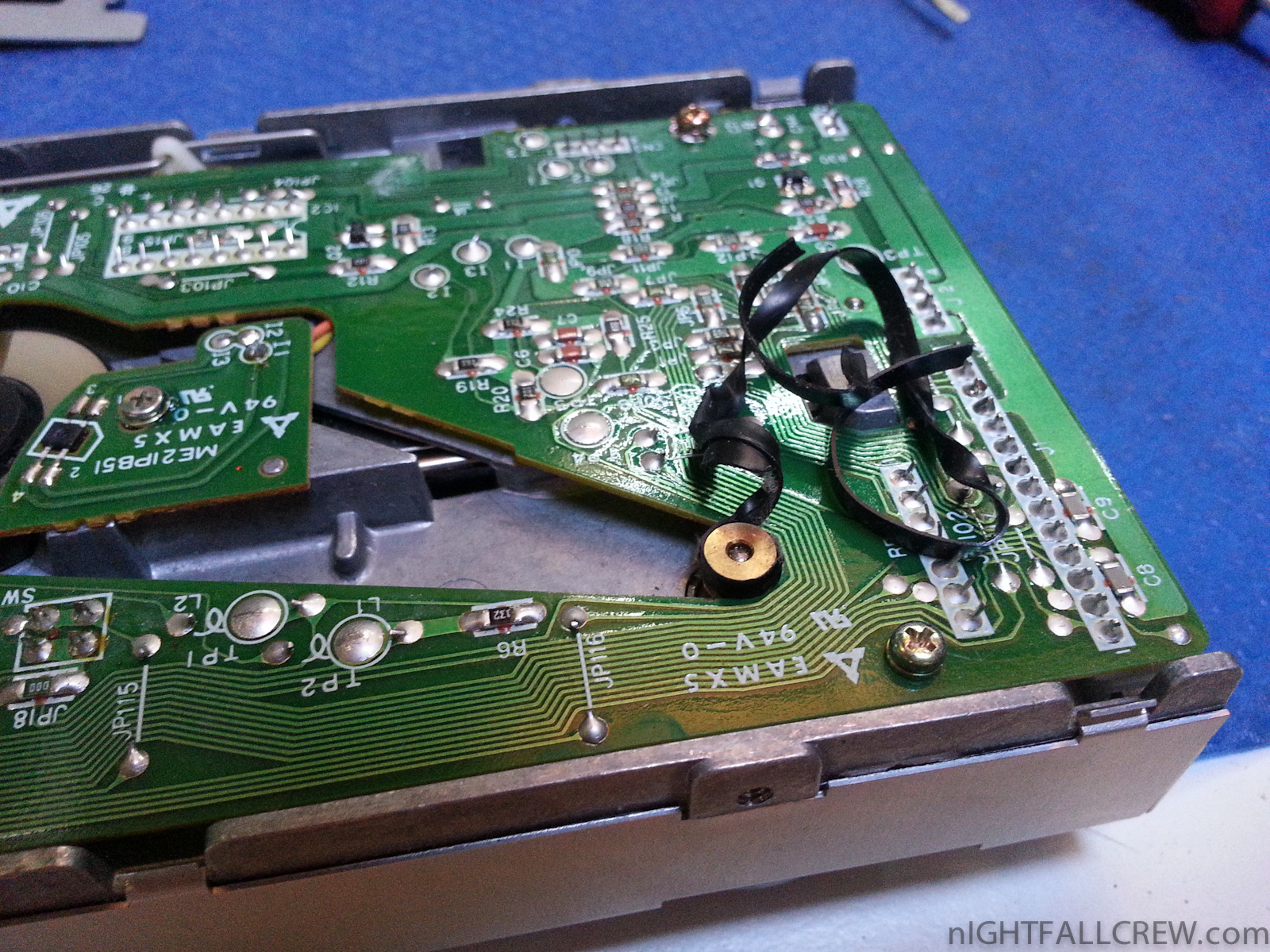
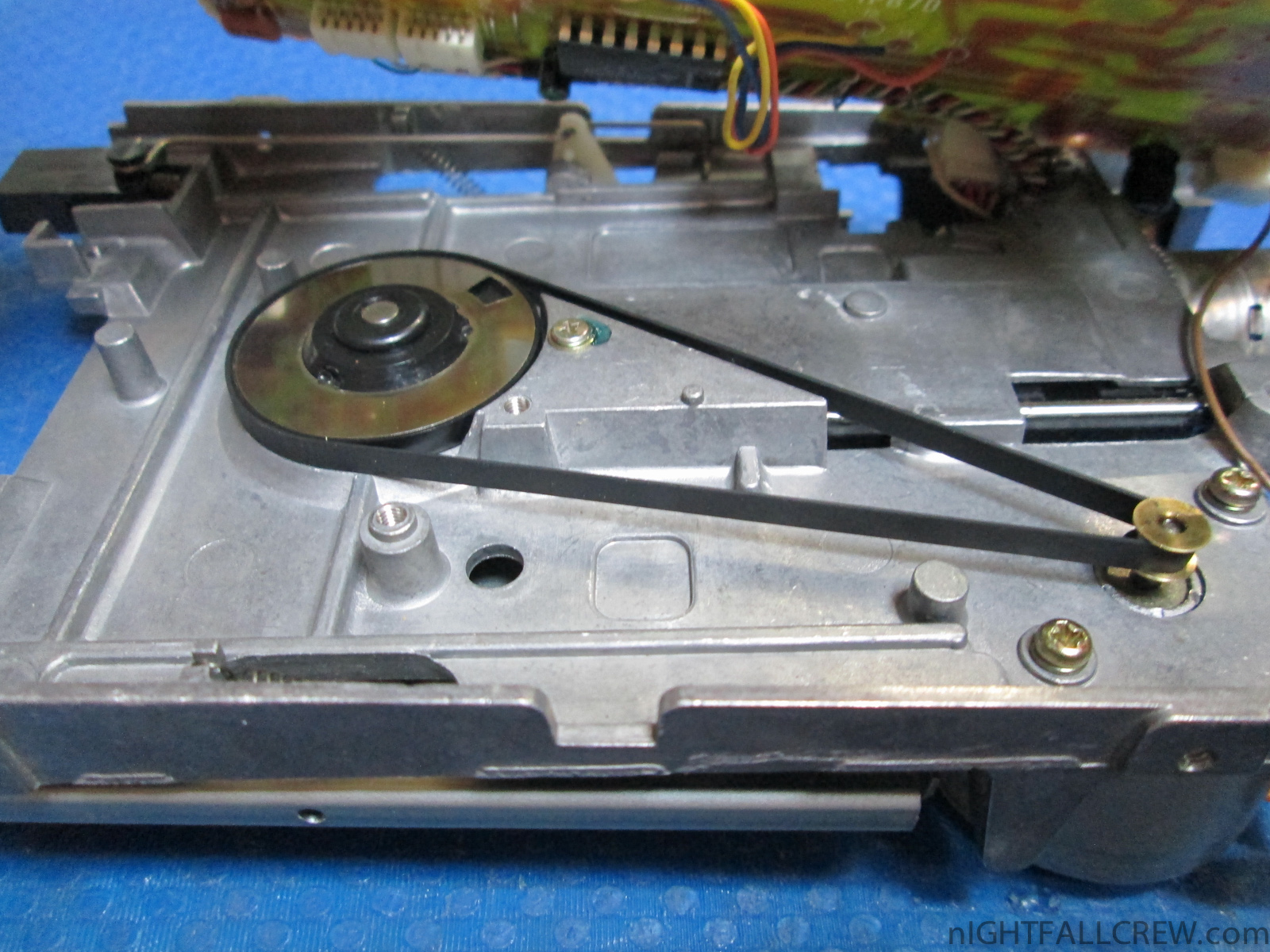
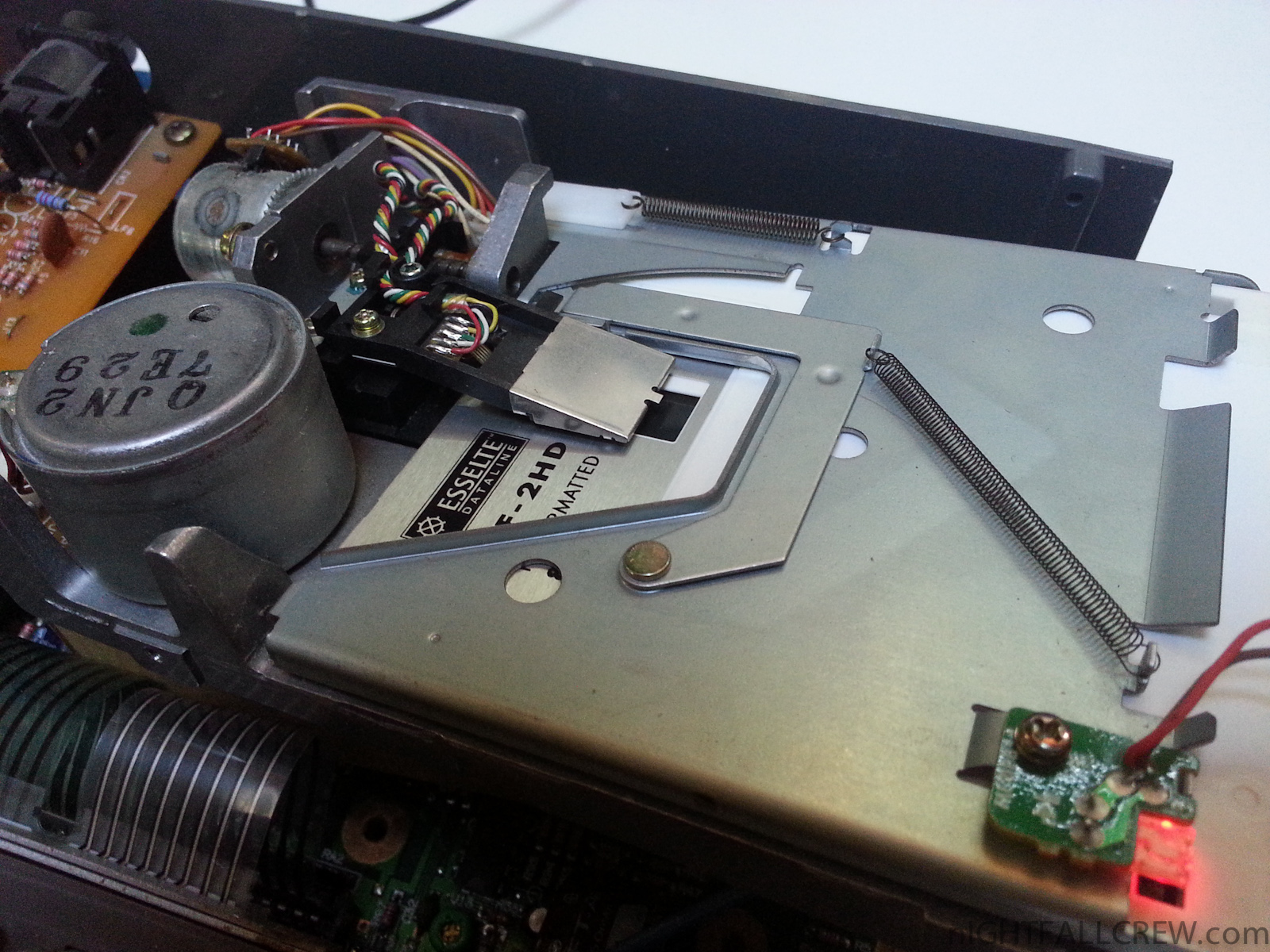
I wanted to do a experiment to install a standard PC drive with a adapter (34 pins to 14 pins) on a Philips 8245. I would say that it work but i have tried about 20 Floppy Drives and only 1 it works ;-D
Gallery:
Download: Philips NMS 8245 (MSX2) Floppy Drive replacement (1322)
source: msx.hansotten.com

SNDH archive v4.4 released – 4261 SNDH files (total 8268 tunes)
Ever since the birth of the Atari ST, different chip music formats have had different ways to use them. If you are coding a chip music player for the Atari ST you would have to use dozens and dozens of special ways to replay music.
But in the mid 90′s, BDC of Aura crew became tired of this inelegant system and decided to fix the issue once and for all. He then created the ‘SNDH’ file format. SNDH is actually the original songfile and replaycode with a header bolted on top of the music and replayer. The header has a unified calling interface no matter what type of chip music is hidden beneath it, and it has extended datas about the music.
Download: SNDH Atari ST YM2149 Archive v4.4 (1722)
source: sndh.atari.org
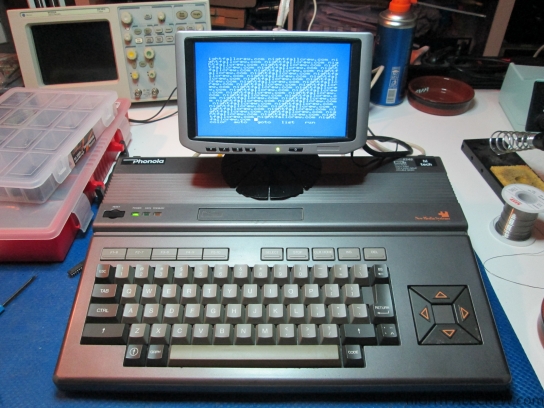
Gallery of the repair:
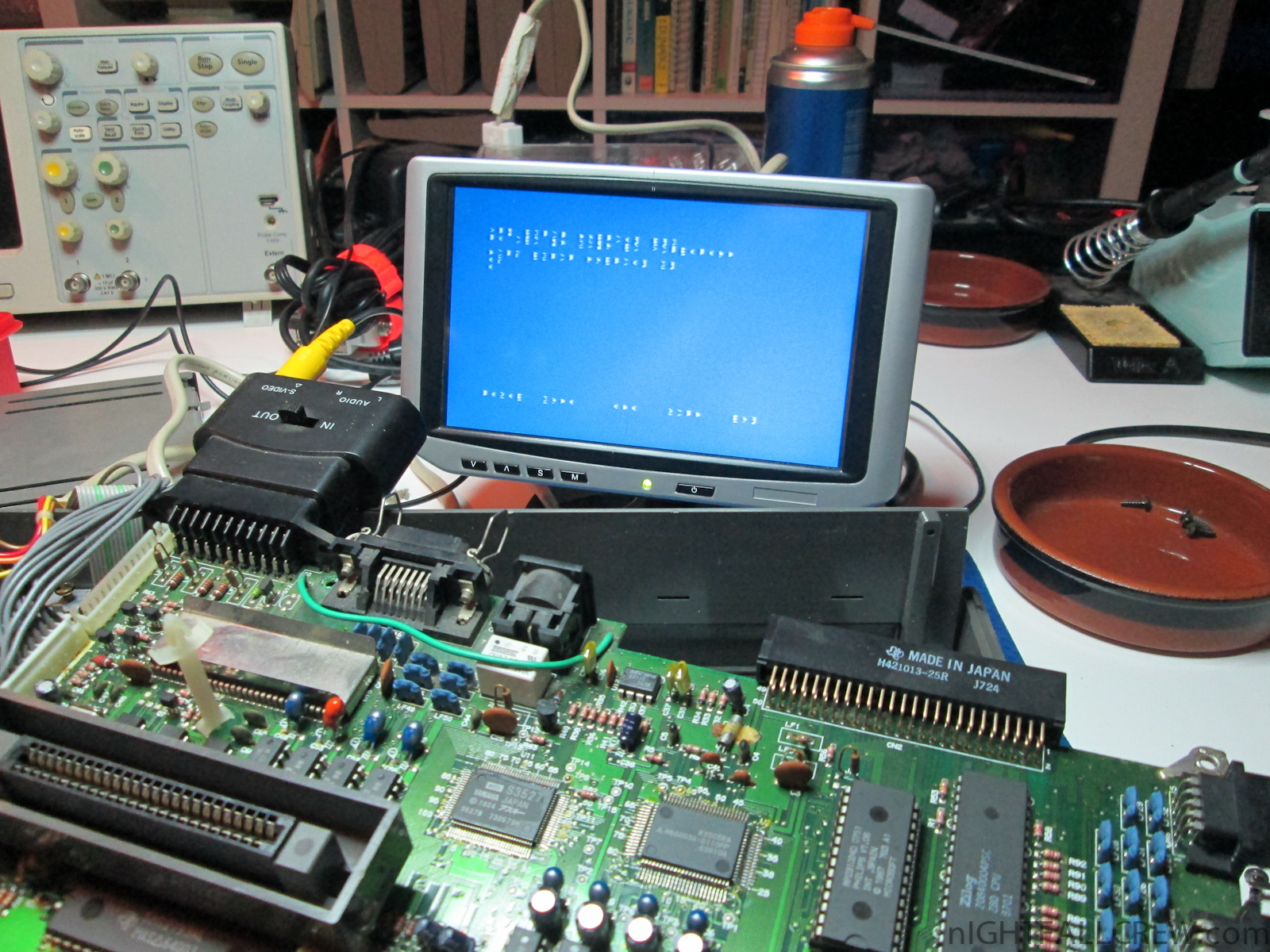
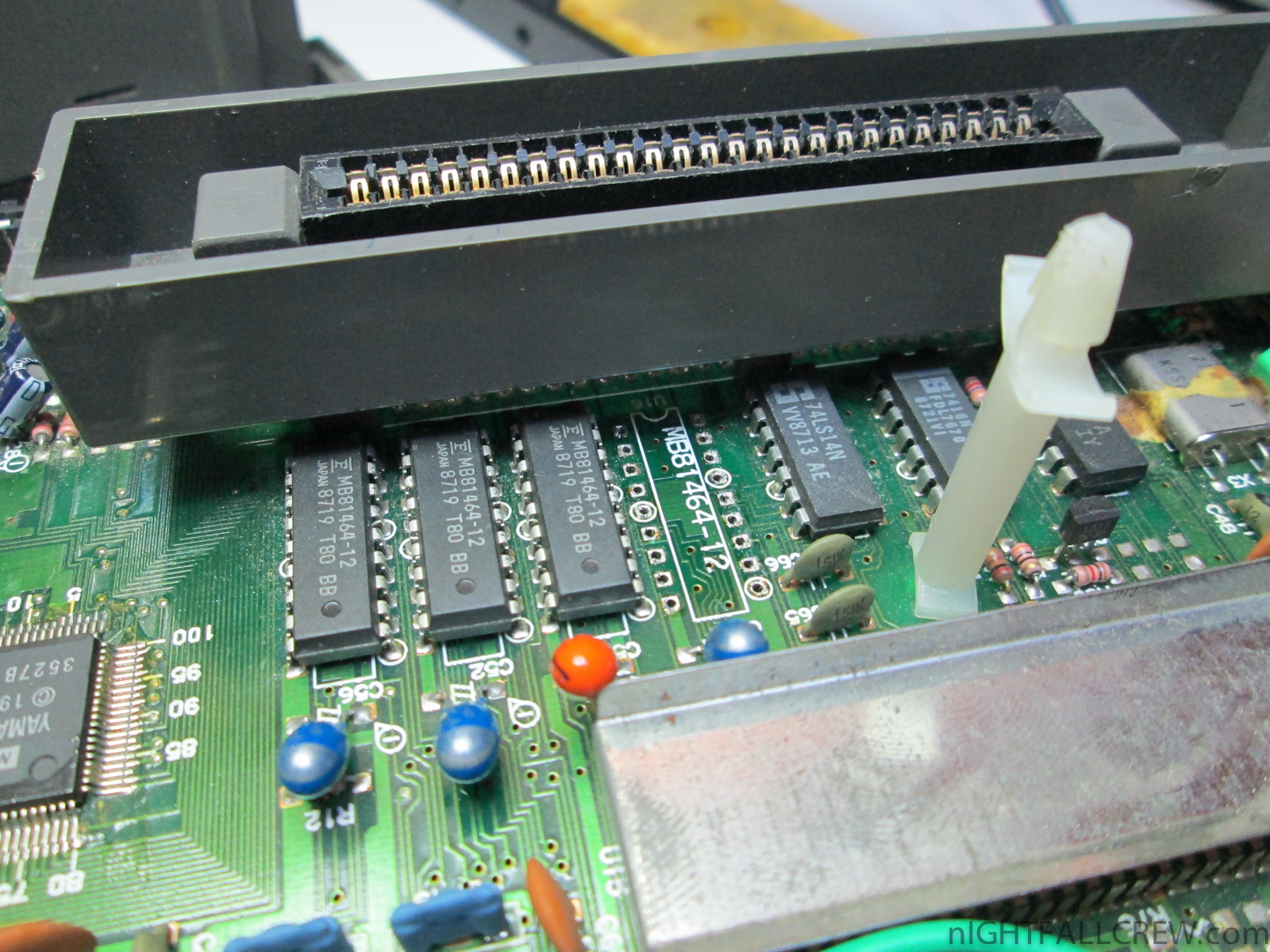
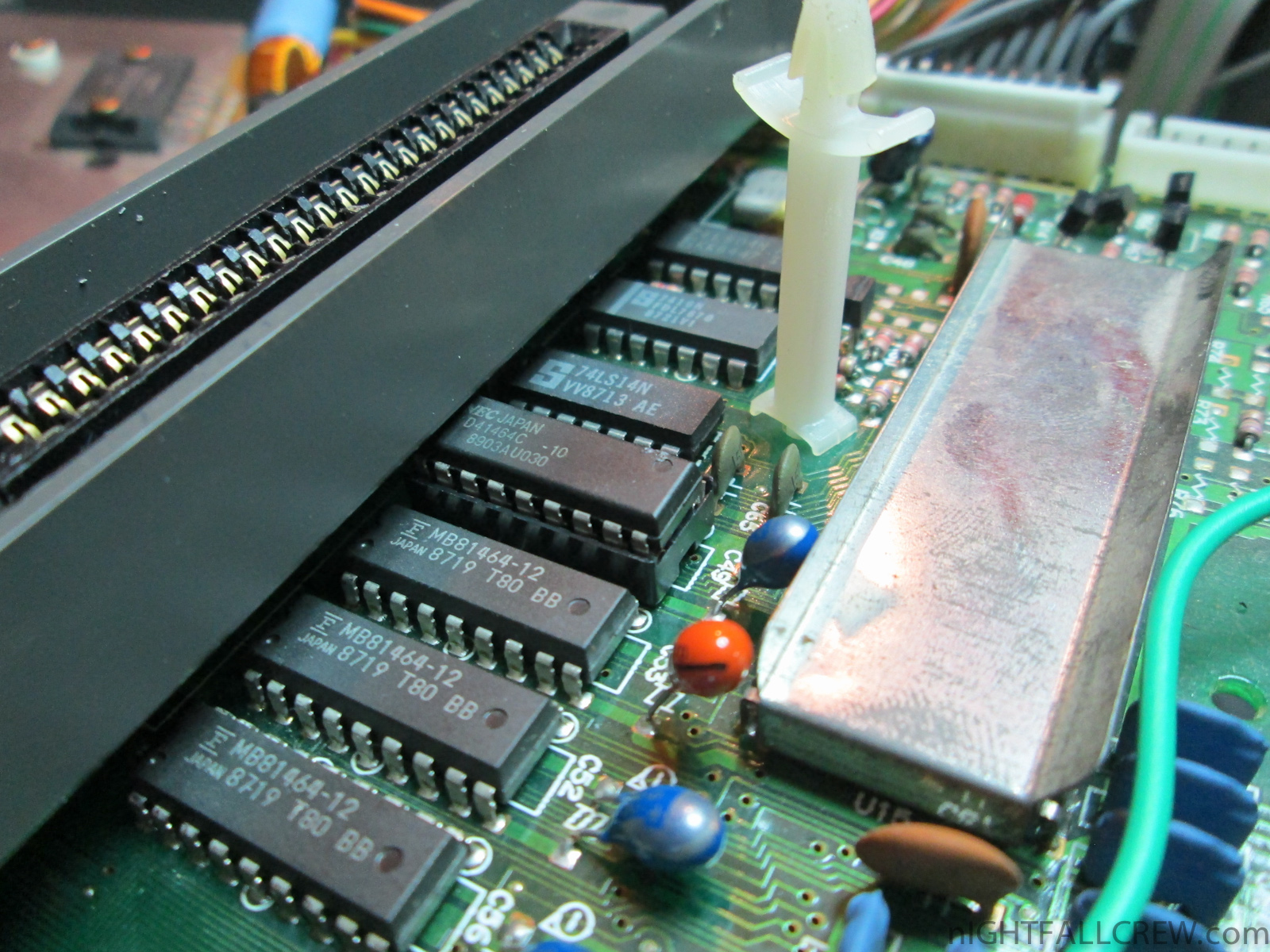
Phonola NMS 8245 (MSX 2) Repair.
Defect:
- Dirty characters/graphics.
- Floppy Drive dead.
Replaced parts:
- 1 x 41464 Video RAM (U16)
- 1 x Floppy drive belt
Other:
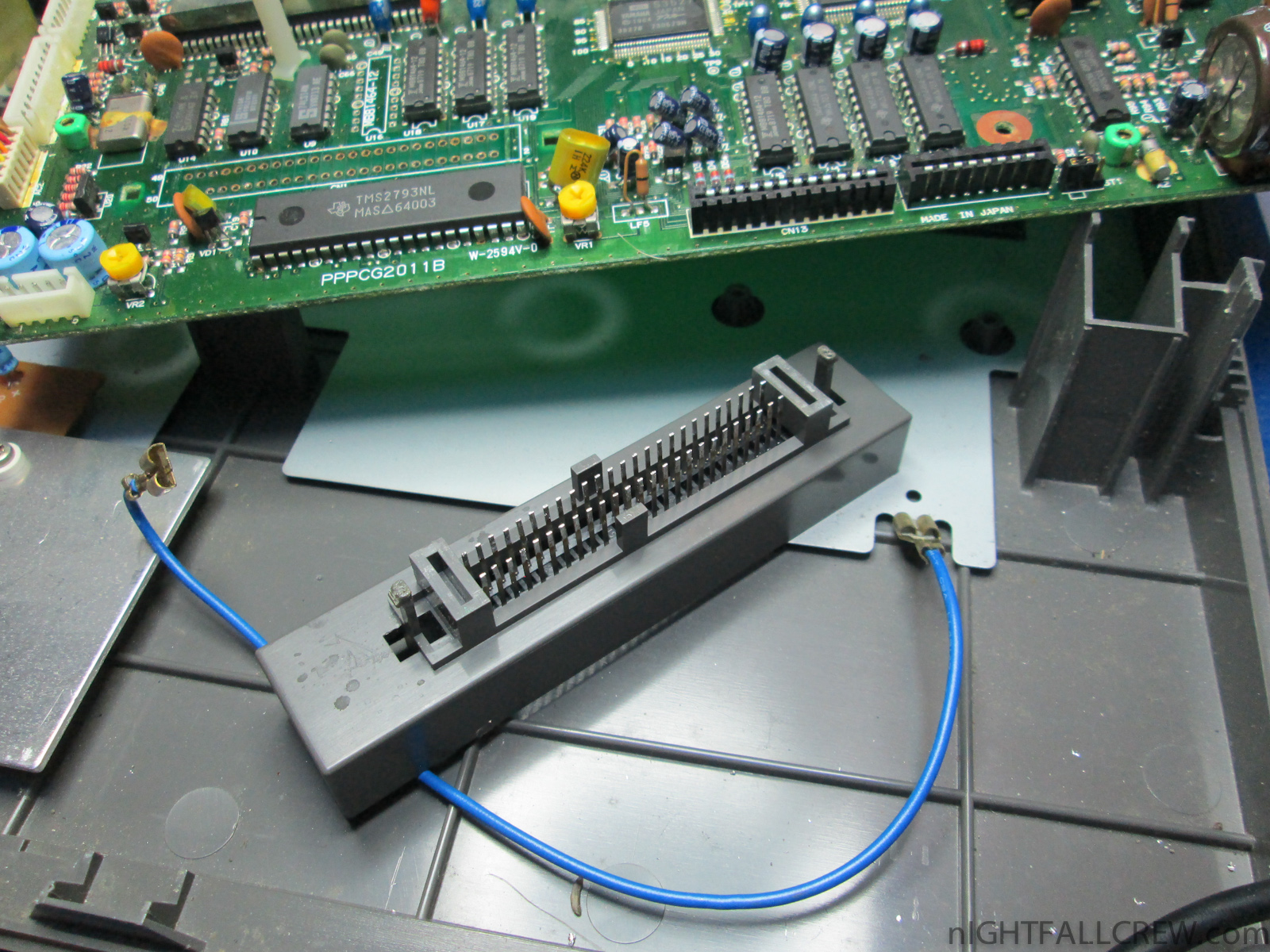
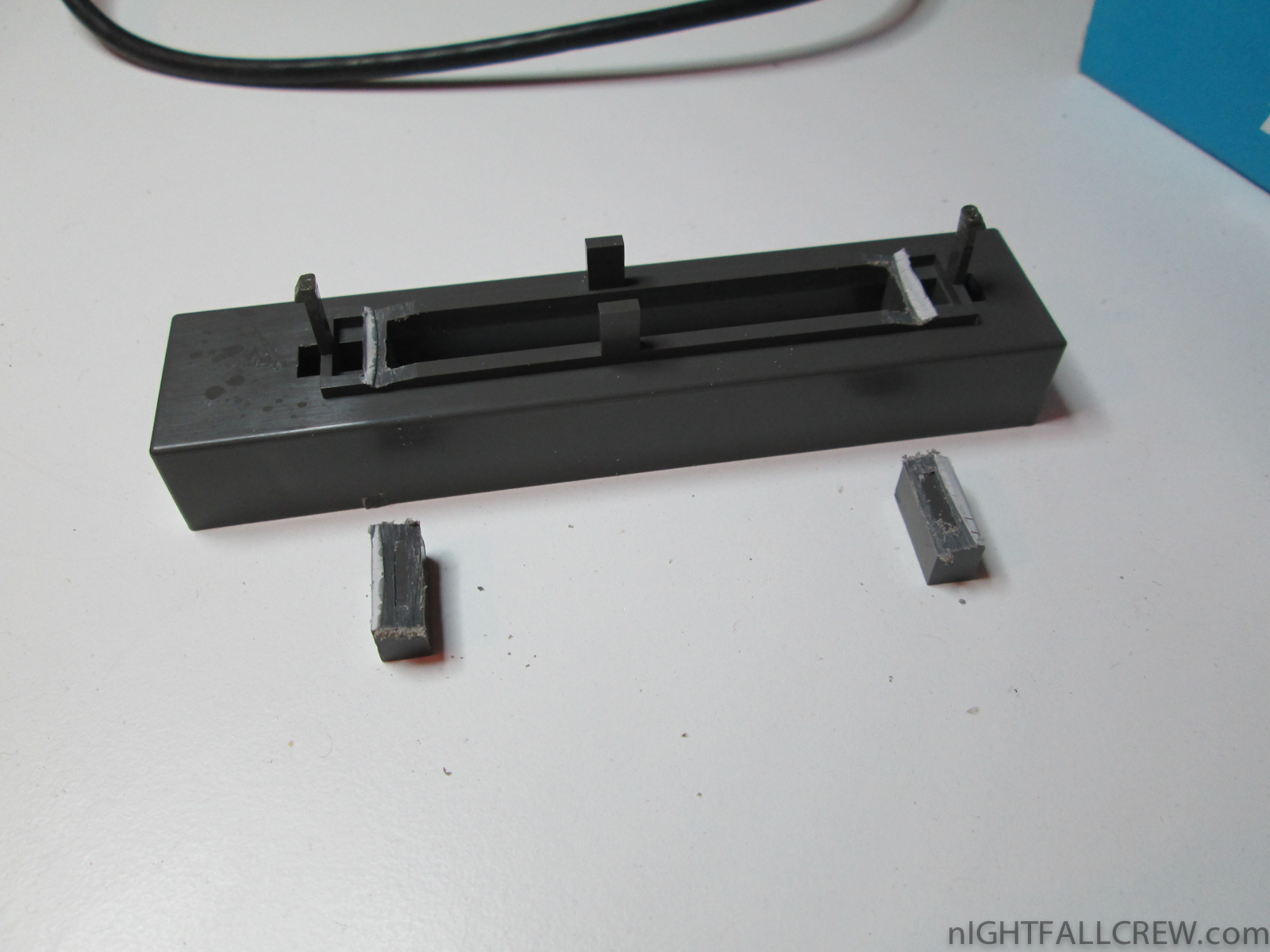
- Frame cartridge connector fix for a easy removal of the components under the frame.
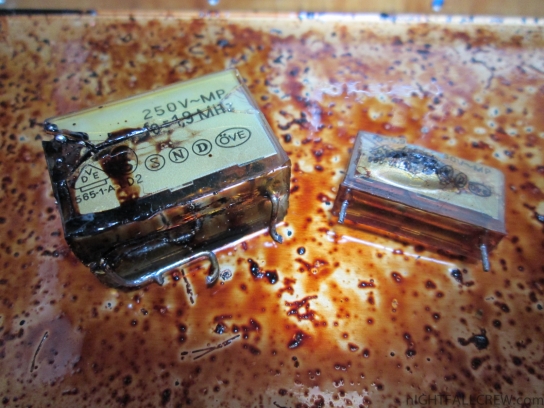
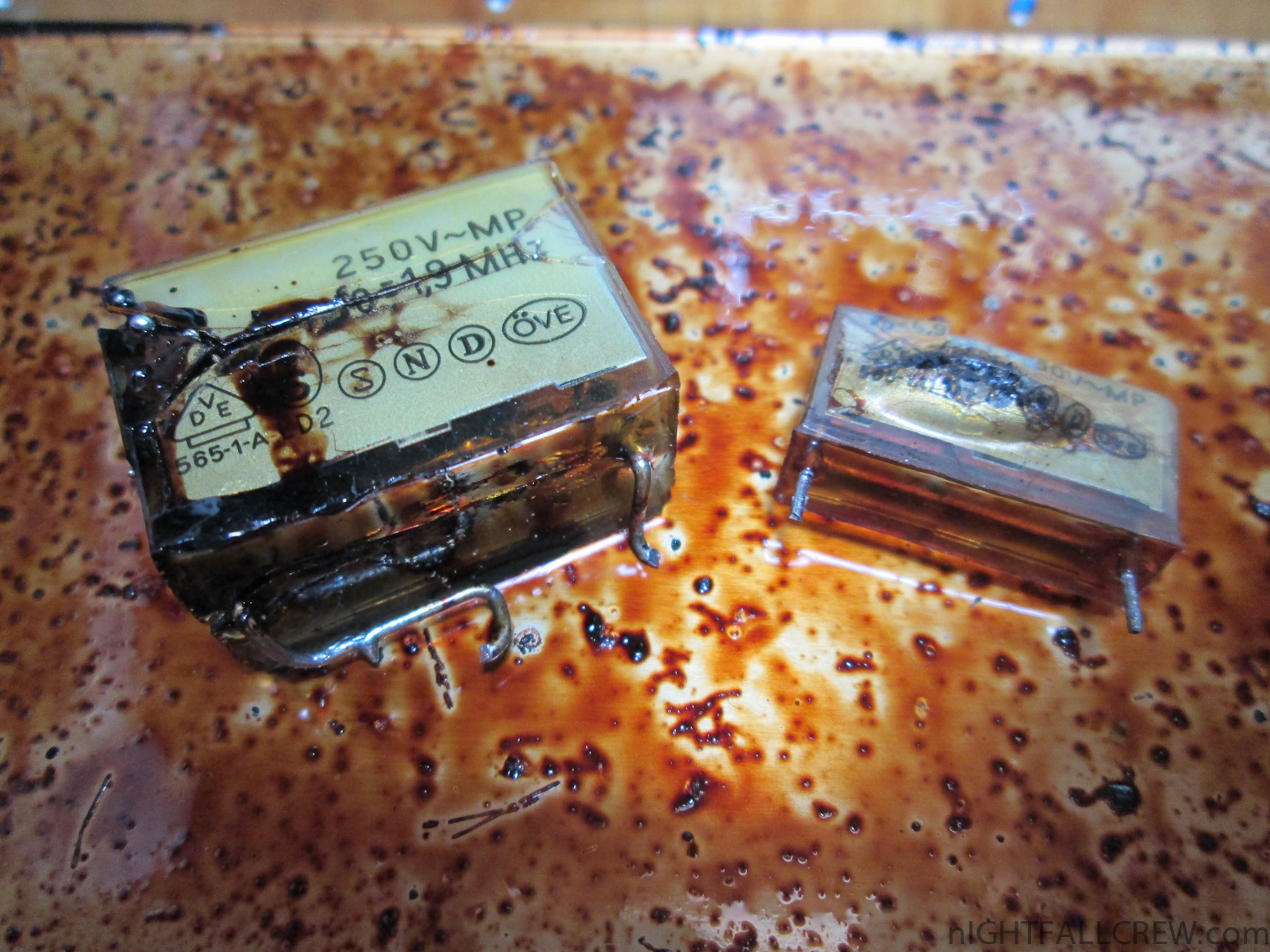
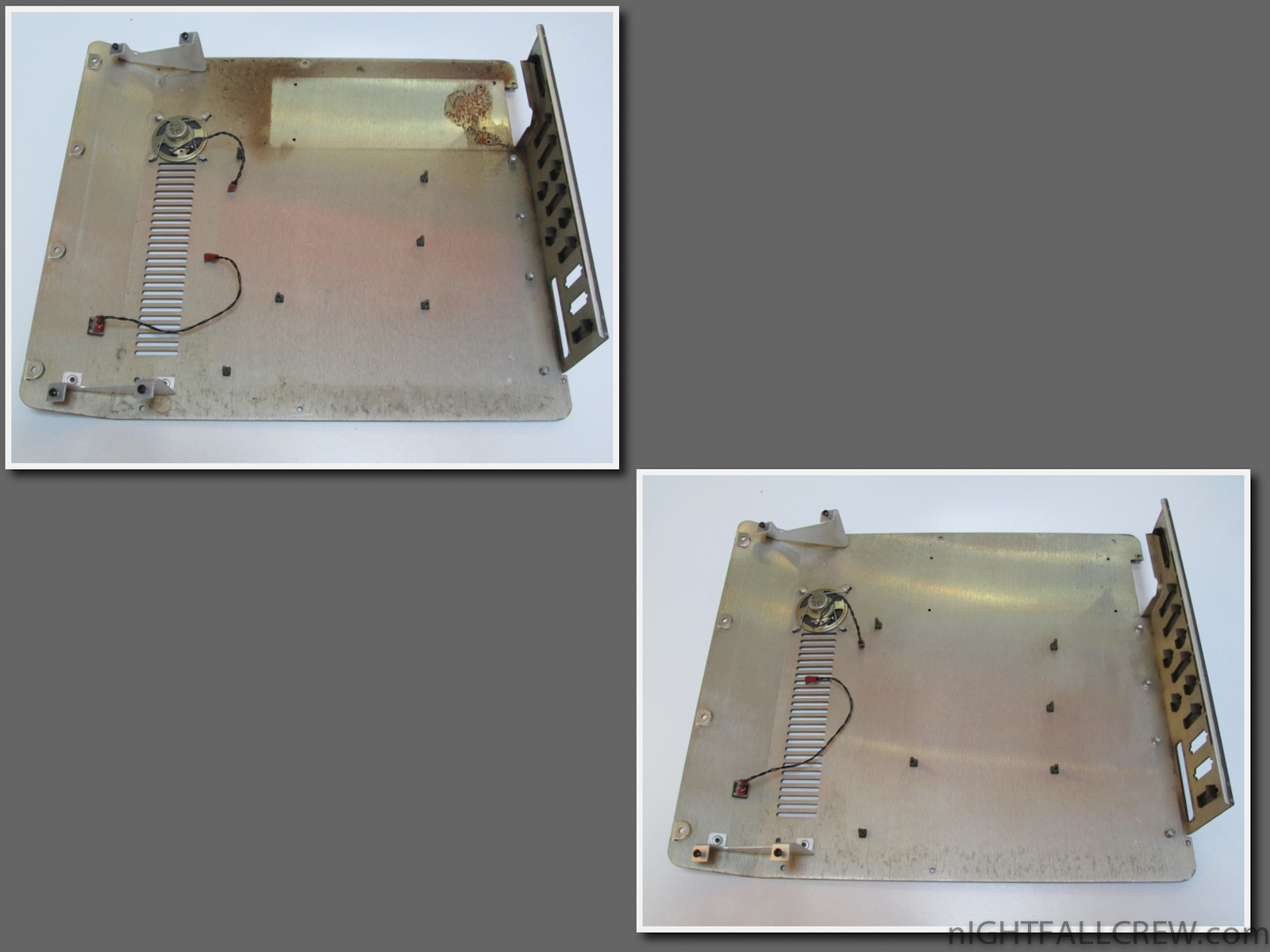
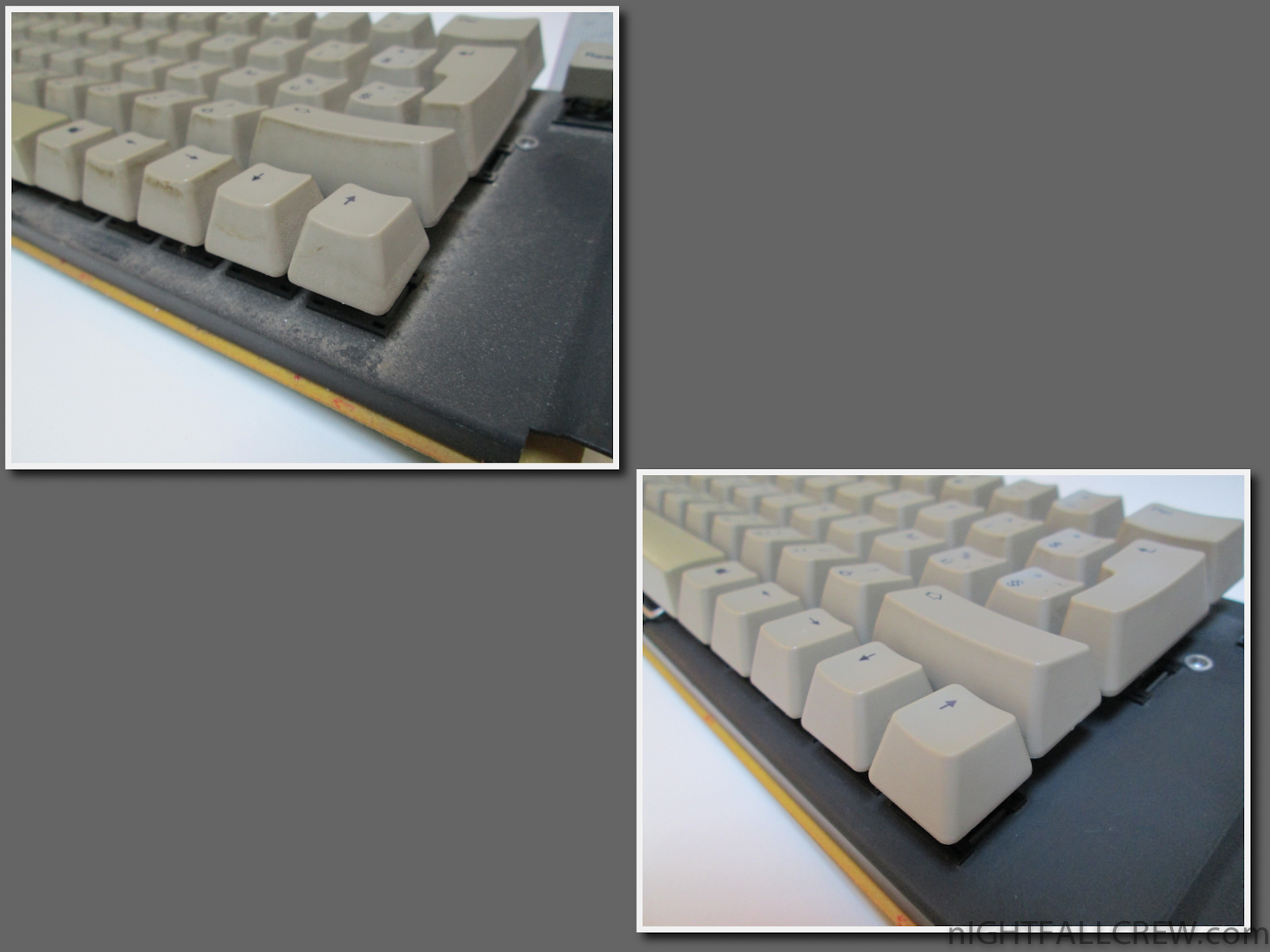
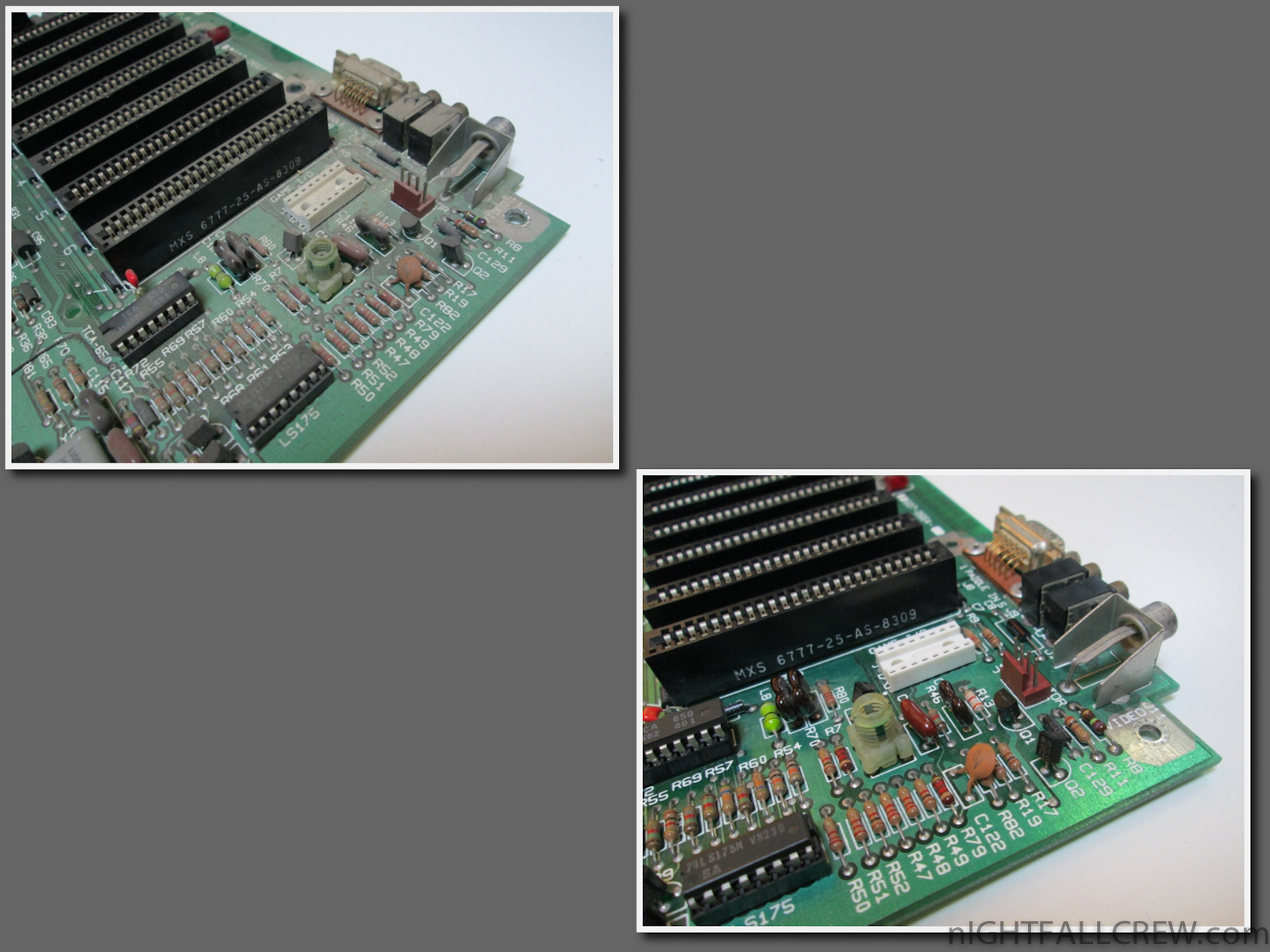
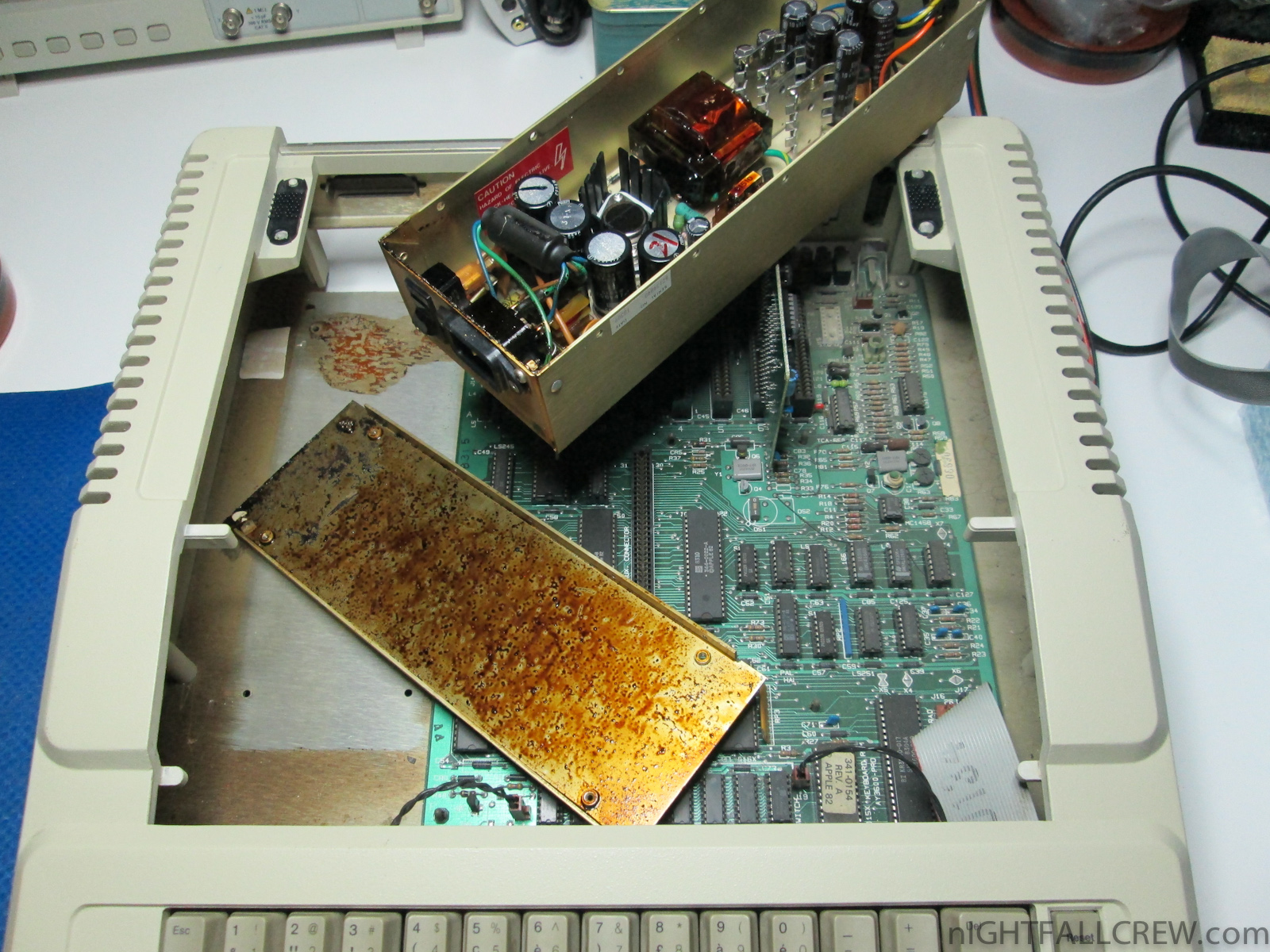
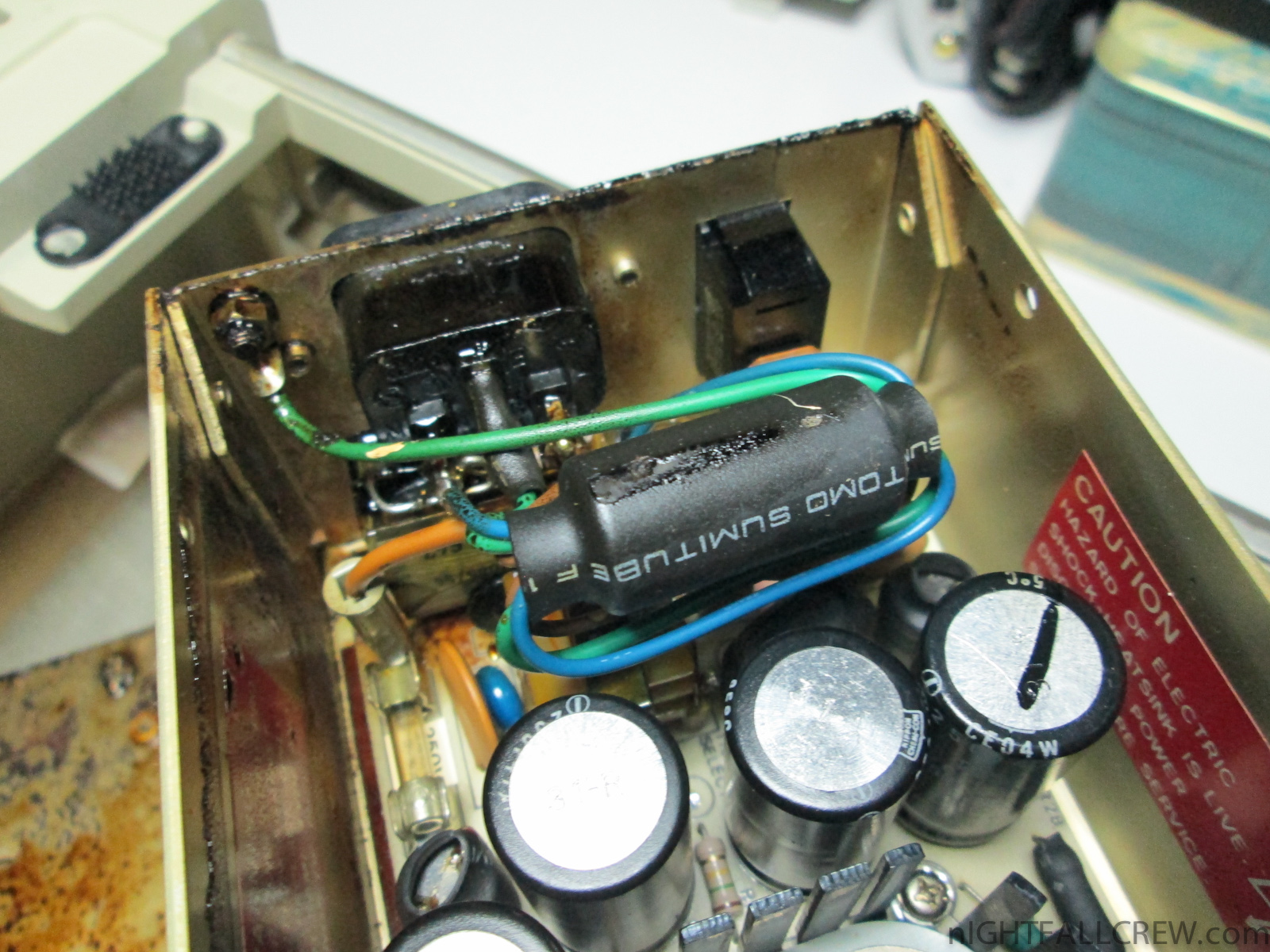
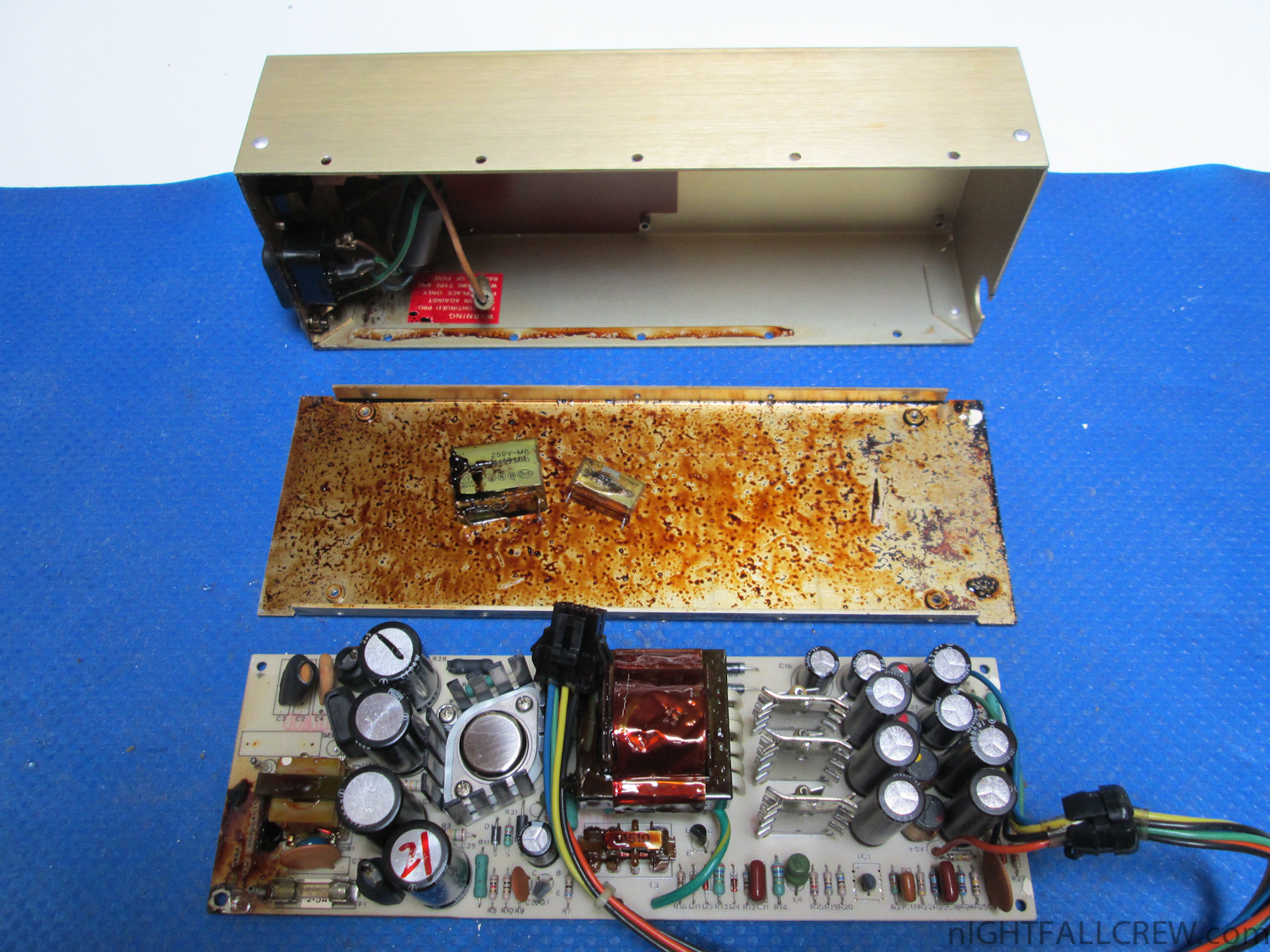
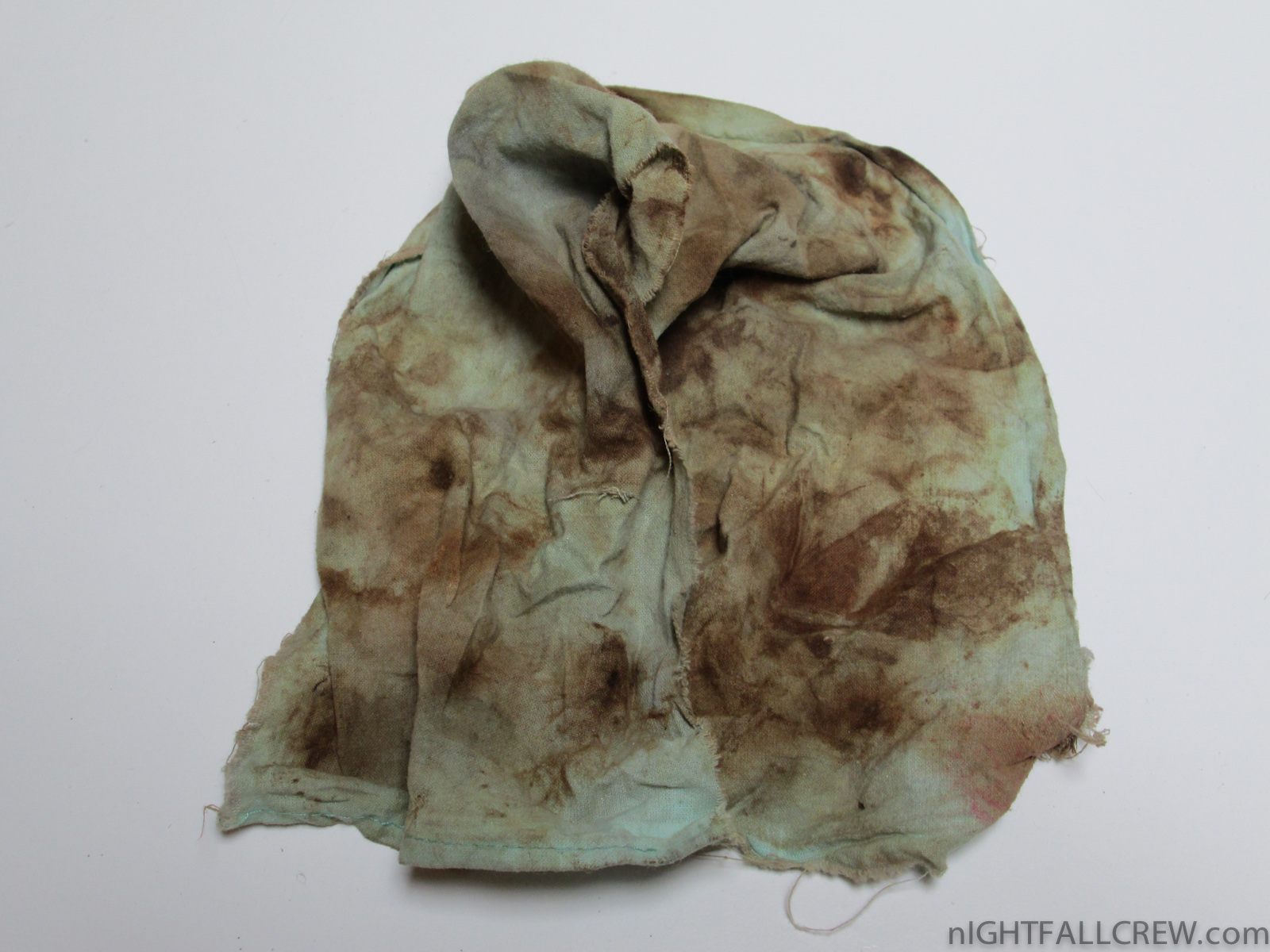
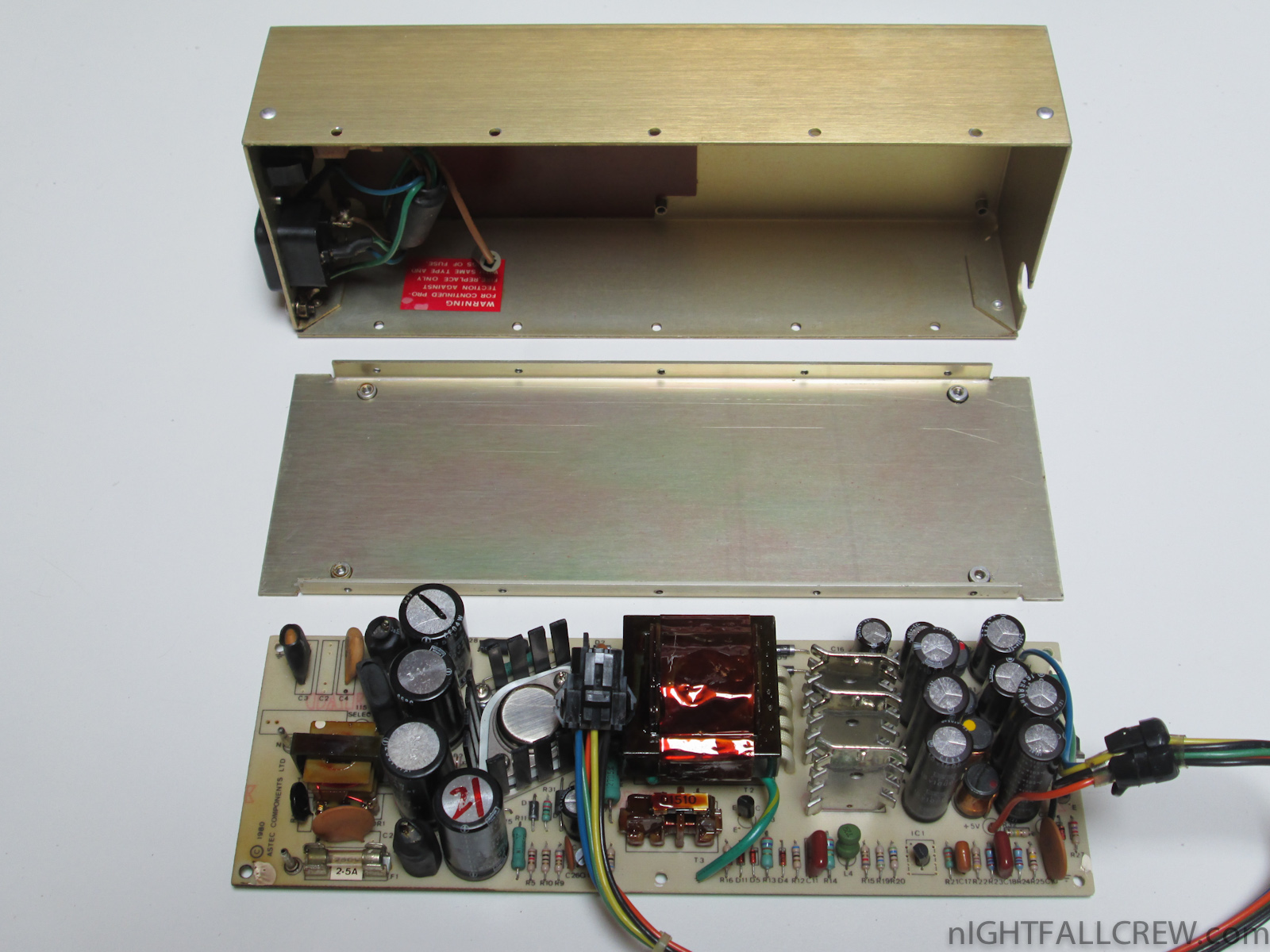
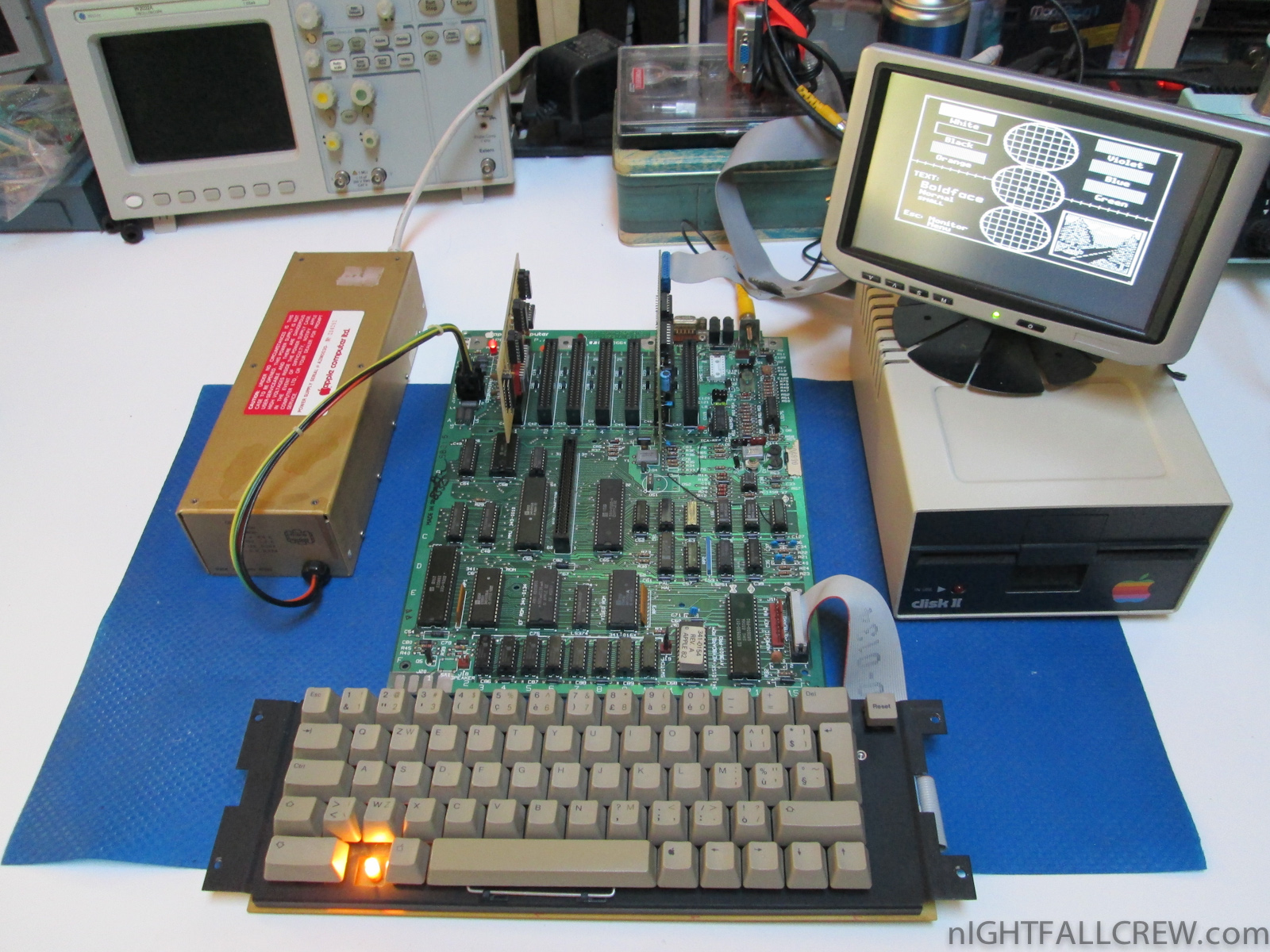
Removing the filter capacitors that are exploded inside the Astec power supply of a Apple //e.
Gallery of the repair and cleaning:

The High Voltage SID Collection (HVSC) is a freeware hobby project which organises Commodore 64 music (also known as SID music) into an archive for both musicians and fans alike.
The work on the collection is done completely in the Team and contributors’ spare time and is proudly one of the largest and most accurate computer music collections known.
This update features (all approximates):
- 749 new SIDs
- 1479 fixed/better rips
- 1 repeats/bad rips eliminated
- 727 SID credit fixes
- 323 SID model/clock infos
- 19 tunes from /DEMOS/UNKNOWN/ identified
- 4 tunes from /GAMES/ identified
- 45 tunes moved out of /DEMOS/ to their composers’ directories
- 5 tunes moved out of /GAMES/ to their composers’ directories
Download:
source: www.hvsc.c64.org

Some new games or tools (Cracked / Trained or Unrealeased) for Commodore 64 have been released from your favorites groups.
Titles:
- CubeSim64 Preview
- Battle in Space +4
- Oops! +4DH
- Battle Chess +D [EasyFlash]
- Crazy Painter +4HD
- Snakman +2D
- Purple Turtles +2HDG
- Captain Future Preview +3E
- Suicide Strike 101% +3DG
- Softporn Adventure &Sol
- Xain’D Sleena +2
- Xain’D Sleena
- Pluff +2TD
- Amity Island +3H
- A.R.C.O.S. +2 TD
- Knights & Demons +2D
- 8bit Fighters Preview
- Downfall Preview V2
- Rylan +4ED
- Aurum 100% +T
- World Boxing Champ &DGPM
- Your Father’s Nightmare +2
- Graham Gooch All Star Cricket Preview
- Single Extreme Freedom
- Your Father’s Nightmare +2M 101%
Download: All Games in One Archive (3481)
source: csdb.dk
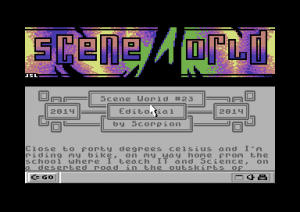 Scene World is a C64 magazine on disk dedicated to various activities of both C64 scenes.
“Both” means, that we are supplying information and texts of both scenes; NTSC and PAL.
Download: Scene World #23 (1310)
source: sceneworld.c64files.com

The TI99 IUC makes me a Interview. Happy reading.
source: ti99iuc.it
A very nice tale of a dear friend of a day spent in my laboratory. Happy reading.
source: ti99iuc.it

SD2Snes Firmware v0.1.7 status update
Directly from the SD2Snes Homepage:
Here’s what I’ve been working on in the meantime:
- More refactorings of the menu ROM. This will facilitate further UI development (sub-menus etc.)
- NMI+IRQ hook routine – these are required for WRAM cheats and in-game reset. The latter is in working state as of now. I’d like some input on which key combinations would be desirable ;-) (some conflicts can arise with existing SNES mods, see below). There is now a dedicated memory area in FPGA block RAM mapped to $2a00-$2aff which is used for the hook routine and command exchange between a running game and the sd2snes main CPU.
- Game loading handshake between SNES menu and sd2snes CPU – this is a technical prerequisite for error handling (such as missing supplementary files, write-protected SD Card, etc.)
- LED blink codes for file system errors – e.g. in case the SRM file cannot be saved this will tell you that something’s gone wrong. Also the sd2snes will retry saving until it works so you have the chance to swap out the SD Card etc.
- “Screen saver” – the screen is darkened after some idle time to reduce wear on CRT and plasma screens.
- Memory sharing between SNES and the sd2snes CPU is greatly simplified (The FSM is reduced to only 5 states instead of 18) and timing is more relaxed. This should help with stability on a wider range of consoles.
- Fixed some compatibility issues with a number of games. (Super Play Action Football (S-RTC interference), GP1 Part II (WRAM initialization), Human Grand Prix (mapper detection bug))
To do for the upcoming release:
- Cheat management – technical prerequisites for cheats (ROM+WRAM) are met, now to code the GUI for it…
- Finish on-the-fly file browsing
- Decide on key combinations for in-game functions. (en/disable cheats, kill cheat engine, reset game, reset to menu)
About key combinations:
I wanted to use combinations that don’t interfere with my SNES IGR mod. This mod uses L+R+Select in combination with Start, A, B, X, or Y to perform different operations. In that scenario I still had the four directional buttons left to put other functions on. However :D With borti4938′s release of the feature-enriched uIGR these are now taken.
So far this is my new proposal for key combinations (UPDATED 2014-06-24):
- L+R+Select+Start = Reset game
- L+R+Select+X = Reset to sd2snes menu
- L+R+Start+B = Kill in-game routines (in case they interfere with game operation).
- L+R+Start+A = Disable cheats
- L+R+Start+Y = Enable cheats
Updated to reflect some of your suggestions. Already looks better to me. I steered clear of L+R+Start+X because it’s similar to L+R+Select+X. ;)
source: sd2snes.de


Recent Comments