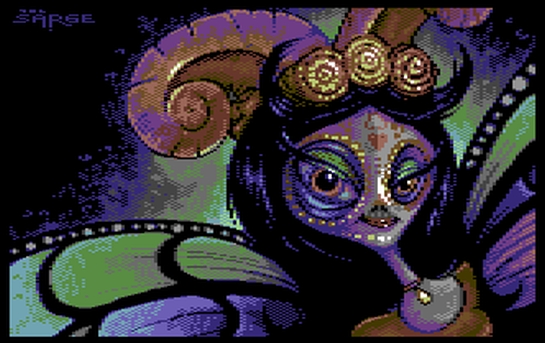
This is the official demo party results from Gubbdata 2019. See also the CSDB GUBBDATA 2019 section for more informations.
C64 Demo:
- 1 – The Elder Scrollers by Booze Design
- 2 – The Dive by Genesis Project
- 3 – Skåneland 2 by Fairlight
- 4 – Thera by Atlantis
- 5 – Innervasion by Genesis Project, Offence, Panoramic Designs
- 6 – 5 of 5 Slider by Offence, Panoramic Designs, Prosonix
- 7 – Gumbo by Camelot
- 8 – Dark Times by Software of Sweden
- 9 – Tech-Tech Magic by Censor Design
- 10 – Fat Albert by Triad
- 11 – Bender by Offence
- 12 – Pretzeled by The Solution
- 13 – Cash Heart GP by Triad
- 14 – Esløw Nästa by Esl0w
C64 Music:
- 1 – Aslång på Skansen by Fegolhuzz
- 2 – Dimelo by Zardax
- 3 – So Fucking Bitter and Oldschool by Mr.Death/AnaNg
- 4 – Azzid Jazz by RaveGuru
- 5 – Floppy in Action by TDM
- 6 – Entry Denied by Magnar Harestad
- 7 – Eurogubbe 2019 by Flex
- 8 – Accelerated by psych858o
- 9 – Roady by Apollyon
- 10 – GubbWubb by Spider Jerusalem
- 11 – Ikebukuro by Mibri
- 12 – Jack Door by DAM
- 13 – Whisteling Wolk by Wolk
- 14 – Vinegar by Barik
- 15 – Sun of Japan vby Ioviani
- 16 – Spacestation by Mythus
- 17 – Wild West Rider by Pal
- 18 – Gubbdataintrång by Zzap69
- 19 – Kaosmanicken by Båtsman
- 20 – Datatanten Theme by AnaNg
- 21 – Laholms baksida by E-Grass
C64 Graphics:
- 1 – Hola! by The Sarge
- 2 – The Mighty Octopussy Hunter by Facet
- 3 – Purgatory by Razorback
- 4 – Hard2B by Raphis
- 5 – Mind The Power by Apollyon
- 6 – Vortex by Fabs
- 7 – Paradroid by Arcadestation
- 8 – King Dogg by Alta
- 9 – Fall of the Desert by Leon
- 10 – Gubba Gubba Hey by Lobo
- 11 – Vakttorn – Med plutonium tvingar vi dansken på knä by Danskjävel
- 12 – Psychotropical Eden by RailSlave
- 13 – Spacestation gfx by Mythus
- 14 – Fager by luNix
- 15 – Girl in Darkness by Splash
Wild Demo:
- 1 – Gubb Wish VI, Return of the Senior Citizen by Fairlight
- 2 – The Weapon by Fairlight
- 3 – Rasters of the Universe by Fossil
- 4 – Blade Runner by Pretzel Logic
- 5 – Miami Advice by Artline Designs
- 6 – HazlHof by Alta
- 8 – Maniac Mansion by Fantastic 4 Cracking Group
Mixed:
- 1 – Camel Ohio [2sid] by Encore (Music)
Mixed Graphics:
- 1 – Punished by Being Toppled from the Top by Mayday!
- 2 – Armakuni Returns by Genesis Project
- 3 – On a Bed of Silicon by Lft
- 4 – Lethal Eve by 8R0TK4$T3N
- 5 – Grumpy by Latex
- 6 – Uriel by Aeleus
- 7 – Gubbub by Hardcore Mofokkahz
- 8 – Øresundståg by Jucke
- 9 – Creatures by Hardcore Mofokkahz
- 10 – 1984-2019 by Logiker
- 11 – Hello I Love You by Triad
- 12 – Pigselated by Beardswitcher
- 13 – Rosa Ögat by Pravda
- 14 – How mås it? by Beardswitcher
- 15 – Kyckling by Lola
- 16 – Kool by Beardswitcher
Mixed Music:
- 1 – 80′s Ad by Fairlight
- 2 – Gubbrock is Law! by Latex
- 3 – Free Fallin’ by Censor Design
- 4 – Sweet Dreams by Båtsman
- 5 – Stockholmsserenad [2sid] by Zeta
- 6 – Rytmen av ett regn by Zapac
Mixed Demo:
- 1 – Samantha Fox Strip Poker Pro by Triad
Productions released outside compos:
- Datastorm 2019 Invite by Genesis Project (Invitation)
- Irmen’s Teh Triz by Genesis Project (Crack)
- Miami Advice by Artline Designs (Graphics)
- NGC 1277 100% by Samar Productions (Demo)
- Ninja Invasion Simulator Preview 2 + by Genesis Project (Crack)
- Phreeeeeeedh by Hardcore Mofokkahz (Intro)
- Relentless 64 promo by Bitplane Technomantes (Intro)
- Space Orbs Preview &D by Genesis Project (Crack)
- Terminal Fighter Preview + by Triad (Crack)
Download: Gubbdata 2019 Full Party stuff (972)
source: gubbdata.se
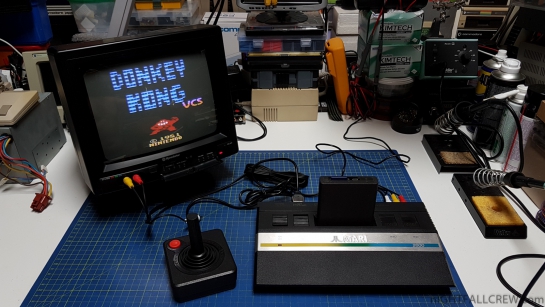
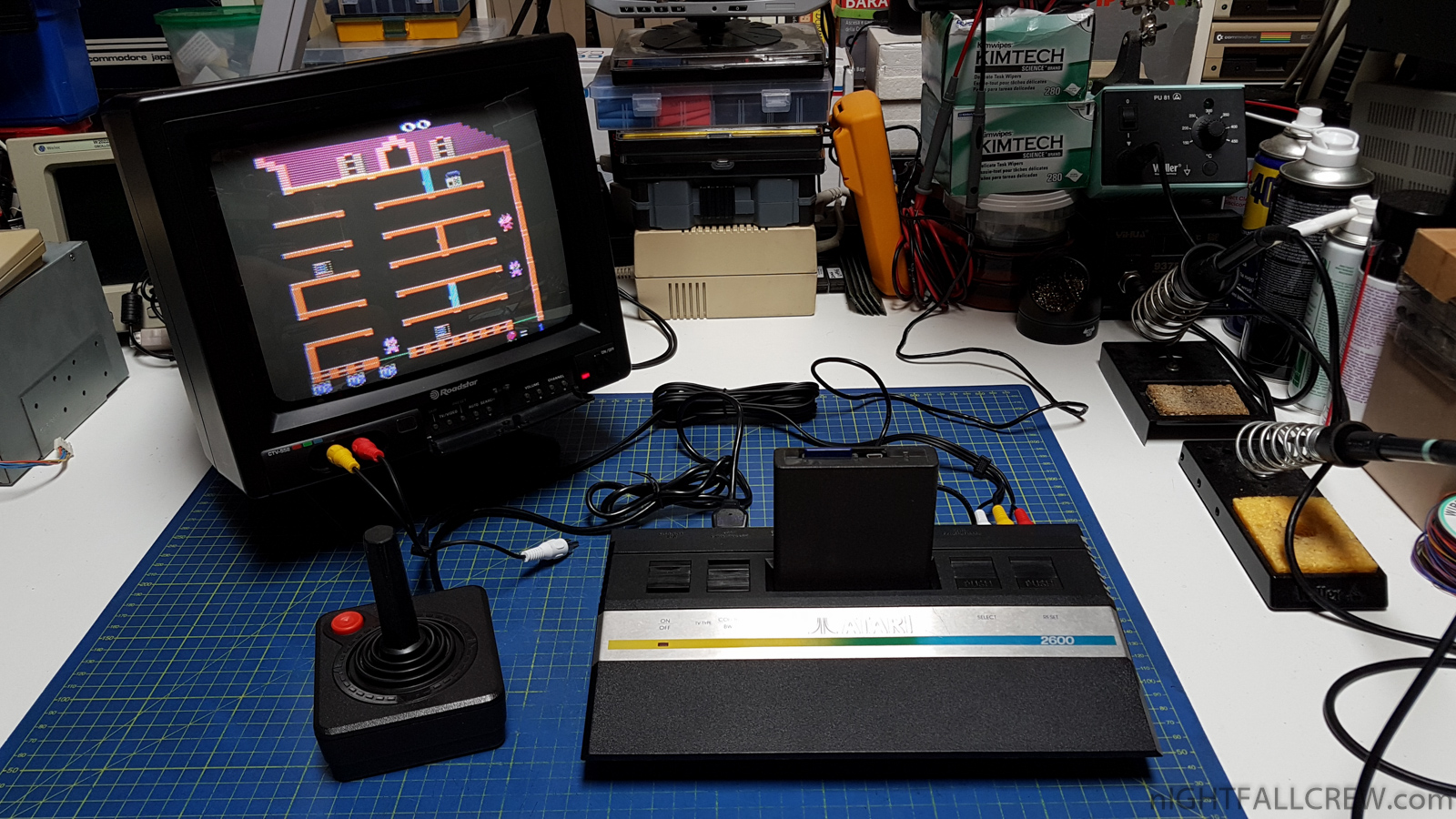
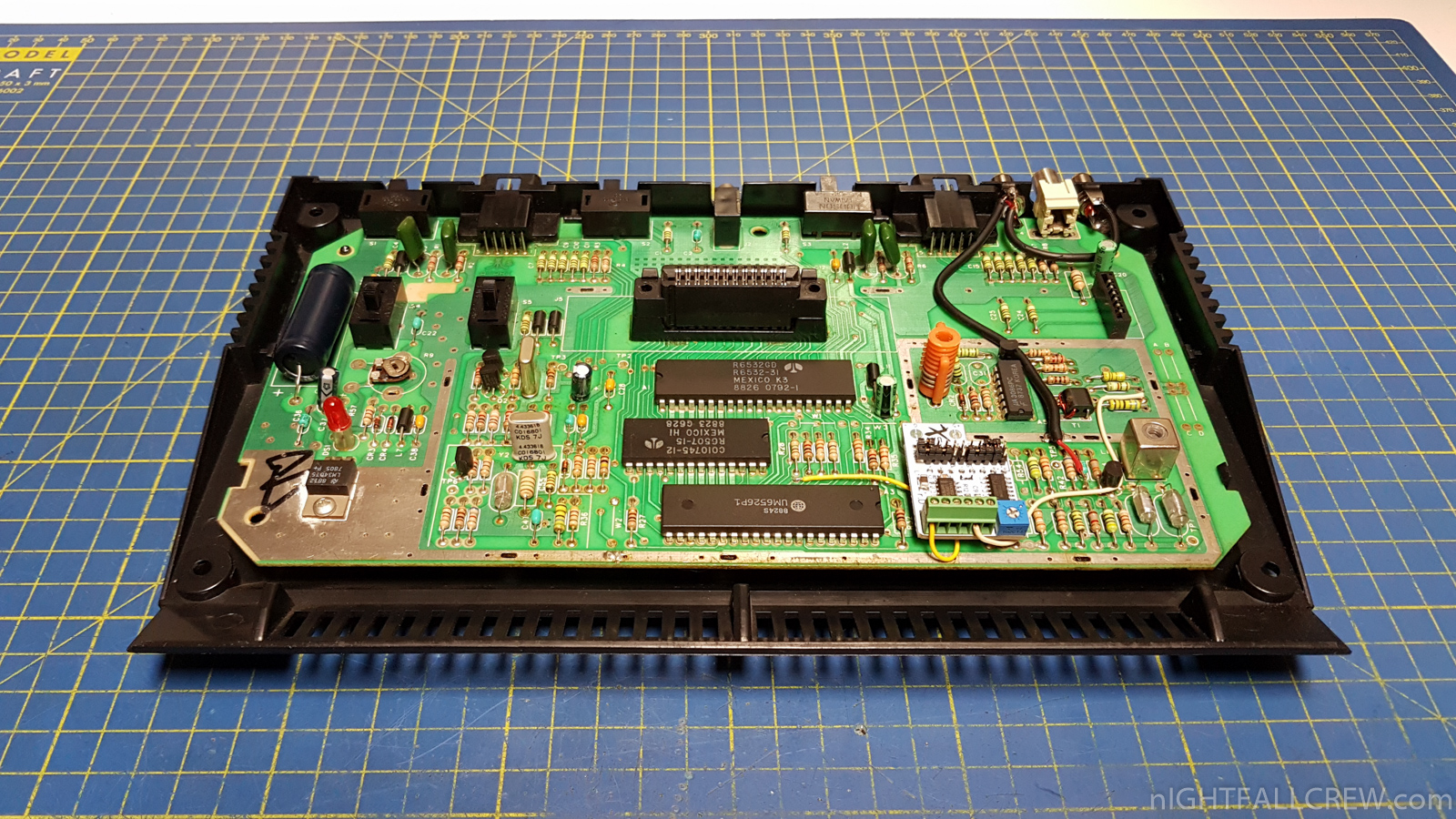
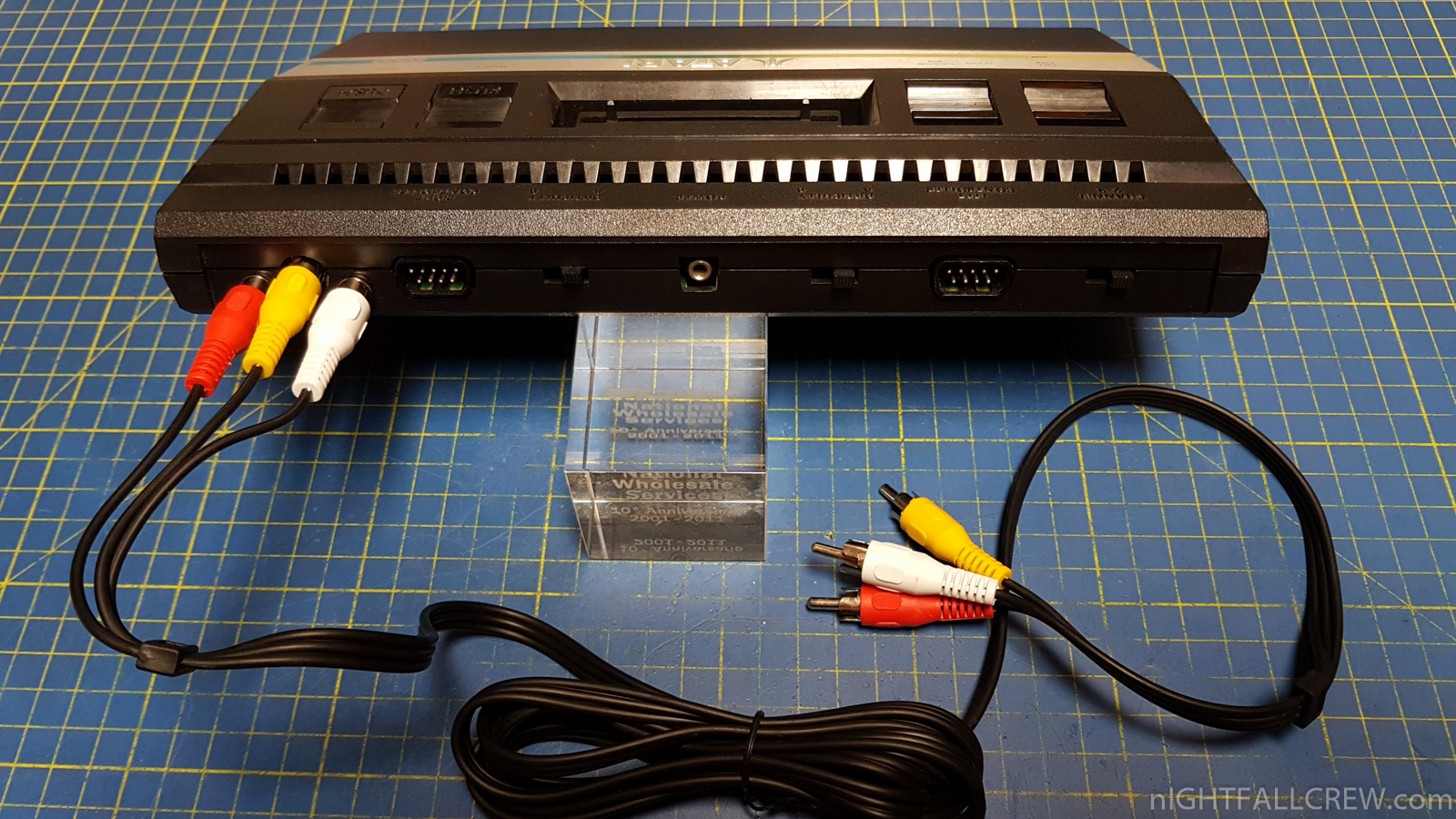
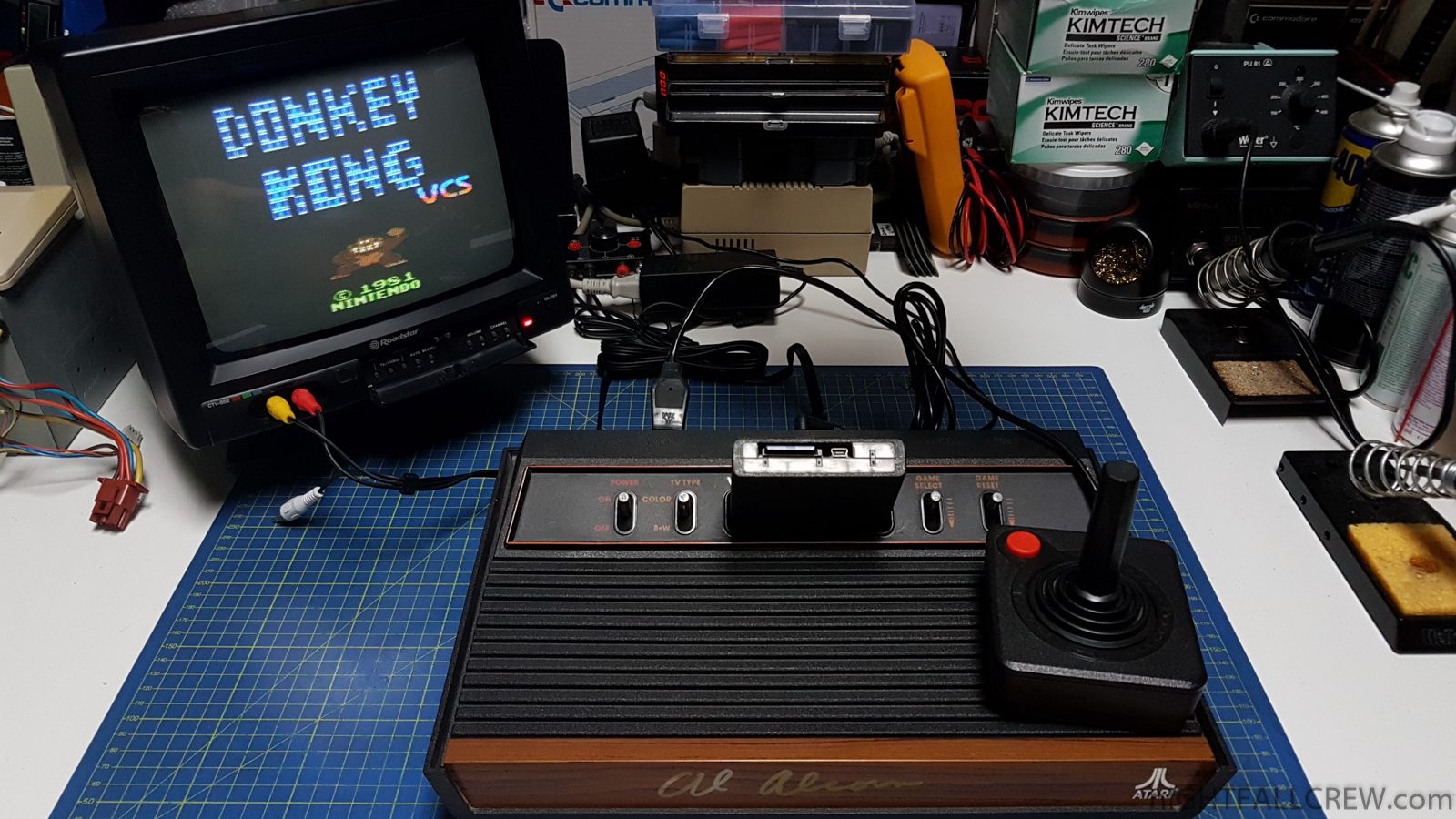
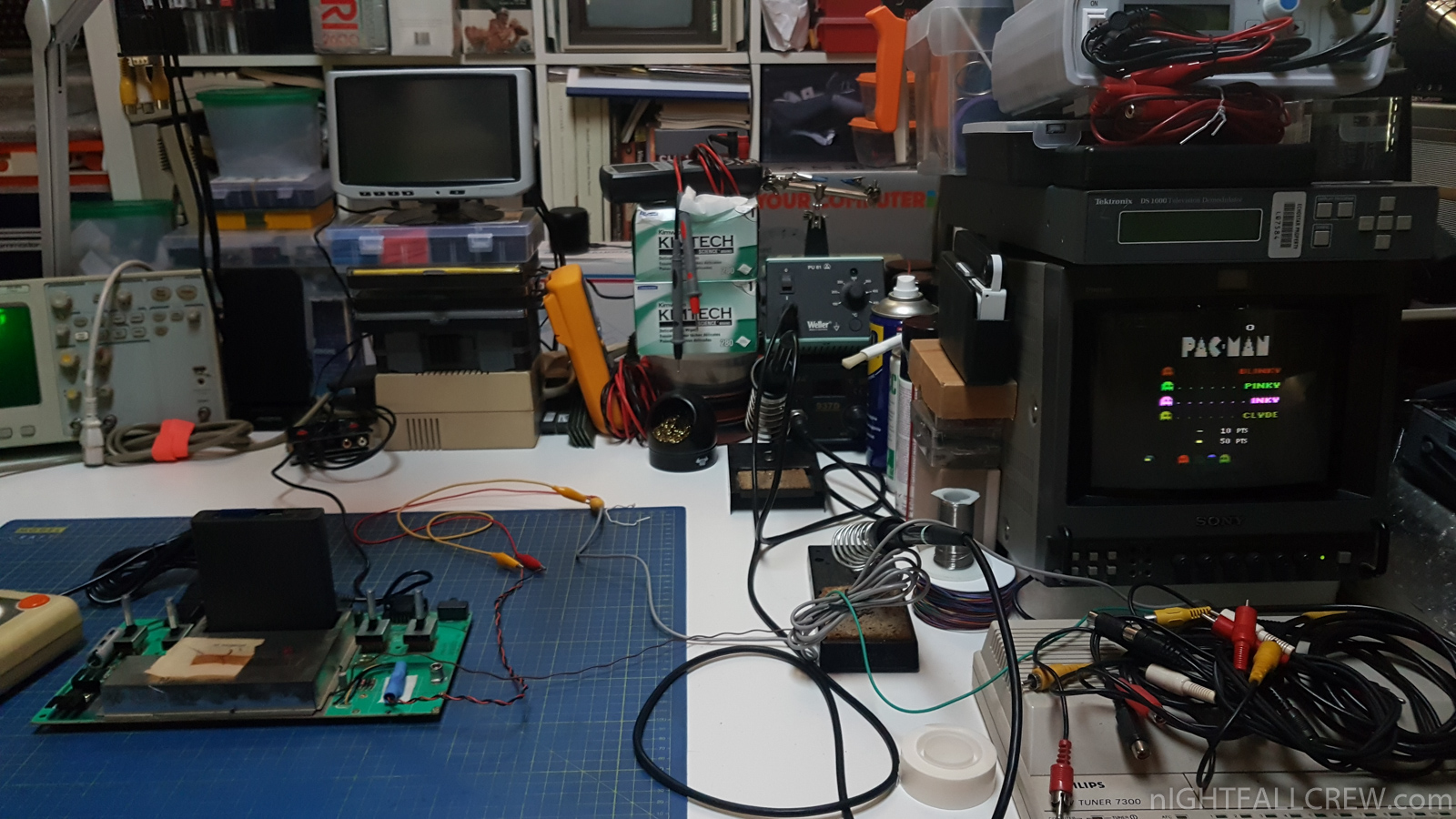
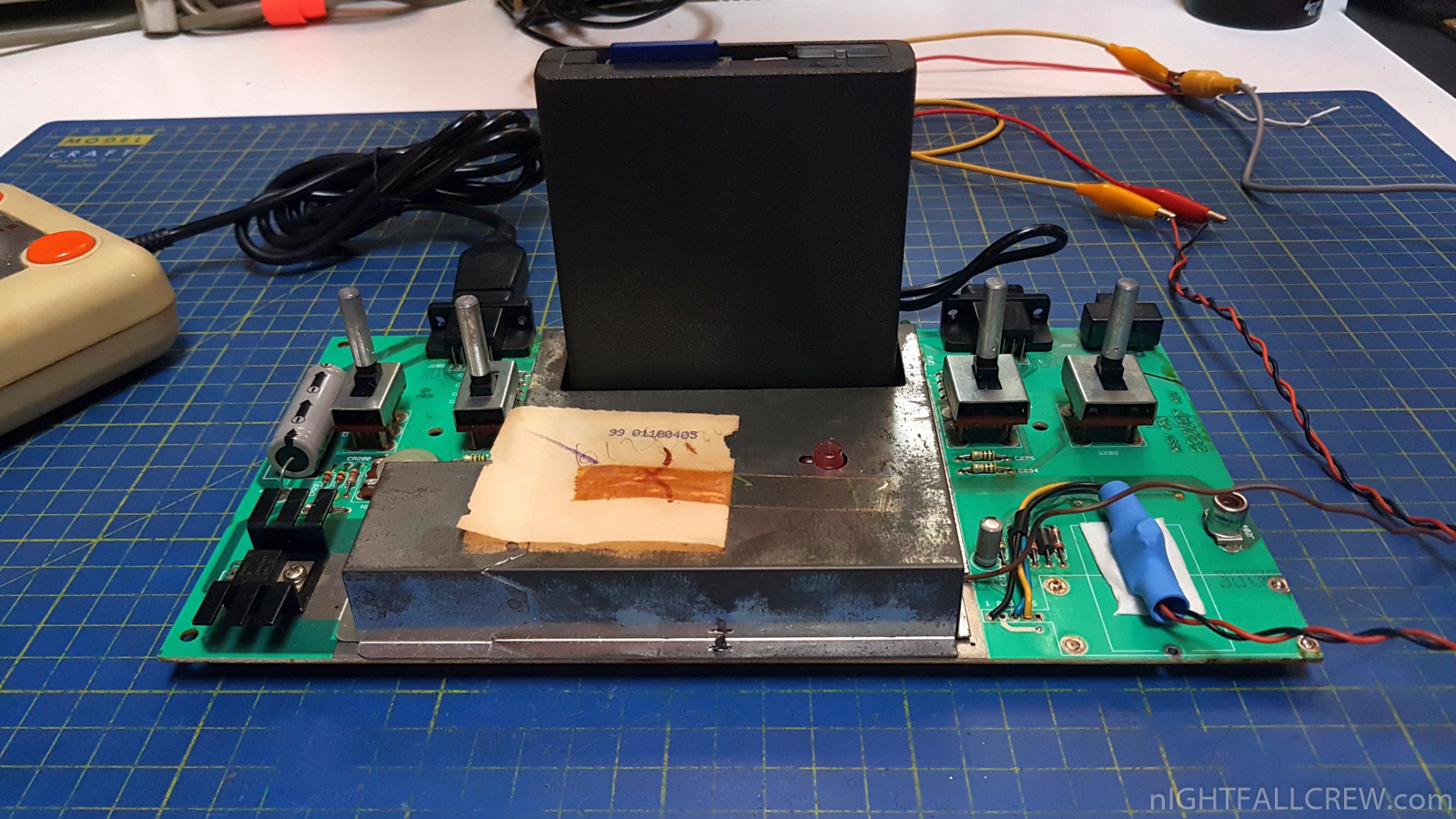
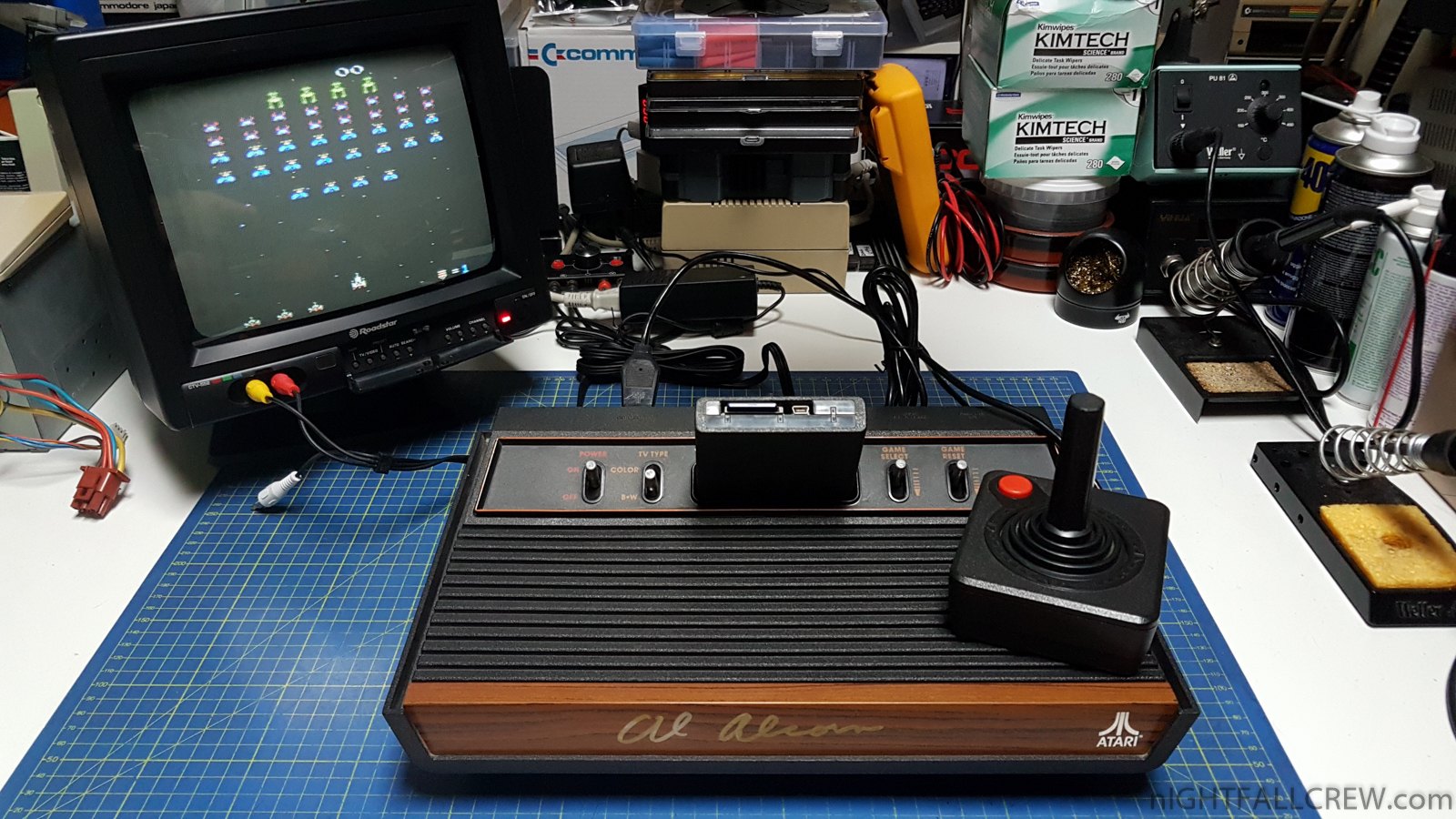
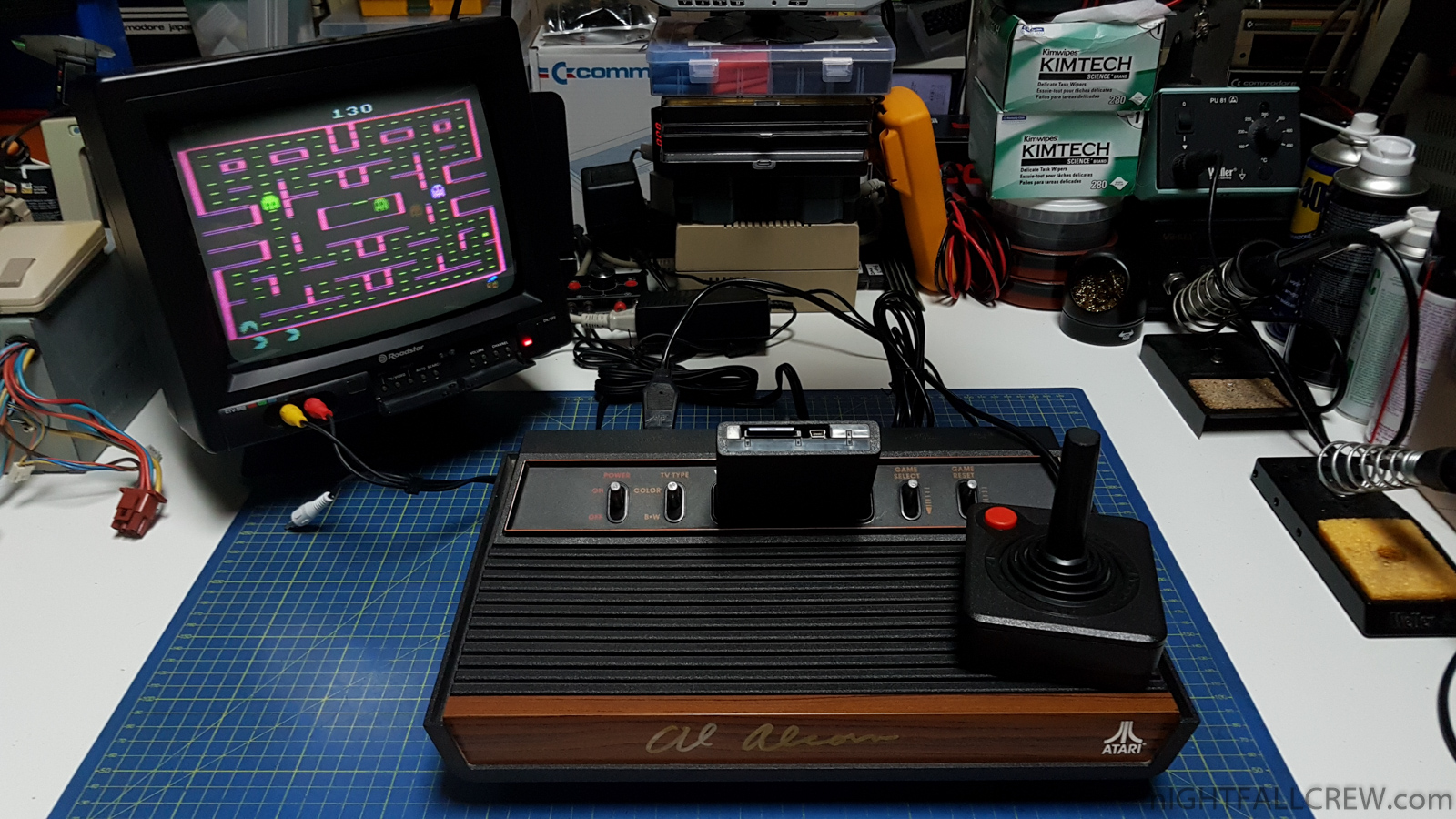
Yes, it’s a long story, because i have modded this Atari 2600 JR many times.
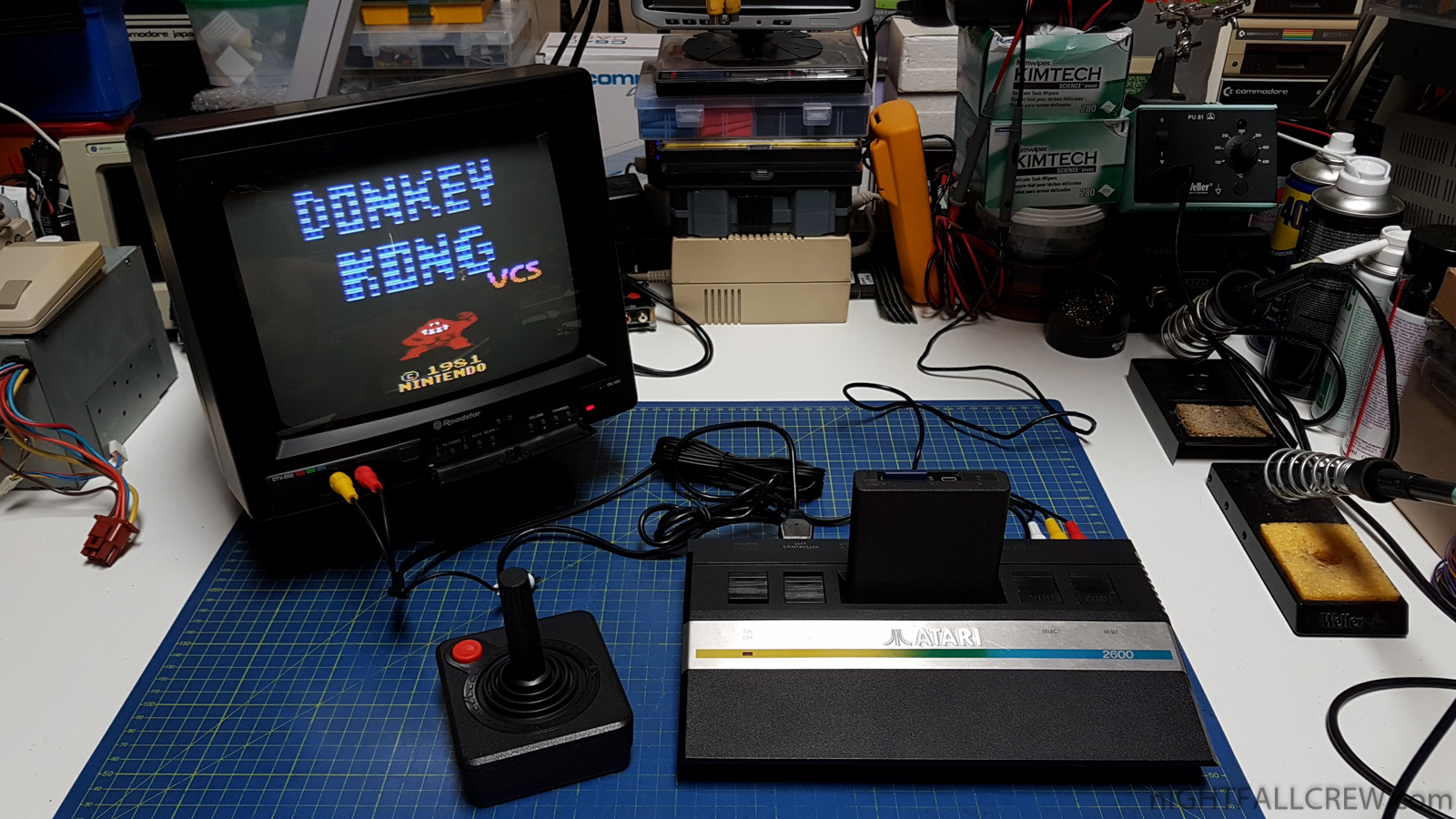
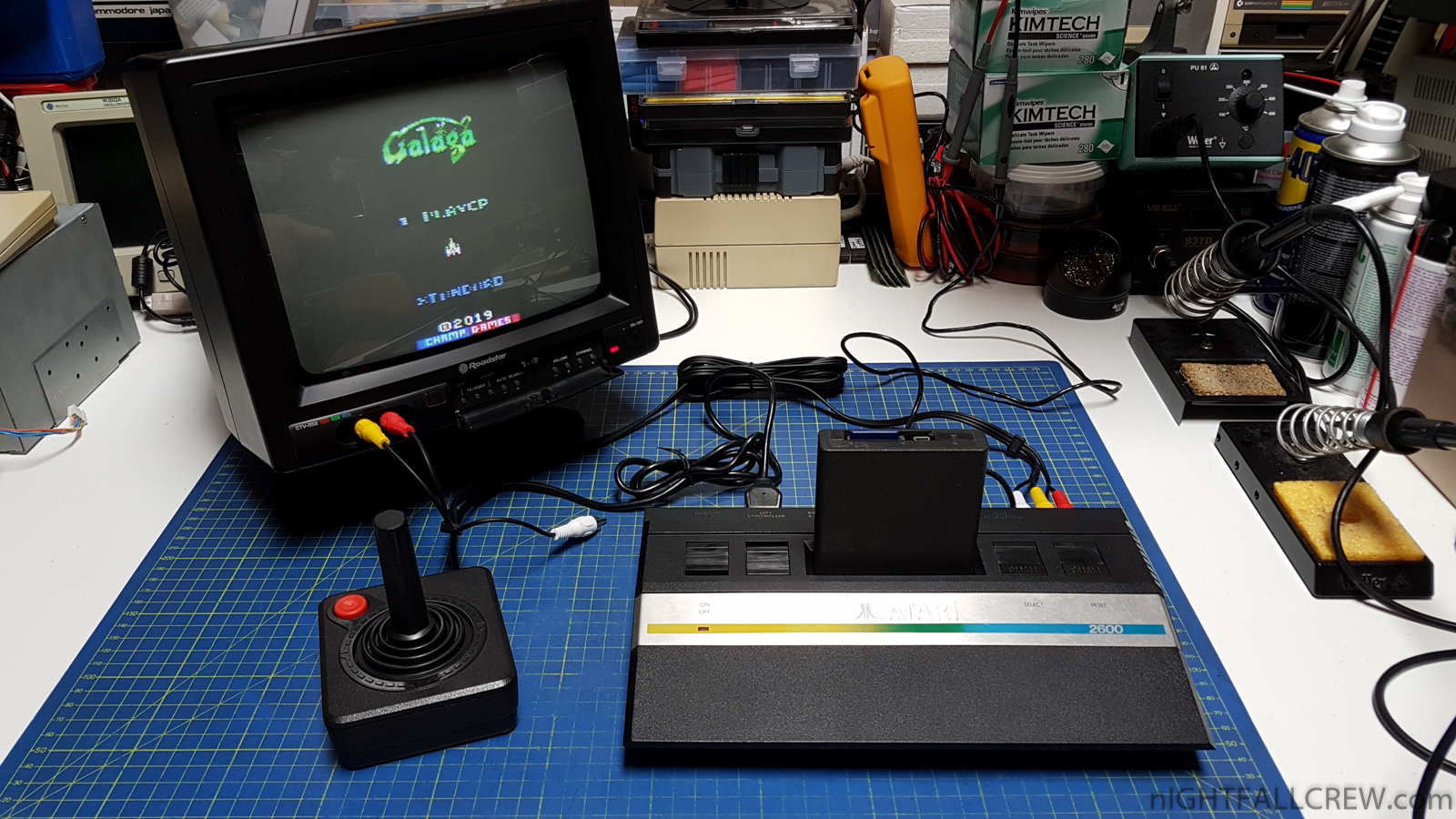
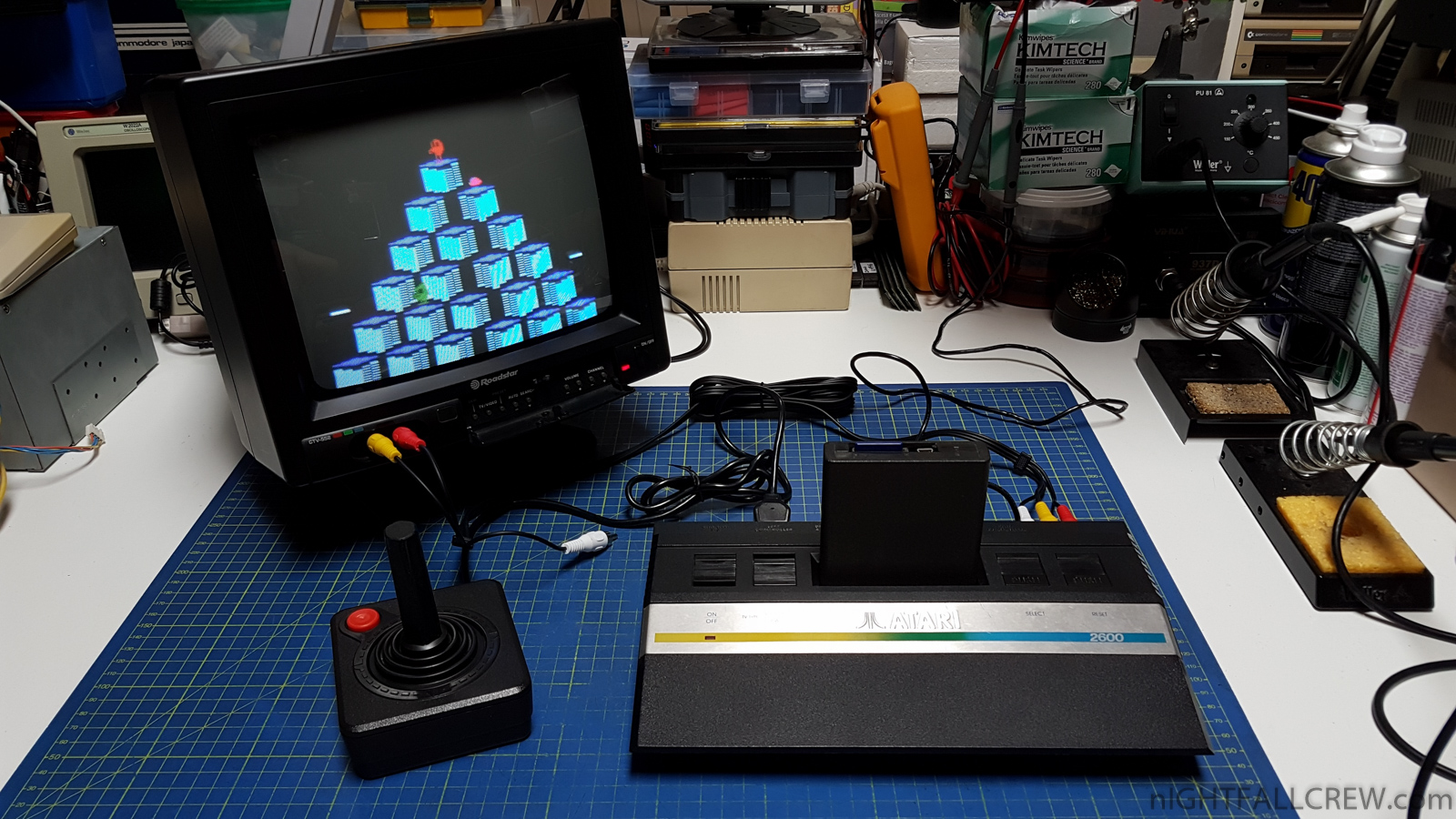
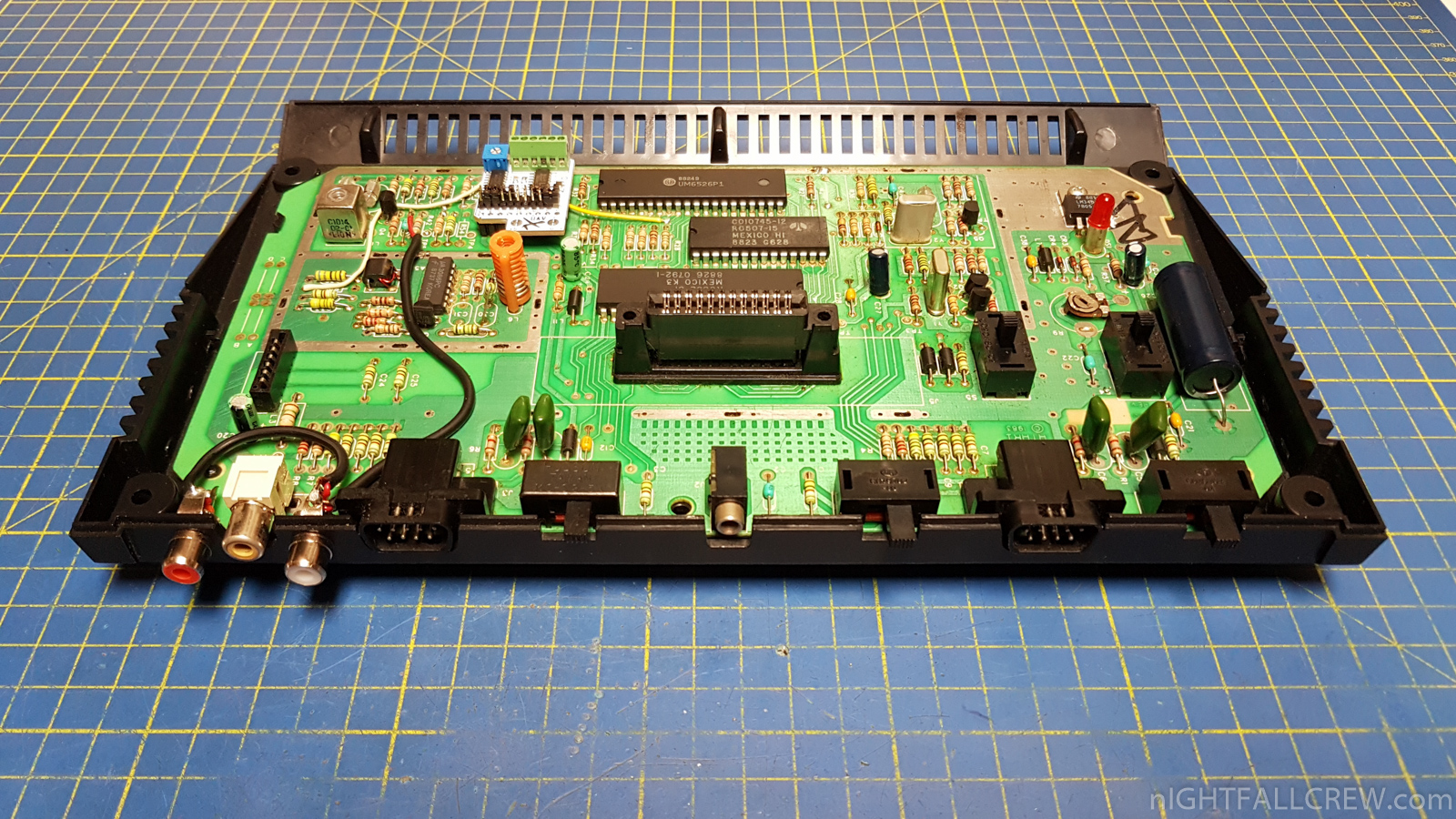
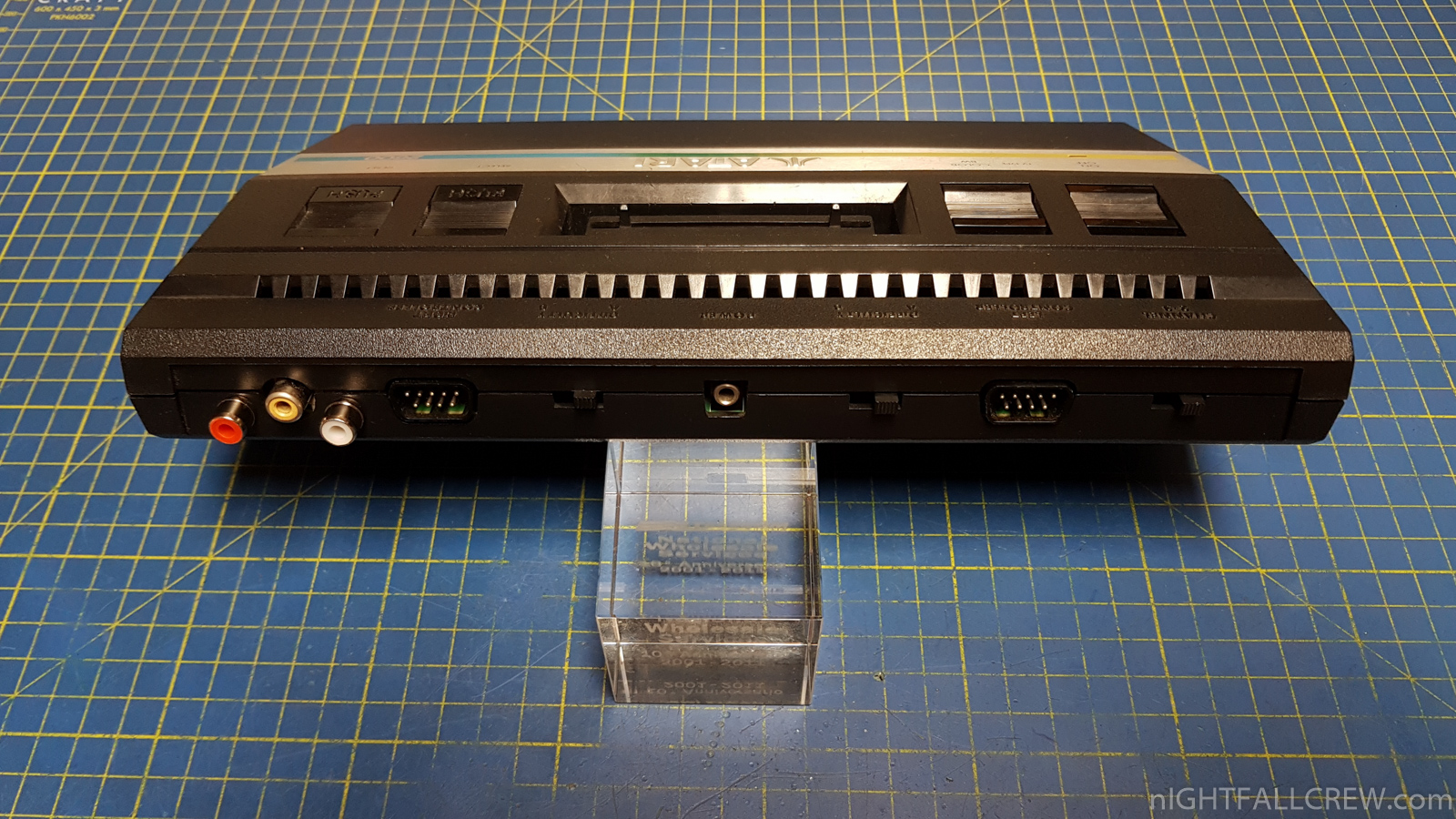
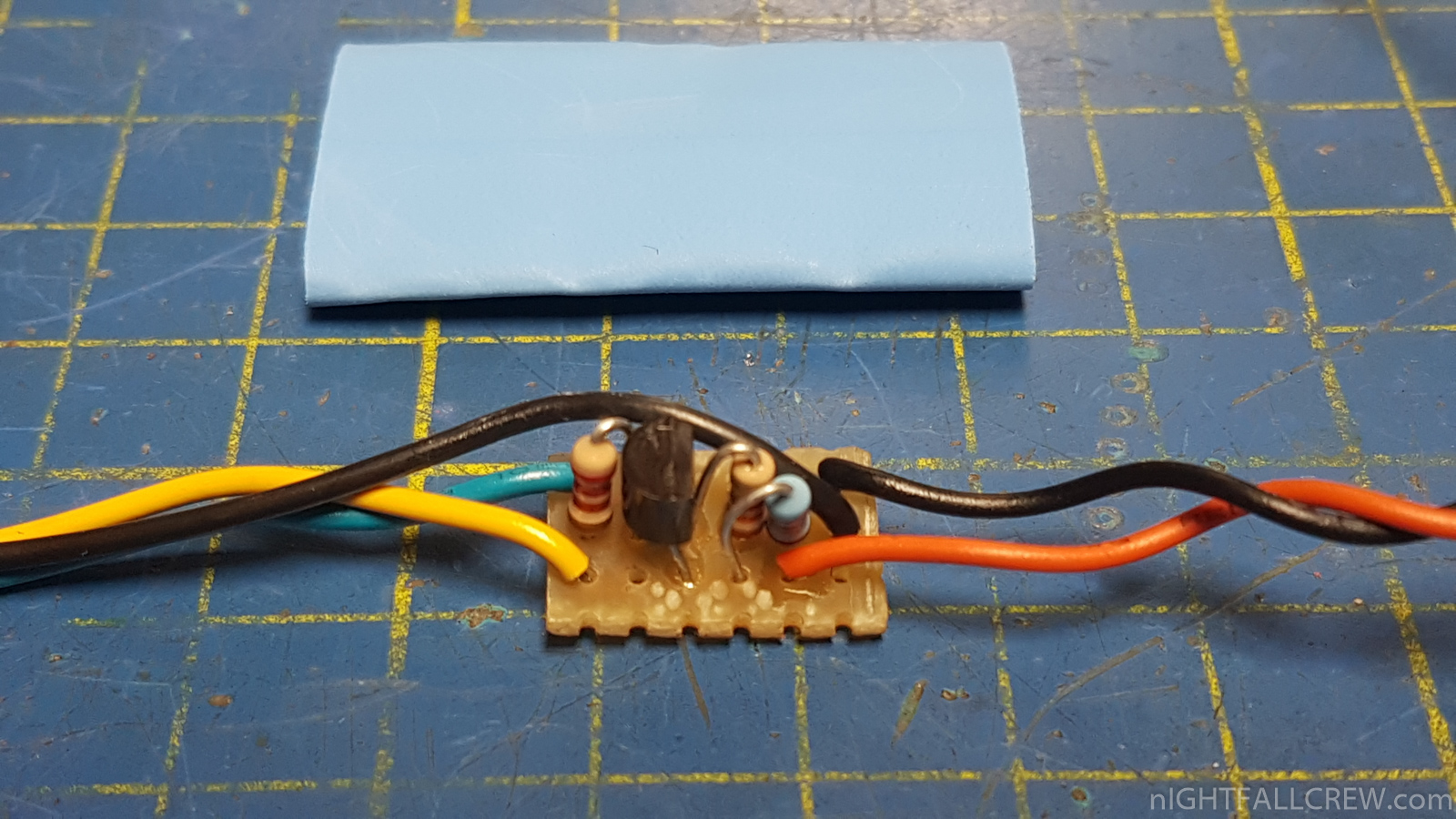
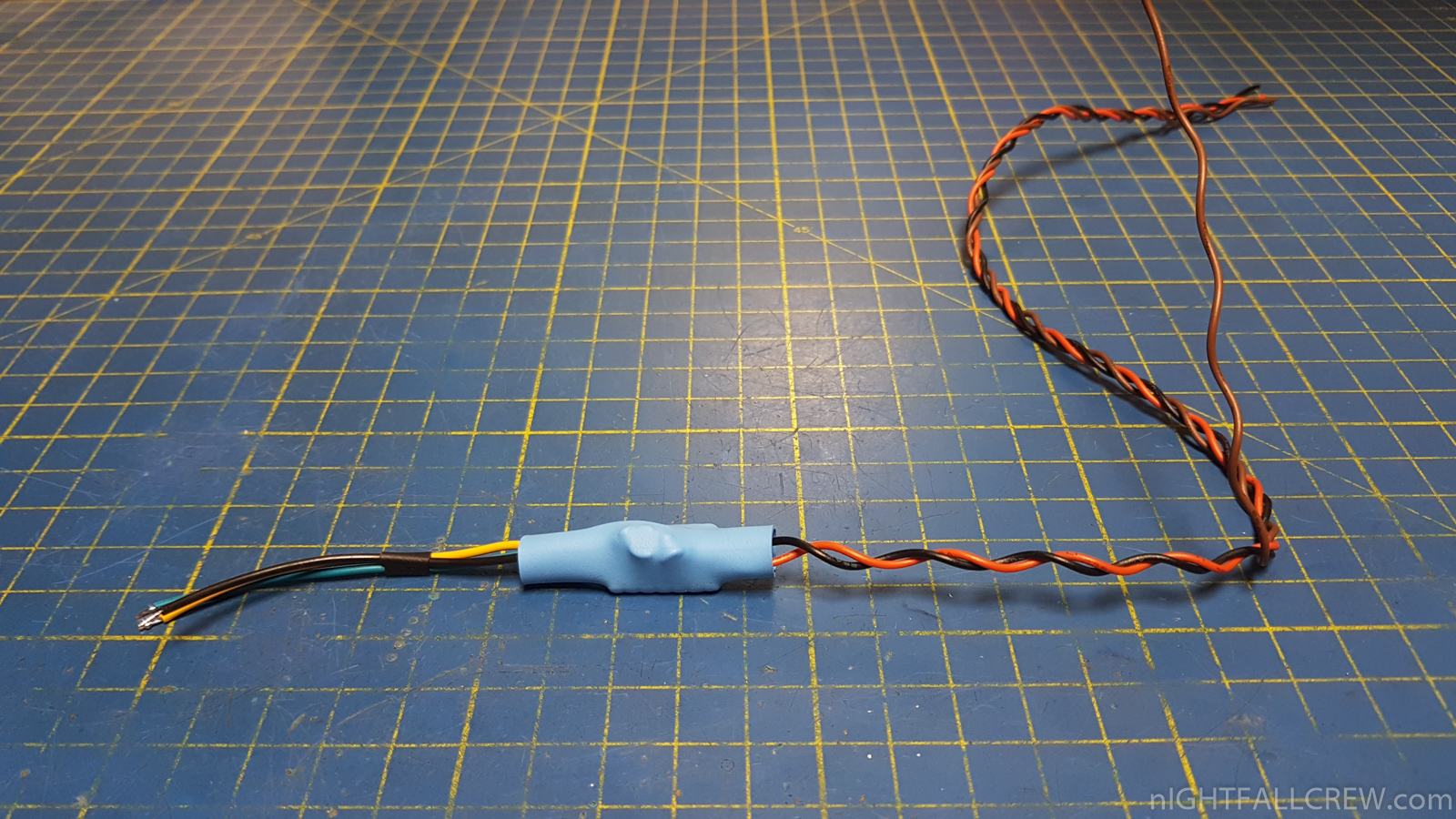
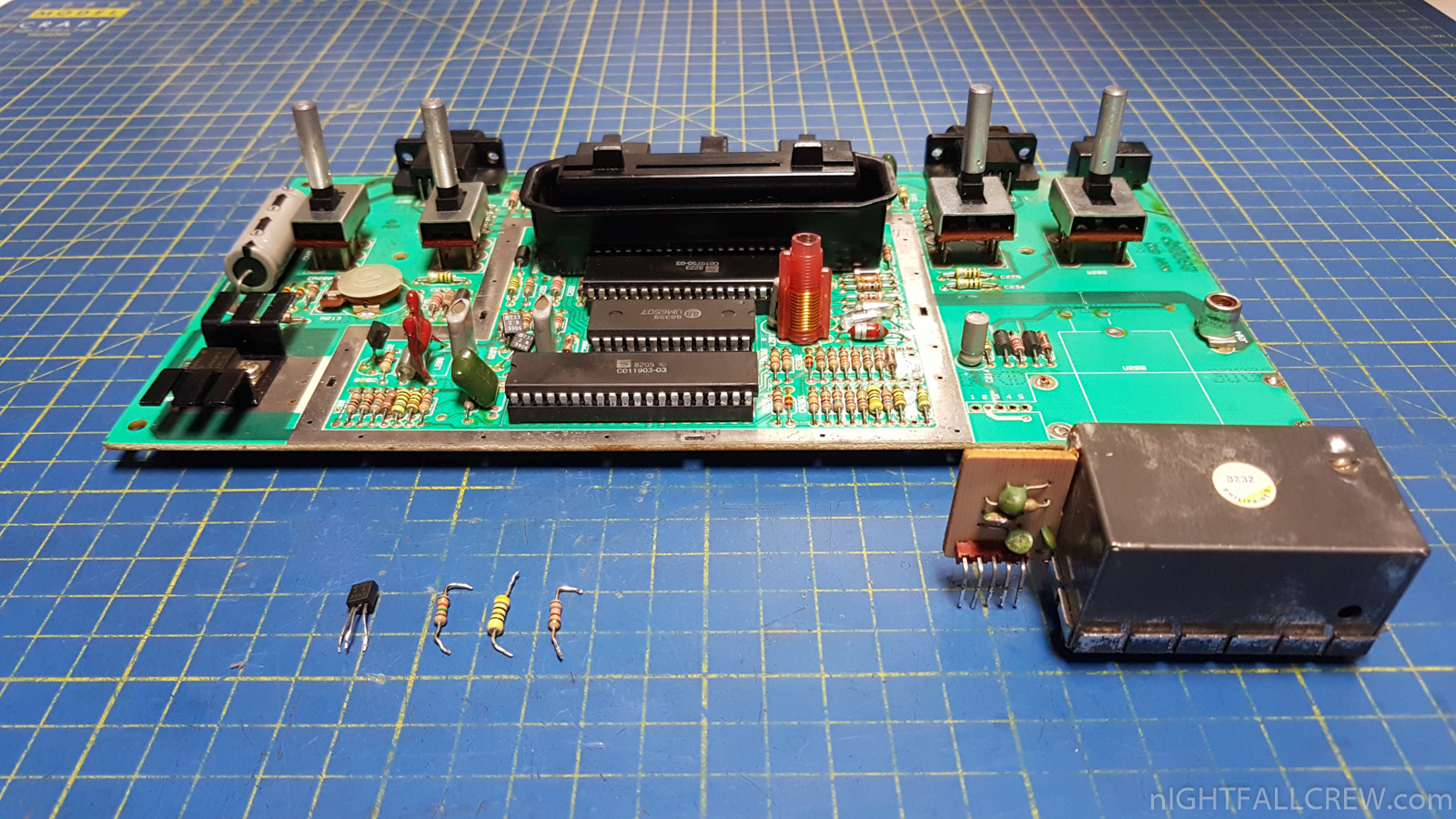
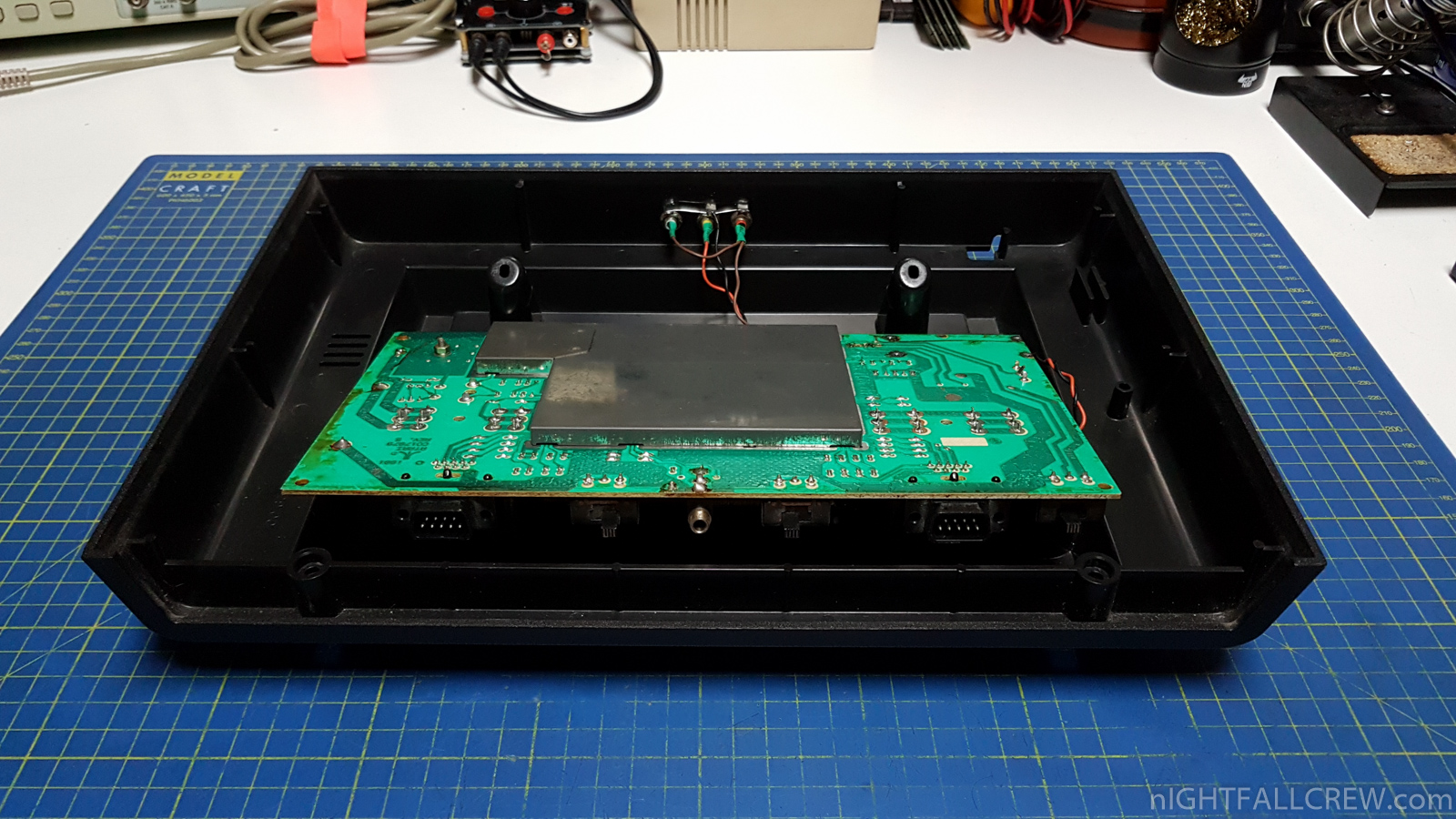
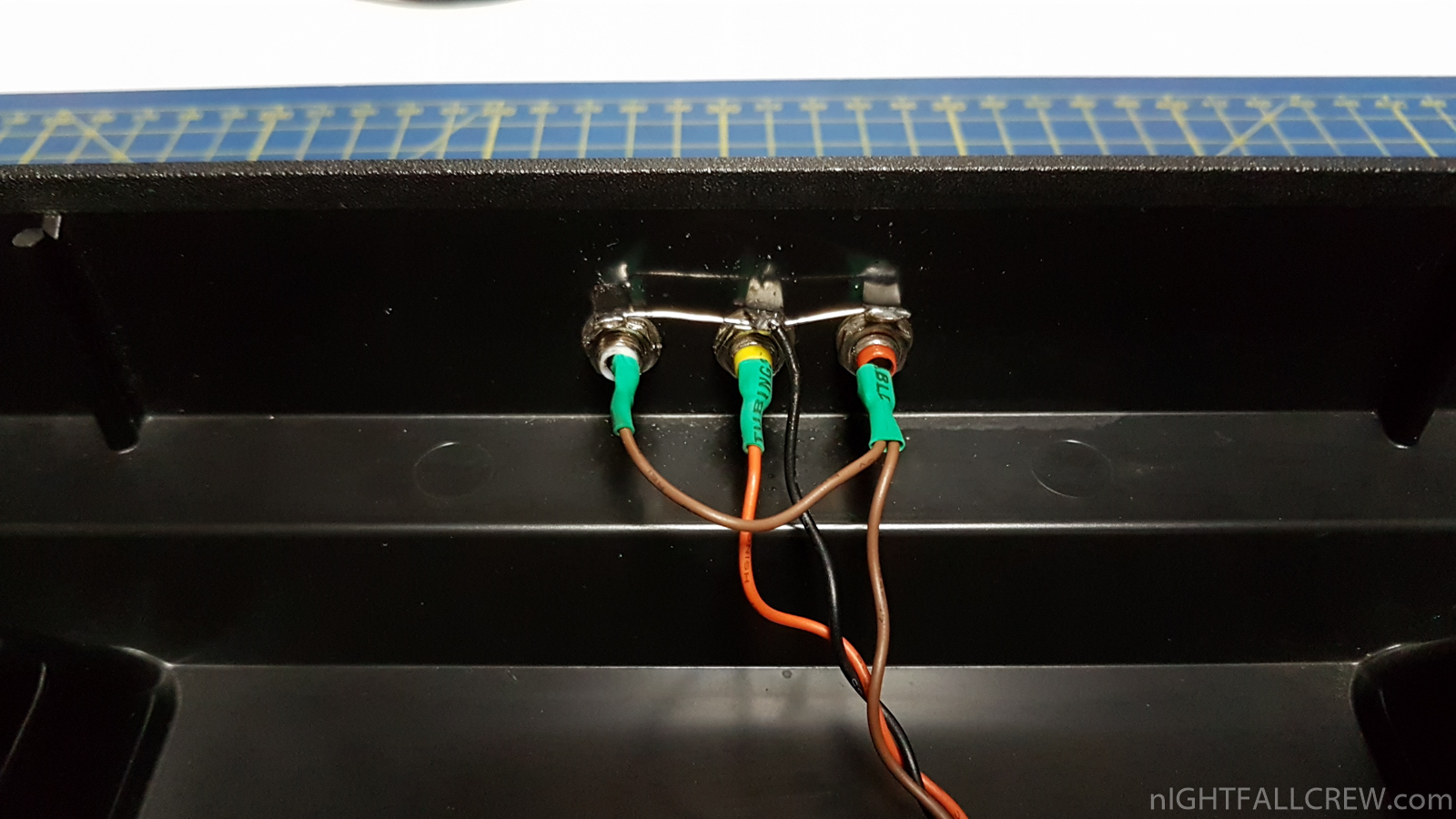
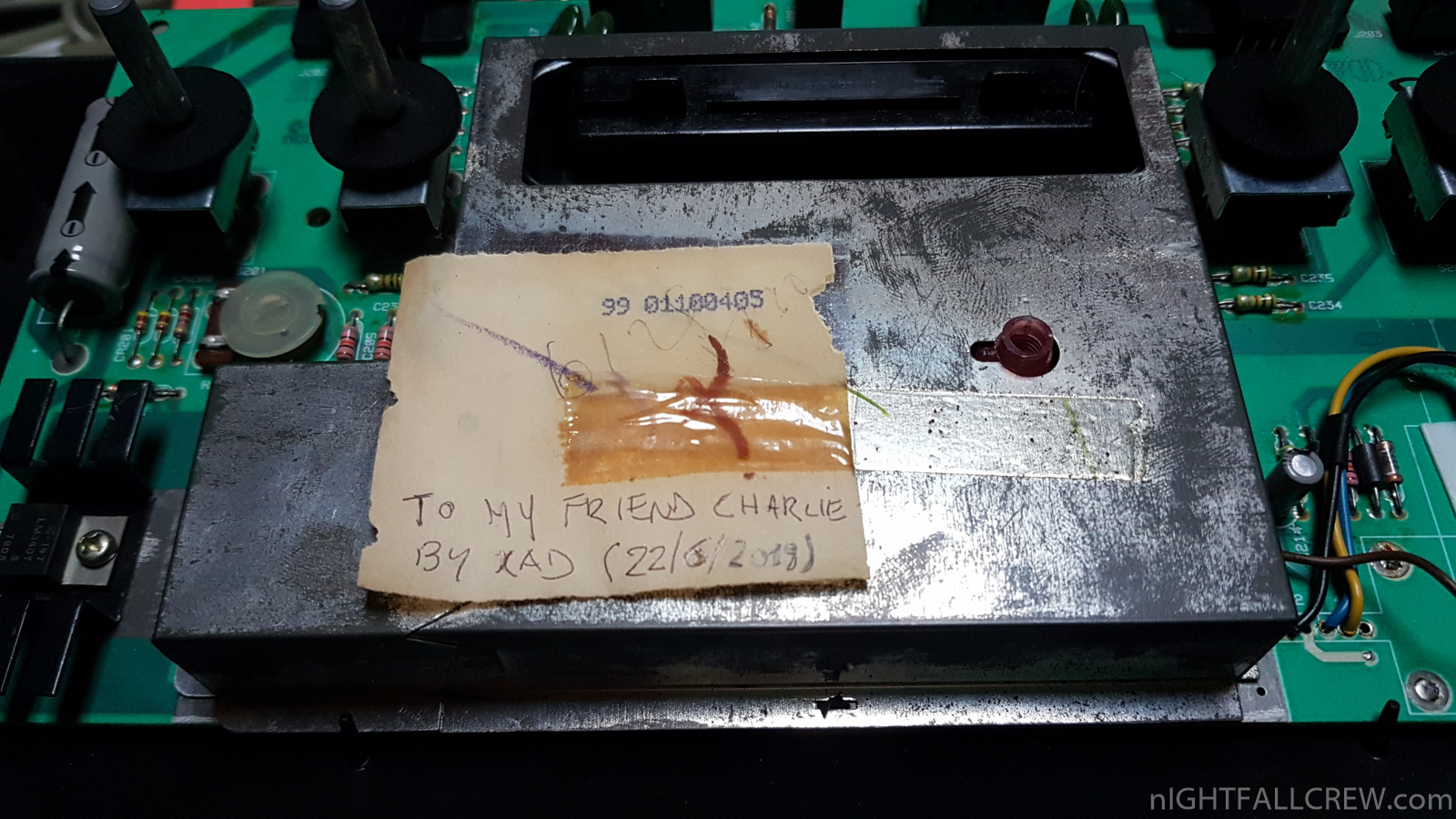
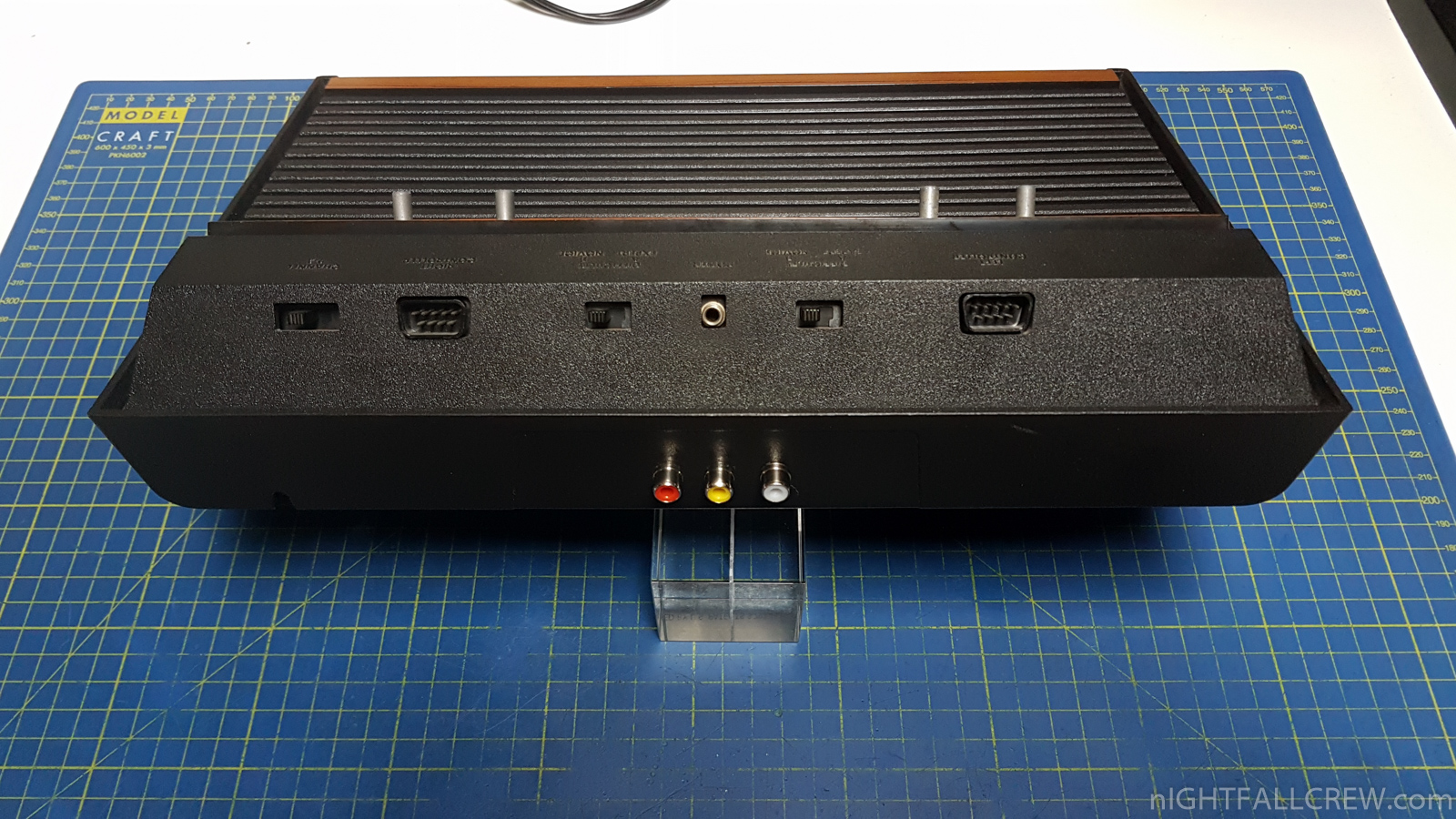
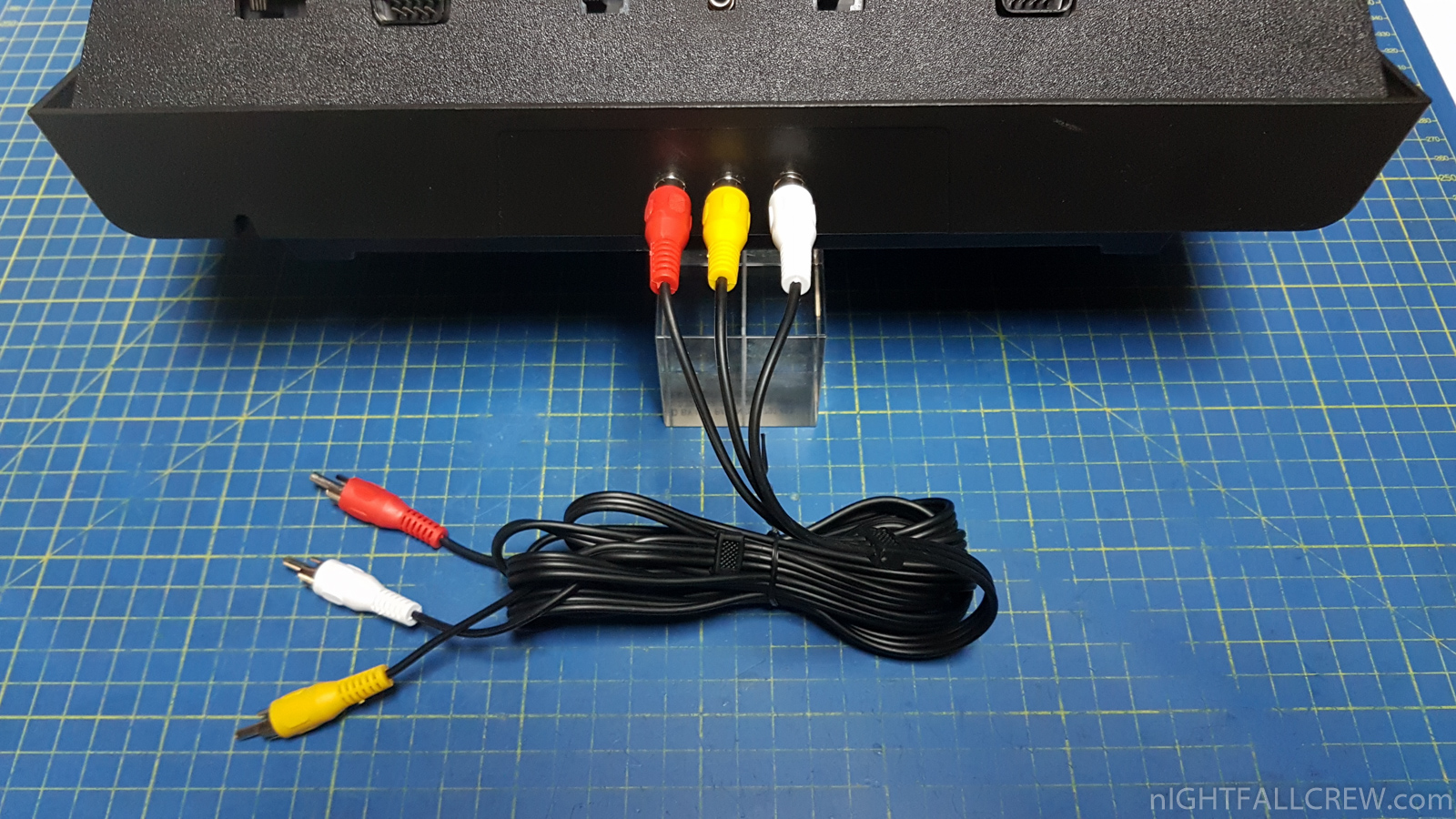
The first time have made a simple composite video mod without adding any external components, so i have made the composite mod with 1 transistor and a couple of resistors, the last composite mod is the UAV (Ultimate Atari Video) made from a dude of AtariAge that was given to me by my friend Charlie and today i have put 3 x RCA for video/audio output in place of a cable passed through the RF hole.
I used the same hole as the RF output for the VIDEO output and soldered a RCA connector in the same pcb pad of the RF RCA connector, i have used the same pcb track that was needed for the RF signal for the Composite signal, i have also removed a resistor (R19) to isolate the pcb track.
Gallery:
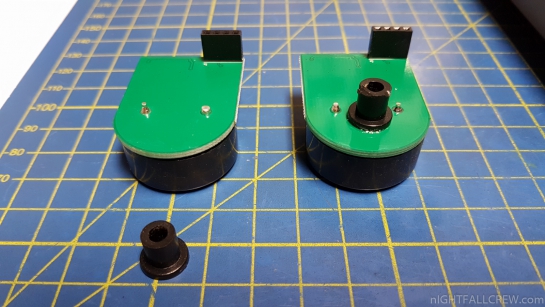
Ultimate64/U64 Speaker with a little improvement.
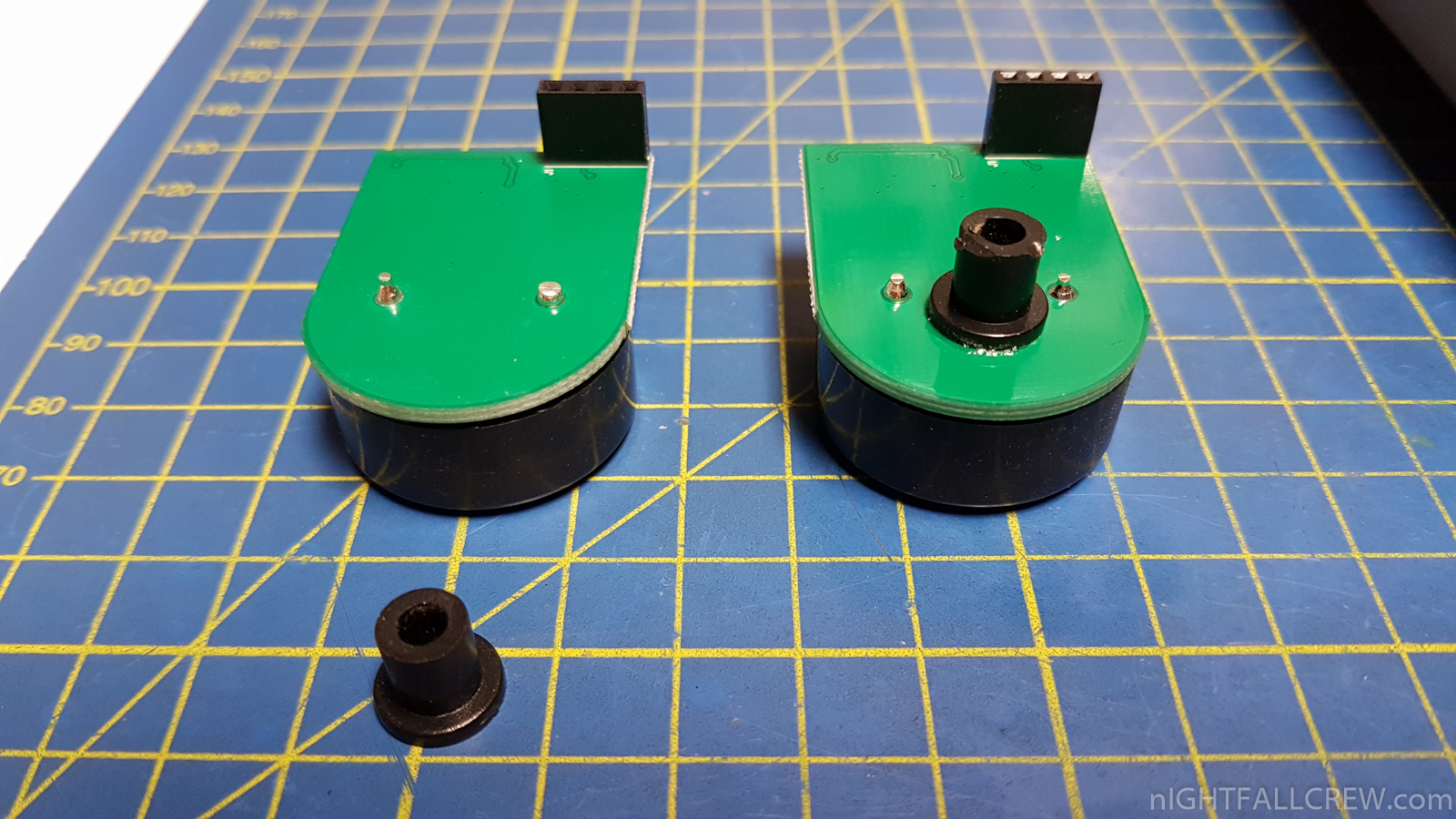
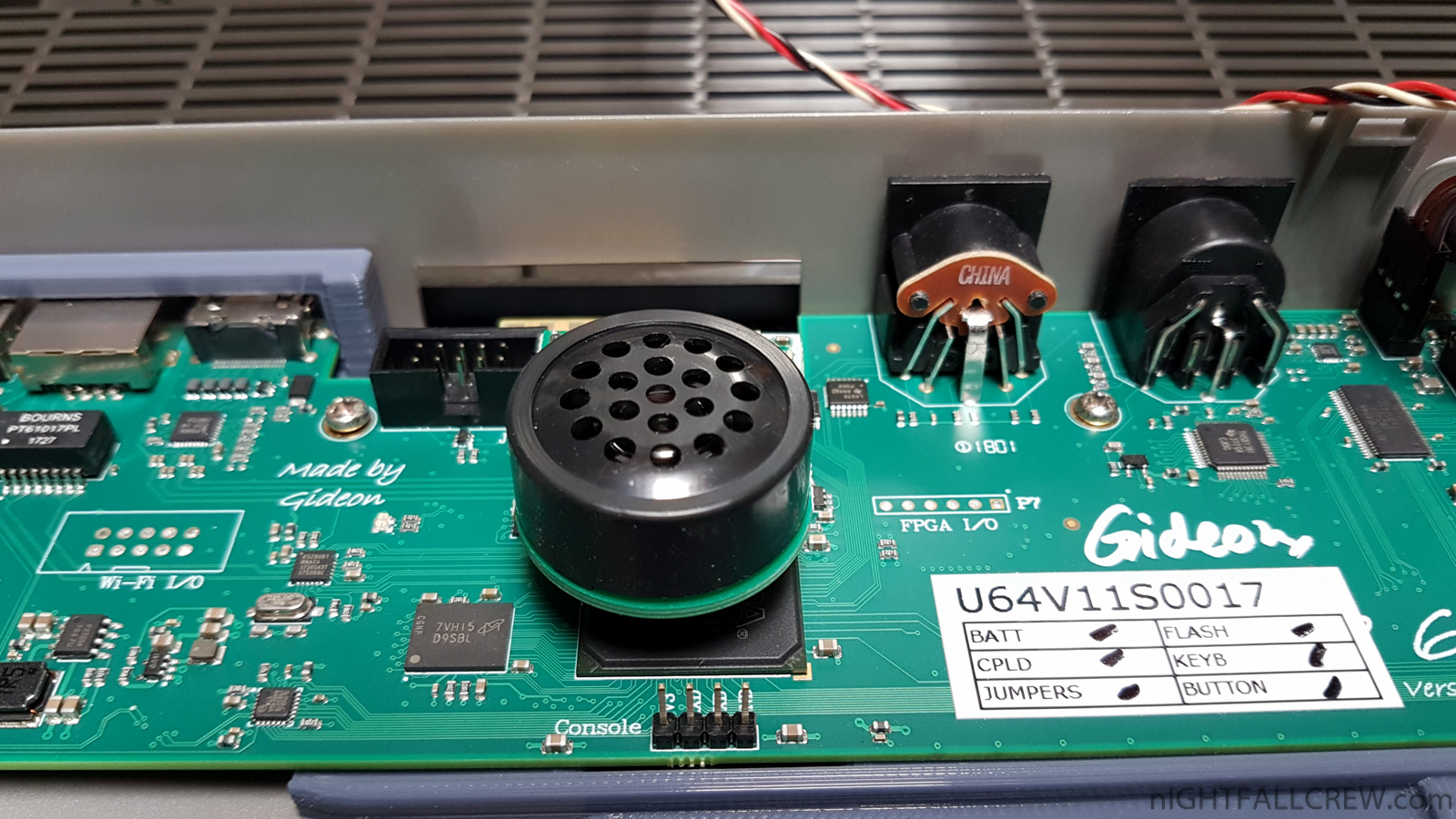
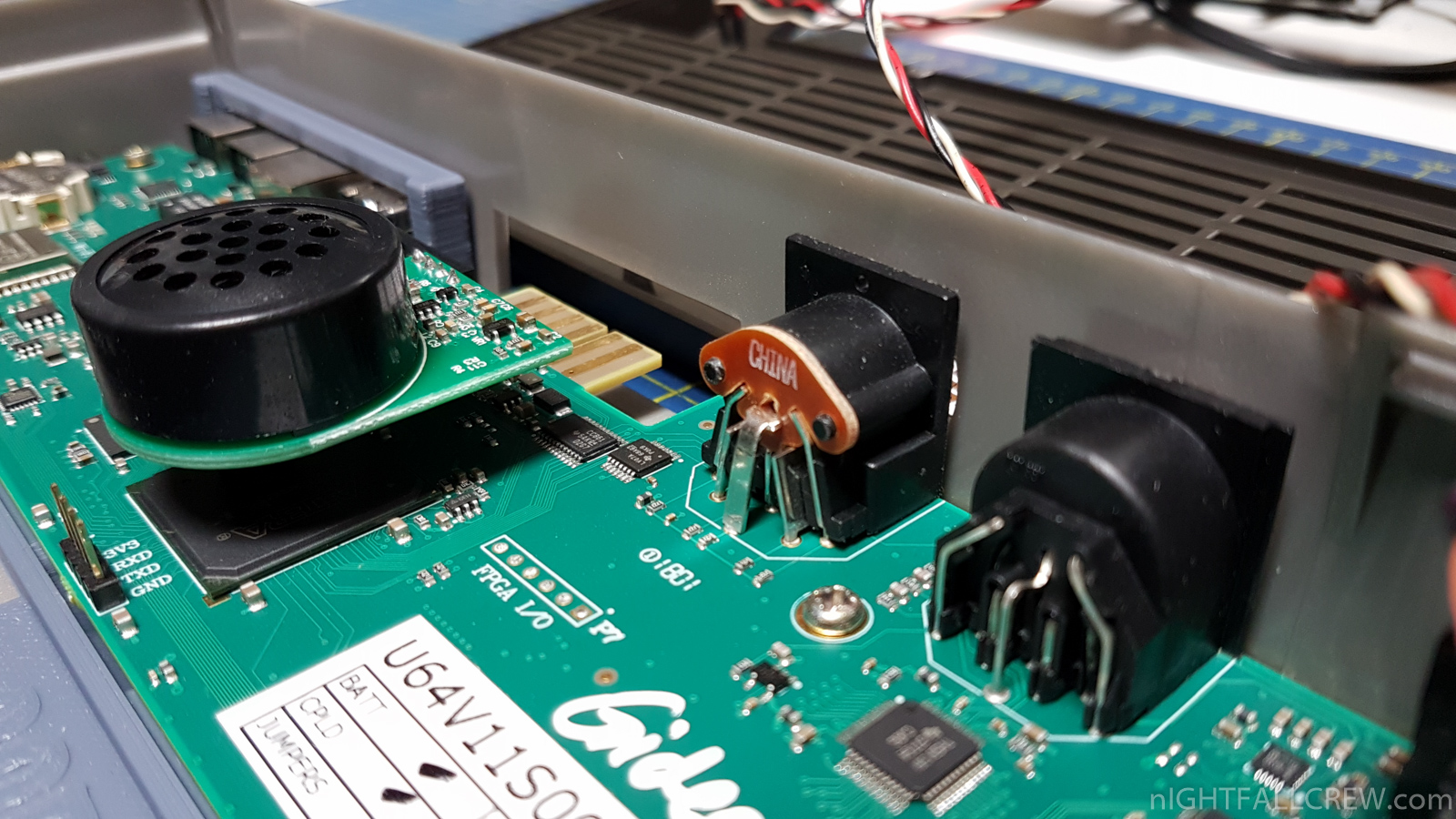
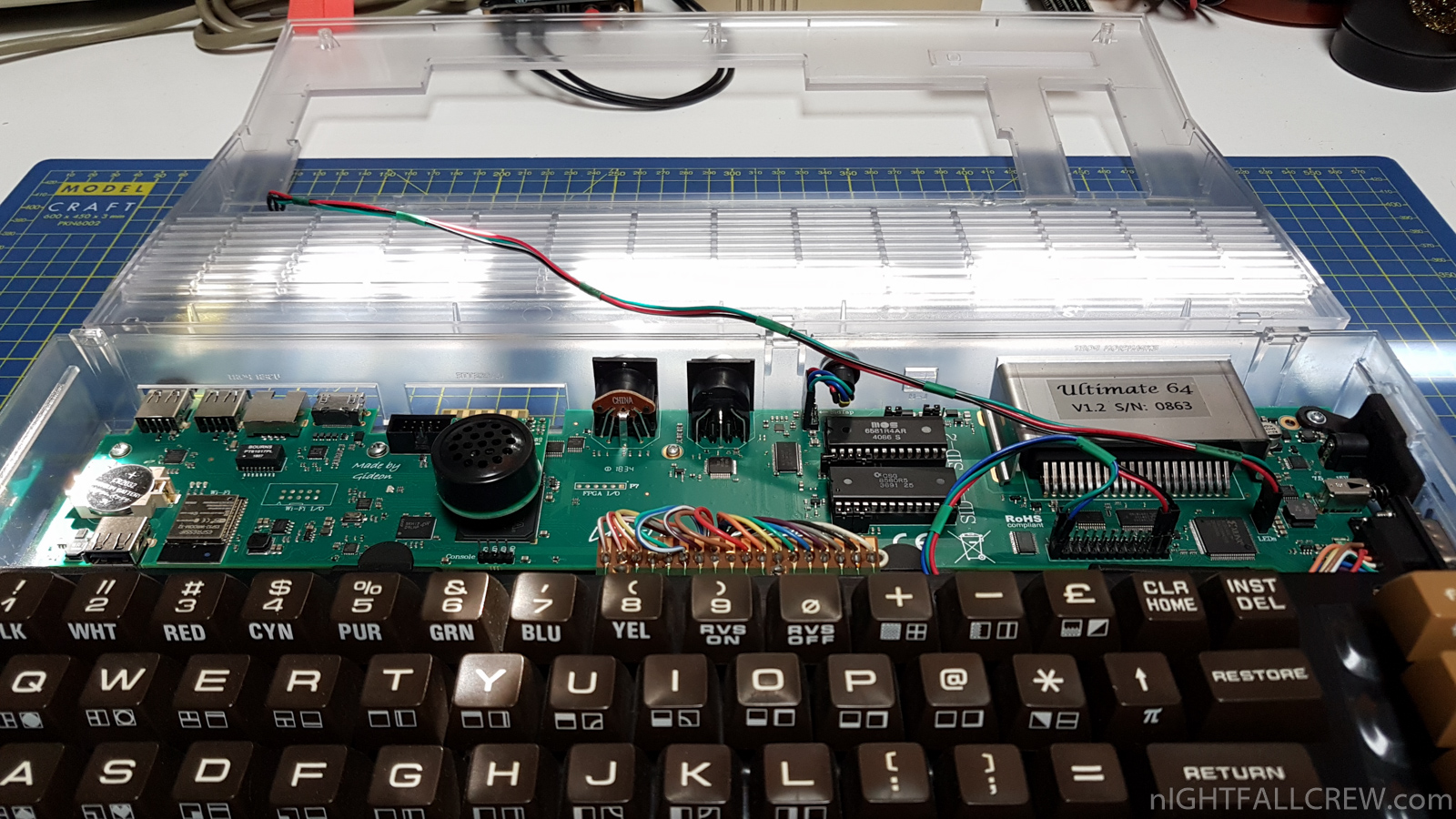
I didn’t really like to see the U64 Speaker which due to the small connector and weight he tended to tilt and was not aligned with the motherboard.
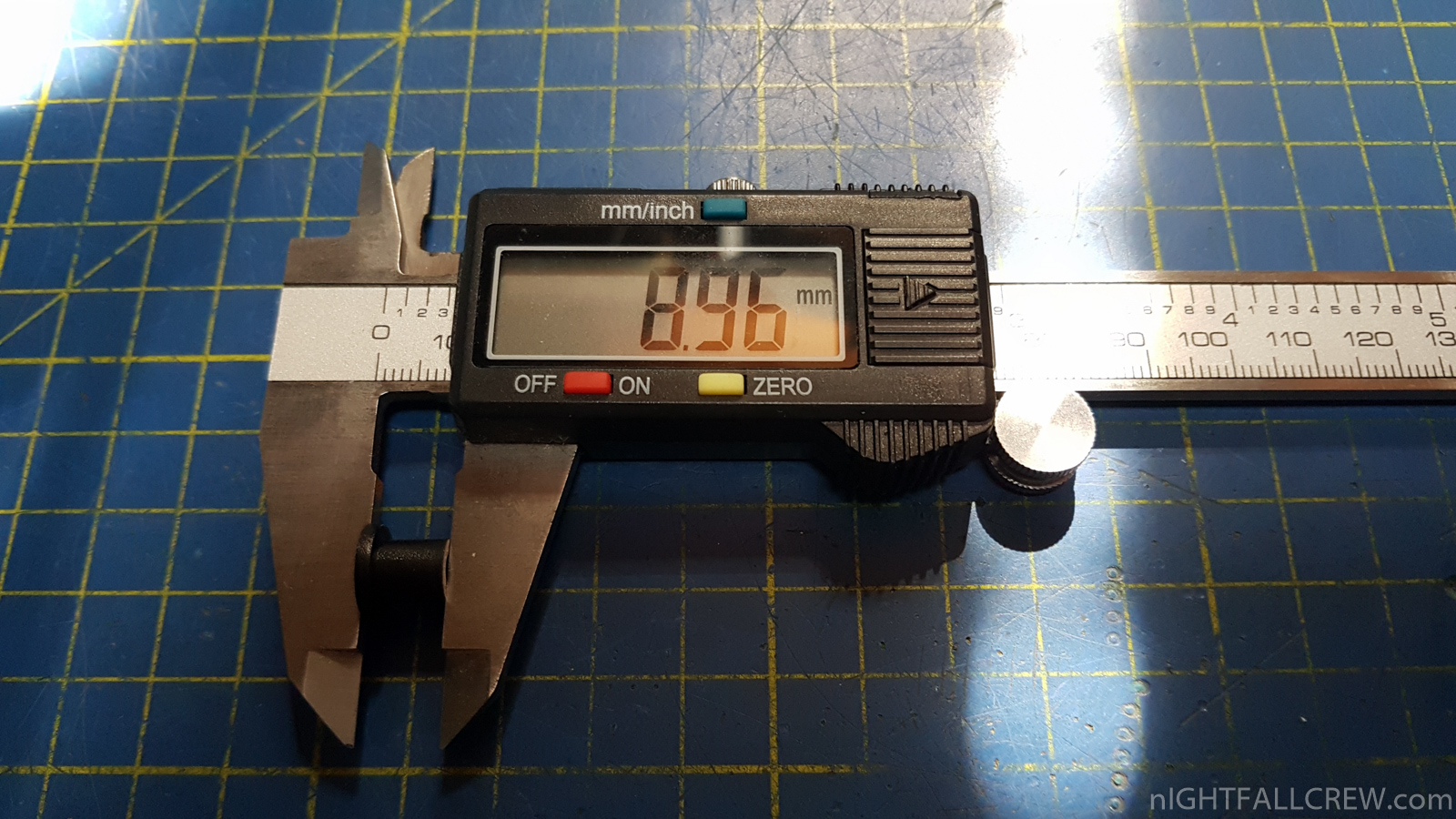
I solved the problem quite elegantly by inserting a small thickness of plastic glued with a drop of Loctite on the botton side of the U64 Speaker motherboard.
Gallery:

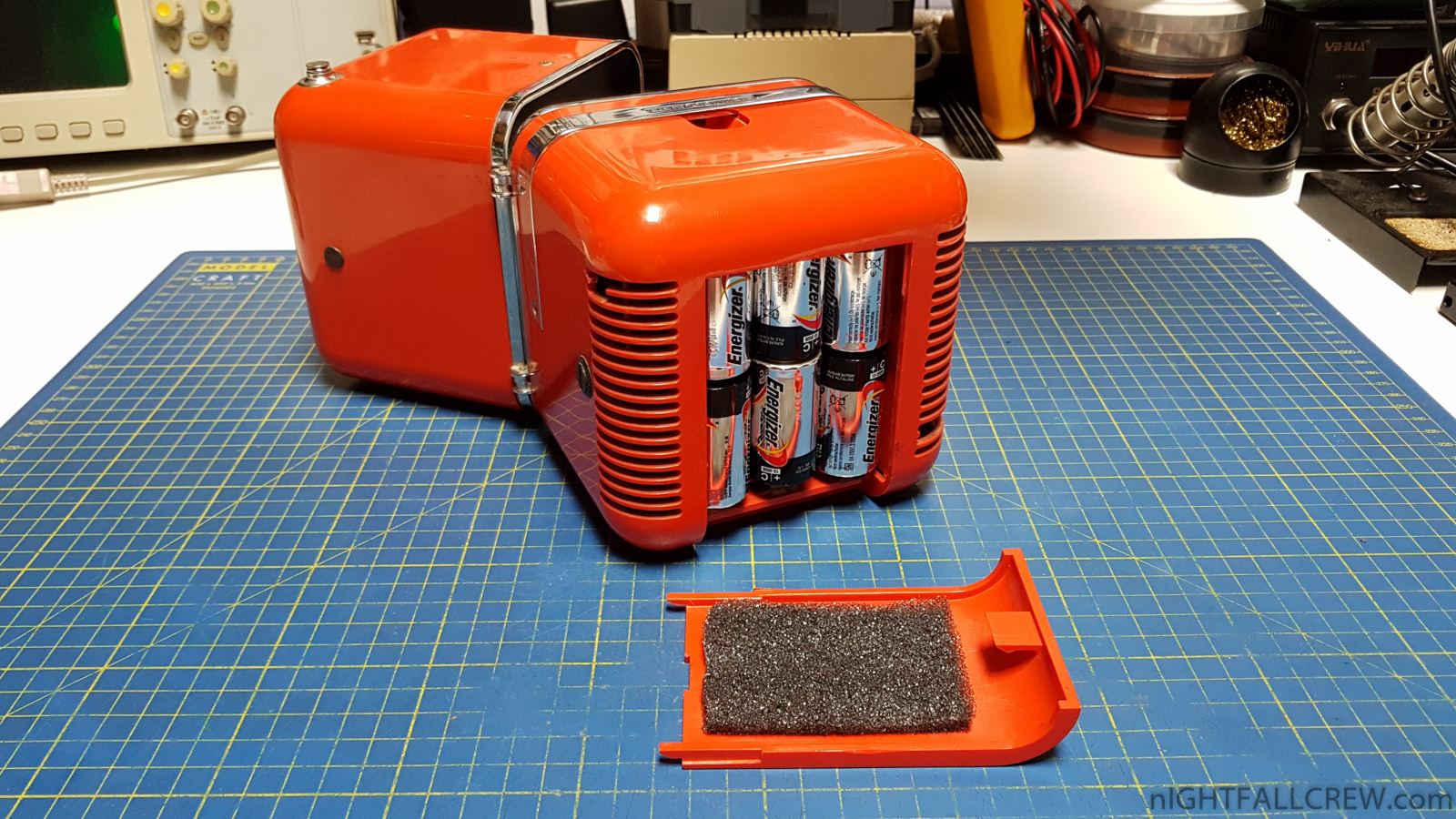
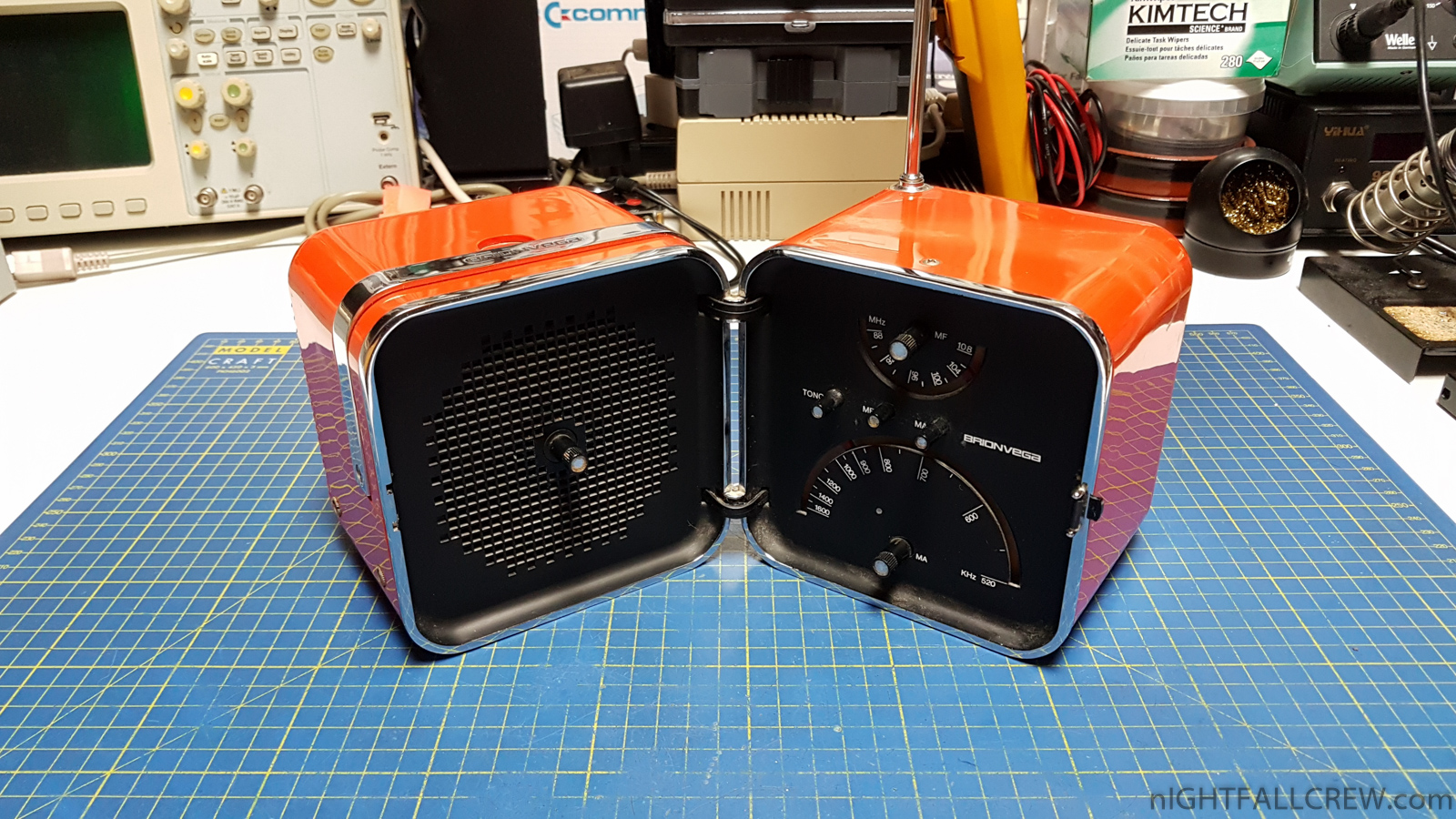
The problem of this radio of the late 60s was due to the lack of foam layer, certainly removed by someone.
The thin layer of foam inside the battery holder is needed to lock the batteries in their position, missing this thin layer of foam the radio turns off if it is bumped or moved.
Gallery:
source: museoscienza.org
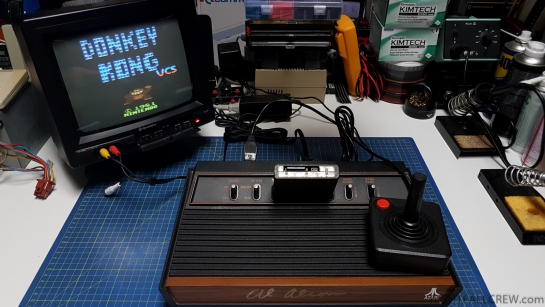
Atari 2600 (4-switch units) PAL Composite Video Mod for my friend Charlie.
Gallery:
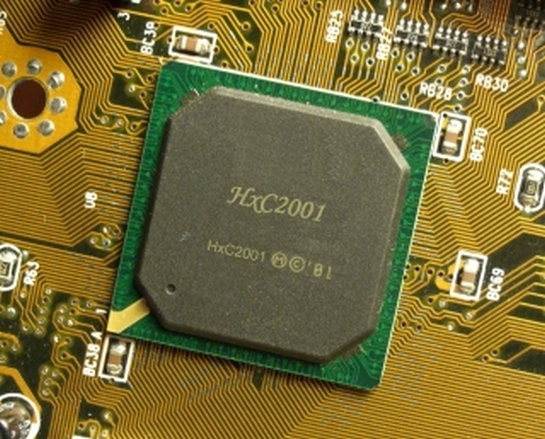
Jean-François DEL NERO (who’s behind the HxC SD Floppy Emulator) recently has released a version of the HxC emulator firmware that is compatible with the STM32 chip used in the Gotek floppy emulators.
This means that the great functionality of the HxC SD emulator is now available on cheaper and more widely available hardware.
The bootloader to convert the Gotek floppy drive in HxC compatible must be purchased on the website HXC 2001 by sending an email to Jean-François DEL NERO. The price of the bootloader is one-off 10 Euro per Gotek that you want to update. Future updates of the software are free and can be made from a USB stick
The HXC Usb (Gotek) firmware supports:  + many more….
USB Stick STM32 (Gotek) HxC Floppy Emulator Firmware v3.1.60.5a -> v3.3.1.2a cumulative changelog:
- Fix multi-screens support (OSD + 7 segments screens)
- New Major feature !!! : On screen display support (OSD overlay)
- The HxC firmware for Gotek now support the On Screen Display !
- You can now select images and see the drive status on the machine’s screen without any additional software or LCD/OLED !
- No need to make holes in the machine case anymore ;).
- Picture: https://hxc2001.com/download/floppy_drive_emulator/HxCGotek_OSDAmiga1.jpg
- You only need 2 wires and a resistor to connect the Gotek to the machine’s video signals :
- One wire is used for the CSYNC video signal (Composite Sync), the other wire for the red, green (prefered) or blue signal.
- One resistor must be put in serie on the color signal between the Gotek and the machine.
- You can use a value between 220 and 470 ohms for this resistor. A potentiometer can be also used to tune the OSD brightness/contrast.
- This was currently tested on Amiga 500, Atari STE and Amstrad CPC 6128 machines, but should work with any machines having a composite sync signal.
- HxC Firmware for Gotek OSD wiring:
- Gotek wiring:
- Amiga 500:
- Amstrad CPC6128:
- Atari STE:
- Power supply voltage measurement:
- You can now see/read the power supply voltage incoming to the floppy emulator.
- This feature is quite useful to check the machine power supply state/working condition.
- If you want to use this feature you must add this voltage divider to measure
- the power supply on the JC jumper input :
- VSS/GND|—| 1Ko Resistor |–(JC pin)–| 4.7Ko Resistor |—< 5V Power Supply input.
- ( See https://hxc2001.com/download/floppy_drive_emulator/HxCGotek_voltage_system_monitor.jpg )
- Notes:
- Use +/-1% Resistors if possible.
- This voltage divider support up to 18V.
- Use the embedded menu to access the system monitor :
- Press both buttons to enter the menu. Choose “System Monitor” or “E ” if you have the original 7 segments display.
- “Temperature” menu renamed “System Monitor”.
- On-die STM32 temperature sensor support : You can get the current CPU core temperature from the embedded menu :
- press both buttons to enter the menu. Choose “temperature” or “E ” if you have the original 7 segments display.
- Blackberry trackball : Sensitivity reduced/better usability.
- External/Additional select button support : Behavioral fix -> remove glitch-like effect when selecting images.
- Fix the short and long read emulation pipeline buffer size options (custom fw web page).
- HFEv3 : Weakbits support added.
- Fix the files extensions display option : you can now also hide the file name extensions in selector/indexed mode.
- New major feature ! : Auto mount USB stick folder to a FAT/DOS compatible virtual floppy !
- This feature allows you to directly put your files in a stick’s folder and mount this folder as a FAT/DOS floppy disk !
- You can use it with any machine compatible with the FAT file system (PC, Atari ST, lots of keyboards/samplers and CNC machines…).
- To use this feature, copy an empty/preformatted DOS IMG image to the stick path “/mount/emptyfat.img”
- This image can be a 720KB or 1.44MB blank DOS image or any other FAT compatible blank image.
- You can use the HxC Floppy Emulator software Disk Browser to create it or take the ones present in the firmware archive.
- Once you select a “mount source” folder on the emulator, the emptyfat.img file is duplicated to a “MOUNTED.IMG” file.
- Then all files/subfolders present into the selected folder are added into this duplicated image.
- (Note : the emptyfat.img remains untouched).
- Your “mount sources” / root folders should have the extension “.mnt” to be mounted by the emulator :
- example : “myvirtualdisk.mnt”
- This new feature can be used with the “normal”/direct browsing (oled/lcd screen usage) and indexed modes.
- For the indexed mode just put the DSKAXXXX prefix in the mount point folder name.
- example : “DSKA0000_MyMidiFiles.mnt”
- Please note that the image duplication and files copy operations can take some seconds.
- I will try to optimize/speedup the mount operations in the next releases.
- Let me know if you have any problems or any suggestions/questions/comments on the HxC forum or by email.
- FAT 12/16/32 layer write support enhanced to create entries (files & folders) and allocate clusters.
This is only a little part of the changelog. The original one is very long and you can read it here. (instruction manual here)
The HxC Floppy Emulator Firmware Customization page: https://hxc2001.com/custom_fw/
Download: USB Stick STM32 (Gotek) HxC Firmware v3.3.1.2a (1079)
source: hxc2001.com


Recent Comments