
Autopsy:
from Wikipedia:
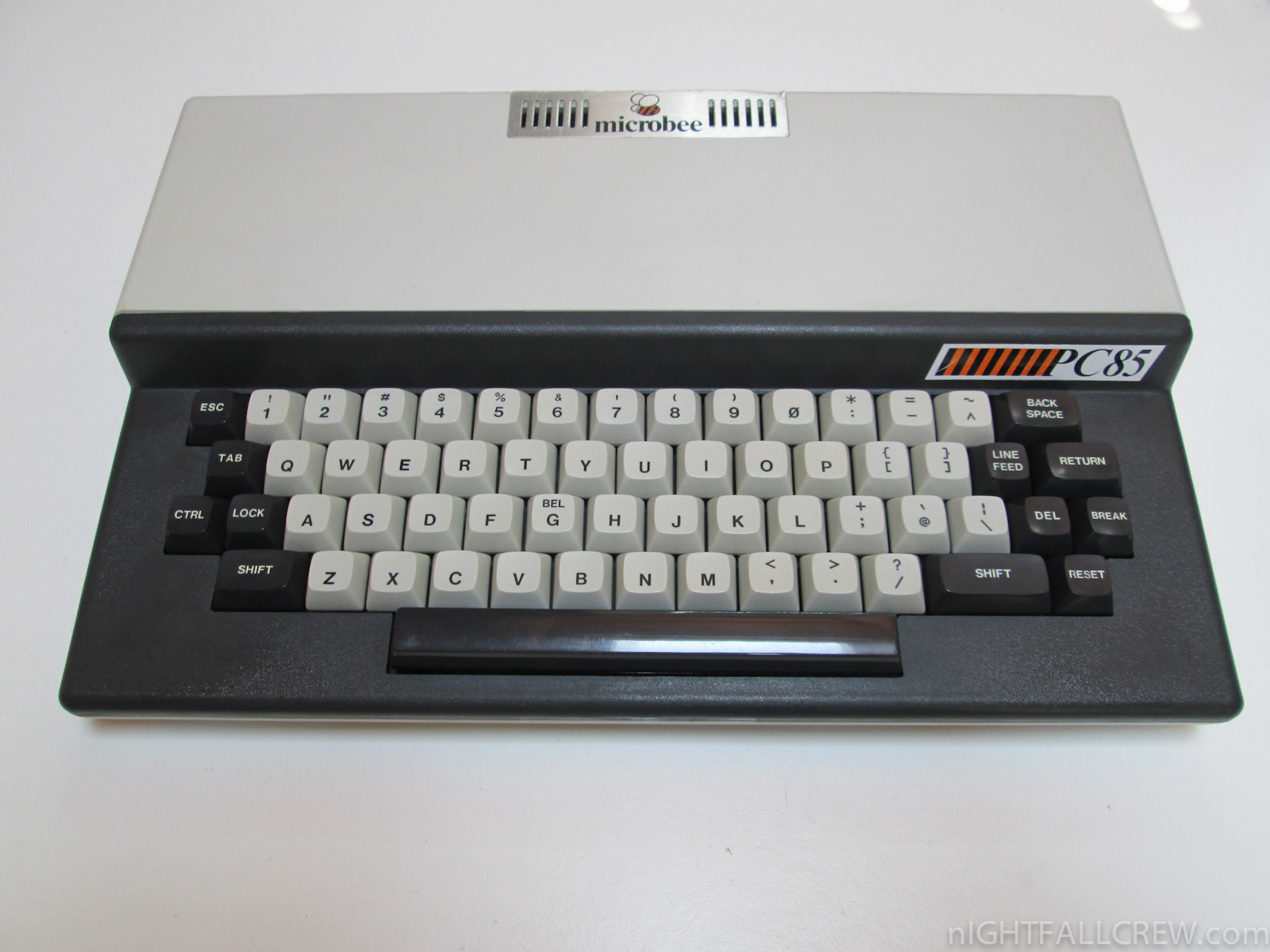
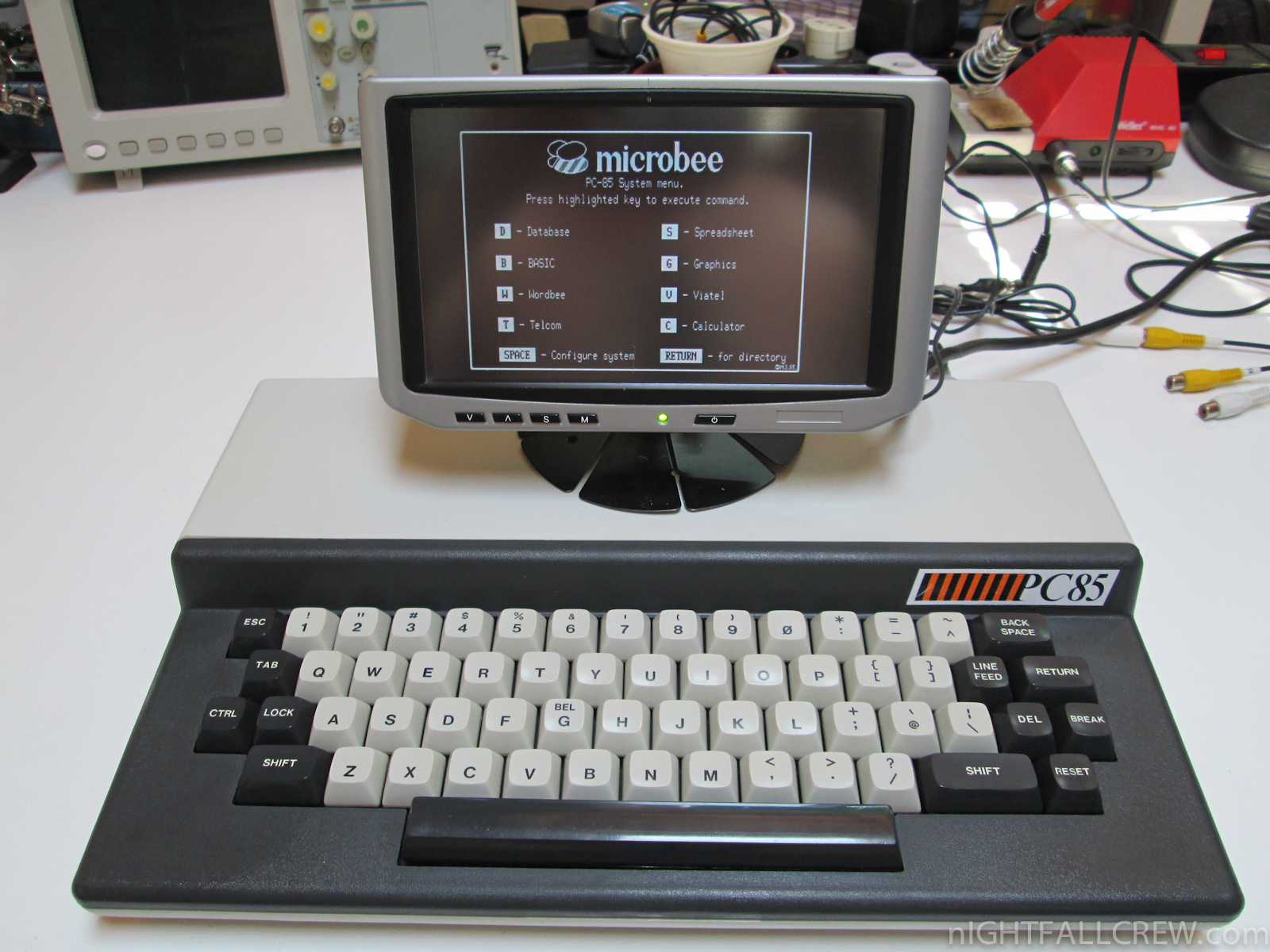
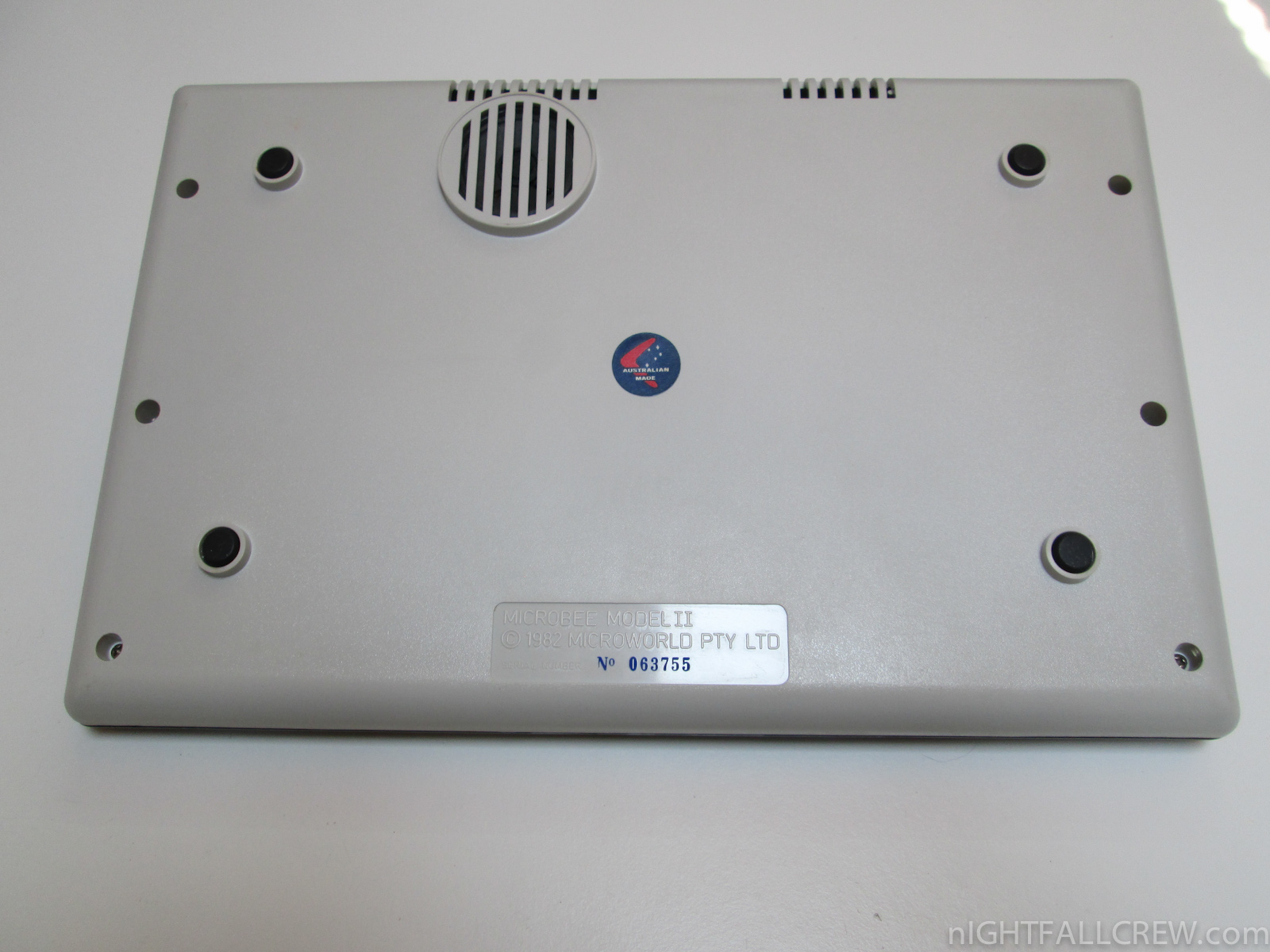
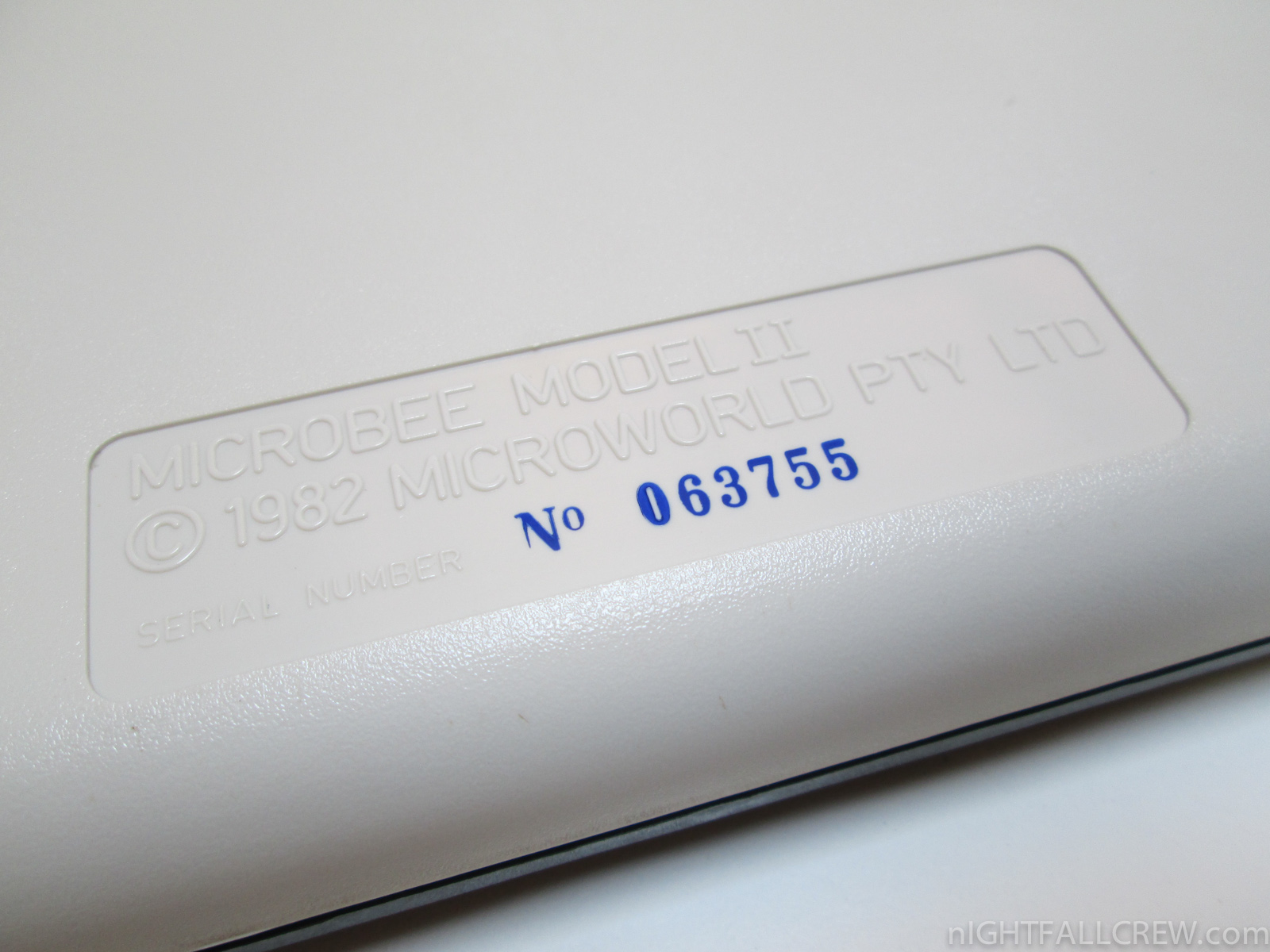
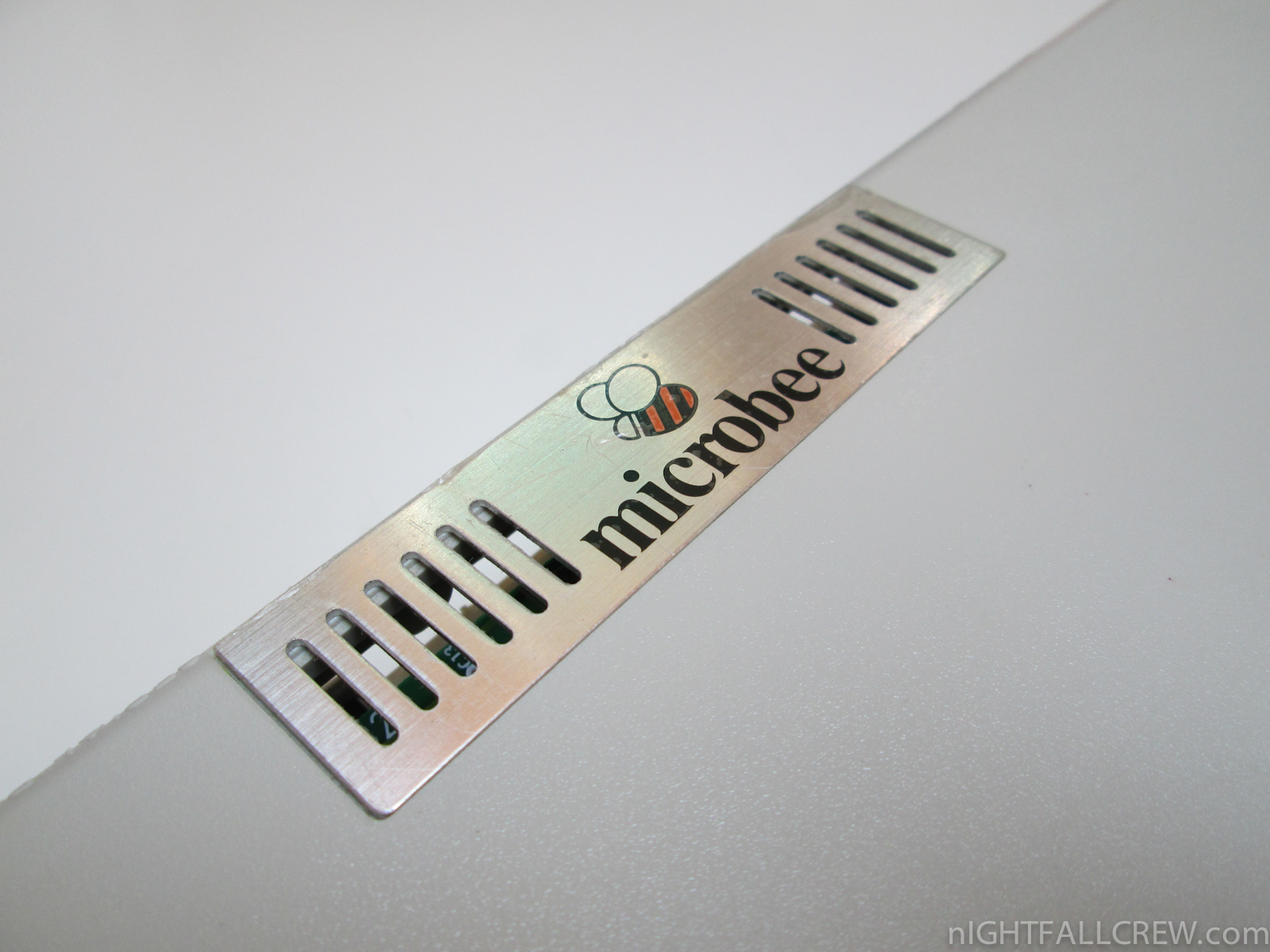
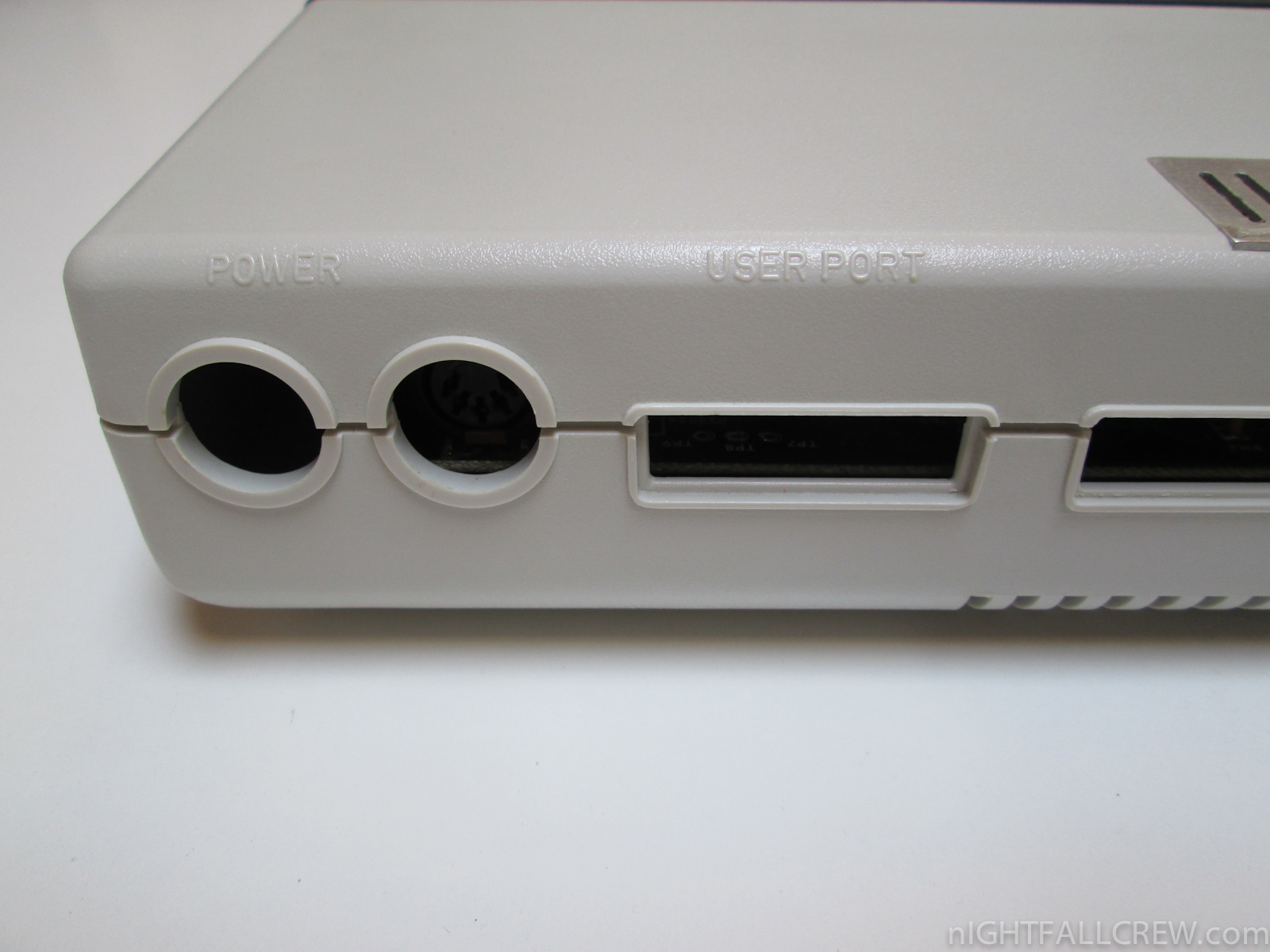
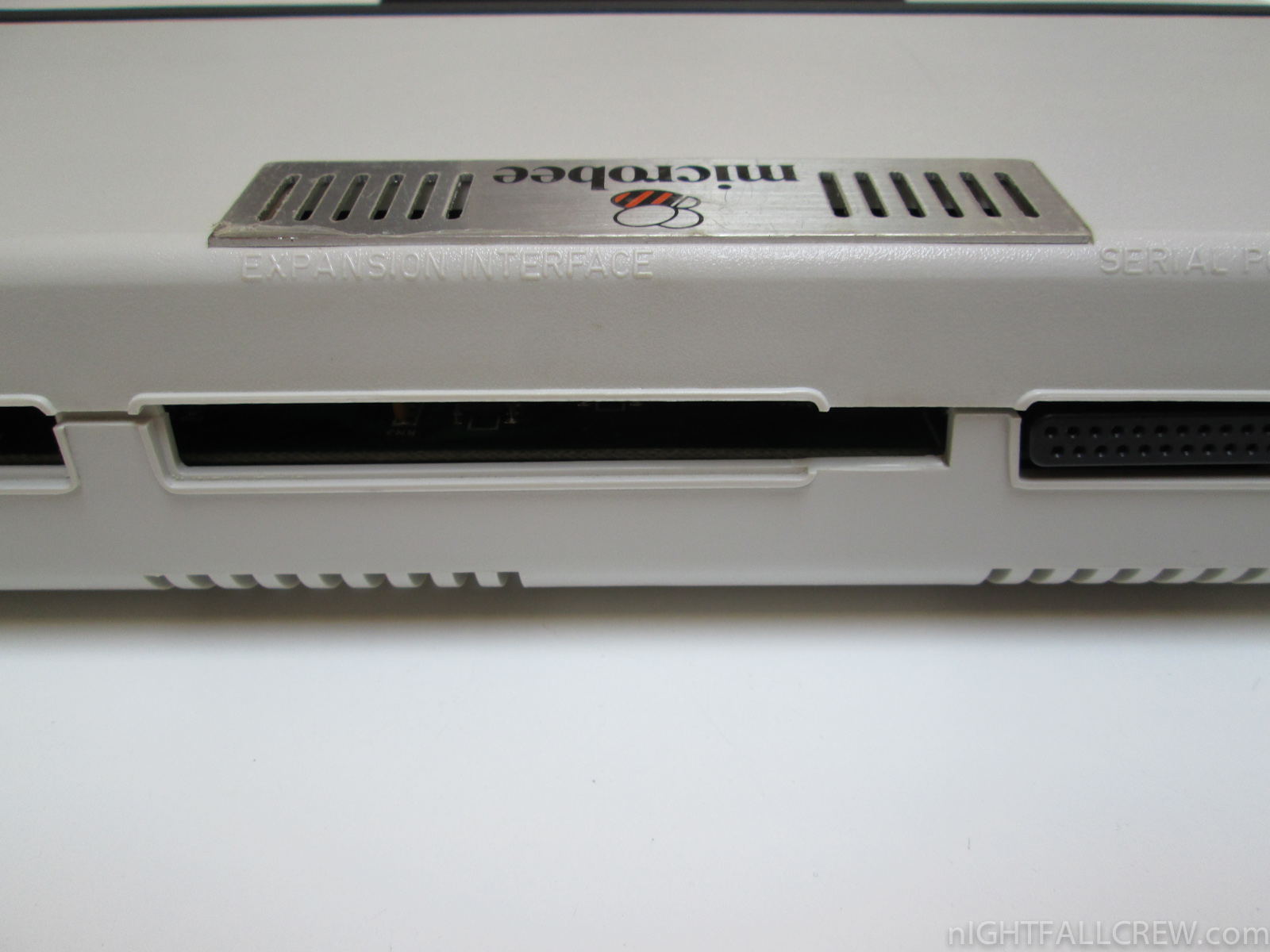
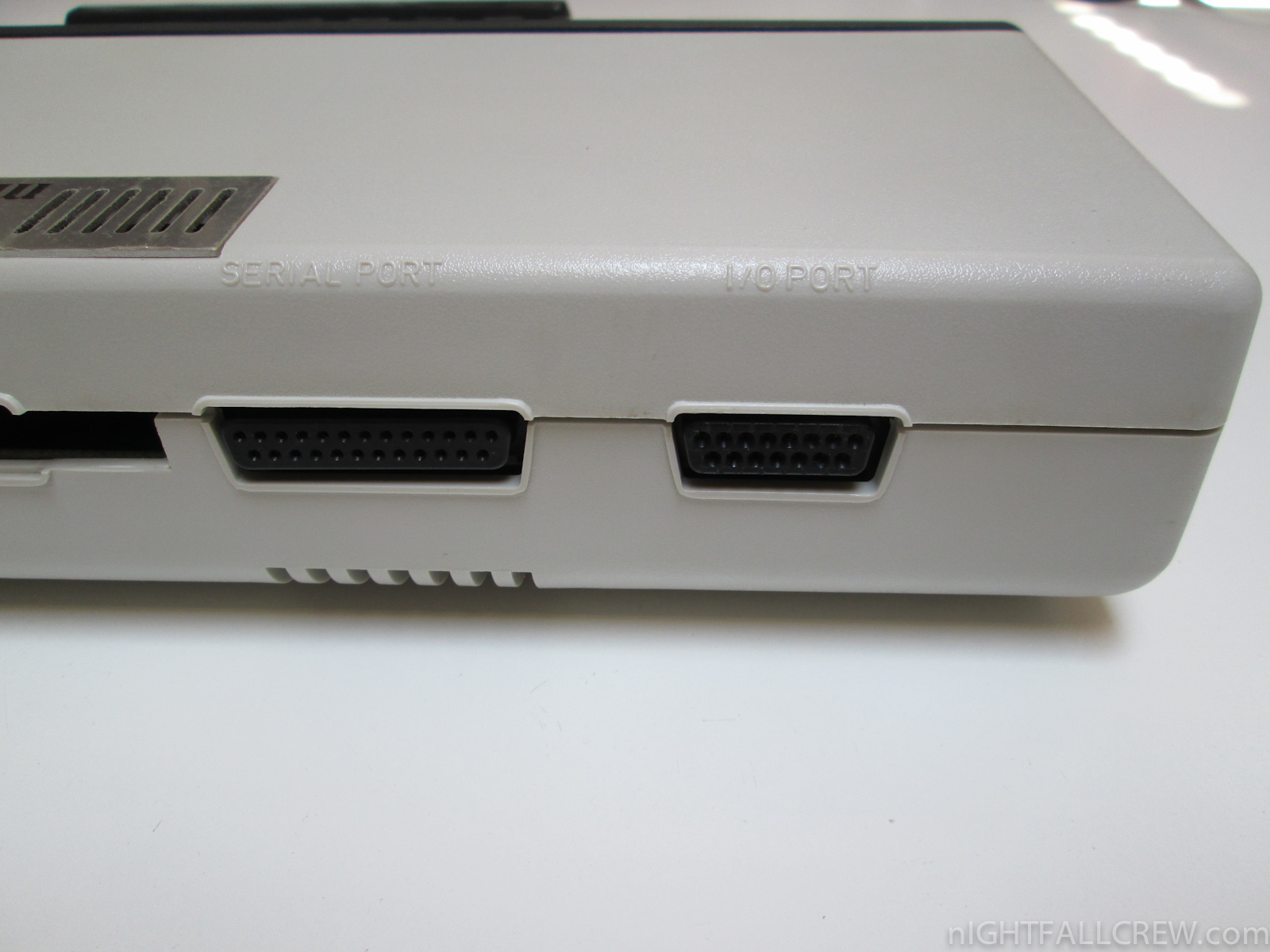
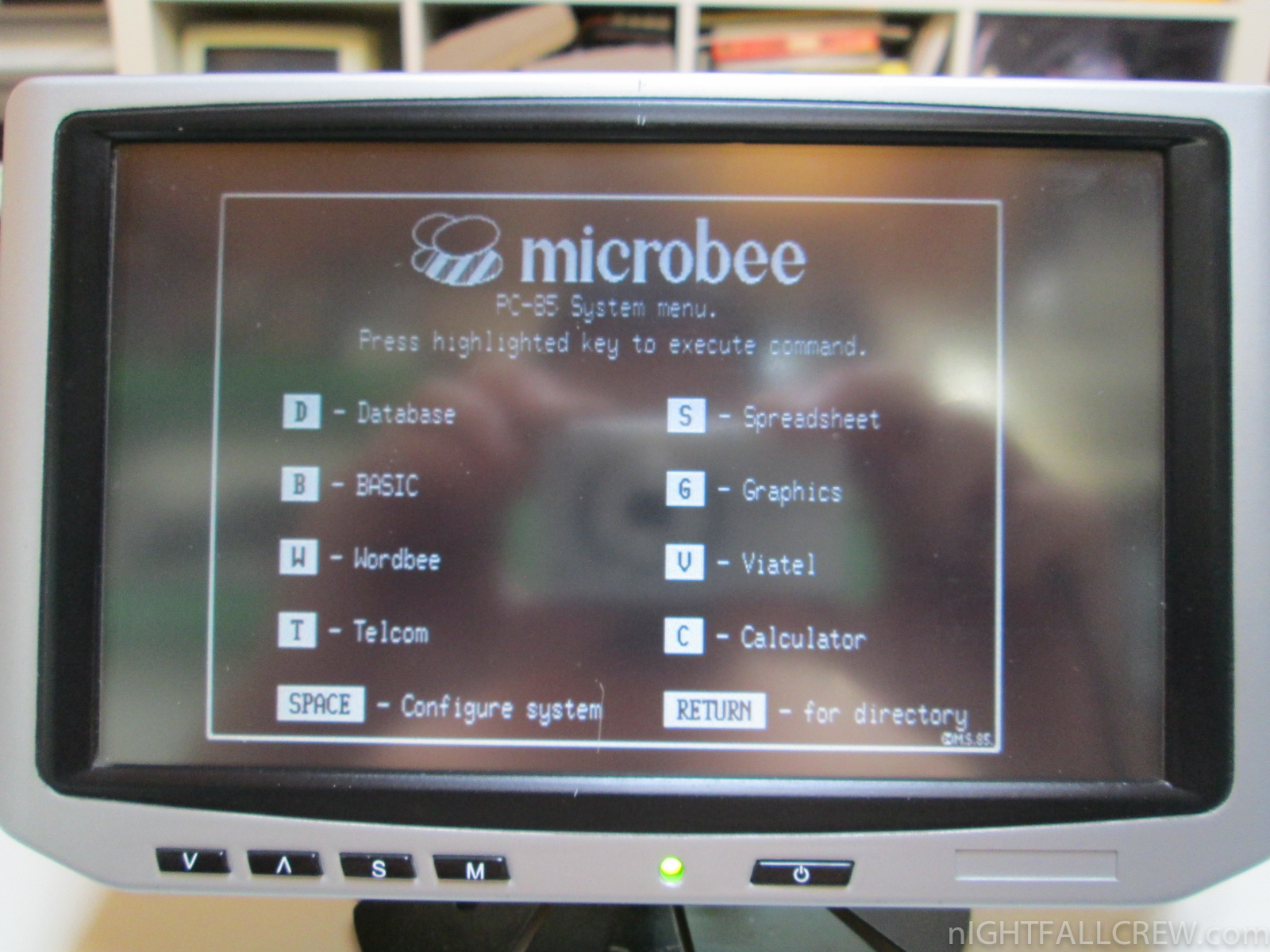
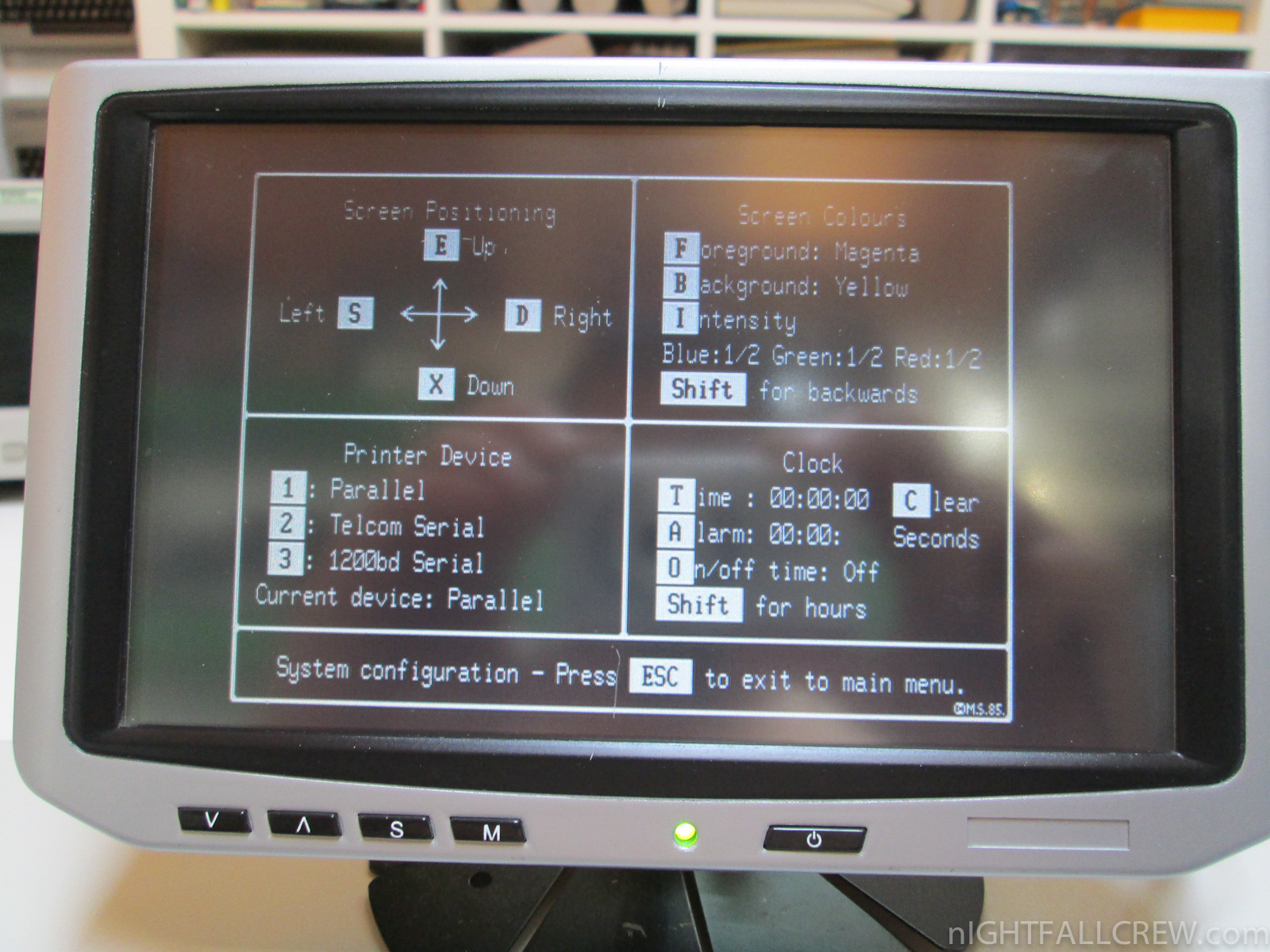
MicroBee (Micro Bee) was a series of home computers by Applied Technology, later known as MicroBee Systems.
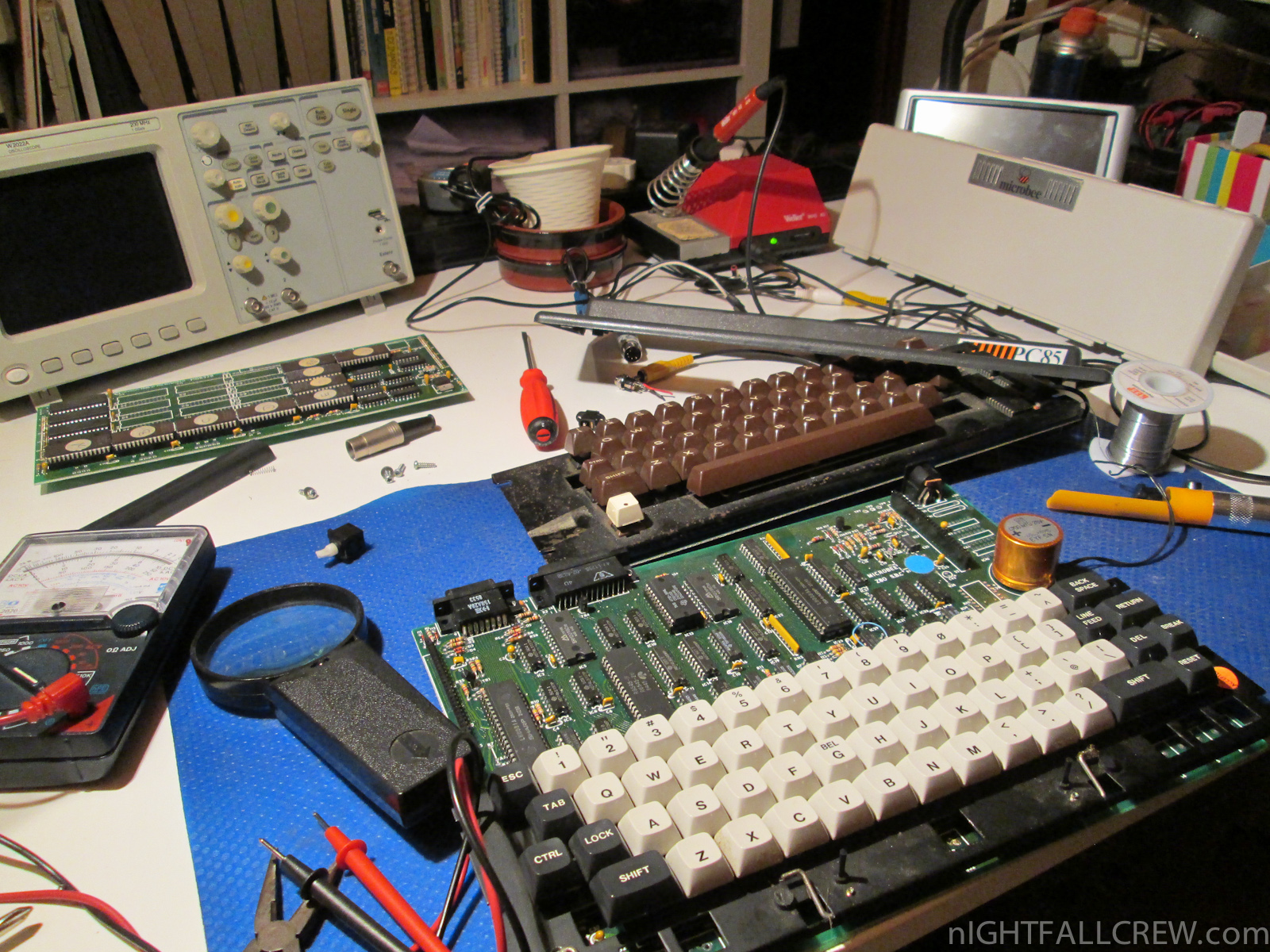
The original MicroBee computer was designed in Australia by a team including Owen Hill and Matthew Starr. It was based on features available on the DG-Z80 and DG-640 S-100 cards developed by David Griffiths, TCT-PCG S-100 card developed by TCT Micro Design and MW6545 S-100 card developed by Dr John Wilmshurst. It was originally packaged as a two board unit, with the lower “main board” containing the keyboard, Zilog Z80 microprocessor, Synertek 6545 CRT controller, 2 kB of “screen” RAM, 2 kB of character ROM (128 characters) and 2 kB of Programmable Character Graphics (PCG) RAM (128 characters). Each byte in the screen RAM addressed a character in either the character ROM or PCG RAM. A second board, termed the “core board”, contained the memory, and on later models also included a floppy disk controller.
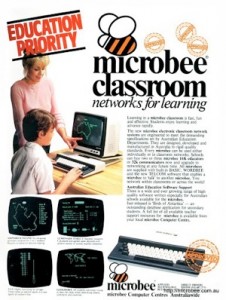 The computer was conceived as a kit, with assembly instructions included in Your Computer magazine, in June 1982. After a successful bid for the New South Wales Department of Education computer tender, the computer was repackaged in a two-tone beige and black case, and sold pre-built. The 16 kB ROM held the MicroWorld BASIC interpreter written by Matthew Starr and DGOS (David Griffiths Operating System) compatible System Monitor. In addition to the 16 kB ROM, there is additional ROM socket for optional programs such as WORDBEE (Word processor) or EDASM (a Z80 Editor/Assembler that was written by Ron Harris).
Original MicroBees ran at a clock speed of 2 MHz, with a video dot clock of 12 MHz, which was sufficient to display 64 × 16 characters (512 × 256 pixels) on a modified television or composite monitor. The original machines were supplied with 16 or 32 kB of static RAM, and stored programs on cassette, using 1200 Baud encoding.
Download: MicroBee PC 85 ROM Eprom Dump (1684)
source: wikipedia
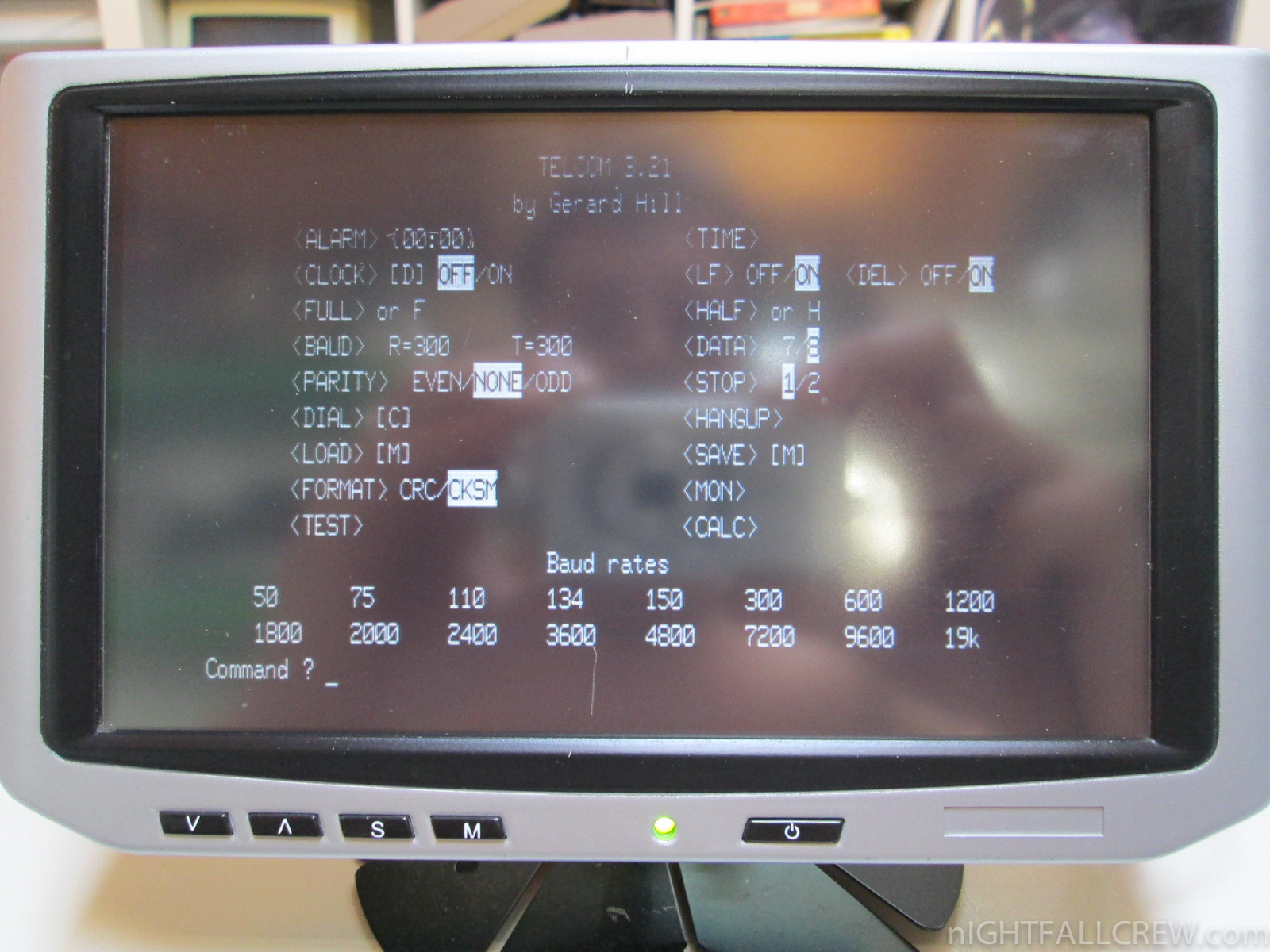
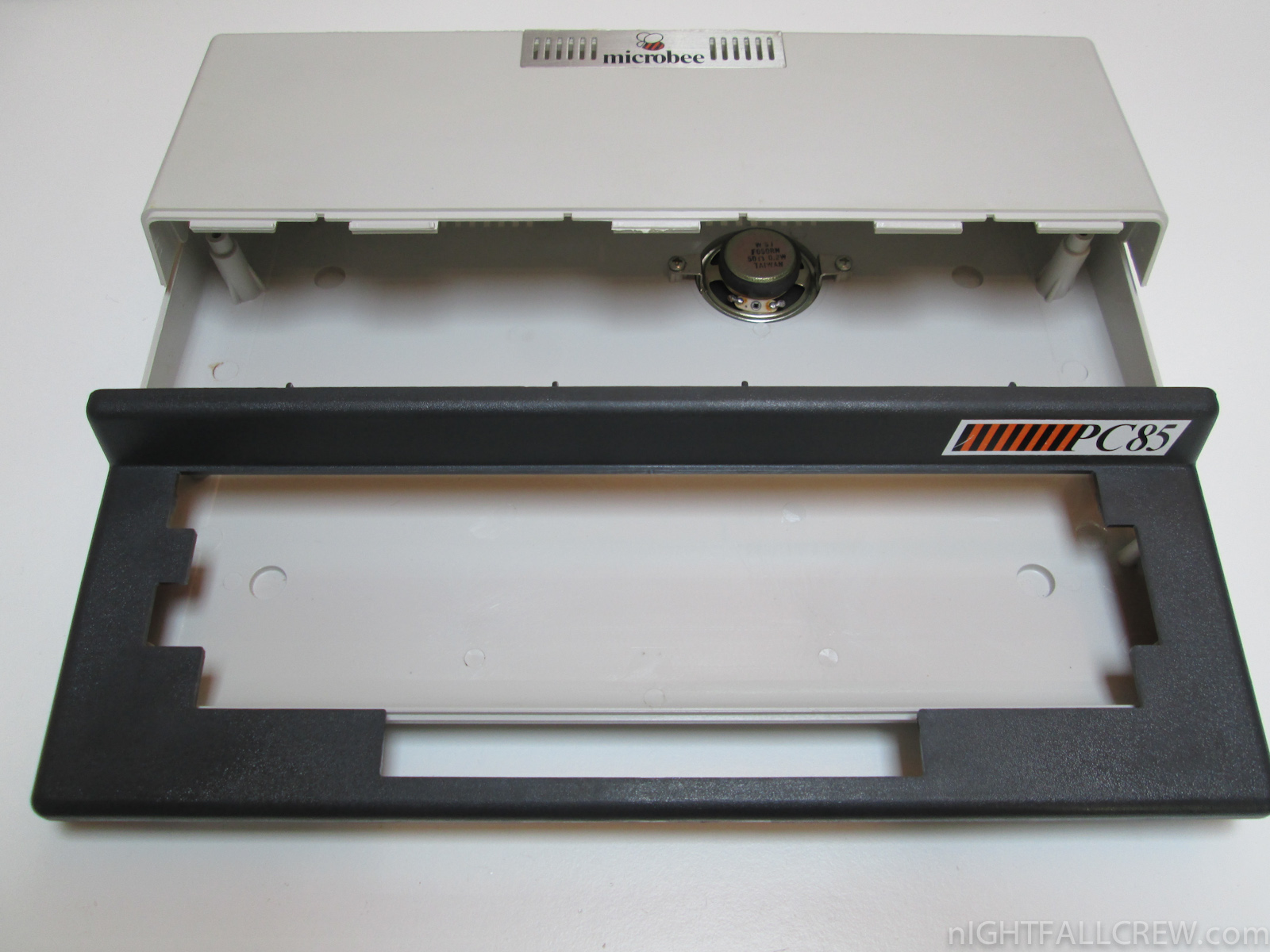
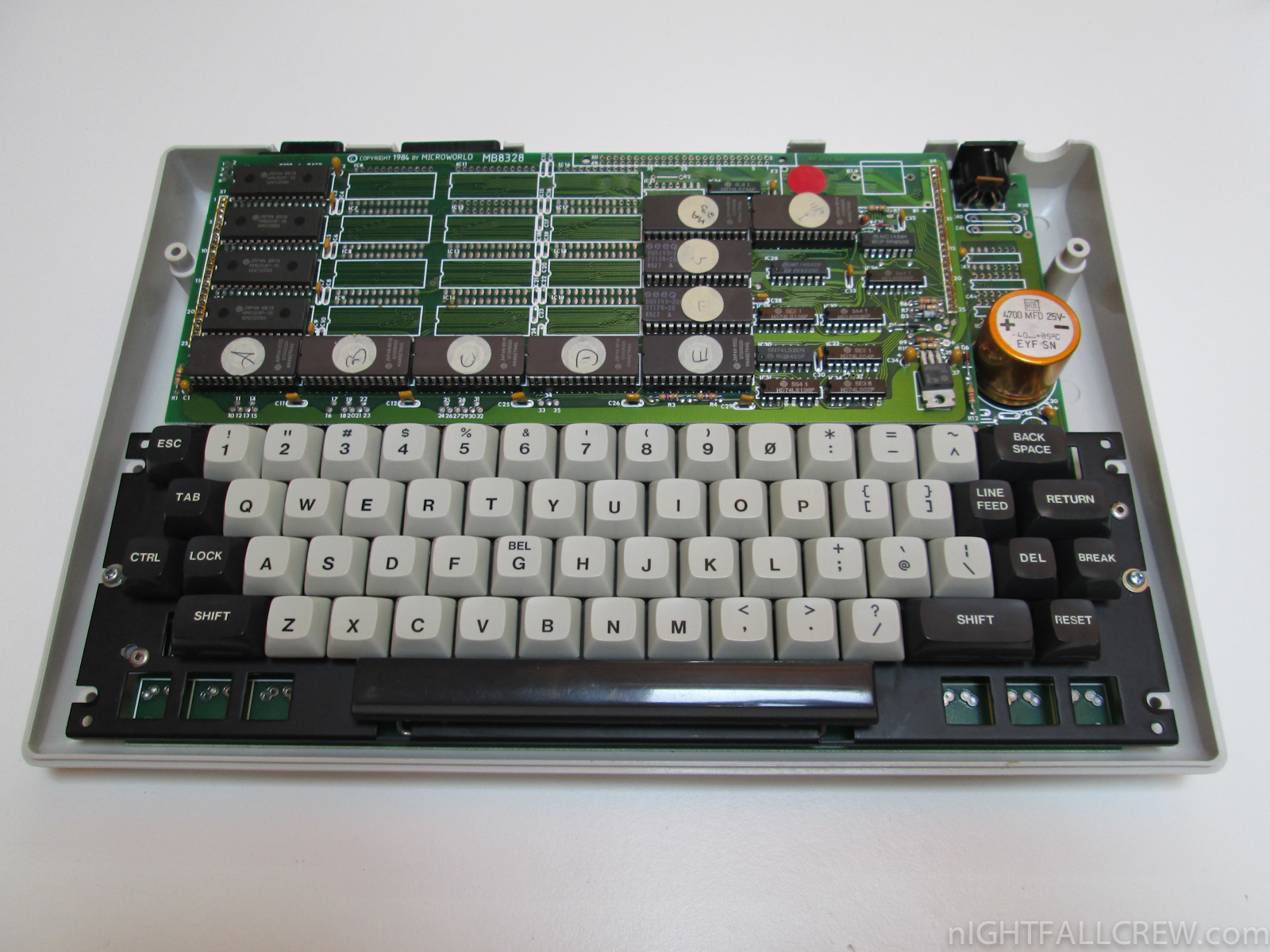
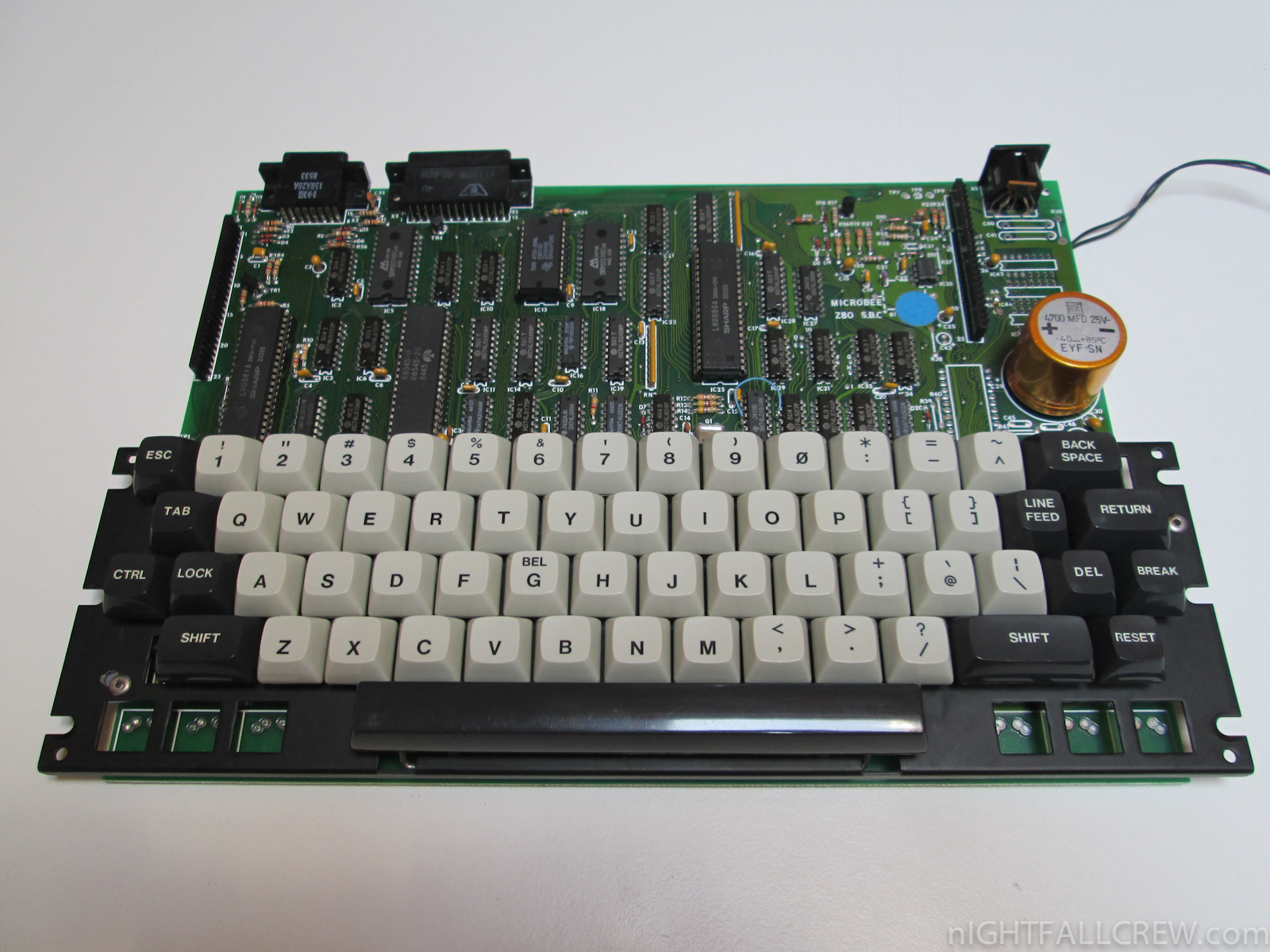
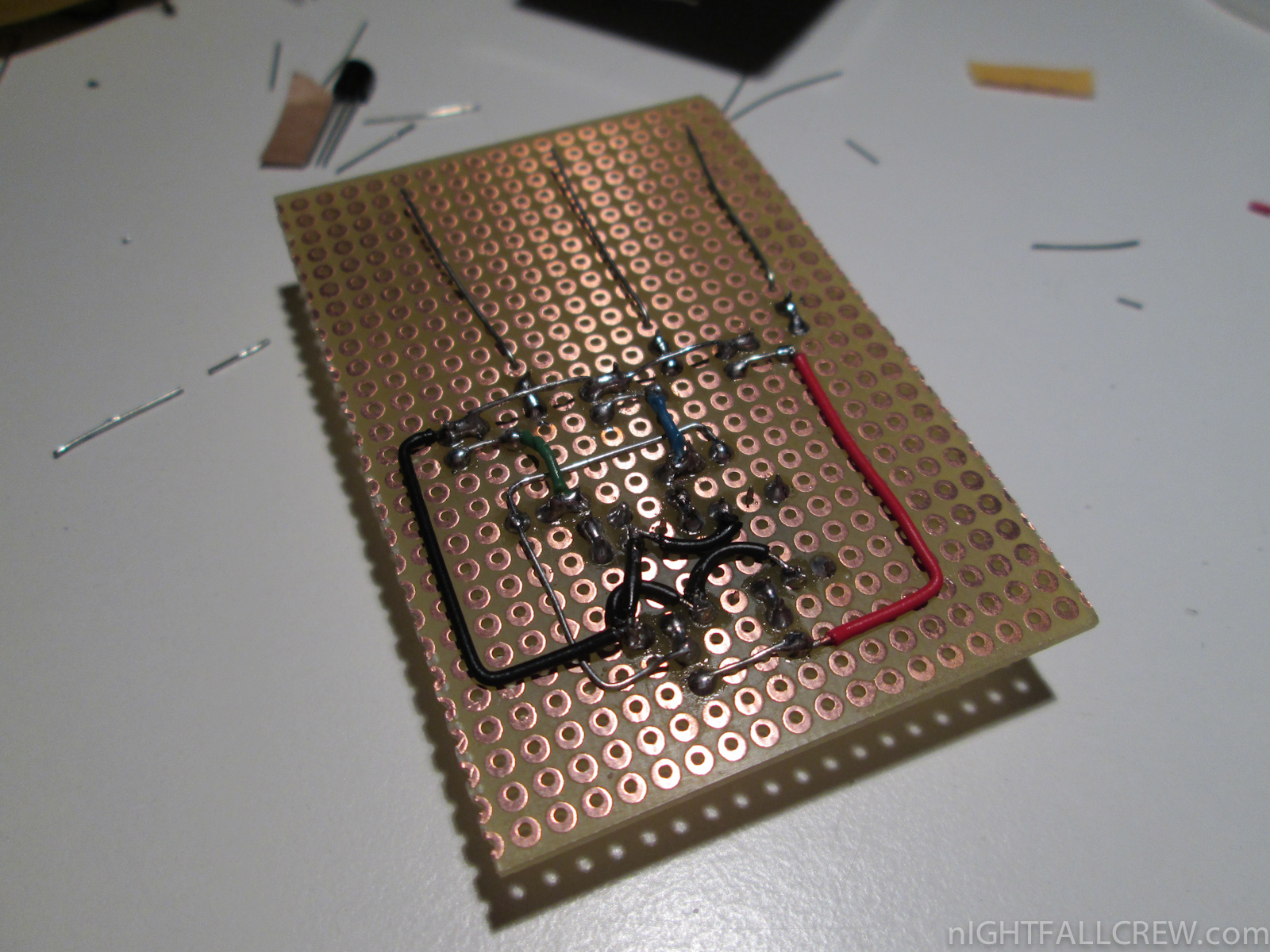
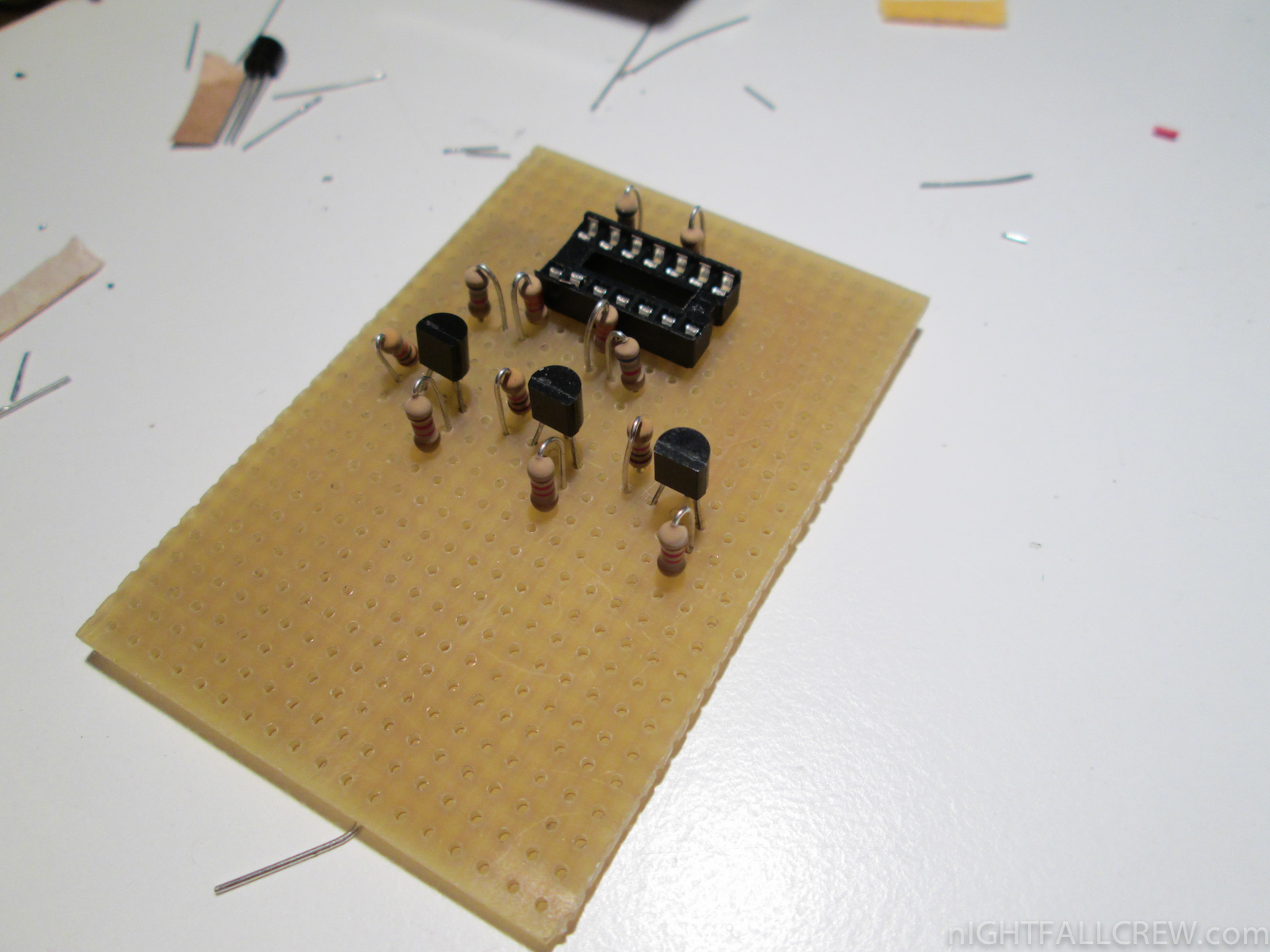
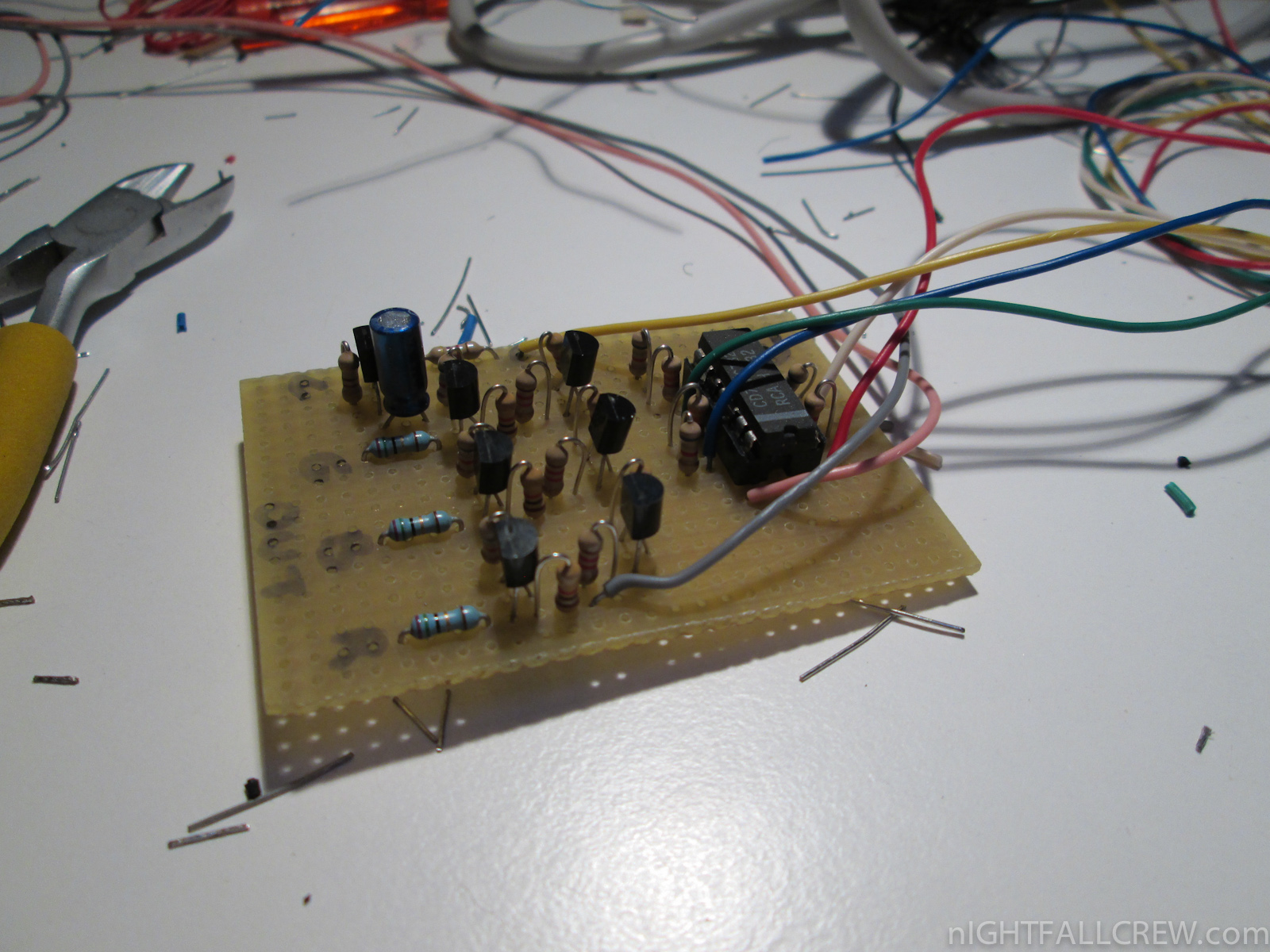
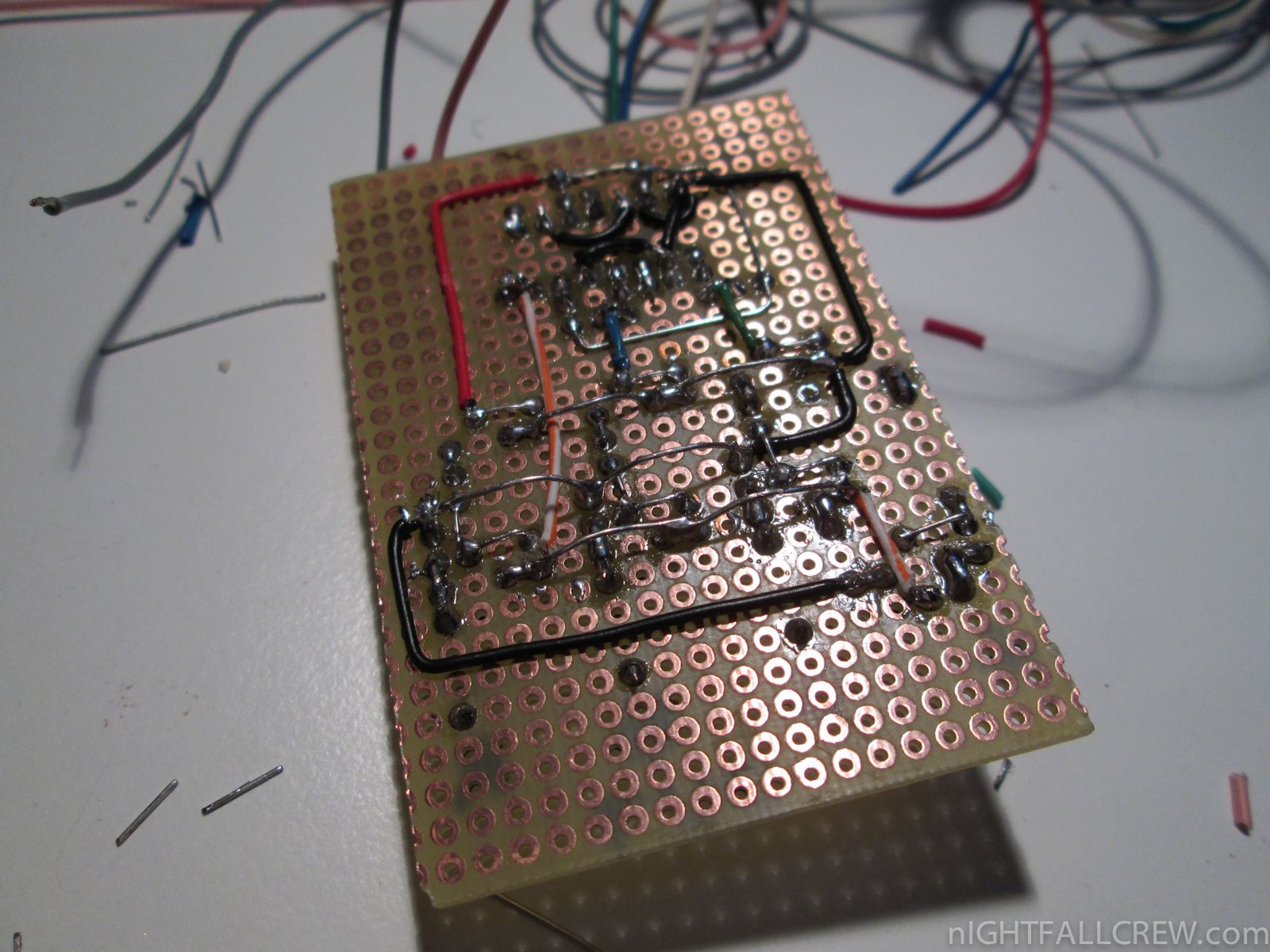
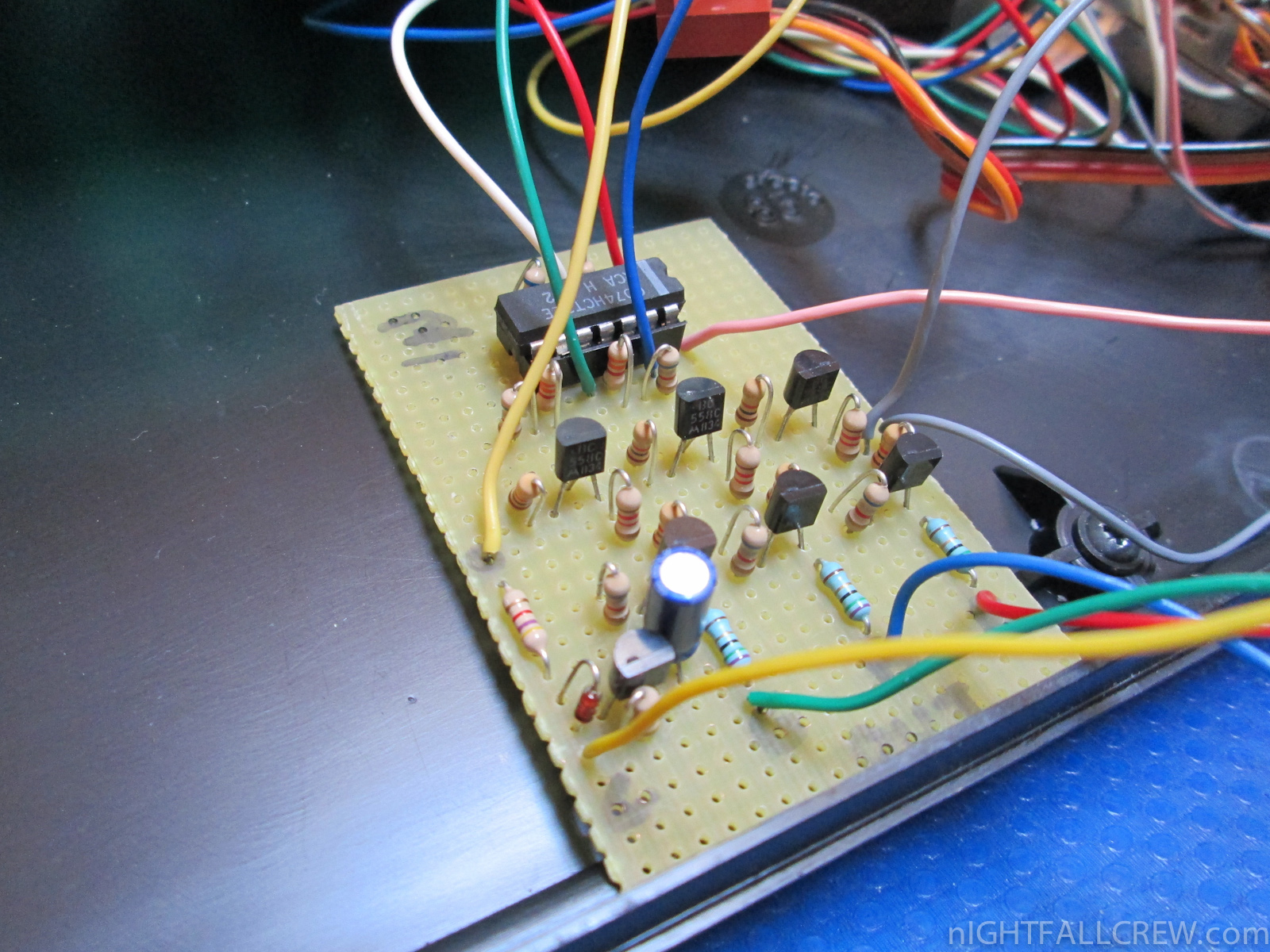
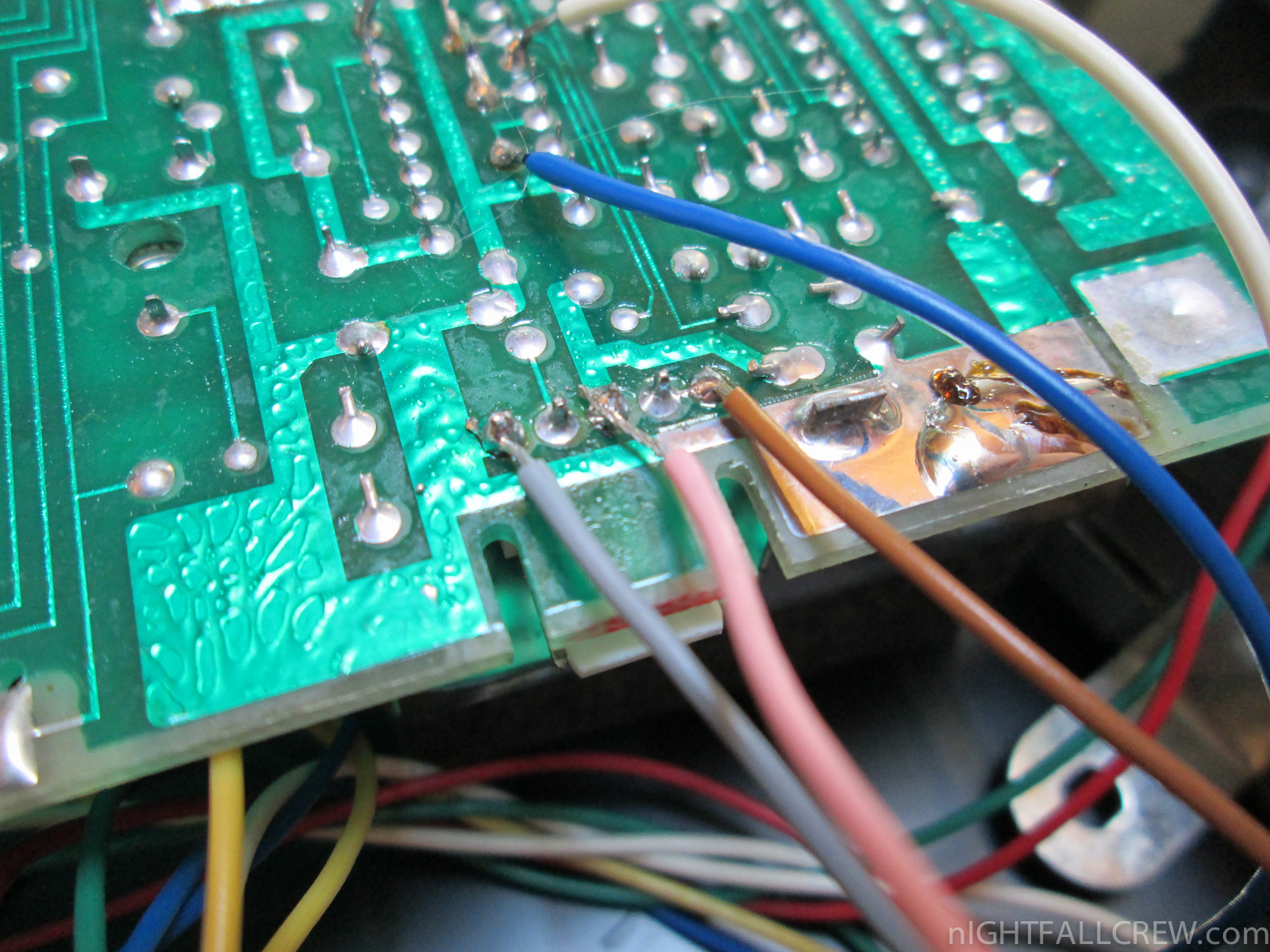
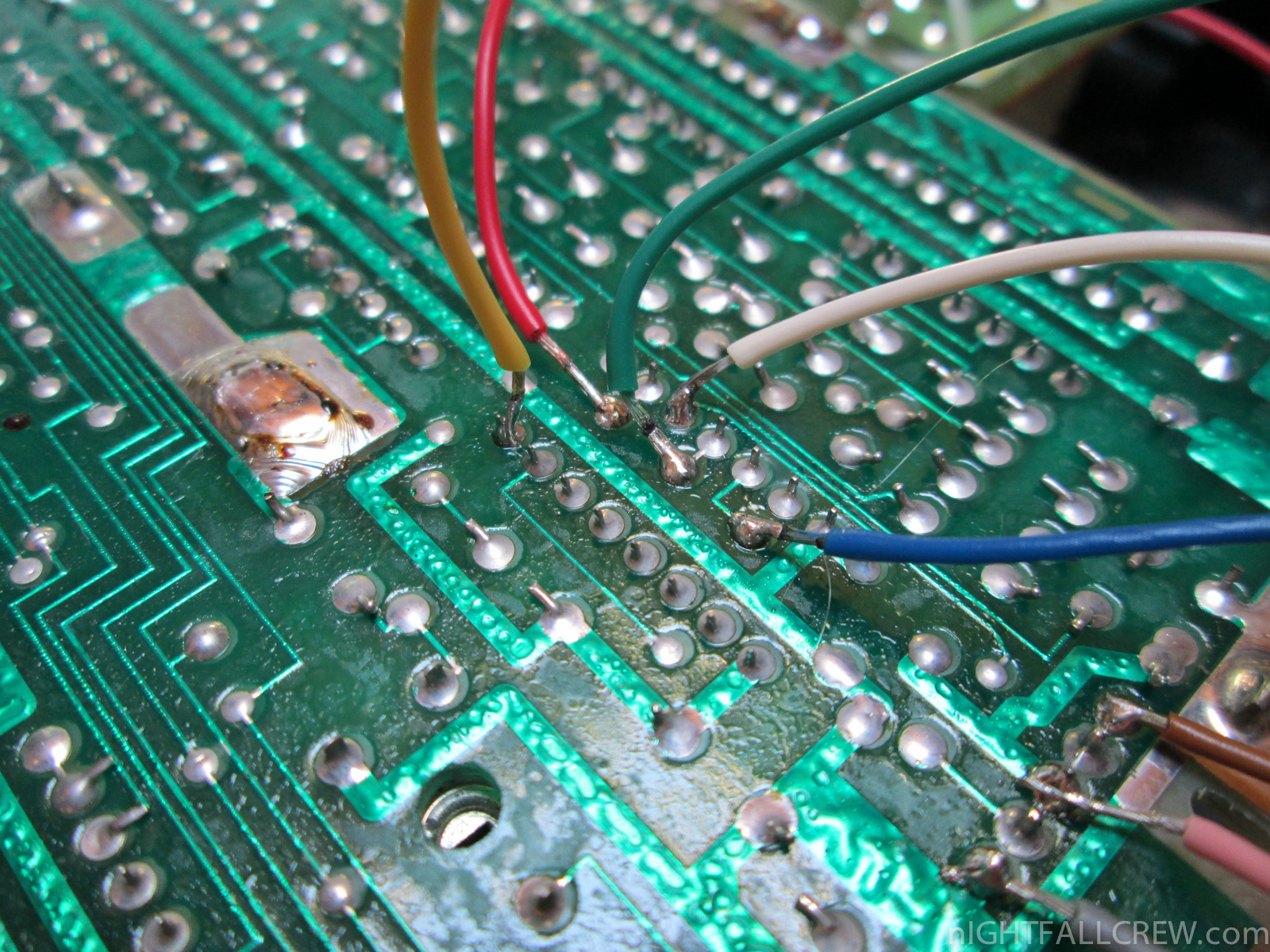
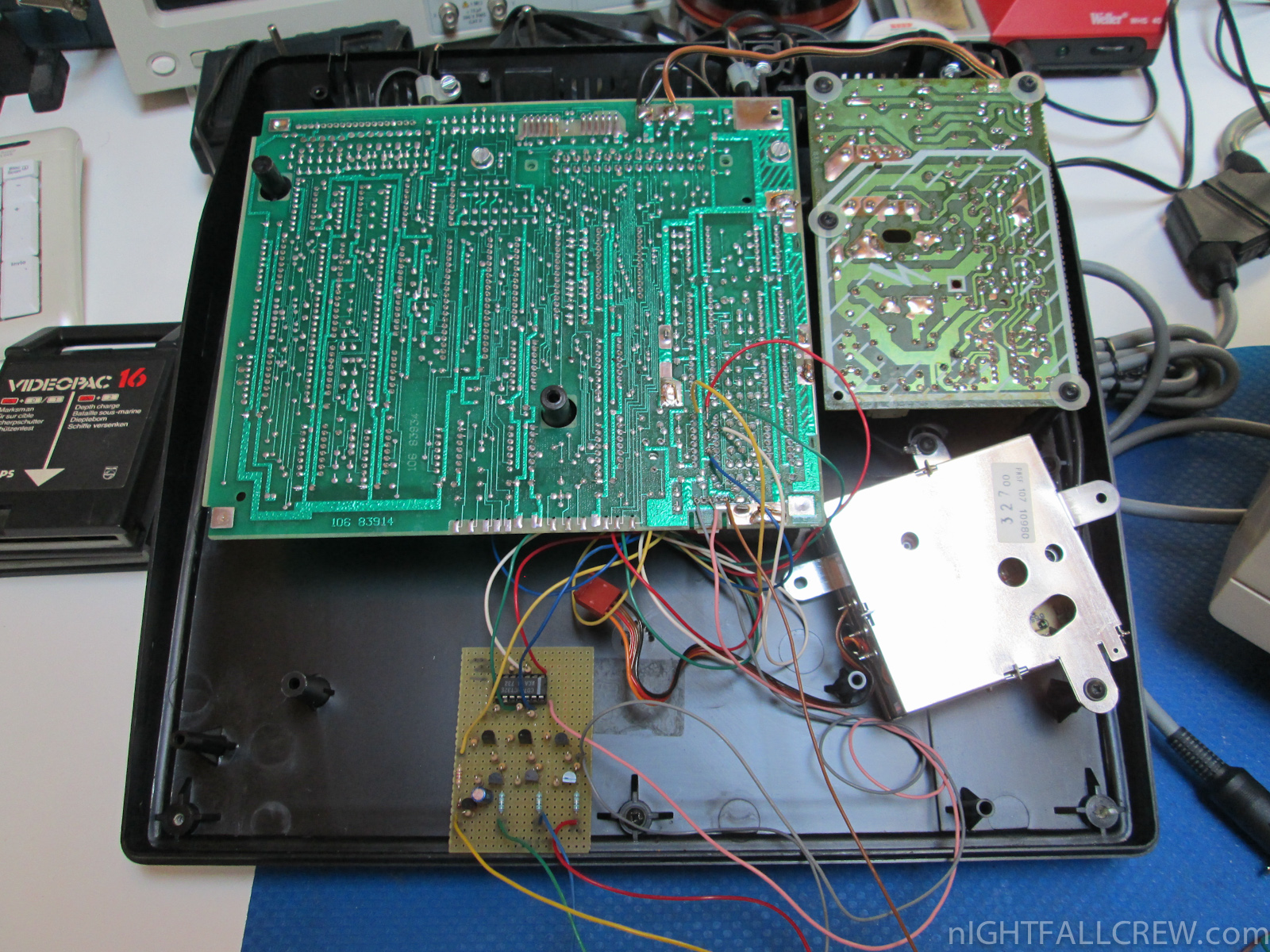
 The HxC Floppy Drive Emulator is a software and hardware system created by jfdn aka Jeff.
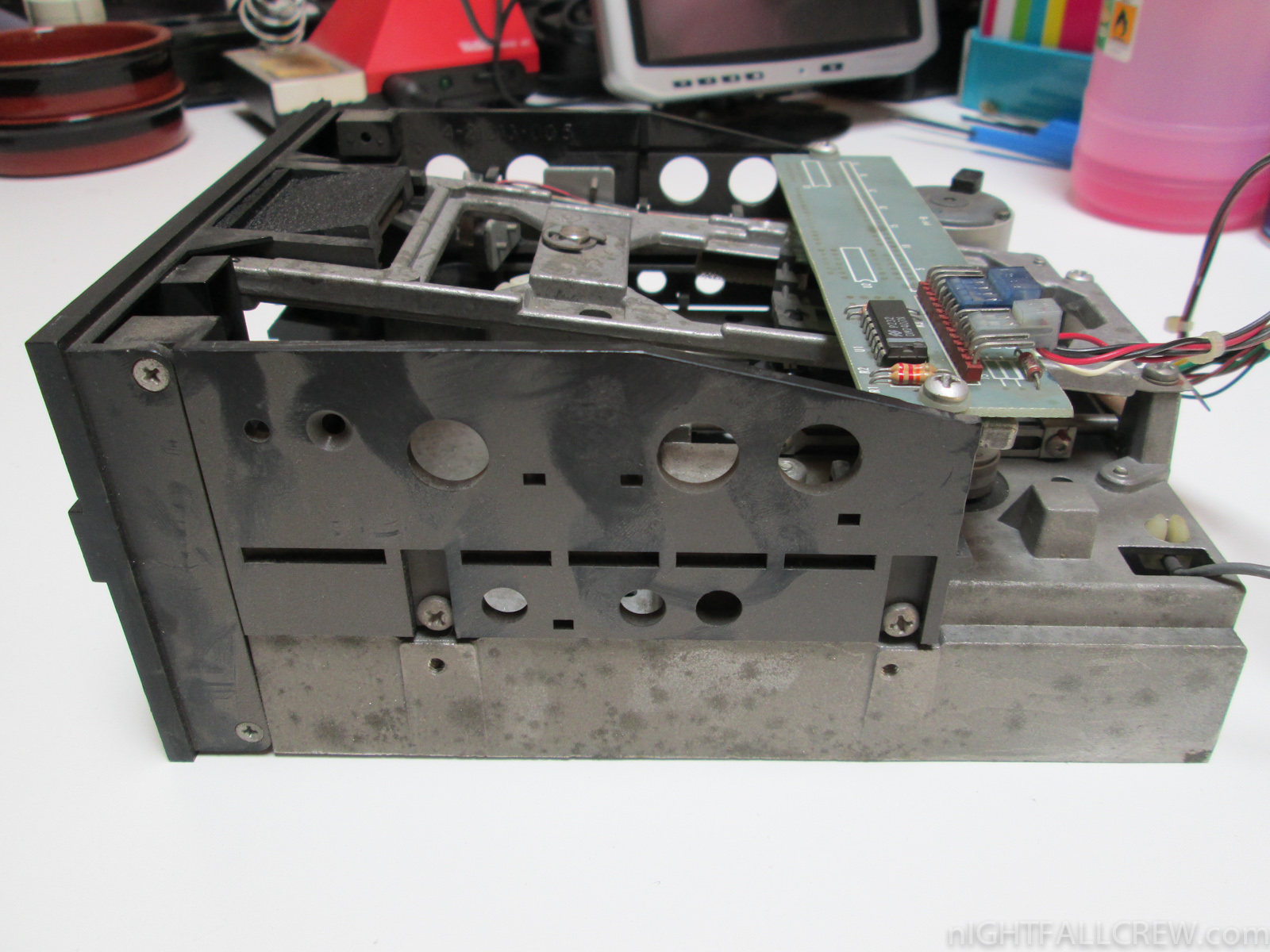
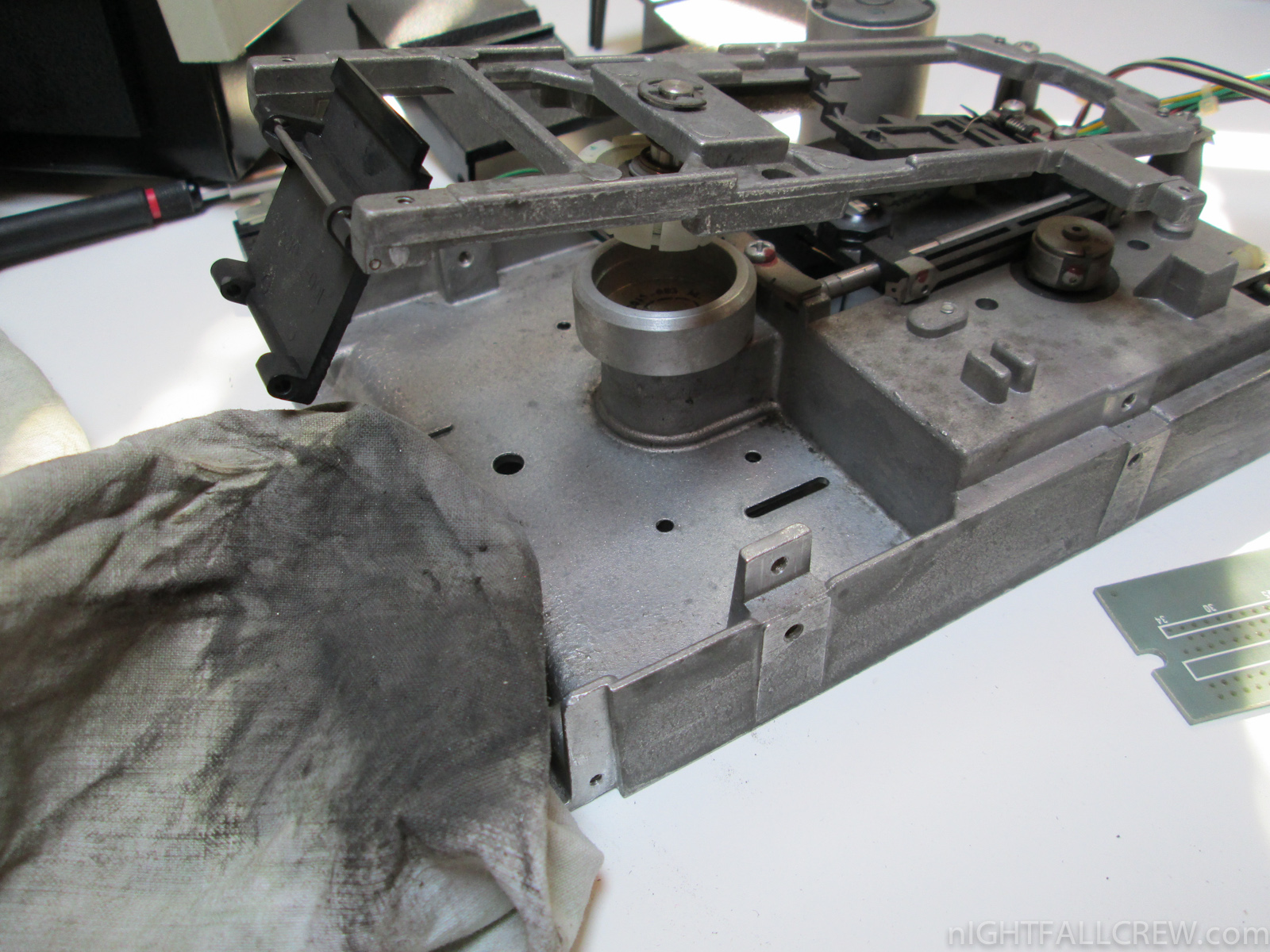
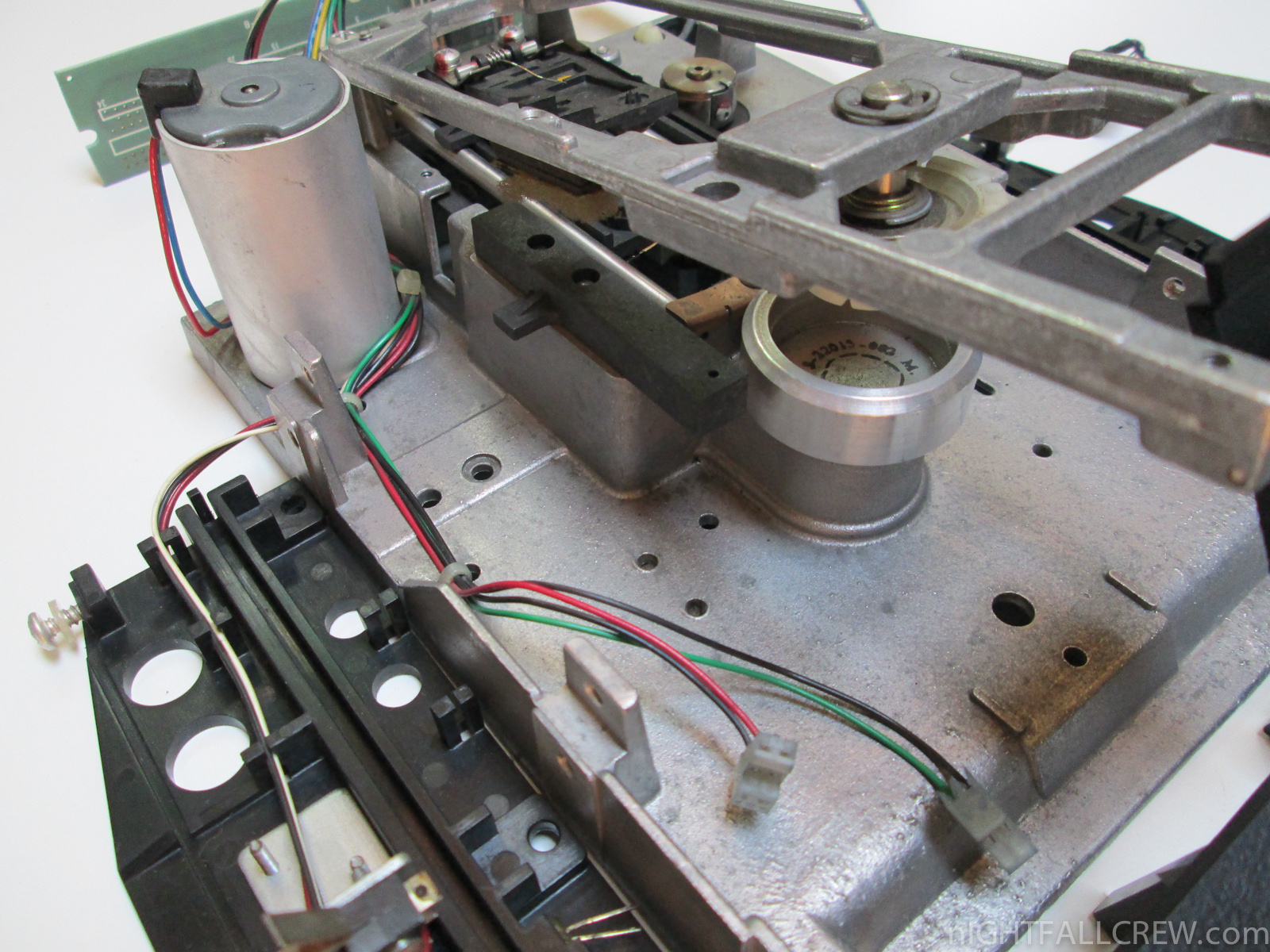
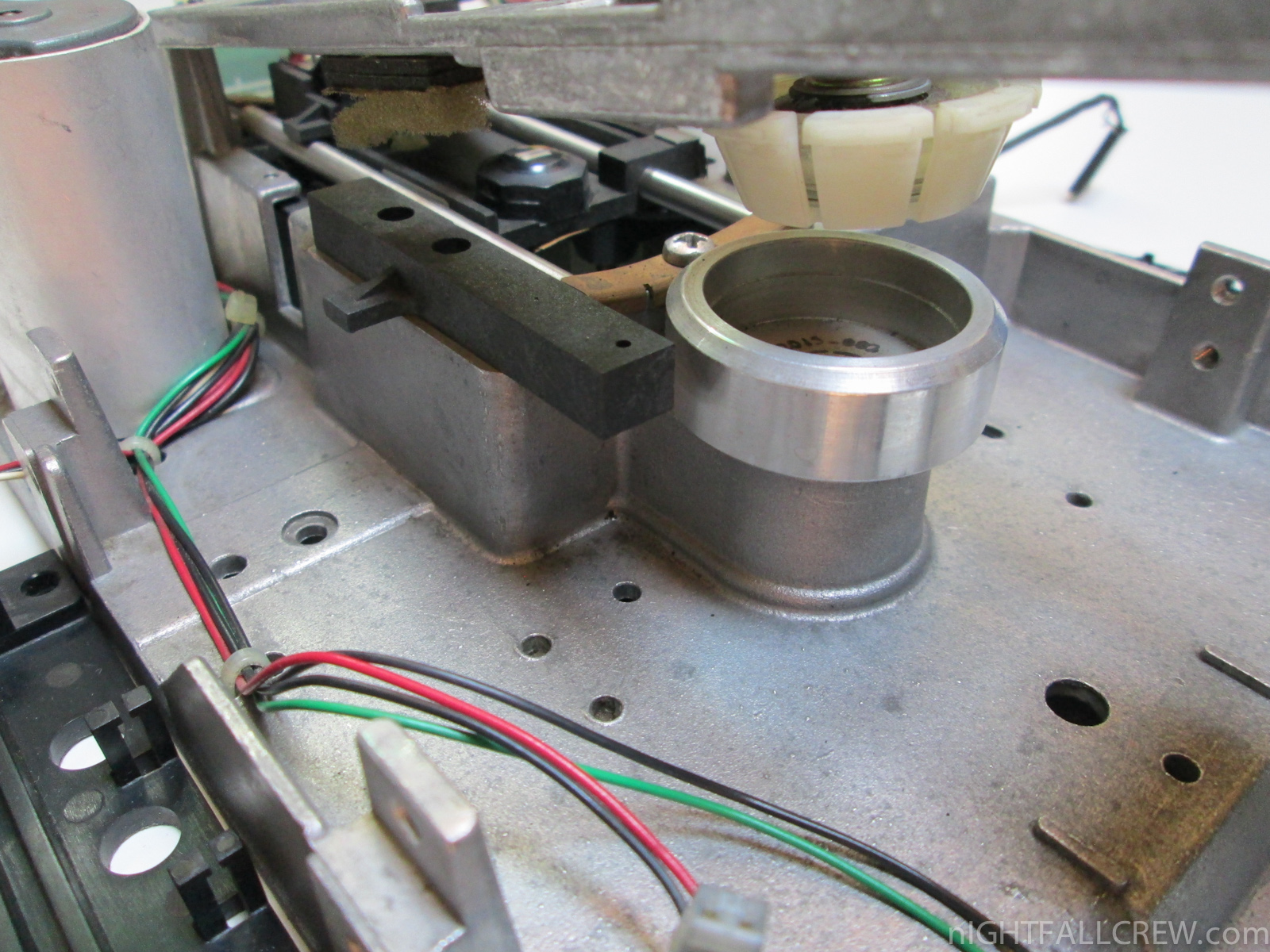
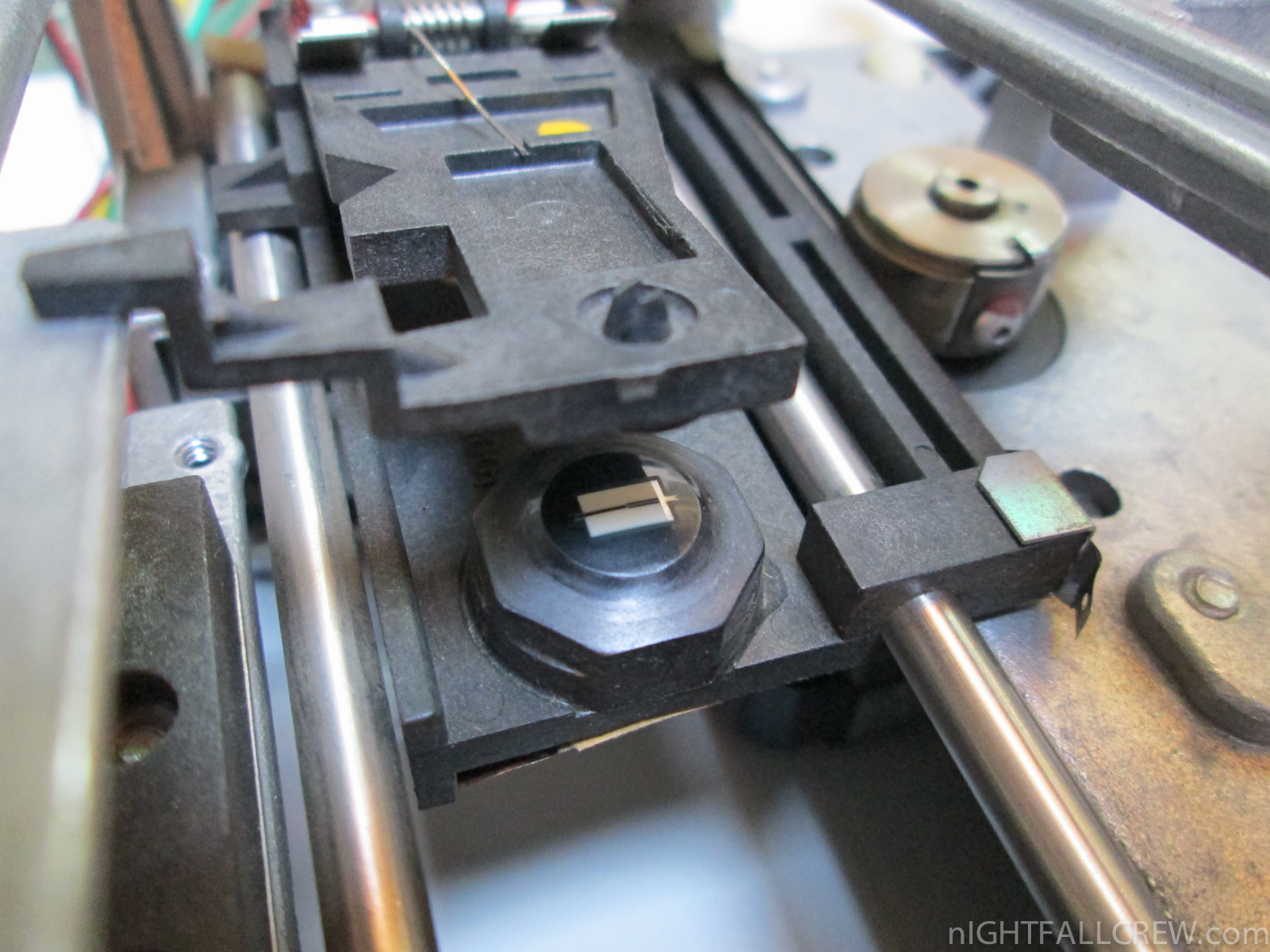
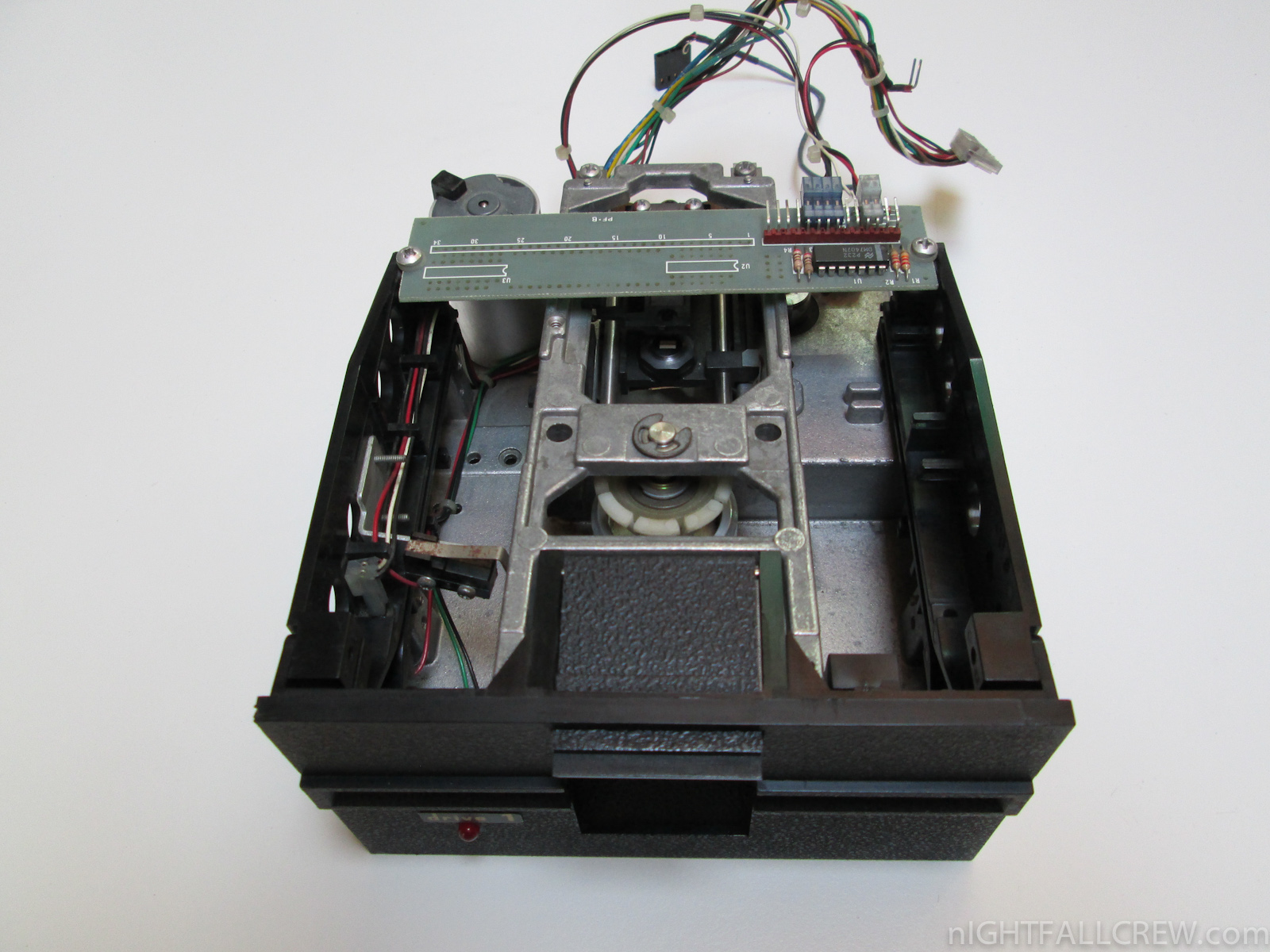
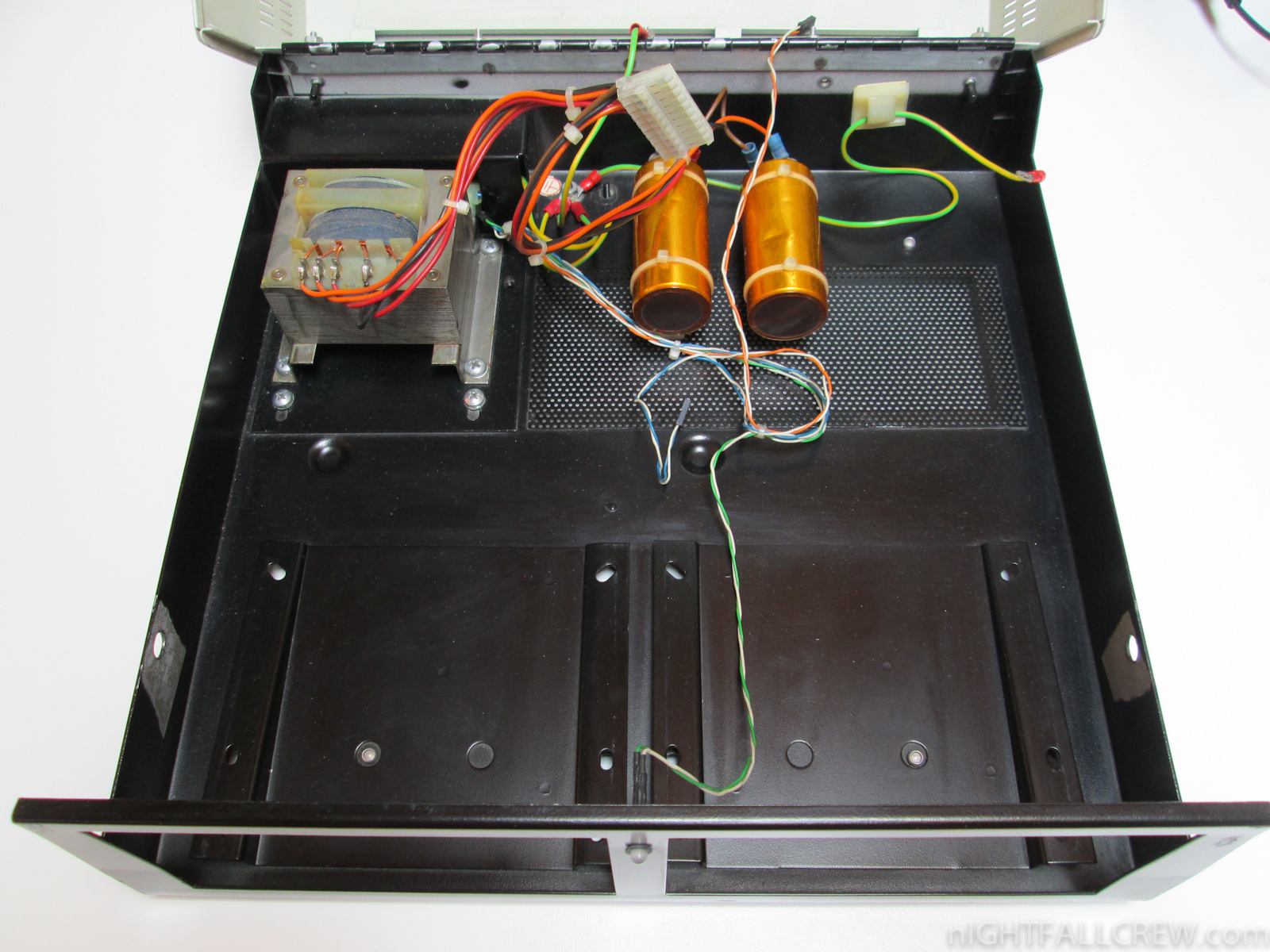
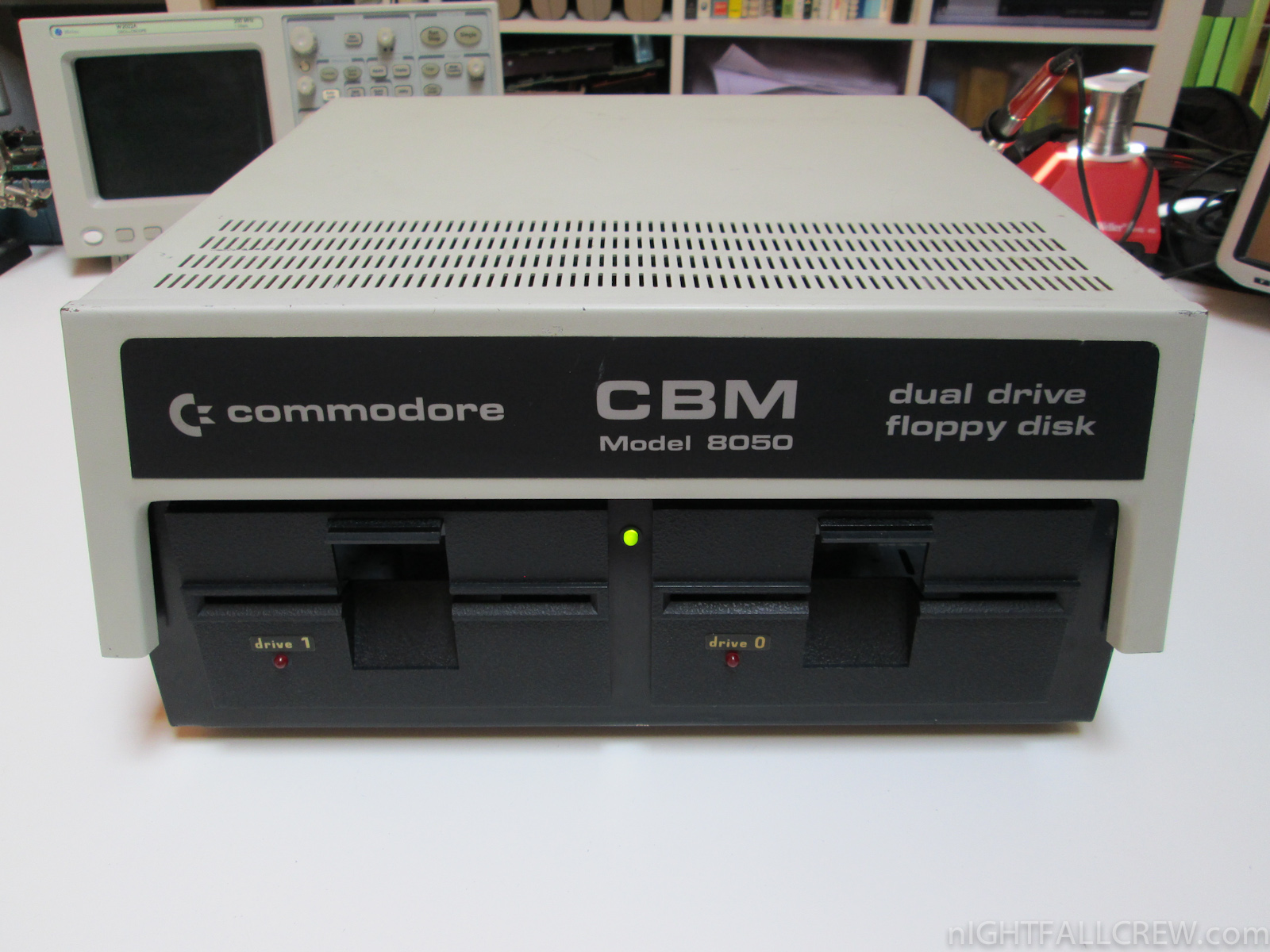
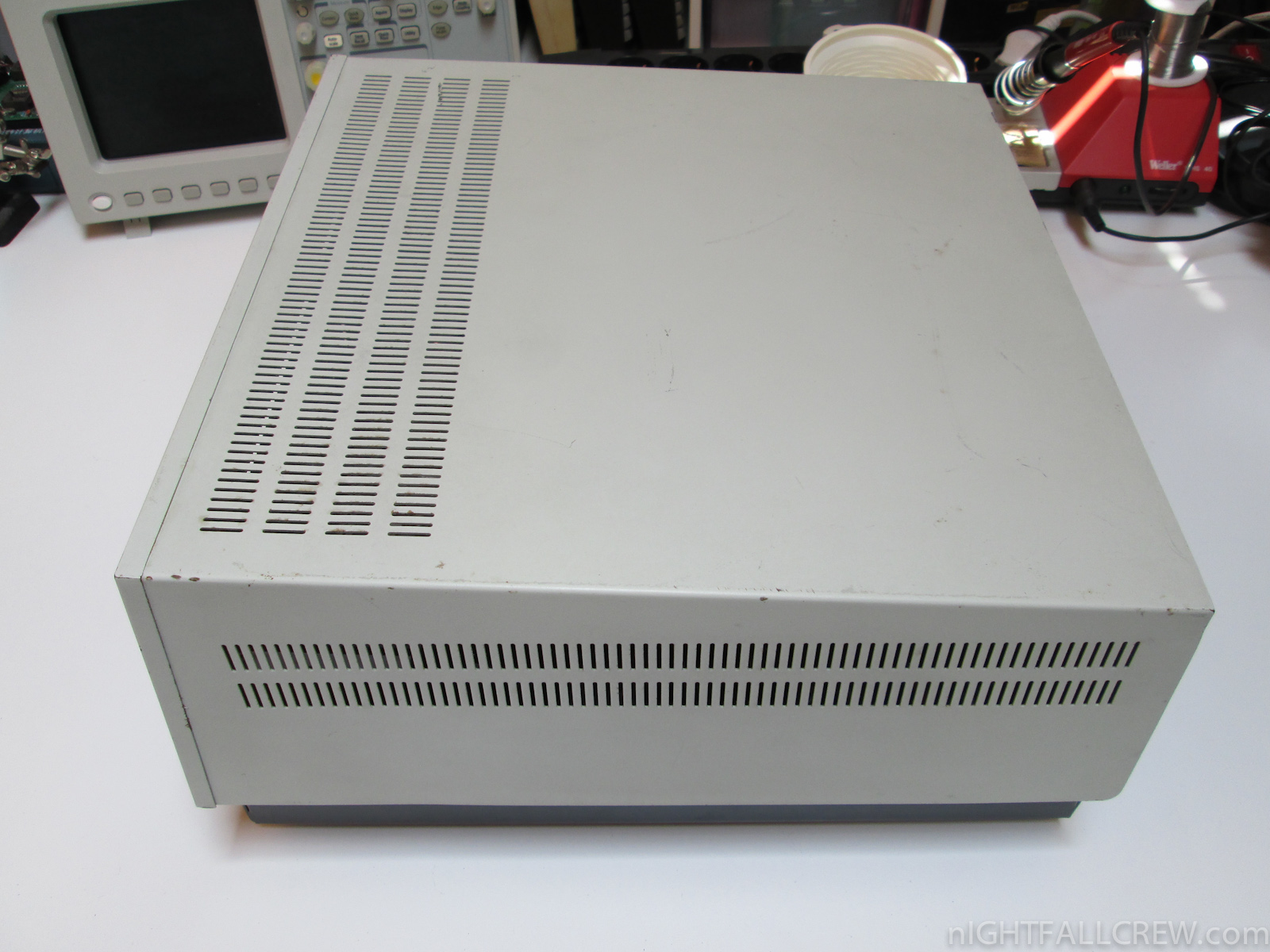
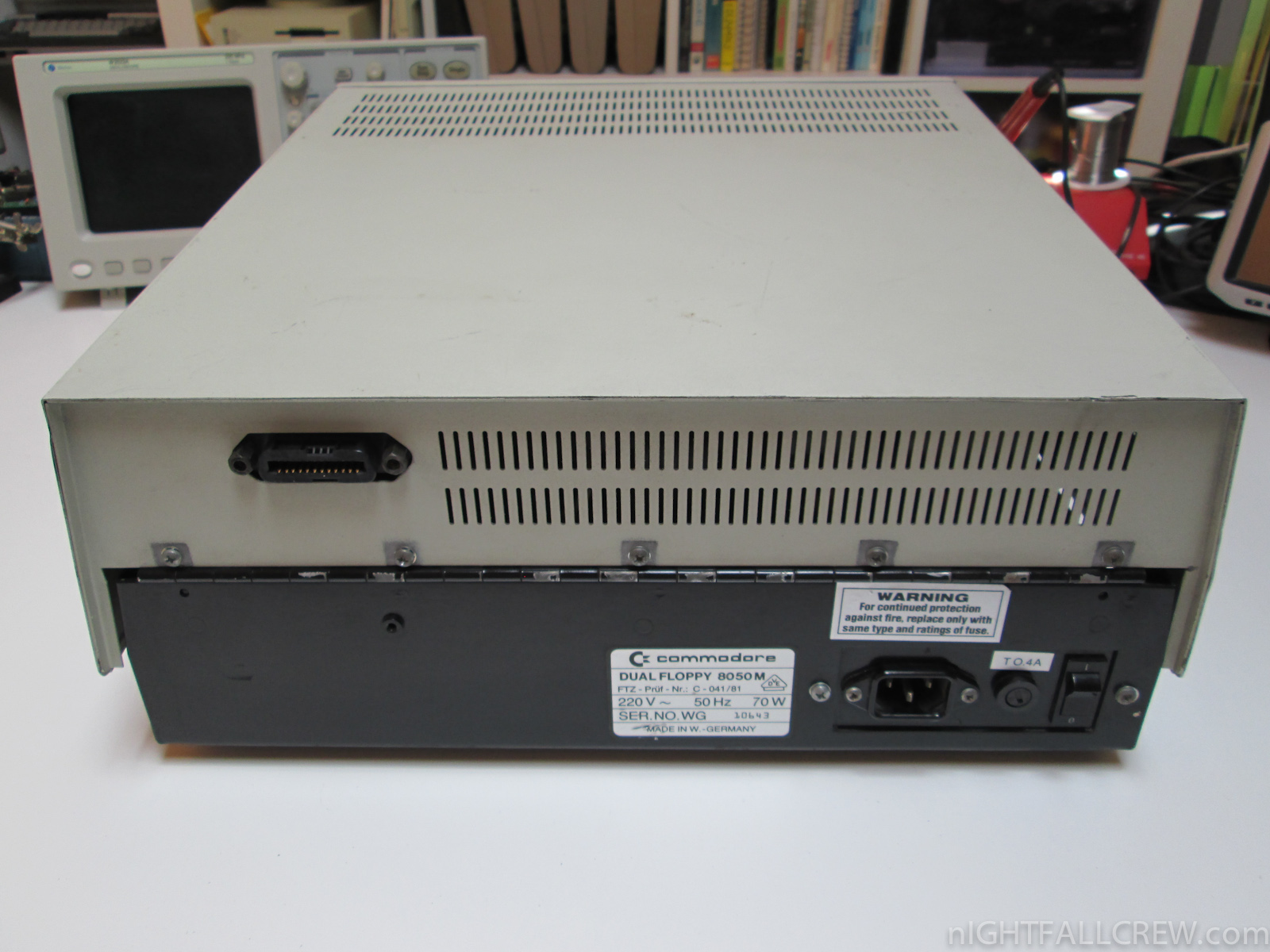
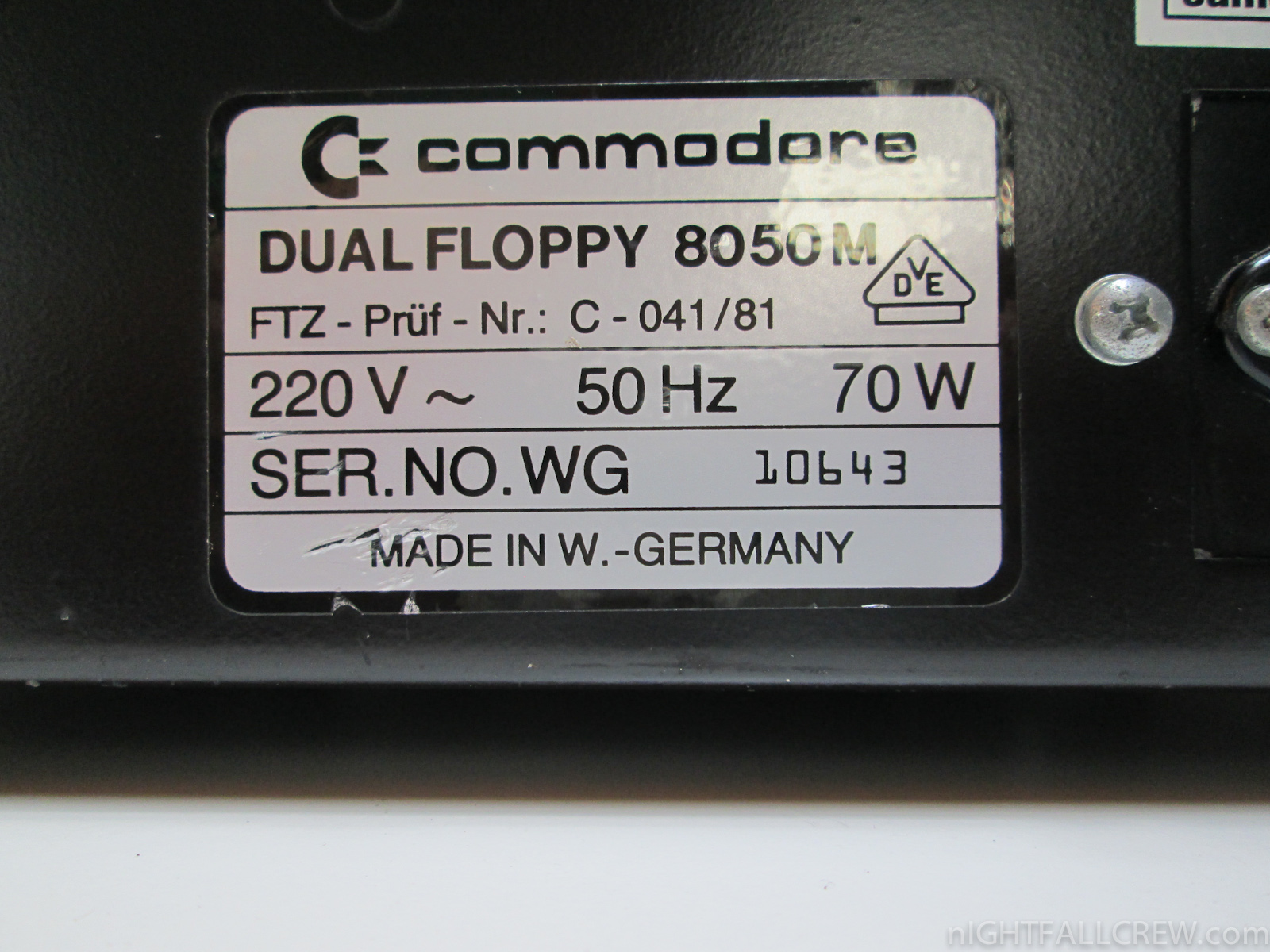
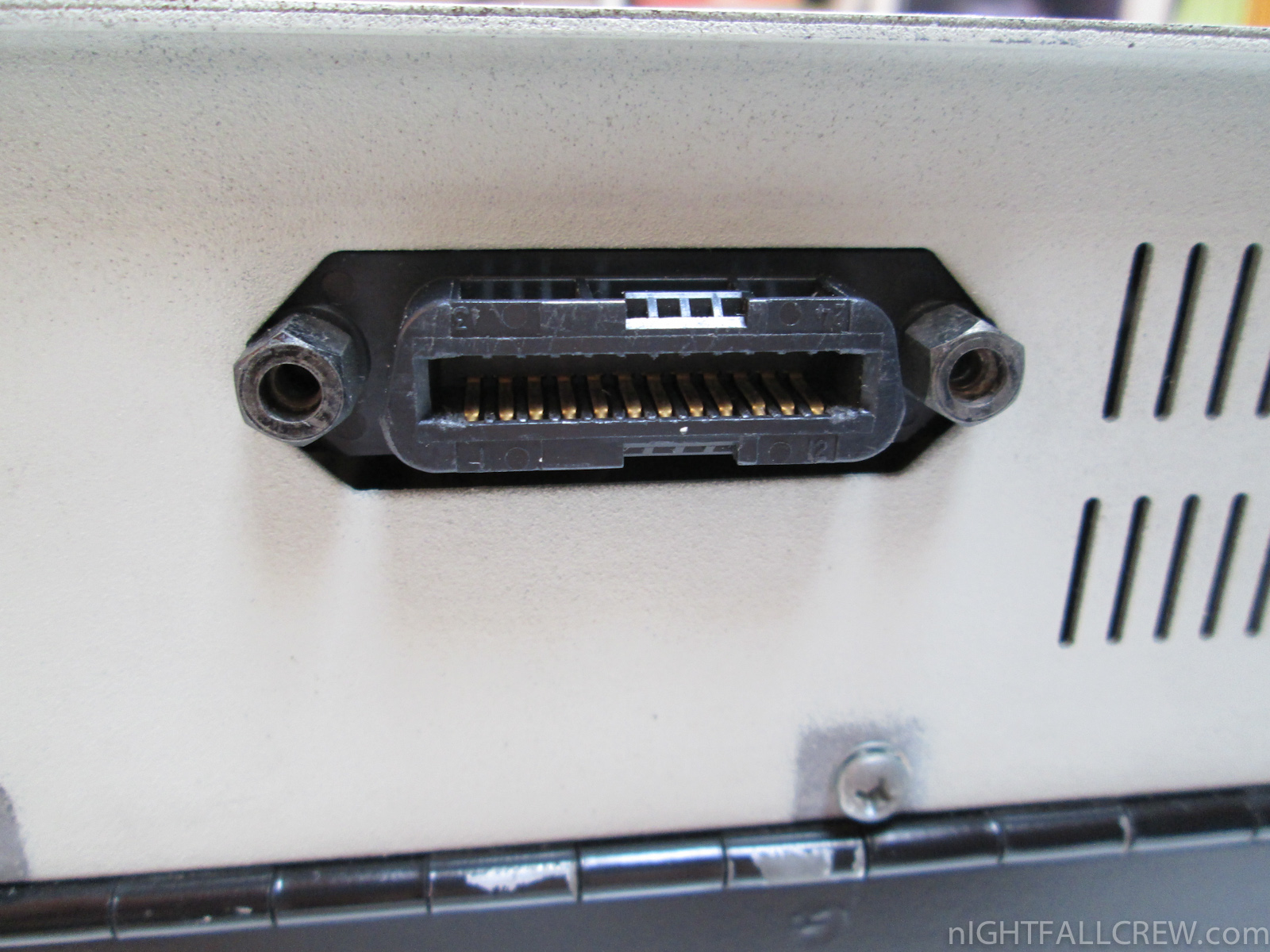
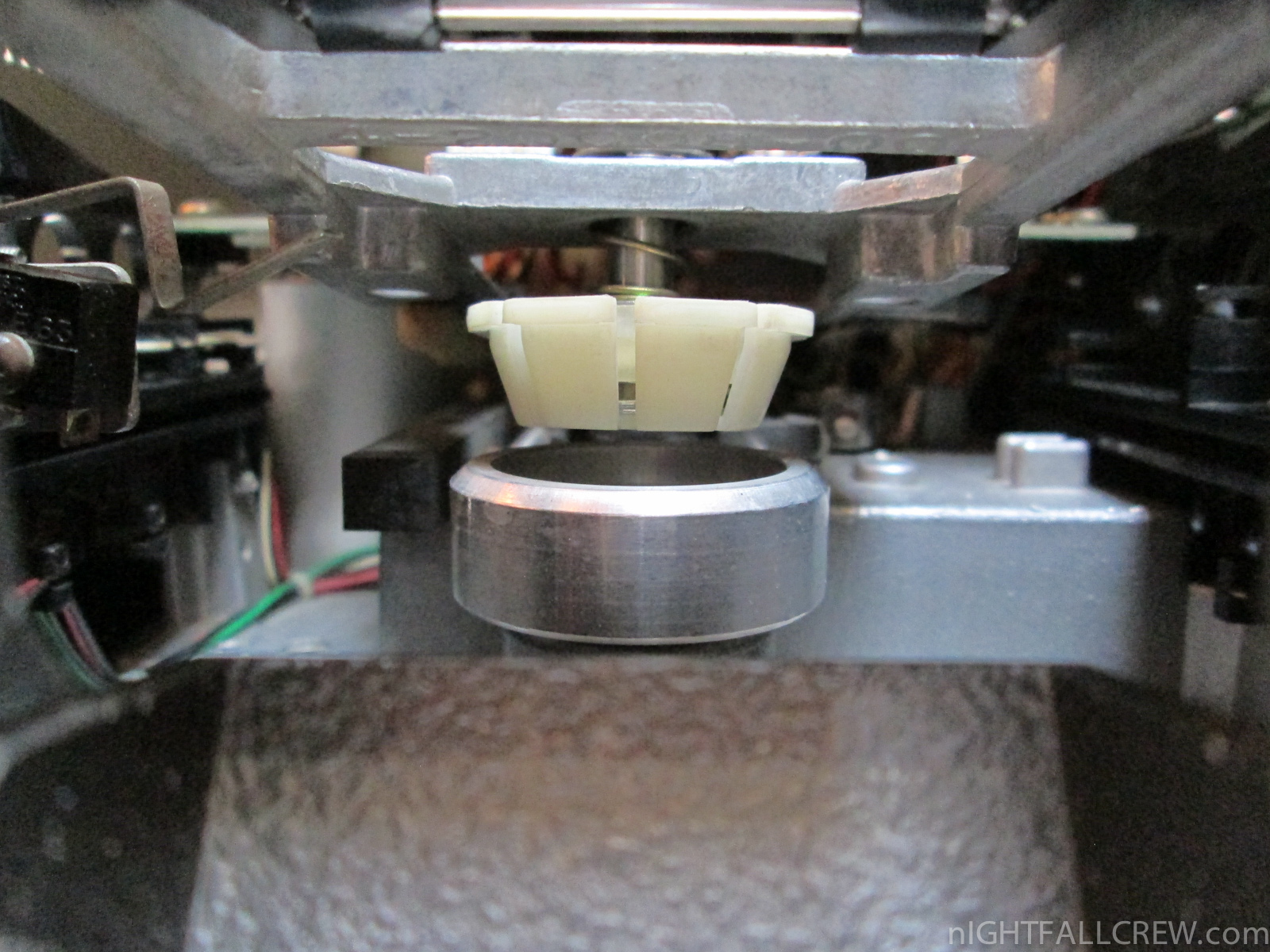
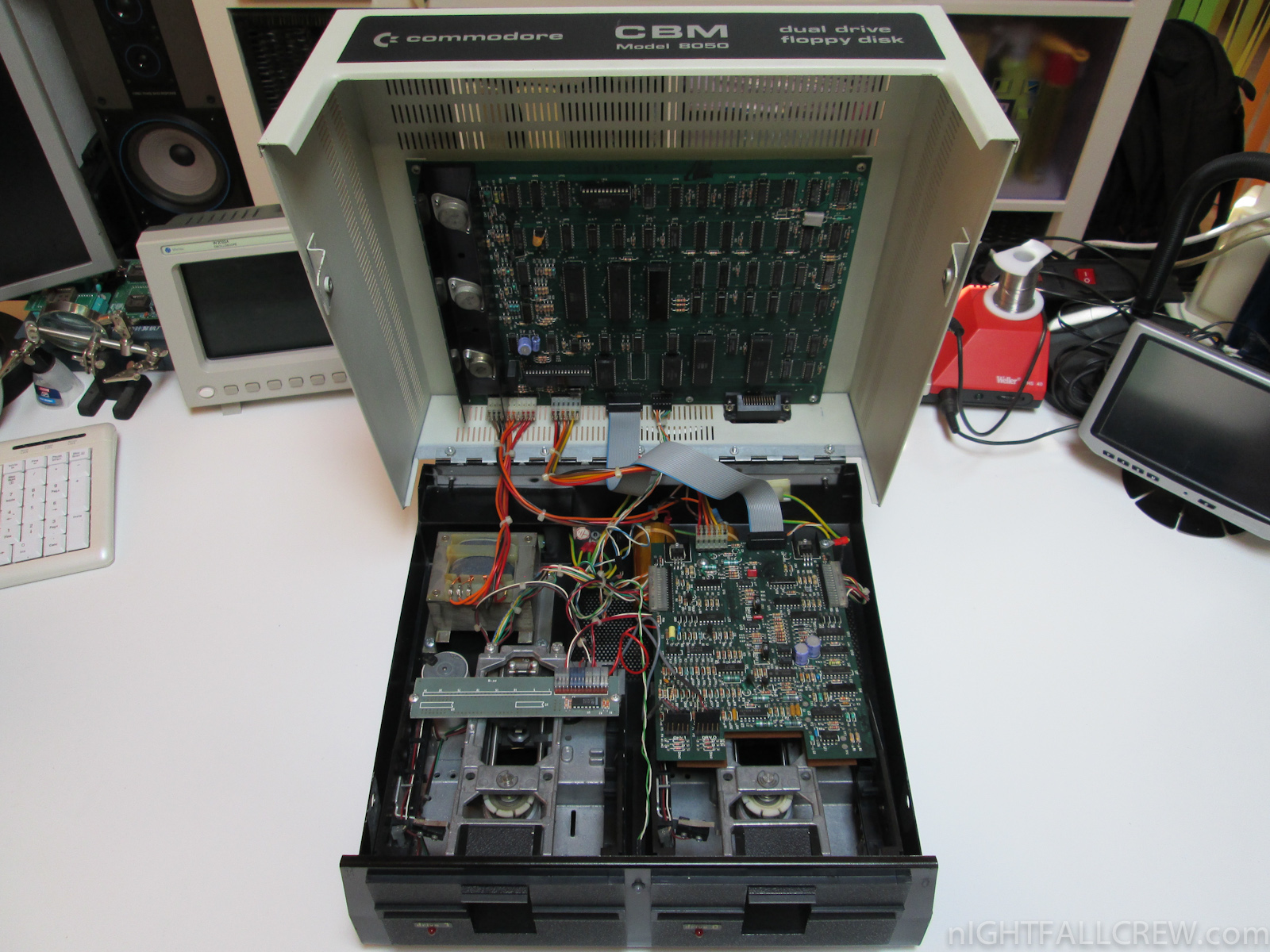
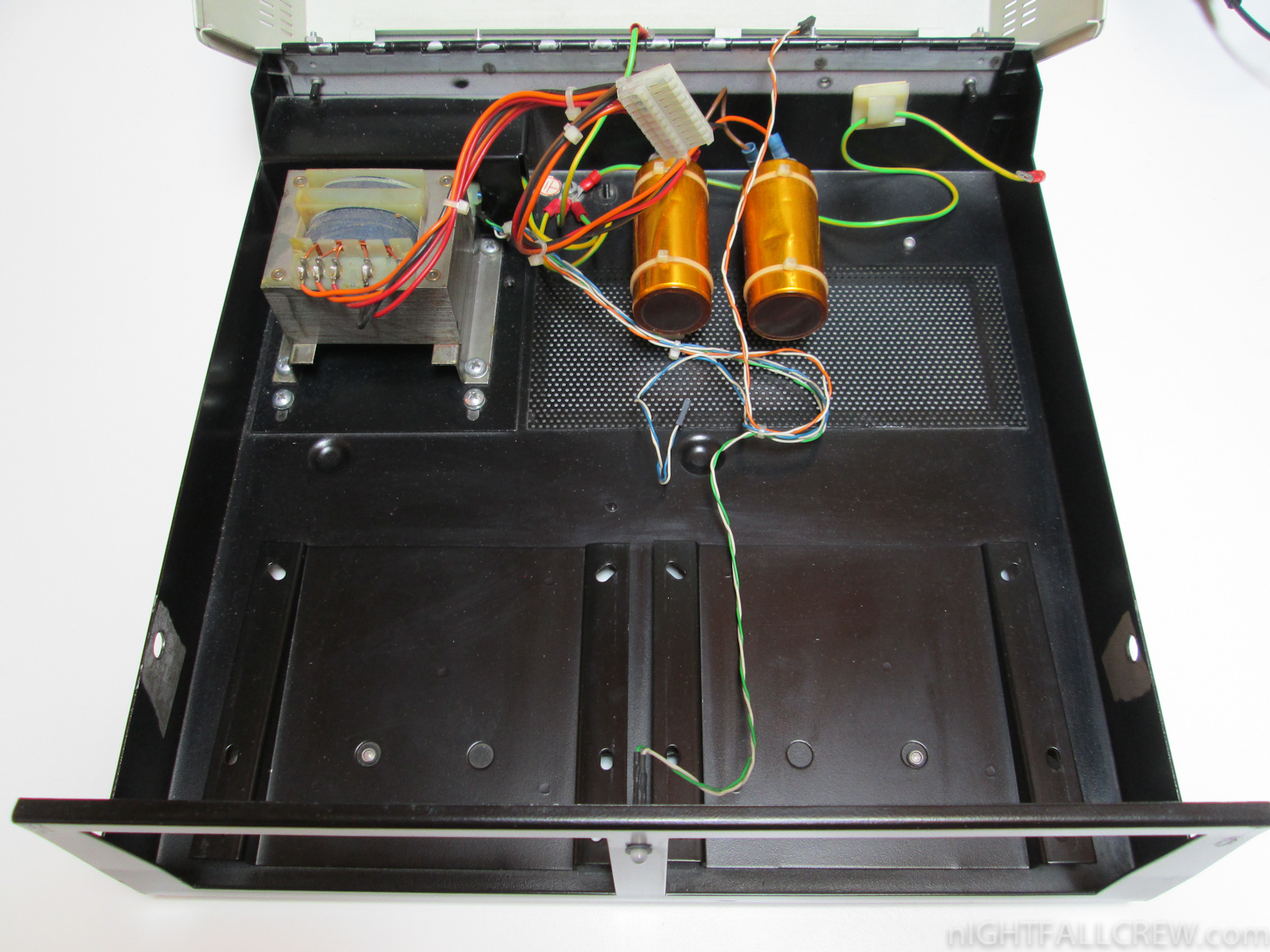
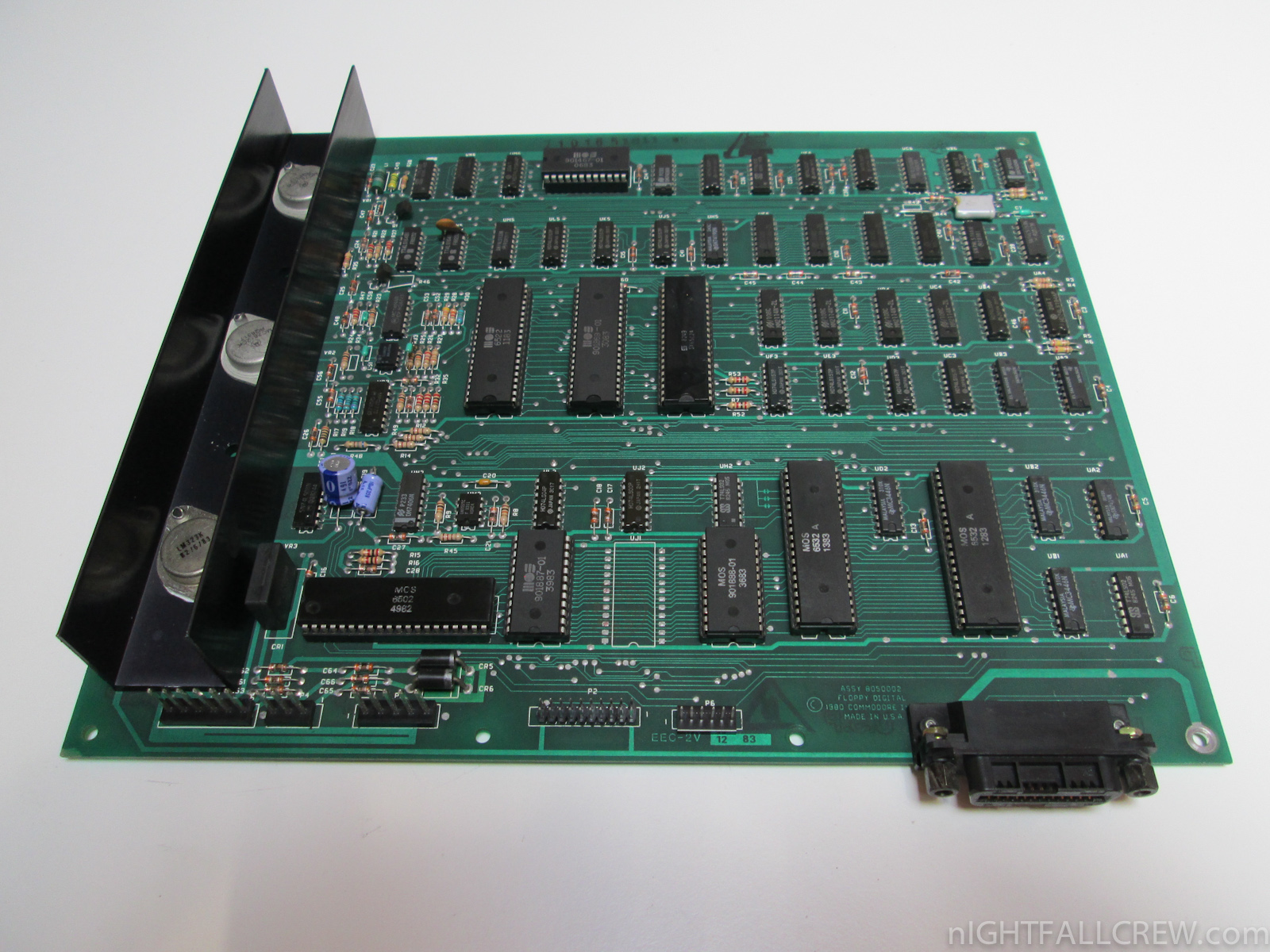
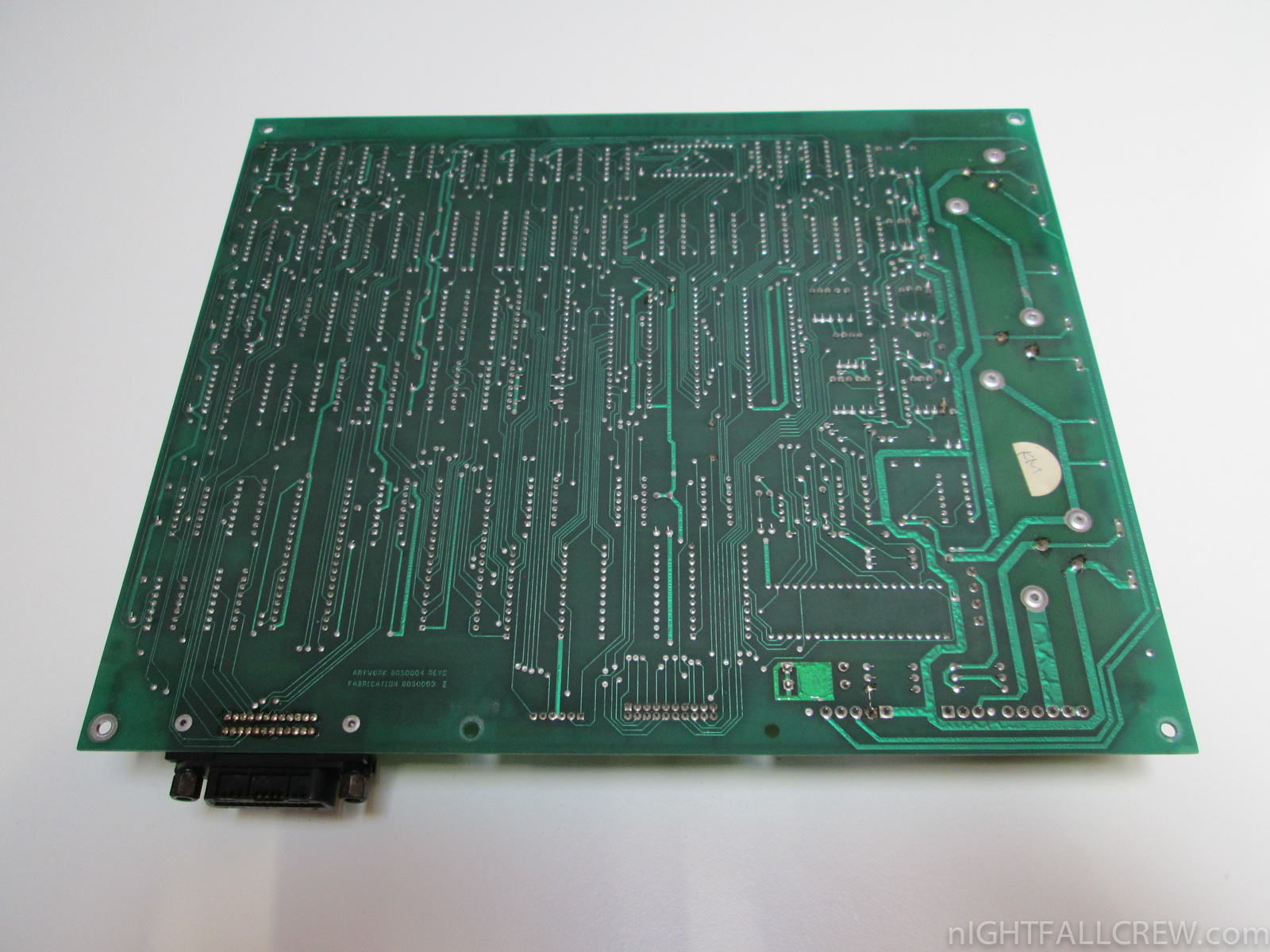
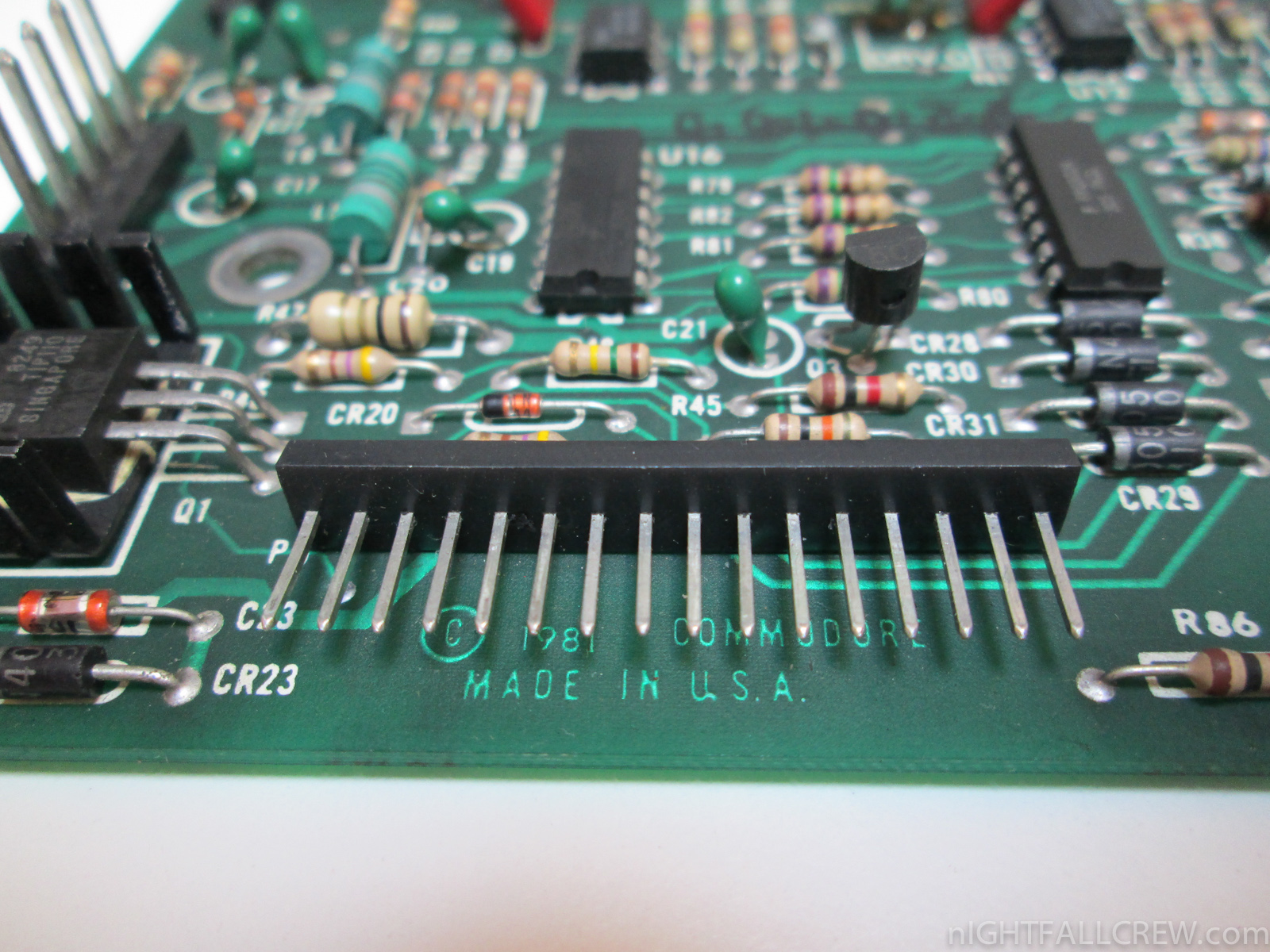
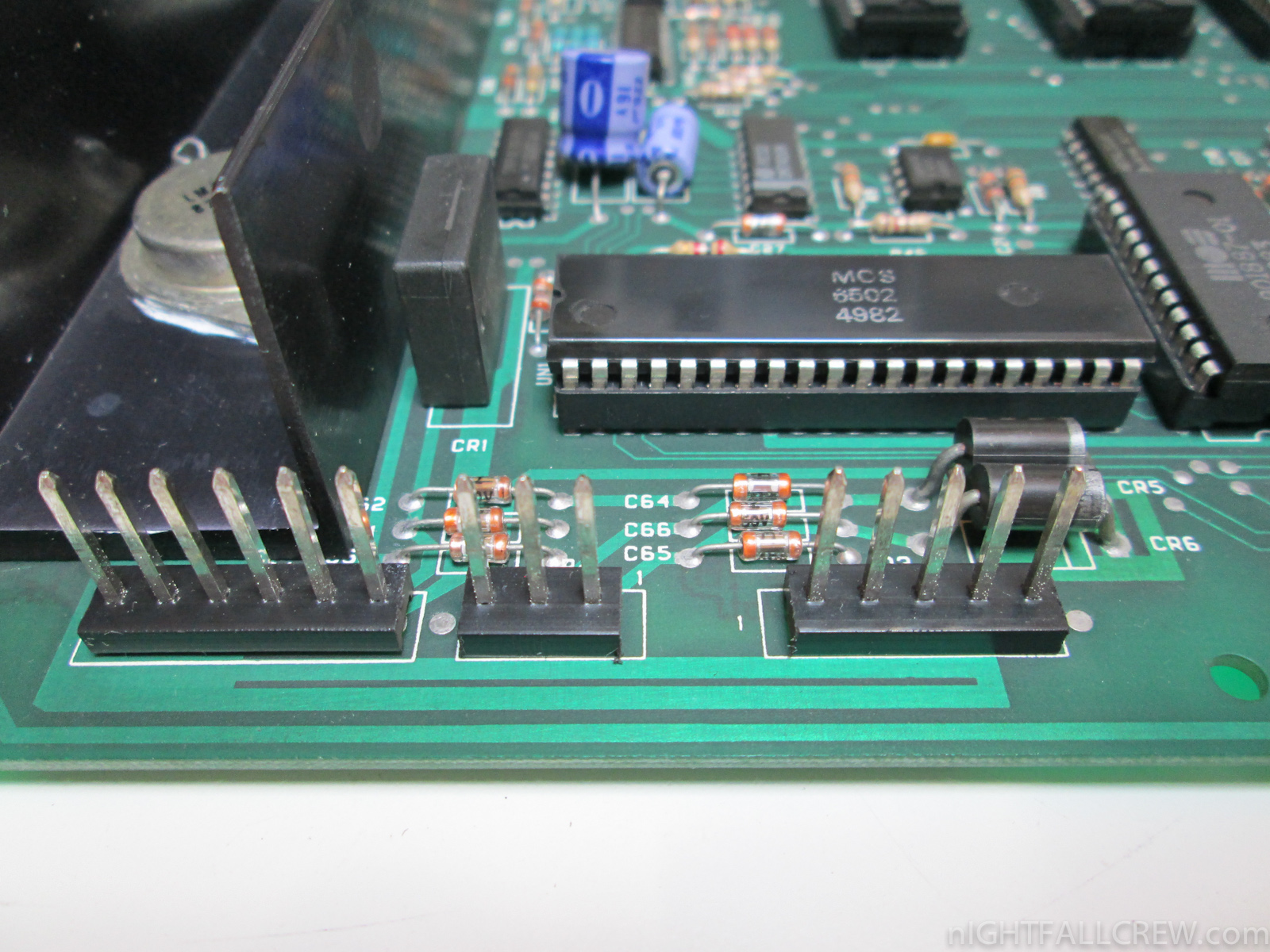
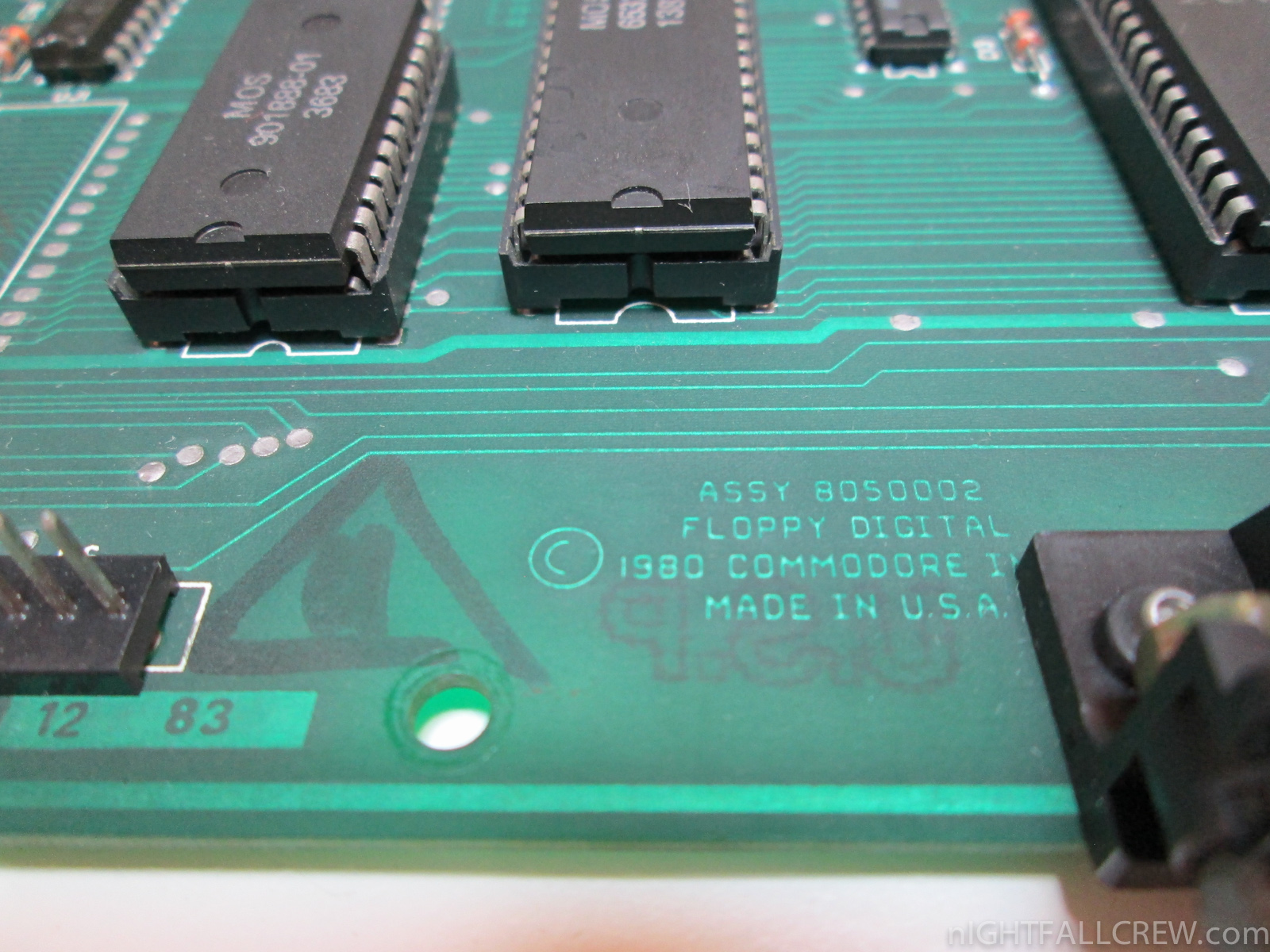
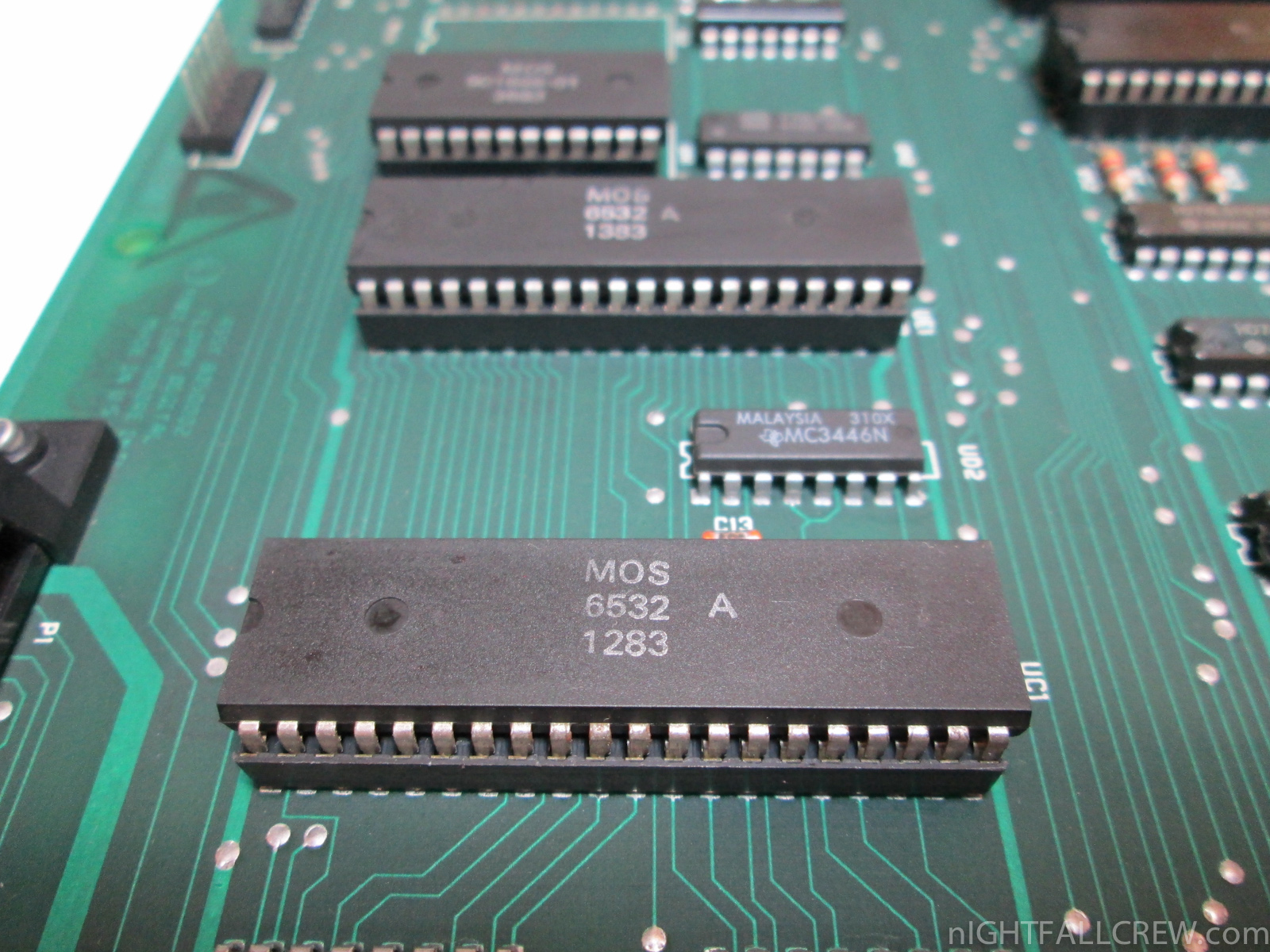
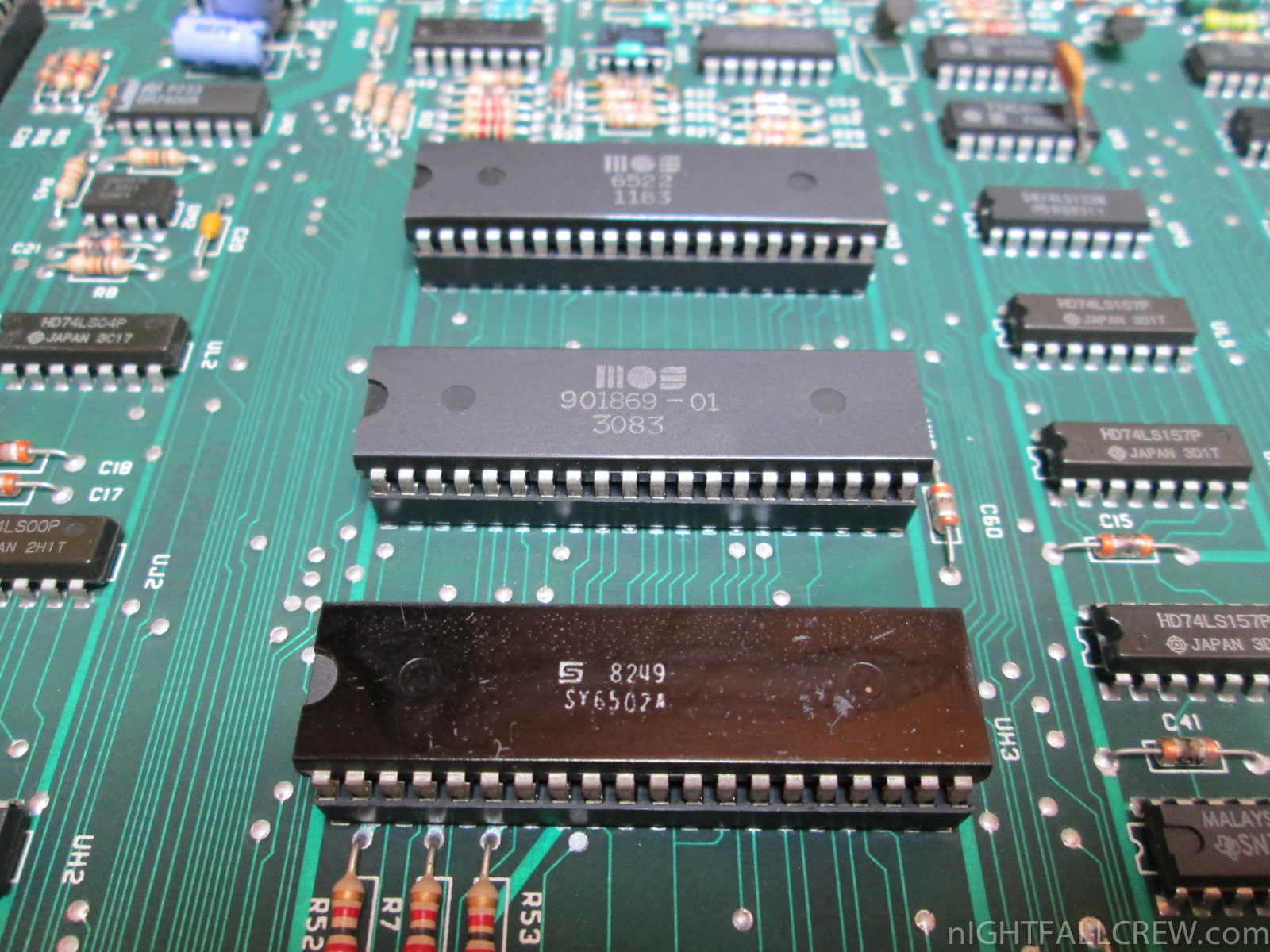
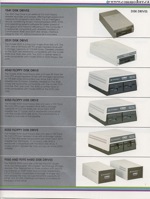 The 8050 was a single sided drive, whereas the 8250 could use both sides of a disk simultaneously. Both used a “quad” density format storing approximately 0.5 megabyte per side. The density of media was similar to later PC high density floppy disks, but the 8050 and 8250 could not use PC high density disks reliably. Since “quad” density disks were rare even at the time, users quickly found that typical double density floppy disks had enough magnetic media density to work in these drives.



Recent Comments